


Players are familiar with the term “Motion Blur”, but they regard it as a landmine. In fact, this visual function has a very specific use and can very strongly affect the look and feel of the game you are playing, especially in racing games or games that advertise lifelike realism. So, this time let’s take a look at what motion blur is, when should you turn it on, and under what circumstances should you turn it off?
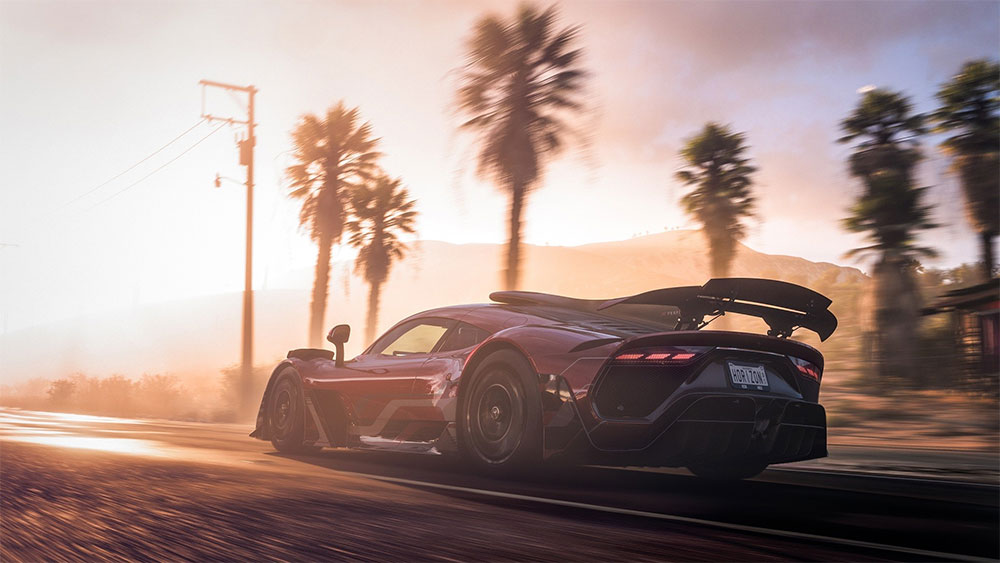
What is motion blur in games? When should you turn it off?
What is motion blur?
Hold your hand up in front of you and wave it quickly. This is motion blur. You can see it all around you in the real world, including the wings of a hummingbird in flight, a spinning wheel, or seeing objects flash by in a blur when looking out of a car or train window. Blur occurs because although light travels very fast, sometimes just for a split second, the light sensors we use to create images take much longer to operate.
In the human eye, your retina uses electrochemistry to respond to light and then sends that information to the brain as an electrical signal. If the movement is fast enough, such as when you wave your hand in front of your face, the photons from the moving object will hit different locations on your retina almost simultaneously, creating a blurring effect. The same thing happens with camera sensors. Rapid motion will appear as motion blur in the recording as photons from the moving object trace a path along the image sensor for the duration of a frame. On a camera, we can reduce or eliminate motion blur by using a camera shutter, a device that controls the length of time light hits the sensor.
If your shutter speed is very high, you will get a clear image with almost no blur; if your shutter speed is very slow, you will get a blurred image with a lot of superimposed images on dynamic objects. Cinematographers typically use shutter speeds that are twice the frame rate to simulate natural motion blur. Please note the term “natural motion blur” as it is very important in the discussion of motion blur in games. You can see the motion blur effect at different shutter speeds in the video below:
Why do games need motion blur?
If motion blur is a bad thing in games, why do developers continue to use it? There are two important reasons why motion blur should be present in games: to create pleasing and realistic imagery and to compensate for low frame rates.
First, our brains expect motion blur from moving objects. Since we see motion blur with our eyes, it has become one of the many visual cues our brains use to understand the world. If something is blurry, it means it is moving fast. When a fast-moving image is not blurry, your brain will have a hard time accepting it as real. The best example of this is stop motion animation. You can instantly tell when something stops moving because there is no motion blur. This is because it is not a record of an actual moving object, but a few still photos of a static object. If you don’t know what stop motion animation is, check out the video below. Video game imagery is a form of virtual stop-motion animation that renders a series of still images, with the virtual “lens” not capturing any natural motion blur that doesn’t exist at all. In other words, if you want motion in a computer game to look natural to the human eye, it has to simulate motion blur in some form.
Second, when frame rates are low (e.g. 12fps for animations, 24fps for movies, 30fps for some console games), gaps in motion between each frame become apparent. With motion blur, your brain compensates and you perceive smoother motion than the lower frame rate actually produces.
When should you turn off motion blur?
Different people have different sensitivity to different degrees of motion blur. You can adjust or turn it off to make it look more appropriate or more comfortable. While motion blur is essential for natural graphics movement on your computer, there are some situations where it makes sense to turn it off or turn it down entirely:
- camera motion blur
This type of motion blur affects the entire frame whenever the camera is moving, and is the category most people who don’t like motion blur refer to, in contrast to object-based motion blur. Object-based motion blur causes objects in the scene to become blurred when moving quickly, such as waving weapons, speeding cars, etc. If you want realistic graphics effects, the visual effect of the sum of the motion blur of each object is ideal. Many modern games allow you to adjust the intensity of an effect rather than simply turning it on and off. So adjust the slider or setting to make the blur look more natural at your current frame rate.
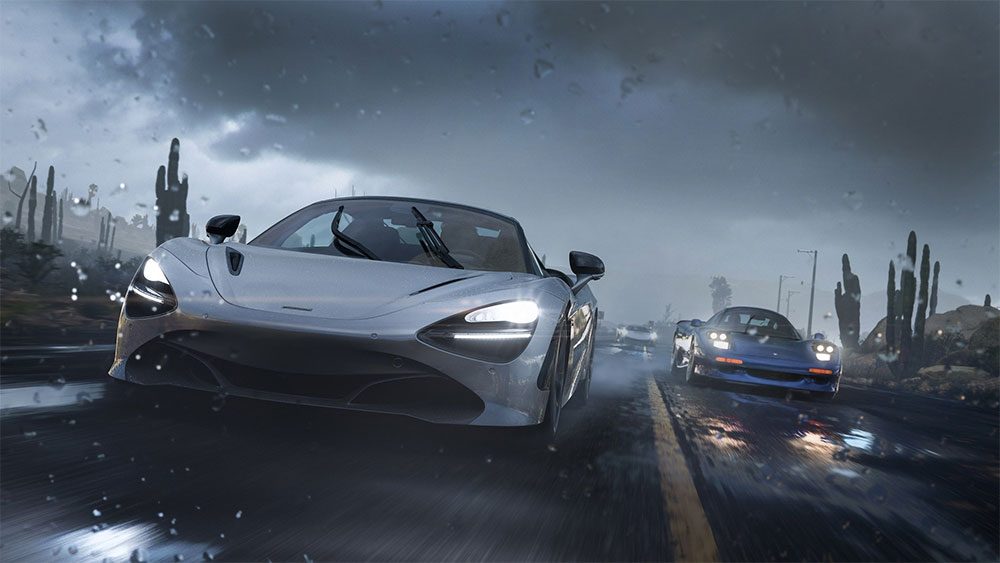
- Competitive games
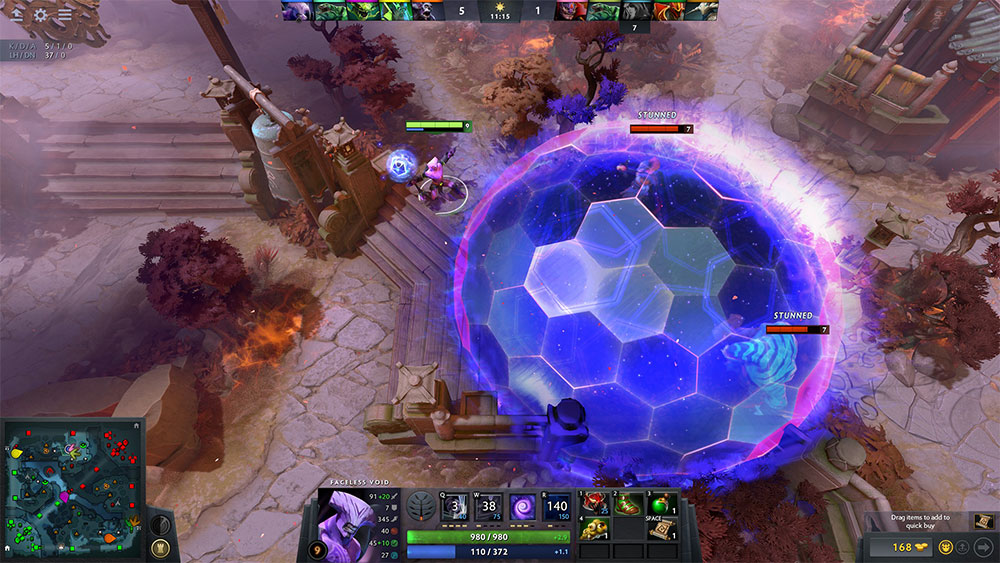
Competitive gamers often don’t care about the highest graphical fidelity, they care most about the ultimate victory, so it’s not uncommon for players to turn off all graphics settings (not just motion blur) to get the sharpest possible image and high frame rates.
- High frame rate gaming
If you play games at high frame rates above 120fps, the need for motion blur is reduced but not eliminated. You may need to lower it until the dynamics appear smooth and natural, without fluctuations. - Poor quality motion blur
There are many ways to simulate motion blur, some of which are less effective than others. If the quality of motion blur is poor and significantly reduces image quality, overall it is better to turn it off for a better gaming experience.
How to turn off/on motion blur in the game?
If you want to adjust or disable motion blur in a game it’s usually easy, however the details vary from game to game as they have their own combination of settings and menu design, usually under the Settings >> Graphics menu. In some games you may have separate options for camera motion blur and per-object motion blur, in other cases the setting may only affect camera motion blur and not have the option to change the per-object blur setting, it all depends on what the developer allows you to do.

Source: KOCPC Chinese