


Along with AI With the advancement, it is increasingly difficult for the general public to distinguish which images are generated by AI. In recent years, Google has actively invested in developing Gemini, Imagen, Veo, and Lyria, which use AI to generate text, images, videos, and music, but they have also spent a great deal of time developing methods that can be used to determine which content is AI-generated.
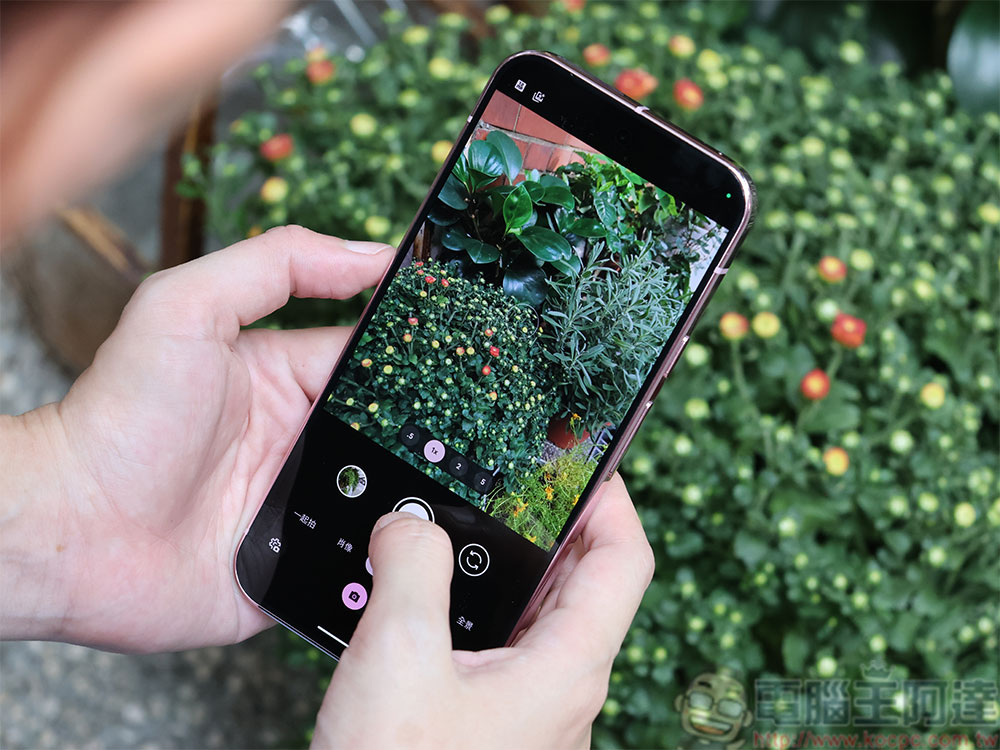
Having trouble judging AI images? These Google tools can help you examine.
Last month,Google has begun a testing phase for the new SynthID DetectorThis tool lets users determine whether content was generated by AI. SynthID uses a watermark first developed in 2023 that is embedded directly into the images of AI-generated content. These watermarks, invisible to the naked eye, do not affect image quality or appearance—and this is where SynthID Detector comes in. After you upload a file, SynthID will alert you if a watermark is found.
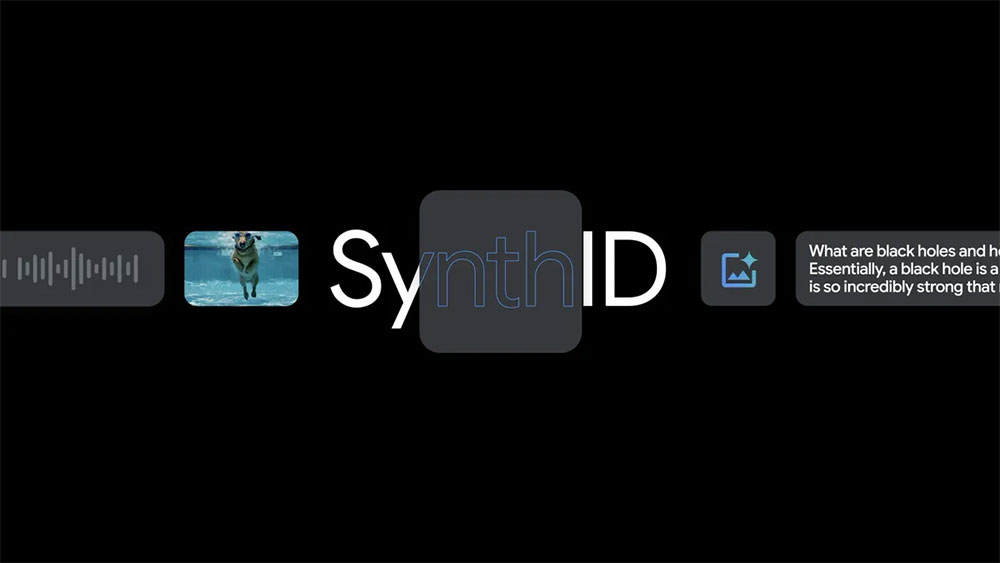
Currently testing withWaiting listAvailable via waitlist, interested journalists, media professionals, and researchers can go sign up. However, SynthID also has limitations. The biggest limitation is that it only works when the AI content is generated using tools made by Google or one of its SynthID partners (such as Nvidia). The technology for embedding SynthID watermarks is also available as open software, but it’s unlikely that all AI generation platforms will adopt dedicated AI-identification watermarks. Since SynthID Detector hasn’t been officially launched yet, you can also use some existing Google tools that may help you spot AI-generated images.
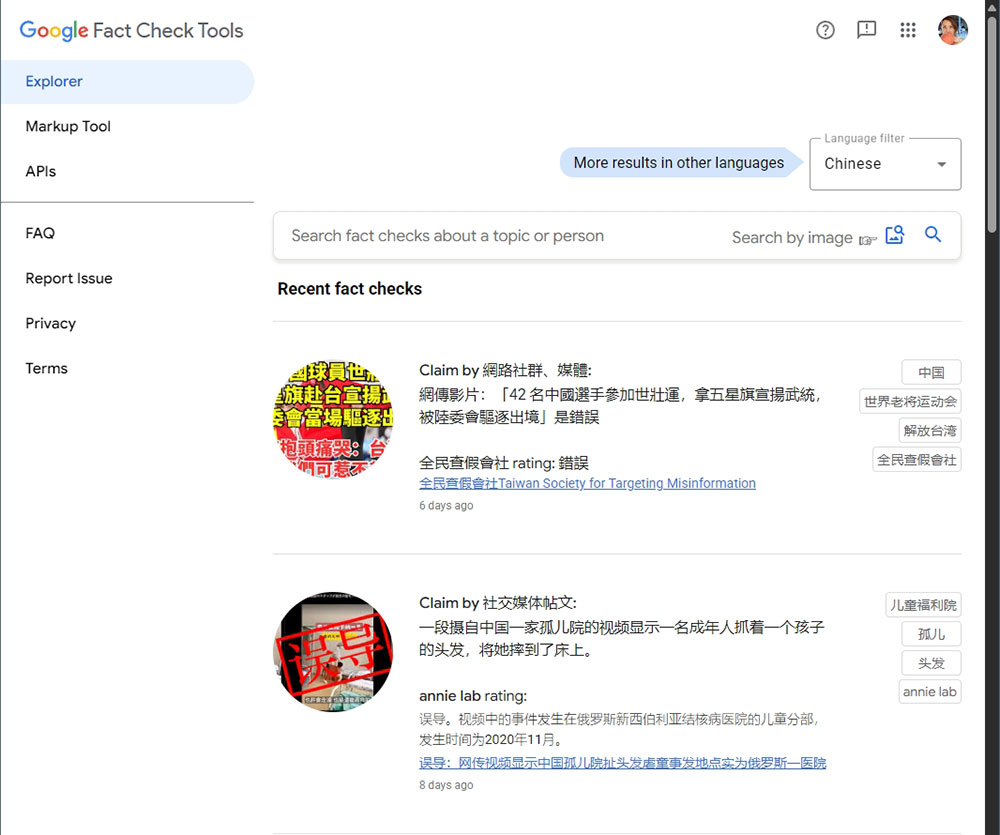
You can also use Fact Check Tools to verify.
If you’re skeptical about the source of a photo you found online, Google’s Fact Check Tools give you the chance to see whether any verified fact-checking organizations have already investigated it. To use it, go to Fact Check Tools webpageUpload a photo or paste a URL, and the tool will then compile check results from around the world, providing insights into how the image is used and described across different sources and time points. This would be very helpful in breaking news, because old photos or unrelated images often reappear and spread with misleading captions. You can easily understand AI-generated images.
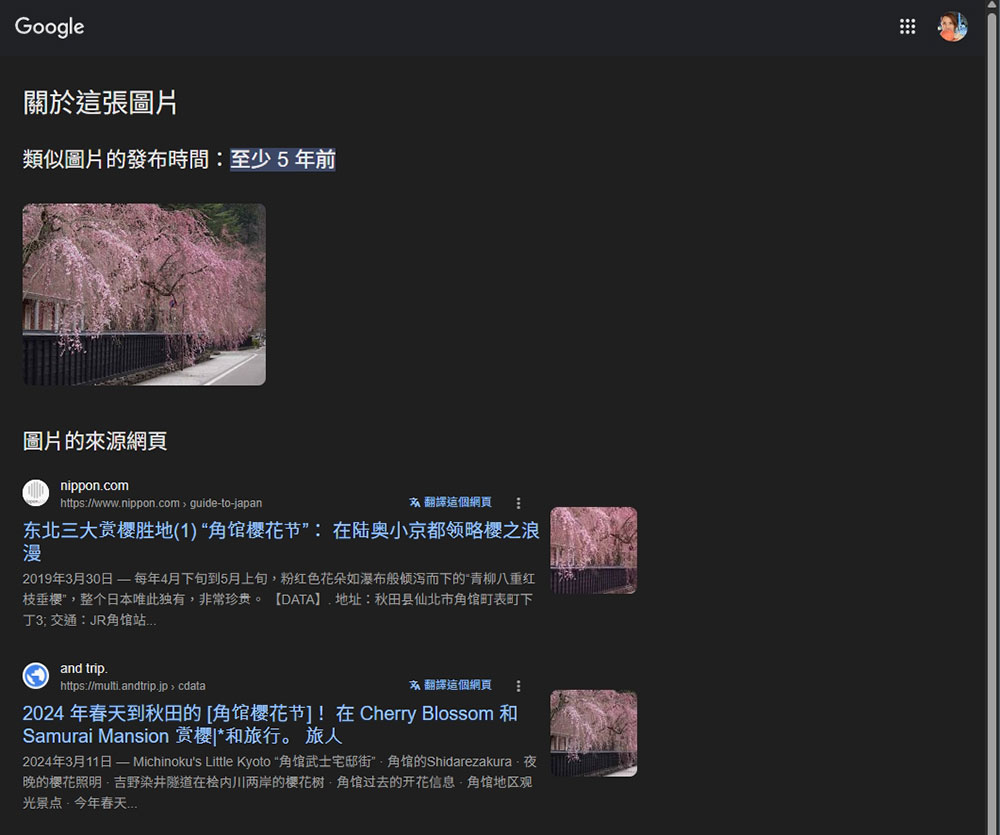
If you search for a photo on Google Images or Google Lens, you can also use the “About this image” option to learn more. To use this feature, upload a photo and search on Google, then click “About this image.” You’ll see how long a particular image has been circulating online, which lets you use time as a simple, rough way to judge whether a photo was AI-generated. For example, the image below has been in use for at least 5 years, so it’s clearly not created by an AI bot.
Review photos from an Android phone
Another existing tool you can use is the photo details in Google Photos. Although this information was previously recorded in the backend, Google made some changes last year to make it easier for users to find. Now the details include the file name, location, and backup status, along with an additional “AI info” section. If you use Google’s photo AI features on your phone, such as Magic Eraser, Reimagine, Magic Editor, etc., the details will mark the photo as “Edited With Google AI” and show which method was used to edit it.
To view this information, simply open the photo, press and hold, then swipe up on the screen to see the detailed information panel.
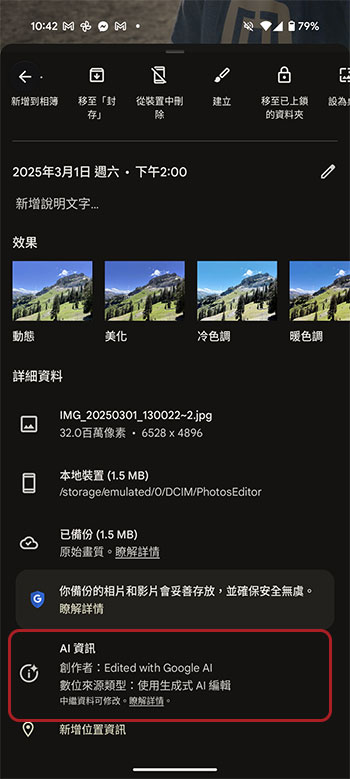
But this still has some limitations. You can easily verify this on your own phone with photos you’ve edited, but when you share the photo or post it on social media platforms, this information gets lost. This doesn’t mean the tags are removed—the AI information is just hidden from the details section, making it harder for you to find. If someone intends to completely hide the original data, they could try this roundabout approach.
Source: KOCPC Chinese