


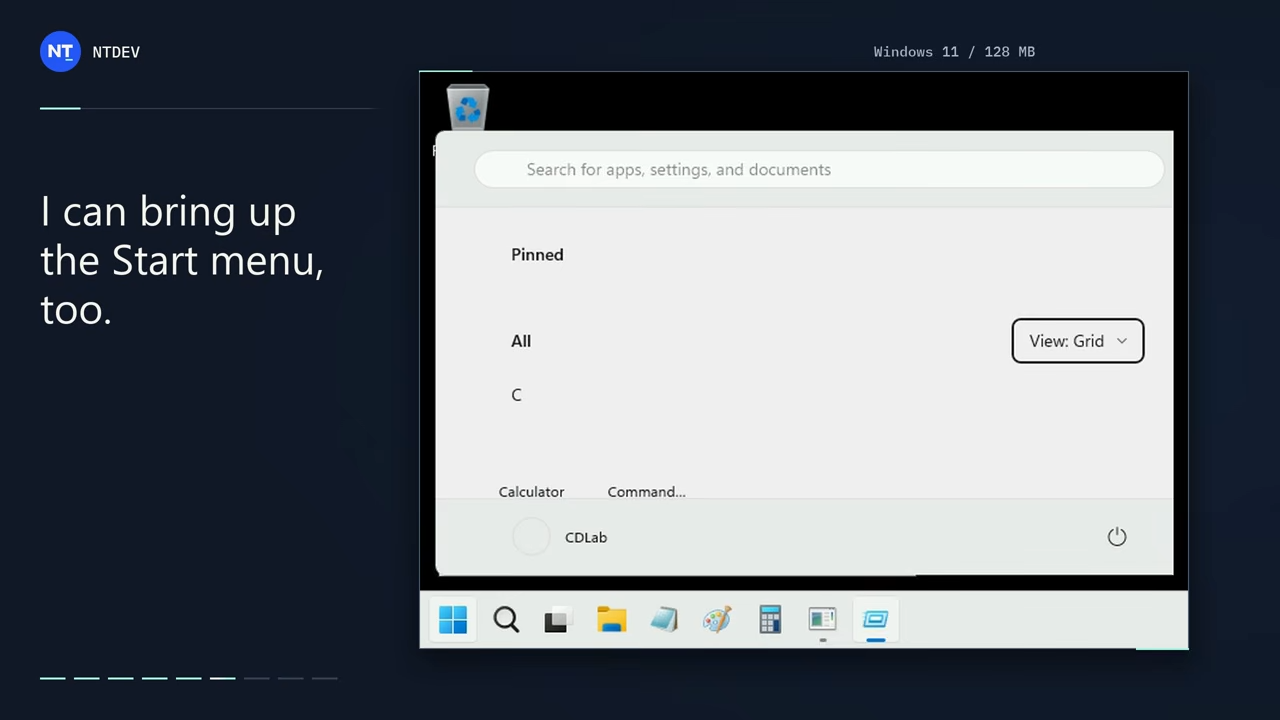
Windows 11’s minimum memory requirement is 4GB, so normally you need at least that much to run Windows 11. However, a developer overseas conducted an extreme experiment, stripping the latest Windows 11 26H2 down to its bare bones and successfully booting it in an environment with only 128MB of memory—just 1/32 of the official minimum requirement. More importantly, after booting, it didn’t stop at a black-and-white command prompt; it went all the way to the Windows desktop, and even File Explorer, the Start menu, and classic Notepad could be opened, and multiple programs could even be run at the same time.
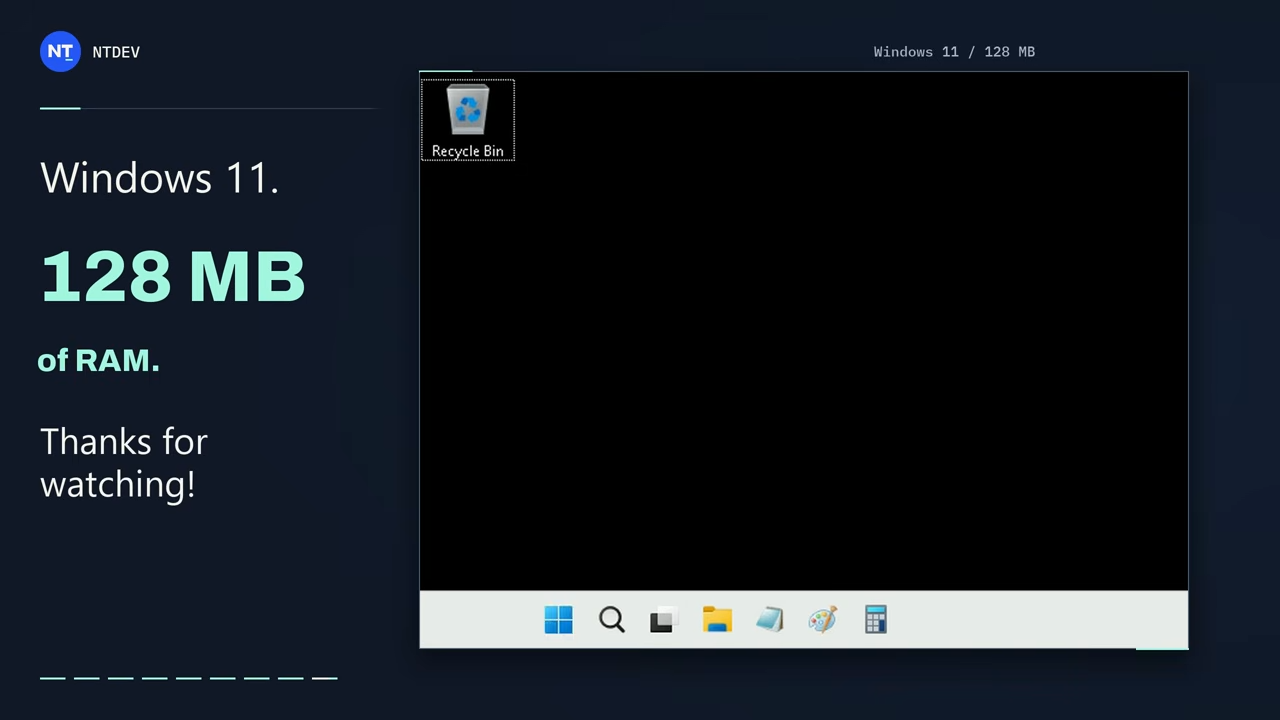
Windows 11 can boot with just 128MB of RAM! The Tiny11 developer has extremely slimmed down 26H2, and the desktop, File Explorer, and Notepad all work.
According to foreign media Tom’s Hardware According to reports, the well-known developer NTDEV recently shared this result and uploaded a full demonstration video on YouTube.
In the video, you can see a computer with only 128MB of memory successfully boot into Windows 11 26H2. After reaching the desktop, it could still open File Explorer, bring up the Start menu, and even run the classic version of Notepad. NTDEV also specifically noted in the post that it could barely manage multitasking, but it was extremely slow:
I got Windows 11 26H2 running on just 128 MB of RAM. Explorer opens. The Start menu works. Even classic Notepad makes an appearance. Somehow we can even multitask! It is INSANELY slow. But I got it running 🙂
— NTDEV (@NTDEV_) November 1, 2026
Many people have probably heard of the name NTDEV; he developed the very well-known Tiny11, a stripped-down version of Windows 11 first released in 2023 that focuses on removing preinstalled apps and infrequently used components so older or low-spec computers can still run it. On October 12 this year, he released a fully revamped tiny11 builder, and on October 30 it was updated to version 0.2.0, adding reusable and shareable JSON configuration files and more removable items. This 128MB experiment is the latest result of his years-long research into “how small Windows can be cut down to”—128MB is even less than entry-level computers from around 2003.
| Comparison item | RAM capacity | Equivalent to official requirements. |
|---|---|---|
| Windows 11 official minimum requirements | 4,096MB | 100% |
| This experiment by NTDEV | 128MB | 3.125% |
| Reduced capacity | 3,968MB | 96.875% |
Of course, NTDEV’s approach is to heavily strip down Windows 11, removing system components, drivers, and background services, leaving only the parts needed to boot, display the desktop, and run basic programs.
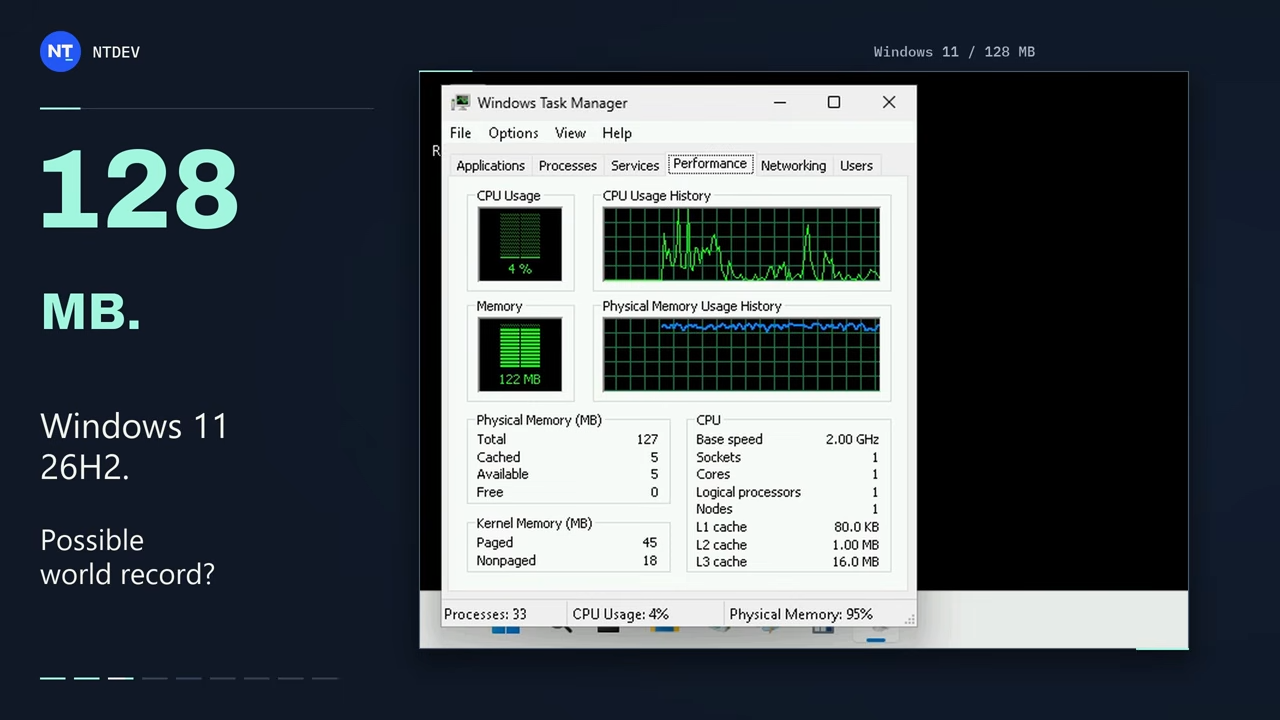
As for exactly what was removed, NTDEV did not publish a complete list of cuts this time. So for items such as Windows Update, Windows Security, and networking features, it is currently impossible to determine whether they were removed or merely disabled.
This isn’t the first time NTDEV has challenged the minimum memory usage of Windows 11, but this time 128MB is the best result. In July 2023, he successfully booted Windows 11 in an environment with only 176MB of memory, but the trade-off back then was deleting even File Explorer, so after booting it would only reach the Command Prompt, not a normal Windows desktop.
For users of old laptops with only 2GB or even less, they might wonder: since it can run with just 128MB, does that mean you can install Windows 11 26H2 too? The answer is that it’s not recommended.
As NTDEV said earlier: it’s absurdly slow, so this can only be positioned as a technical experiment rather than a real way to get Windows 11 running on old computers. Drastically cutting system components also comes at a real cost: removed drivers may prevent certain hardware from working properly, and removed services may prevent some software from installing or cause errors when it runs.
If you have an old computer with very low specs, the standard trimmed-down mode of tiny11 builder will be a more practical option.
Source: KOCPC Chinese