


Microsoft has recently begun rolling out a new wave of system updates to Windows 11 users worldwide, but this time the focus is not new AI features or an interface redesign—it is a major optimization of system performance. After extensive testing and tuning, Microsoft hopes to improve Windows 11’s operating efficiency on limited hardware resources, especially the still-common 8GB RAM computers. As PC components and upgrade costs continue to rise, this kind of update that directly improves the user experience seems especially practical for many consumers.
Microsoft brings a major update to Windows 11, making 8GB RAM computers run more smoothly too.
Microsoft says that through a series of low-level optimizations, Windows 11’s overall responsiveness can improve by up to about 20%, while multitasking performance can improve by 40%. Even entry-level computers with 8GB of RAM can benefit significantly. To achieve this, Microsoft redesigned its system resource management mechanisms across multiple areas, enabling Windows to allocate and use memory more intelligently.
First, Windows 11 can now keep up to 2GB of frequently used data in memory. When users switch back to previously opened apps or browser tabs, the system no longer has to re-read the data from storage, so operations can resume faster. This improvement relies on more efficient background compression technology and smarter app loading and release mechanisms.
Second, Microsoft also optimized the most frequently used everyday features, including the Start menu, context menu, Windows Search, and Snipping Tool. The system dynamically adjusts non-essential background processes based on current usage—such as search indexing or update services—to leave more resources for the feature the user is actively using. In addition, on devices with lower memory configurations, the Widgets panel no longer remains resident in memory and instead loads only when opened, further reducing background resource consumption.
Application launch speed has also improved.
In addition to the evolution of the system itself, Microsoft recently introduced a new technology called “Accelerated App Launch,” which was first applied to the Microsoft Edge browser. The technology shortens app launch times by improving how Windows Search and background services operate, allowing apps and links to open faster. According to Microsoft, optimized apps can launch up to about 33% faster in high-load environments.
Microsoft 365 and Edge will further reduce memory usage
Microsoft is also continuously improving its software ecosystem, including commonly used apps such as Teams, Microsoft 365, Outlook, and Edge. By readjusting resource management mechanisms, these apps can effectively reduce memory usage and, in some cases, even free up hundreds of MB of system resources. In addition to Microsoft’s own products, third-party developers can also use the relevant technology for optimization; for example, apps such as WhatsApp have begun to support similar mechanisms.
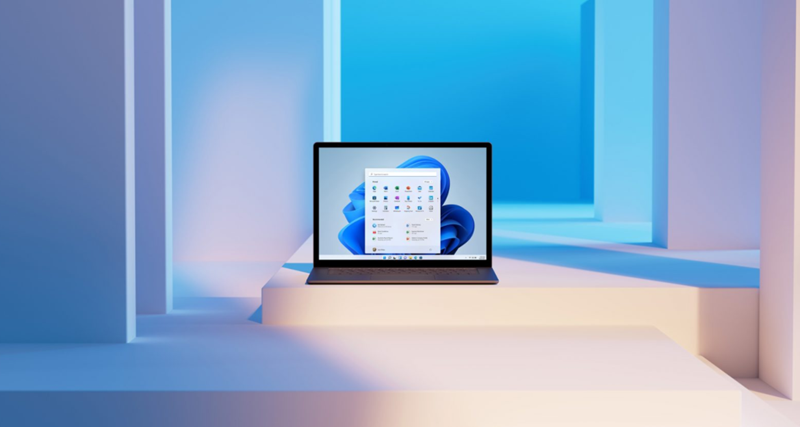
There will be more low-level improvements in the future.
This round of updates is only the first step in Microsoft’s performance improvement plan. In the future, Windows 11 will continue to strengthen memory management capabilities, including smarter data compression technology, sharing system components to reduce duplicate loading costs, and optimizing the infrastructure for the WinUI 3 platform. At the same time, Microsoft also plans to further adjust the allocation of hardware-reserved memory so that more system resources can actually be made available to applications, further improving overall performance.
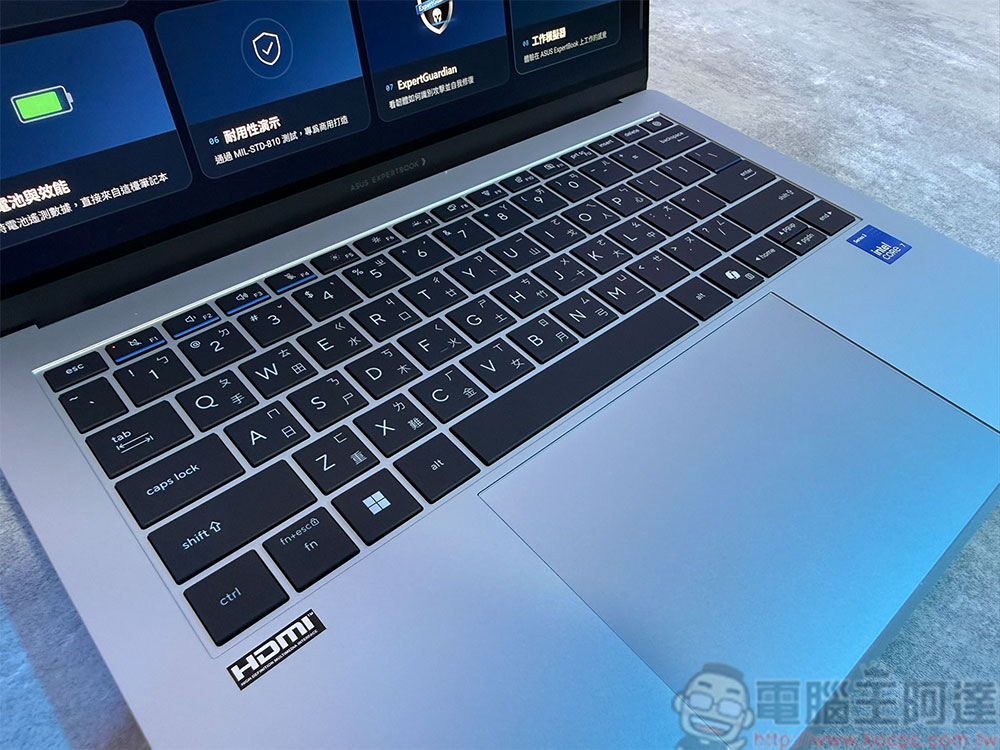
Whether your computer has 8GB, 16GB, 32GB, or even 128GB of memory, you can enjoy a smoother experience from this update. Although these improvements are specifically designed for entry-level and budget laptops, high-spec computers can also notice faster performance when multitasking, running apps in the background, and switching between programs.
The related optimizations have been gradually rolling out with Windows 11 version 26H2 and Build 26300.9818 and later. Users are advised to update all applications as well as the operating system to fully enjoy the results of these performance improvements. For consumers who were originally concerned that 8GB of memory would not be enough for Windows 11, this update is undoubtedly good news; through more efficient resource scheduling and memory management, even mid- to low-end hardware may have the opportunity to deliver a smoother and more stable Windows experience.
Source: KOCPC Chinese