


After a long meeting, do you want to quickly organize the key points? There are more and more AI tools on the market that help users quickly organize notes. Today’s featured Notebook AI App is designed for business professionals, students, and anyone with note-organizing needs. It uses AI to enable quick note-taking, meeting transcription, and other applications, and also supports summarization so users can quickly grasp the key points.
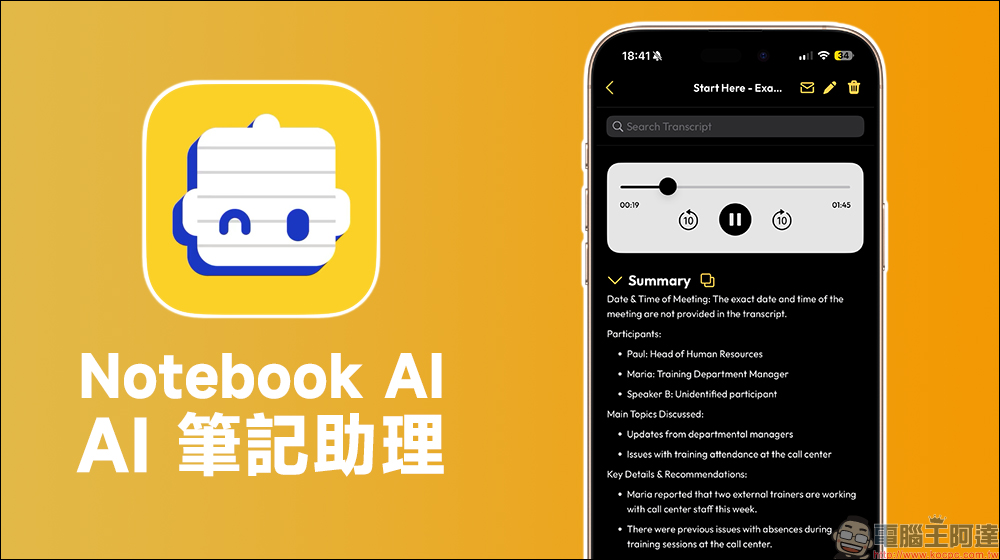
Notebook AI App: AI Note Assistant for Meeting Transcription, Note-taking, and Summarization
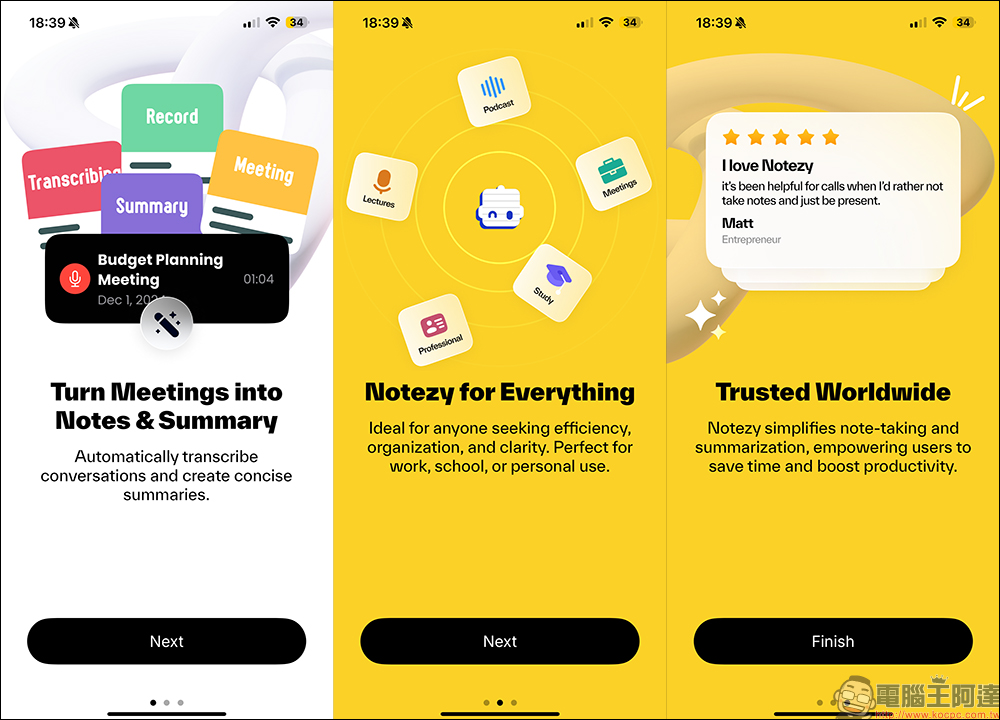
Always struggling with meeting notes? Today’s featured app, Notebook AI (Notezy), might be able to help! Notebook AI can automatically transcribe conversations and use AI to generate concise meeting summaries, so users no longer need to manually organize notes, improving both work and study efficiency. Additionally, it’s well-suited for efficiency-focused users who want to easily capture important content anytime, anywhere. It makes note-taking and summarizing simpler while saving time and boosting productivity—ideal for professionals, students, and anyone who needs to organize notes. However, after testing, this app is primarily geared toward English-speaking environments; for Chinese, you may want to consider other options that offer translation support. AI Notes App Done.
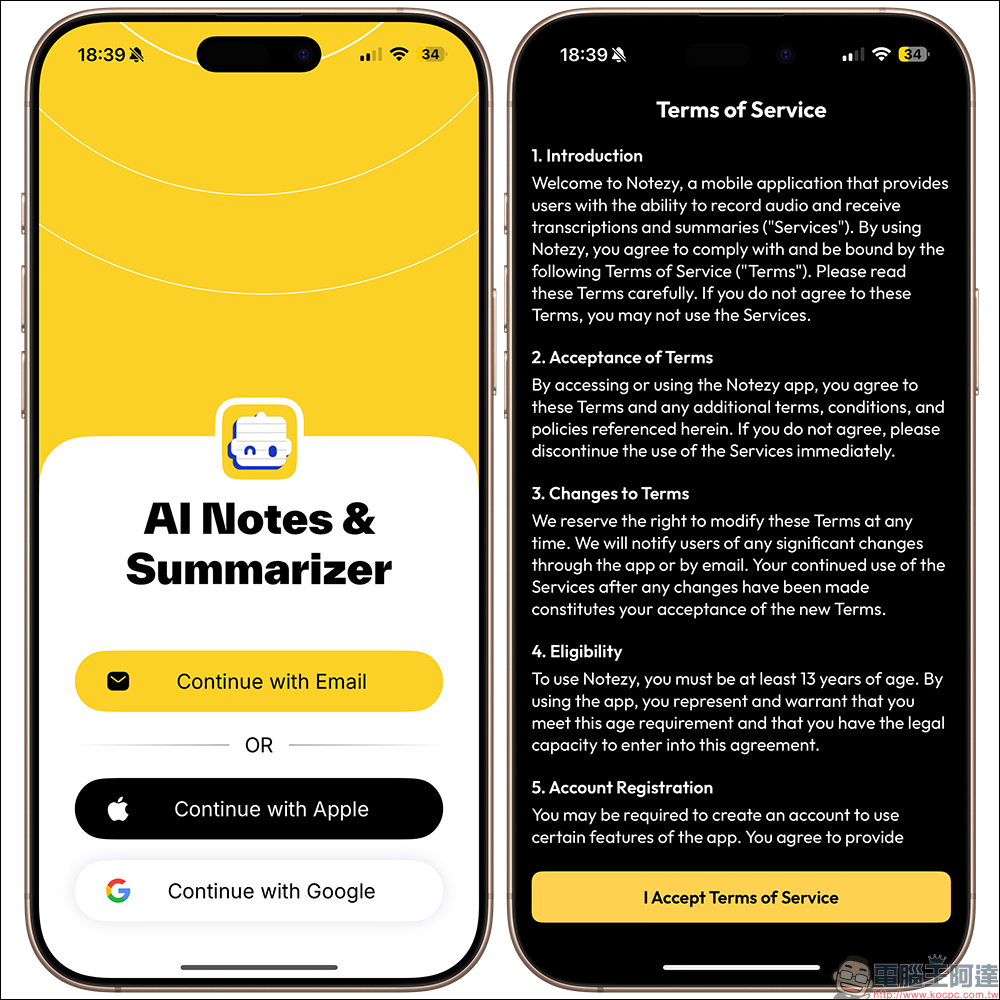
Notebook AI can be logged in with Email, or you can use an Apple or Google account for quick login. On first use, you need to accept the terms of service first—just click “I Accept Terms of Service” to agree.
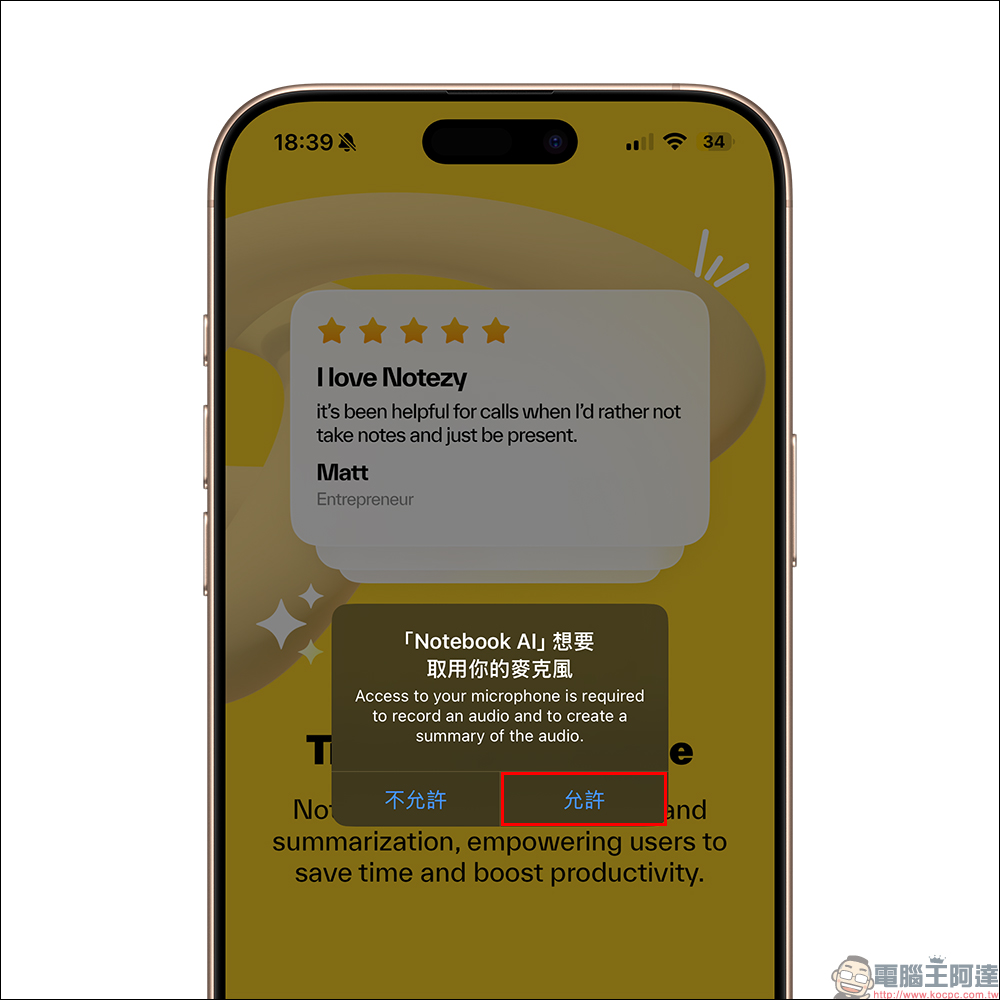
In addition to agreeing to the terms of use, to use the Notenbook AI (Notezy) app, you also need to agree to let the app access the microphone, so that it can listen to, record, and recognize meeting content through the microphone.
After opening the Notebook AI (Notezy) app, tap the recording button at the bottom to start recording the meeting. Once the recording is finished, it will automatically use AI to analyze and integrate the voice content, further organizing it into an easy-to-read summary of key points, which can greatly reduce the time needed to listen to the entire session. In addition, users can also tap to replay the full content to ensure nothing is missed.
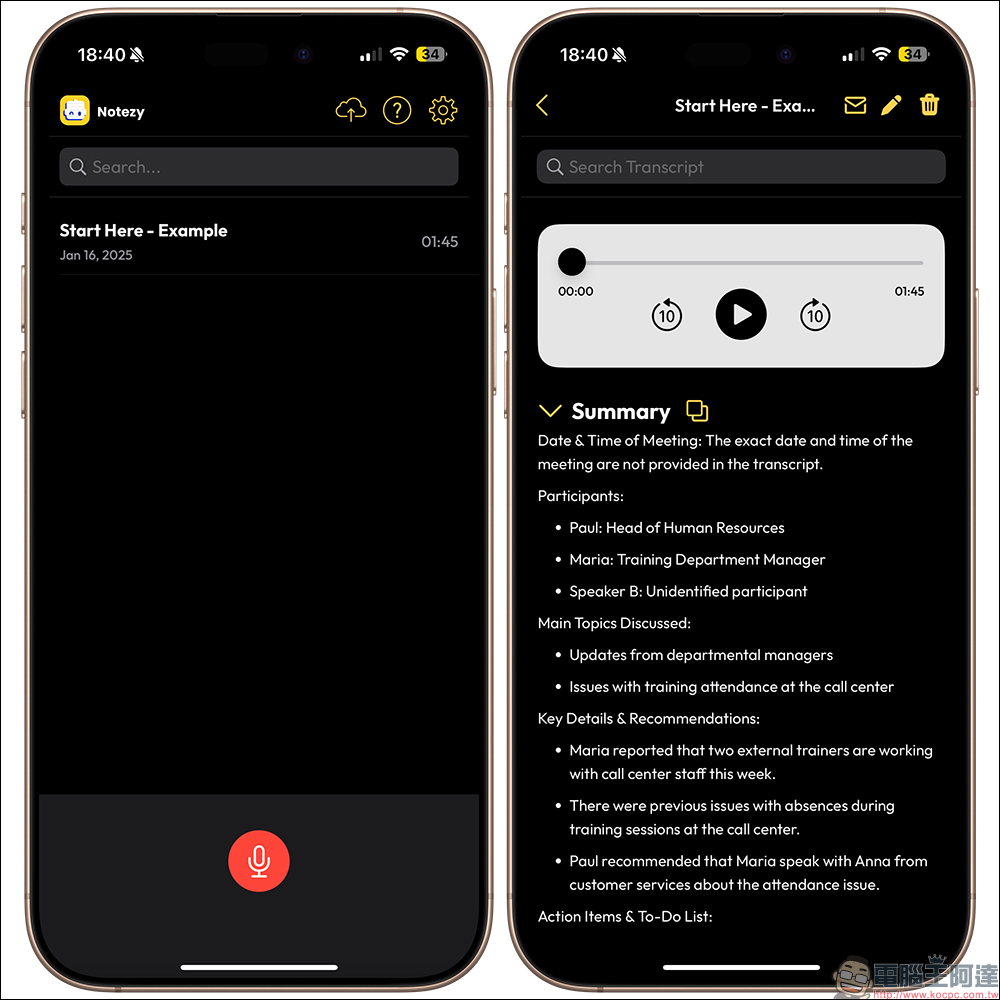
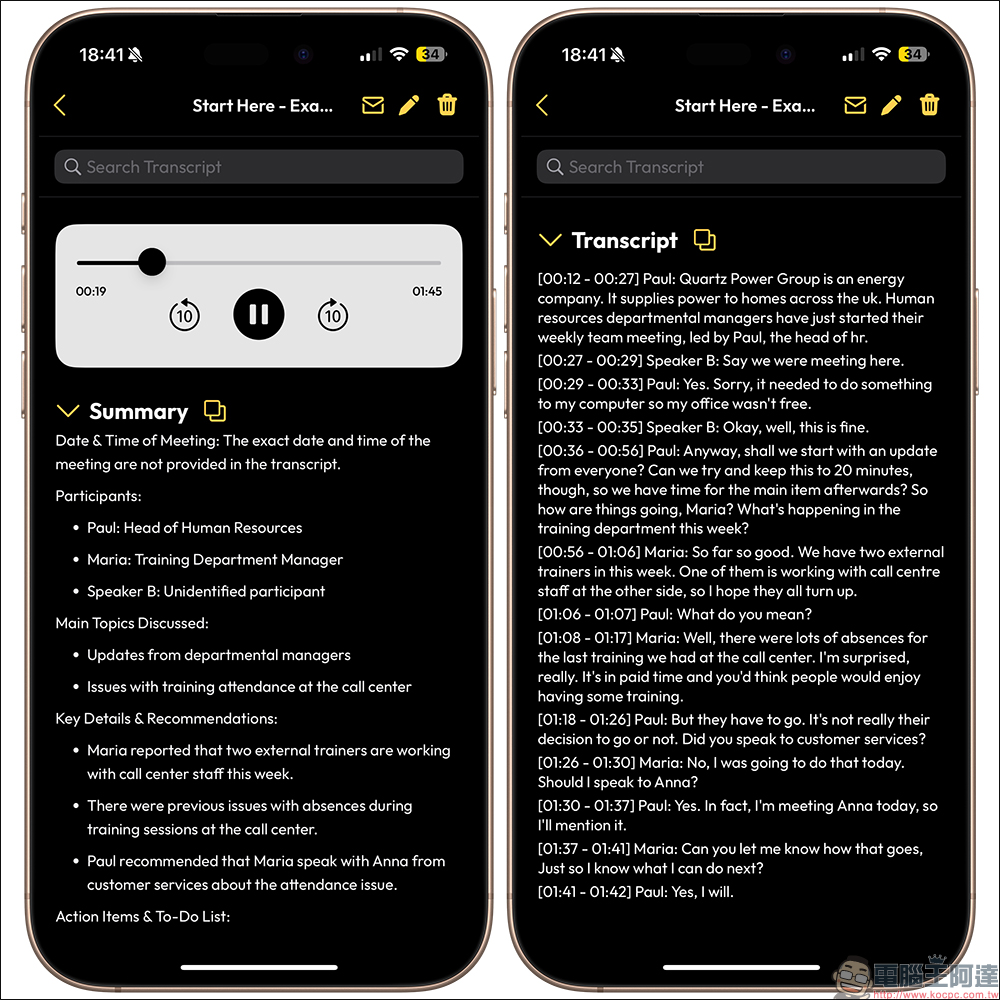
At the bottom, the full transcript is also provided, complete with timestamps for each line, so users can save time when they want to listen back. Of course, users can tap the “Copy” button to paste the notes and transcribed text generated by the Notebook AI App directly into other platforms. This is great for keeping information flowing within a team, especially for student project reports—this tool makes it easy to quickly organize and share everyone’s discussion content.
In addition to the Notebook AI (Notezy) app introduced today, many brands in the Android ecosystem have also been actively developing their own AI note-taking features in recent years.
Notebook AI App Download (App Store)
Further Reading:
LINE Free Sticker Roundup: 36 New Year-themed Stickers including Crayon Shin-chan Free to Download
Source: KOCPC Chinese