


With the launch of Gemini Omni 1.2 Flash, many people probably want to try it out and see how good Google’s AI video generation quality is now. Google is also very generous: even with its latest model, it still offers two places where all Google users can try it for free. Not only is there no cost at all, but even Omni 1.2 Flash can generate videos up to 15 seconds long, with quality up to 720p. Below, we’ll introduce them to you.
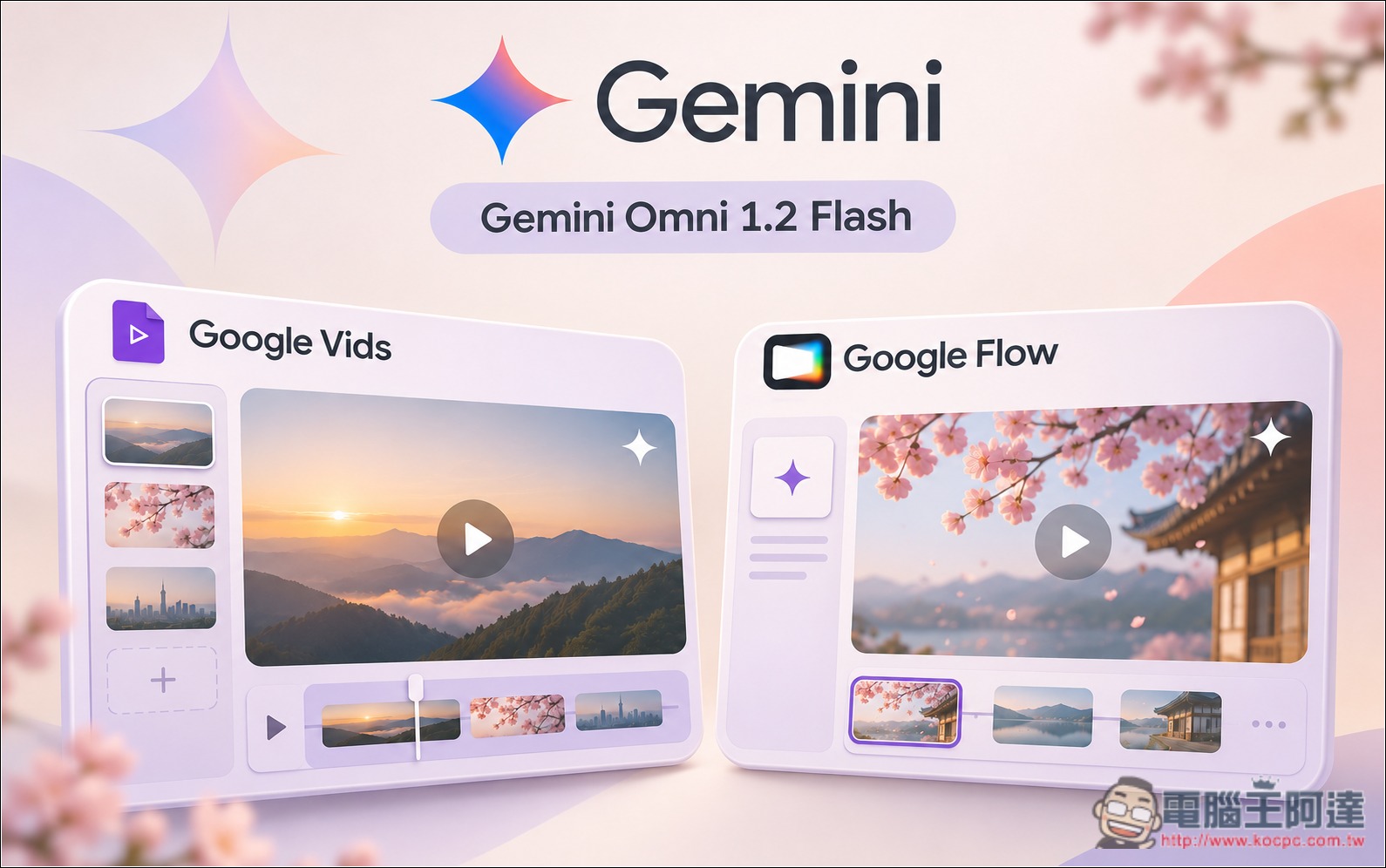
Google’s two platforms let you try AI video generation with the latest Gemini Omni 1.2 Flash model for free.
For those who are unsure about the differences between this Omni 1.2 Flash and the previous version, Omni 1.1 Flash, you can read our previous Gemini Omni 1.2 Flash Report, and refer to the table below:
| Comparison item | Omni 1.1 Flash | Omni 1.2 Flash |
|---|---|---|
| Release date | 2026/8/27 | 2026/11/5 |
| Single video length | Maximum 10 seconds | Up to 15 seconds (50% increase) |
| Video length control | Supports 3–10 seconds | Supports 3–15 seconds, adjustable per second |
| 720p API price | Approximately US$0.10/second | US$0.07 per second (30% off) |
| Consistency between people and products | Reference materials are now supported. | Less prone to deformation and deviation from the reference. |
| Multi-turn dialogue editing | Already have the relevant capabilities. | More emphasis on continuous editing and preserving the original image. |
| Voice and lip sync | Support | More natural dialogue and multi-speaker voices. |
| Complex camera movement | Supports camera movement control | Reduce abrupt jump cuts and scale changes. |
| Resolution | Can be upscaled to 4K | Can also be upscaled to 4K |
| Commercial use | Existing API capabilities | Officially generally available (GA) |
The platforms where you can experience Gemini Omni 1.2 Flash for free are “Google Vids” and “Google Flow,” and their restrictions differ somewhat.
Google Vids A free account can generate 60 seconds of video per month, and each clip can be 3–15 seconds. So if you always make 15-second videos, you can only generate 4 of them.
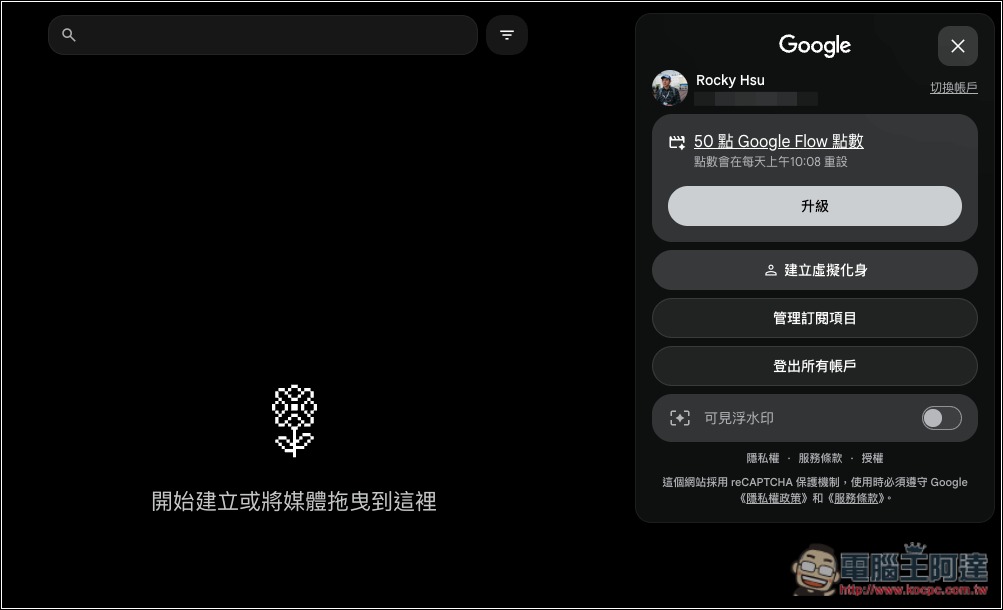
Google Flow Free accounts have a daily quota of 50 credits and can generate 5–10 second videos (15 seconds is limited to paid members). The number of credits consumed varies by video quality; please refer to the table below. In theory, 50 credits can produce five 10-second 360p videos.
| Omni 1.2 Flash video length | 360p consumption | 720p consumption |
|---|---|---|
| 5 seconds | 5 o’clock | 15:00 |
| 8 seconds | 8 o’clock | 24:00 |
| 10 seconds | 10 o’clock | 30 points |
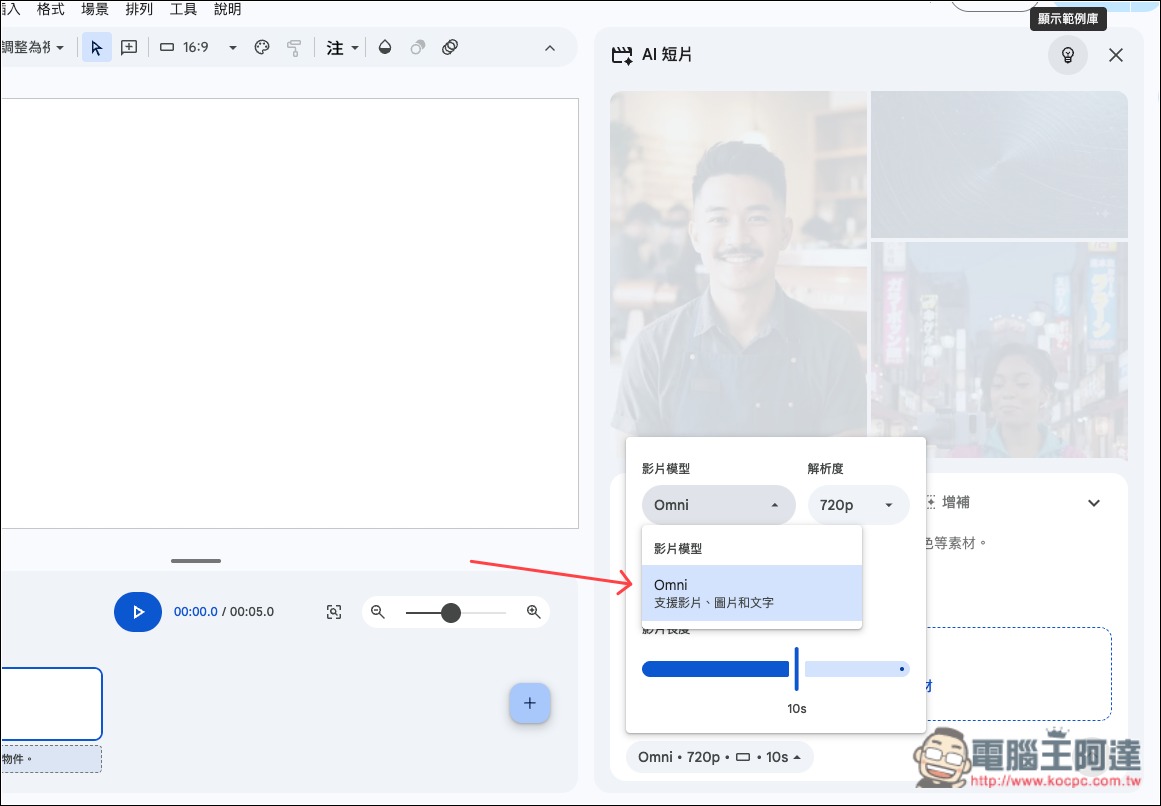
Enter into Google Vids platformAfterward, open the AI short video generation tool, and you’ll see the video model is already preset to Omni—currently the only option—with a resolution of 720p. The duration depends on how long you want the video to be, up to a maximum of 15 seconds:
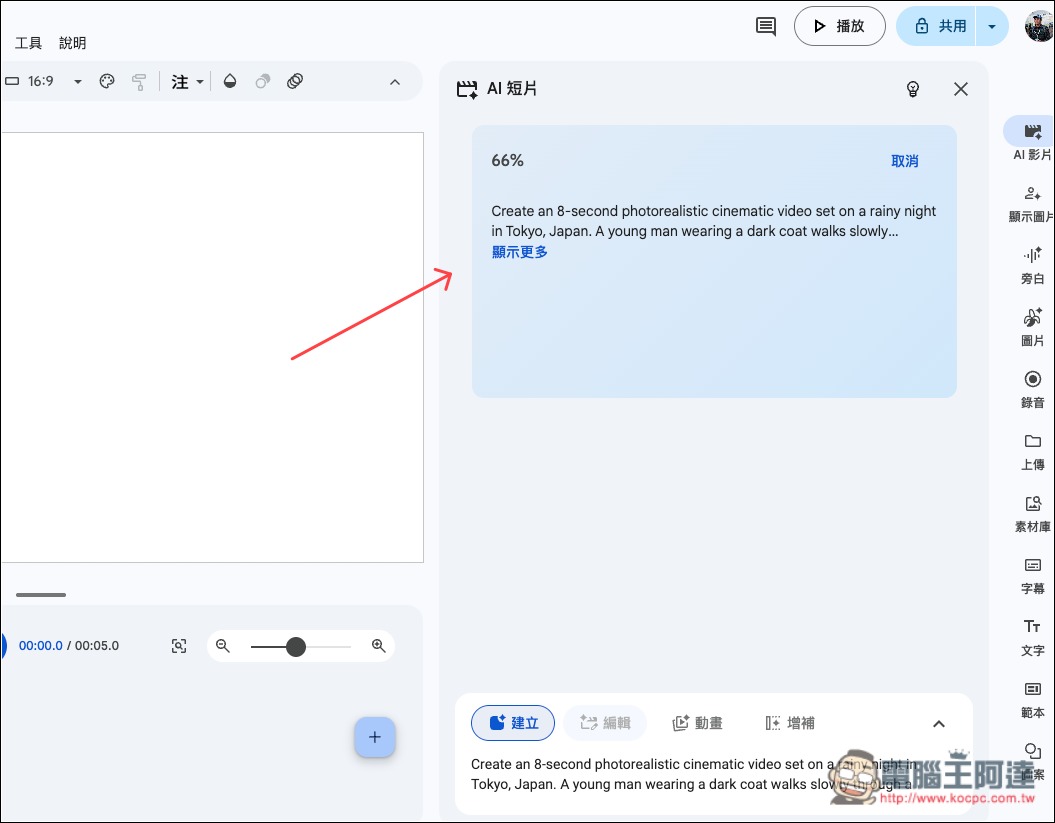
Enter a prompt and press Generate to begin processing:
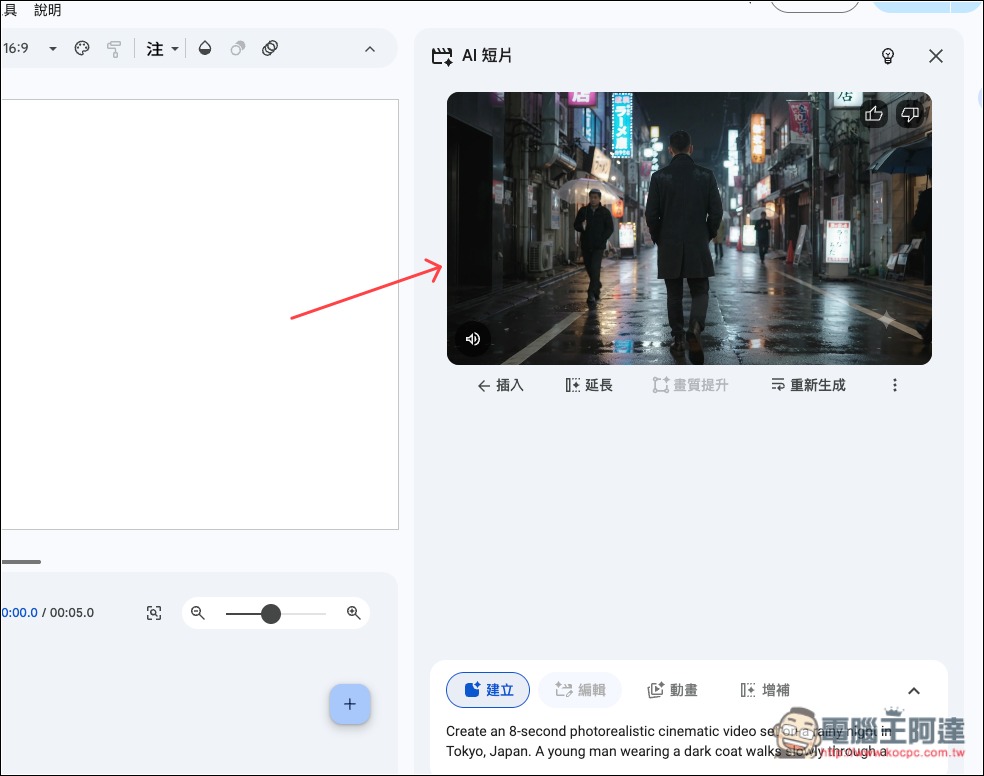
Once it reaches 100%, the video will appear on the right side, and you can insert it into the project editing backend on the left:
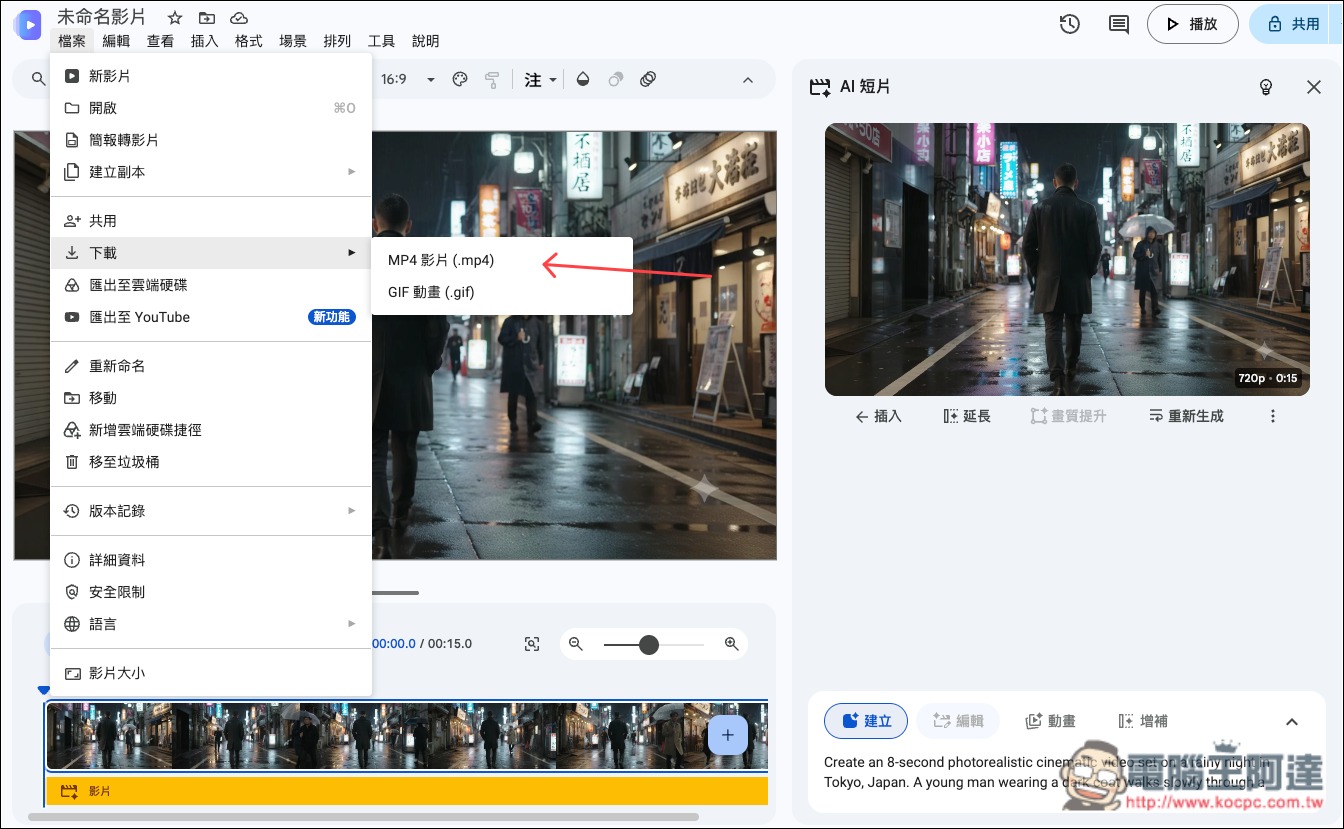
If you’re satisfied, open the File menu in the upper left, where you’ll find the download option. Choose whether you want to download it as .mp4 or .gif:
Google Flow Some free Google accounts are given 50 points per day, and the top-right menu also indicates when they reset:
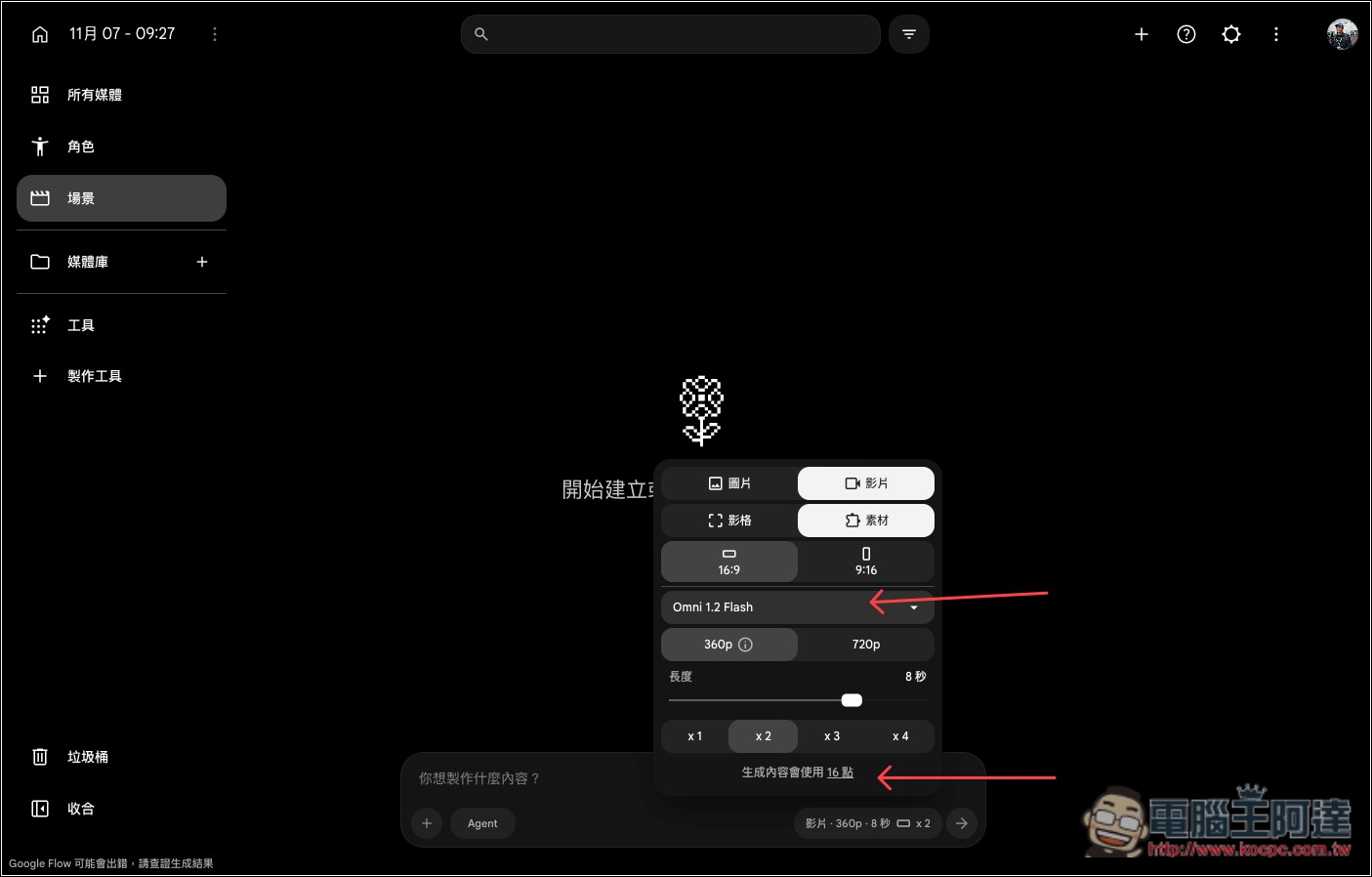
After entering the scene menu, you can set the video generation model to use in the input box below. You can choose Omni 1.2 Flash. Based on your settings, the number of points required will also be displayed below in real time. For example, if I set Omni 1.2 Flash to generate 360p-quality 8-second videos, 2 at a time, it will require 16 points:
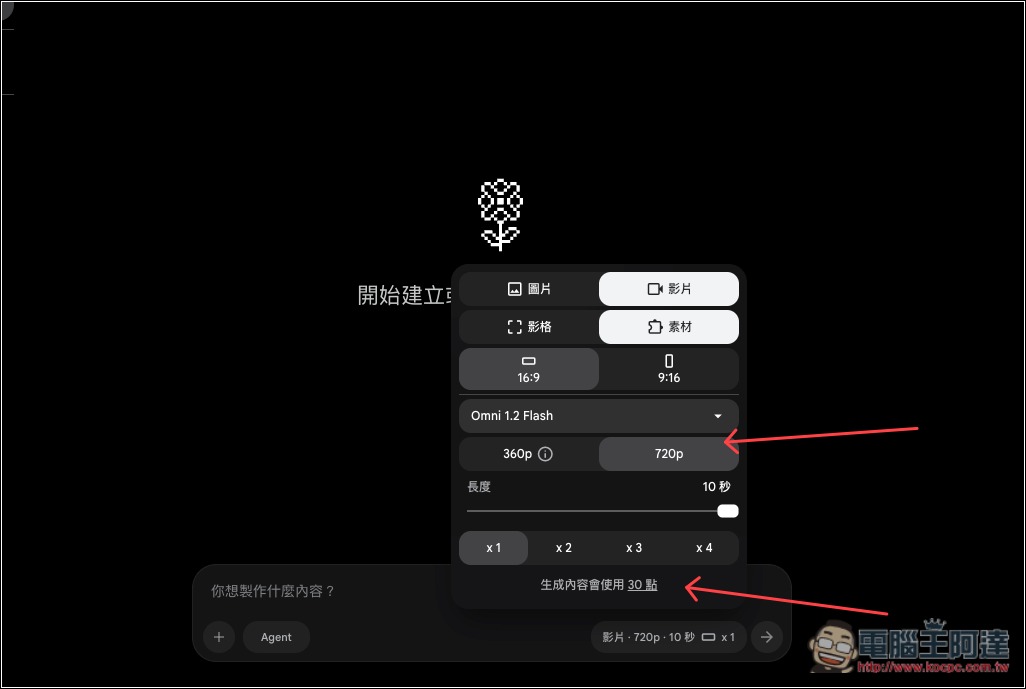
I changed it to 720p quality and a 10-second video, and after generating 1 video it became 30 points:
Once you’ve set it up and entered a prompt, submit it, and the video will begin generating:
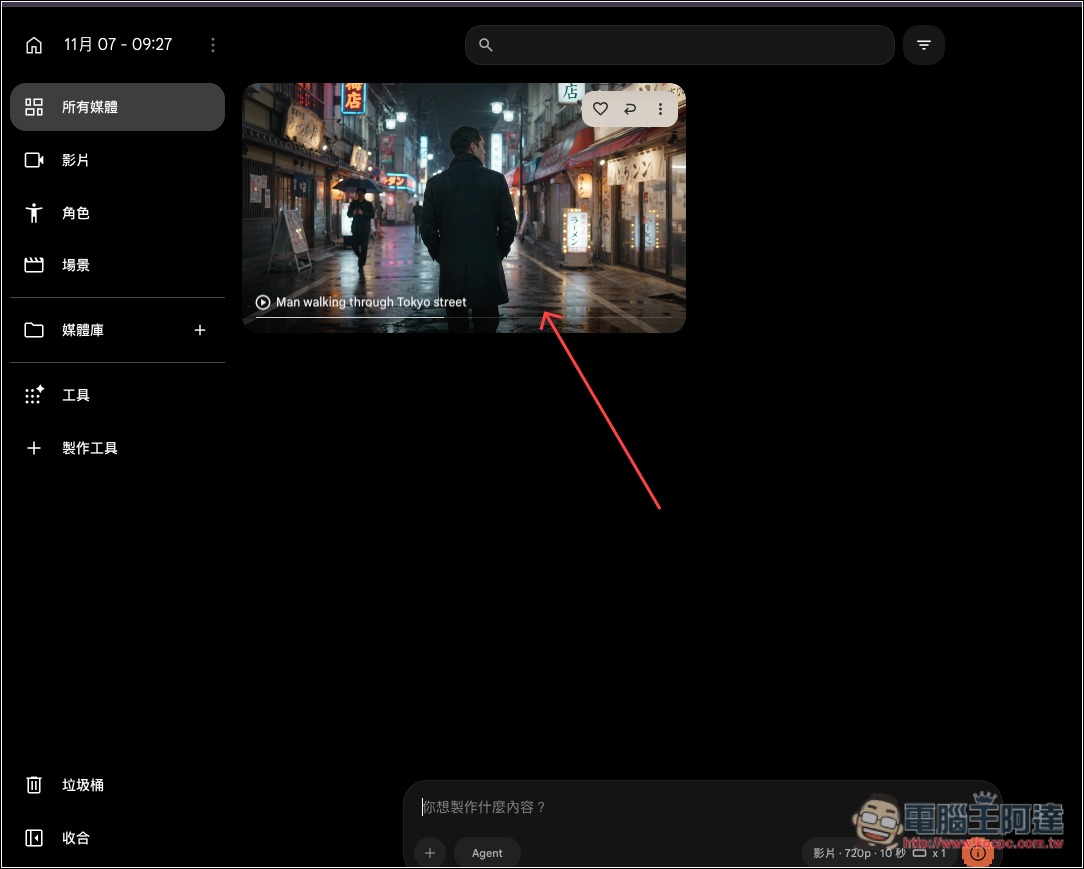
If you’re happy with the video, there’s a download button in the top right corner:
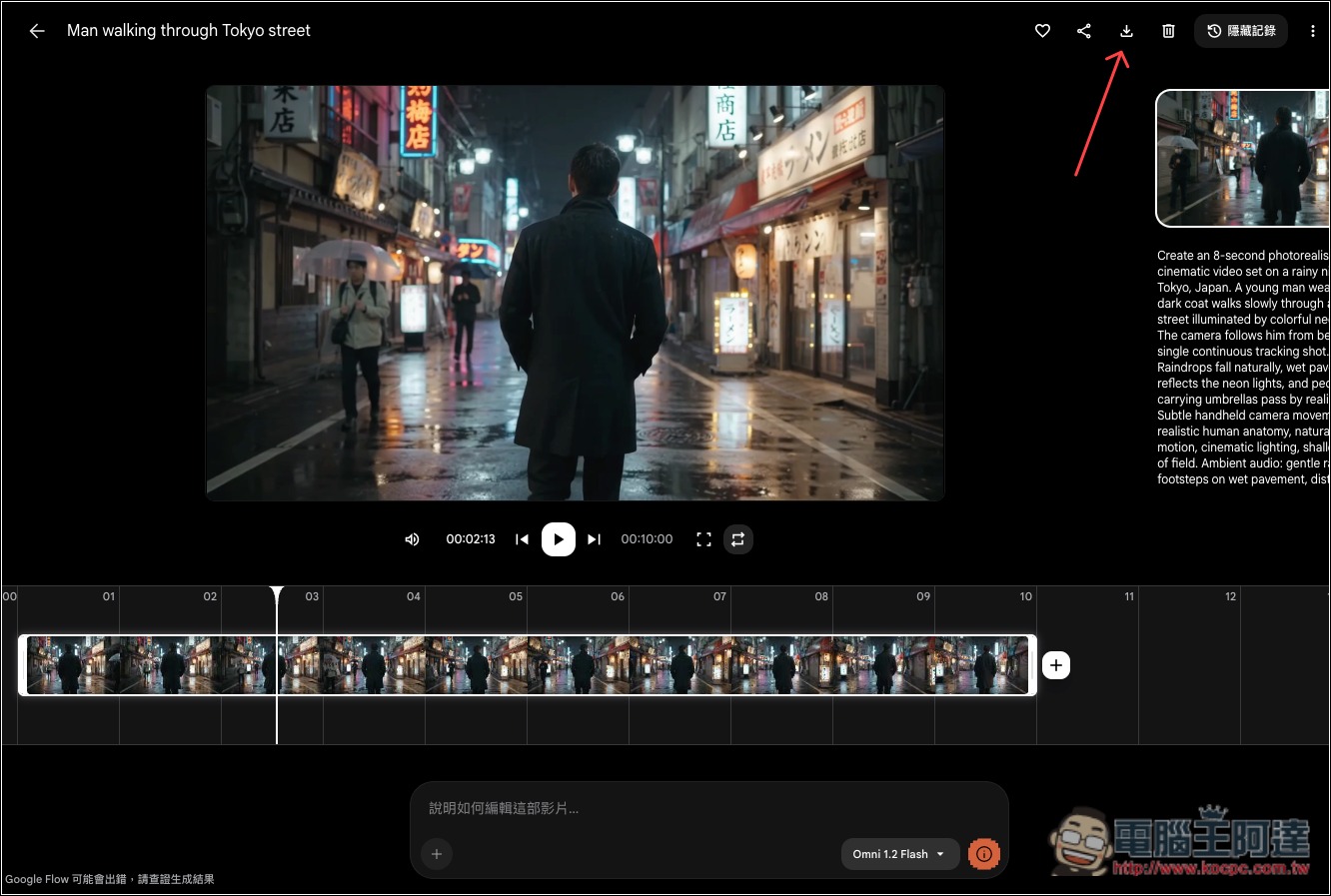
This is the video I generated with Omni 1.2 Flash for this test:
Source: KOCPC Chinese