


Whether it is applying for a new credit card, opening an account, or getting a loan, etc., as long as it is related to credit, the other party will almost go to the Lianzheng Center to check your personal credit and whether there are any bad records. You will definitely be curious about how good your credit is over time, especially if you are planning to apply for some financial services. This can actually be checked through the Internet, and only requires a card reader + natural person certificate. Let me teach you how to operate.
Supplement: Each person can only have one free online review per year, and a cost of RMB 80 will be charged for the second and subsequent times.
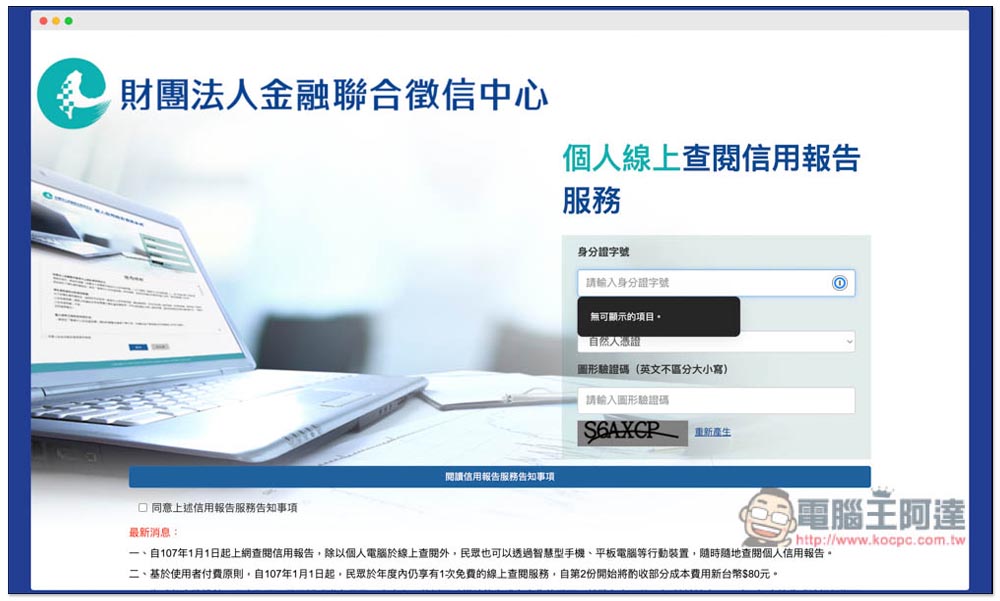
Teach you to apply for the “Personal Credit Report” from the Lianzheng Center and understand your debt and credit record status
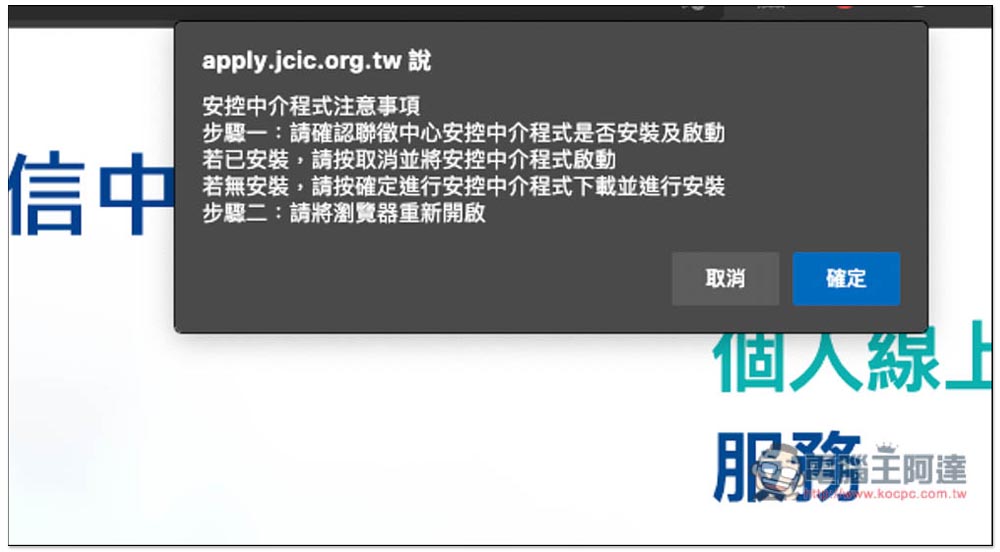
After preparing the card reader and natural person certificate, open the personal credit report of the Lianzheng Center. For the first time, you will need to install an intermediary program. Click OK to start downloading the installation file:
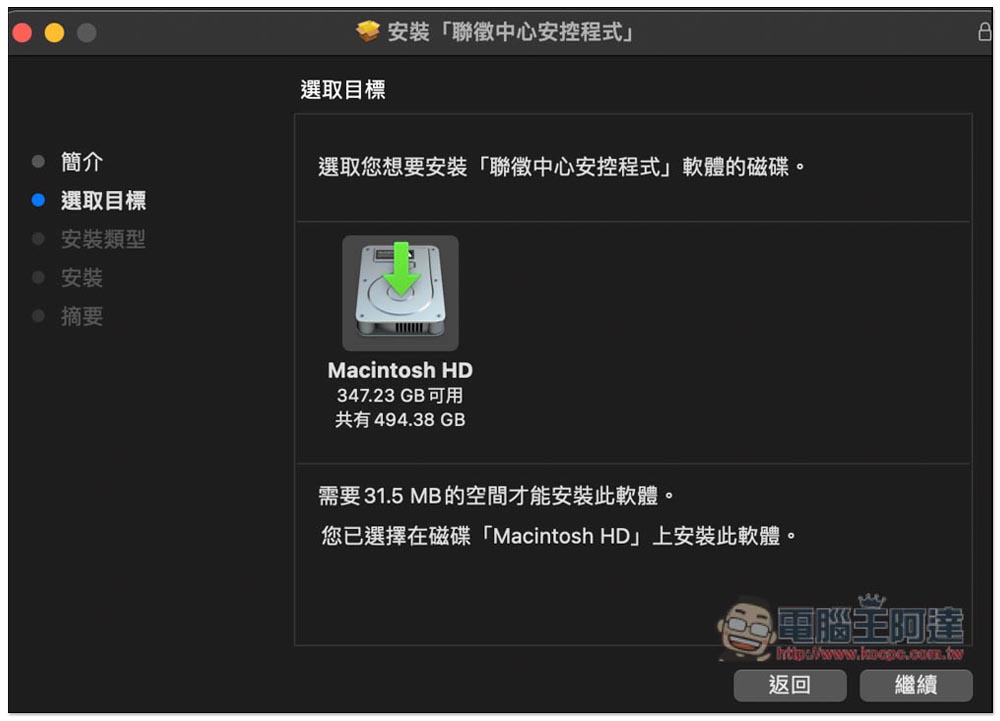
Then just take a picture of the installation being completed:
After the installation is complete, it is recommended to re-enable the browser to be safer. If it is not restarted, half of the query may fail. After opening the website of the Lianzheng Center again, connect the card reader to the computer and insert the natural person certificate. Then enter your ID card number, certificate type and graphic verification code. Remember to check the box below to agree to the above-mentioned common knowledge of credit reporting services:
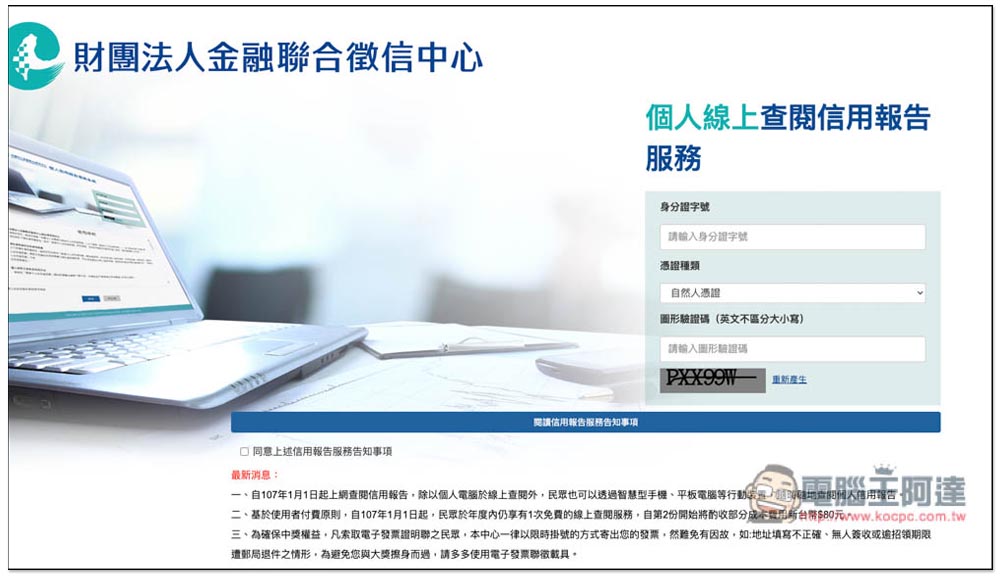
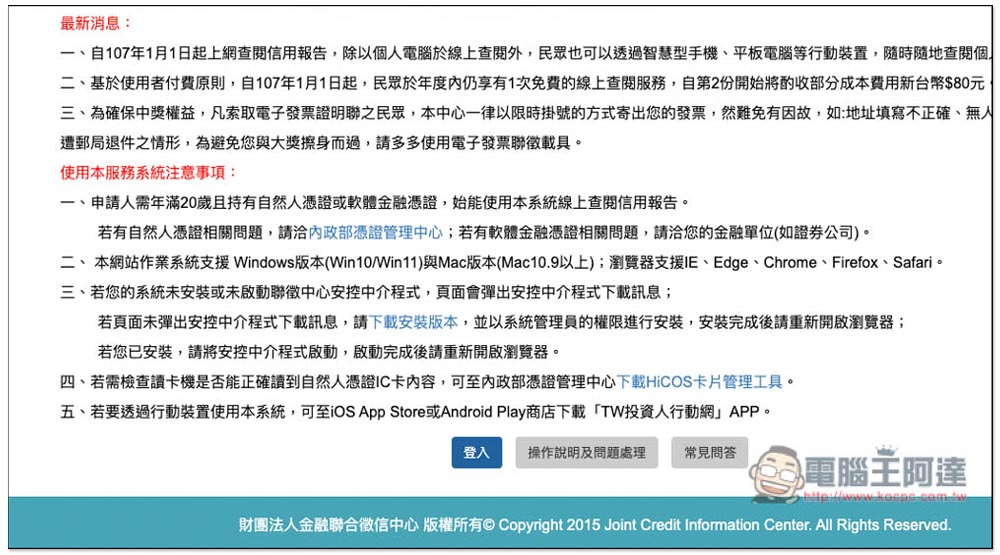
After sliding to the bottom, you can find the login function. You can take a look at some precautions above. If you encounter problems in the login part, you can click “Operation Instructions and Troubleshooting” or “FAQ” to see if there are answers. Login will require you to enter the IC card password (natural person certificate). For those who have not changed it, the default password is the date of birth in the Republic of China:
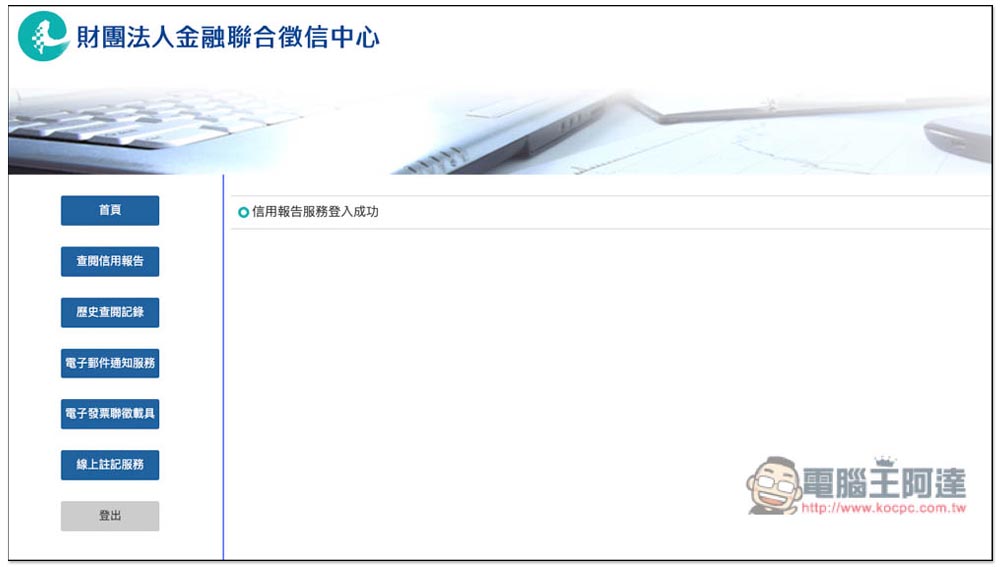
After successfully logging in, you will see six options on the left, home page, credit report review, historical review records, email notification service, electronic invoice joint collection vehicle, and online annotation service. Please click “Check Credit Report”:
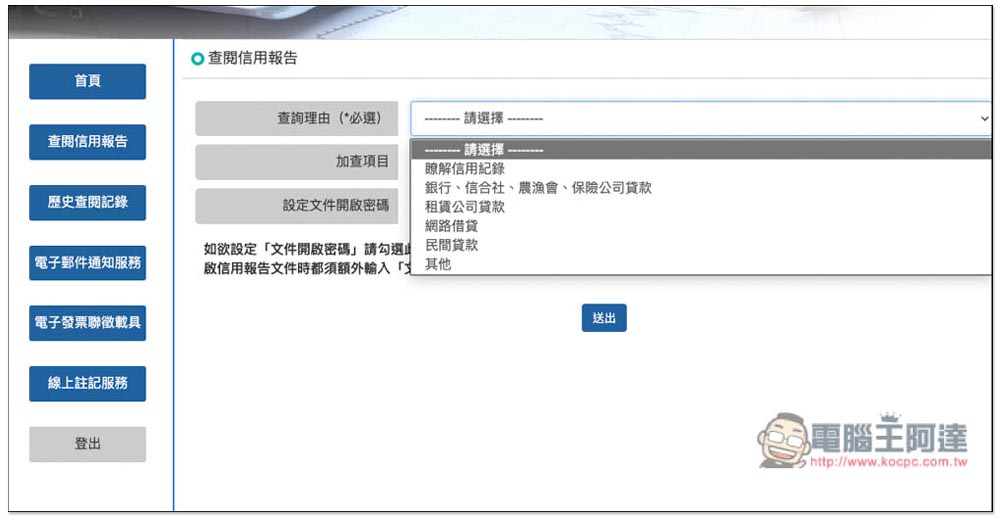
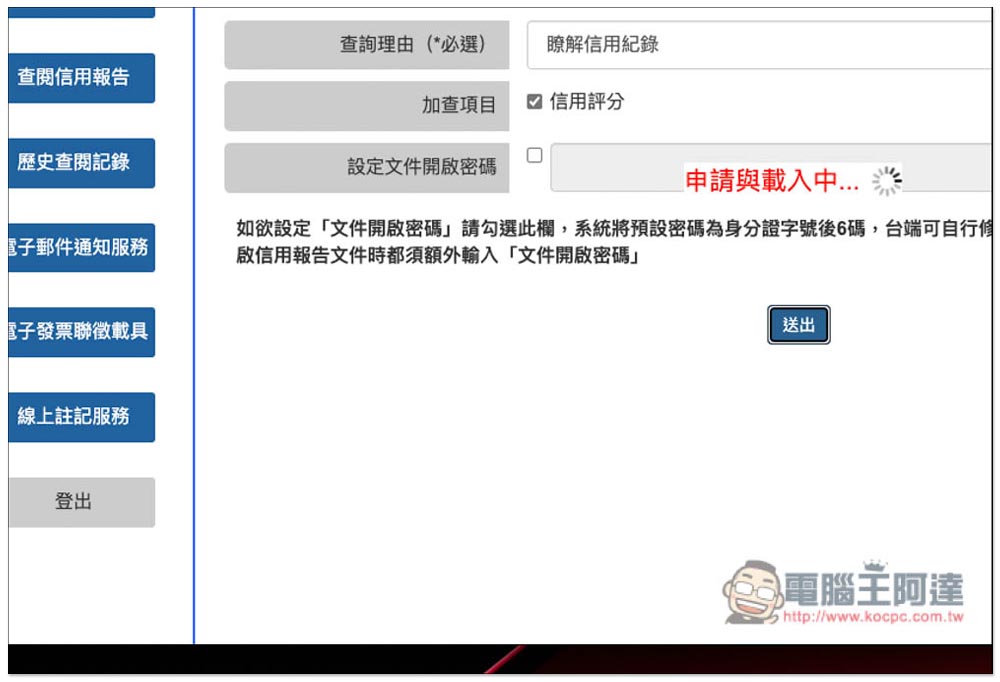
Open the menu for the reason for inquiry and select “Understand credit history”:
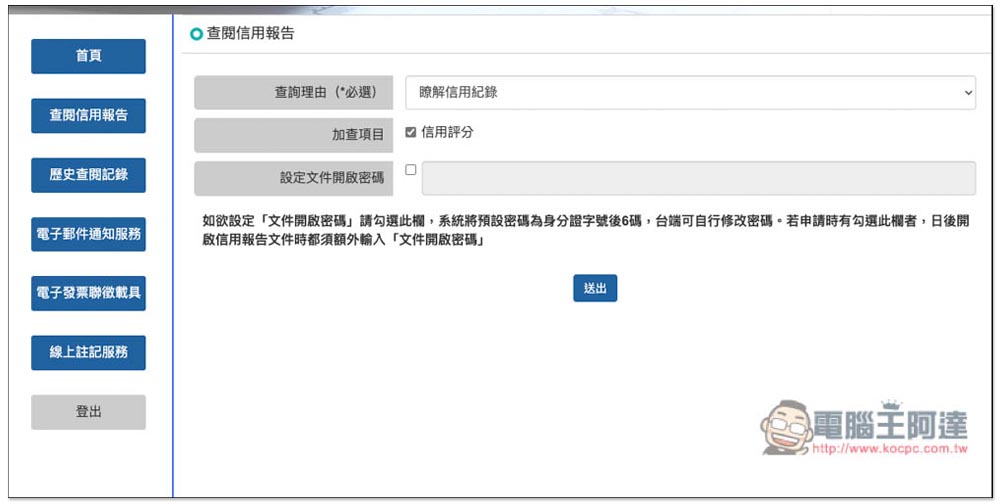
Remember to check the credit score of the additional check item. It depends on whether you need to set a password to open the file. If you are just checking it out of curiosity and will delete it after reading it, you don’t need to set it. This way you save the need to enter a password when opening it. No problem, press submit:
It will take a few seconds to apply and load:
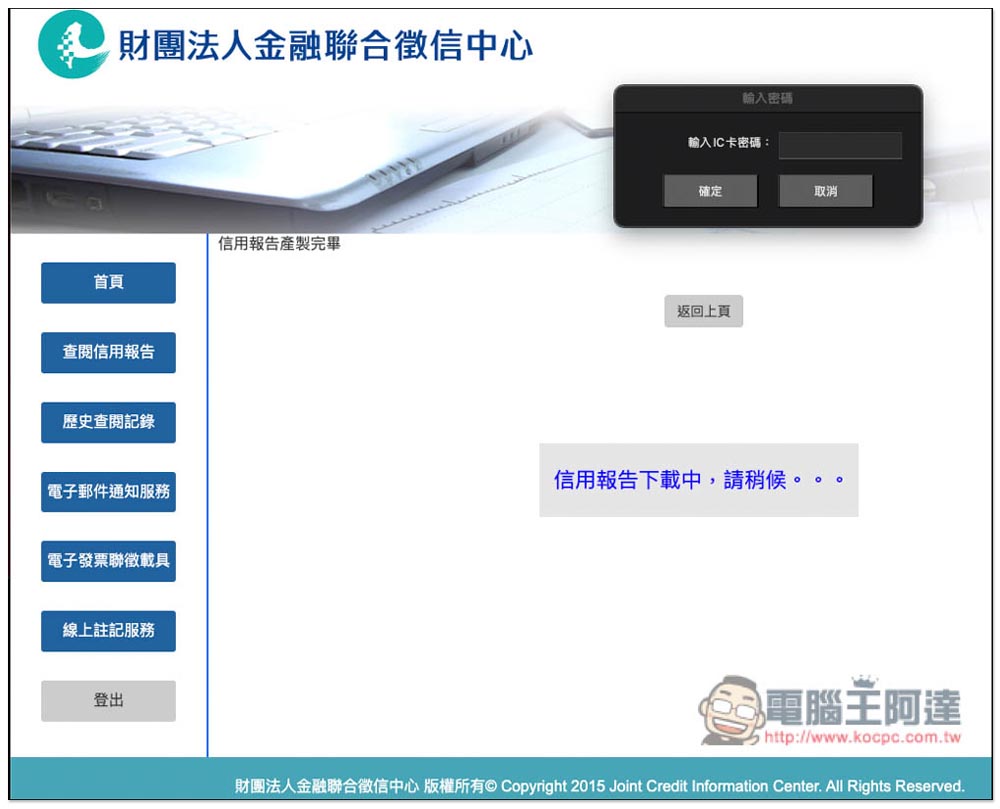
After the credit report is created, you will be asked to enter your IC card password again before downloading:
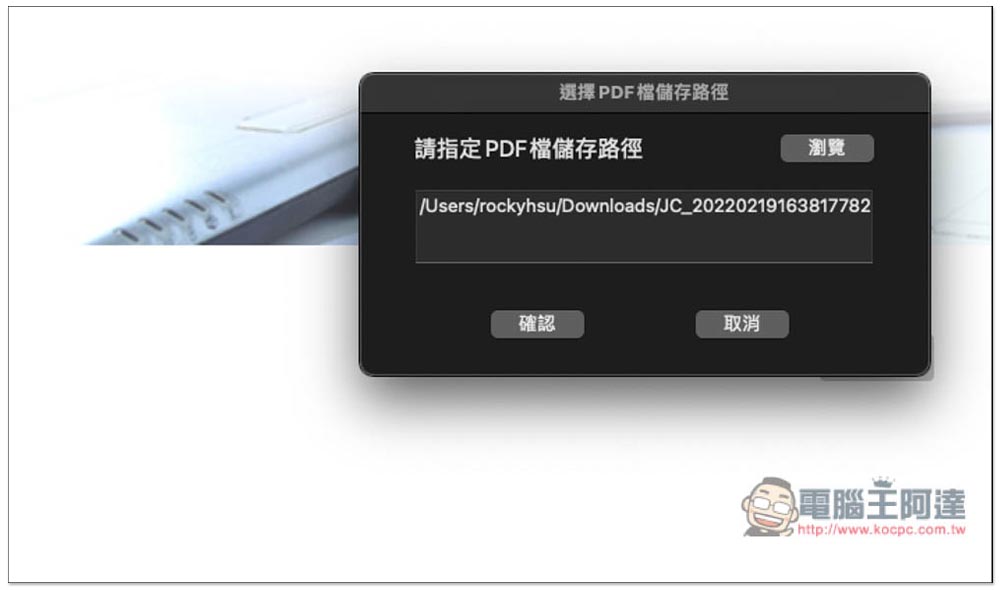
Specify the path of the PDF file you want to save. It will be saved to the download folder by default. Just click OK without changing it:
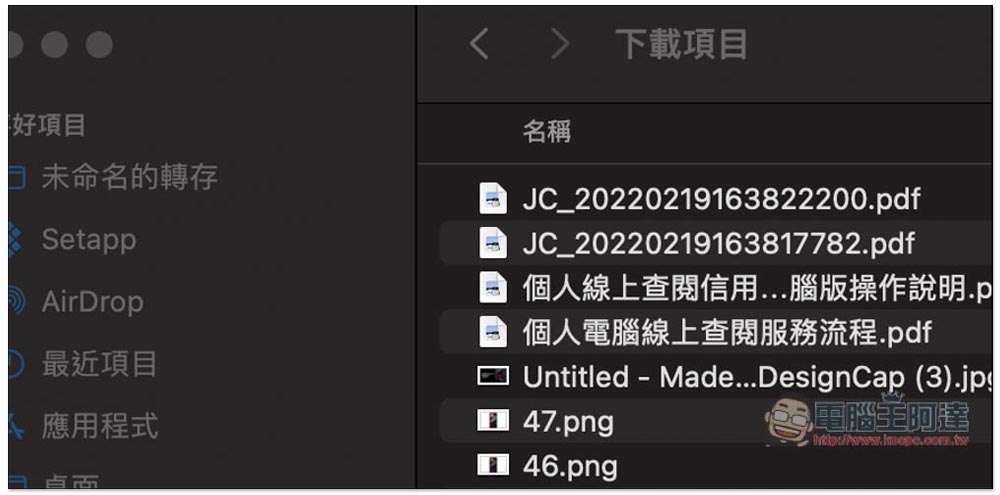
Then open the storage location you set and you will see the PDF report:
This credit report will have four parts: “Loan Information”, “Credit Card Information”, “Bill Information”, “Inquiry Records” and “Others”. If you have any loans, they will appear in the loan information, as will relatives who borrowed money in your name. The credit card information will tell you the credit card you have applied for, including the card type, card name, card issue date and other information. Past credit card payment records, whether there are any outstanding debts, and cash advances are also included. It is written very clearly:
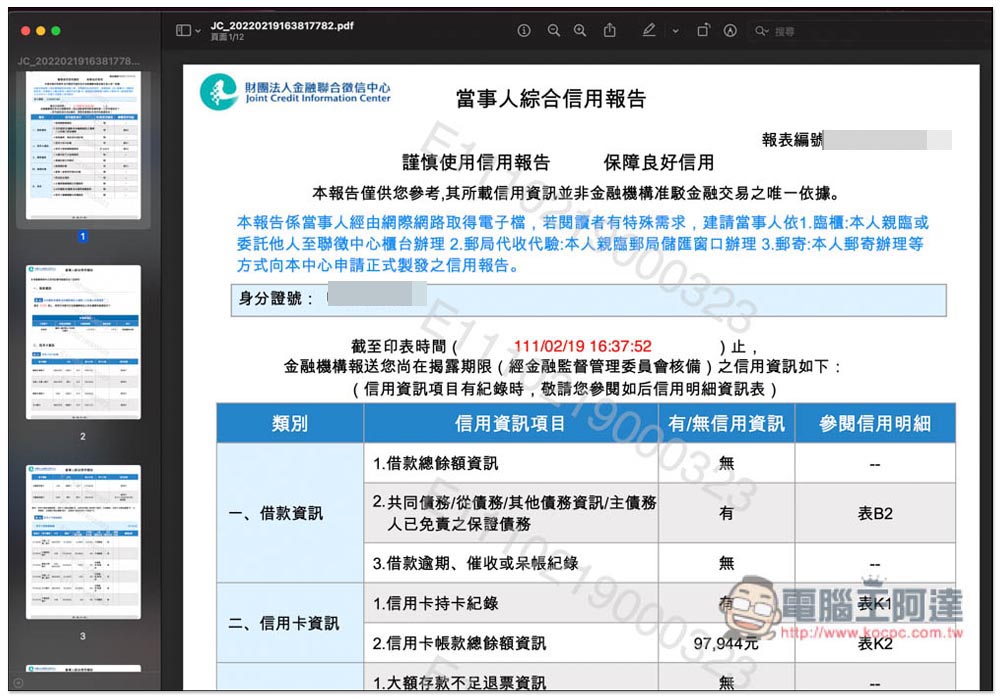
There are even records of institutions secretly checking your credit. Now I discovered that the credit card and credit departments of many banks with which I do business occasionally check my credit report:
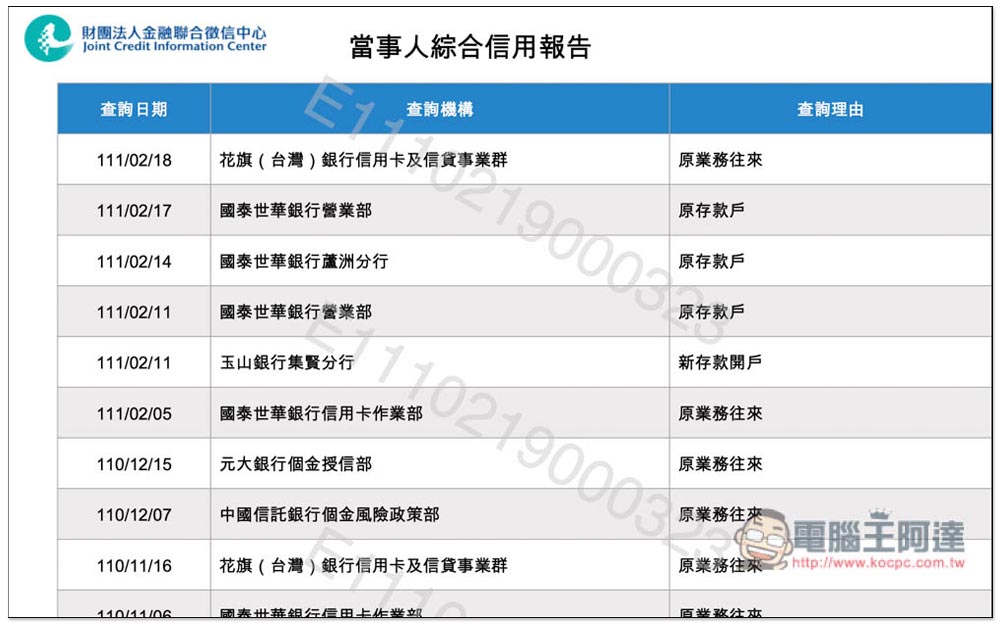
Finally, I would like to remind you that this report cannot be regarded as a formal credit report. You need to apply for a separate paper copy. Details are explained on the Lianzheng Center website.
Source: KOCPC Chinese