


After using an Android phone for a long time, users will more or less feel that the performance slows down and the phone seems to get hot easily. Although some brands of mobile phones now have built-in related optimization functions, you may feel that it has no effect. Then you can try the Velvet Phone Cleaner & Booster free app introduced in this article. It provides functions such as clearing temporary junk files, useless files, and reducing CPU. It has good reviews on Google Play.
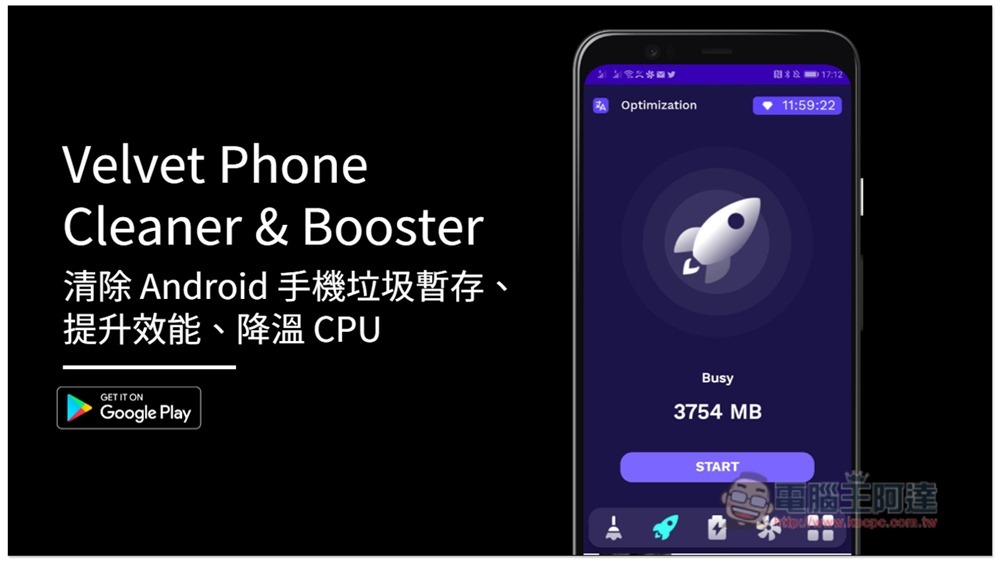
Velvet Phone Cleaner & Booster is a free app that optimizes the performance of your Android phone
Velvet Phone Cleaner & Booster is a free app, so there will be ads, such as when opening the app and using optimization functions, but they are very short, and the ads can be turned off in almost 1 to 3 seconds, so it will not be too annoying.
Although there is no Chinese interface yet, the operation is very simple. The menu is at the bottom. The first System Cleaning is the system cleaning function. The screen will show how much space can be cleared on your phone. I use this one less often, so there is no temporary archive of junk, and I can only clear out 109MB:
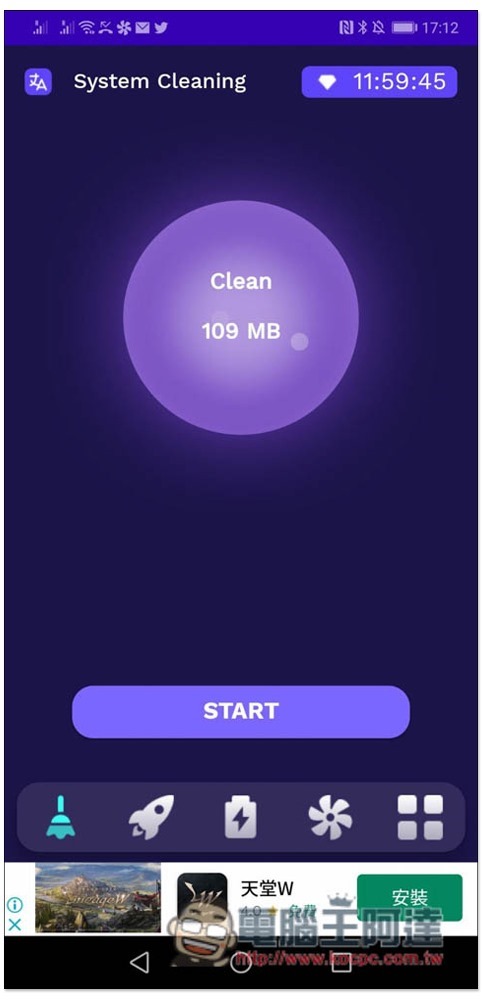
After clicking Clear, ads will be displayed, and then when the run is completed, SUCCESSFULLY will appear to indicate success. It’s that simple:

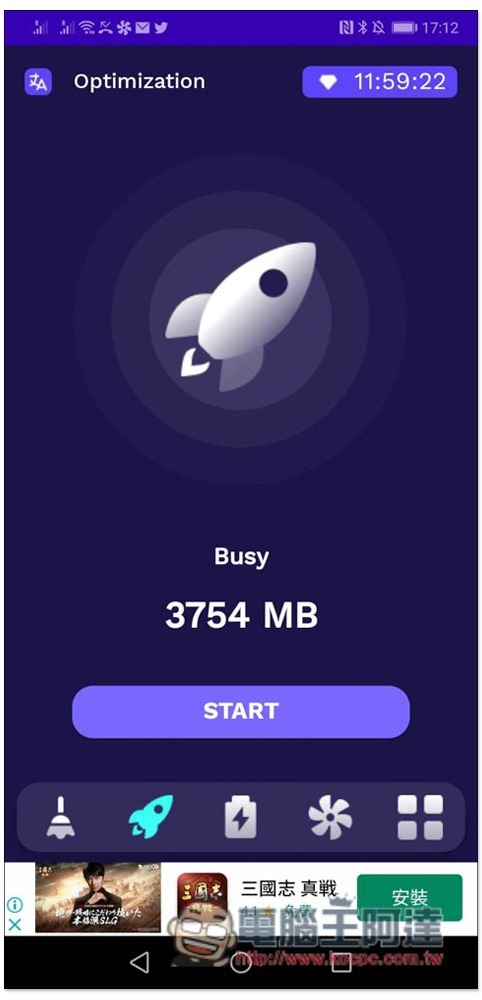
Optimization is the performance optimization part. You can also click START below to optimize with one click without setting or adjusting anything:
Energy Saving is quite special. It can help you extend the battery life of your mobile phone. There are three configurations: 20 hours, 30 hours and 64 hours. I am skeptical about this. After all, the hardware and battery capacity of each mobile phone are different. How can each one be able to extend the battery life for so long? But those who are interested can still give it a try:
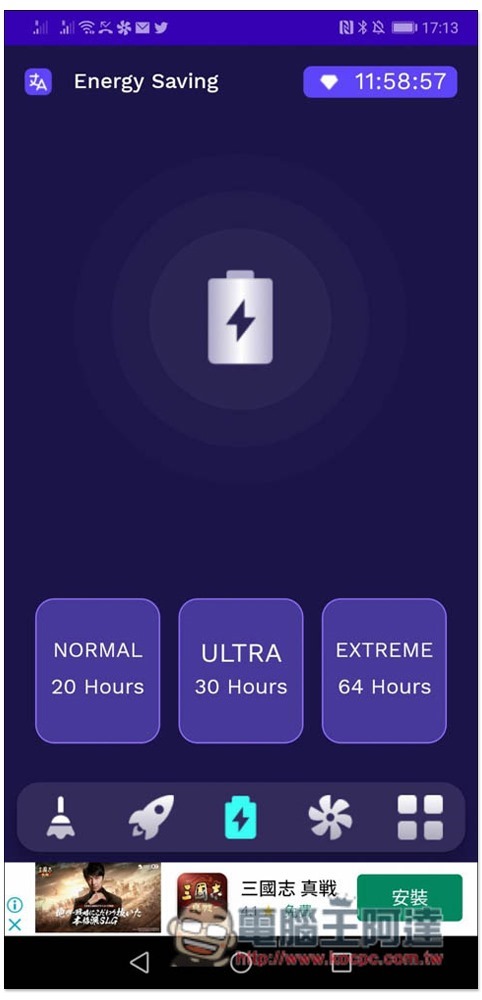
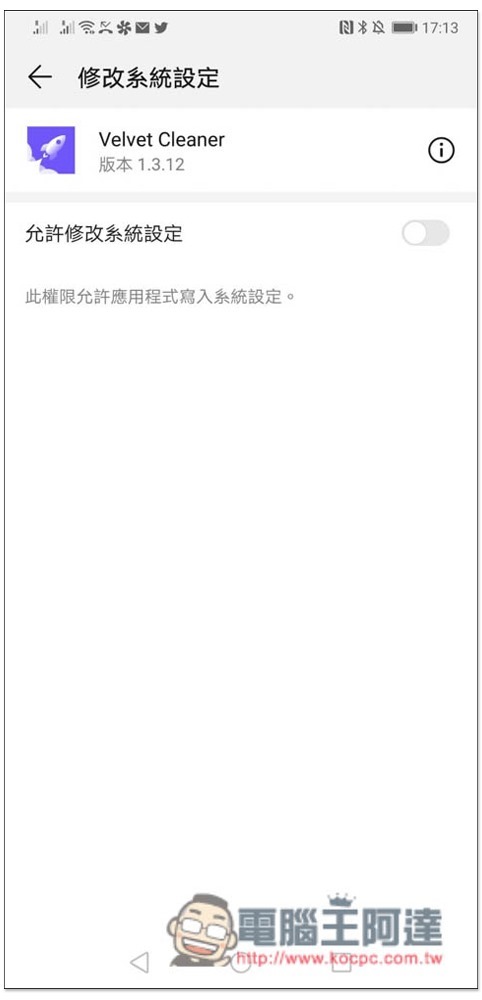
However, this function must allow modification of system settings. Those who are worried are advised not to:
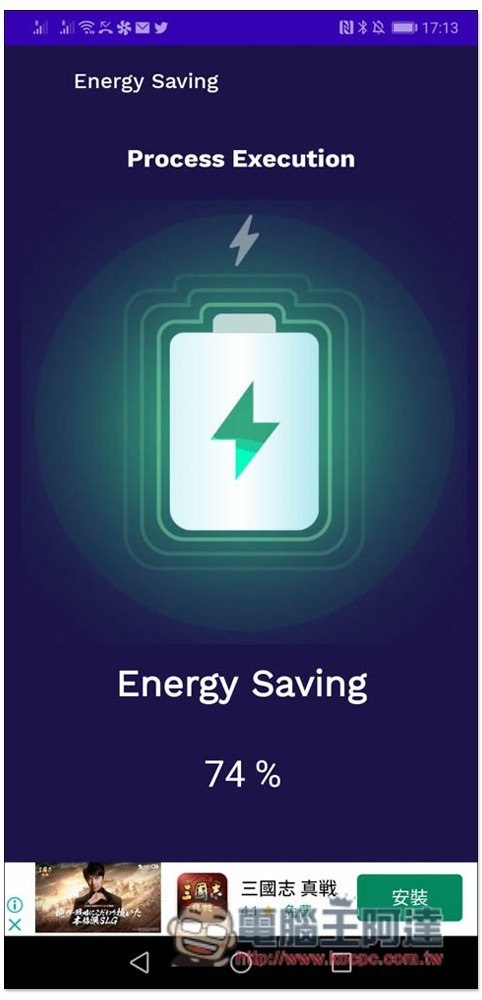
The optimized animation is pretty cool:
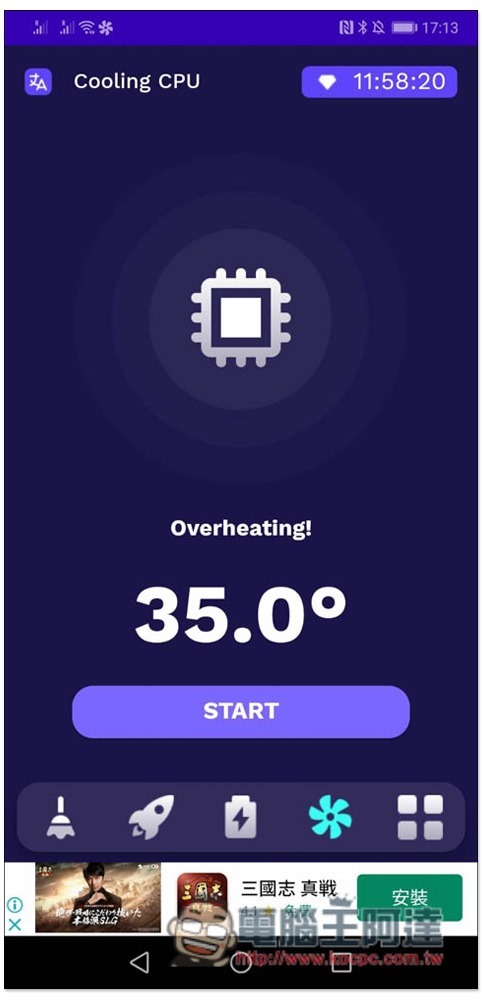
Cooling CPU can cool down the temperature of the mobile processor, and it seems to be really helpful in my test. My original temperature was 35 degrees:
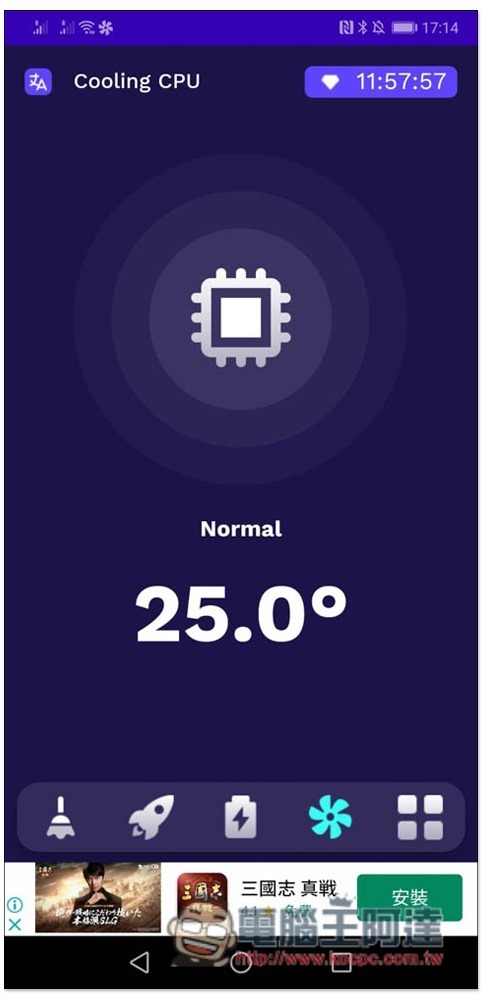
After optimization, it became 25 degrees. I waited for a while and the back of the phone felt less warm:
Finally, I would like to remind you that this kind of App can only assist optimization at most, that is, it allows you to use your phone more smoothly, and cannot provide additional performance.
Source: KOCPC Chinese