


Recently, my computer’s hard drive space started to show warning signs. I also tried deleting some files and software that I knew I was not using, but still couldn’t free up more space, so I was looking for free software that could quickly find large files on the hard drive. Finally, I found this useful Space Sniffer, which can easily scan with one click and display the results in a modular manner, allowing us to quickly find useless large files.
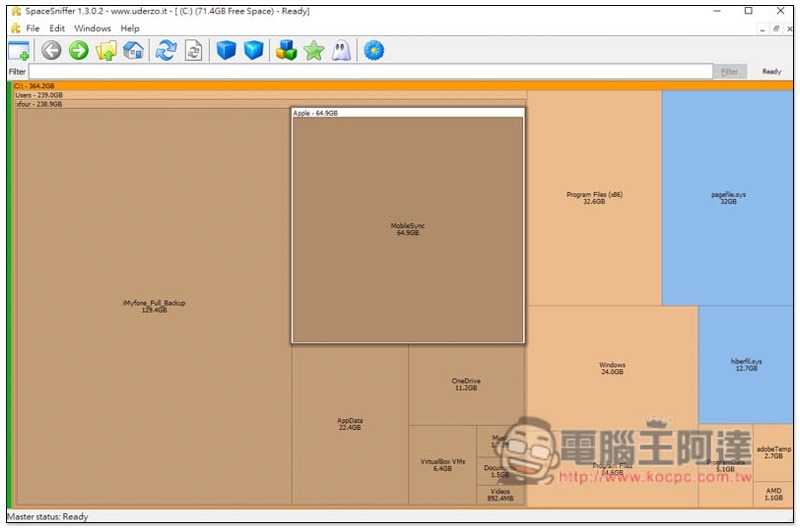
Space Sniffer is a free software that finds large files on your hard drive with just one click.
Space Sniffer supports Windows 10, Windows 8, Windows 7, Windows Vista and Windows XP, and is completely free.Click me to go to the official website download pageFinally, select the place you want to download, I’ll take FossHub as an example:
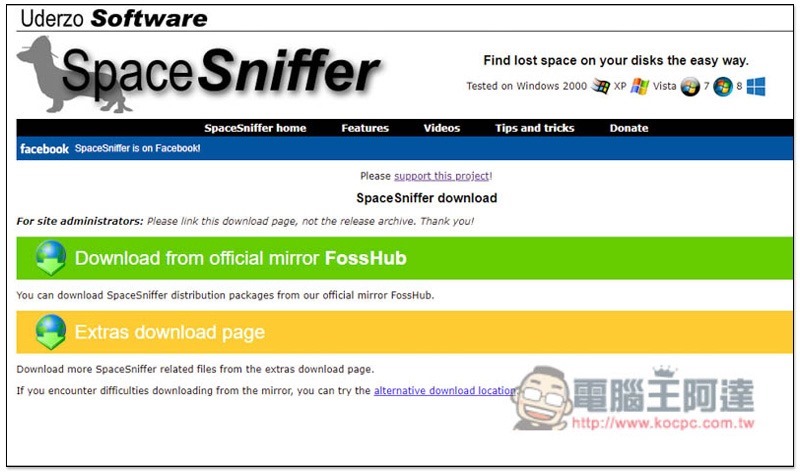
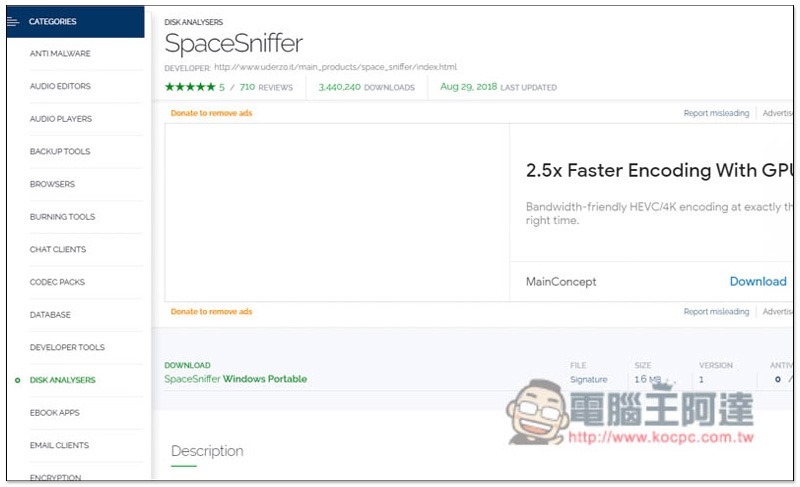
Then it will jump to the FossHub page. Press DOWNLOAD and the SpaceSniffer Windows Protable will start downloading. There is no need to install the green version:
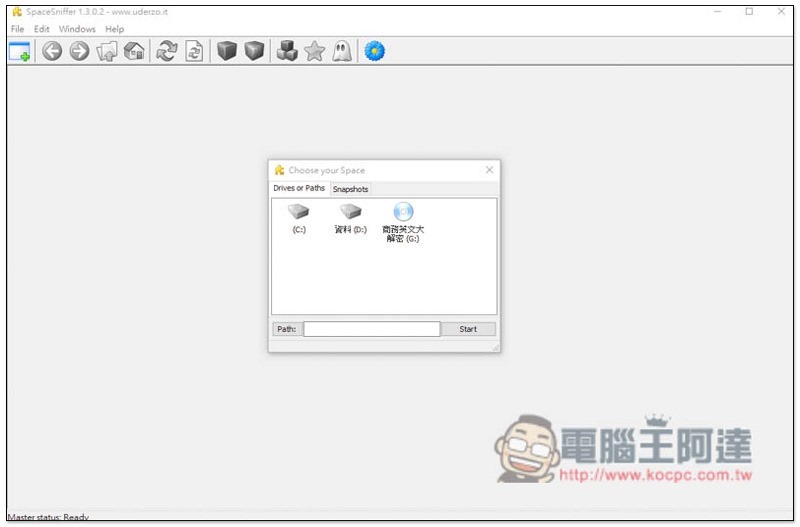
After downloading and opening it, you can select the hard drive you want to scan. Some warnings may pop up during the scanning process, but you can ignore them:
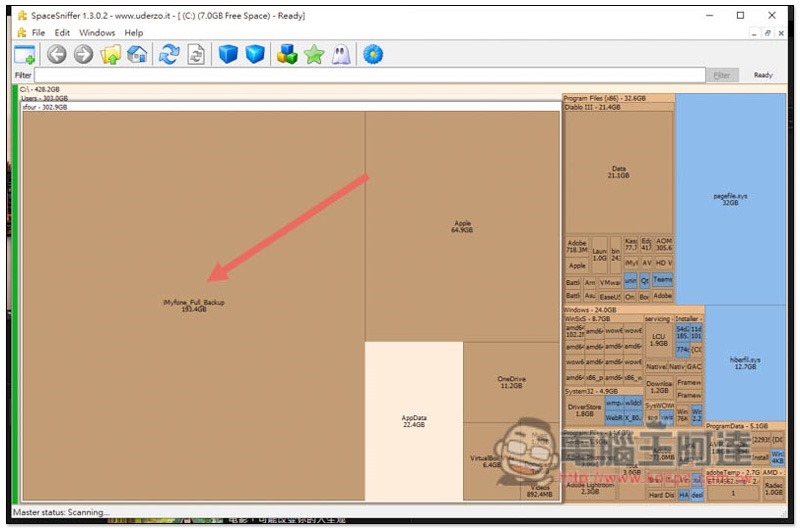
After the scan is completed, the screen will be displayed in a modular manner. The files on your hard drive are displayed from the largest to the smallest. The larger the module, the more space it takes up. After using this scan, I discovered that my iMyFone backup occupies nearly 200GB, and Apple also has more than 60GB. No wonder I can’t free up a lot of space no matter how I delete it:
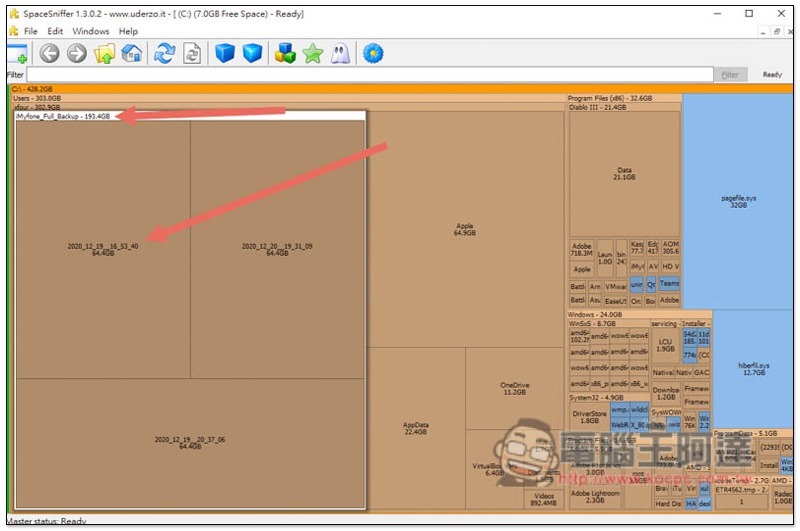
Click to view the internal files. I have three iMyFone backups, each taking up over 60GB:
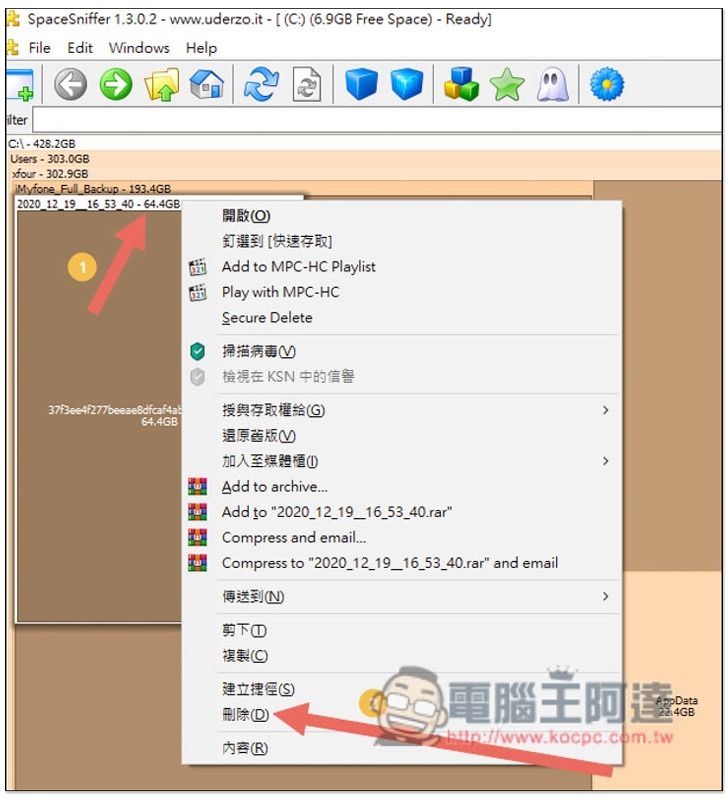
And if you want to delete, you can find the “Delete” function after opening the right-click menu:
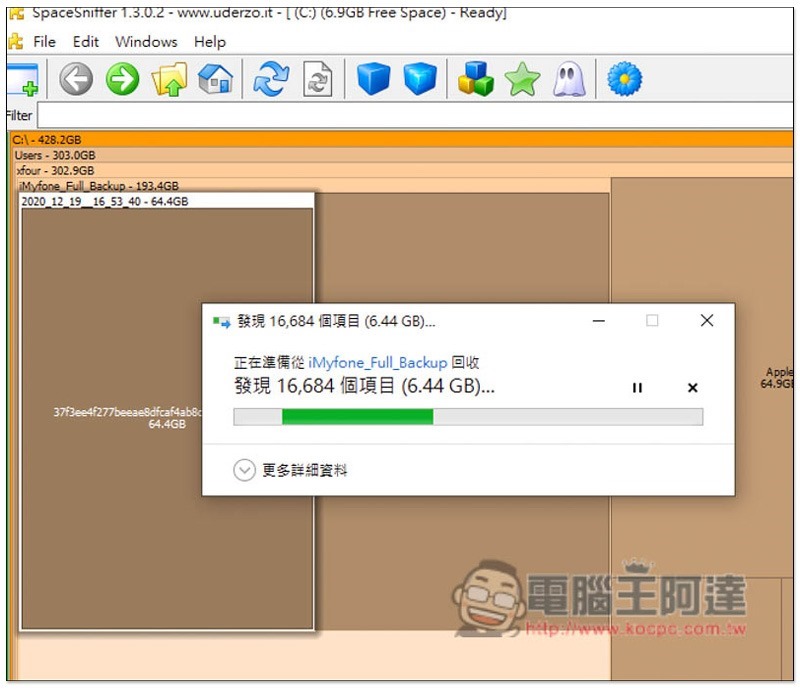
Then the deletion will begin. Remember to clear the recycle bin after deletion:
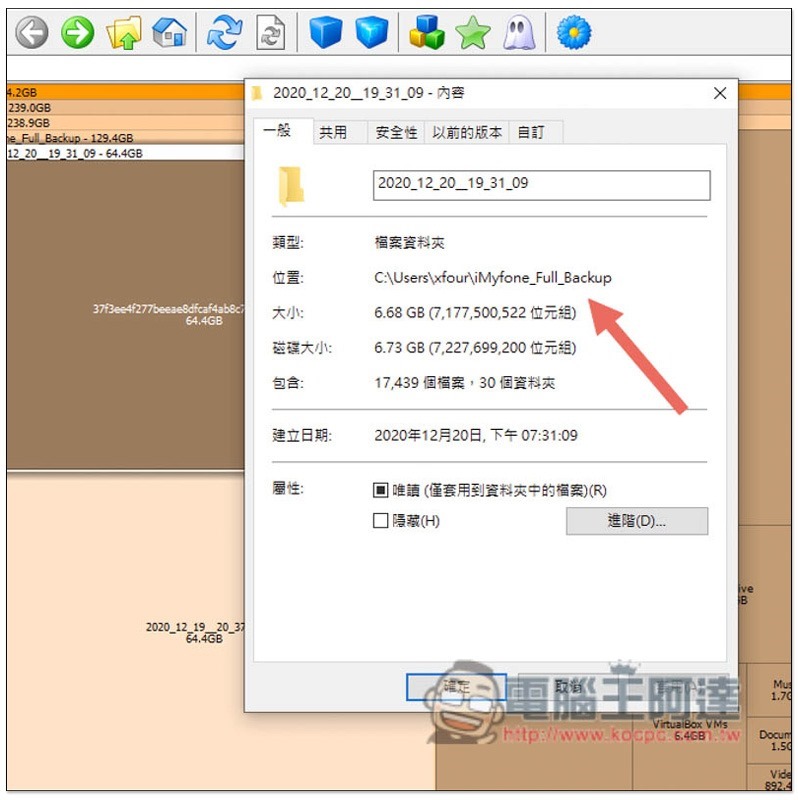
If you want to open a folder to view files, this set does not have built-in related functions, but you can find the path by browsing the “content” of the folder or file:
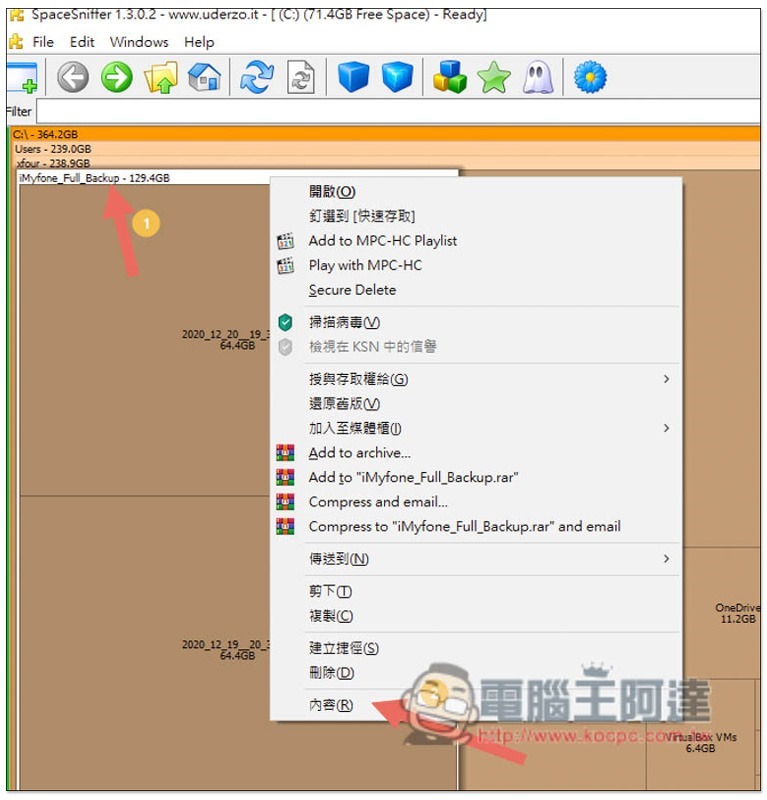
As shown in the figure below, copy the location path and paste it in the path field of the file manager, and it will jump directly to the folder location:
People who often don’t understand why hard drives fill up so easily are highly recommended to use this set of scans to find the culprit.
Supplementary information
- Space Sniffer official website:Click here to go
Source: KOCPC Chinese