


Chunghwa Post launched a new “3+3” postal code at the beginning of this year. Different from the original 3+2 postal code, the first 3 digits are the administrative area code and the last 2 digits are the delivery section number. The last 3 digits of the new 3+3 postal code can be sorted into delivery sections, allowing postal operators to simplify sorting operations and speed up mail delivery time and delivery efficiency.
However, many people are still not familiar with the new 3+3 zip code. You might as well use the “Find 3+3 zip code” online query tool introduced in this article to quickly query the zip code, and even directly query the English address translation simultaneously.

Find 3+3 zip code, quickly check zip code and address translation
I believe that people who frequently use domestic and foreign shopping websites for online shopping will inevitably be troubled by not being able to remember postal codes and English addresses. In addition to the latest 3+3 zip code, many people are still unfamiliar with it. Today, let’s use the “Find 3+3 zip code” online query tool, which can help you directly query detailed address information, zip code and English address translation.
Find a 3+3 postal code:Click here to go
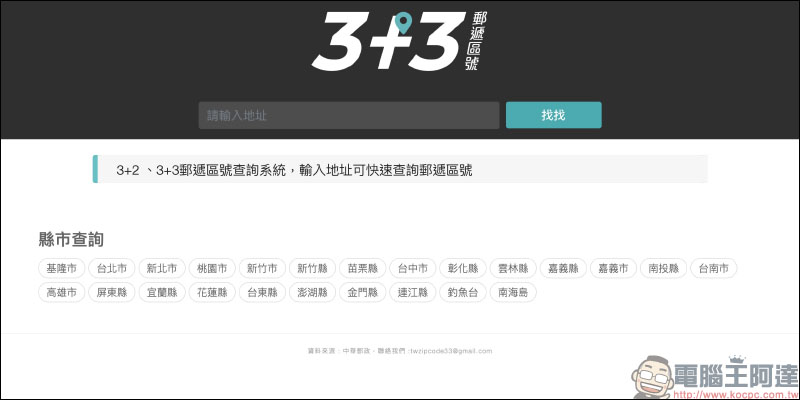
First, open the “Find 3+3 ZIP Code” online query tool and click on the county or city:
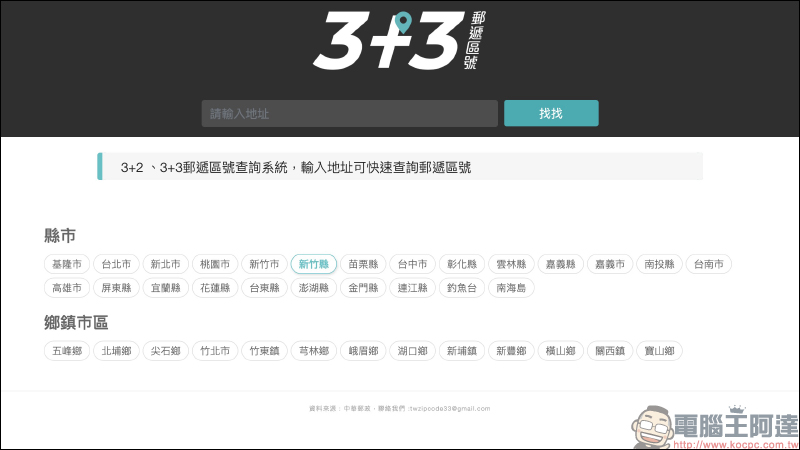
Then click on the township or city to proceed to the next step:
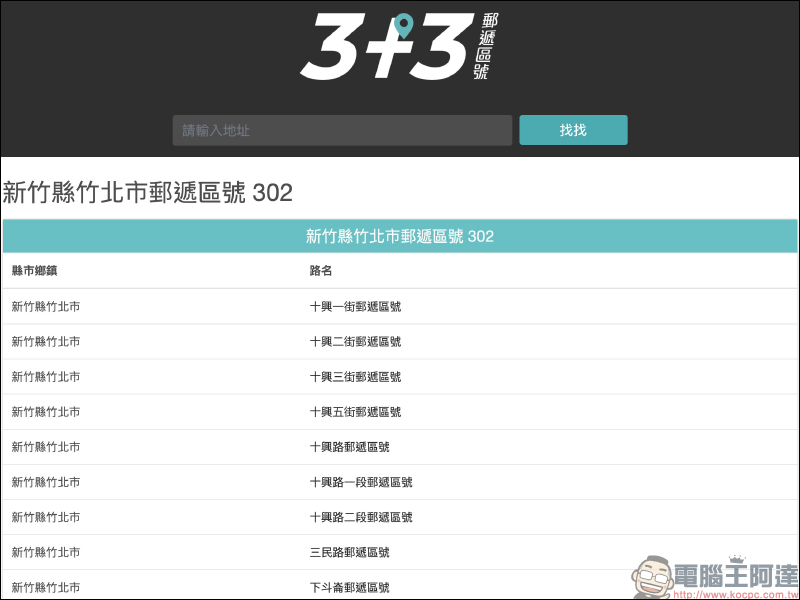
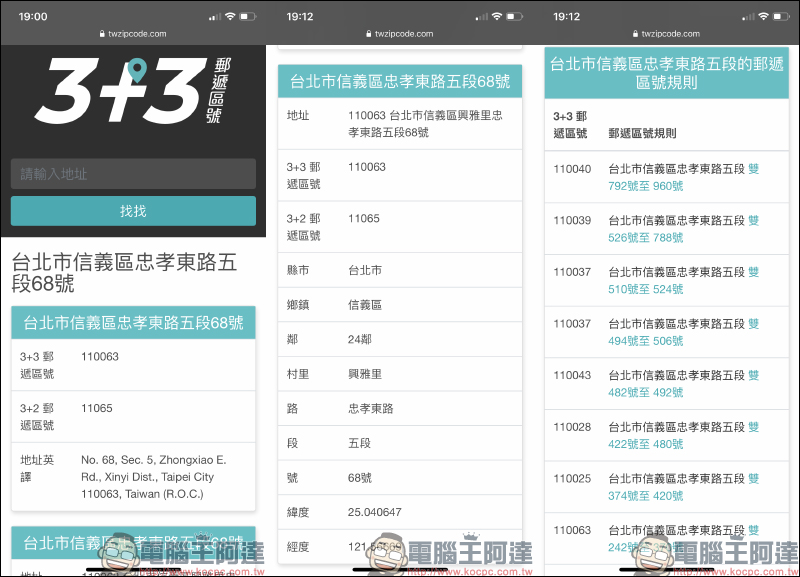
Next, the list will integrate all street names that match the filtered items. Just click on the street you want to query:
Different house numbers will also correspond to different 3+3 postal area codes. At this time, you only need to identify the house number to directly know the correct 3+3 postal area code!
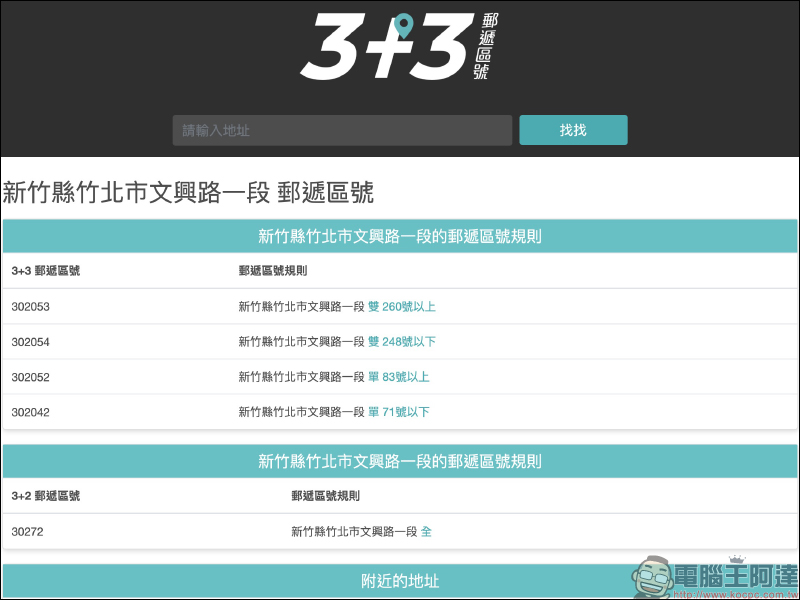
If you have exact address information, you can also use the text input field to enter the address and click “Search” to query. If you query with a complete address, in addition to displaying the 3+3 zip code, 3+2 zip code, and even the translated English address, you can view it at once. This feature is very convenient for consumers who need to order goods from foreign shopping websites!
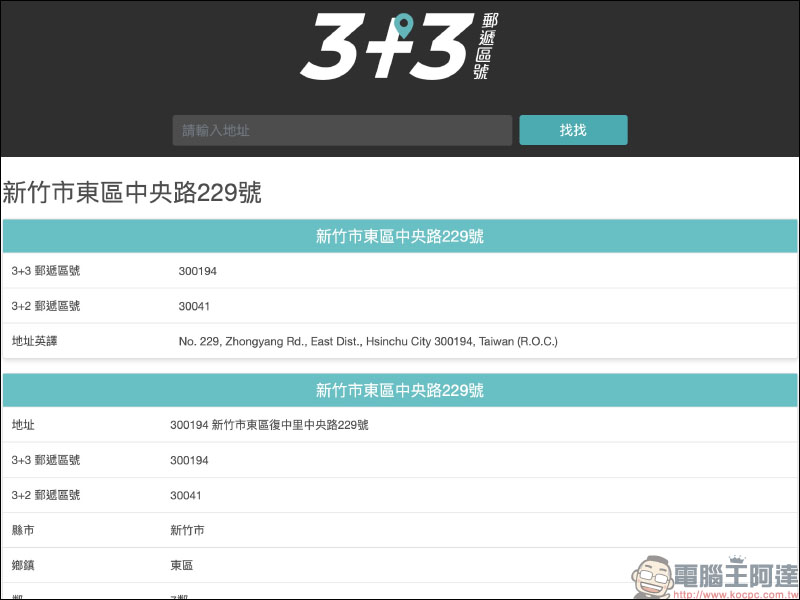
Since the “Find 3+3 Postal Code” online query tool is in web form, you can easily query it whether using a computer, tablet, or smartphone:
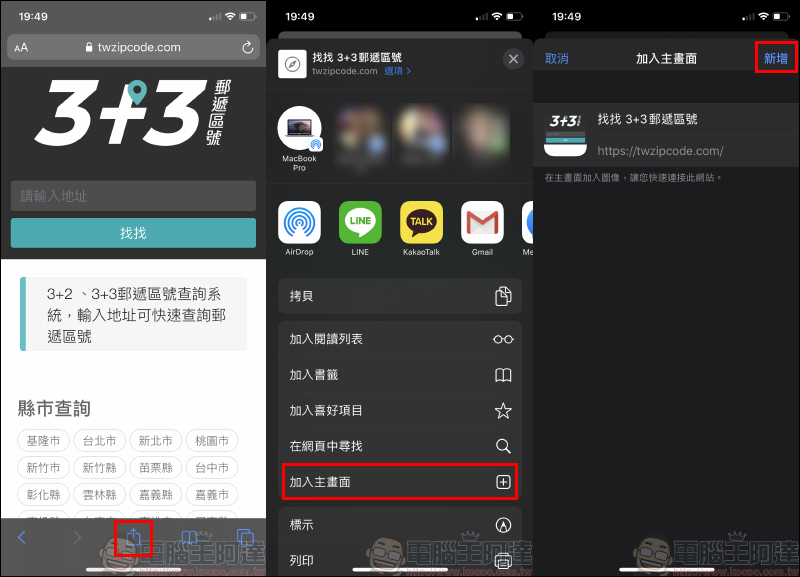
iOS users can also add “Find 3+3 postal code” to the home screen, so that they can quickly open it directly on the home screen:
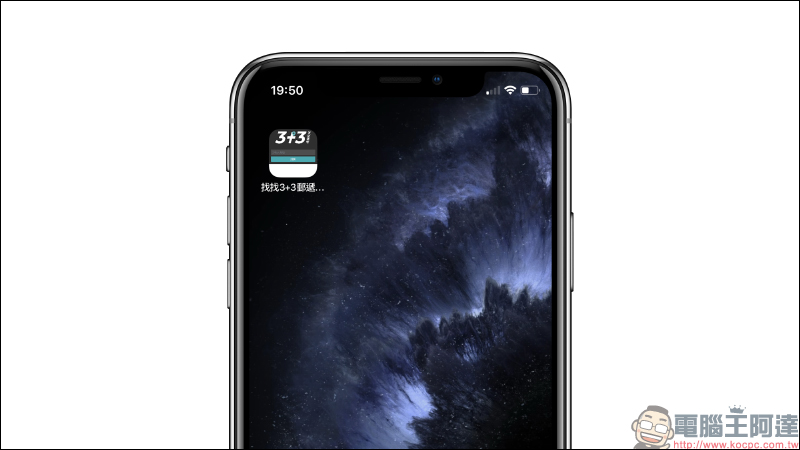
After successfully joining the main screen, click to open the “Find 3+3 Postal Code” online query tool:
Find a 3+3 postal code:Click here to go
Further reading:
Nute is a text-only online notepad tool that saves content instantly and can also be downloaded and saved as a txt file.

LINE installation-free plug-in version, Chrome version only has LINE memo function
Source: KOCPC Chinese