


As AI gets better and better at coding, although it was already possible to guess that software companies will likely find it increasingly difficult to survive in the future—especially as AI companies like Claude and OpenAI also join the fray—I didn’t expect the pace to seem to be accelerating so quickly. After Claude entered the Office market, it earlier launched a brand-new killer feature, “Install as app,” which lets Artifacts tools created on Claude be installed directly as Mac and Windows applications, with their own icons and windows, and used just like regular software.
And it’s not just about switching windows—installed apps can also send notifications, appear in the menu bar, and, if you grant them permission, even read and write files on your computer. More importantly, this feature is also available to free users and is currently being rolled out gradually.
However, one thing to note is that these apps are not software that runs completely independently of Claude. Even after they are installed on a computer, they still require an internet connection when opened and require you to remain logged in to your Claude desktop account, so they cannot be used offline like some traditional software.
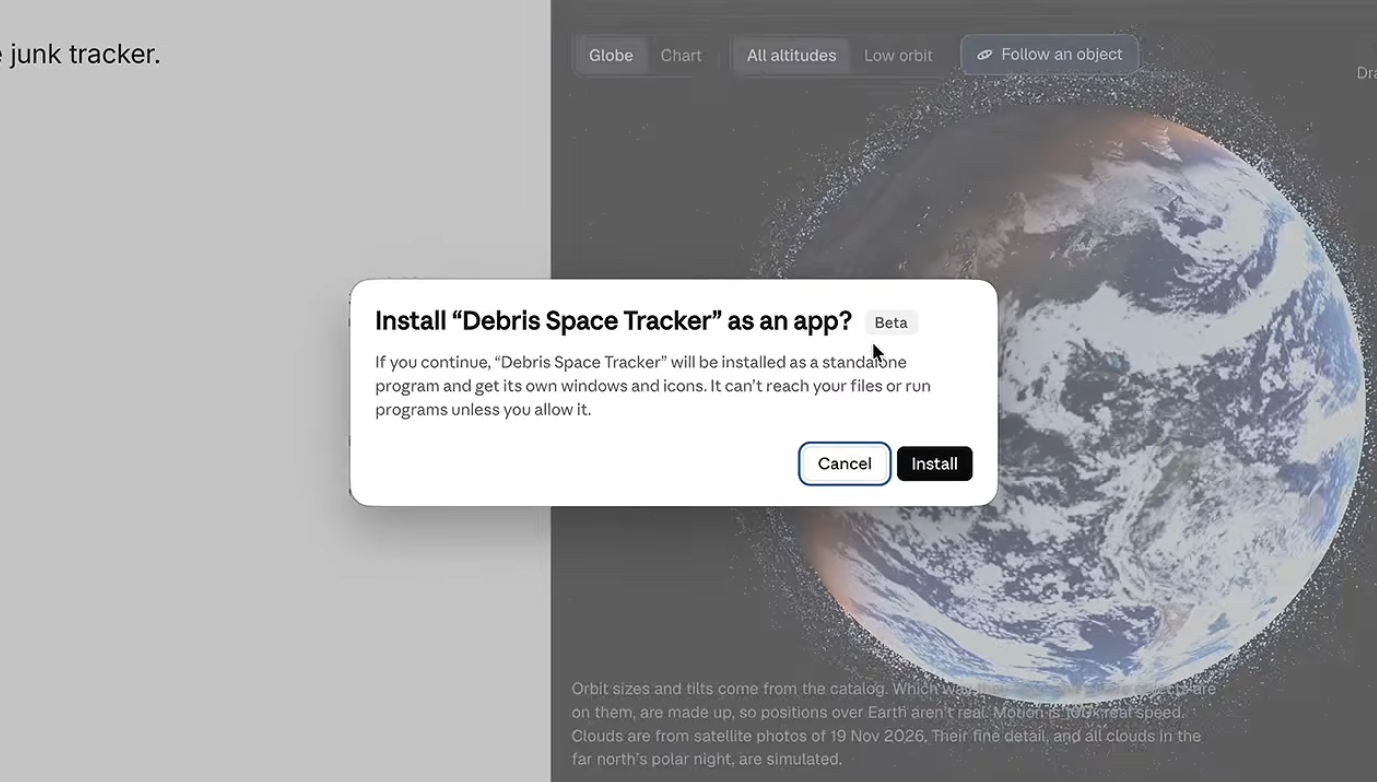
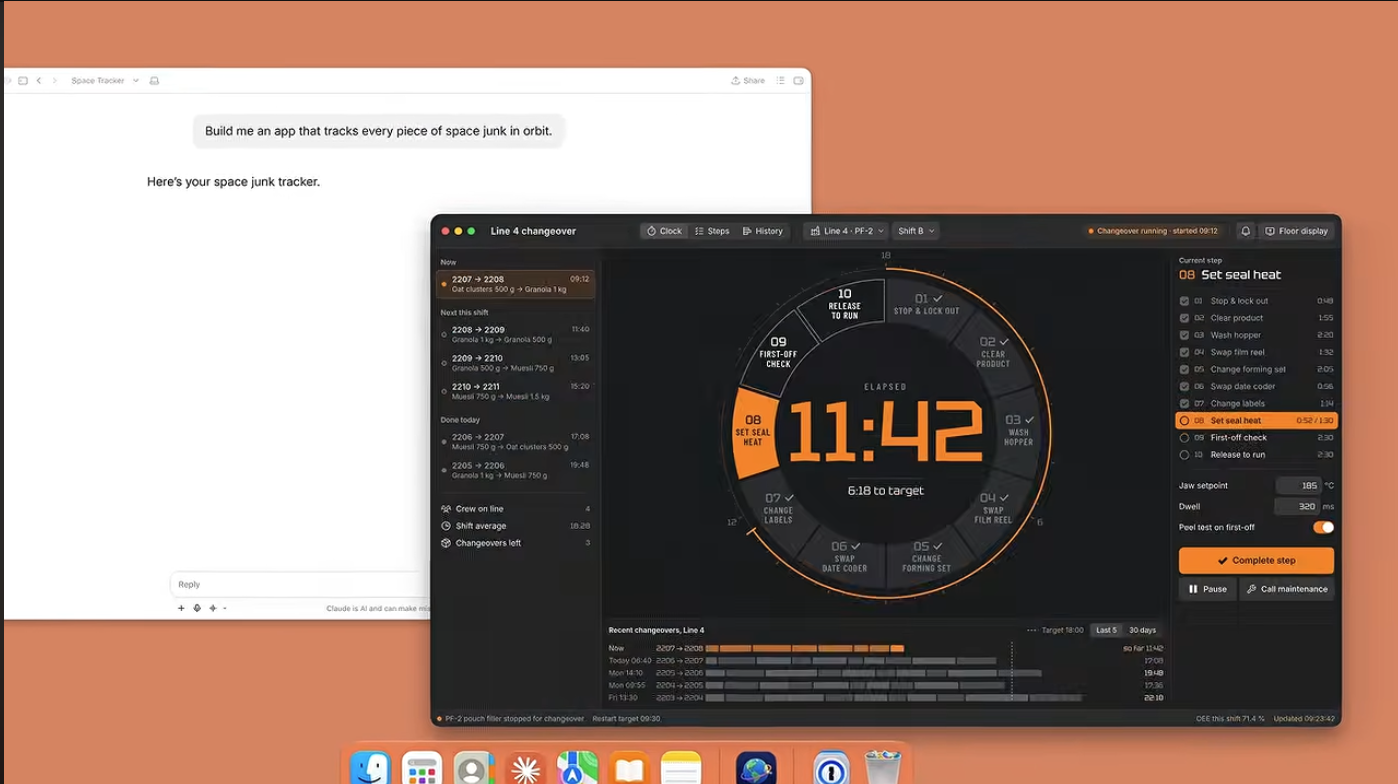
Claude launches Install as app! Small tools built with Artifacts can now be installed directly as Mac and Windows applications.
Anthropic announced on its official website.Claude for Mac and Windows has begun rolling out a testing feature called “Install as app.” With this feature, you can install the little tools Claude generates for you directly as applications on your computer, whether for your own use or to share with others. The whole process requires no packaging or signing, and no API key application or separate login—just use your own Claude account. Once installed, the app will have its own icon and open in a separate window:
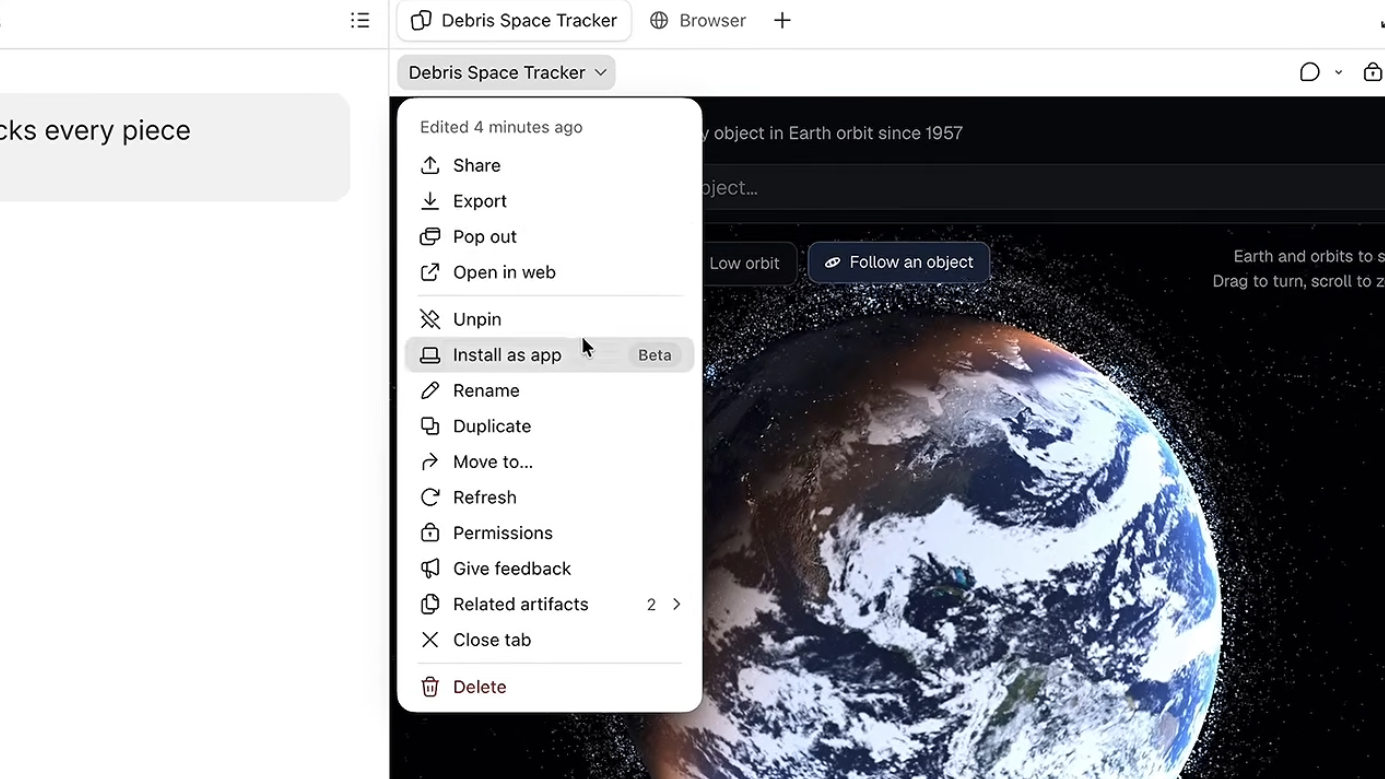
On Mac, it will be in the Claude Apps folder inside the Applications folder. You can search for it with Spotlight or pin it to the Dock. On Windows, you can open it from the Claude Apps folder in the Start menu or from the desktop shortcut.
Note, however, that installing does not create a separate copy. The app and the original Artifact are the same content, so if you go back to Claude and modify the Artifact, the app will automatically update as well, with no need to reinstall—which is pretty nice. In addition, the app can still invoke Claude, use the connectors you’ve already connected, and be shared with others.
The most important part of this feature is the permission design. Anthropic divides what the App can do into three levels:
- Default: only do what can be done in a browser.
- App permissions: You can request commonly used features that Claude can strictly control, such as keeping windows always on top, global shortcuts, sending notifications, and icons in the Mac menu bar or Windows system tray.
- Full computer access: can run programs and read, modify, or delete your files without asking each time.
For apps with a menu bar or system tray icon, closing the window doesn’t quit them—they keep running in the background. On Mac, press Cmd+Q or quit from the Dock; on Windows, choose “Exit” from the system tray icon.
Also, if the tools created have file read/write capabilities, there is a certain risk involved. Therefore, Claude’s current approach is that permissions are only valid for the current version of the App; after the App is updated, even if you made the changes yourself, Claude will ask again. And permissions you have denied will remain denied until you change them yourself.
Full computer access is also restricted: you can only authorize apps you made yourself. With the Team and Enterprise plans, you can authorize apps made by members of the same organization.
In other words, on the Free, Pro, Max, and Ultra plans, anyone other than you is considered “outside the organization.” If part of an app’s code was written by someone outside the organization, or Claude cannot confirm who the author is, it generally won’t be allowed to have full access.
Anthropic also specifically cautions that it does not review these apps before installation, so only grant full access to apps you trust.
If you no longer want to use it after installation, go to File > Apps in the Claude desktop app, select the app, and click Uninstall. Any permissions you have already granted will also be revoked, and the original Artifact will remain in Claude.
Regarding usage, requests the app sends to Claude all count toward the plan’s usage quota, so keep that in mind.
Below is the current availability status of each plan:
| Plan | Install as app | Full computer access |
|---|---|---|
| Free、Pro、Max、Ultra | Beta versions are being rolled out one after another. | An App you can only make for yourself. |
| Team | Enabled by default | Off by default; an administrator must enable it; an app that can be made for members of the same organization. |
| Enterprise | Disabled by default; the owner must enable it in Organization settings > Artifacts. | Disabled by default; an app that can be made available to members of the same organization. |
| HIPAA-ready organizations, hybrid deployments | Cannot be used | Unavailable |
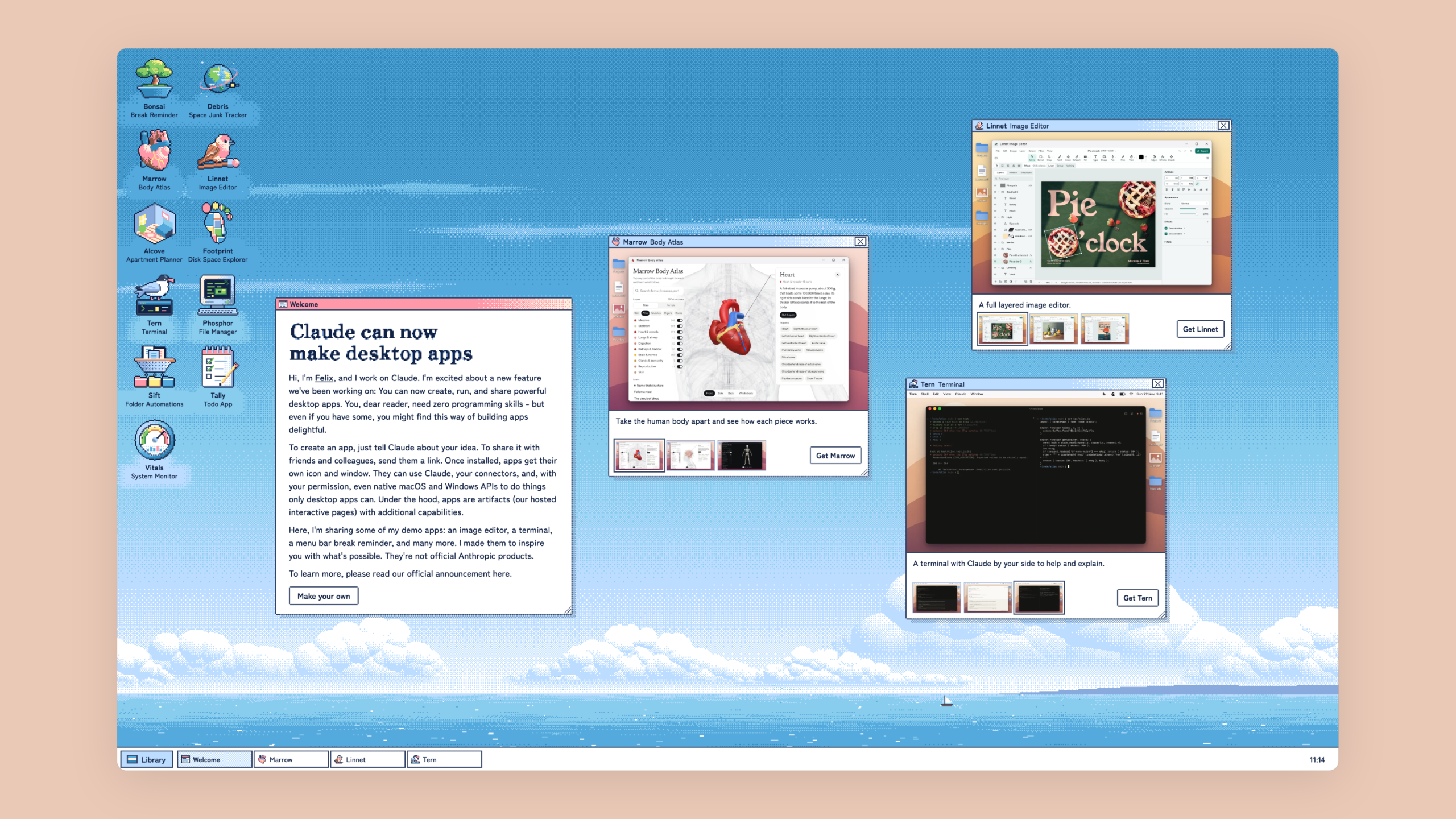
Anthropic also shared five demo apps made by employees, ranging from image editing to system monitoring:
- Linnet: Complete layered image editor
- Phosphor: File Manager
- SiftAfter setting folder rules, have Claude help organize the files.
- Tern: A terminal with built-in Claude assistance and explanations
- Vitals: Placed in the menu bar or system tray to view computer performance.
The official release also includes a collection of demo apps built by engineers, which anyone interested can open and try out.
Source: KOCPC Chinese