


Since the beginning of this year, YouTube has continued bringing rich mobile experiences to the big living-room screen, with frequent moves ranging from “Ask YouTube” on TV to a dedicated “Shorts” section exclusively for Google TV. According to the latest post by YouTube CEO Neal Mohan on social platform X, the company has officially introduced “Voice Comments” to the global TV version of the YouTube app, further enhancing the social interaction experience on the big screen.
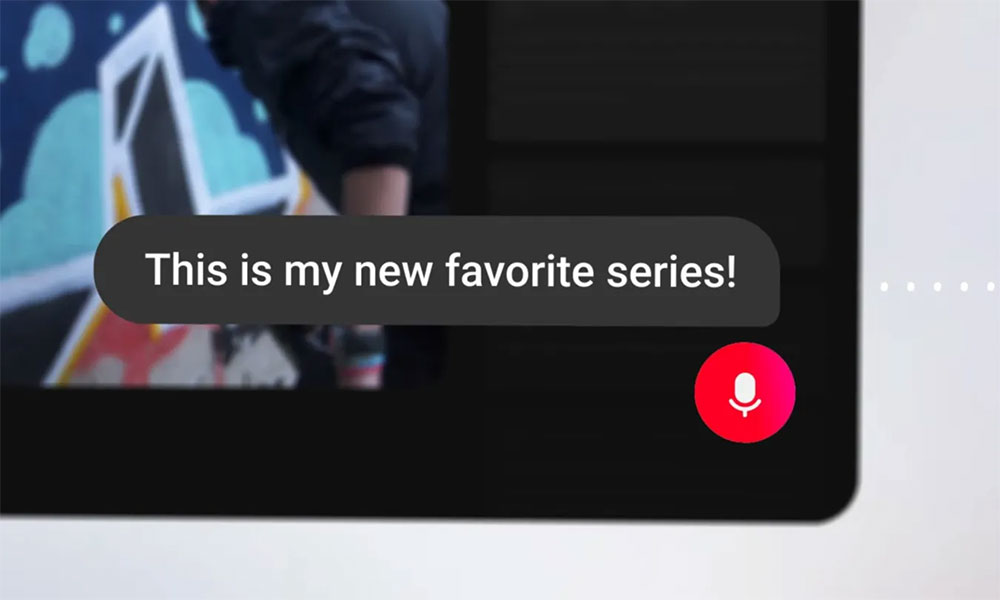
The YouTube TV app has officially launched its “voice message” feature worldwide.
For viewers accustomed to watching videos on TV, leaving a comment used to be sheer torture—using a directional-pad remote to peck out one letter at a time on a virtual keyboard, often giving up before finishing the message. Now, you can simply speak and have it converted into text; as long as speech recognition is accurate enough, this undoubtedly greatly lowers the barrier to interaction on TV.
In fact, a month ago YouTube announced in its official viewer community that this update would be “rolled out gradually to most supported smart TVs worldwide.” Now that Mohan has directly stated that the feature “has officially launched globally,” it also means the phased rollout has come to an end. However, YouTube’s official help page still notes that the feature currently supports only “most” smart TVs, and not all models are compatible.
One of the top requests we’ve heard is for an easier way to join the conversation while watching @YouTube on TV. Voice commenting is now live globally on supported smart TVs. Just open comments with your remote, select “Use Voice,” say what you want to share and post. 📺 https://t.co/n0ZsZK5BvF
— Neal Mohan (@nealmohan) November 23, 2026
How do I use voice messages on the TV version?
- To easily leave a message from your living room sofa using your voice instead of your hands, just follow the steps below:
- On the video playback page, click the video title, then go to the comments section.
- Click “Comment as…” and confirm your account name, and the “Use voice” option will be displayed by default.
- Depending on the remote control’s hardware design, you can start speaking by briefly pressing or holding the microphone button.
- The system transcribes speech into text in real time. Once you confirm it is correct, click “Send”; if you are not satisfied, you can select “Redo”.
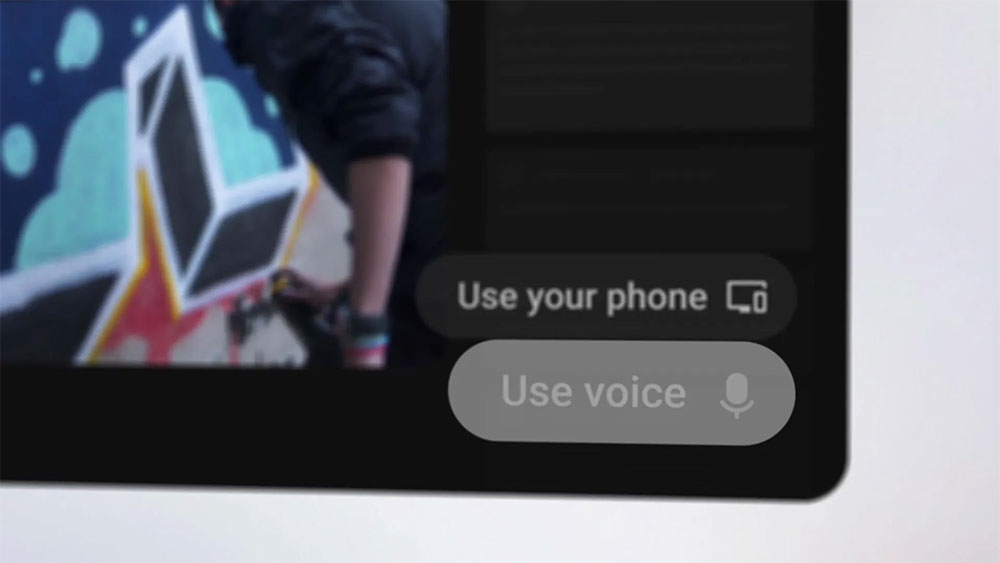
Since YouTube does not publish a complete list of compatible TV models, users must open the comments section in the TV app themselves to check whether a “Use voice” button appears on screen. In addition, if you plan to post a long comment, typing on your phone is still the fastest method: just make sure the TV and phone are signed in to the same Google account, select “Use phone” in the TV comment interface, and the YouTube app on your phone will automatically pop up a window and load the comment section for the current video, letting you seamlessly finish typing.
Source: KOCPC Chinese