


Google has recently launched a major feature upgrade for its AI assistant Gemini, officially rebranding and expanding its existing custom instruction feature “Gems” into “Custom Skills (Skills).” This update not only gives the feature a new positioning but also removes the previous limitation of only being able to upload local files, fully integrating with the Google ecosystem and introducing multi-user collaboration mechanisms, taking the efficiency and practicality of AI workflows to the next level.
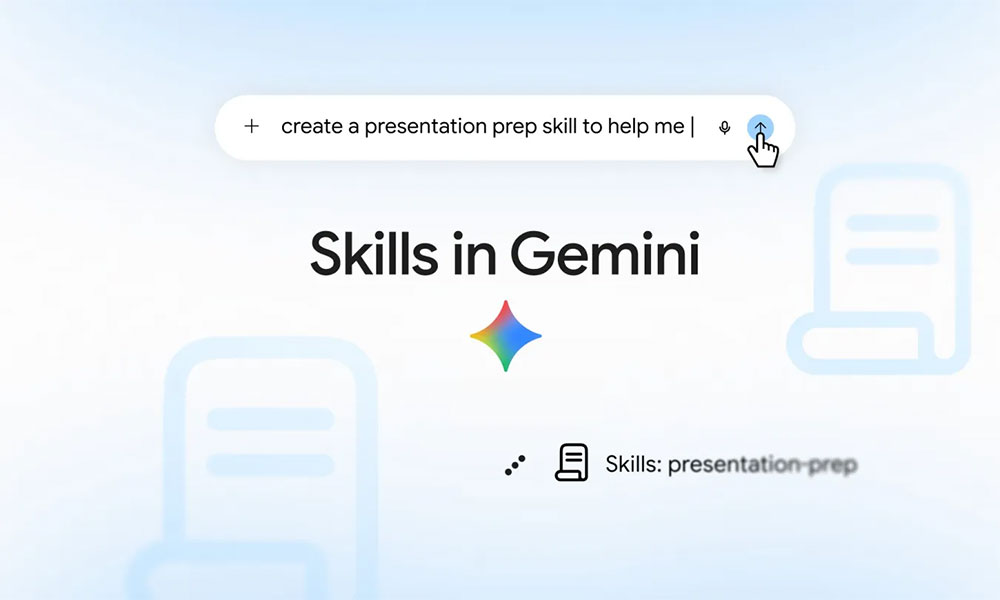
Google Gemini major update! “Custom Skills” now supports real-time cloud file syncing, and tuned AI can be shared directly with colleagues.
For users encountering this concept for the first time, “custom skills” are essentially a set of reusable customized instructions that help users quickly and accurately produce results that meet specific needs. In this upgrade, Google has significantly broadened the boundaries of data sources. Previously, when creating instructions, users could only rely on static files uploaded from the local device; now, users can import relevant resources directly from Google Drive, Gemini Notebook, and Google Photos.
The biggest technical highlight of this change is “real-time data synchronization.” Because custom skills connect directly to cloud sources, the system ensures Gemini always reads the latest version of a document or photo. Whether it’s a startup team updating its brand visual guidelines at any time, educators dynamically adjusting a course syllabus, or family members jointly maintaining a family calendar, no one needs to repeatedly re-upload files manually—the AI can always stay up to date.
In addition to improving individual productivity, Google has also built social and collaborative elements into custom skills. Users can now share the skills they have trained directly through the Gemini web app with colleagues, friends, or family. To balance information security and collaboration flexibility, sharers can set view or edit permissions for recipients when sending a link. Recipients receive an automated email notification and can preview the content before officially adding the skill to their personal Gemini sidebar, greatly lowering the barrier for teams to adopt AI tools.
Skip the repetitive prompting and jump straight to the results with skills in Gemini. Skills are saved sets of instructions for specific tasks that you do time and time again. Think of a skill like a shortcut, ready whenever you need it. 🧵
— Google Gemini (@GeminiApp) September 30, 2026
While enjoying the convenience, users still need to pay attention to two technical specifications:
- Size limit: The total size of files attached to a single custom skill is limited to 100 MB.
- Permission linkage: If a shared Skill includes Google Drive files, the sharer must ensure that the recipient also has “View” permission for these files; otherwise, the AI will not be able to read the background data properly.
This “Custom Skills” update has now officially begun rolling out in phases and is expected to gradually become fully available to all personal Google Accounts and Google Workspace subscribers, at which point users will be able to experience this new feature in the Gemini app across platforms.
Source: KOCPC Chinese