


These days, many people probably use ChatGPT to generate images, but the free version of ChatGPT has a limited number of images it can generate and you’ll quickly max it out, so it may not be enough for some people. This article is going to recommend a super useful free online tool, Duck.ai. No account registration is required. After opening the Duck.ai website, you can directly use GPT Image 2 to generate images, and the daily free allowance it gives is also fairly generous, making it great as a backup.
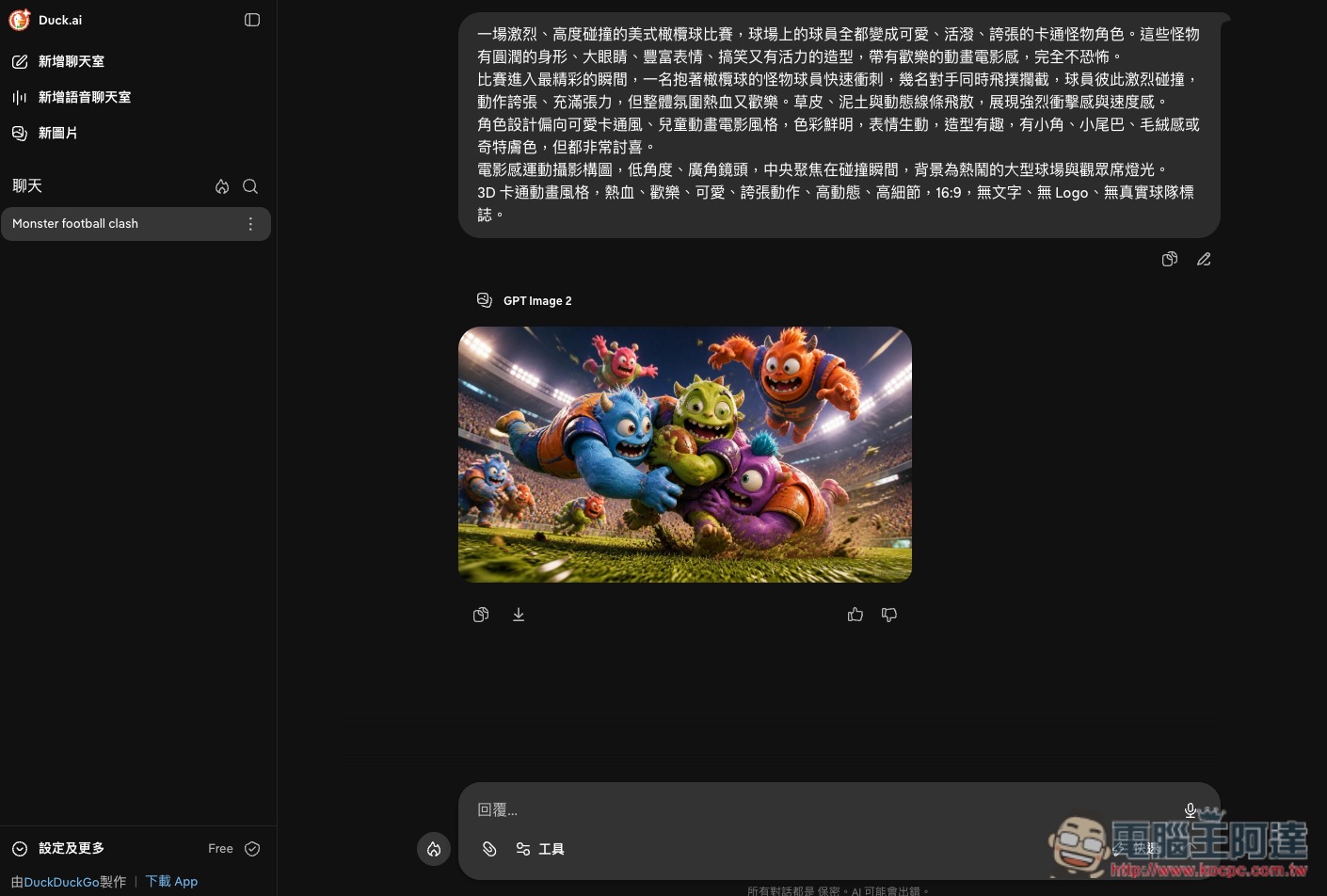
Duck.ai lets you use GPT Image 2 image generation for free without signing up.
Duck.ai It is an AI service launched by the privacy search engine DuckDuckGo. Simply put, you can think of it as a platform where you can use multiple AI models without registering an account. You can start using it by opening the Duck.ai website directly in your browser, with no need to download extra software, and no forced login, making it quite convenient for people who only want to use AI occasionally.
At first, it mainly focused on AI chat features, used in much the same way as tools like ChatGPT, Claude, and Gemini: you can simply type in a question and ask the AI to help organize information, write articles, translate, summarize content, or handle various text-related tasks.
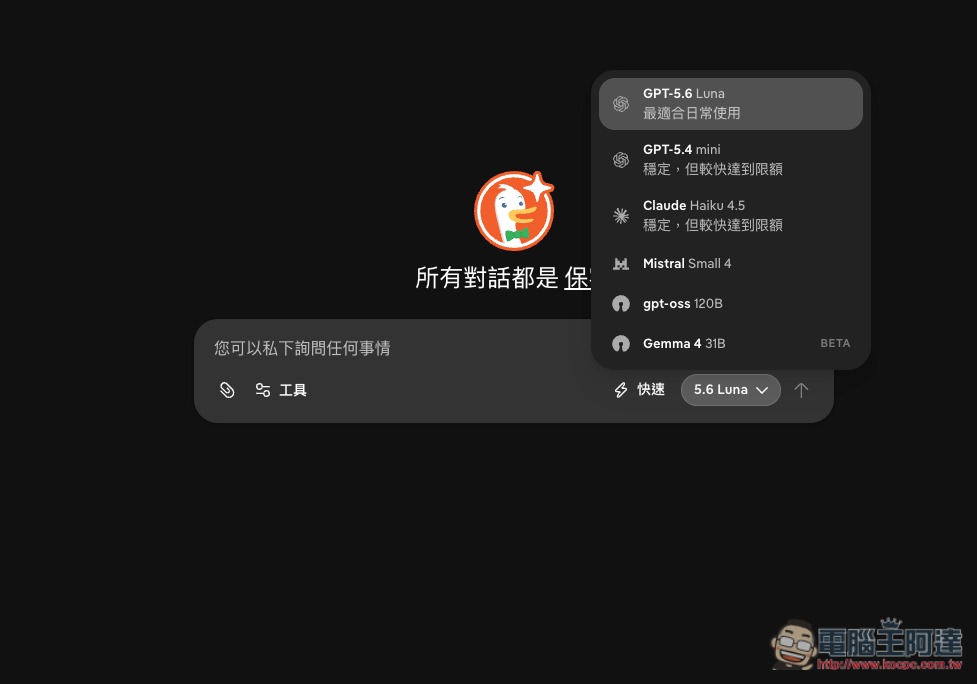
What’s particularly notable is that Duck.ai doesn’t offer just a single AI model, but integrates models from multiple companies. The current free version already lets you use models from OpenAI, Anthropic, Mistral, and others, including GPT-5.6 Luna, GPT-5.4 mini, Claude Haiku 4.5, Mistral Small 4, as well as gpt-oss-120B, Gemma 4 31B, and more. Users can switch according to their needs without having to go to different AI websites separately to sign up for accounts:
Duck.ai also follows the same privacy-focused direction it has consistently emphasized, making its use of AI somewhat different from typical services. When you send a question through Duck.ai, DuckDuckGo first anonymizes the request—for example, by removing information such as IP addresses that could identify the user—and then sends the content to model providers such as OpenAI and Anthropic for processing.
By default, Duck.ai chats are not recorded or stored, and these conversations are not used by DuckDuckGo or the underlying AI model providers to train models.
In addition to chat, Duck.ai also supports “AI image generation,” and the model it offers is OpenAI’s GPT Image 2.
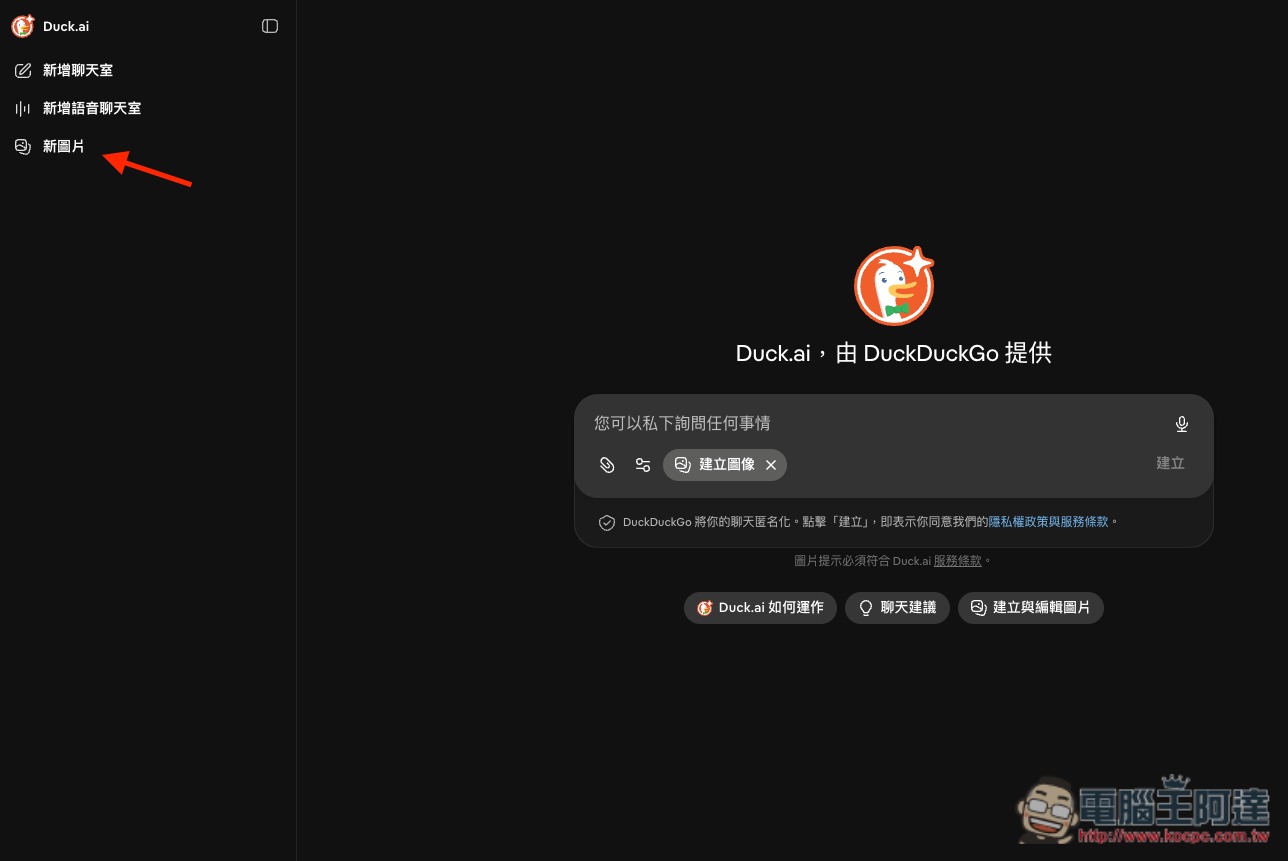
enter Duck.ai After that, click New Image on the left to enter Create Image mode. Then you can enter the prompt into the box and submit it:
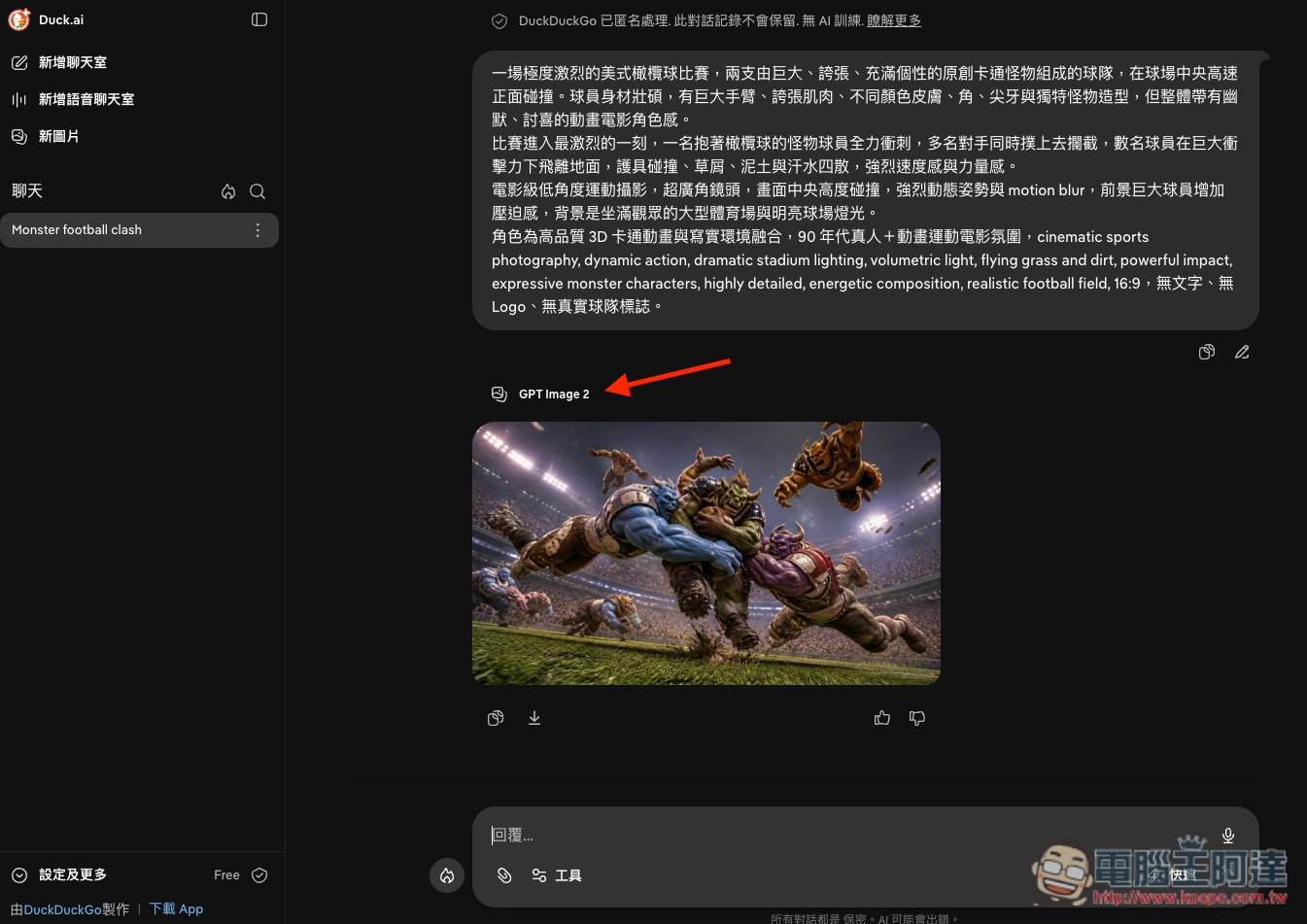
After the image is generated, the top will indicate which model was used to generate it:
Of course, like other AI services, Duck.ai’s free version doesn’t offer unlimited generation either. It has a daily image-generation quota, and once you’ve used it up, you have to wait for the quota to reset. However, the company hasn’t explicitly stated how many images. Based on experiences shared by users, the number doesn’t seem to be fixed, so it may be adjusted depending on the situation that day.
Source: KOCPC Chinese