


Most video and audio download tools only support a few popular websites like YouTube, Facebook, and Instagram. Sometimes, if you want to download videos or music from other websites, they won’t work.
Recently, I came across this very convenient free online tool noTube. It claims to support more than 1,000 websites, and it can basically handle almost all common video/audio and social media platforms. It also supports downloading both MP4 videos and MP3 music. Even better, the free version can download up to 1080p quality, requires no software installation, and can be used by simply opening a browser and pasting a URL, making it very convenient for people who occasionally need to download video/audio.
ReminderBefore use, please verify for yourself whether content on YouTube or other websites is legally licensed, such as your own uploaded works, Creative Commons-licensed content, or public domain material. If it is copyrighted music or audiovisual work, downloading or converting it without the rights holder’s consent may involve copyright risks and may also violate the original platform’s terms of service.
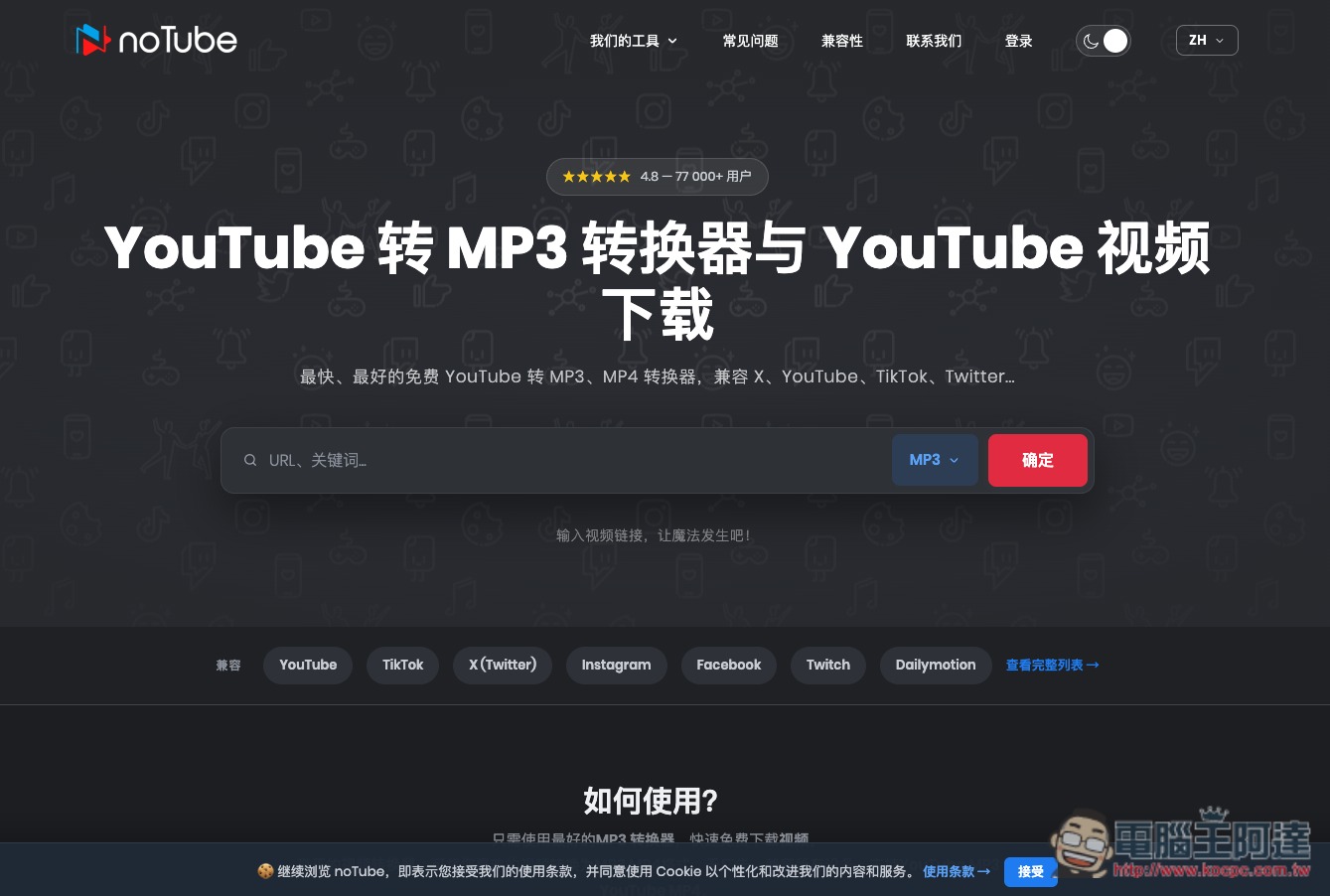
Introduction to noTube Online Audio/Video Free Download Tool
noTube is a free online video and audio download and format conversion tool. Its main function is to convert videos from YouTube and other video platforms into common formats such as MP3 and MP4. Users do not need to install any software and can operate it directly through a browser. In addition to YouTube, it also supports multiple video and social platforms such as Tiktok, X, Instagram, Facebook, Twitch, and Dailymotion.
The process is very simple: just paste the video URL into the website’s input field, then choose the desired output format. Once the conversion is complete, you can download it to your computer or phone. Common formats include MP3, MP4, and WAV, so whether you want to save only the music, podcast, or interview content from a video, or save the complete video, you can choose according to your needs.
Another feature is that no account registration is required—just open the website and start using it. It also supports desktop computers, laptops, tablets, and phones, with no need to install a separate App for each device. The official site also emphasizes that the conversion process does not permanently store the media users process on its servers and offers an anonymous way to use the service.
If you need to process more content at once, noTube also supports YouTube playlist downloads (paid users only), with up to 100 videos per playlist, and you can choose a different output format for each item, making it more convenient than pasting URLs one by one.
Main Features
- Free to use online, no additional software installation required.
- No account registration is required for audio and video conversion.
- Supports platforms such as YouTube, TikTok, Instagram, Facebook, X, Twitch, and more.
- Supports common media formats such as MP3, MP4, and WAV.
- Paste a video URL directly, or enter keywords to search.
- Supports YouTube Shorts audio and video conversion.
- Officials say processed media will not be stored on the server.
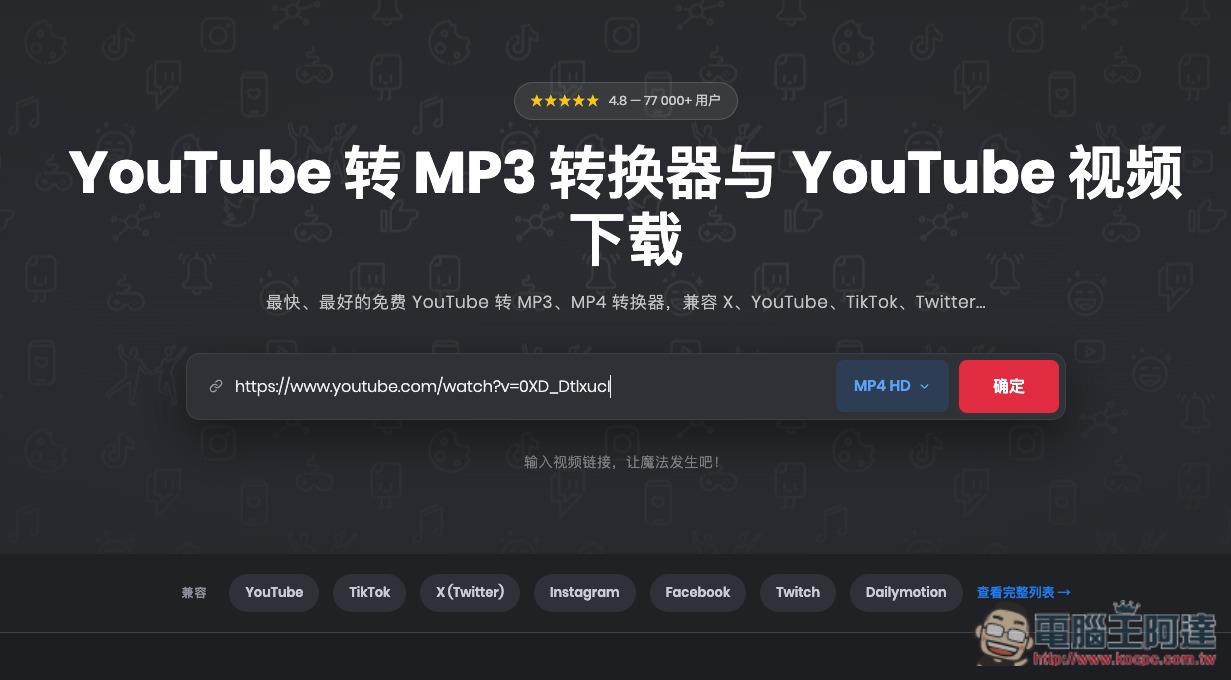
After clicking the link above to go to the noTube website, you can paste the URL of the video you want to download, then select a format:
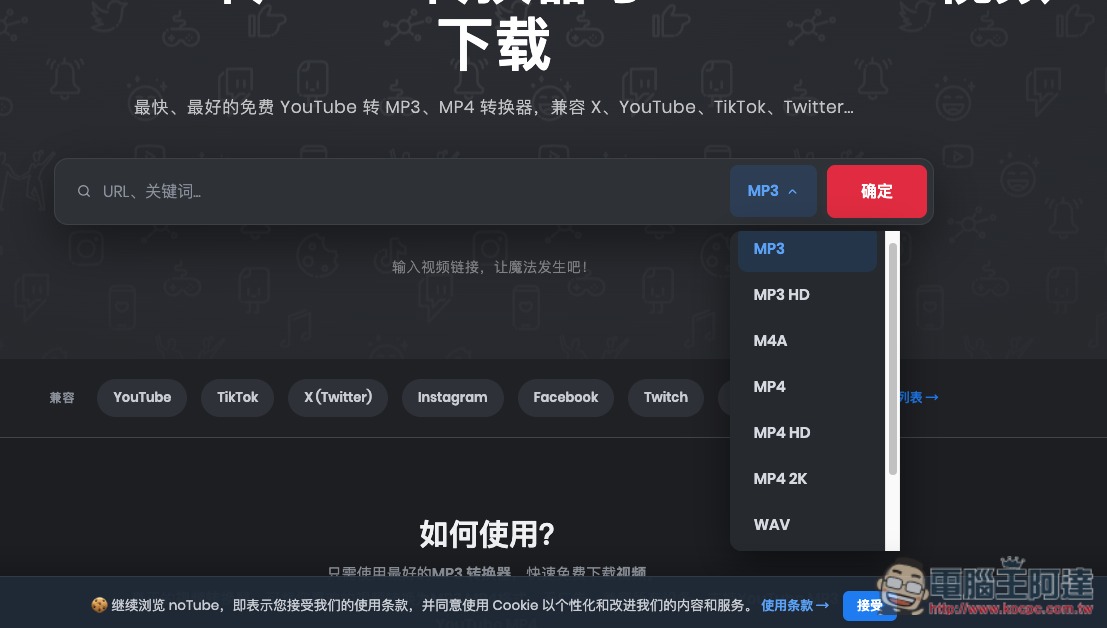
MP3, MP4, M4A, WAV, etc. are all supported, but note that the free version can only download at up to MP4 HD (1080p) quality; selecting MP4 2K will require upgrading to the paid version:
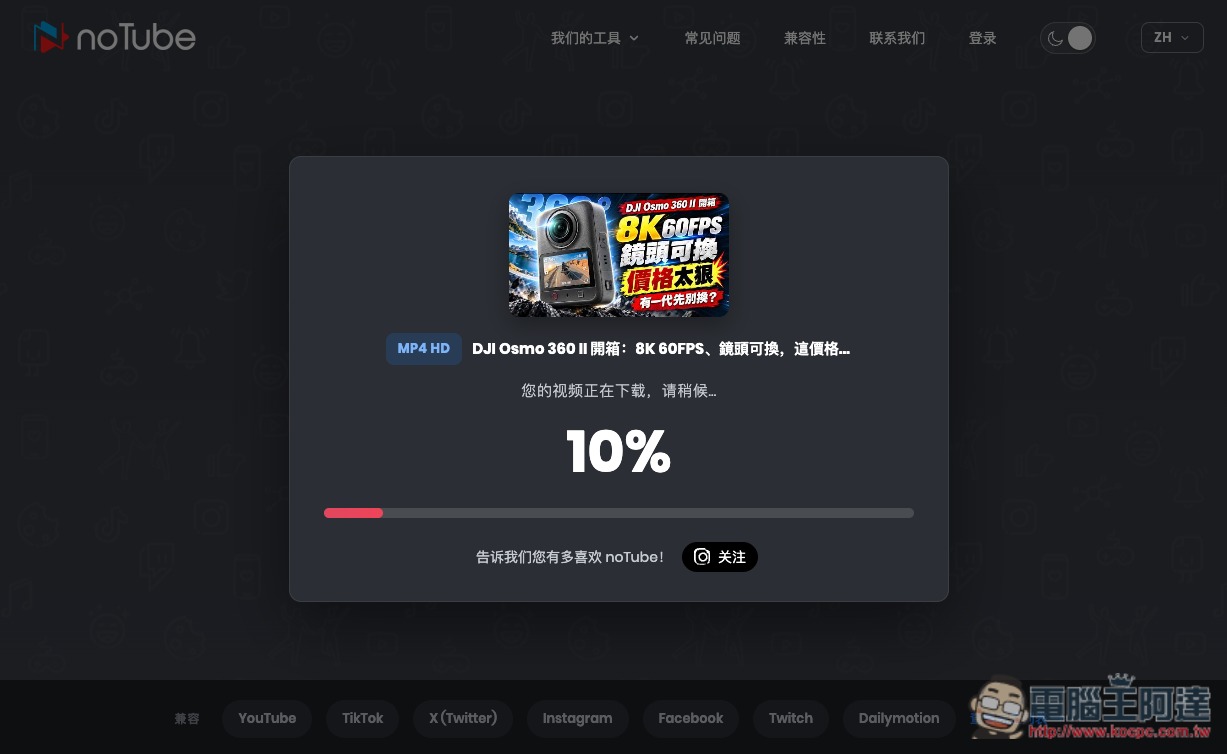
After you press Confirm, the website will start processing the download:
Once it’s done, just click Download and it will be saved locally:

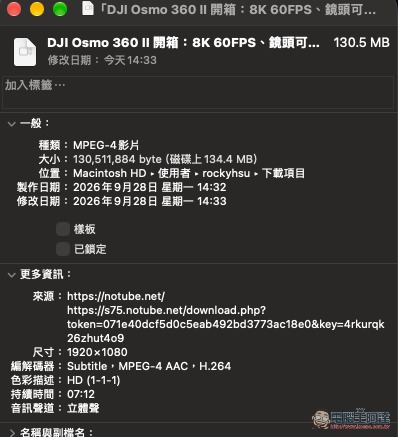
I tested it, and after downloading, the YouTube video does indeed reach 1080p:
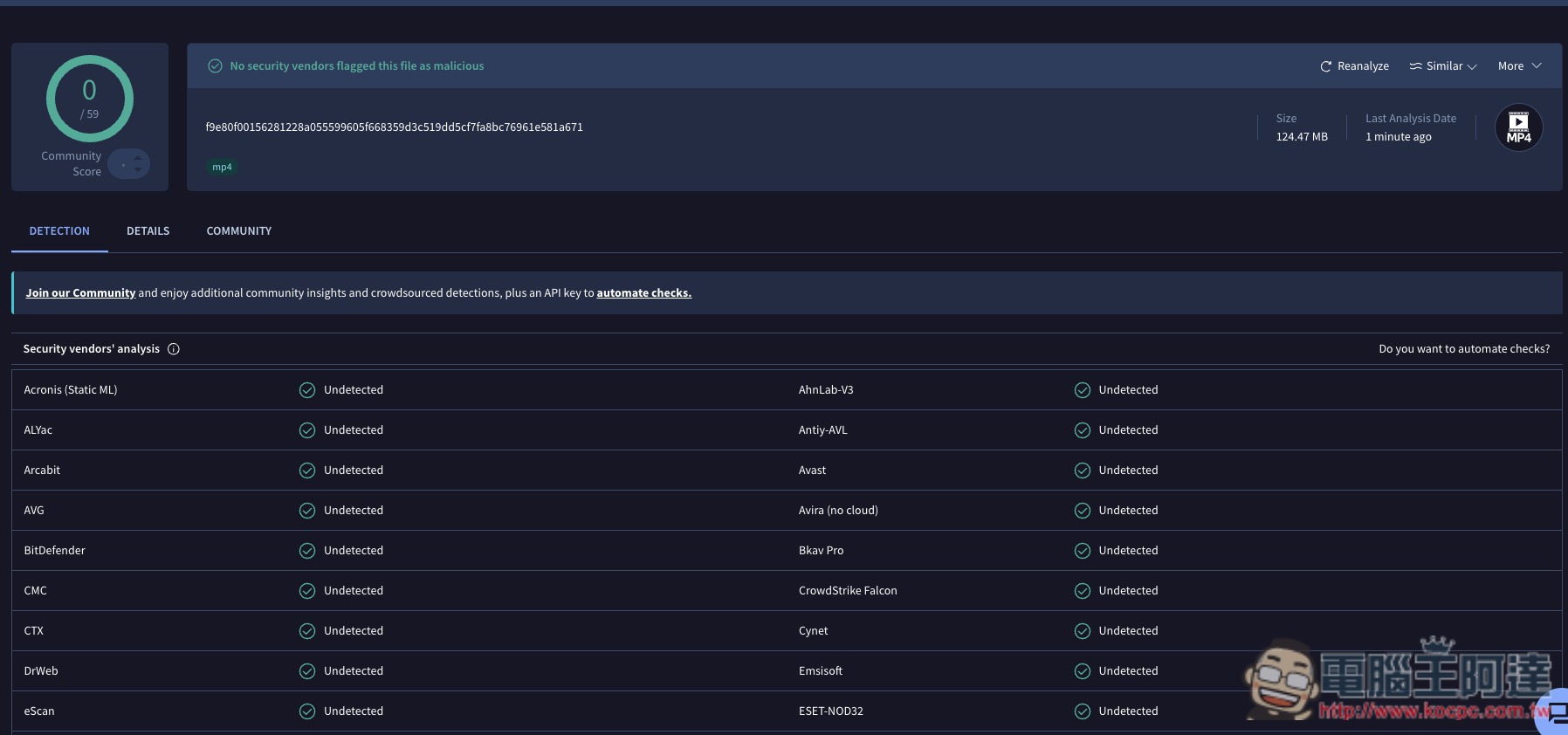
Virustotal online file scan also shows no issues:
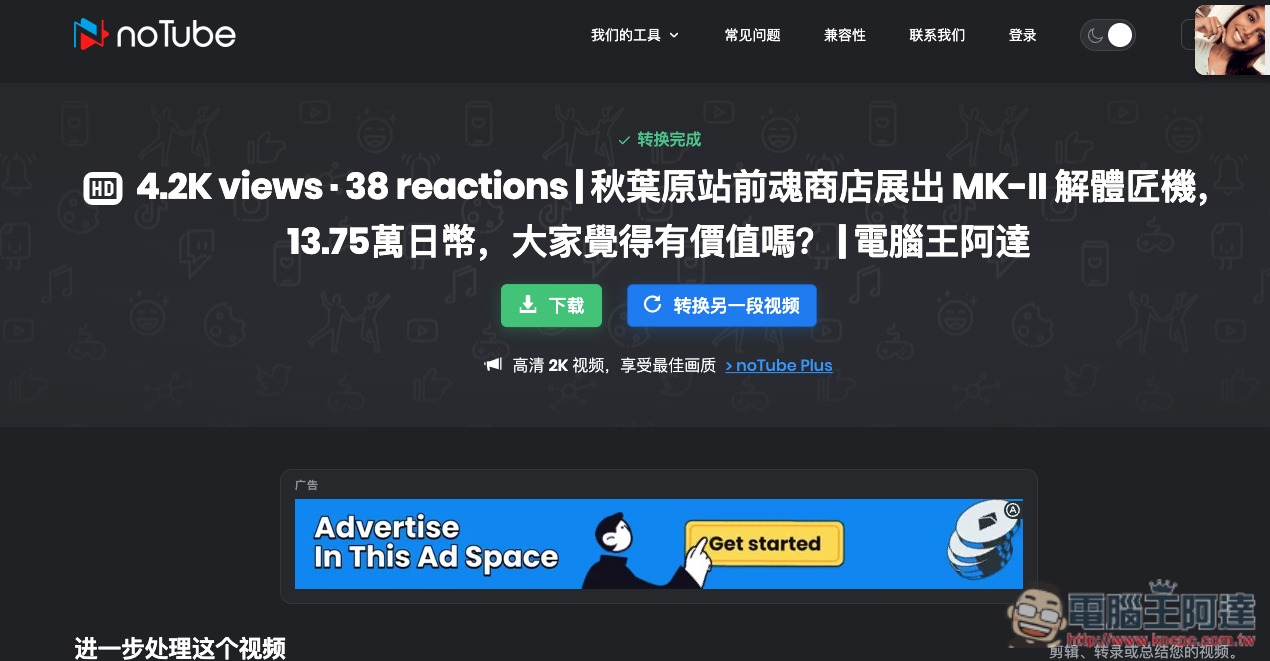
I also successfully tested Facebook videos:
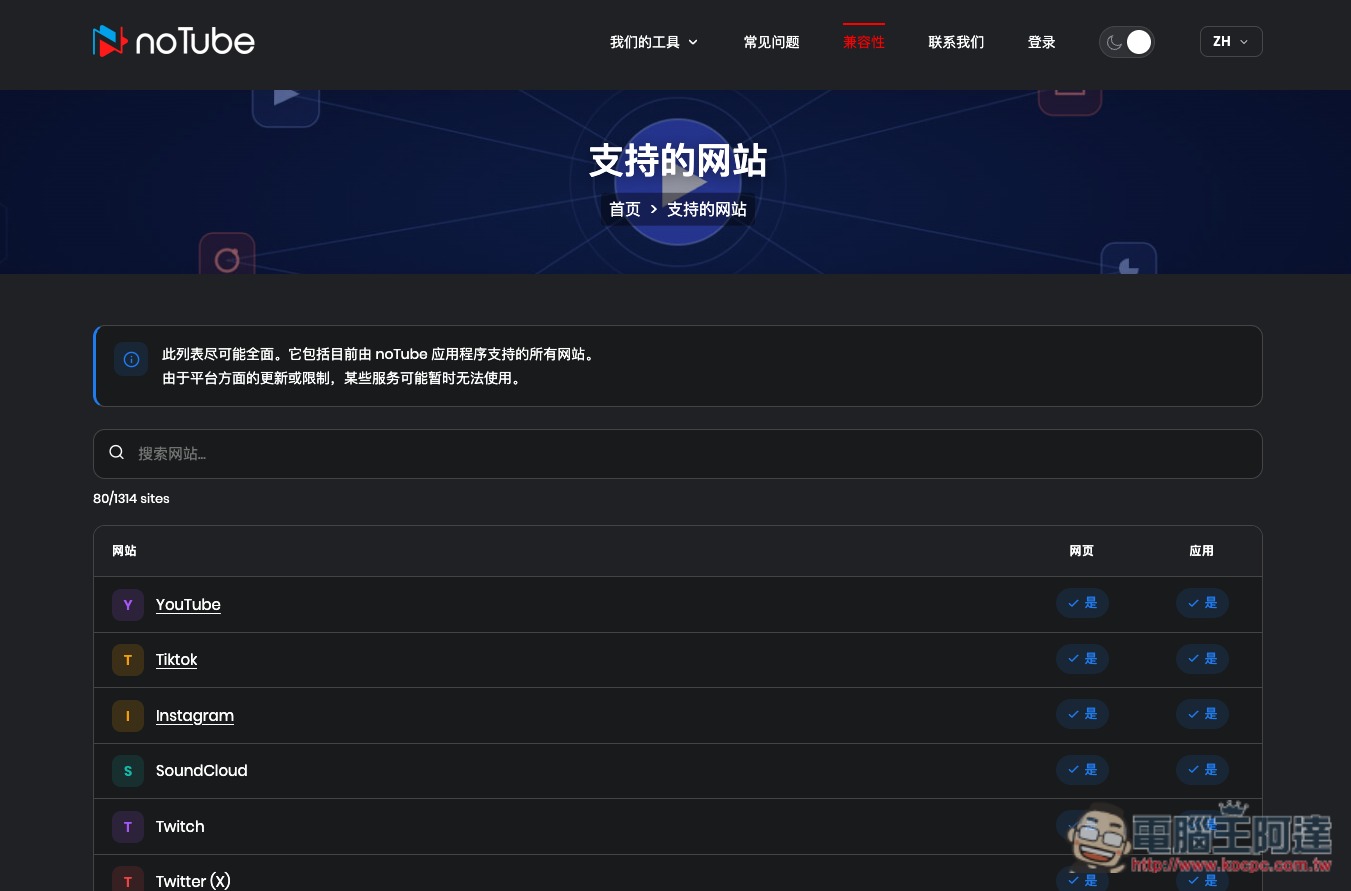
The list of supported websites can be found in “Compatibility” and includes as many as 1314:
Source: KOCPC Chinese