


There are many free tools online for downloading videos from websites, but anyone who has used them knows they can become useless after a while, especially ones that support YouTube. So for those who download frequently, it’s essential to keep a longer backup list. Recently I found this pretty useful tool called “OneForAll Downloader.” It’s ad-free, supports many popular sites including YouTube, Facebook, Instagram, Bilibili, and more. The free version already lets you download videos in up to 1080p quality, offers MP3 format, and downloads quickly. It’s definitely worth keeping in your toolbox.
Reminder.Before use, please verify that the content on YouTube or other websites is legally authorized, such as self-uploaded works, Creative Commons licensed content, or public domain material. If you download or convert copyrighted music or audiovisual works without the rights holder’s consent, you may face copyright liability and may also violate the original platform’s terms of service.
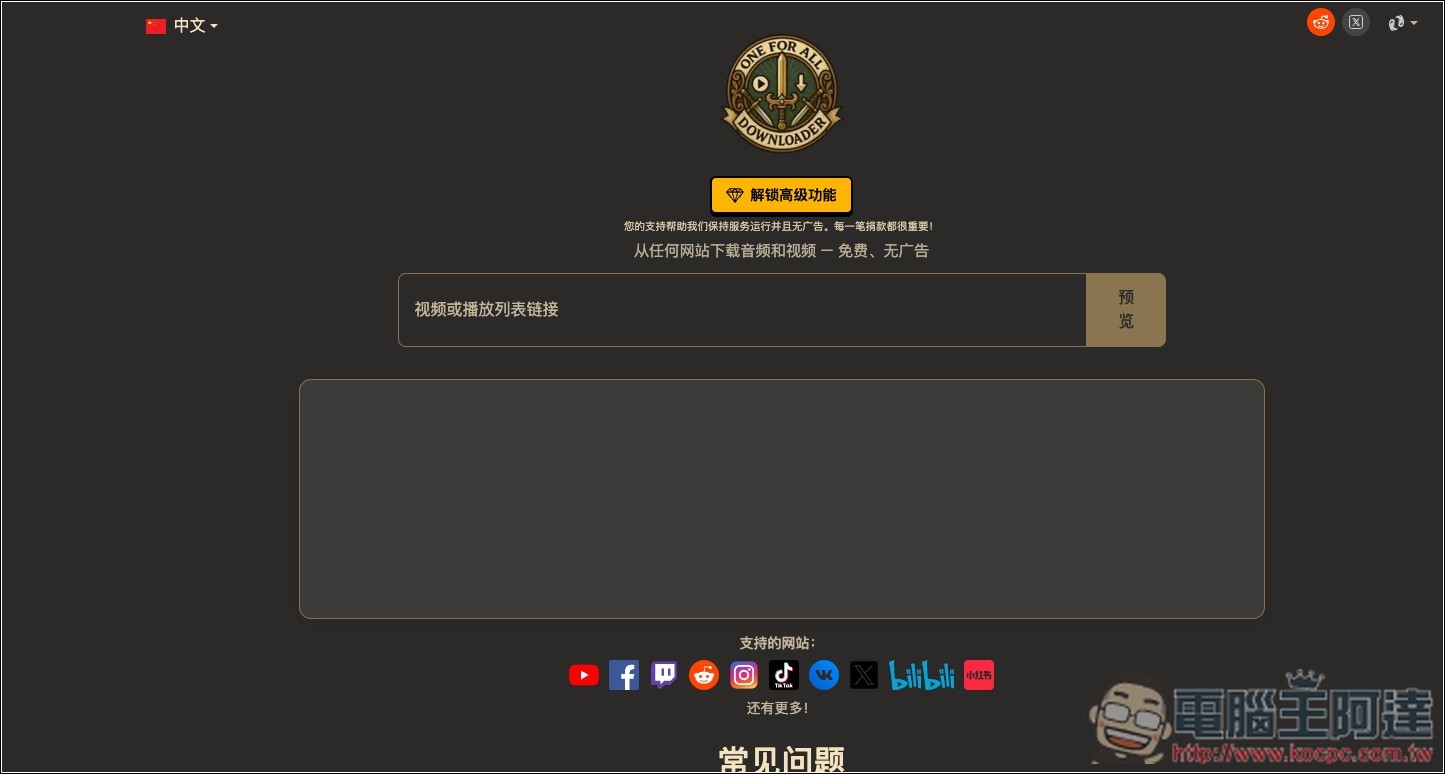
Introduction to OneForAll Downloader, a free tool for downloading videos and MP3s from websites such as YouTube, Facebook, Bilibili, Xiaohongshu, and more.
OneForAll Downloader (OFA Downloader) is a free online video download tool. Its biggest feature is support for many platforms—just paste a video URL and it will automatically analyze the downloadable content. According to the official description, it currently supports over 1,000 video sites (though it does not provide a complete list), including popular platforms such as YouTube, TikTok, Instagram, Facebook, X, Reddit, Vimeo, Dailymotion, Bilibili, Twitch, and SoundCloud.
The way to use it is also quite simple—no need to download software, install browser extensions, or register an account. Just open the website in a browser on devices like Windows, Mac, iPhone, or Android, paste the link of the video you want to download, and press preview. It will then show the video thumbnail, title, and the available quality options. Free usage supports up to 1080p Full HD. If the original video has a higher resolution, sponsors can download up to 1440p (2K) versions. Some sources also allow you to choose different formats like MP4 or WebM.
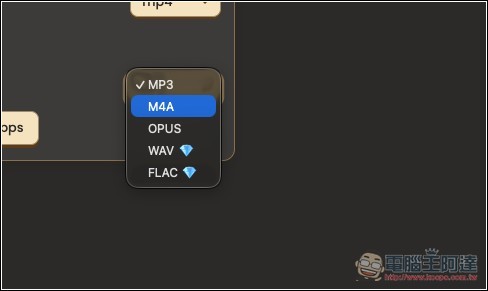
In addition to downloading full videos, OneForAll Downloader can also extract audio only, supporting formats such as MP3, M4A, OPUS, WAV, and FLAC. For MP3, M4A, and OPUS, you can also choose bitrates like 128, 192, or 320 kbps, making it convenient for saving music, podcasts, or other audio-only content. It even supports playlist downloads, allowing you to analyze multiple videos at once, select the range to download, and then package the audio into a ZIP file without having to handle them one by one.
Another big plus is that the interface is quite clean. The official site currently boasts no ads, no login required, no cookies, and no saving of users’ download history. Files are also not permanently stored on the server after processing.
Key Features
- Fully browser-based, no software installation required.
- No need to register or log in to an account.
- Officially boasts support for over 1,000 video websites
- Free version videos can be downloaded in up to 1080p Full HD, while supporters can download videos in up to 1440p (2K).
- Supports MP3, M4A, OPUS, WAV, and FLAC audio formats, with selectable bitrate up to 320 kbps.
- Supports batch downloading playlists and packaging them into ZIP.
- Officially touted as ad-free, cookie-free, and with no download history saved.
After clicking the link above to go to OneForAll, paste the URL of the video you want to download, then click “Preview” on the right.
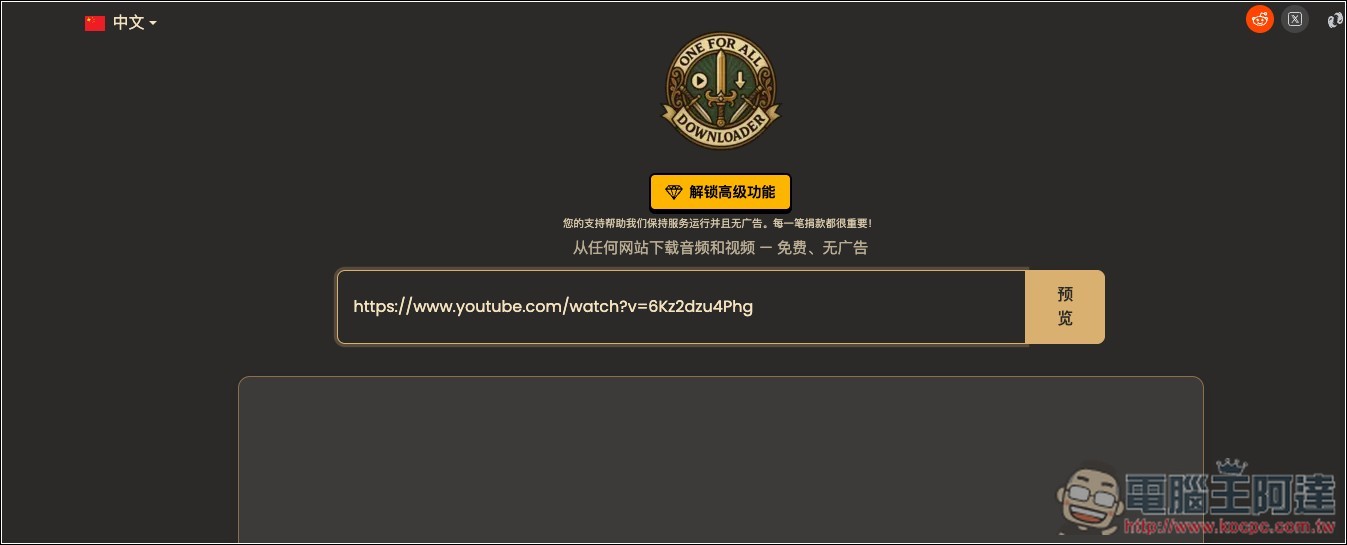
Next, download links for videos at various resolutions and for audio will appear. The free version allows up to 1080p for videos, and as for audio, all options are available:

You can specify the format you want to download for the video, with two options: MP4 and WebM:
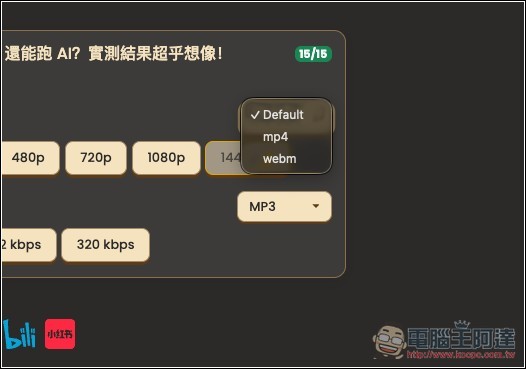
For the audio format section, WAV and FLAC are available to sponsors only.
It will start processing according to the resolution or sound quality you want:

After completion, a download button will appear; click it once to download. Below, the expiration countdown for the download link will also be displayed:

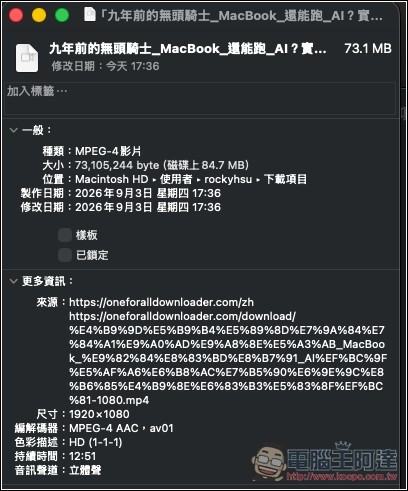
Tested and indeed downloaded 1080p quality:
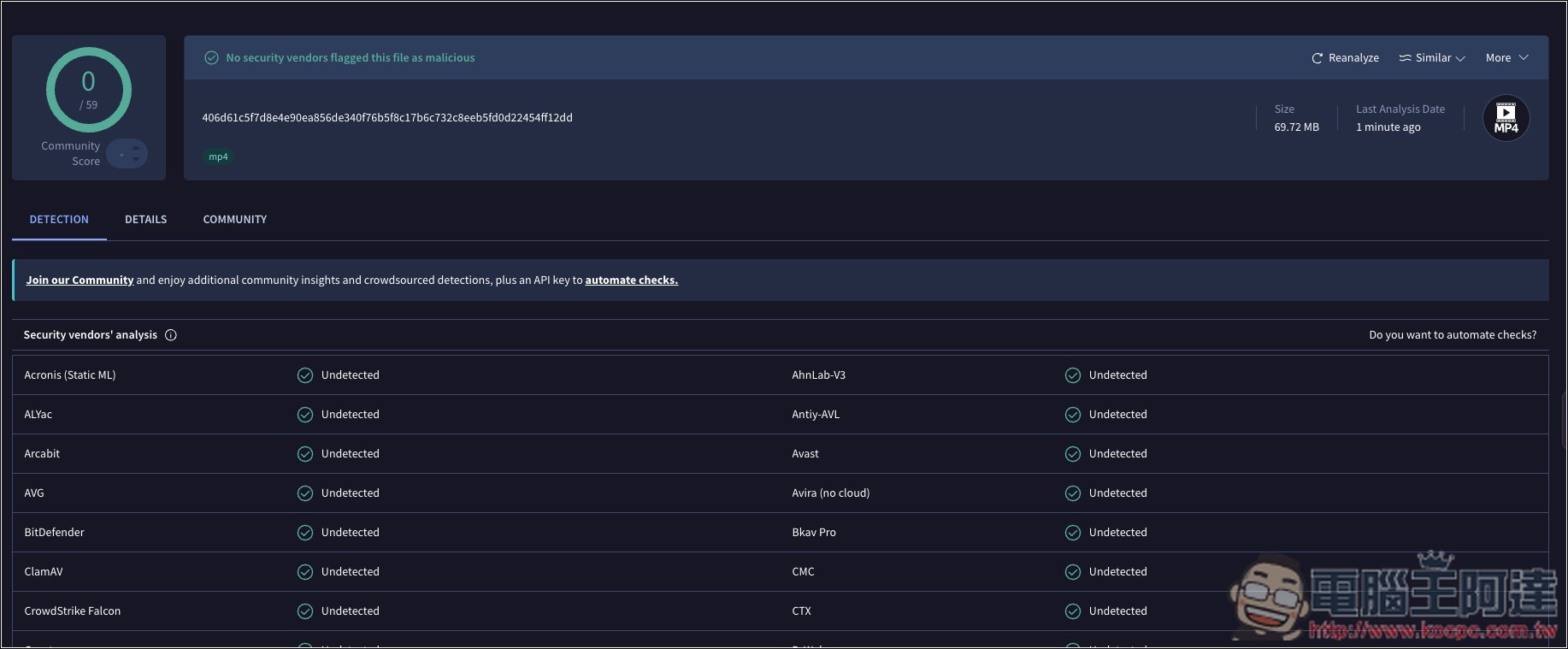
I also use VirusTotal to scan files for any issues, and everything passed:
Facebook video real-world testing also succeeded:

Source: KOCPC Chinese