


As the AI era arrives, for people who want to run large AI models locally, computers with large unified memory are far more appealing than discrete graphics cards. The reason is easy to understand: compared to discrete GPUs, which typically have only ten to twenty-something GB of VRAM, a unified memory architecture lets the CPU, GPU, and other hardware share a single, larger memory pool. As a result, configurations like 64GB or 128GB have a clear advantage when running large AI models, and they also cost less than buying a high-end discrete graphics card. However, how the operating system allocates that memory becomes crucial.
Reserving too much for acceleration workloads like GPU and AI reduces the capacity available to Windows and other general applications; reserving too little may leave large AI models or workloads that require substantial graphics memory without enough. In the past, Windows did not offer a system setting for users to adjust this themselves. The good news is that a future Windows 11 will likely add one, letting users decide how much unified memory to reserve for graphics and AI acceleration tasks.
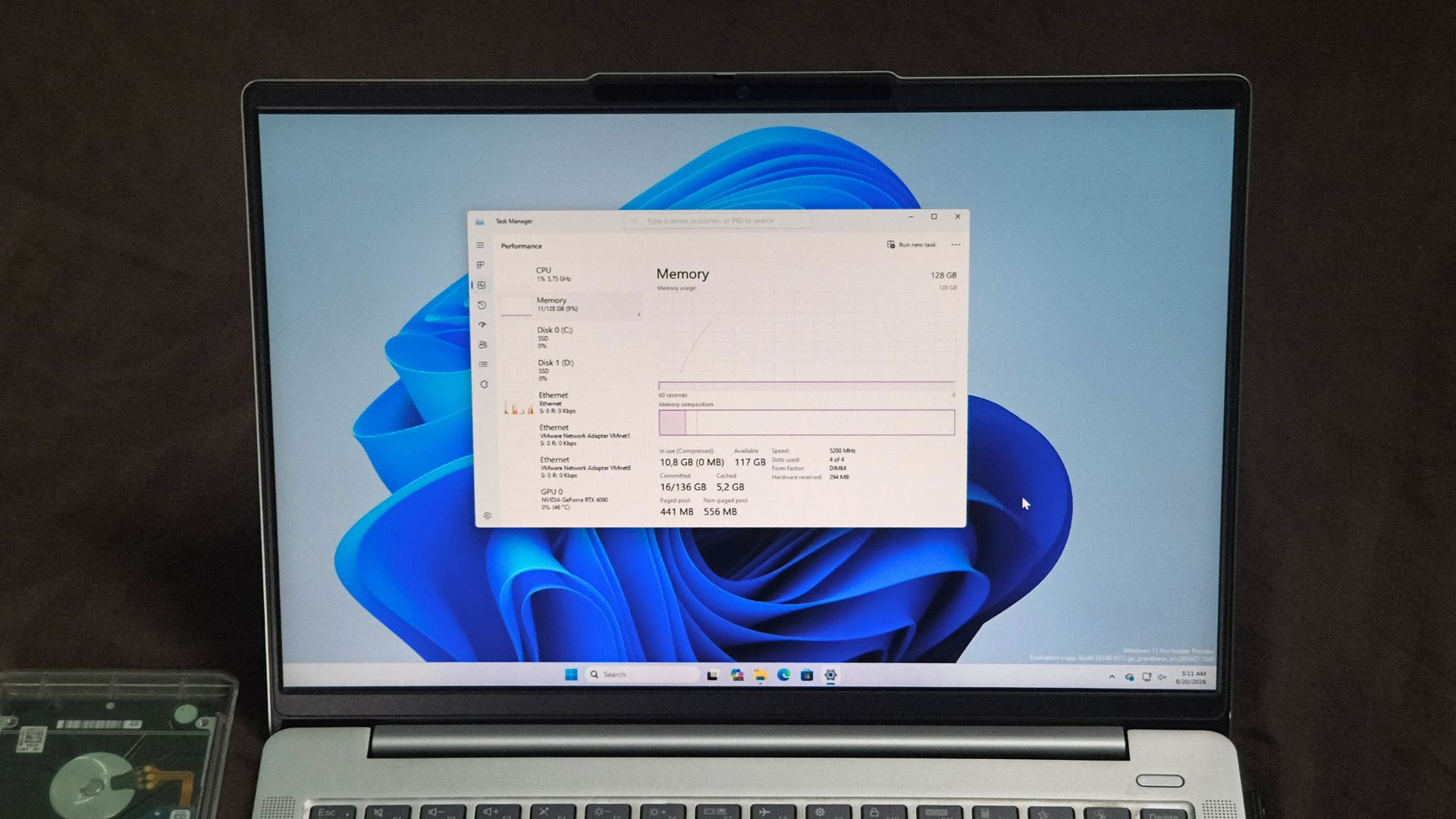
Image source: Windows Latest
New Windows 11 setting uncovered: you decide how much unified memory to allocate to display and AI.
According to a report from Windows LatestThis new feature was discovered in Windows 11 build 29648.1000, released on August 17, and belongs to the Experimental (Future Platforms) branch of Windows Insider, which is mainly used to test early-stage Windows platform technologies and does not correspond to any specific retail version currently.
The internal codename for the new feature is IntelligentCarveout, with the corresponding ID 61121285. The system also now includes a file that wasn’t there before: SettingsHandlers_UnifiedMemory.dll. As the filename suggests, it’s a module specifically designed to handle unified memory settings. However, this interface is currently disabled, so even regular users who install it won’t see it—it only appears when forced open with third-party tools.
From this, we can extract two strings: “Reserved memory for accelerators” and “Memory for graphics and AI acceleration.” The explanation below is the key point of the entire feature:
「讓 Windows 為顯示與 AI 密集的遊戲和應用程式額外保留統一記憶體。保留的記憶體其他應用程式無法使用。」
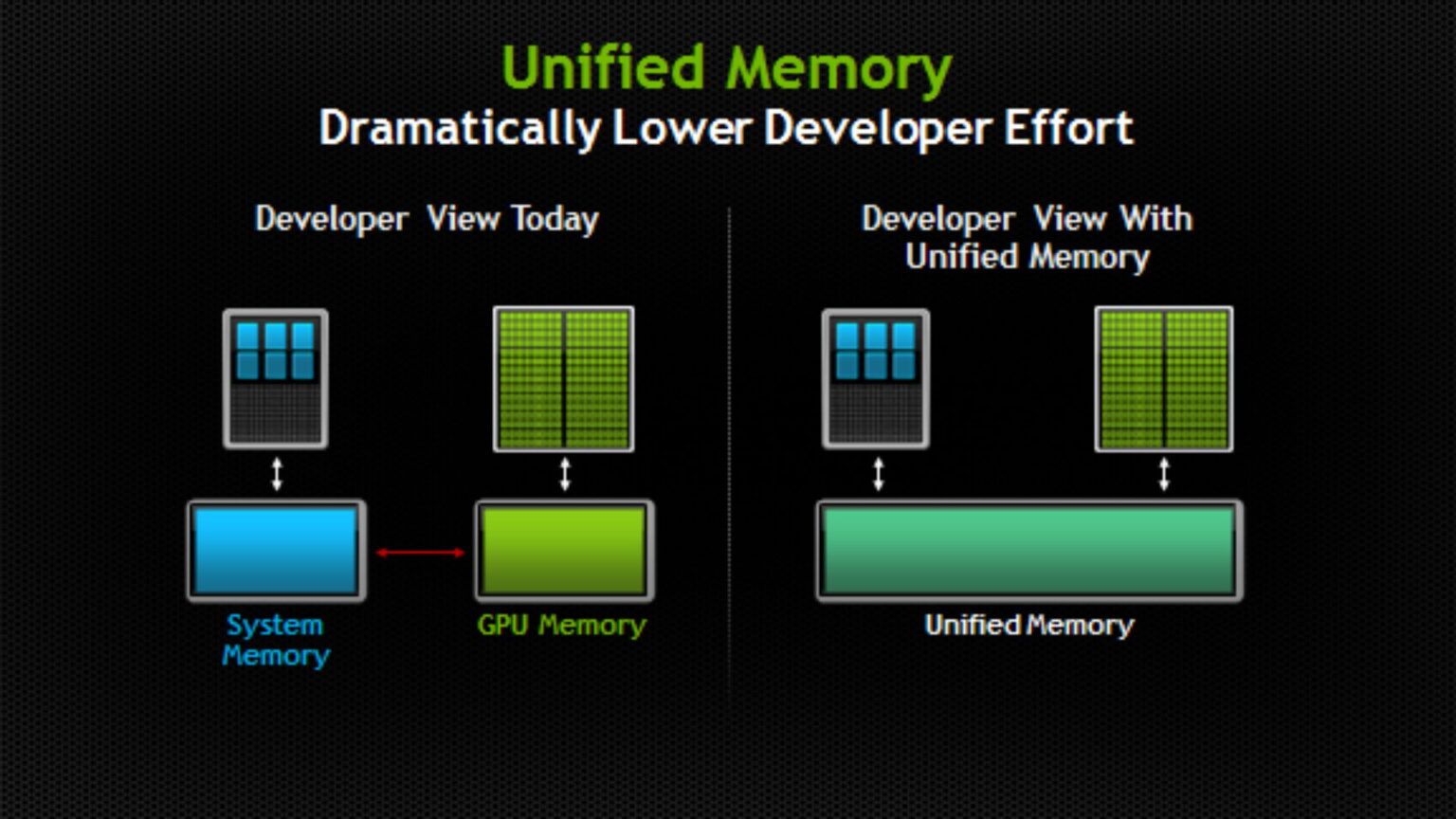
Image source: Windows Latest
So this isn’t about temporarily allocating memory to the GPU on demand—instead, it carves out a portion of unified memory and reserves it exclusively for graphics and AI acceleration workloads. Once that capacity is set aside, Windows and other general programs can no longer use it. In effect, this turns what was previously a memory reservation mechanism hidden deep in the system into a Windows setting that everyday users can adjust directly.
Where will this setting be placed? It will likely be a new “Unified Memory” section under Settings > System > Advanced, containing an option called “Memory for Display and AI Acceleration” with a total of five levels:
| Option | meaning | Actual reserved capacity |
|---|---|---|
| Custom | Drag the slider yourself to decide how much to cut. | Please provide the Traditional Chinese text you would like me to translate. |
| Suggestion | The balance value provided by Microsoft | Not yet announced. |
| High | For resource-intensive gaming or AI workloads | Not yet announced |
| Maximum (maximum) | Allocate as much memory as possible to graphics and AI. | Not announced |
| Don’t allow | Completely without any extra reservation, return to the system’s own allocation. | 0 |
There is currently no public information on how many GB Recommended, High, and Maximum each correspond to, and it is also unclear whether they will be dynamically adjusted based on the device’s total memory capacity.
Image source: Windows Latest
Microsoft clearly developed this feature at this time specifically for NVIDIA’s upcoming RTX Spark launch, and it’s not just this one—they’ve also introduced and optimized Workload Profile Scheduling (WPS) for RTX Spark, allowing the Windows scheduler to more efficiently distribute different workloads across the 20 CPU cores. They’ve also incorporated the Microsoft Power and Thermal Framework (MPTF), which handles coordinating the platform’s performance, power consumption, and thermal management.
As for which official Windows 11 version will include IntelligentCarveout, it is not yet known. Microsoft has not officially announced this feature, so the final interface, supported hardware, and release timing may all change.
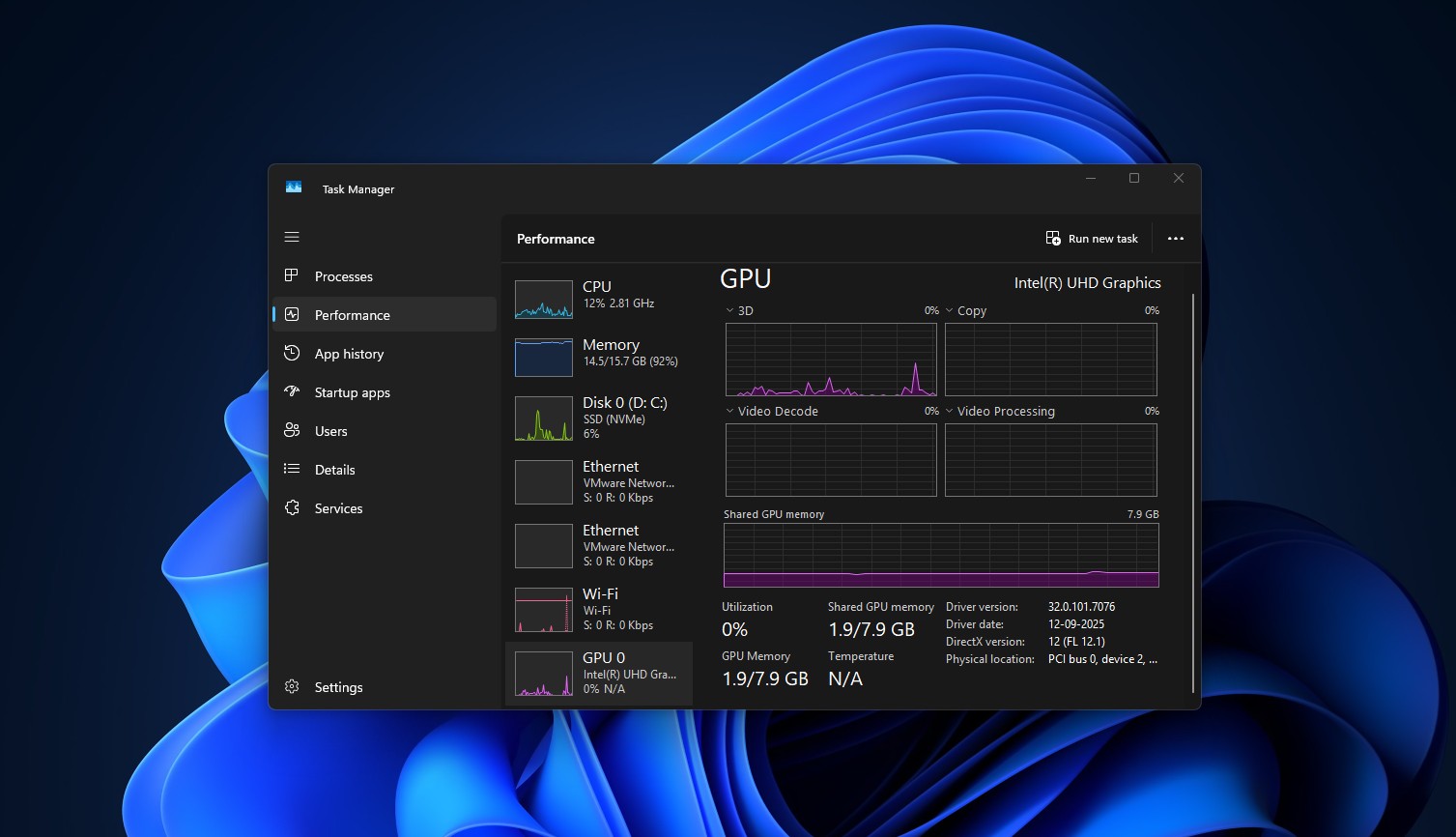
Image source: Windows Latest
Source: KOCPC Chinese