


After iOS 27 brought major innovations to Apple’s Photos, Apple’s newly released iOS 27.2 update once again delivers several practical improvements for image management and AI transparency. This update not only resolves the long-standing usability pain points of Shared Albums, but also, for the first time, integrates Google technology across platforms to establish a transparent identification standard for AI-edited images.
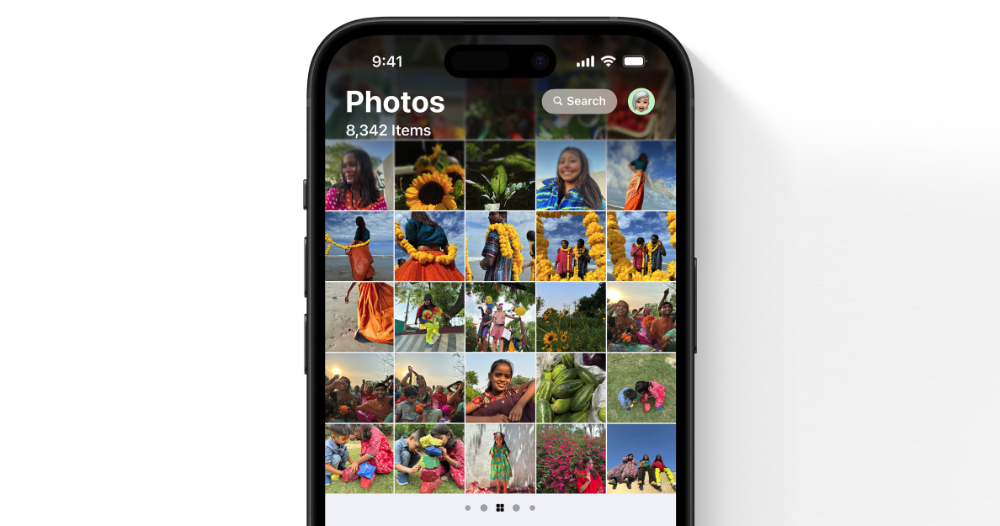
iOS 27.2 Photos Shared Albums gets four useful updates, introduces Google SynthID technology to detect AI edits
For users who are not used to posting frequently on public social platforms but still want to share life’s little moments with family and friends, “Shared Albums” has always been the most private and warm social space in the iOS ecosystem. Building on the upgrades established in iOS 27, iOS 27.2 further refines the details of the experience, bringing the following four core features:
- Captions are now editable: If you notice a typo or want to add context after posting a photo or video, you no longer need to delete and repost—you can edit the caption directly.
- Comments can be edited after posting: The system now officially supports editing interactive comments within albums, making conversations among family and friends more flexible.
- Smart safeguards to prevent duplicate uploads: A new duplicate photo detection mechanism effectively prevents the same image from being uploaded to the album multiple times during multi-user collaboration, keeping the layout tidy.
- Thoughtful reminder before album expiration: The system will proactively send a notification before a shared album is about to expire, reminding users to back up and save precious moments in time so memories don’t disappear without warning.
To fully experience the new features mentioned above, users must first confirm that the “Shared Album” itself has been upgraded to the latest iOS 27 architecture.

With generative AI becoming widespread, “seeing is believing” is facing unprecedented challenges. Especially in the Photos app in iOS 27, powerful tools such as Expand, Reframe, and Clean Up can change key details of an image in an instant, making it even harder to tell whether an image is real or fake. To address the need for authenticity in digital content, Apple has not only introduced a new Reference Image feature at the iPhone 18 Pro hardware level, but also delivered a major update at the software level in iOS 27.2, officially supporting SynthID digital watermarking technology.
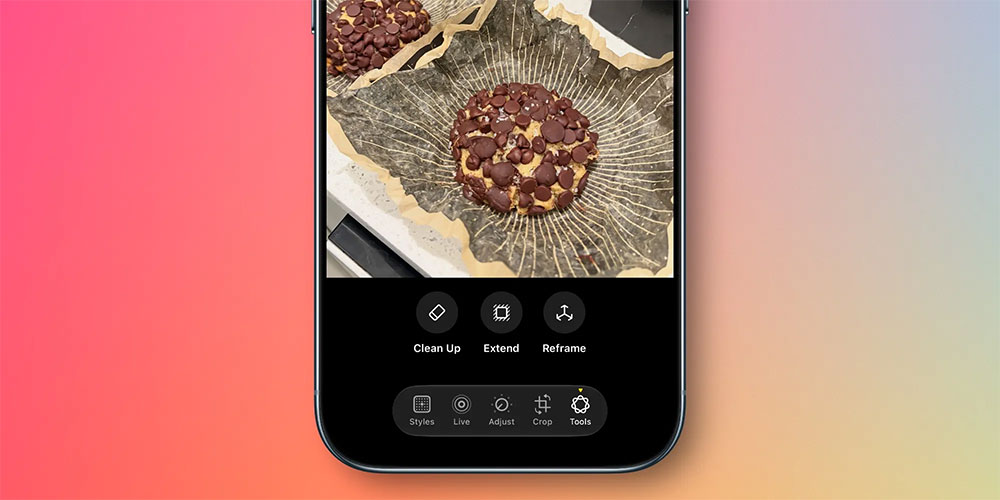
According to Apple’s official documentation, iOS 27.2 can now identify whether an image was created or modified by generative tools in Photos or Image Playground. This cross-platform standard, developed by Google, embeds digital markers directly into image pixels that are invisible to the human eye. This means that when ordinary users browse photos, the image will not be obscured by unsightly watermarks; however, as long as it is verified with a tool that supports SynthID detection, whether the photo has been manipulated by AI will be immediately exposed.
Source: KOCPC Chinese