


With the proliferation of Wi-Fi 7 technology and improvements in broadband speeds, the networking demands of modern households and small studios are no longer just about “being able to connect,” but rather the pursuit ofUltimate stability and ultra-high-speed experienceToday’s streaming technology and smart IoT devices have become essentials in most households. Whether it’s 4K/8K video streaming, video conferencing, esports gaming, or IoT devices like robot vacuums, air conditioners, and refrigerators at home, all of these require a powerful network infrastructure with no dead zones to support them.
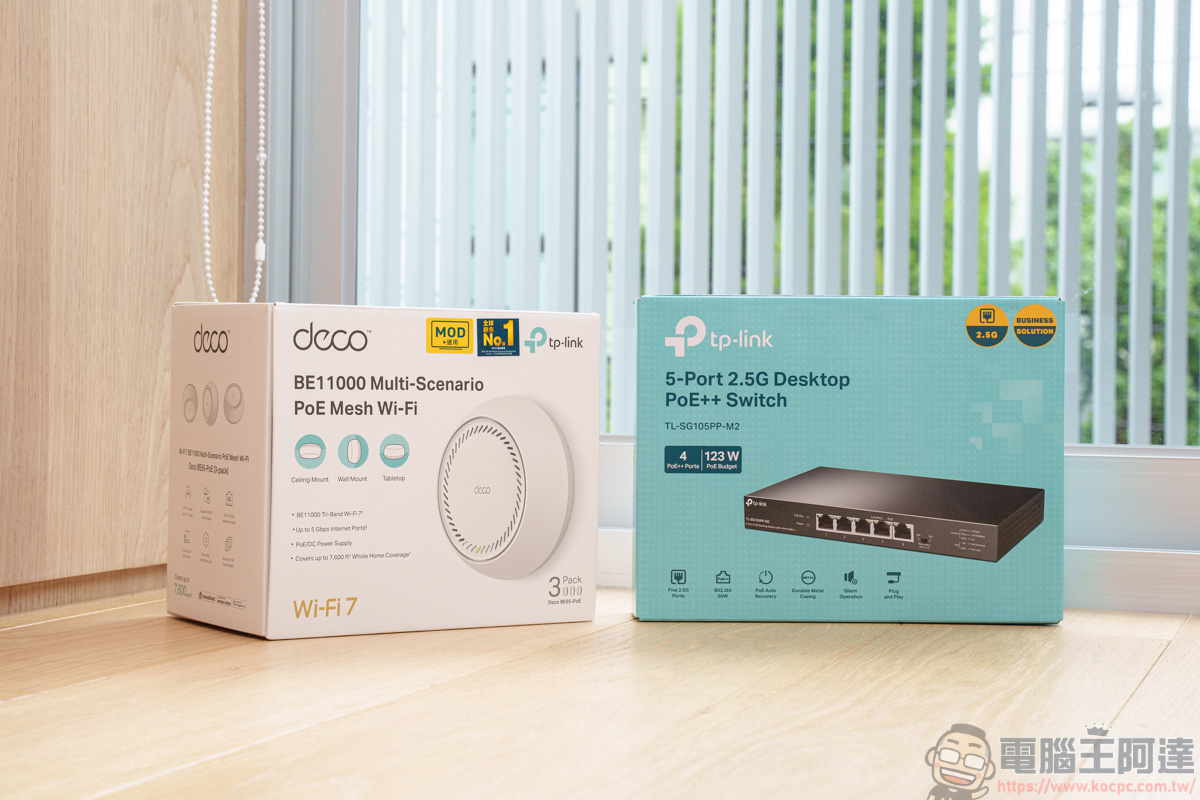
To create a seamless and stable network environment, these two TP-Link products are being unboxed today.《Deco BE65-PoE Wifi 7 Mesh》 and《TL-SG105PP-M2 Desktop Switch》, it’s the best tool for creating a seamless home network with zero dead zones, and the PoE++ port specification even saves you from the hassle of running cables. Through Deco BE65 -PoE The breakthrough Wi-Fi 7 wireless coverage, combined with the 2.5G high-speed wired backhaul and smart power delivery of the TL-SG105PP-M2, delivers the ultimate “wired + wireless” combo that builds a truly seamless, ultra-low-latency, and highly scalable next-generation network experience.
What is PoE (Power over Ethernet)?
Before unboxing, let me briefly introduce PoE (Power over Ethernet) technology. PoE is a practical and powerful networking technology that allows a single standard Ethernet cable to carry both network data and electrical power. In simple terms, it turns the network cable directly into a power cable. Connected devices no longer need separate power cords or bulky adapters, greatly reducing cable clutter and keeping home or office spaces visually pristine.
Meanwhile, in places where running electrical wires is difficult, such as the center of a ceiling, high walls, or outdoor corners (where outlets are also rarely installed), devices can be installed as long as the network cable can reach, completely unrestricted by the location of traditional AC power outlets. However, the prerequisite is that the switch at the source end where you plug in the network cable must support PoE specifications in order to enable the setup described above. As it happens, the one we’re introducing today…“Deco BE65-PoE WiFi 7 Mesh Router System” and《TL-SG105PP-M2 Desktop Switch》It can perfectly create an ultra-clean, dead-zone-free high-speed network environment for your home. With just one cable, the Wi-Fi 7 base station can be neatly concealed in the optimal coverage spot, unleashing peak network performance:
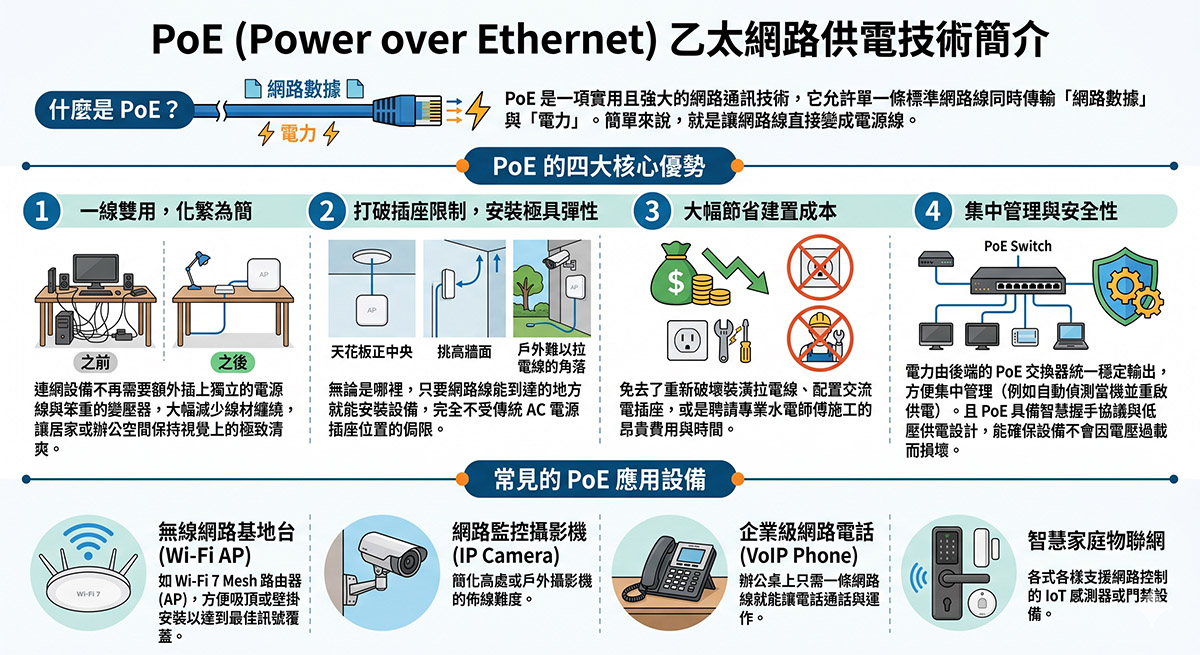
(Image source: generated by AI based on the above text)
Deco BE65-PoE Wifi 7 Mesh Unboxing
This time, I specifically brought the Deco BE65-PoE Wifi 7 Mesh to my younger brother’s newly built house to shoot, to see whether it can connect smoothly in a 41-ping space:
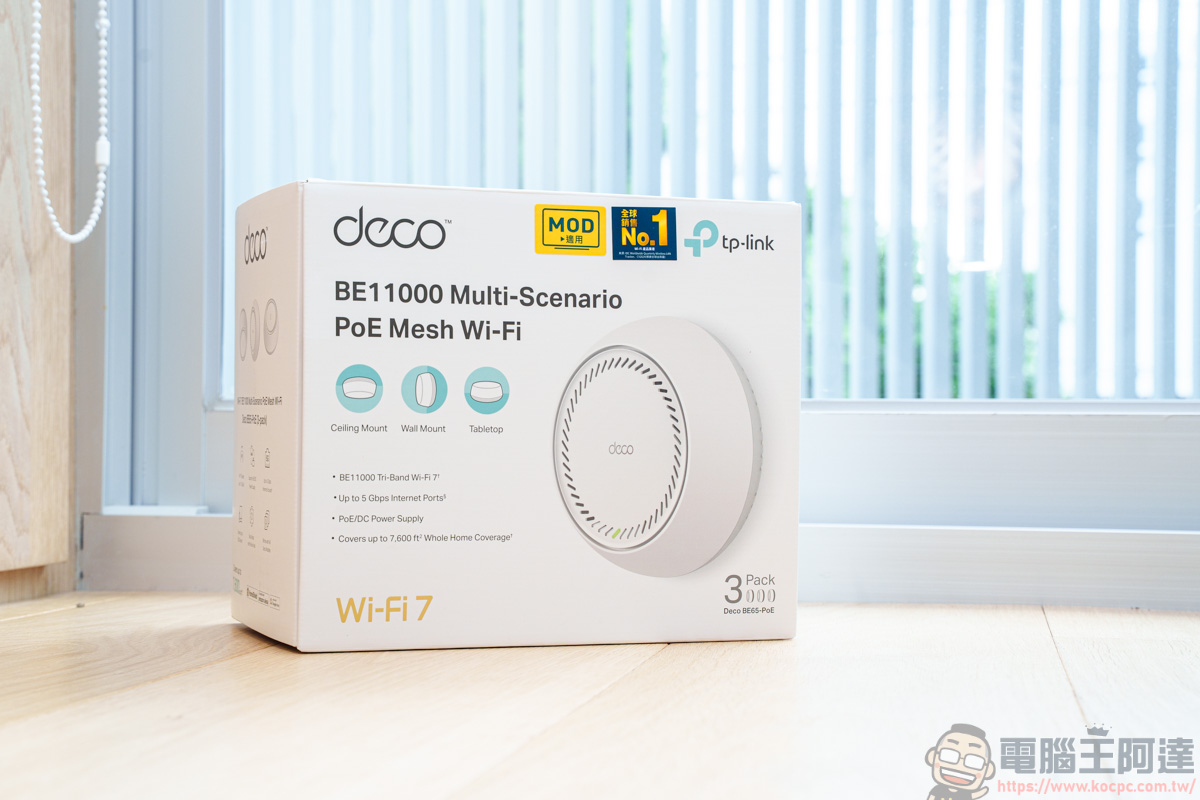
Deco BE65-PoE Wi-Fi 7 Mesh uses the latest generation of wireless networking standard, Wi-Fi 7, supports 320MHz ultra-wide bandwidth, 4096-QAM modulation technology, and Multi-Link Operation (MLO). It provides ultra-fast transmission speeds 2.4 times faster than Wi-Fi 6, lower latency, and higher capacity.
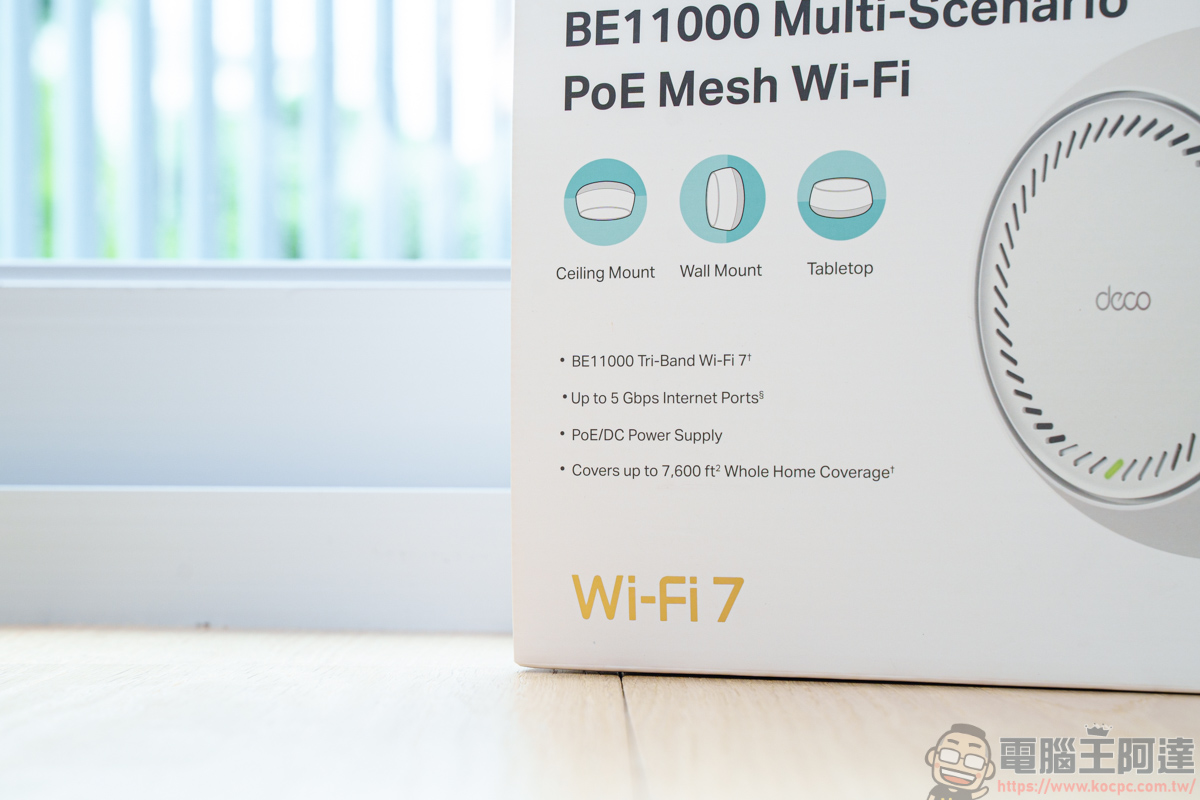
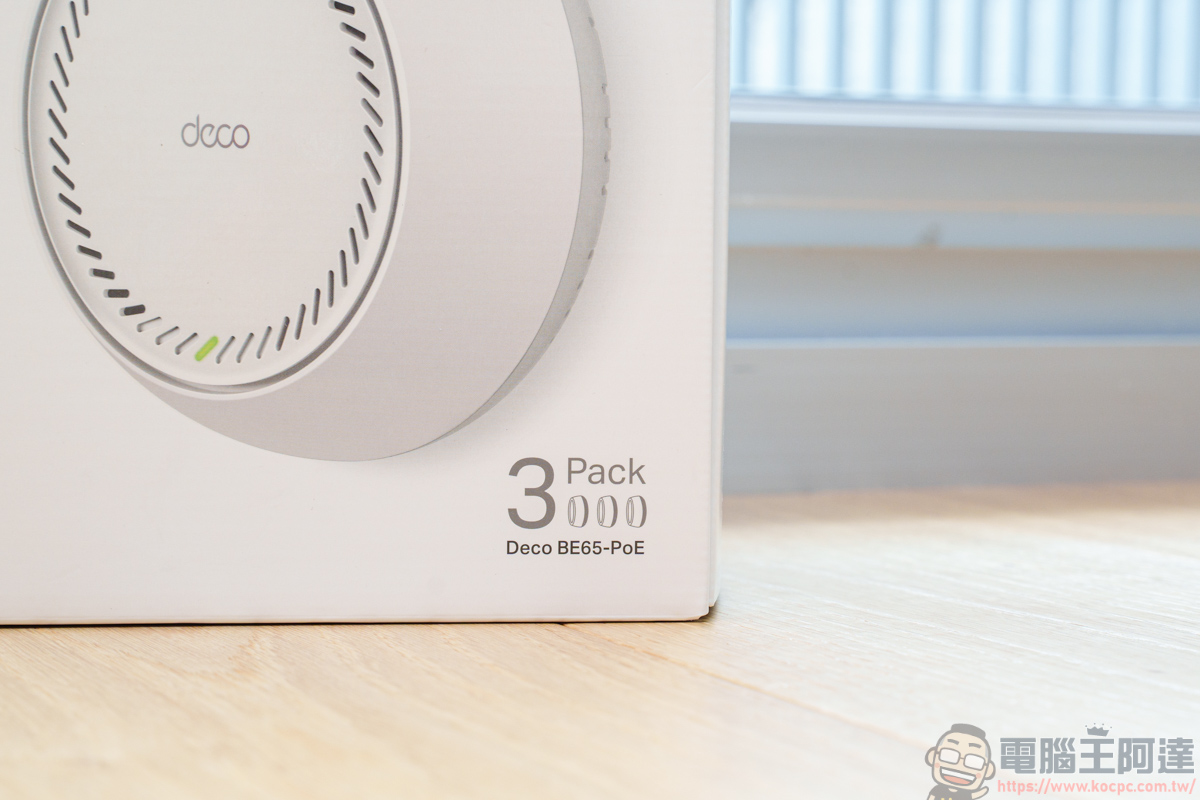
The Deco BE65-PoE WiFi 7 Mesh comes in a pack of three (two-pack and single-unit packaging are also available), but with the three-pack configuration, you can easily arrange signal coverage throughout your home. Whether it’s the living room on the first floor, the master bedroom on the second, or the study on the third, all three Deco BE65-PoE units support ceiling and wall mounting and can operate independently.
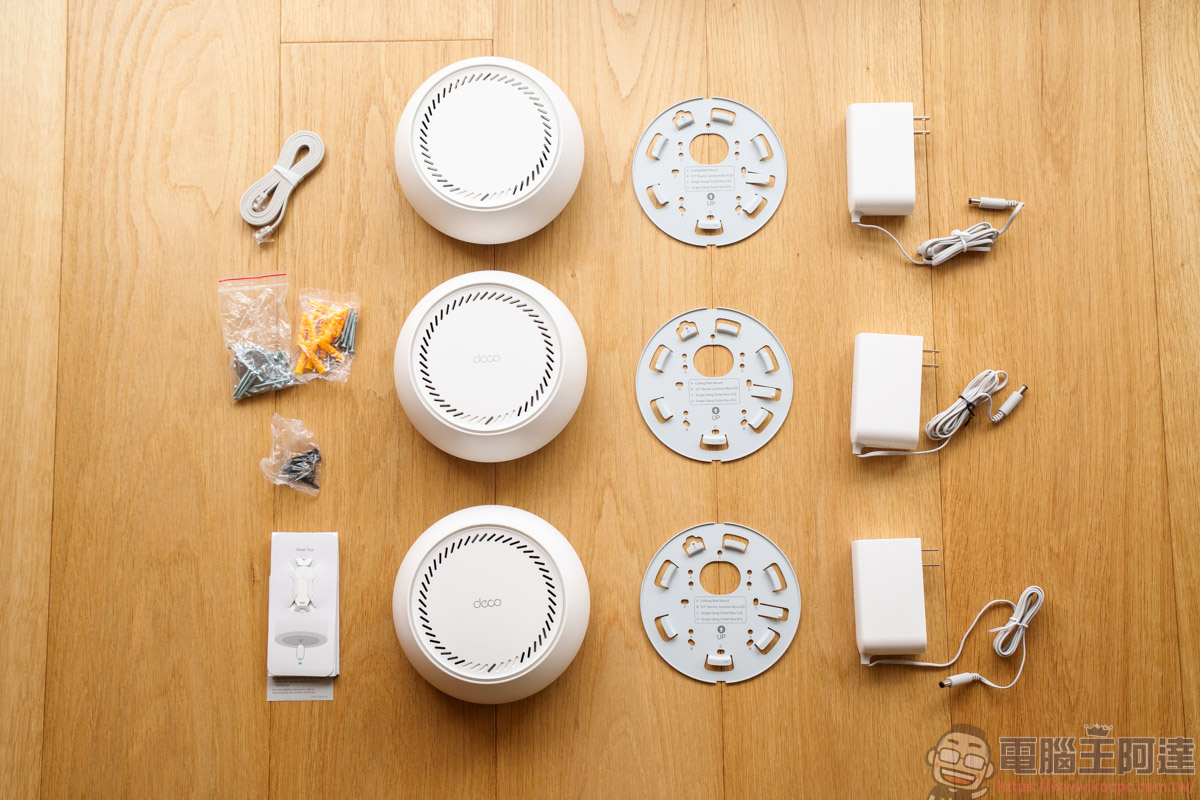
Contents
Deco BE65-PoE Wifi 7 Mesh package contents: Deco BE65-PoE Wifi 7 Mesh *3, RJ45 network cable, power adapter *3, ceiling/wall mounting kit *3, quick installation guide.
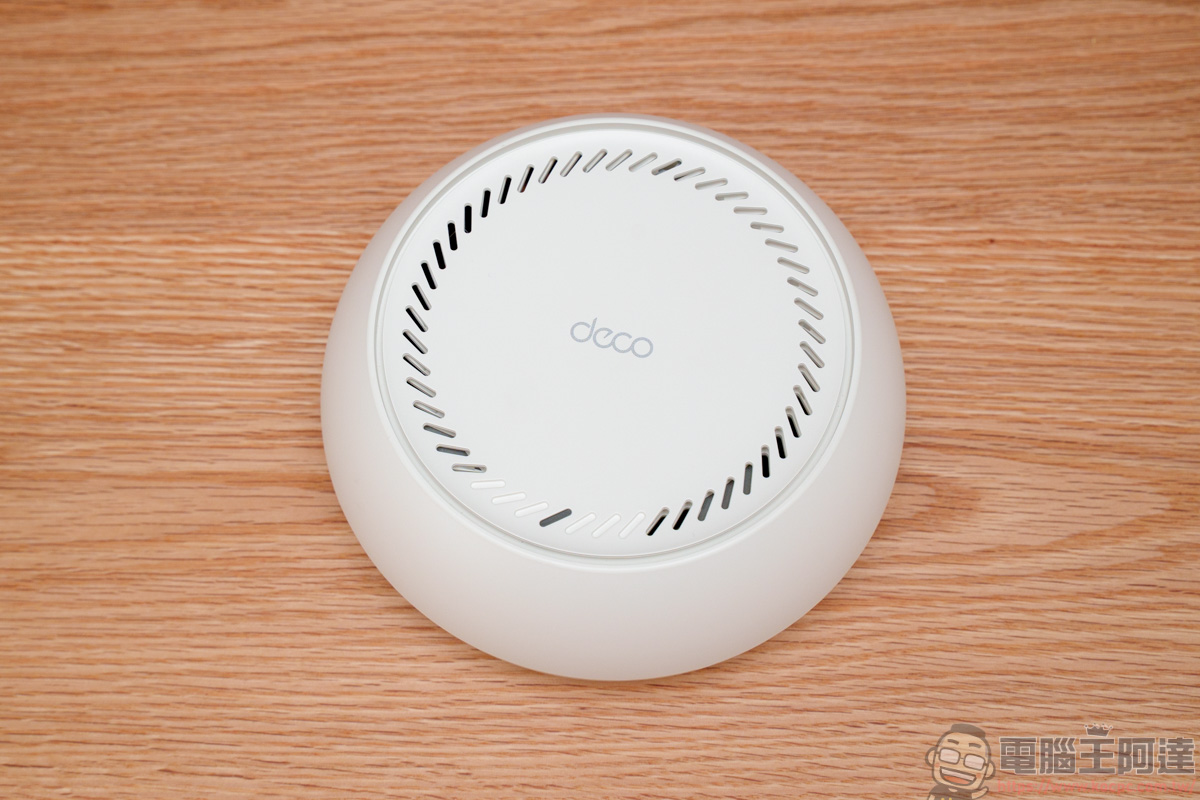
Deco BE65-PoE Wifi 7 Mesh Introduction
Specification
- BE11000 Tri-Band WiFi: 5765 Mbps (6 GHz) + 4324 Mbps (5 GHz) + 688 Mbps (2.4 GHz)
- Versatile installation options: can be placed on a desktop or mounted on walls or ceilings using a kit.
- Support for PoE: A feature that enables the switch to transmit both power and data through a single network cable.
- Multi-Gig 5 Gbps wired network*2
- Multi-Link Operation (MLO)
- 320 MHz channel
- For the 6 GHz frequency band
- Seamless AI Mesh
- TP-Link HomeShield Family Care
- Compatible with all WiFi generations
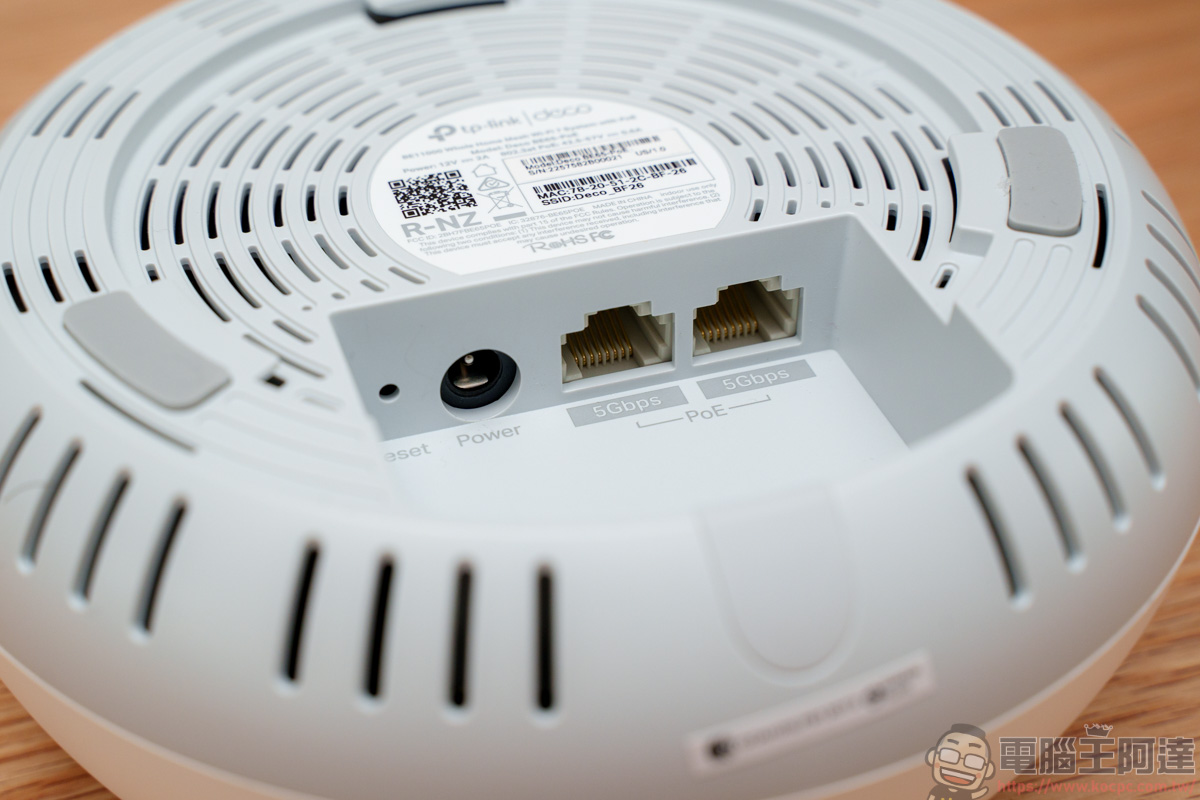
The back of the device has an anti-slip pad and a connection port:
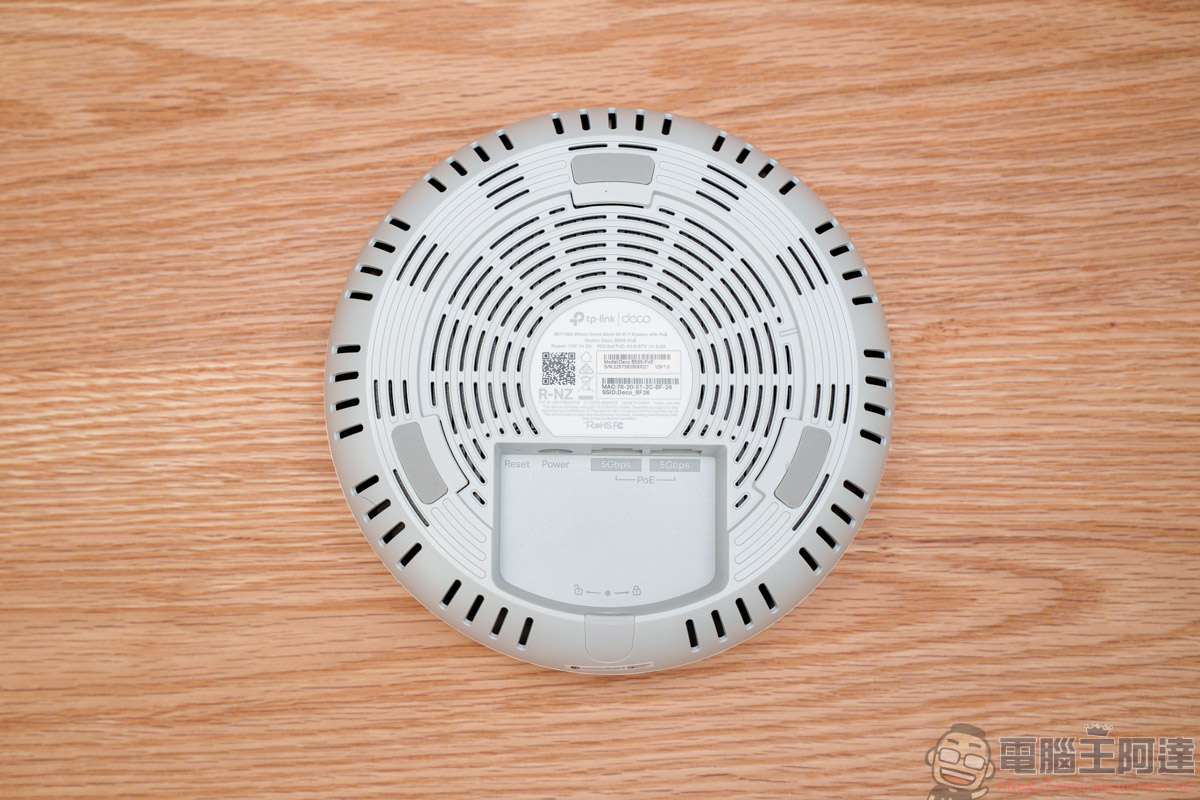
The port features a power jack / Multi-Gig 5 Gbps wired network*2, and both Ethernet ports support PoE (Power over Ethernet) power delivery. This also means that even if you don’t use the DC power jack, simply connecting an Ethernet cable to a PoE-compatible switch is enough to power the Deco BE65-PoE.
Additionally, the ceiling/wall mounting kit included in the box allows you to install the Deco BE65-PoE onto the ceiling or wall:
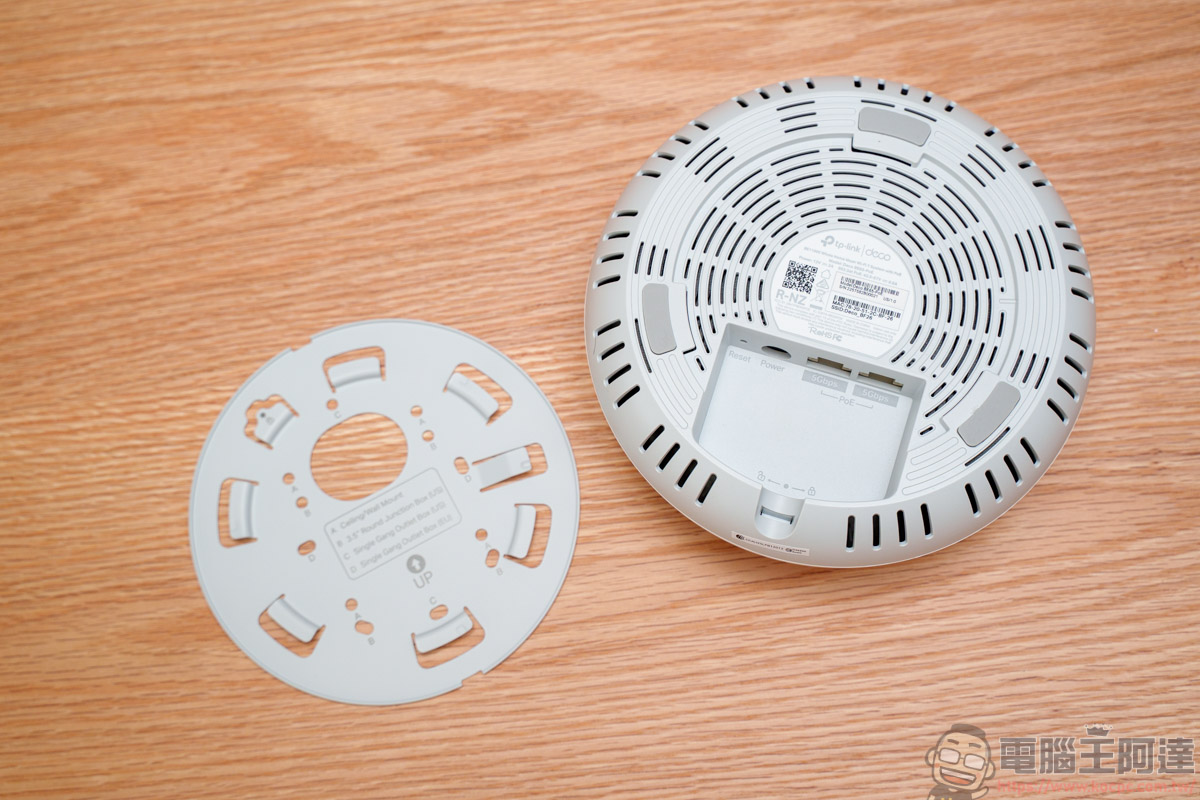
However, installing it on a ceiling or wall requires drilling holes and securing it with screws, and the device also needs a nearby network cable for PoE power. If your space has these installation requirements, I strongly suggest you first assess where in your home it can be installed, or pre-run a network cable in advance, so you don’t end up regretting the drill holes in the wrong spot later—at which point it’ll be too late to laugh or cry.
Although fixing to walls and ceilings requires drilling holes and securing with screws, the Deco BE65-PoE has a clear advantage over other traditional Mesh systems. After all, it only needs one network cable for PoE power and data transmission (provided you have a PoE-capable switch), so you don’t have to worry about these locations lacking AC outlets. Just run one network cable and you’re all set.
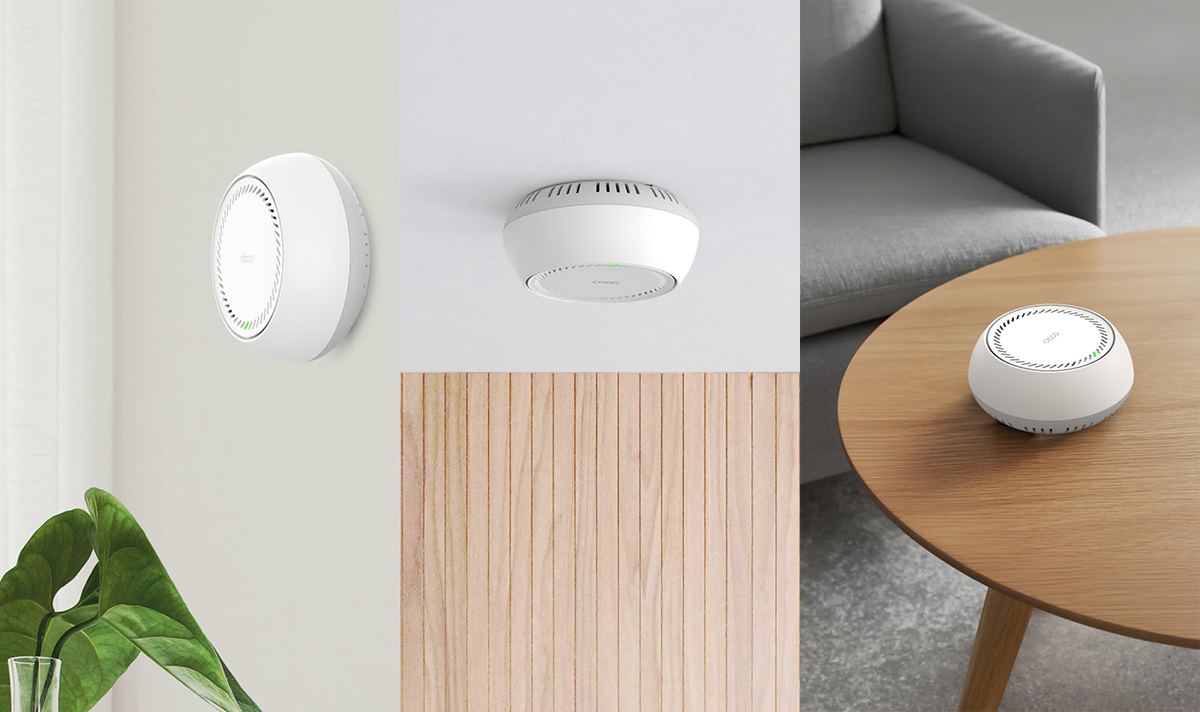
TL-SG105PP-M2 Unboxing
Before introducing how to use the Deco BE65-PoE, let’s first introduce this TL-SG105PP-M2 5-port 2.5G desktop switch that supports PoE power supply/transmission. In addition to 4 PoE++ (802.3bt/at/af) 60W smart power supply ports, it can also easily handle high-performance, high-power-consumption PoE access points such as Wi-Fi 7:
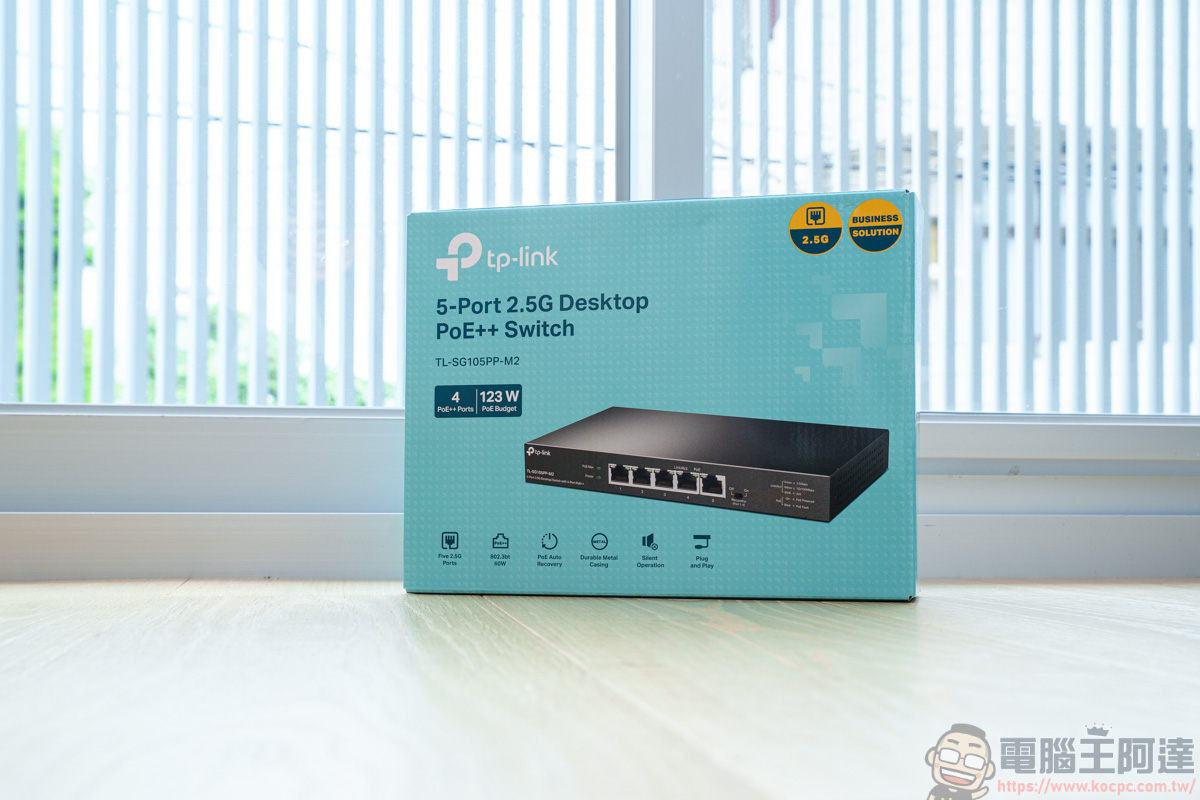
Contents
Contents include: TL-SG105PP-M2, power adapter, user manual, rubber anti-slip pad.
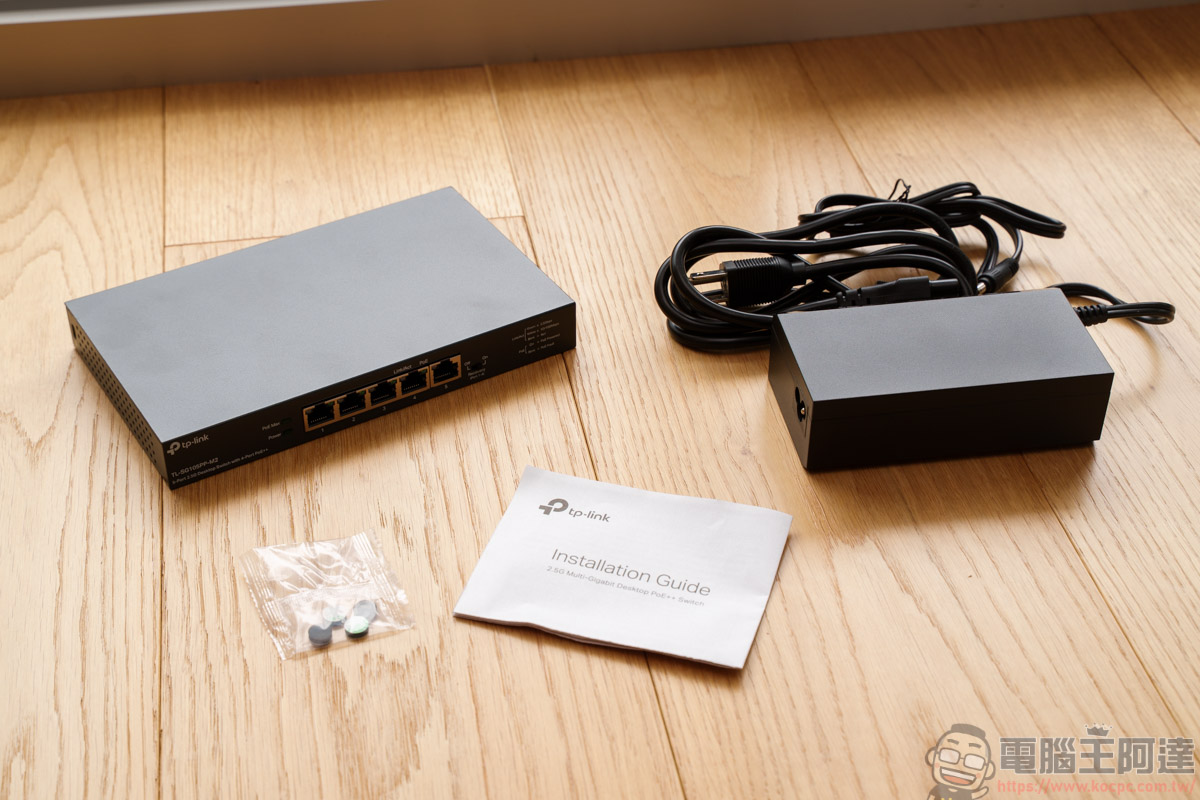
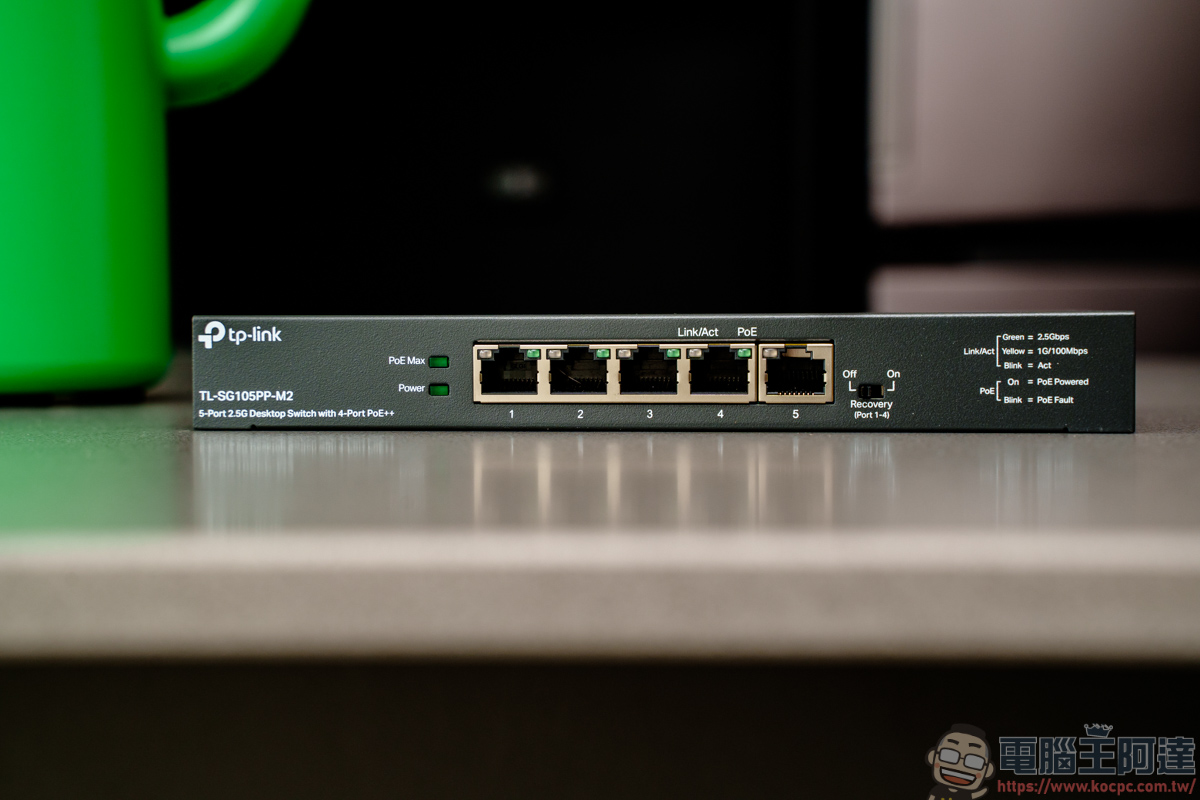
The TL-SG105PP-M2 offers 5 2.5G RJ45 ports, seamlessly connecting to the 2.5G interface of the Deco BE65-PoE for even faster speeds than 1G switches. Plus, it lets you use existing CAT5e, CAT6, CAT6a, or higher-rated network cables to jump straight to 2.5G, saving the costly expense of rewiring. It also features PoE auto-repair: the system automatically monitors the status of connected PoE devices, and if a Deco or camera becomes unresponsive, the switch automatically restarts power to that port to wake the device. This saves users the hassle of manual monitoring and rebooting:
Ultimate Performance & Home Aesthetic Design, Crafting a Stylish Tech Home
In the past, the switches we used mostly required splitting into many network cables to connect devices, like connecting computers or switches in other rooms, in order to ensure a more stable connection. Unless your space had planned cable routing or cable hiding from the very beginning, otherwise, plugging things back and forth like in the picture is really messy :
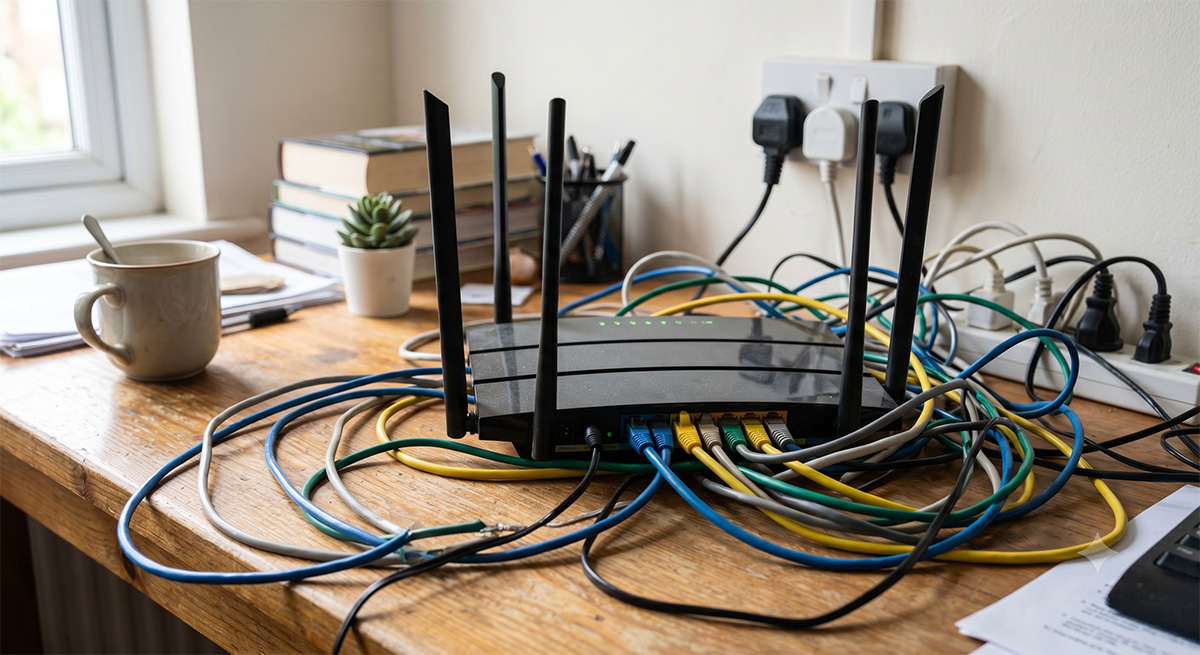
(Image source: AI-generated)
If you want to build a whole-home WiFi environment using Mesh, the Mesh unit that connects to the switch must be plugged into both a power cord and an RJ45 network cable. If your space has fewer AC outlets, you’ll also need to run an extra extension cord to provide power. For people who dislike messy cables, this is a real nightmare.
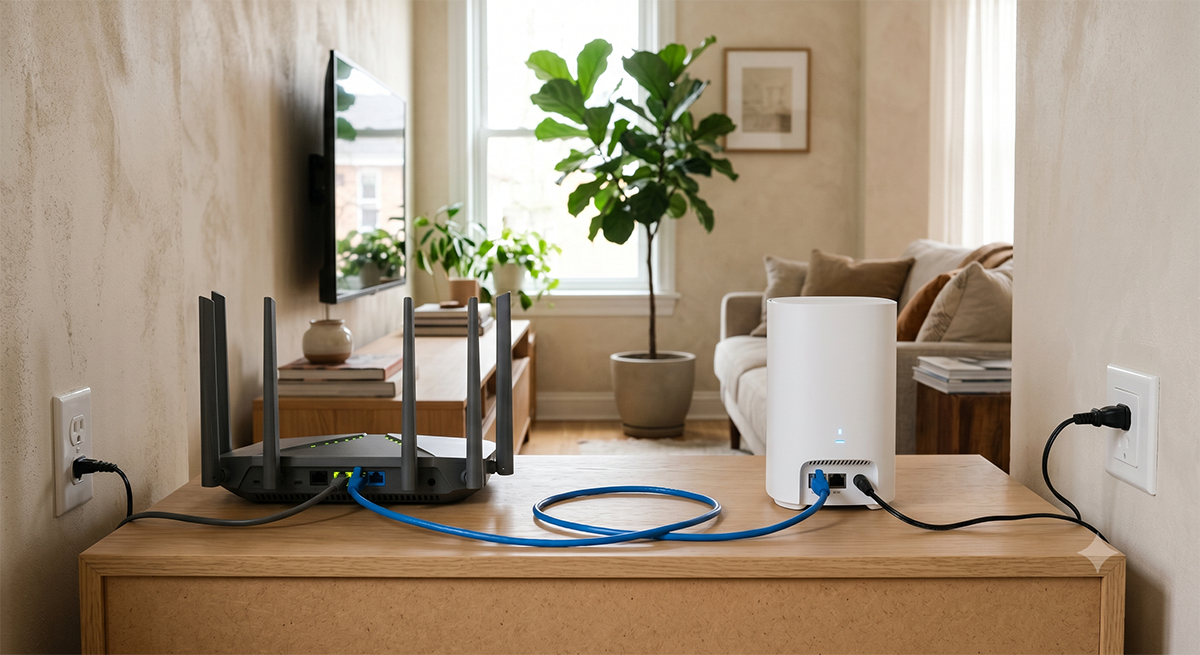
(Image source: AI-generated)
But the Deco BE65-PoE & TL-SG105PP-M2, which support PoE power and data transmission, are different. As shown in the image, after plugging an Ethernet cable into the Deco BE65-PoE, PoE technology lets that single cable handle both 2.5G high-speed data transfer and device power. You don’t need to search for a wall outlet or connect a bulky adapter—you instantly get a clean setup where one cable does it all.
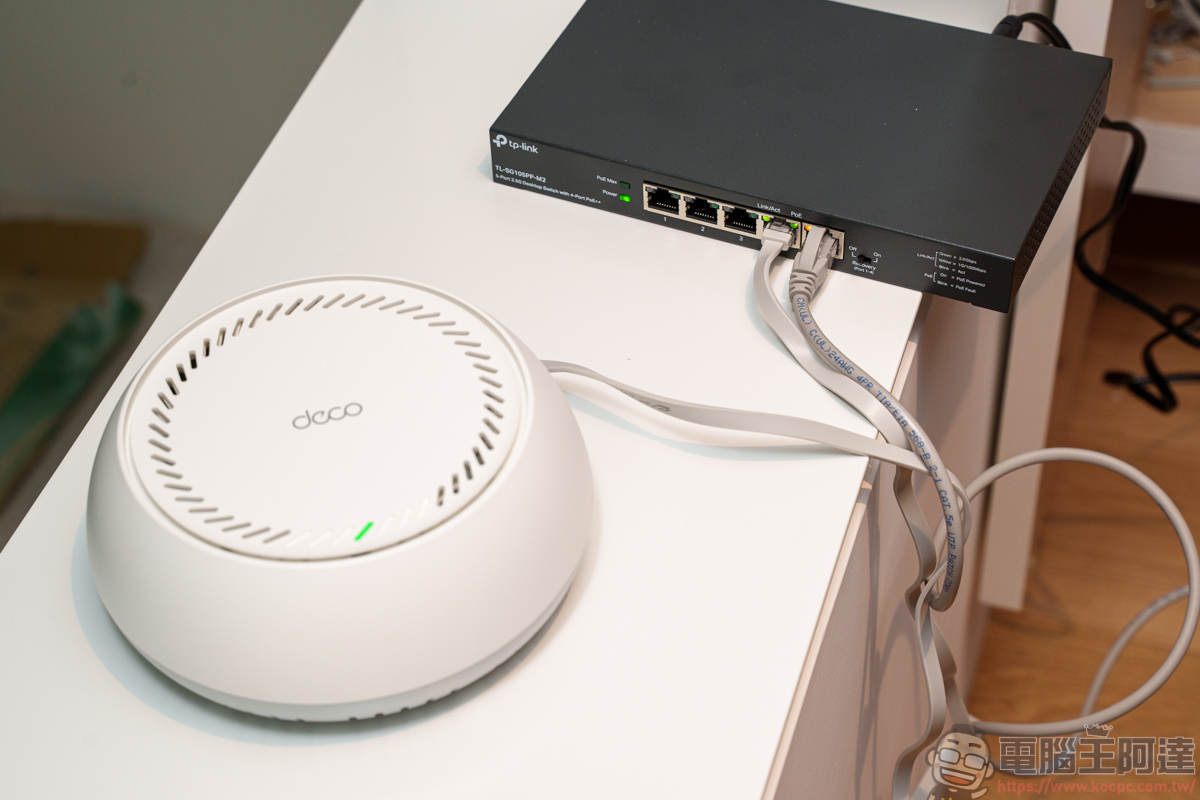
The TL-SG105PP-M2 ports will also display PoE power indicator lights:
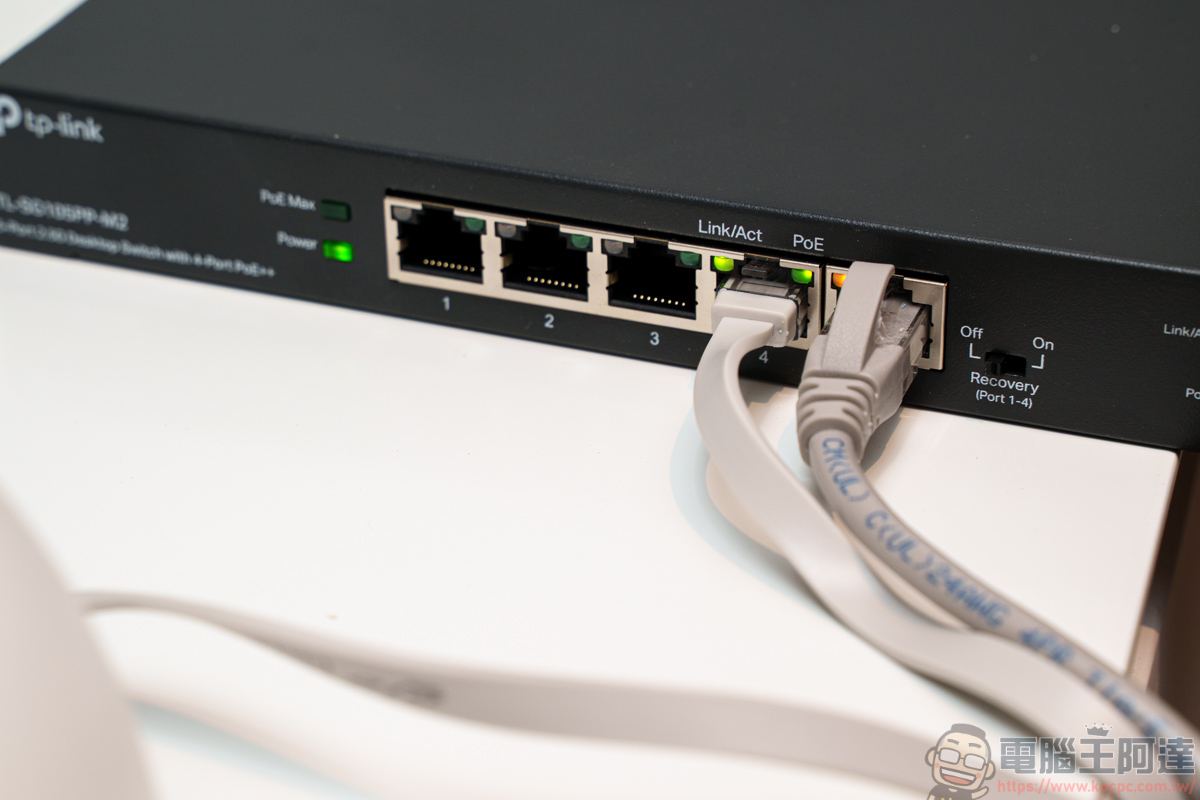
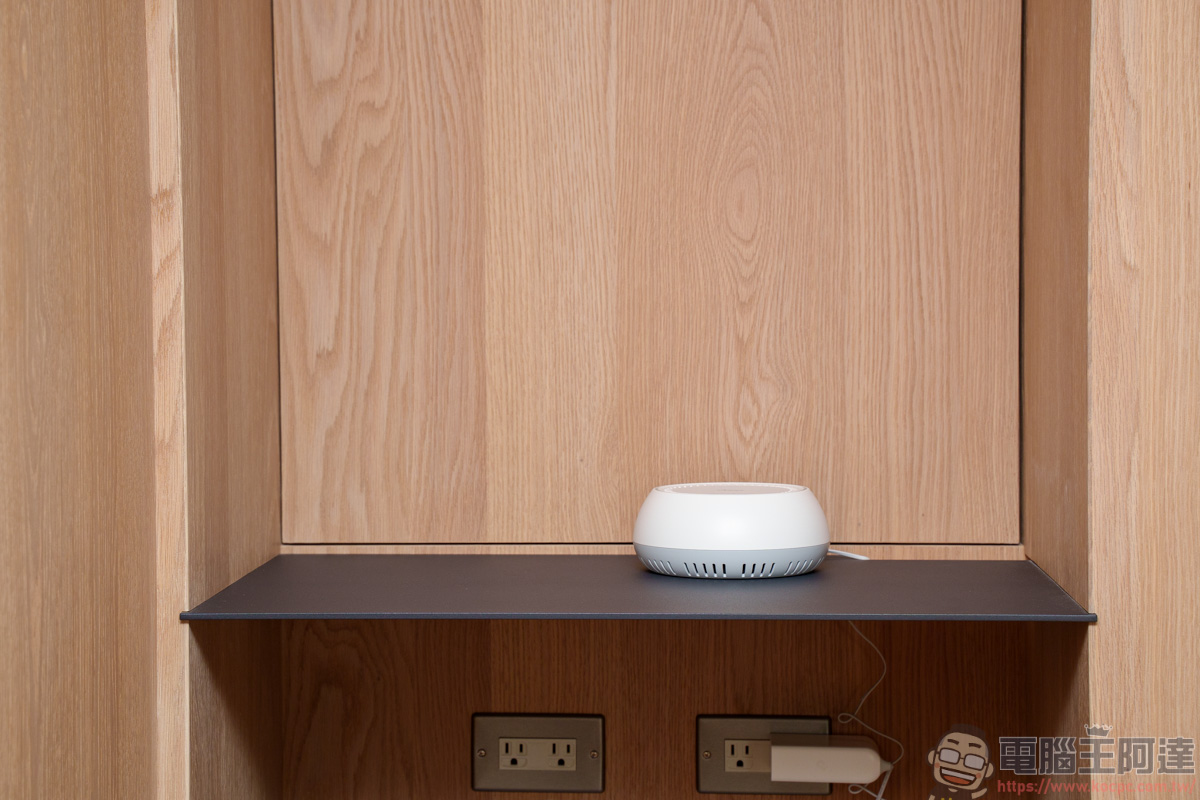
Just one PoE network cable provides the power your Deco BE65-PoE needs to run, freeing you from wall outlets when choosing where to place it. Whether it’s the very center of your living room ceiling or a high spot on a stairway wall, anywhere a network cable can reach can become the perfect vantage point for a seamless, ultra-fast network. That way, there’s no need to worry about finding a nearby outlet—just run the cable in advance and everything works right away.
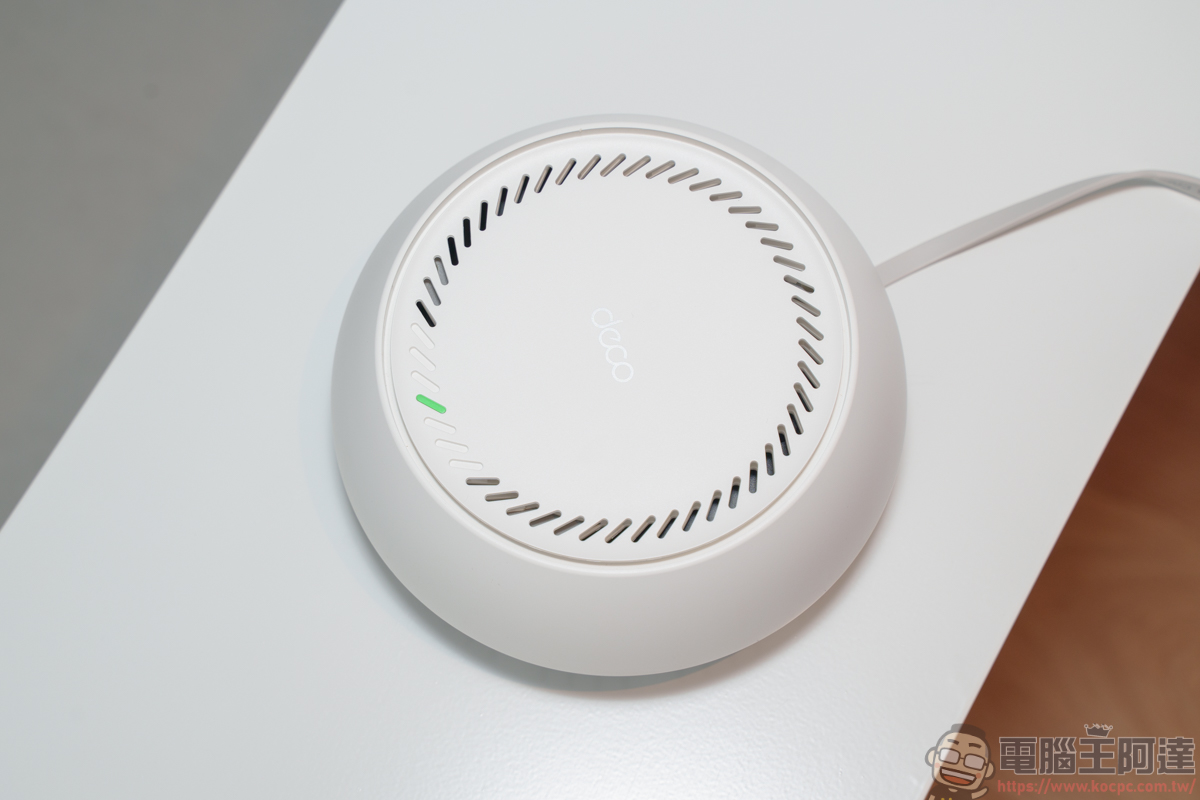
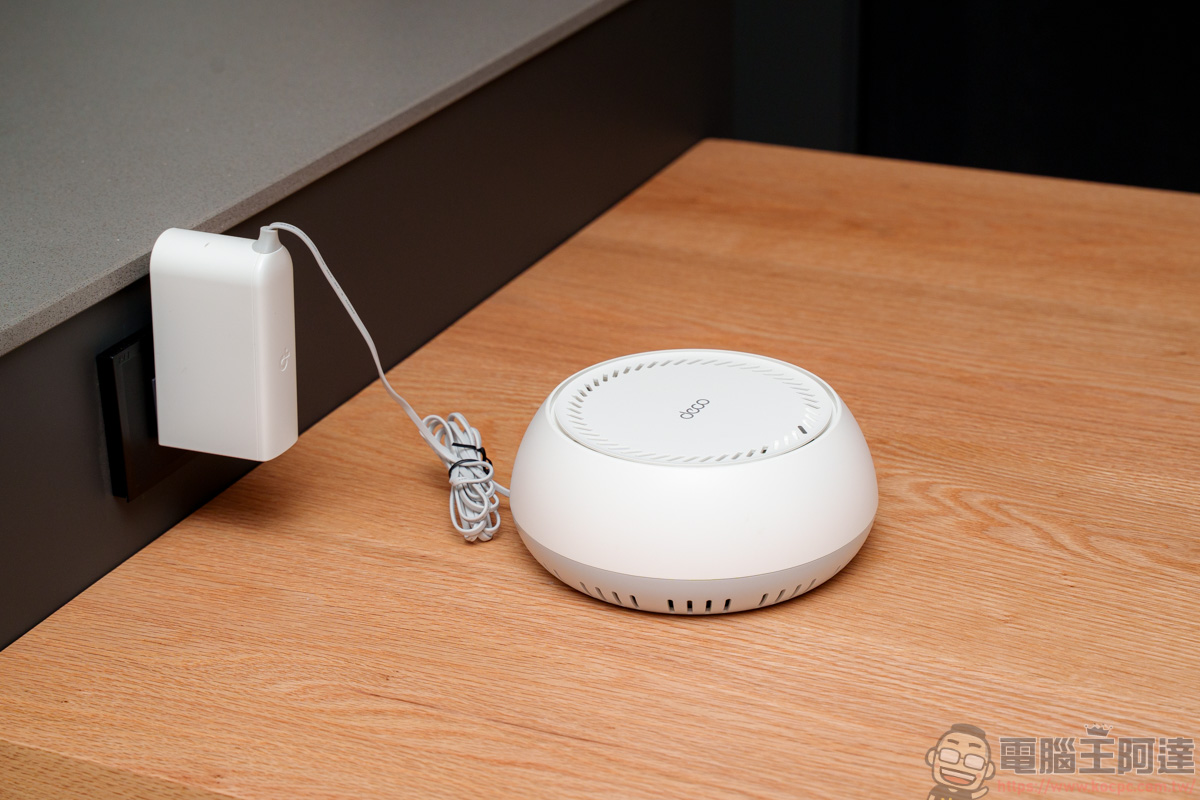
Of course! If you haven’t pre-planned a place to hide the network cables, or you don’t want to see visible cables running around your space, you can simply plug the other units directly into power. That’s because the biggest appeal of a Mesh network is its flexible deployment—it supports “a hybrid of wired and wireless networking.” You just need to place one main unit near the switch (depending on how long your Ethernet cable is), and the other two satellite units simply connect to their power adapters and communicate via wireless signals, easily achieving a perfect balance between home aesthetics and full coverage with no dead spots.
Connection speed test
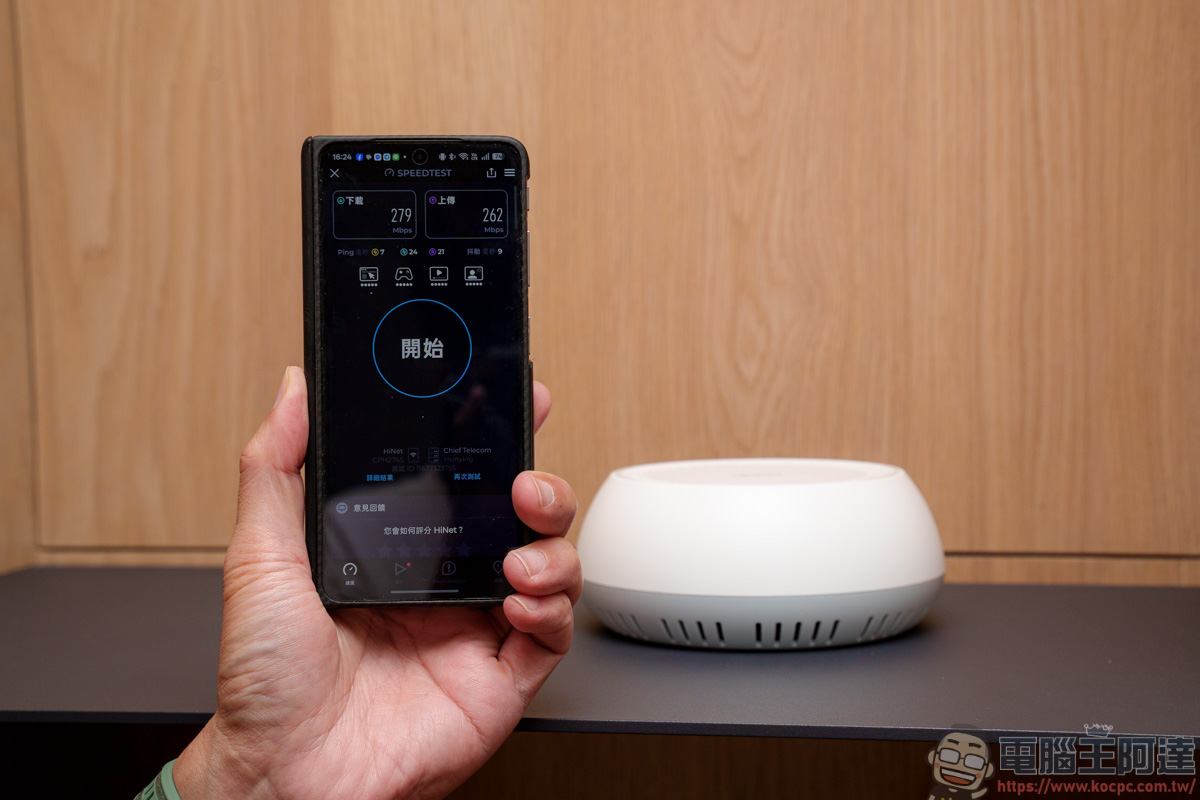
My brother’s place is 41 ping (about 135 square meters), and to avoid ruining the aesthetics of the house, he currently only has the WiFi router set up on the first floor. However, that causes unstable WiFi signals in some areas on the second floor. So after placing the main Mesh on the first floor, the other two Mesh units are set up in various corners of the second floor.
First, I ran a connection speed test on one of the Mesh nodes (my brother’s home network uses a 300Mbps plan), and it achieved download speeds of 279Mbps and upload speeds of 262Mbps. The Mesh network extended from the main unit on the first floor not only offers wide coverage, but also extremely stable transmission quality. With this kind of near-lossless speed performance, whether you’re simultaneously streaming 4K video, downloading large game files, or joining video conferences in this space, it’s absolutely more than sufficient 🙂
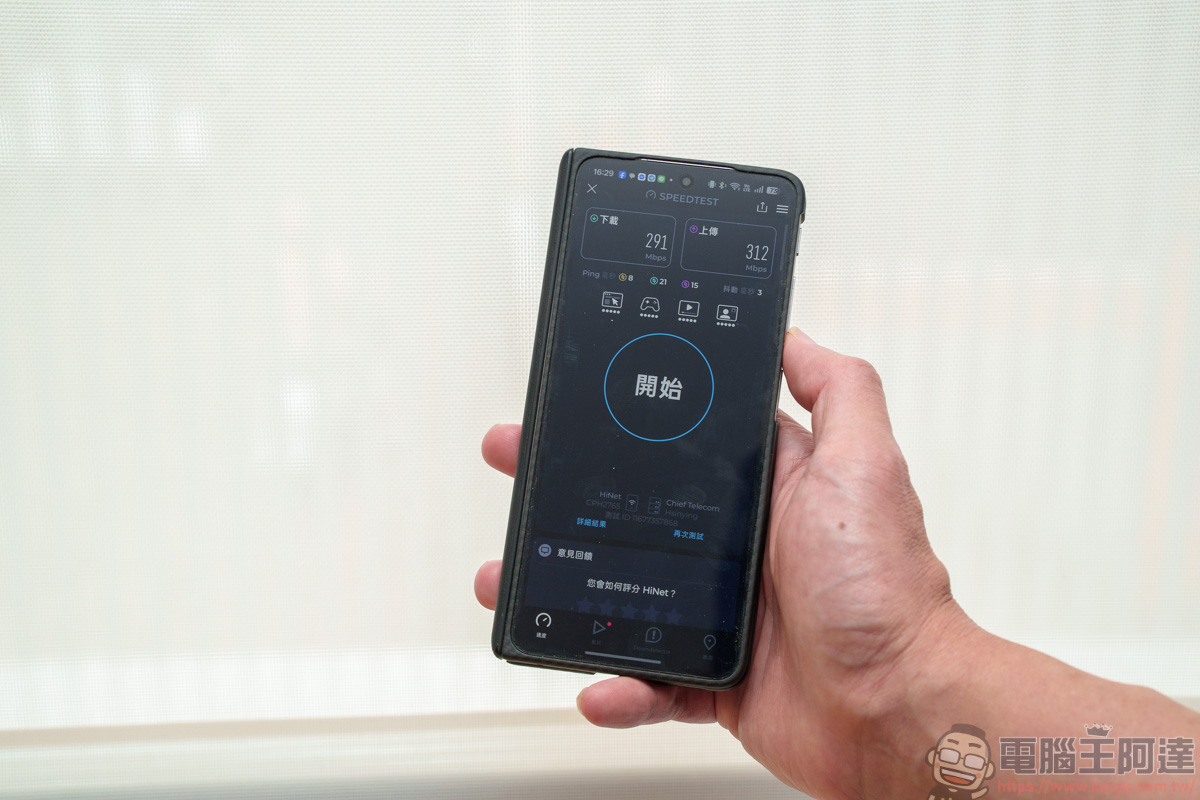
Next, we ran a speed test in another corner of the space. Directly below this spot is exactly where the Mesh unit is placed on the first floor, and it recorded a download speed of 291 Mbps and an upload speed of 312 Mbps. With just three Deco BE65-PoE units (one on the first floor and two on the second floor), both the first and second floors of this 41-ping space enjoyed stable and extremely fast Wi-Fi connectivity. My brother was really quite satisfied with it.
Because the Wi-Fi is now smoother, the lag I used to experience when reading comics here is gone; loading image files no longer requires endless waiting with the spinner 🙂

Watching 4K streaming is also smooth, with no buffering issues. And that’s not all—today’s home environments often have dozens of devices connected at once, such as smart TVs, phones, tablets, surveillance cameras, and various IoT smart appliances. With the powerful hardware processing and ultra-wide transmission channels of the Deco BE65-PoE, data from all devices flows effortlessly as if on a dedicated highway, perfectly delivering a high-tech modern home life:

Summary
After this actual test at my younger brother’s new two-story 41-ping home, this set… TP-Link Deco BE65-PoE and TL-SG105PP-M2 SwitchThe Wi-Fi 7 mesh network it forms truly delivers seamless whole-home Wi-Fi coverage. With the powerful and stable PoE++ power supply of the TL-SG105PP-M2, the Deco BE65-PoE truly achieves “a single Ethernet cable handling both 2.5G high-speed data and device power.” You can even ceiling-mount or wall-mount the access points up high, completely eliminating messy transformers and extension cords on the floor, while also avoiding obstruction from household furniture, allowing the Wi-Fi 7 wireless signal to deliver its full penetration capability.
In terms of performance, the massive bandwidth and MLO technology brought by Wi-Fi 7, combined with Mesh seamless roaming, make cross-floor network coverage nearly “dead-zone-free and lossless.” Real-world test data proves that whether it’s high-definition 4K streaming, large file downloads, or the growing number of smart home devices connecting simultaneously, this system handles it all with ease, delivering a smooth, lag-free experience.
If you’re recently planning to move to a new home, renovate an old house, or simply fed up with Wi-Fi dead zones in your home and that mess of tangled cables, this TP-Link golden combo, offering both deployment flexibility and flagship home performance, is definitely one of the most worthwhile network upgrade solutions on the market right now!

Source: KOCPC Chinese