


In the past two years, Mac has become one of the top choices in the AI world. Many people buy Mac mini or Mac Studio not for video editing, but because its unified memory is large enough to be ideal for running local large language models, and many AI tools are optimized for Mac. Now Apple has also begun to strengthen the development of local AI applications.
According to the latest leak, Apple is testing a Mac app called Harbor that, in addition to turning a single Mac into a local AI server, also supports chaining multiple Macs together over Thunderbolt 5 to solve the problem of a single machine’s memory being unable to fit large models—something well worth looking forward to.
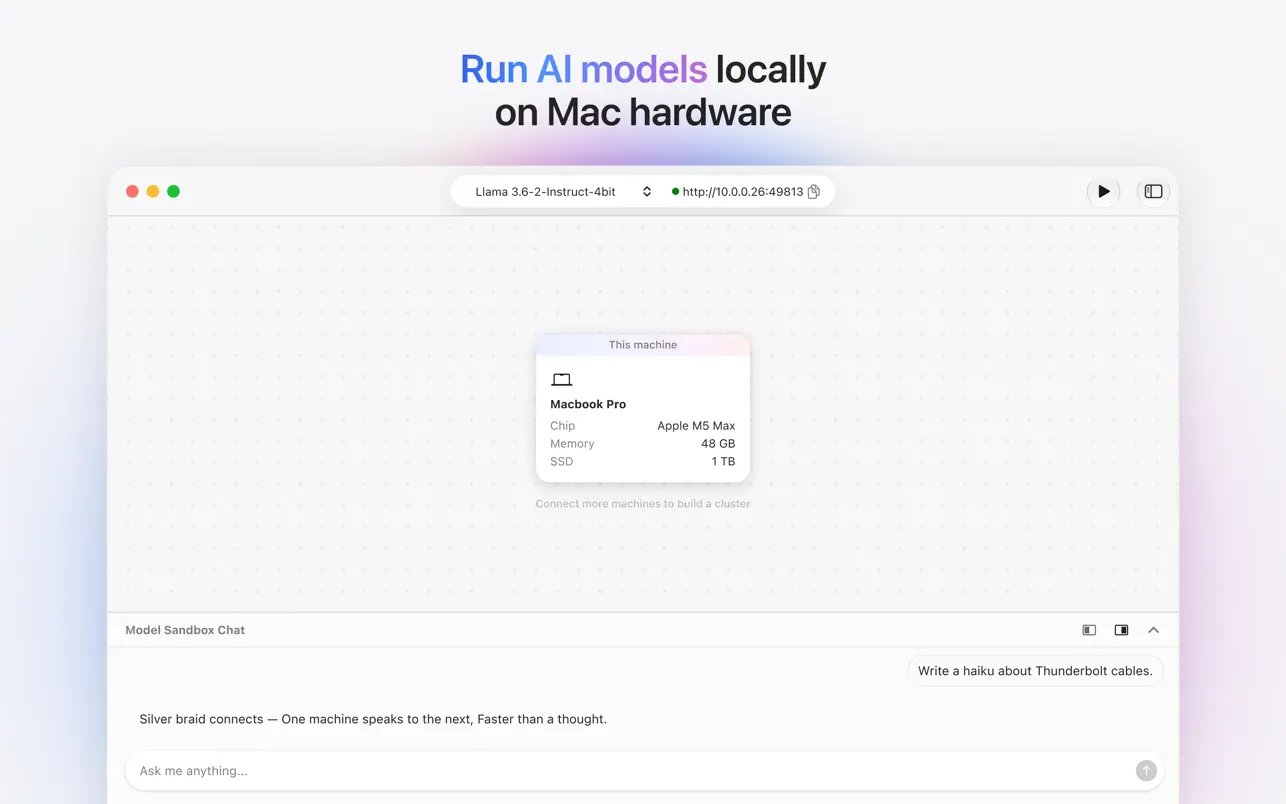
Apple’s new tool Harbor revealed: multiple Macs linked together become a private AI server, running large models without the command line
Leaker Aaron Perris posted on X an introduction to a Mac app called Harbor. Harbor is currently in private preview under the Claris brand, and Claris is a software subsidiary owned by Apple.
Apple is working on a new app called Harbor Harbor turns your Mac into a private AI inference server. Run open-weight models locally on Apple silicon—your data never leaves your hardware, and nothing reaches the cloud. Connect multiple Mac computers over Thunderbolt 5 to pool unified memory, enabling large models and higher concurrency that a single computer can handle alone. Set up in minutes, not hours Harbor automatically detects your devices over Thunderbolt 5 to form a cluster. Plug in, start, and you’re running—no manual configuration, no command line, no infrastructure expertise required. Download and run models directly Browse, download, and load open-weight models from within the app. Harbor handles model management so you can focus on the work, not the setup. Cluster for scale Connect two or more Thunderbolt 5-capable Mac computers and Harbor pools their unified memory into a single inference resource. Run models that exceed any single computer’s capacity, or serve more concurrent requests across your cluster. Harbor is currently in a private preview under the Claris brand.
— Aaron (@aaronp613) November 10, 2026
Perris mentioned that Harbor turns a user’s Mac into a private AI inference server that can run open-weight models directly on Apple silicon, with data never leaving the hardware or being sent to the cloud. It also supports clustering: through Thunderbolt 5, multiple Macs can be connected and their unified memory pooled, enabling it to run large models that a single computer cannot handle and to take on more simultaneous incoming requests:
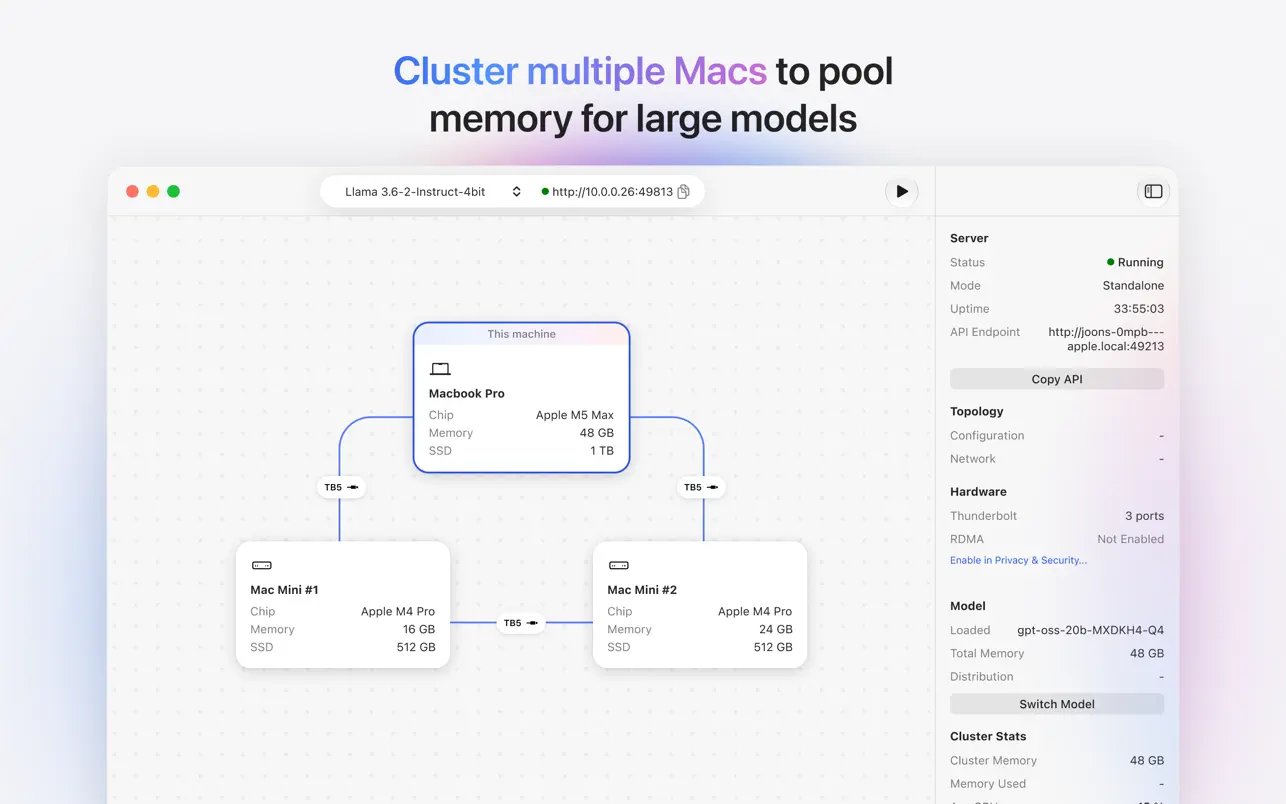
Here’s a simple example: Suppose you have two Macs, each with 64GB of unified memory. A single machine has only 64GB, but together the two have 128GB of physical memory resources. With Harbor’s clustering feature, it becomes possible to split a large model that needs around 100GB into two halves and run them separately on the two computers.
However, a special reminder is needed here: this does not mean the memory of two Macs will directly become a single 128GB computer, nor does it mean performance will necessarily double. Each Mac still has to reserve some memory for the system itself, and after the model is split, the two machines must continuously exchange data over Thunderbolt 5; these transfer processes will consume some performance. Claris has not released any Harbor performance data so far, and the actual usable capacity and speed will still have to wait for real-world testing.
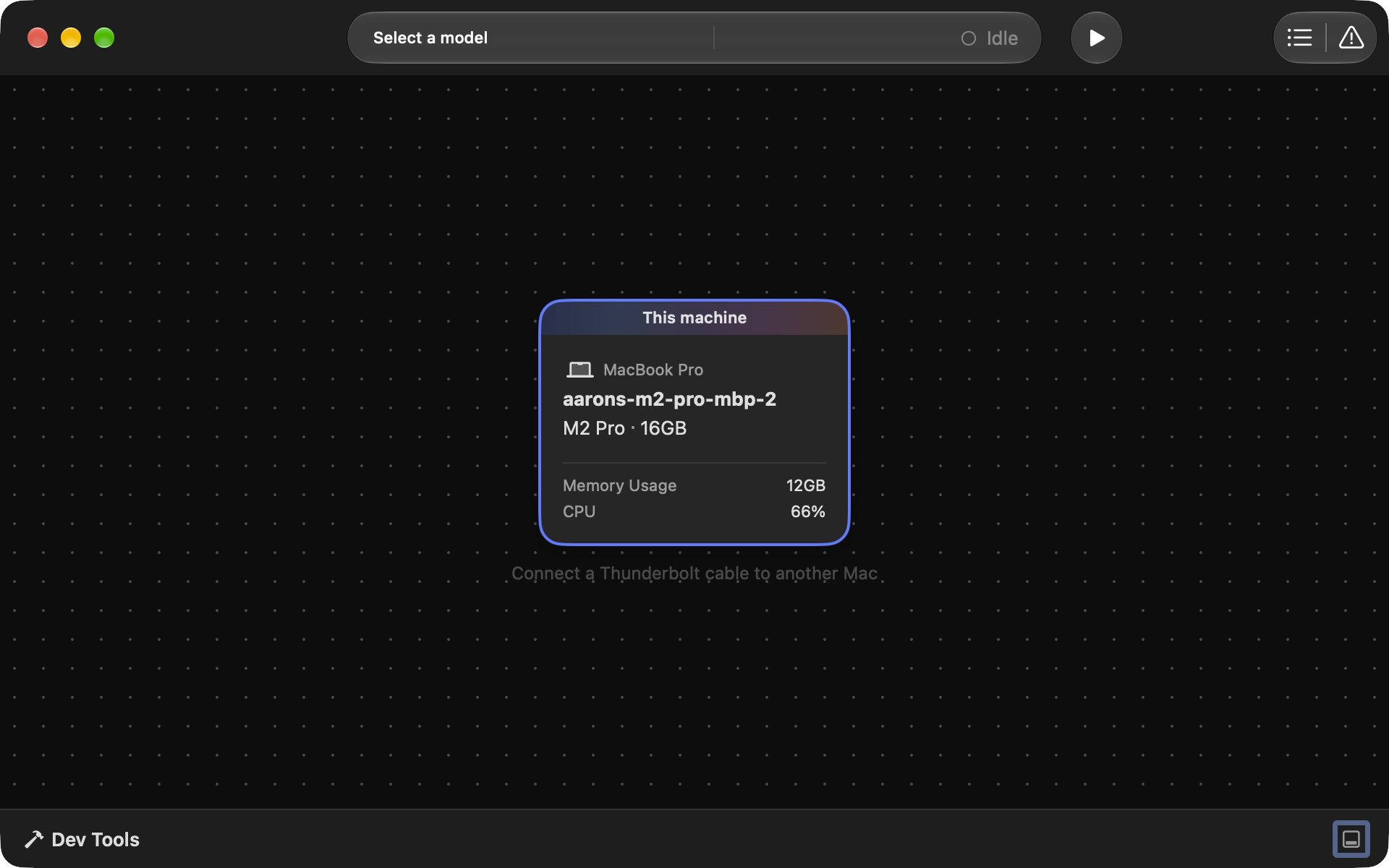
Setting it up is also simple—it takes just a few minutes. Harbor automatically detects connected devices over Thunderbolt 5 and clusters them together; plug in the cable and press Start, and it’s ready to go:
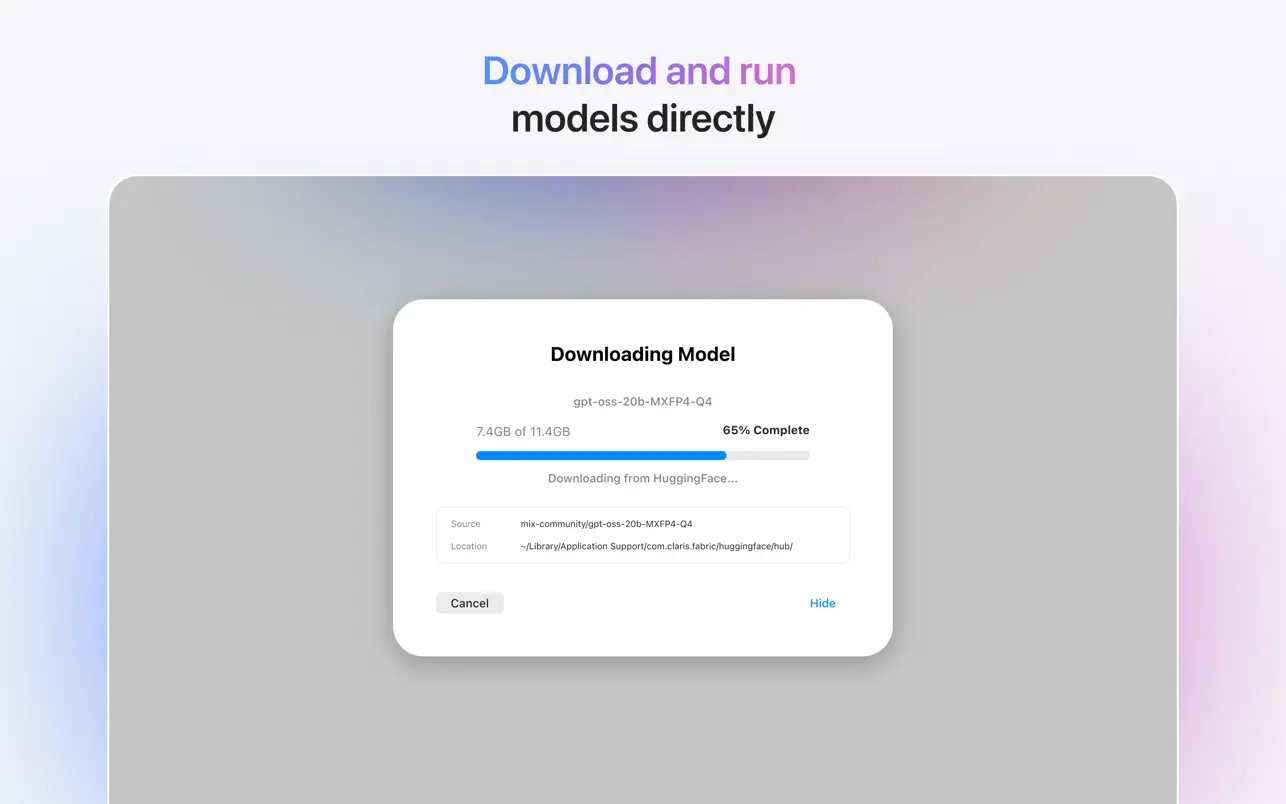
Browsing, downloading, and loading open-weight models all happen in the app, and model management is handled by Harbor, so users can focus on their own work instead of spending time setting up environments:
The cluster requires every machine to support Thunderbolt 5. Models such as the M4 Pro, M4 Max, M3 Ultra, as well as the M5 Pro Mac mini and Mac Studio, all qualify, but the newly released M6 Mac mini uses Thunderbolt 4, so it cannot join this type of cluster.
Harbor actually wasn’t the first name. In a reply to a user, Perris confirmed that the app was originally called Fabric and was renamed later.
Some people might wonder: if Harbor is available in the future, will we no longer need to use LM Studio or Ollama? Below is a table of the features of several well-known tools.
| Tool | Main Positioning | Special features | Connecting multiple Macs | Price |
|---|---|---|---|---|
| Harbor | Local AI servers and multi-machine clusters | Thunderbolt 5 automatic clustering, integrated unified memory, and graphical model management | Support | Not yet announced |
| LM Studio | Graphical local AI tool | Download and manage models, chat with them, and even run a local server. | Mainly single-player. | Free |
| Ollama | Local AI model execution platform | Started with the command line and APIs, offers extensive developer tool integrations, and also has a desktop app. | Primarily single-player. | Free and open source |
| Exo | Open-source multi-device clustering tool | Automatically detects devices and supports RDMA over Thunderbolt 5. | Support | Free and open source |
Simply put, both LM Studio and Ollama are strongest on a single computer. LM Studio has a friendly interface and is suited to people who want to download models and chat directly. Ollama is popular with developers; many programming tools and AI agents can connect directly to its API.
If you only have one Mac, these two are already plenty, and Harbor may not make a noticeable difference.
The closest thing to Harbor in terms of positioning is actually the open-source tool Exo. Exo supported RDMA over Thunderbolt 5 as early as the release of macOS 26.2, and it can likewise automatically detect devices, cluster multiple Macs together, and also offers a macOS app.
As for when Harbor will launch, it is not known yet. The foreign media outlet 9to5Mac believes Harbor could make its public debut within the next few weeks to months.
Interested readers can visit Claris Harbor Official Preview Information and Registration PageLeave your details and wait for further updates.
Source: KOCPC Chinese