


Recently, the power supply suddenly burned out when I was testing multiple simulators. In order to avoid the same situation, I was looking for free software that is easy to use and can monitor all system resources. Finally, I found this very good OCCT. It is completely free for individual users. In addition to monitoring resources such as CPU, GPU, power supply, memory, etc., it also provides testing functions, allowing you to test the performance of your own hardware, and even provides complete hardware information. I recommend everyone to try it.
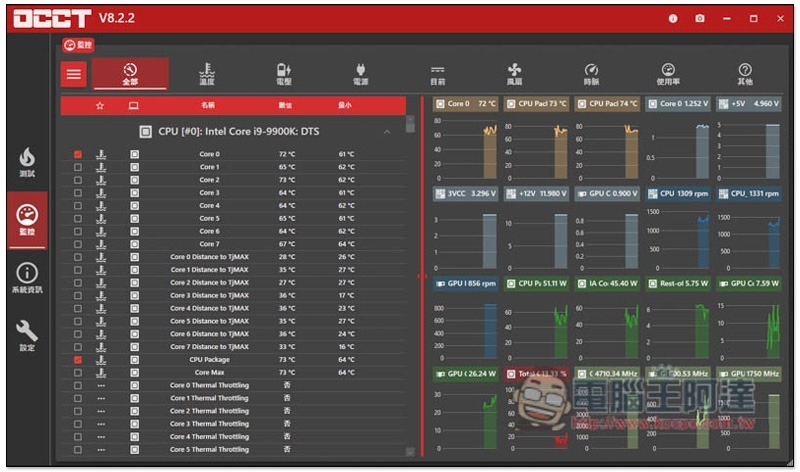
Introduction to OCCT, a free software that provides complete PC hardware monitoring and information
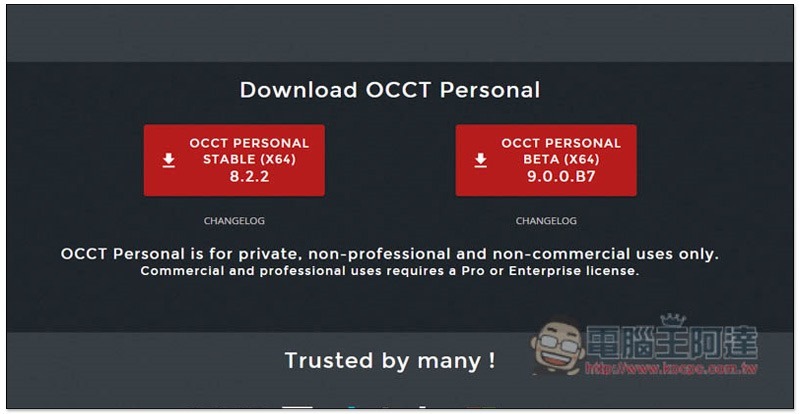
After entering the OCCT official website, it is recommended to download the stable version of OCCT PERSONAL STABLE, which is more trouble-free to use. In addition, this software is a free installation version, you can open it and use it after downloading:
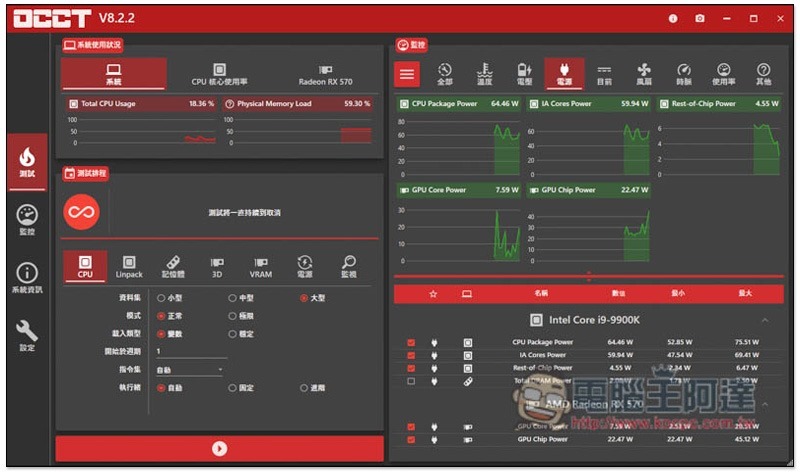
There are four major functions, “testing, monitoring, system information and settings”. In the test menu, in addition to testing hardware such as CPU, memory, VRAM, power supply, etc., an overview of each system information is also displayed. After selecting the hardware you want to test, click the play icon below to start execution:
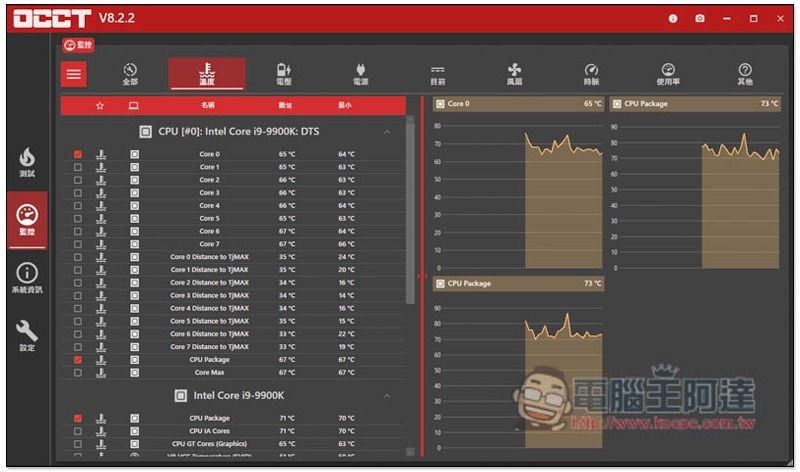
The monitoring menu will display more detailed information about each hardware, such as the current temperature of each core of the CPU:
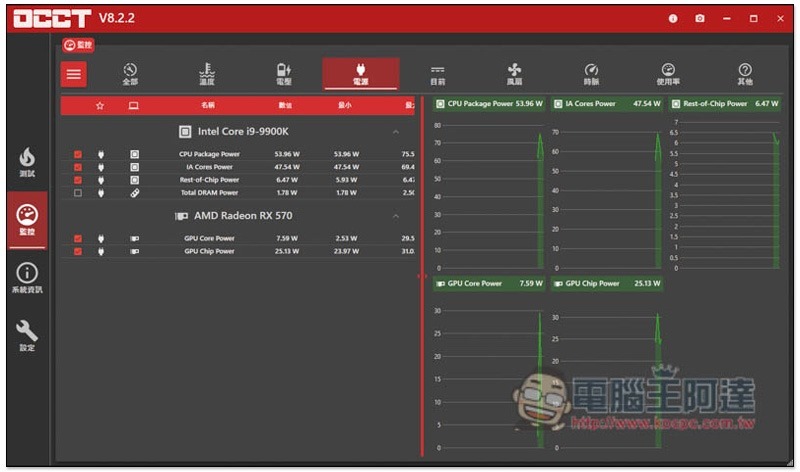
The status of the power supply used by the CPU, memory, and graphics card hardware. From here, I can know the approximate total power consumption to avoid recurrence of burnout:
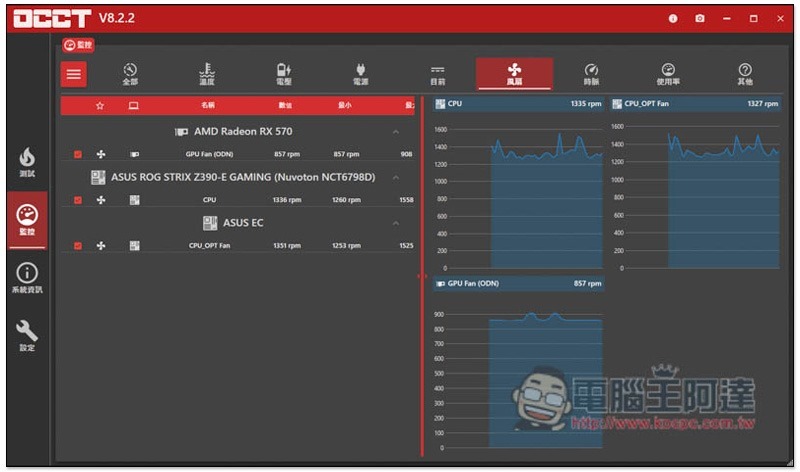
The fan can also be monitored. If it is set to automatic, generally speaking, the higher the temperature and usage, the higher the fan speed will be:
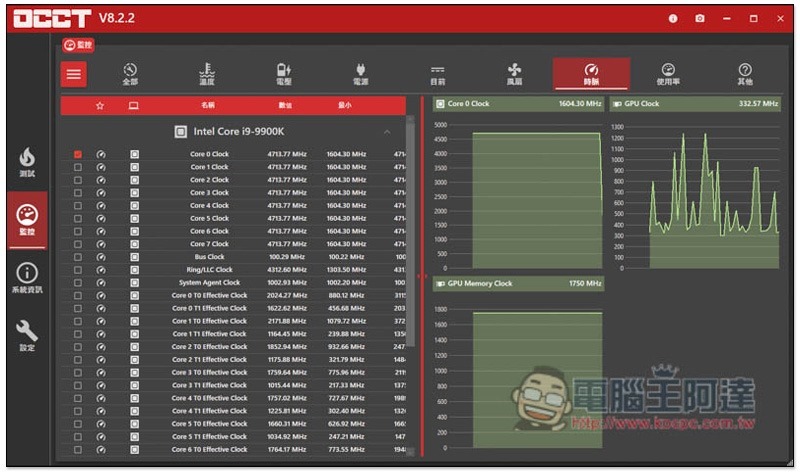
Even the core clock speed of each CPU is included. The information provided by this set is really rich:
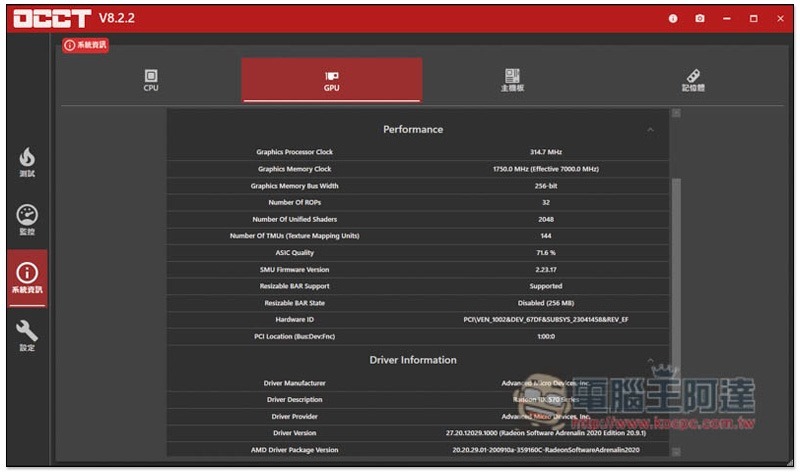
The system information menu will display the main hardware information of the computer, and not only the model, but also detailed information, such as: GPU display card, clock speed, ROP, TMU, and driver version:
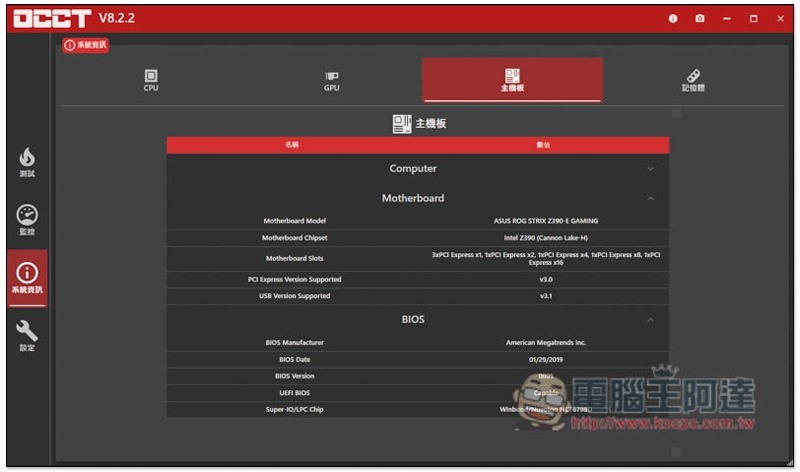
Motherboard model, supported chipsets and PCI, BIOS version and installation date:
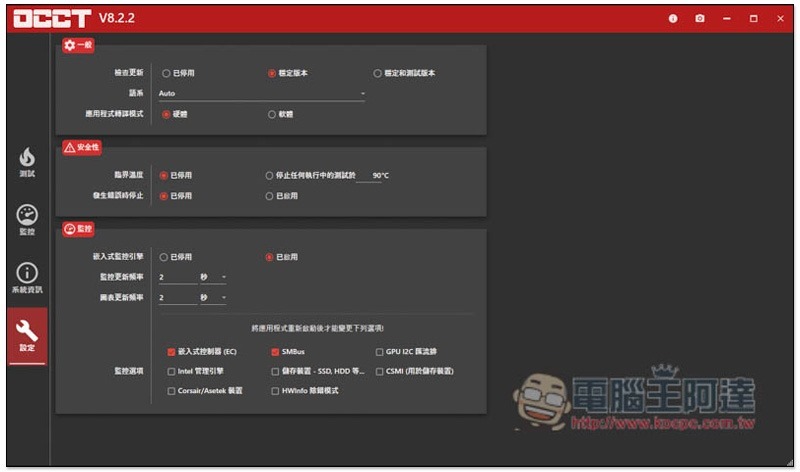
There are some values in the settings that can be adjusted, such as monitoring options, updating channels, setting security, etc., but if you don’t understand what it is used for, then don’t bother with it. The only trouble is that the free sponsorship window for personal use only pops up every hour, and there is no way to turn it off:
超強全能 iPhone 解鎖軟體!忘記 Apple ID、螢幕密碼、iTunes 備份加密、MDM 等它都能幫你解決、修復
Source: KOCPC Chinese