


We have previously introduced a super easy-to-use translation function “immersive translation”, not only supports many translation services, but also can translate web pages and videos, evene-bookEither one is fine, but if you feel uncomfortable using it, this article will recommend another alternative, “KISS Translator (Simple Translator)”, which is also quite easy to use and has similar functions. It has all the translation functions you need, and is also supported by Google, Microsoft, OpenAI, DeepL and other translation sources.
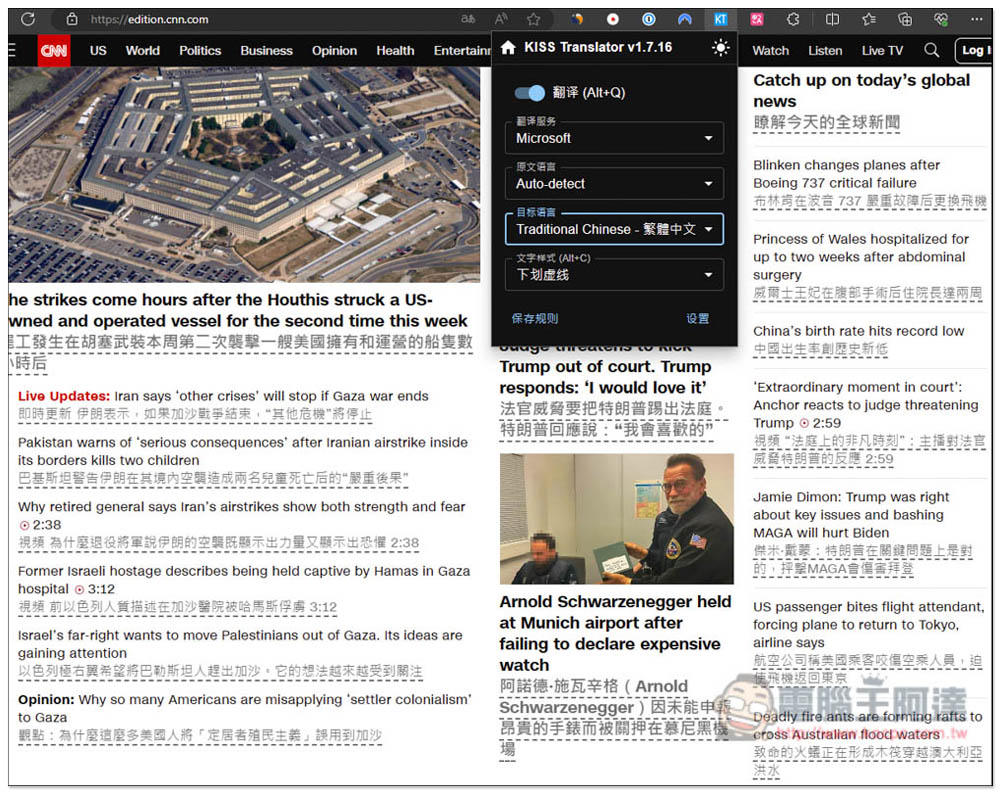
“KISS Translator” is an immersive translation alternative that can translate web pages and videos, and supports multiple translation sources such as Google and OpenAI.
Installation point:
“KISS Translator” is aOpen source extensions, has launched many browser versions, including Chrome, Edge, and Firefox. Below I use the Chrome version as an example, and the usage methods are the same.
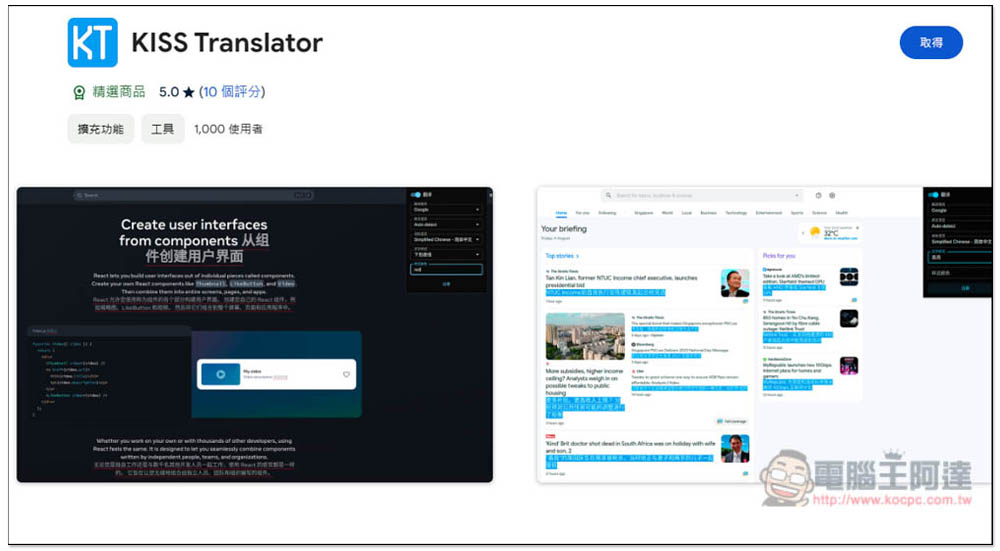
After entering the Chrome store page, click “Get” in the upper right corner:
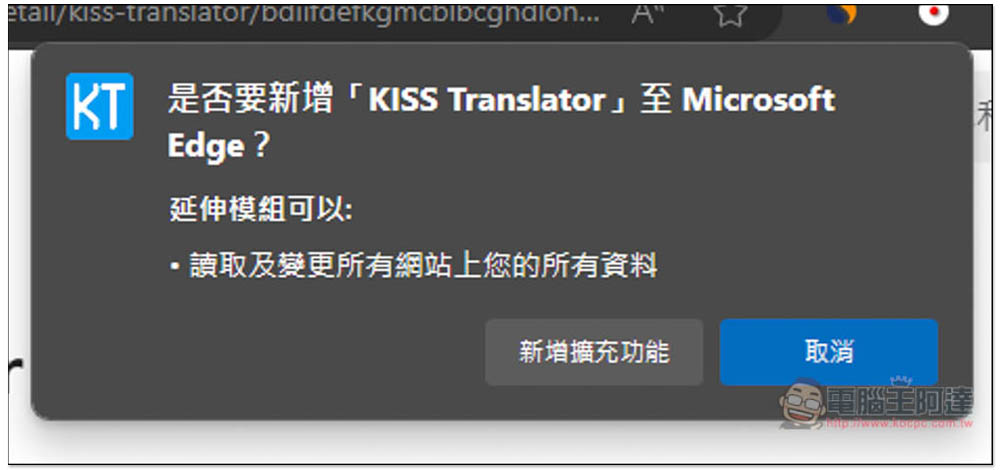
This message will pop up at the top, click “Add Extension”:
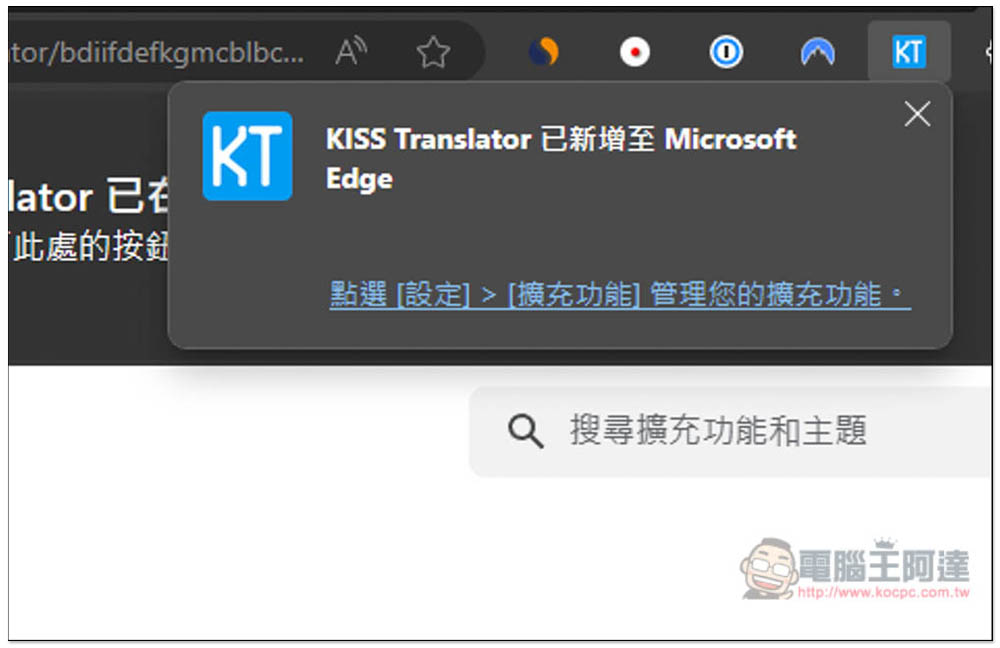
This is done, but now most browsers will automatically hide the icon after installing the extension, so please pin it to the upper right corner for easy use:
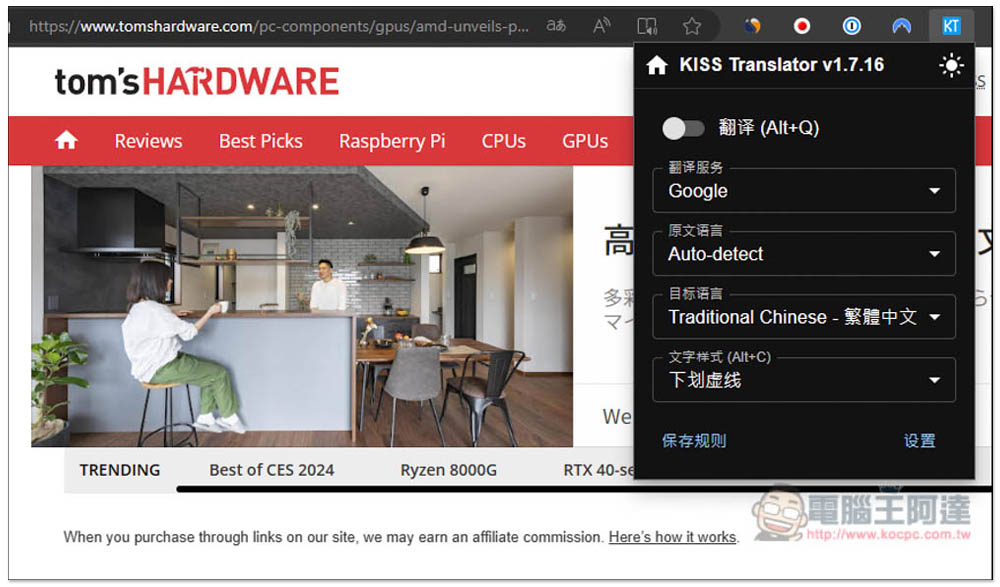
The usage is very simple. Open the extended function icon and you will see four options. “Translation Service” is the translation engine you want to use. “Original Language” is recommended to be automatically detected by default, so that you don’t have to change it when reading different foreign languages. “Target Language” is the language to be translated, generally speaking Traditional Chinese. “Text Format” is how you want the translated text to be presented:
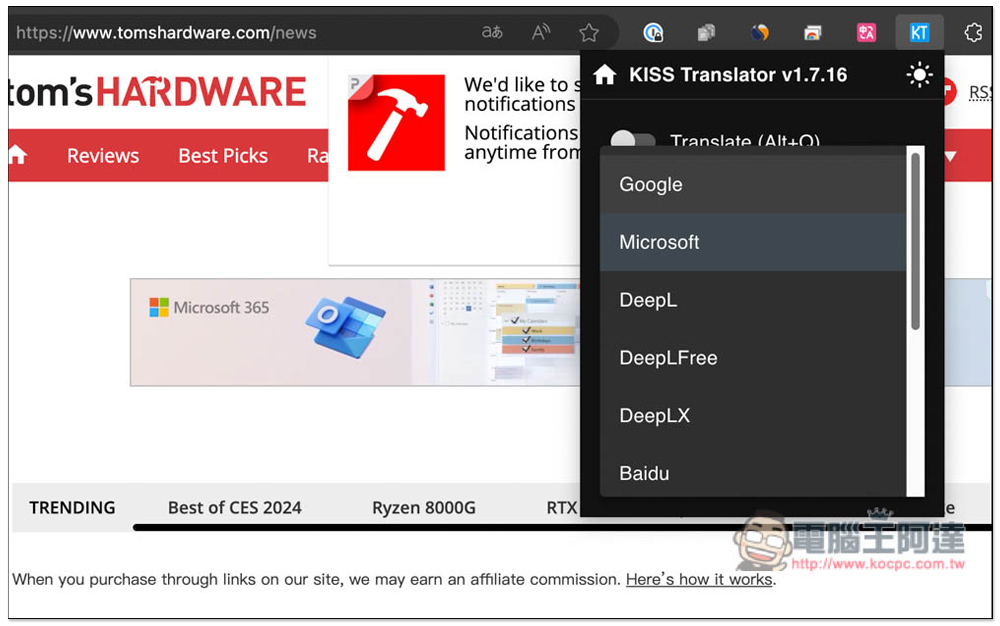
Supports many translation sources, including Google, Microsoft, DeepL, DeepLFree, DeepLX, Baidu, Tencent, OpenAI, Gemini, CloudflareAI, and Custom. Google and Microsoft are free and can be used after selection. OpenAI needs to enter its own API Key:
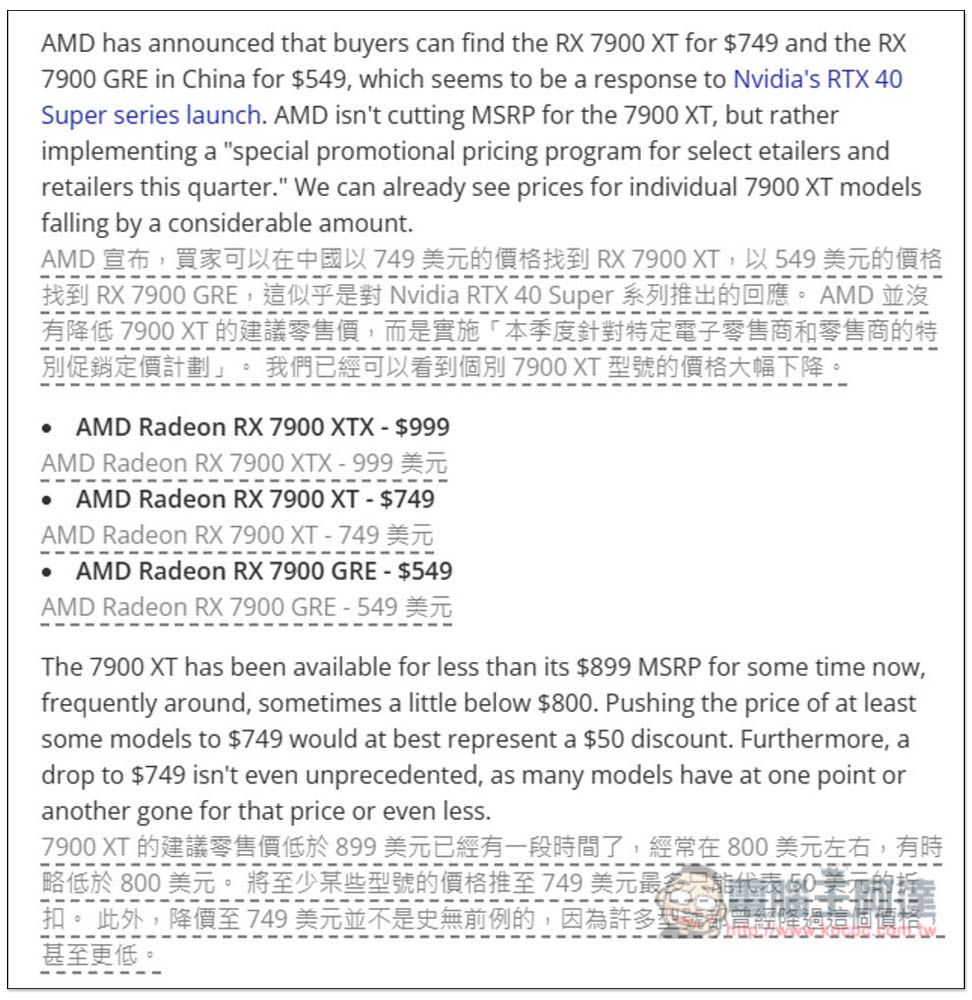
After selecting, turn on the translation switch, and you will see a Chinese translation below the foreign language paragraph on the current page. The quality of the translation depends on the translation service you choose. I use Google:
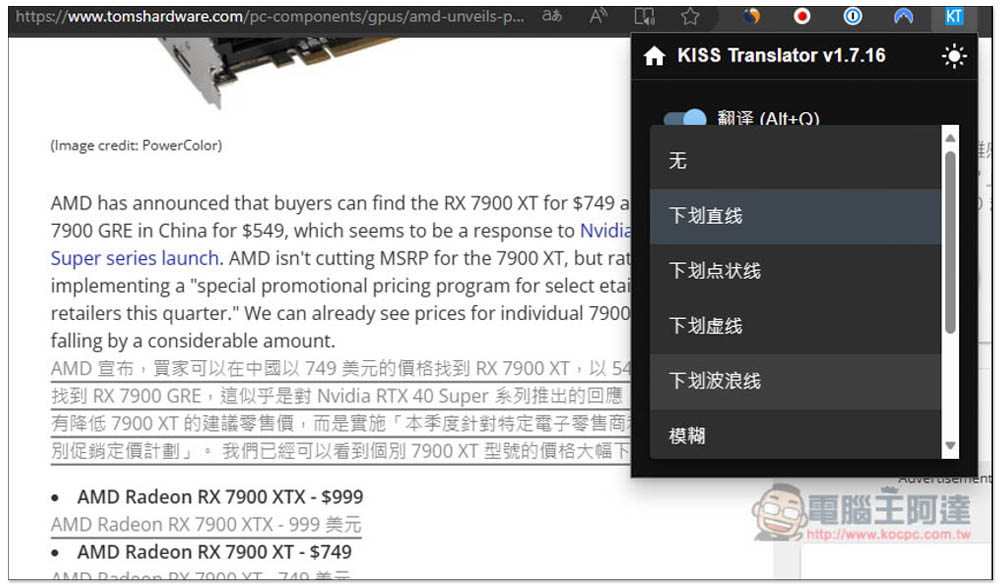
If you don’t like the default dotted line, you can change other formats at any time, such as adding straight lines, wavy lines, blur, etc. at the bottom:
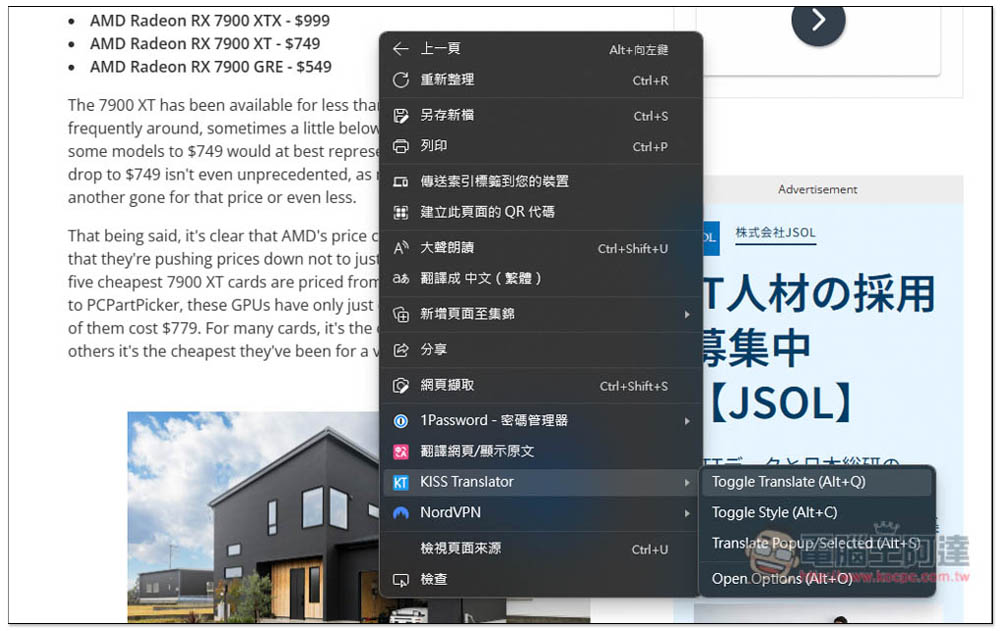
Supports right-click menu function, and translation function can also be enabled from here:
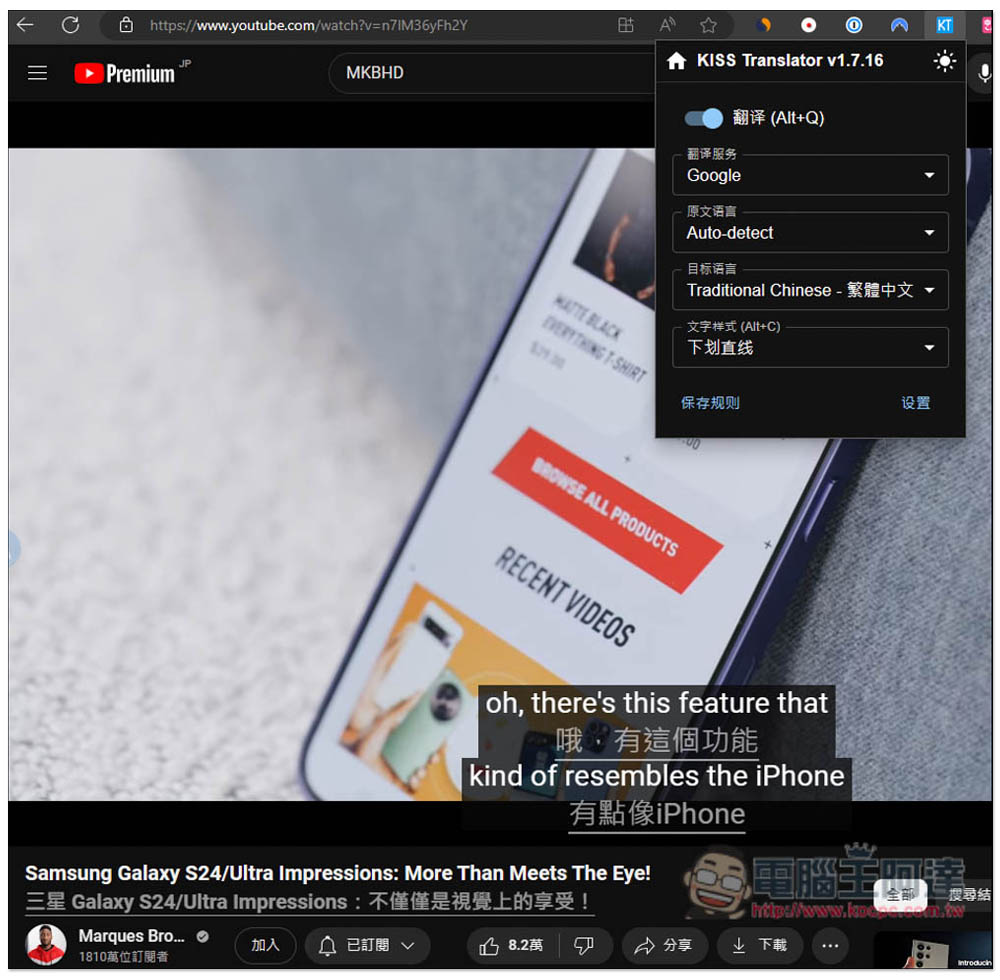
In the YouTube video section, if you have enabled foreign subtitles and turned on the translation function of KISS Translator, then when the subtitles appear, they will be automatically translated immediately and become a bilingual subtitle concept:
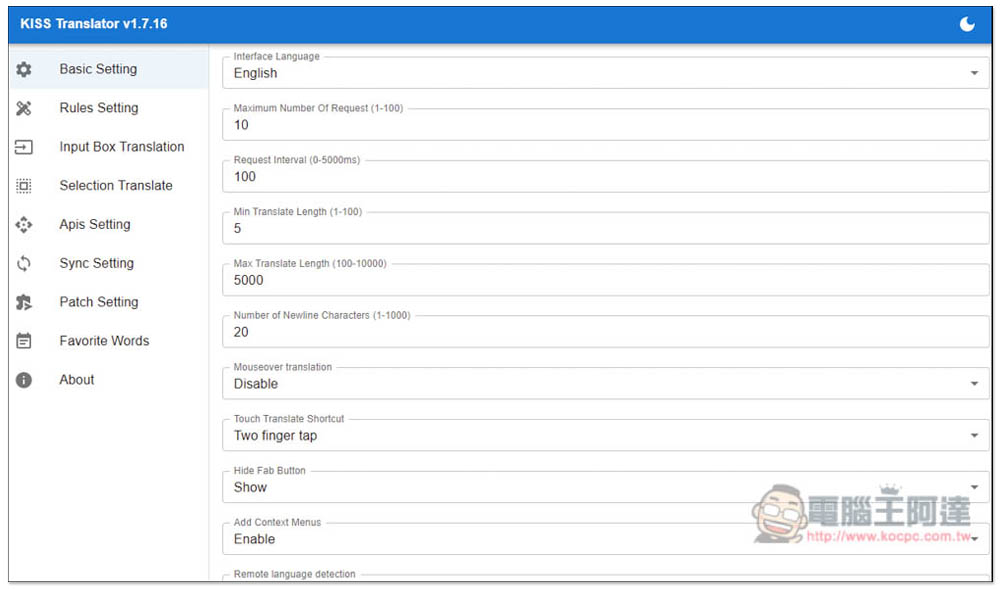
There are many adjustments that can be made in the background settings, including changing the interface language here:
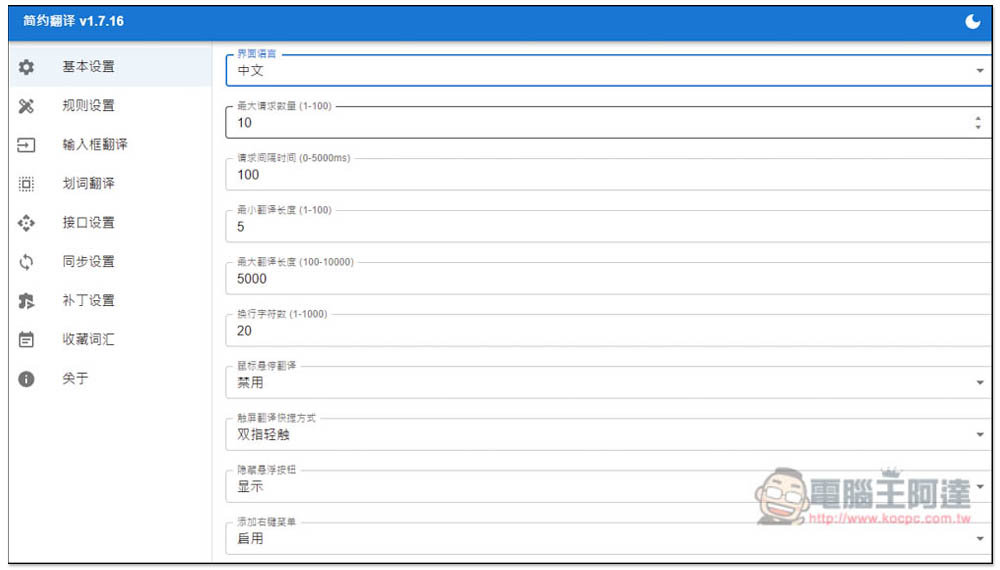
Supports Chinese. After changing to Chinese, you can clearly know what each function is used for:
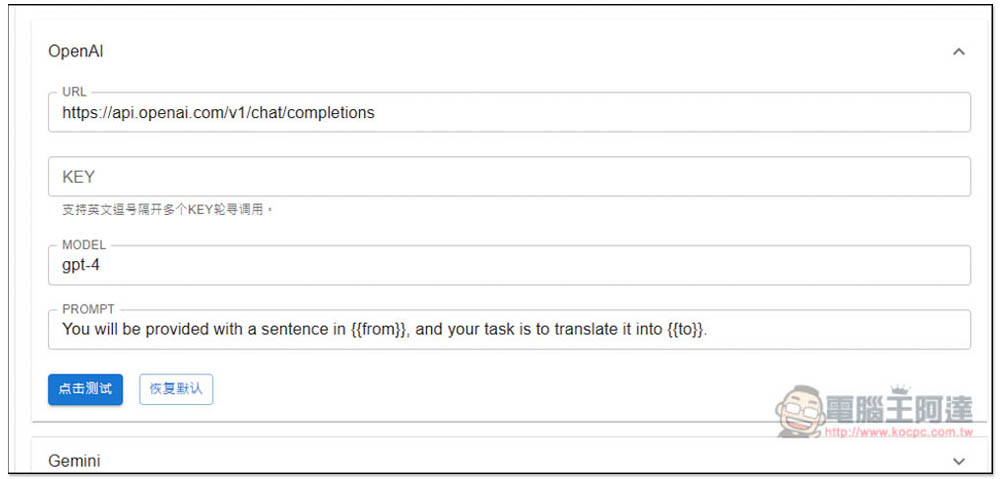
In the menu of the interface settings page, you can find the settings of each translation service. The API Key of OpenAI is also entered here. The default is the gpt-4 model. PROMPT can also be modified:
This translation expansion function also has many good functions, and the rest is left to the readers to play with and see by themselves.
Source: KOCPC Chinese