


I believe many people have already experienced it. ChatGPT The learning mode, although very useful, guides you step by step, but sometimes you might want some different learning content. Recently, someone online discovered that ChatGPT has quietly added a feature to generate “Flash Card” learning cards. Just enter a specific command + topic, and ChatGPT will automatically generate three-stage learning cards. Below, I’ll show you how to do it.
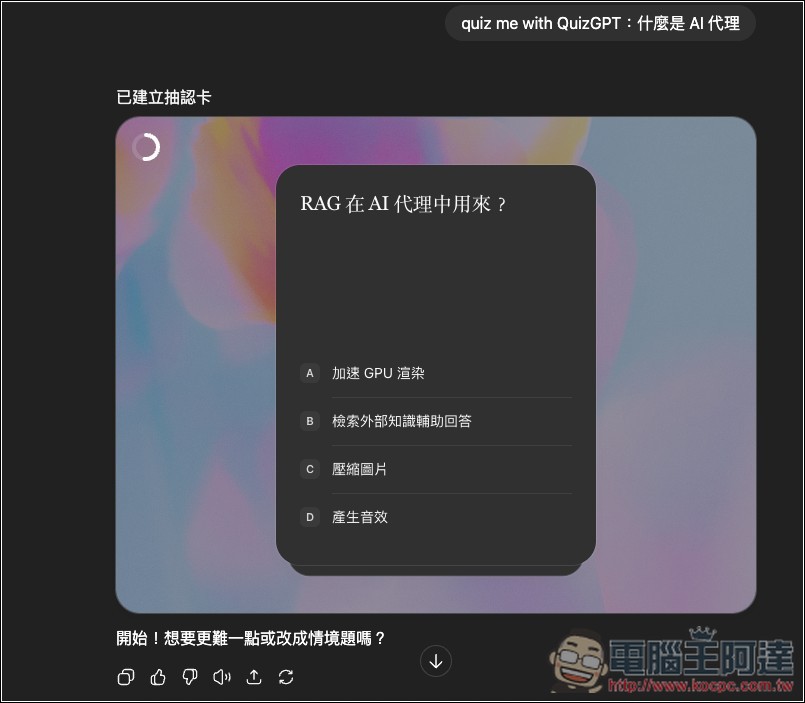
ChatGPT’s super useful hidden study hack! Just enter this command to generate “Flash Cards” on that topic.
The instruction to have ChatGPT generate study cards is: “quiz me with QuizGPT: topic.”
The following topics can be any learning content. For example, if you want to know what an LLM model is, enter “quiz me with QuizGPT: What is an LLM model?” Then ChatGPT will generate multiple sets of study cards based on that content.
The card content will have a question plus four options for you to choose from. The number of questions varies depending on the selected model — in my testing, GPT-5 generated fewer questions, while GPT-5 Thinking generated many more. Both the free and paid versions can generate these study cards, meaning paid users can directly select GPT-5 Thinking to get more questions.
Additionally, after you finish answering the questions on each generated study card, ChatGPT also provides a button that lets you generate a slightly more difficult study card with a single click, seemingly in 3 to 4 stages.
After opening the ChatGPT chat window, enter the command I mentioned above. I’m demonstrating an AI agent, so I enter “quiz me with QuizGPT: What is an AI agent?”
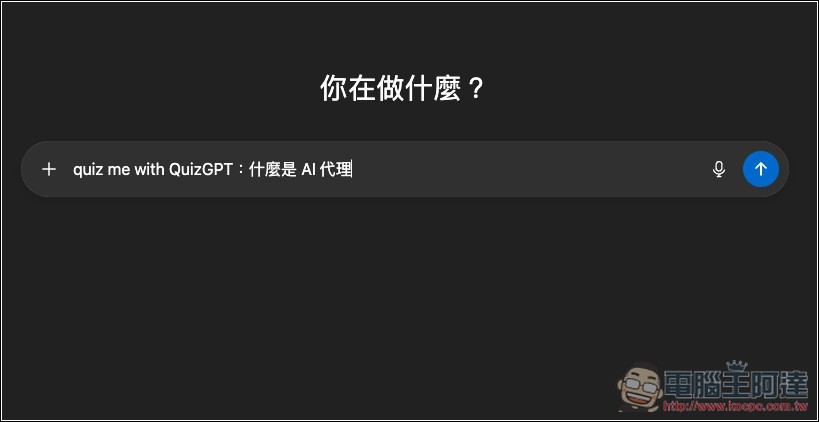
Then it will show “Creating flashcards”—these are the study cards:
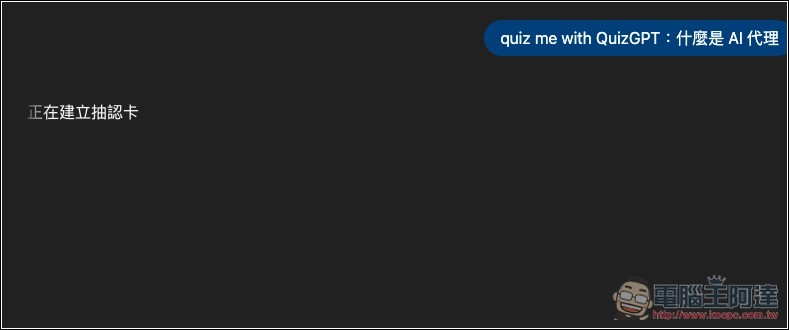
GPT-5 generates faster; GPT-5 Thinking, because it has more cards, is a bit slower. Once generation is done, you can start answering questions. Choose the correct answer:
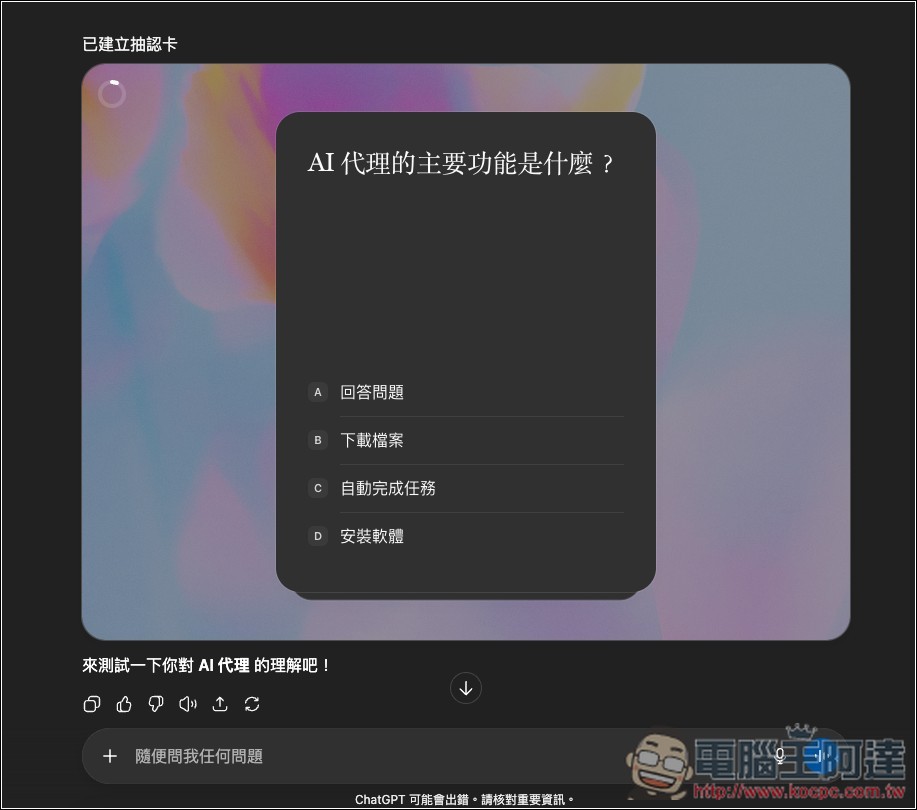
This time I’m using GPT-5, so there are only 3 learning cards. After you answer them, a button will appear below, such as “Challenge again,” which will generate a new set of learning cards with slightly higher difficulty.
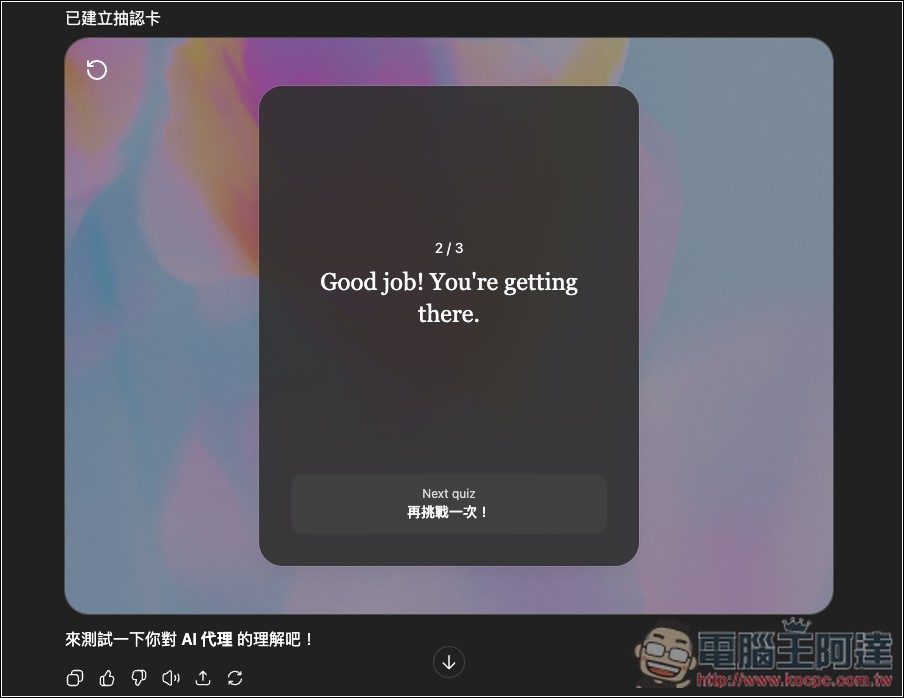
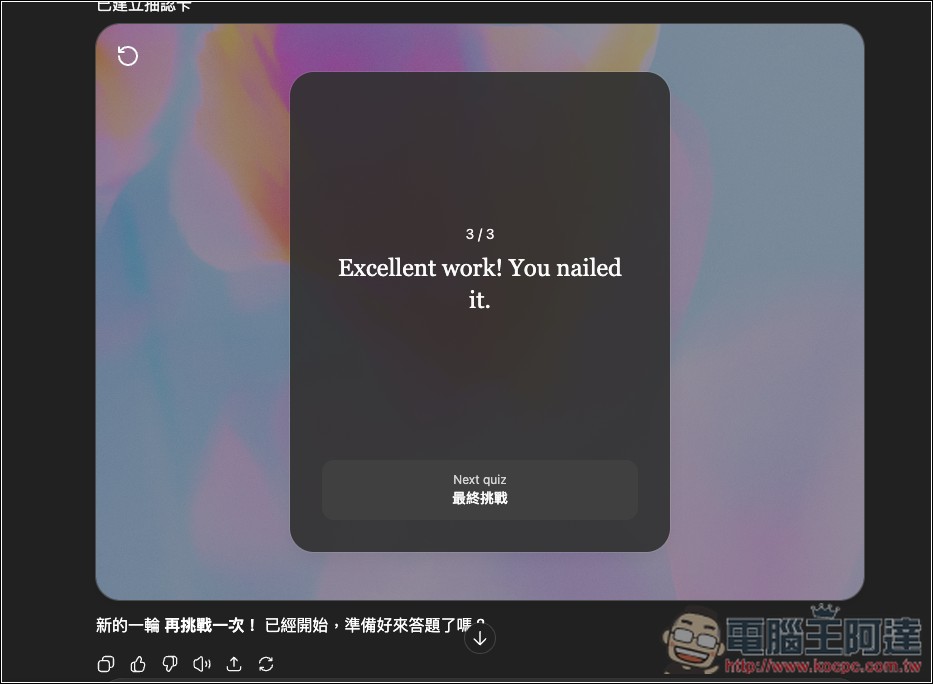
The second time it generated 3 study cards again, which shows that GPT-5 probably always produces 3 cards each time. After answering them the same way, a “Final Challenge” button appeared below, and pressing it generated harder questions.
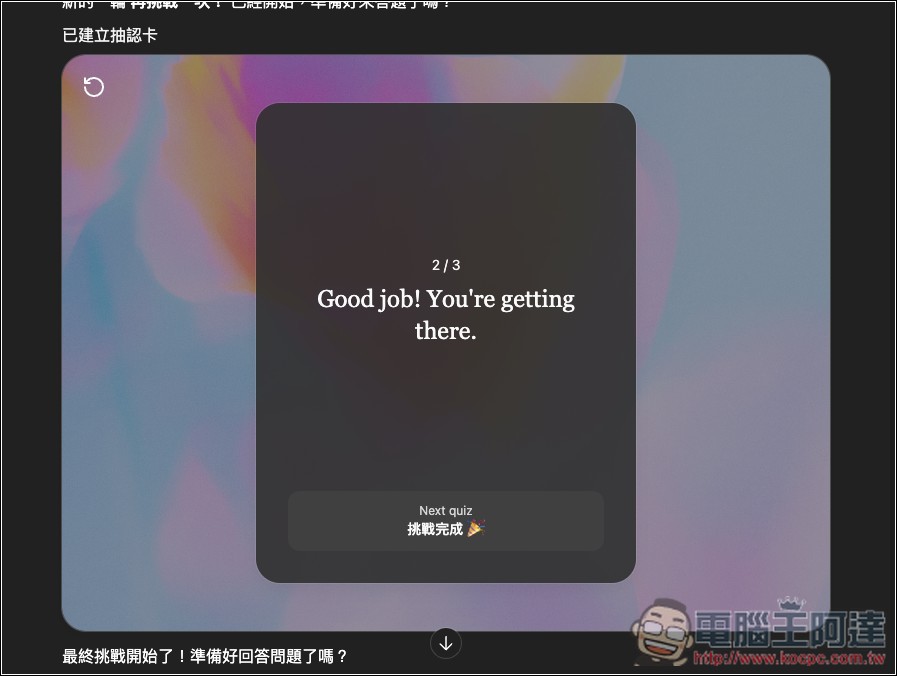
When “challenge complete” appears, it means this learning session has ended:
Some netizens also mentioned that you can convert existing content into study cards, but I couldn’t get it to work in my testing. ChatGPT only generates text-based questions and answer options, not actual study cards. Feel free to try this part out yourself.
Quiz me with QuizGPT is a feature that was just added recently, so its stability may not be great. If you can’t get it to work, you can try again later.
Some people have also provided an enhanced version, quiz me with QuizGPT (ecosystem_demo.flashcards), which you can try too.
I guess this instruction is only temporary for now; it’ll probably be integrated into ChatGPT’s learning mode in the future.
Source: KOCPC Chinese