


As the market AI agentThere are more and more tools, even open-source and free ones. BrowserOS All of them.OpenAI It can be said that [they] have also begun rapidly investing in the AI agent space. Following the Operator earlier this year, OpenAI recently unveiled a brand-new “ChatGPT Agent,” which, as the name suggests, is an AI agent that can ChatGPT Used inside, and not just for simple shopping tasks—now ChatGPT Agent can automatically complete various tasks for you, such as in-depth research, making presentations, and spreadsheets.
More importantly, all ChatGPT paid members can use it, including Plus, and the monthly usage allowance is quite generous.
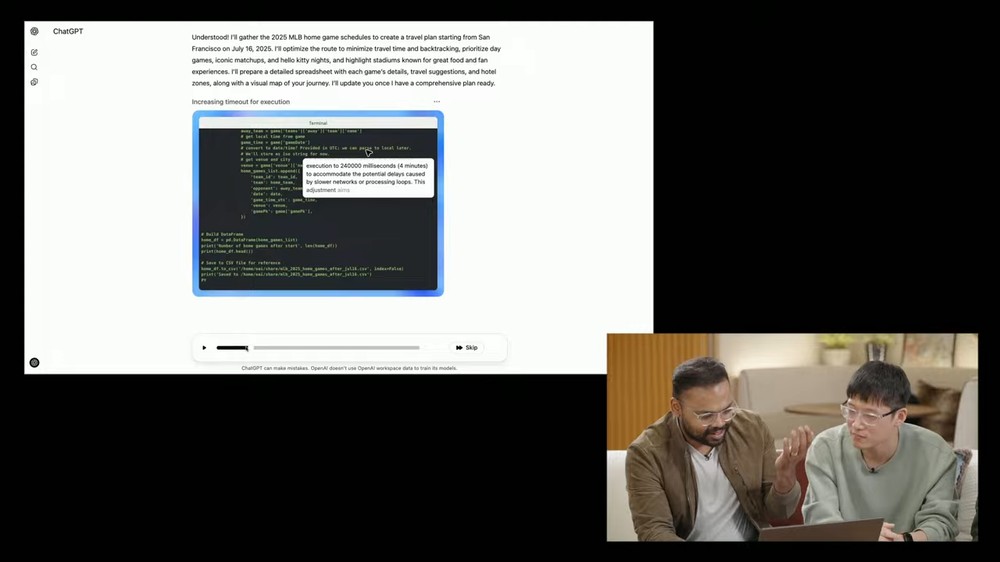
ChatGPT Agent is officially here! From now on, AI will be on hand to help you automatically get all kinds of tasks done anytime.
Like Operator, ChatGPT Agent is an AI agent that uses a “virtual computer” in the cloud to help you complete various tasks, so it doesn’t use your local device—you can even use it on your phone.
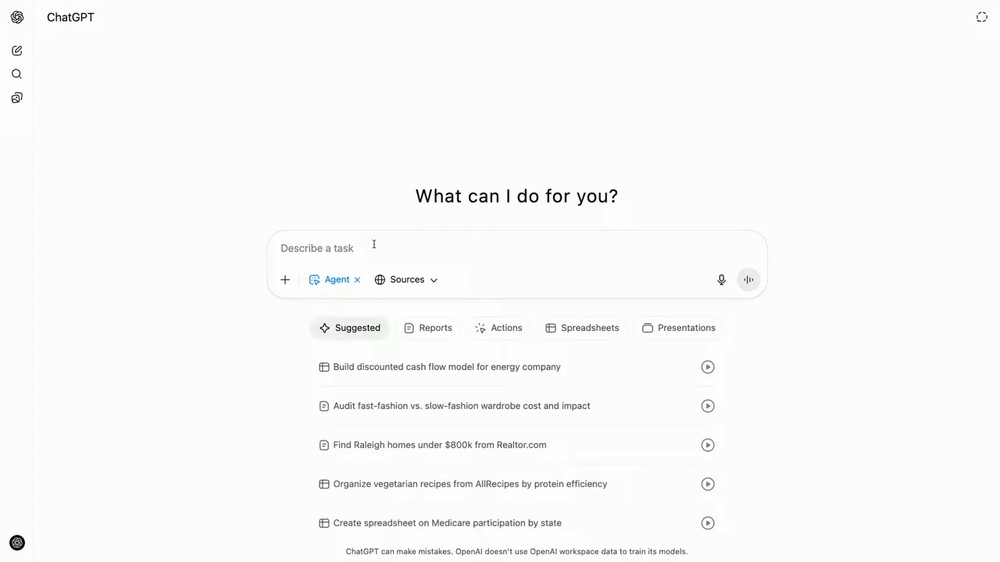
The ChatGPT Agent is also in the tools menu. Once enabled, you can hand it the task content you need to complete, and it will provide some suggested tasks below for your reference:
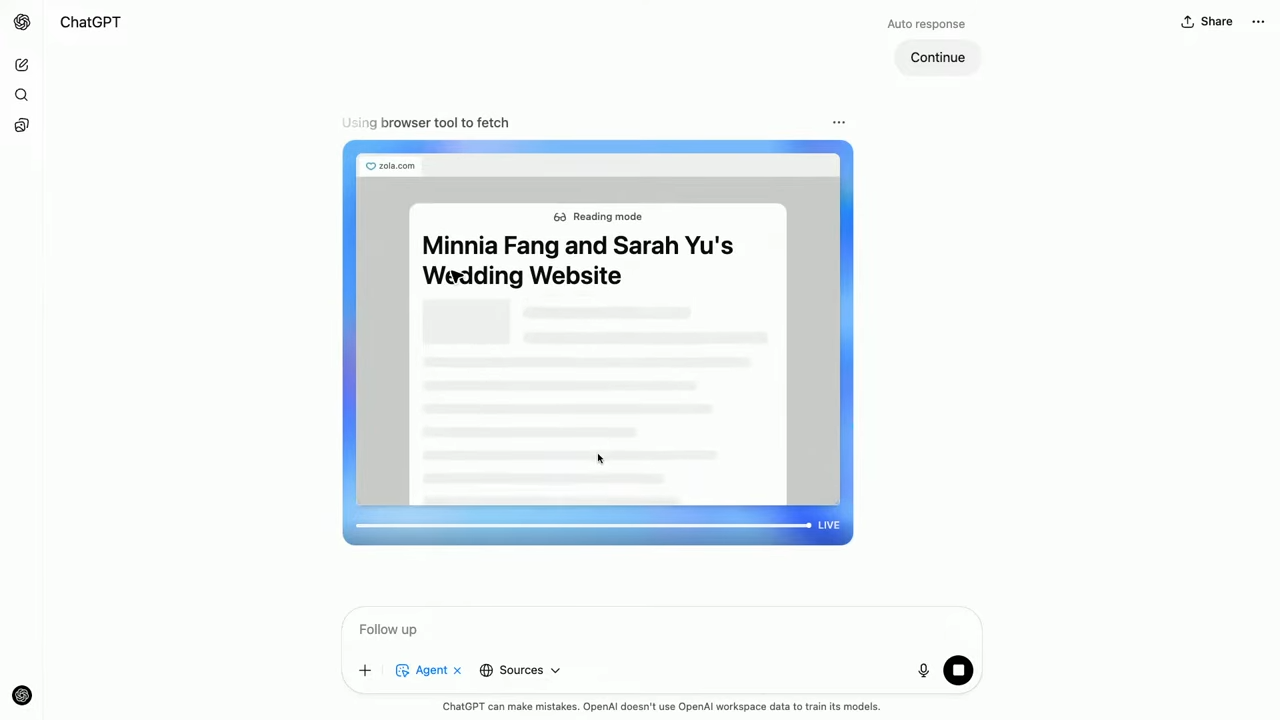
On this virtual computer, OpenAI has installed many different tools, allowing the AI to choose which ones to use based on the task at hand. The browser comes in two types: “text” and “visual.” The former is similar to a deep research tool, enabling the AI agent to quickly read and search through large numbers of web pages. The latter interacts with the webpage’s user interface, allowing it to drag items, click around with the cursor, open UI components, fill out forms, and enter text into fields:
Even a dedicated terminal is available, which can execute code and generate and analyze files, such as presentations, spreadsheets, etc.:
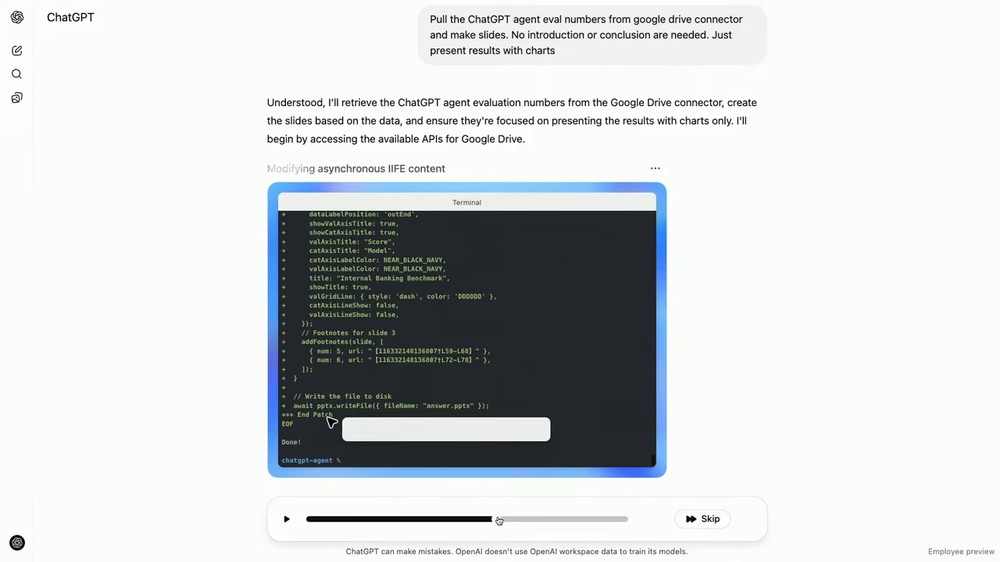
It can also call APIs, whether they’re public APIs or APIs from your private sources, such as Google Drive, Google Calendar, GitHub, SharePoint, and so on. Of course, the AI agent can only use these when you’ve authorized it.
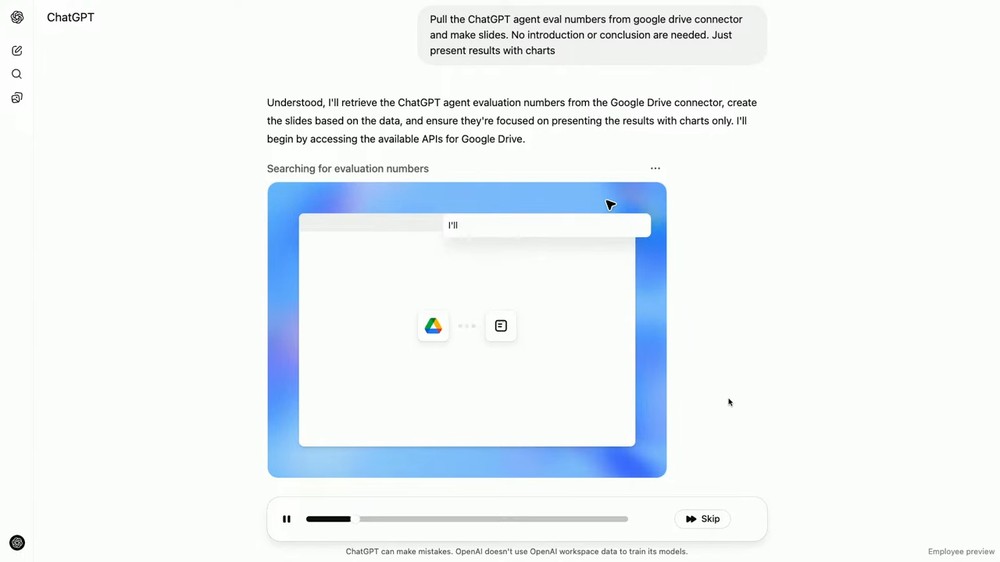
OpenAI mentioned that they use reinforcement learning to train AI models to switch between these functions, learn how to use these tools, and determine which tool to use for specific tasks.
Using booking a restaurant as an example, an AI model typically starts by doing deep research with a text browser to find some candidate options, then switches to a visual browser to look at photos of the food, check reservation availability, and complete the booking.
During the ChatGPT Agent’s processing, you can not only observe through the screen at any time, but also turn it off and let the AI agent complete the task on its own and notify you. If you notice something is wrong midway, you can likewise interrupt the AI and provide new details.
Another key point is agent collaboration. When ChatGPT Agent performs important steps, it asks the user for confirmation—for example, before sending an email, it will first let you review the draft to check whether the content makes sense and whether there are any typos. If there are, you can ask it to fix them, or you can directly take over the browser, jump into the agent’s environment, and make the changes yourself.
ChatGPT Pro, Plus, and Team users can all use ChatGPT Agent at no extra cost. Pro gets 400 uses per month, while Plus and Team get 40 per month. Pro is available now, while Plus and Team will have to wait until next Monday:
Now rolled out to 100% of Pro users.
Due to higher than expected demand, Plus and Team users will begin getting access Monday. https://t.co/StDl9ieN1X
— OpenAI (@OpenAI) July 18, 2025
OpenAI also mentioned that Enterprise and Edu will strive to go live by the end of this month.
To help everyone better understand how to use ChatGPT Agent, OpenAI has also released several videos, compiled below for you.
Create a presentation:
Create a spreadsheet.
Customized task:
Source: KOCPC Chinese