


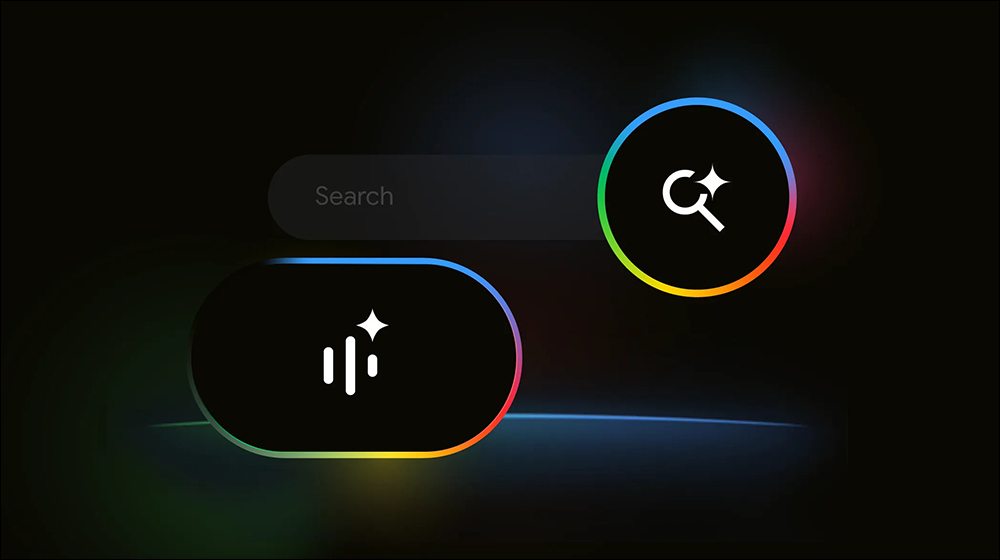
Imagine that one day, you don’t need to type, you don’t need to switch between apps, and you don’t even need to stare at your screen and scroll around—just say a word,Google It can listen to you like a chatbot, look things up for you, and reply with voice responses—and you can even follow up with a second or third question without having to re-enter anything or start over. This isn’t some futuristic fantasy; this is Google’s latest launch, “Search Live.”
This voice interaction feature has now officially launched in the United States, available for the Google App on Android and iOS. Users simply need to go into Labs experimental features and enable “AI mode, you can experience it. It combines Google’s own Gemini AI model, making search feel as natural as chatting. Best of all, even if you switch to another app mid-conversation, you can continue without interruption—the entire interaction experience is almost seamlessly connected.
▲Image source:Google
Google Search upgrades with AI mode, Google Search Live lets you search while speaking and chat across apps.
Google officially launched “Search Live” in the US today, a new voice search interaction built on the Gemini model. As long as you’re a Google Labs user, update the Google App on Android or iOS, go into Labs and enable “AI mode,” and you’ll see a new “Live” icon. Search Live will continue to roll out to more countries in the future.
Click it—no need to enter keywords, no need to type. Just say your question out loud, and Search Live will respond to you immediately with voice. For example, if you ask: “How should I store a linen dress so it doesn’t wrinkle?” Google will tell you in a natural voice: “You can fold the dress in half, wrap it in a plastic bag, and then roll it up, so it’s less likely to wrinkle.”
Then you can immediately follow up: “What if it still wrinkles?” The AI will instantly offer suggestions, such as using a hairdryer or a hotel iron, and include reference links. Throughout the entire process, there’s no need to repeatedly tap icons or switch screens—it truly flows as smoothly as a conversation.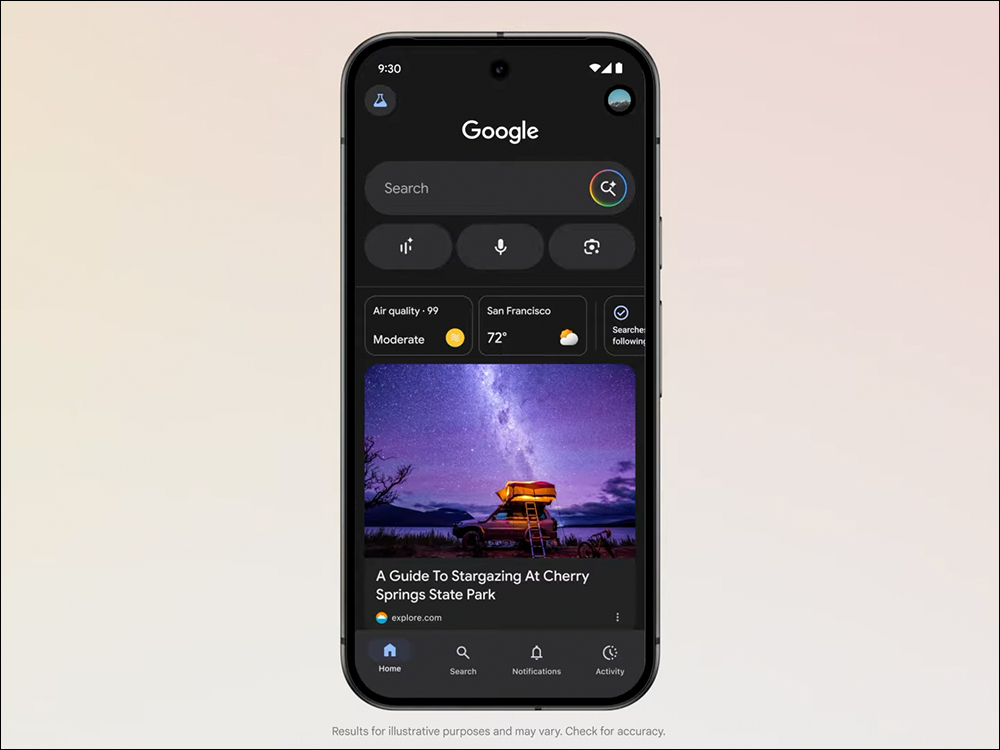
▲Image source:Google
Google says Search Live is designed to let users easily look up information even when they’re “busy.” For example, if you’re packing your bags or getting ready to head out and your hands are full so you can’t type, you can just talk while you do other things. AI helps you find and organize information, making search feel more like a daily assistant.
What’s even more impressive is that Search Live supports background operation, meaning even if you switch to other apps mid-conversation—like checking maps or opening your calendar—the conversation with the AI won’t be interrupted. The AI will continue to listen to you and respond, truly enabling “search-and-use simultaneously” multitasking.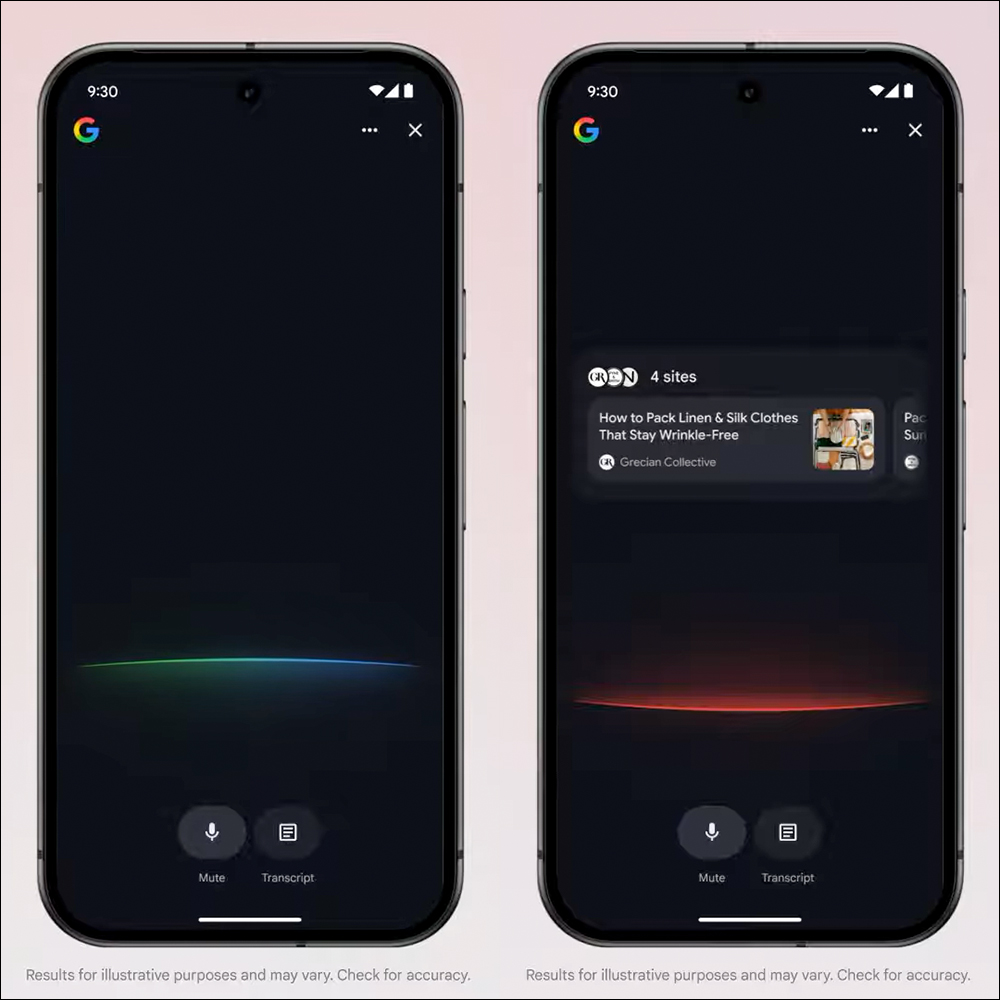
▲Image source:Google
There are also a few other thoughtful little details:
- Real-time transcription: In addition to voice, responses are also displayed in text format simultaneously for easy review.
- Typing input supported: If you’re not in a position to speak at the moment, you can simply switch to typing to keep the conversation going.
- Conversation record retention: All your interactions with the AI are saved in the AI mode’s history, making it easy to review or reuse later.
Although the current version of Search Live doesn’t yet support asking questions by taking photos with the camera, Google has publicly said that this feature is in development and is expected to roll out in the coming months. Once camera interaction is opened up, you’ll be able to take a photo of whatever is in front of you and ask, “What plant is this?” or “Where can I buy these shoes?” Search Live will respond in voice, combining visual and voice into a dual query experience that feels truly futuristic.
The voice interaction feature isn’t actually original to Google—OpenAI launched ChatGPT’s “Advanced Voice Mode” as early as last year, and Anthropic added voice mode to its Claude app in May this year. Apple has also been continuing to develop the new “LLM Siri,” but its rollout remains delayed because stability hasn’t met expectations.
So what makes Google’s Search Live unique?
The biggest difference is that it’s integrated into the search engine itself—not a standalone app or a plug-in bot—but rather converts your existing search behavior into more natural, fluid voice interaction. This integration lets users avoid switching tools or adapting to a new platform, upgrading the familiar search experience directly to “just say it to search.”
Additionally, Search Live’s multi-turn dialogue feature is quite mature. You can keep asking follow-up questions, and the AI will continue the conversation based on context—unlike traditional voice assistants, where you have to start over every time.
Conclusion
Google’s latest Search Live can, to some extent, be described as evolving search into a “voice-guided chat assistant” that’s no longer just one-way information retrieval but allows for real “conversation.” Even though it’s currently only open to US Labs users for testing, and the features are still being gradually updated, it’s easy to imagine that if Chinese voice conversation is supported in the future, it will dramatically change how we interact with our phones. From typing queries to taking photos to ask questions, we’ve now advanced to getting answers just by “speaking”—Google Search is truly becoming more and more like chatting with a knowledgeable friend.
Further Reading.
韓國 Apple Pay 終於能搭車!將支援 Tmoney 搭地鐵、公車免掏卡, iPhone、Apple Watch 一機搞定
Source: KOCPC Chinese