


Everyone has some old photos at home, or they accidentally shook their hands when taking pictures, resulting in unclear faces. As AI technology becomes more and more powerful, there are now some free tools that can repair this situation. The restorePhotos.io recommended in this article is one of them. The effect is very good. After uploading the photos, the blurred faces will become clear instantly. In my actual test, the face mosaic of the photos can also be repaired, and you can use it without registration.
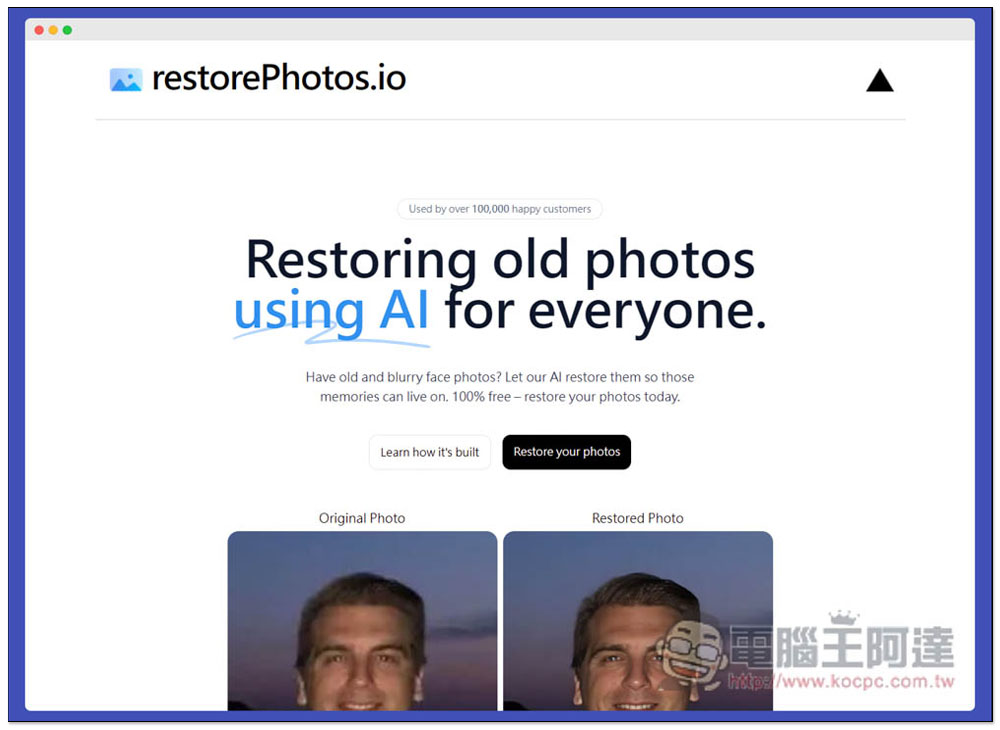
restorePhotos.io is a free online tool that uses AI to make faces shaken, blurred, and old photos clear.
restorePhotos.io does not require registration to start using, it is completely free, and the downloaded photos are also high-resolution. After entering the website, there are some examples below for your reference. Those who want to understand the AI technology model behind this can click Learn how it’s built to jump to the explanation video. Click Resoter your photos to upload the photo you want to make the face clearer:
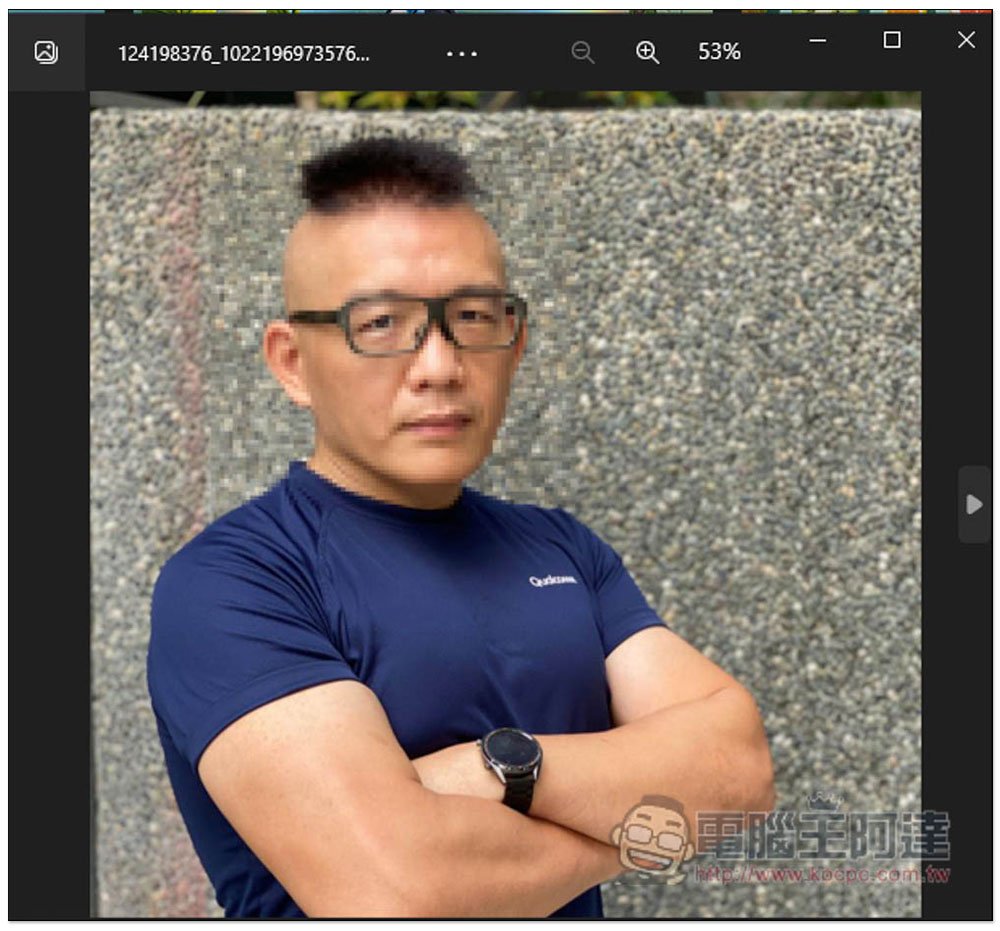
I don’t have a blurred photo at the moment, so I used this Ada headshot and then added a mosaic blur to the face to try out the effect of AI repair:
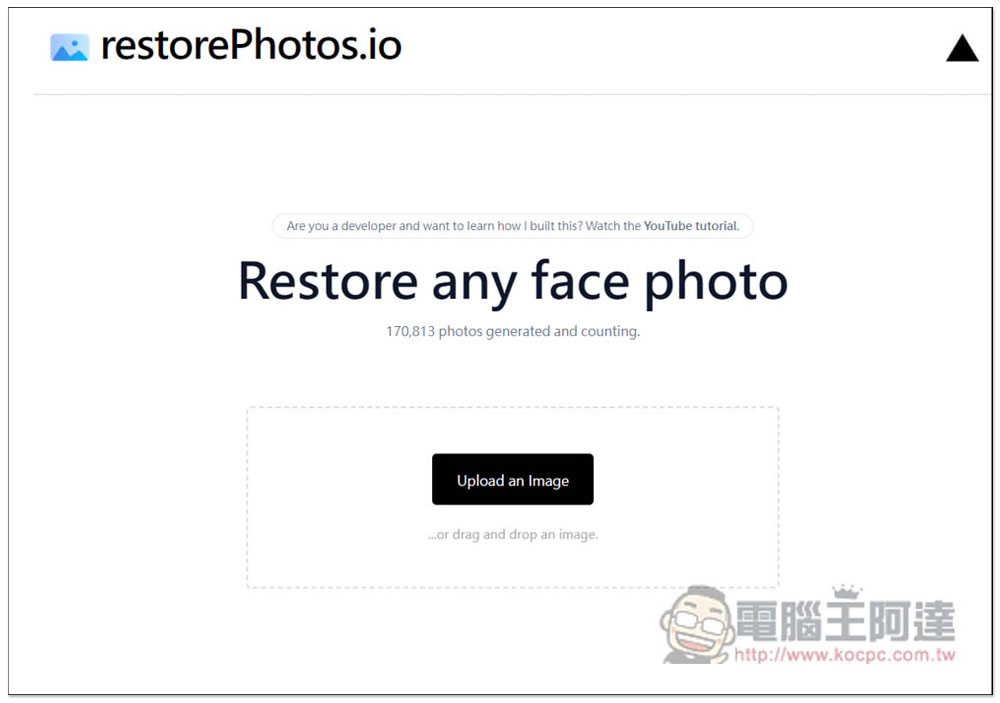
I’m not sure if there are any restrictions on the size and format of photos. The website has not specifically stated this. I am using JPG format photos and drag them into the window:
After the photo is uploaded, AI repair will start. Wait a few seconds and you will see the result. The original photo will be displayed on the left, and the repaired photo will be shown on the right. I have to say it is really amazing. The face becomes super clear, and the eyes are super bright. It feels even more interesting than the original photo without mosaics:
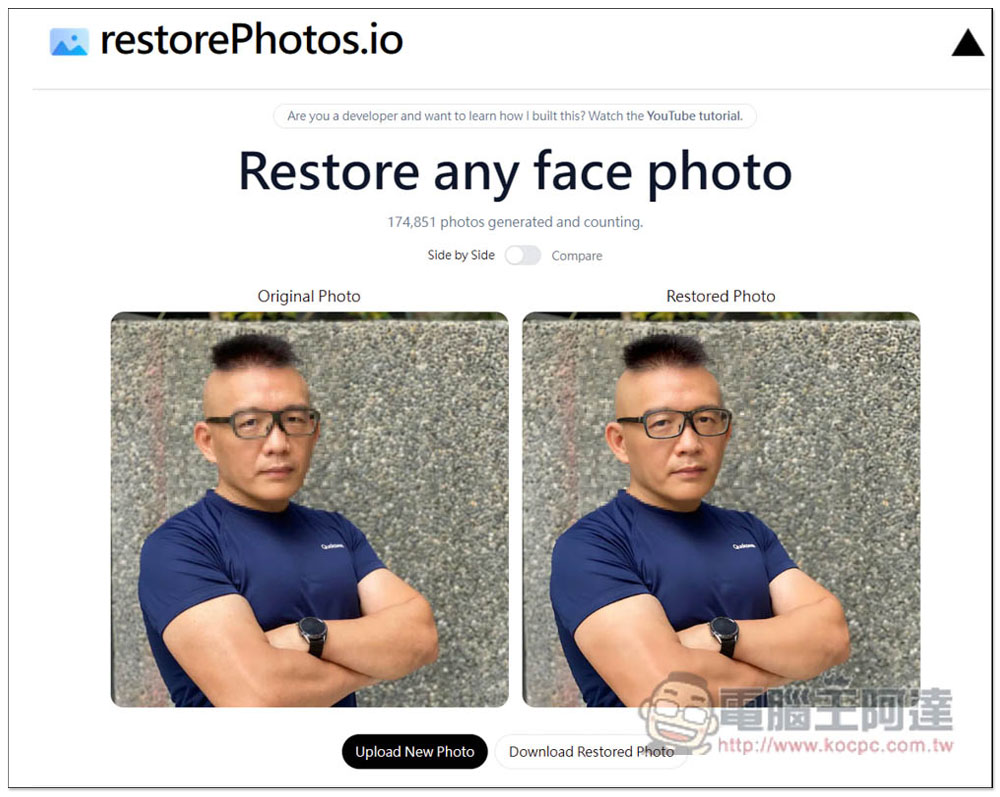
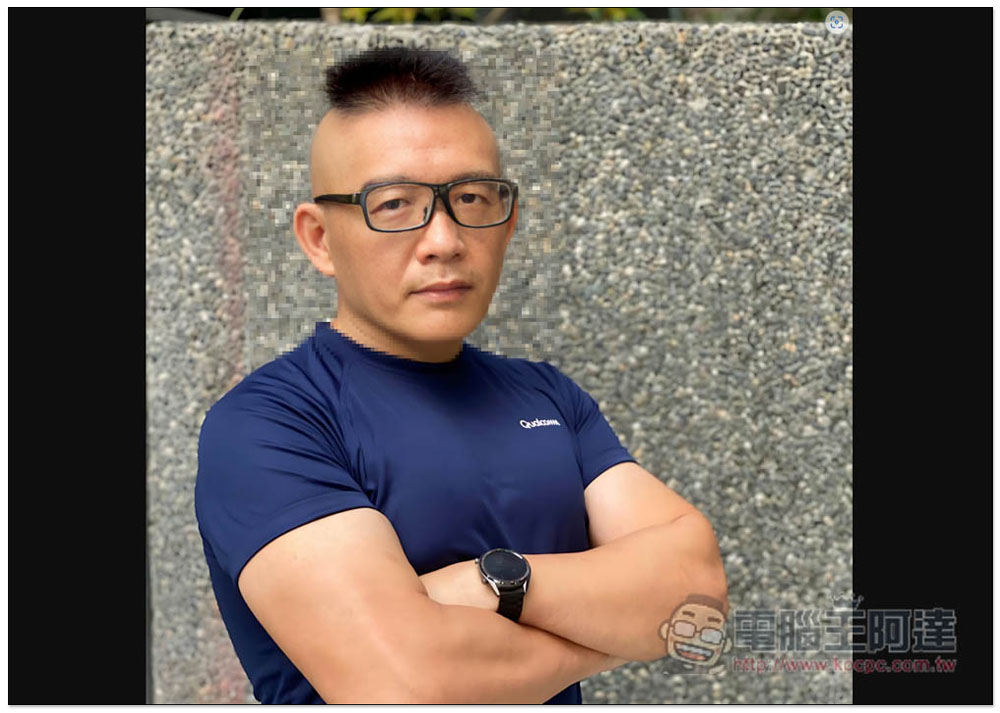
Click on the photo to enlarge it. The AI repair effect is really strong. The repaired face is not that smooth skin, but really looks like human skin. However, you can also know from this photo that if the non-face area is blurry, the AI will not repair it. Note that Ada’s neck, hair and the surrounding area of the face are still in a mosaic state, so it is not very clear. So to put it simply, this free online tool can only be used to repair the face that has been shaken, and there is nothing else it can do:
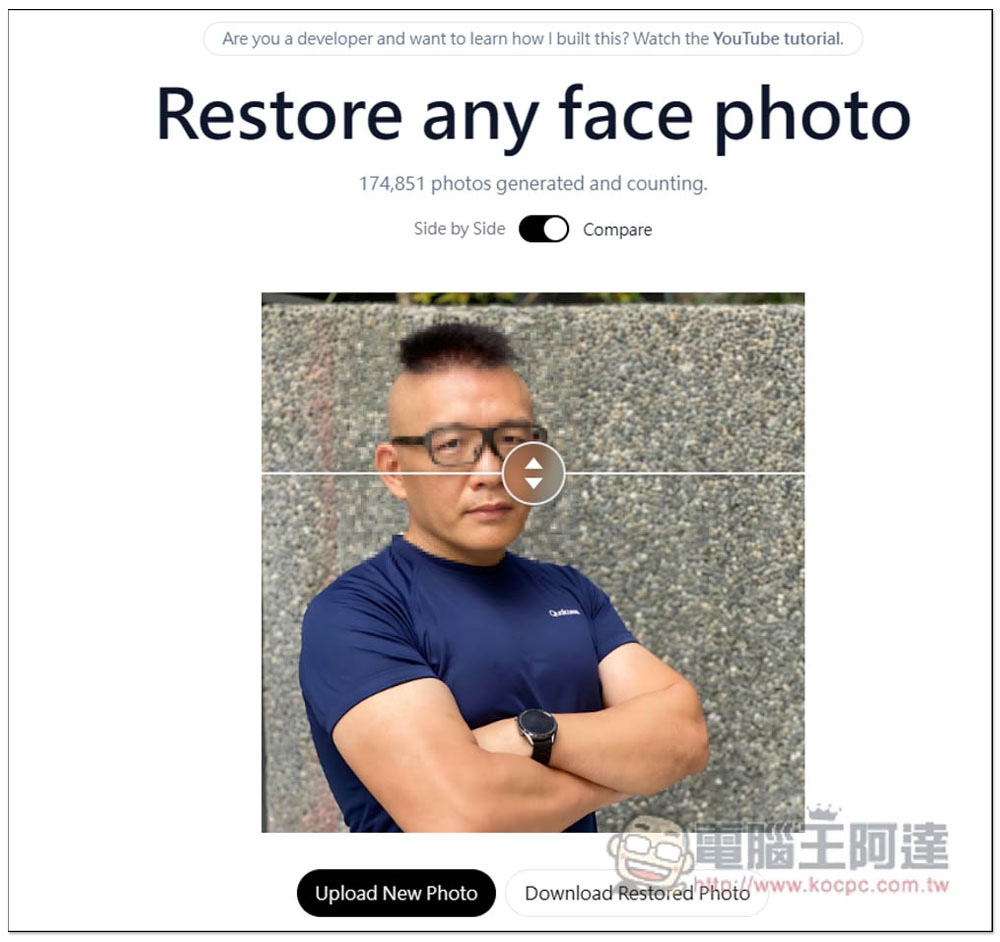
Click the switch between Side by Side and Compare above to switch the comparison method. Compare means there is a line in the middle for you to drag to see the difference before and after AI repair. If you are satisfied, click Download Restored Photo at the bottom right:
The downloaded photo will be of ultra-high resolution. The left photo is the original photo with mosaic on the face, the resolution is 960×960, and the right photo is the photo repaired with this tool, the resolution reaches 2400×2400. There is a huge difference:
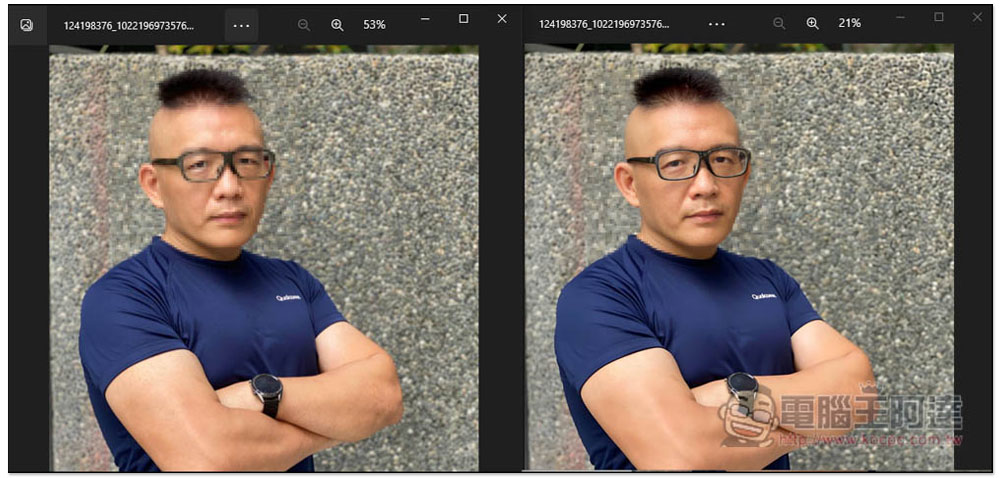
This also means that in addition to making blurry faces clear, it can also be used to enlarge the image resolution without loss. Friends who need this can give it a try.
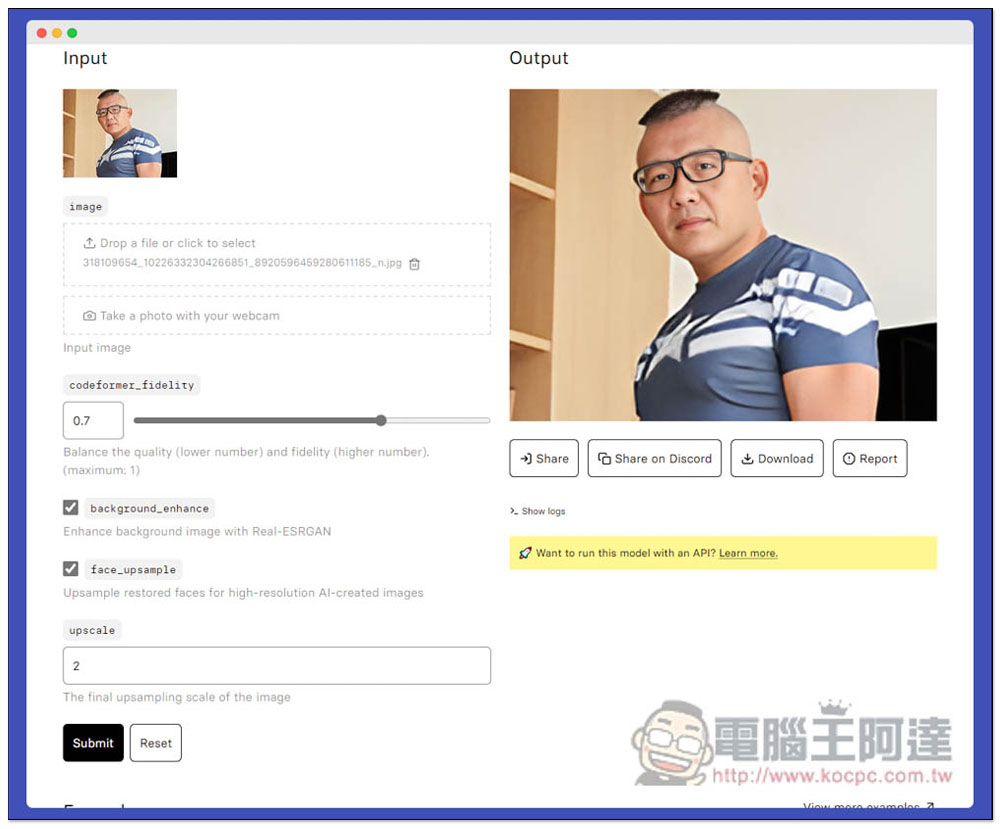
In addition to this one, we have introduced before CodeFormer The effect is also quite good. Friends who are interested highly recommend it to play and compare:
Source: KOCPC Chinese