


Although there have long been tools to track topics or news of interest, such as RSS, they are limited to subscribed sources, and Google Alerts often sends irrelevant topics just because the keyword appears in them. Pingro is another great new option: it uses AI technology to monitor the conditions you set, and only sends notification emails when they are met. You can also set the time for AI monitoring and online searches, somewhat similar to ChatGPT’s task function, but Pingro is free to use.
Compared to older tools, AI search is more precise, and it also does a quick summary for you to make reading easier.
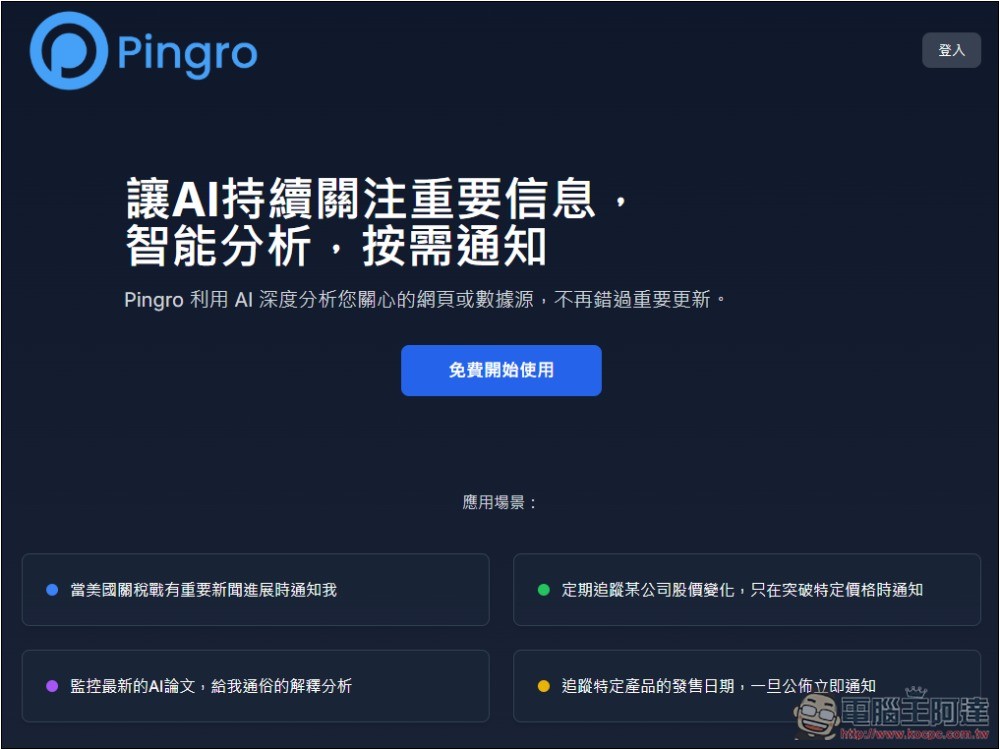
Pingro is an app that uses AI to monitor topics you’re interested in at all times and notifies you the moment something happens.
Pingro is an AI service that just launched recently, offering features similar to ChatGPT tasks. You can set topics, content, and keywords you’re interested in, and when the conditions are met, it will send you an email notification to let you know that relevant content has appeared online. Any topic works, such as:
- When OpenAI has any news?
- What has Trump said recently?
- Free open-source AI models have new
- There’s a new tariff policy… wait.
Each account gets a free daily query limit of 50 times, which is normally more than enough, while monitoring tasks seem to have no limit. The usage is also very simple.
After entering Pingro, first register an account; currently only Google login is supported:
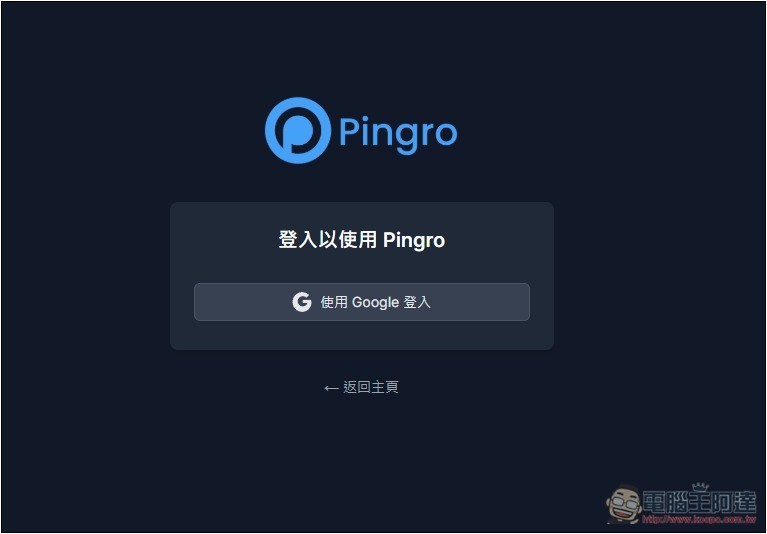
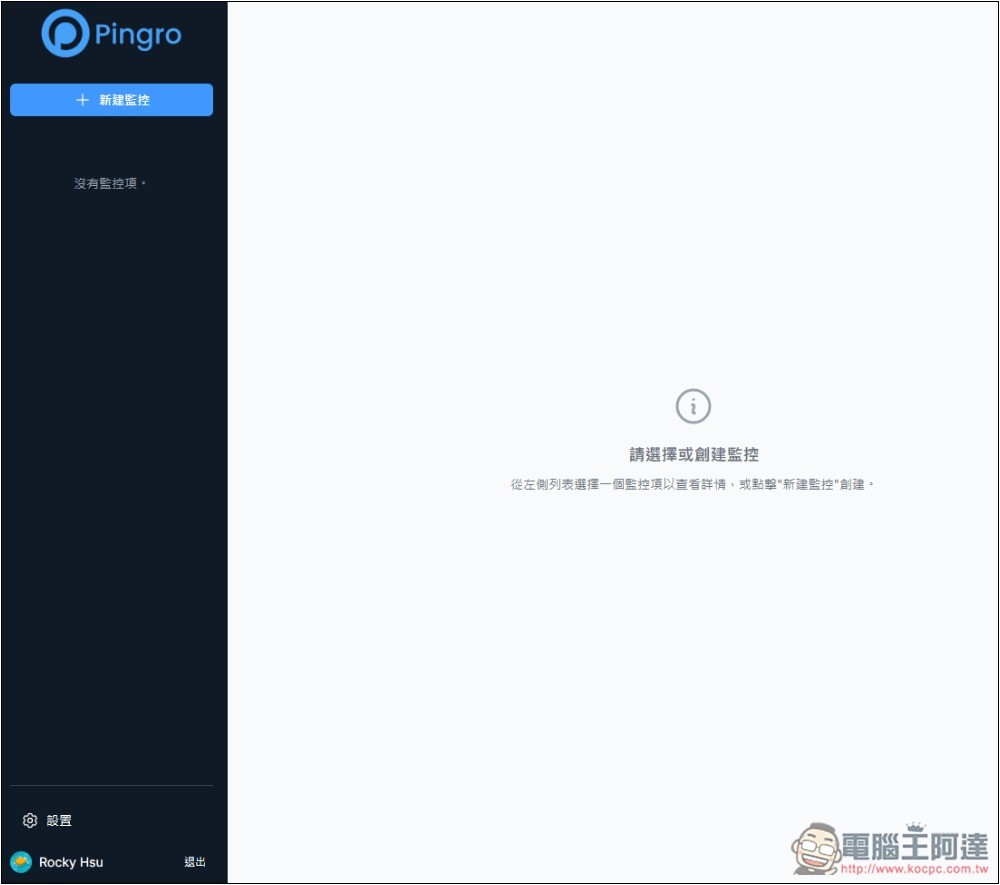
Then you’ll be taken to the backend, and click “New Monitoring” in the top left corner:
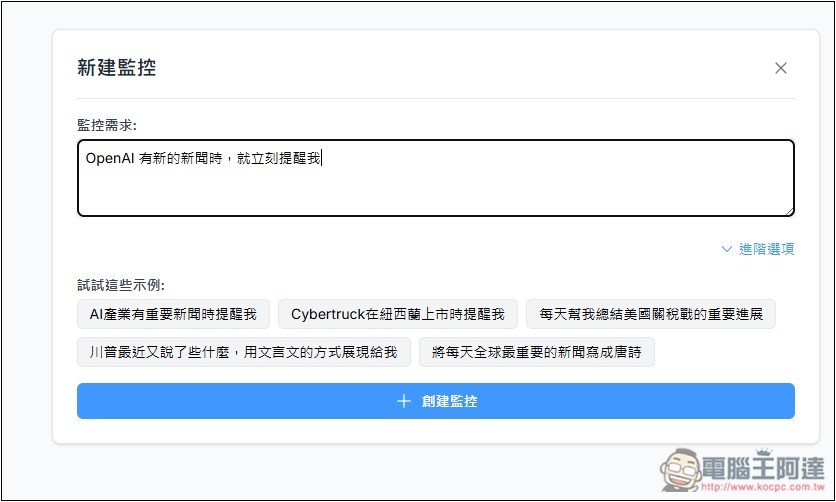
Enter any topics, news, or other content you’re interested in into “Monitoring Requirements.” If you’re not sure what to enter, there are some example prompts below for your reference. If any happen to interest you, just click to add them.
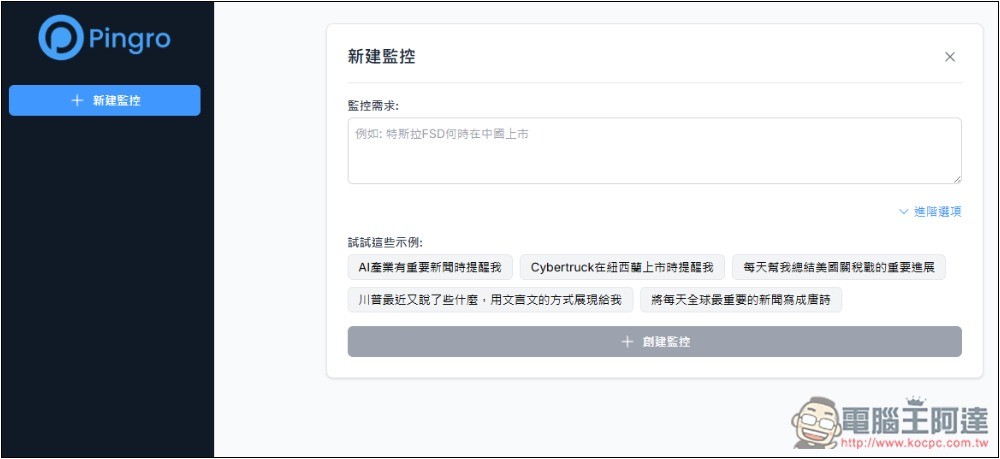
Like if I input “When OpenAI has new news, remind me immediately”:
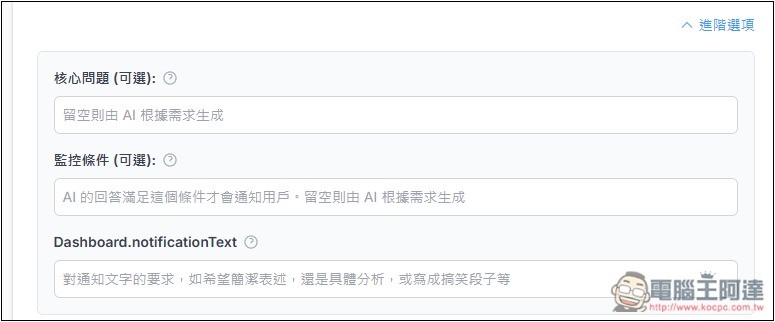
In the advanced options, there are three additional fields to fill in, including the core issue, monitoring conditions, and requirements for the notification text. If there are no special needs, these can be left blank.
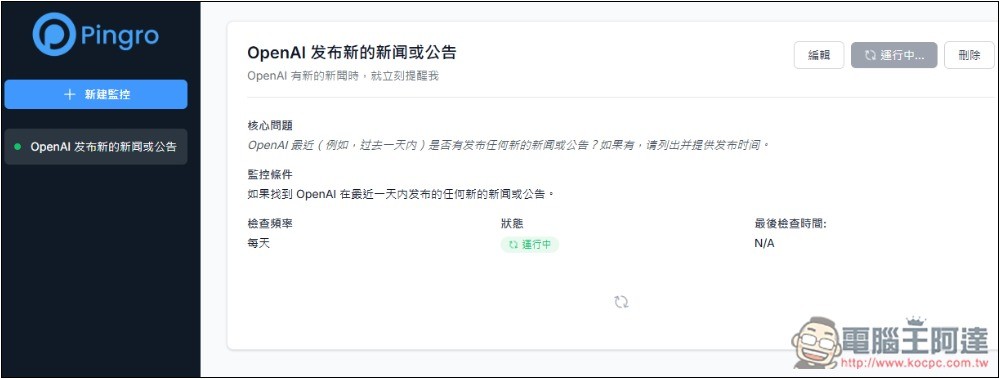
After initial setup, the AI will start running immediately, with a default frequency of monitoring once per day:
After the AI completes a query, the latest results appear below. I entered “new news,” and sure enough, it only searched the past 24 hours, unlike ChatGPT tasks, which sometimes dig up news from days or even months ago. I think that’s a great feature. Each news item is also given a brief summary, with a link attached afterward for easy clicking:
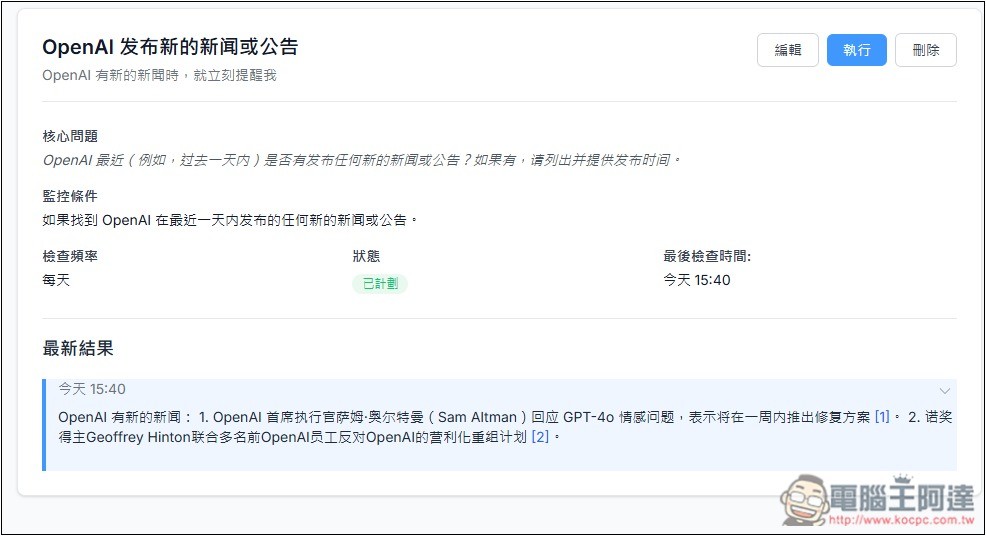
However, the default reply content is in Simplified Chinese. If you want Traditional Chinese, you can add your requirement to the ‘Requirements for notification text’ or ‘Custom notification text’ fields.
After clicking the edit button at the top right of the monitoring task, entering a sentence like “Please answer in Traditional Chinese” in the “Custom notification text” field will make it respond in Traditional Chinese instead. Additionally, the check frequency can also be set here: manual, hourly, daily, or weekly.
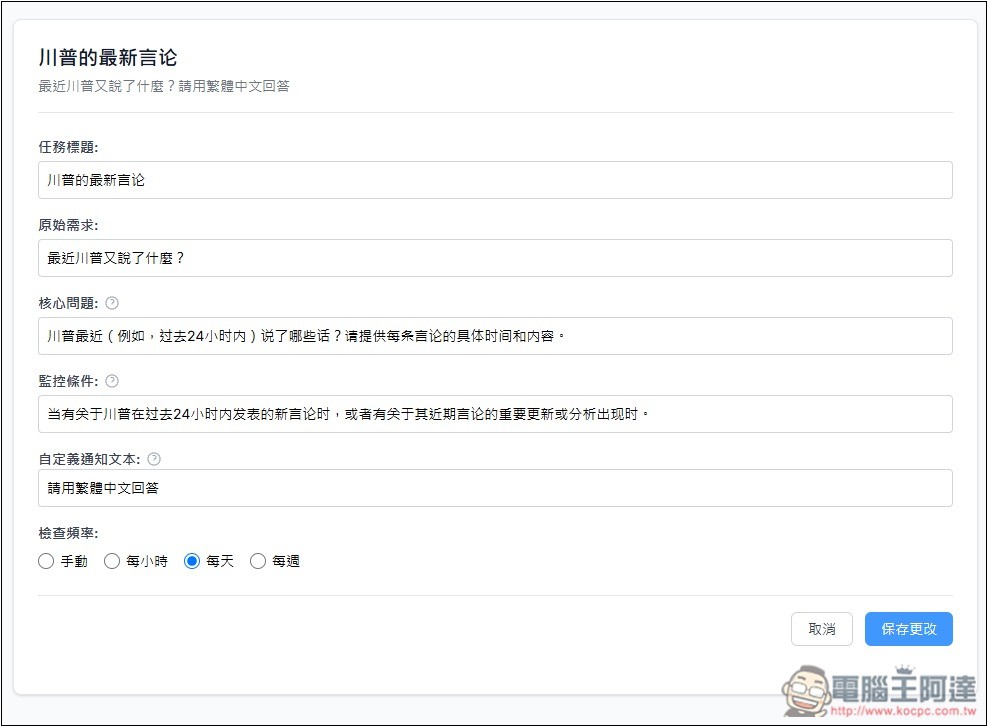
Like this, I’ll run it again, and the latest results will be in Traditional Chinese. One thing to note is that Chinese news searches seem to default to mainland Chinese sites by default. If you want Traditional Chinese or Taiwan-based websites, you can add that to your request.
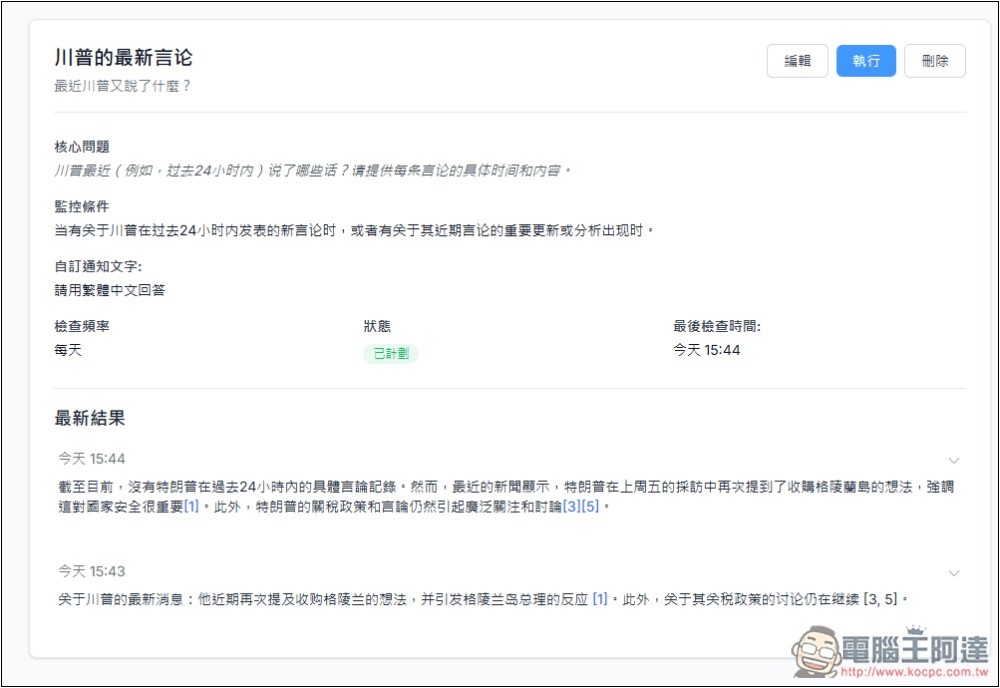
If there’s no new news that day, it will also compile past news and tell you the time points, as shown in the image below: Google released a new AI model—nothing in the past 24 hours, but on April 9 there was a multimodal generation model suite.
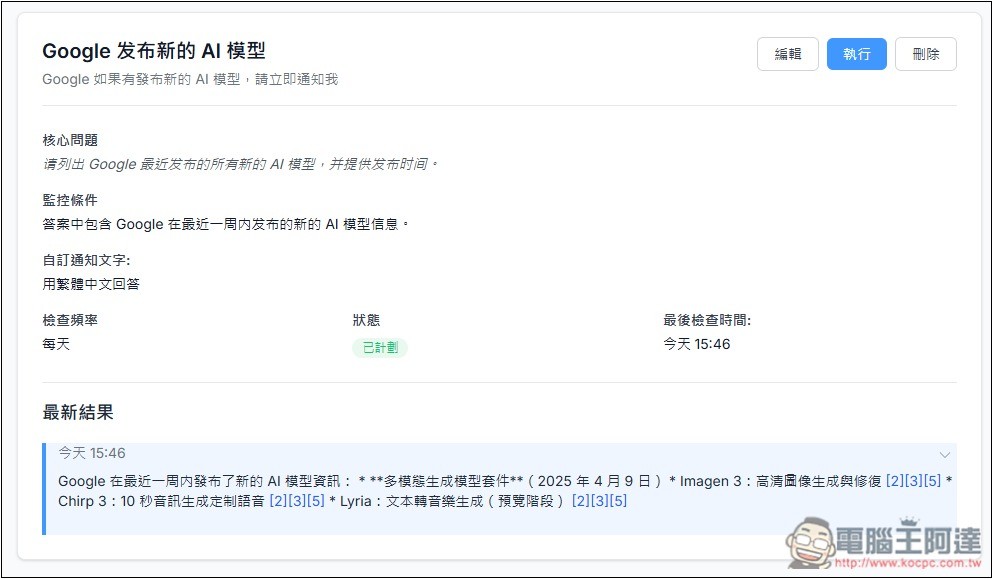
You can check your current usage statistics in the account backend:
Source: KOCPC Chinese