


As AI text creation becomes increasingly impressive, it’s a great fit for anyone who enjoys crafting stories or wants to create something special for children. This article recommends an “AI story generator” designed specifically for generating stories—you just provide a line of text, choose your preferred genre, length, target age, and more, and it effortlessly produces a wonderful story. It’s completely free to use and supports multiple AI models.
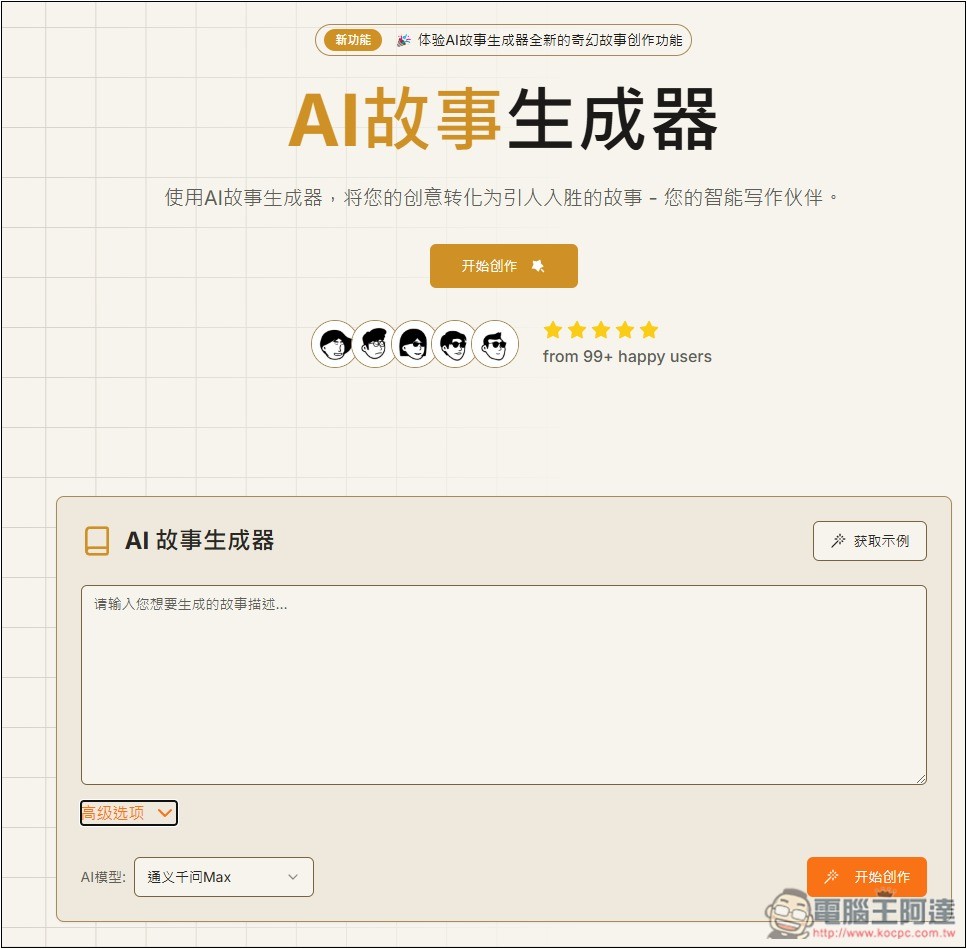
“AI Story Generator” Operation Tutorial and Introduction
AI Story Generator is a free online tool that appears to be developed in China. It offers two AI models: DeepSeek and Tongyi Qianwen. Although both models are developed in China, they support Traditional Chinese and can generate story content in Traditional Chinese.
Using the AI story generator is very simple: click the link above to go to the tool page, then enter the story description you want to generate in the input box—or a story title—and press “Start Creating” to begin generating the story. However, I do recommend turning on the “Advanced Options” below:
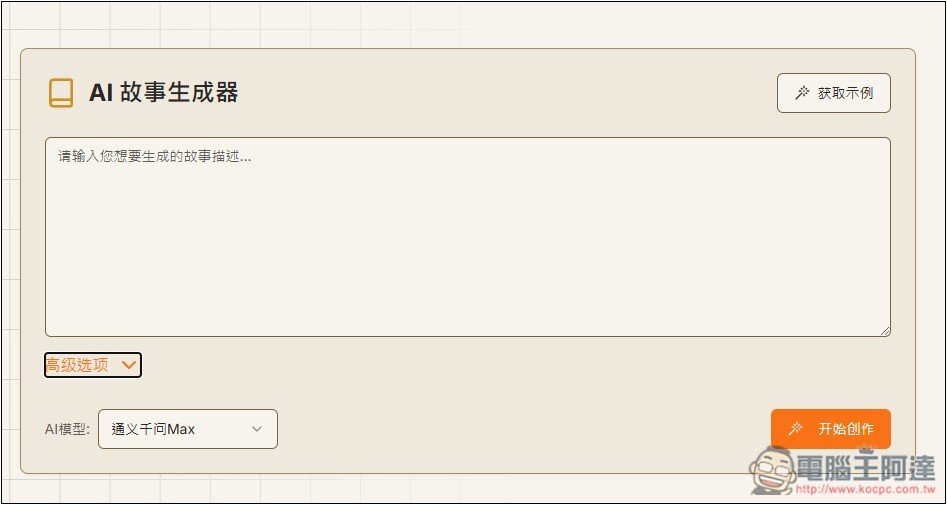
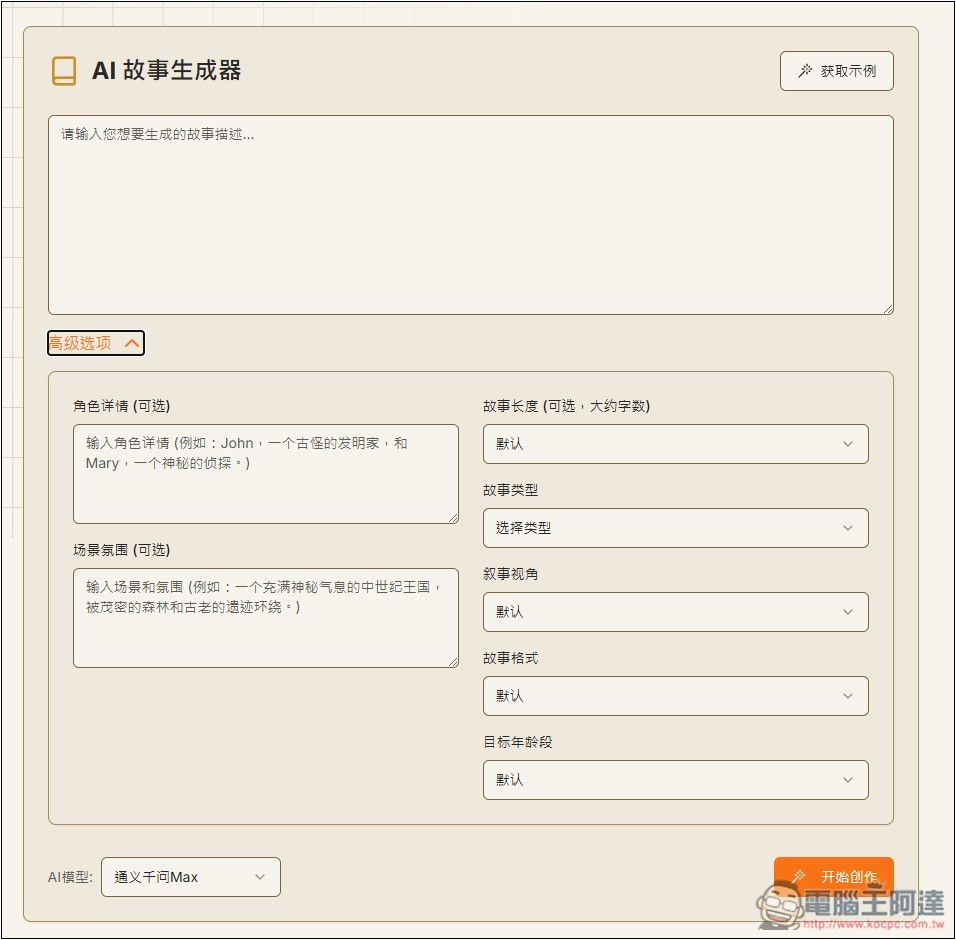
You can set the story’s characters, scene atmosphere, story length, story type, story perspective, story format, and target age group, so the AI-generated story will better match what you need without having to manually edit it.
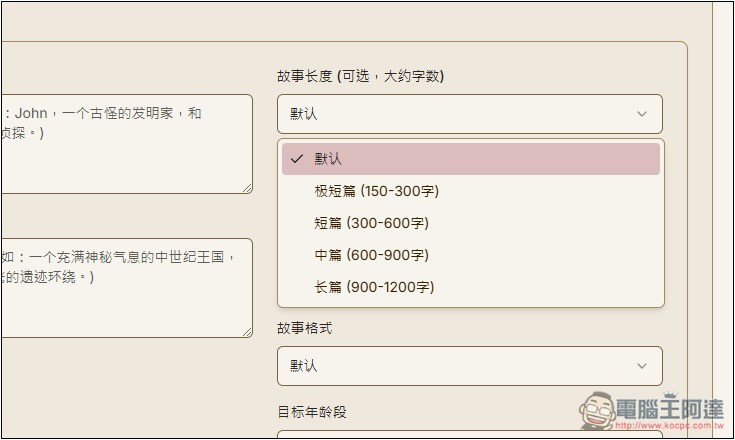
There are four story length options, including 150–300 characters, 300–600 characters, 600–900 characters, and 900–1200 characters:
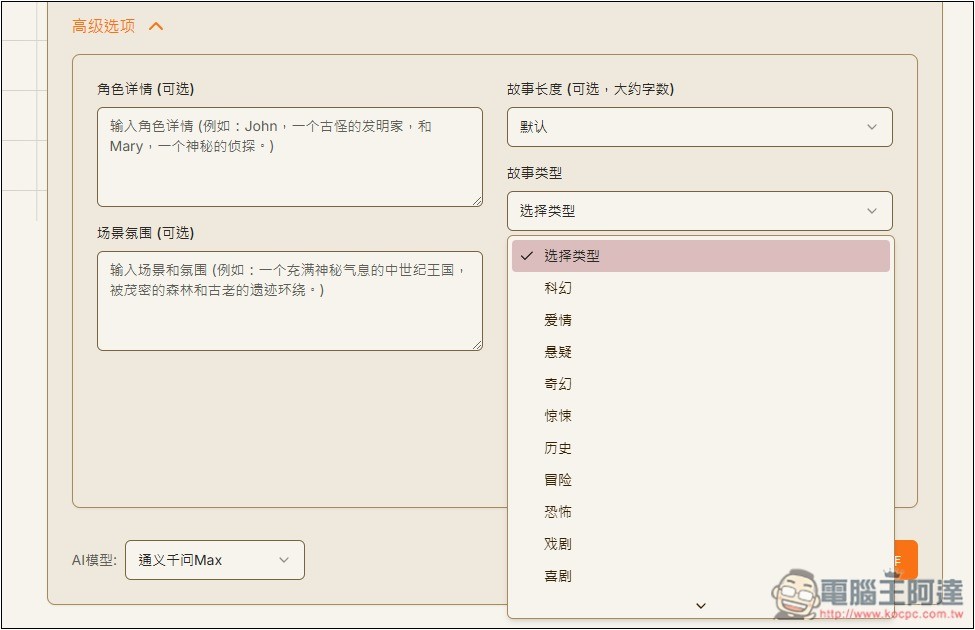
There are many types of stories, ranging from science fiction, romance, mystery, fantasy, thriller, historical, adventure, horror, and all the way to comedy.
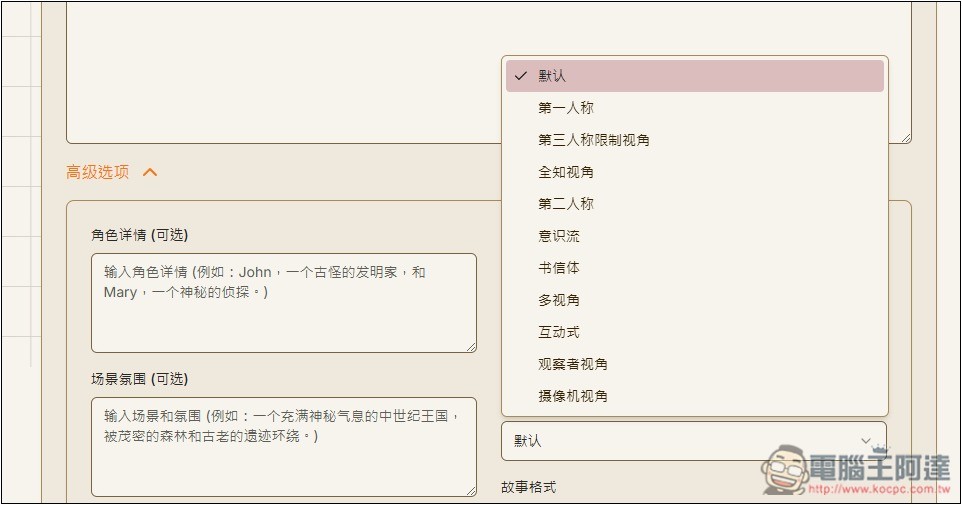
The story perspective also depends on you—whether you want first-person, third-person, observer perspective, camera perspective, interactive, or multi-perspective, all are fine. If you’re not sure how to choose, you can set a default, or generate it a few more times. It’s free anyway.
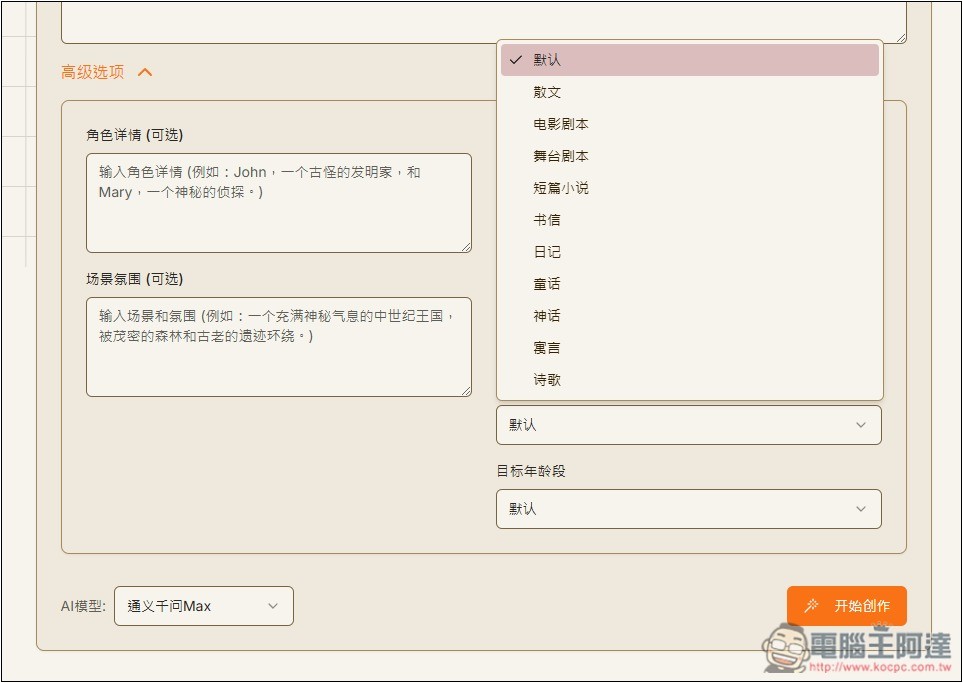
Story formats include prose, film scripts, stage plays, short stories, letters, diaries, fairy tales, myths, prophecies, poetry, etc.:
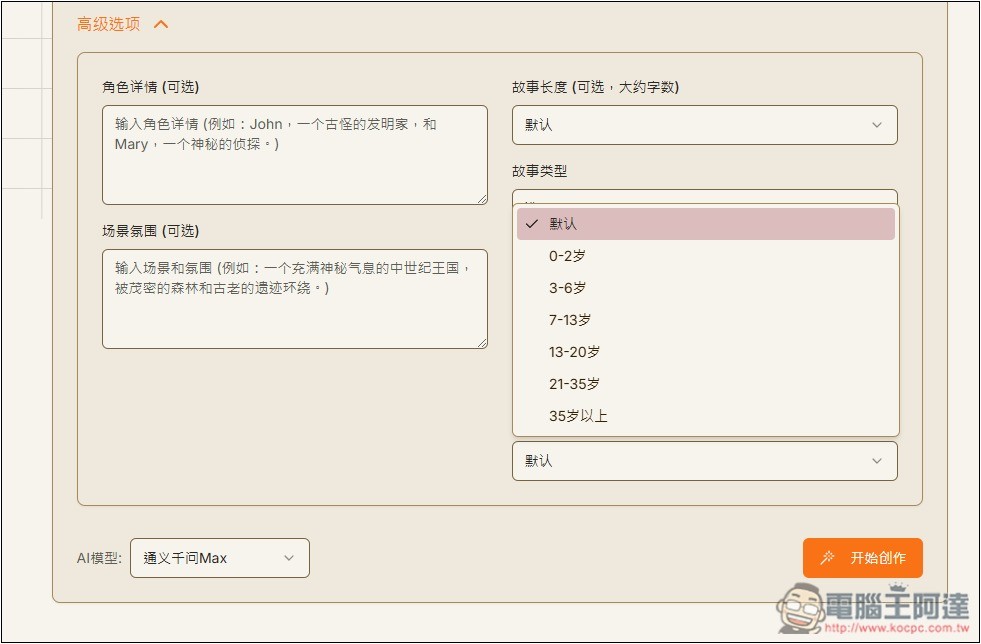
The target age can be selected from 0 years old all the way to 35 and above, so if you’re creating stories for children, just choose the appropriate age, and the generated content will be more suited to reading at that age.
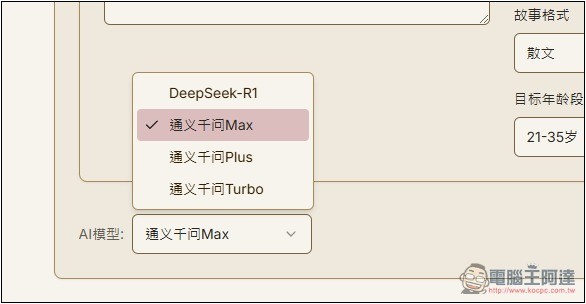
Qwen is divided into three models: Max, Plus, and Turbo. If you’re not sure which one to pick, you can just try them all. DeepSeek-R1’s stability isn’t great, and sometimes generation fails.
Once everything is set up, press “Start Creating” below. The advanced options are all optional—if you’re not sure how to configure them, just leave the defaults:
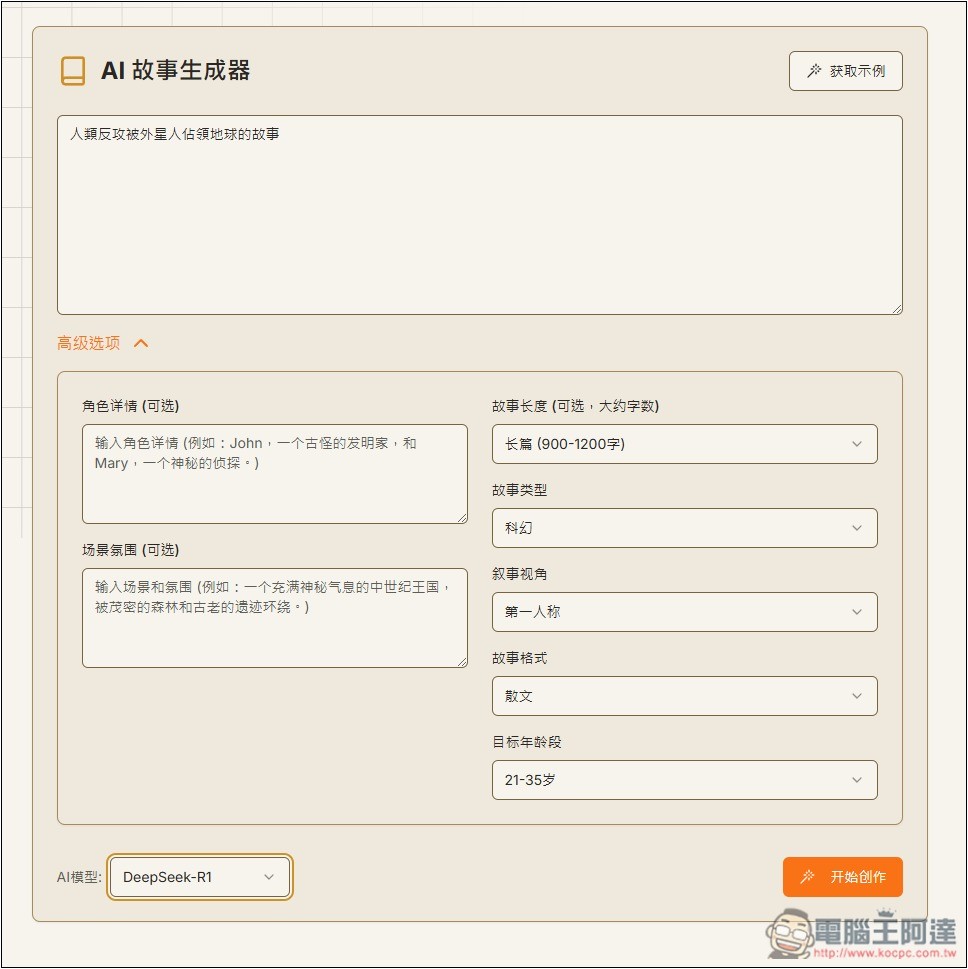
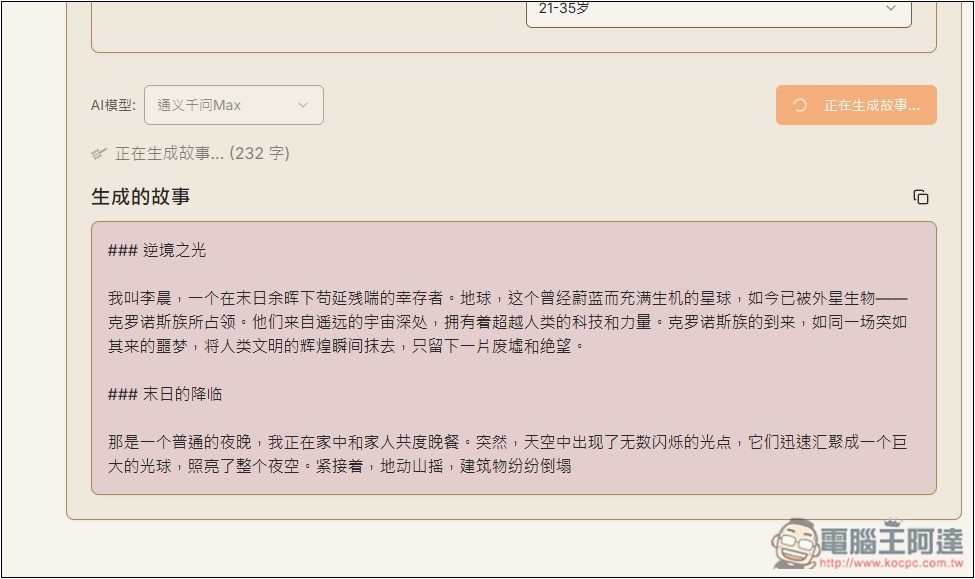
The story I generated is about “humans counterattacking against aliens who have occupied Earth,” but at the beginning I didn’t specify that I wanted Traditional Chinese, so all the generated text was in Simplified Chinese.
In the story description, specifically marking “use Traditional Chinese” will generate text in Traditional Chinese. However, sometimes the latter half suddenly switches back to Simplified Chinese, so it’s recommended to use other simplified-to-traditional conversion tools for better results.
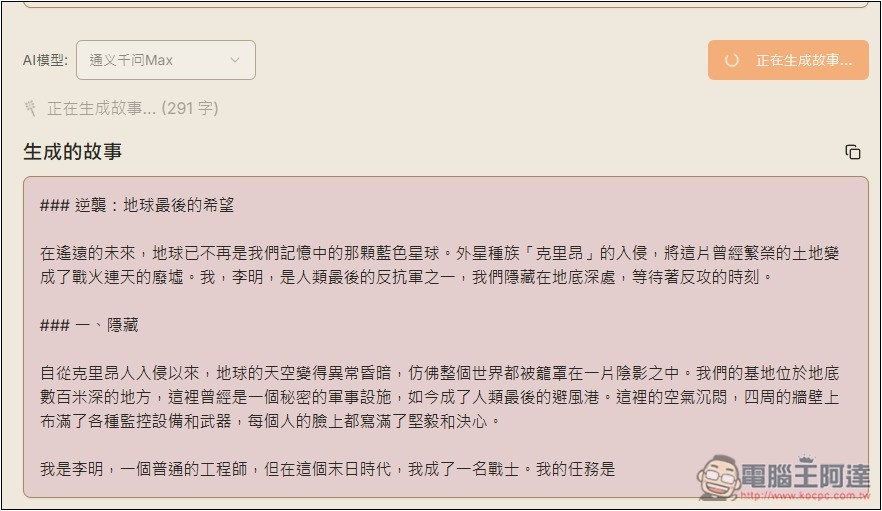
Compared to typical AI chatbots (like ChatGPT), the best part of this AI story generator is that it sets the scene, such as the initial background and character introductions, and divides the story into multiple plot segments, each with its own theme, such as hidden, plan, prepare, act, and so on.
Source: KOCPC Chinese