


Most people’s new tabs in Chrome and Edge should only be used to search for keywords or open new web pages. If you are like this and are used to taking notes occasionally, you might as well try the free extension of TabNote to turn the new tab into notes. This means that when you want to record anything in the future, you only need to open the browser tab. It is simple and convenient, and it also supports backup download function. It can be installed on Chrome and Edge.
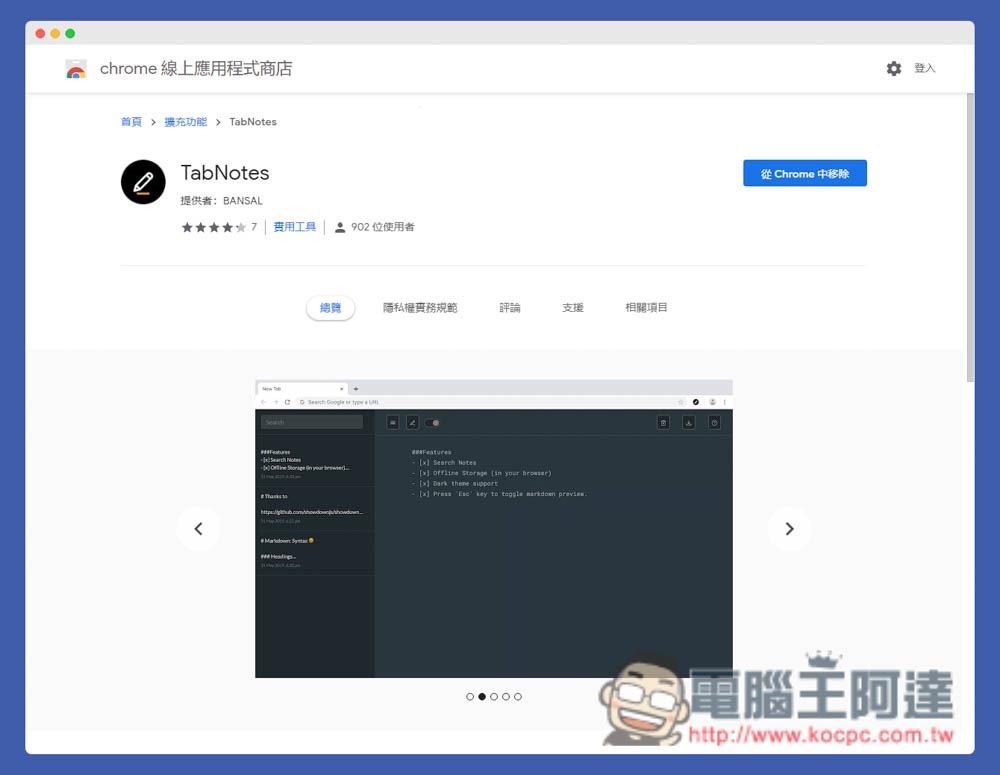
Introduction to TabNotes extension function, turning new browser tabs into practical notes
TabNotes is supported by both Chrome and Edge browsers. I will use Edge as an example below, and the usage methods are the same.
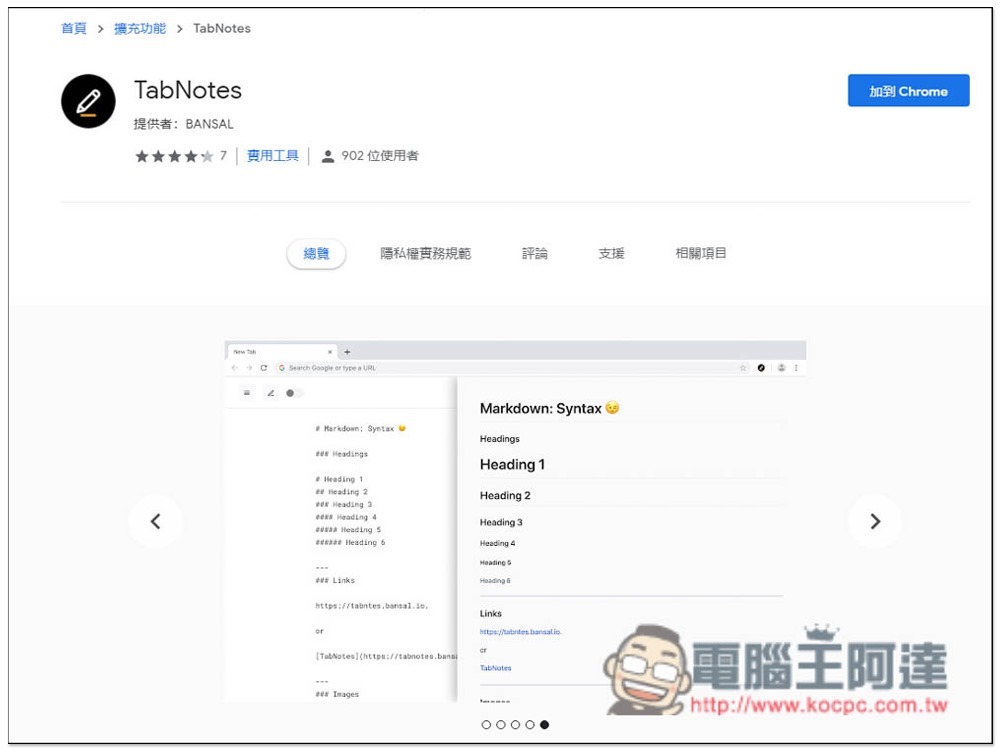
After entering the TabNotes installation page, click “Add to Chrome” in the upper right corner:
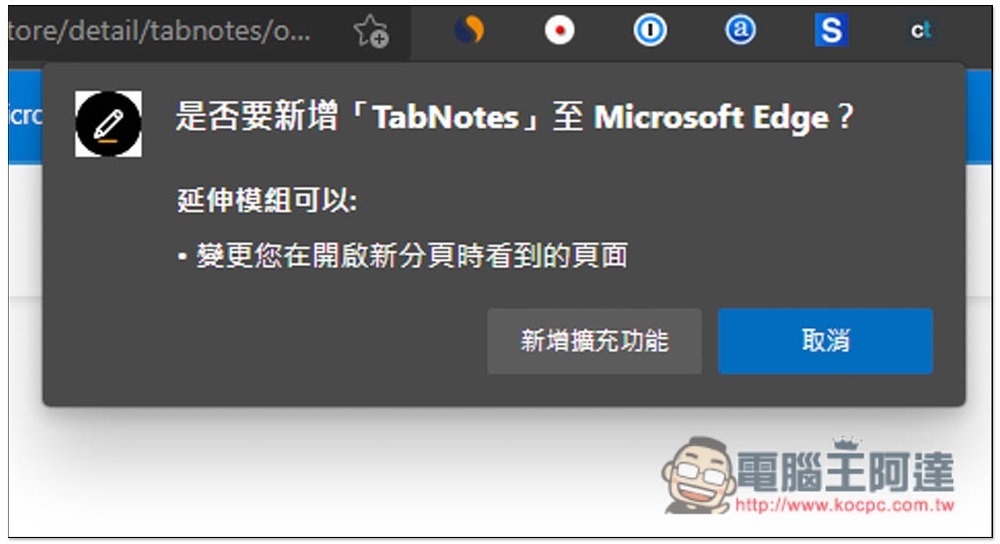
This message will pop up above, click “Add extension”:
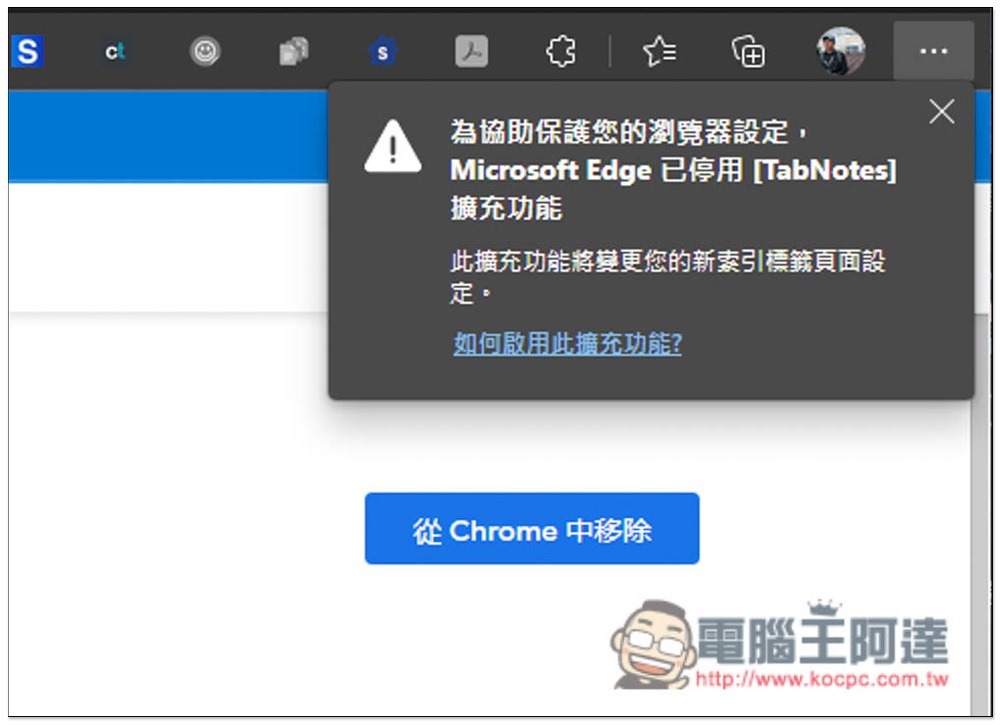
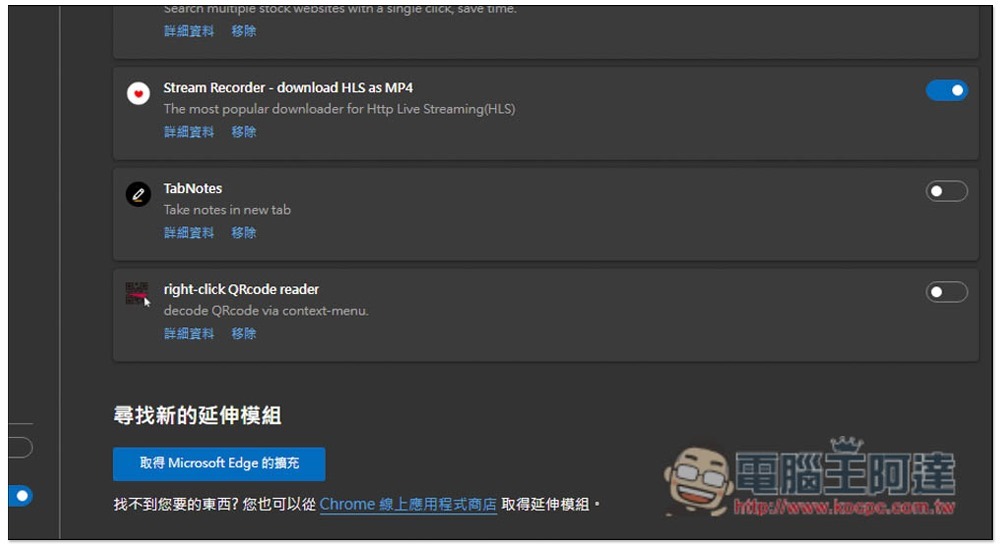
This completes the installation. After installation, it may be disabled by the browser. Please go to the extension settings to adjust:
As shown in the figure below, turn on the switch on the right side of TabNotes, and then you can start using it:
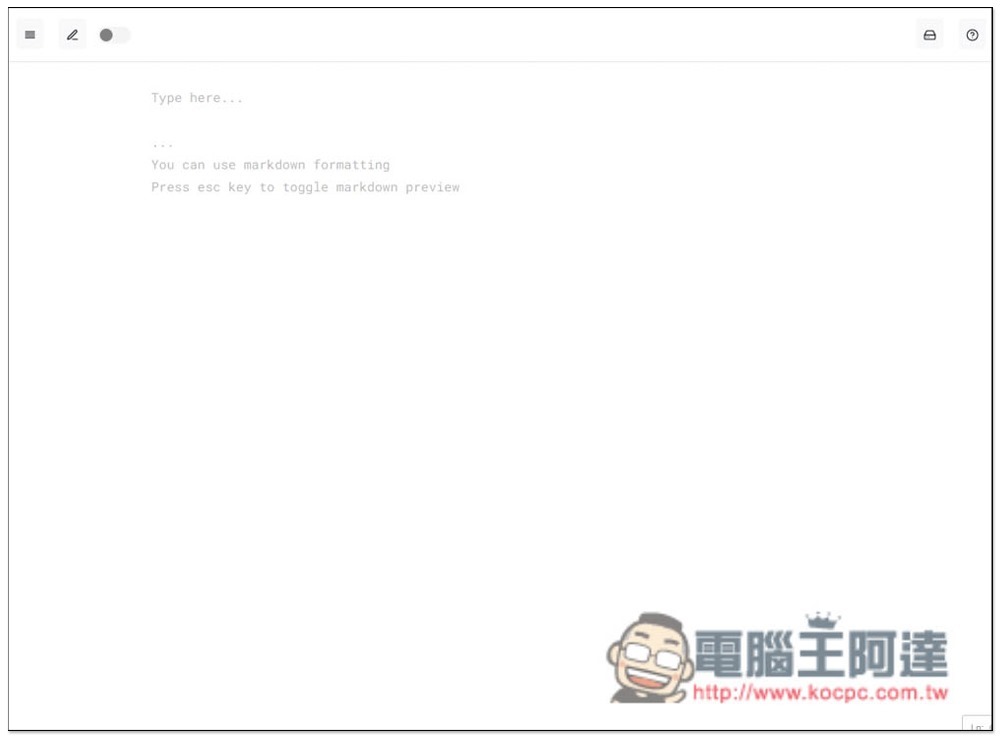
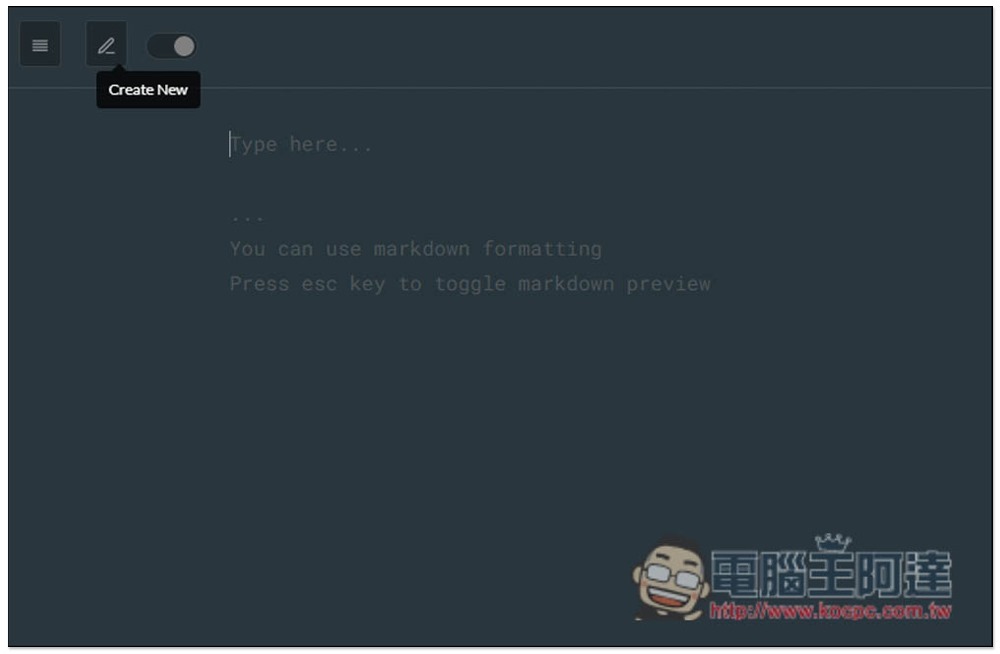
After opening a new tab in the browser, it will become a note page, and you can record anything directly on the page:
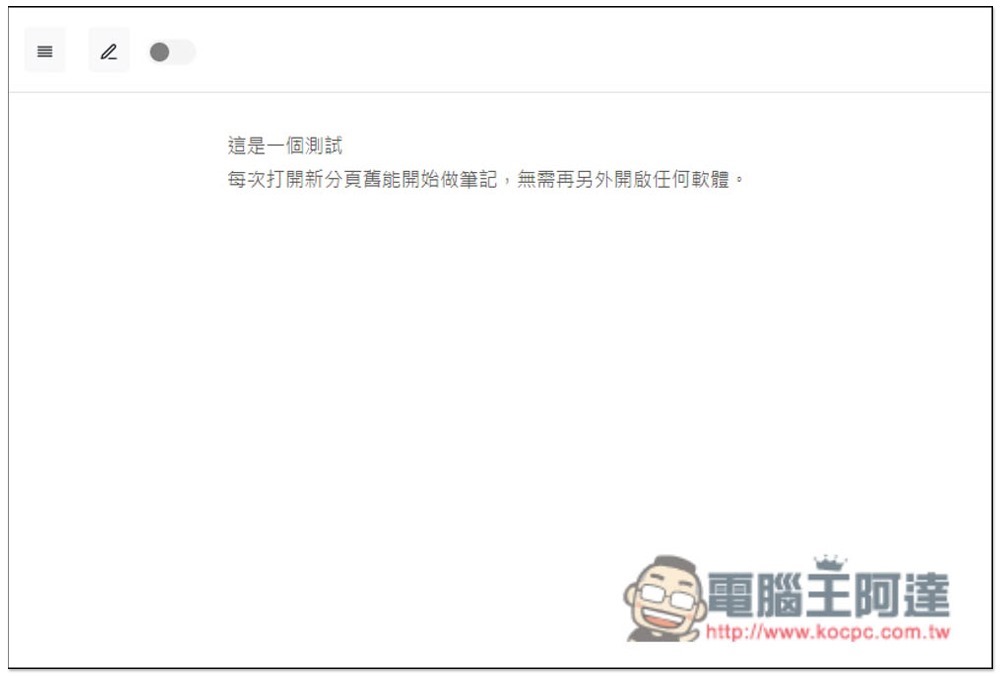
This note does not have a title field. If necessary, you can use the first line as the title and start recording the content below. Note content will be automatically saved at any time, no need to click additional functions:
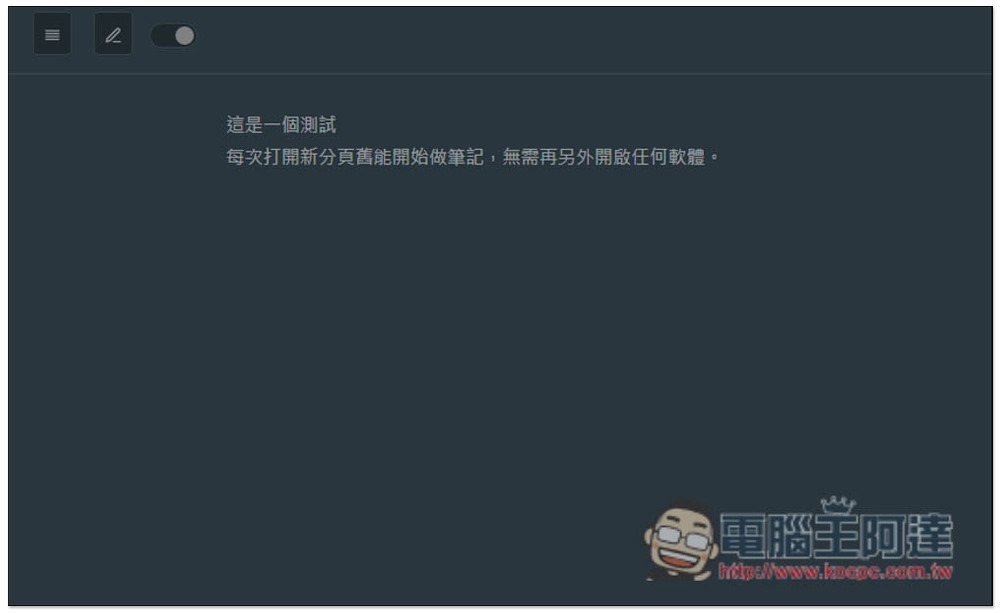
It also supports dark mode. Turning on the switch in the upper left corner will turn it into a dark color:
The pencil icon opens a new note page:
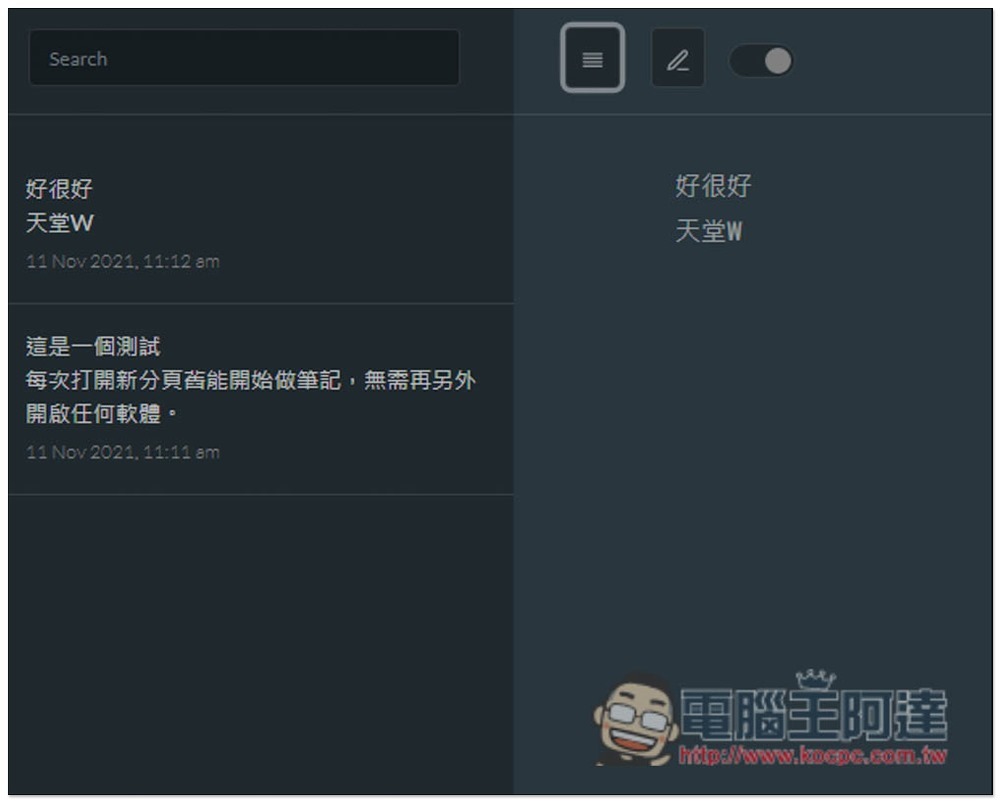
Open the left column to view all note contents, and also provide a keyword search function to facilitate your search:
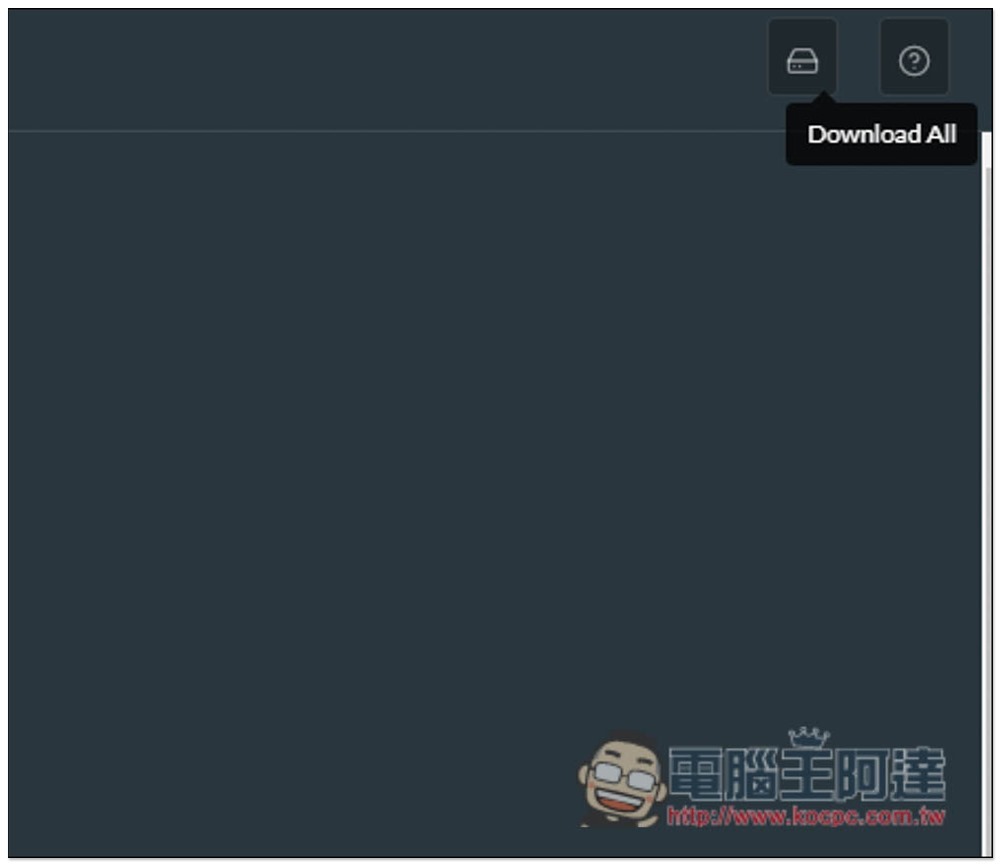
Every once in a while, I highly recommend downloading and backing up your files so that you don’t have to worry about missing data. Click Download All in the upper right corner to get a backup of all notes:
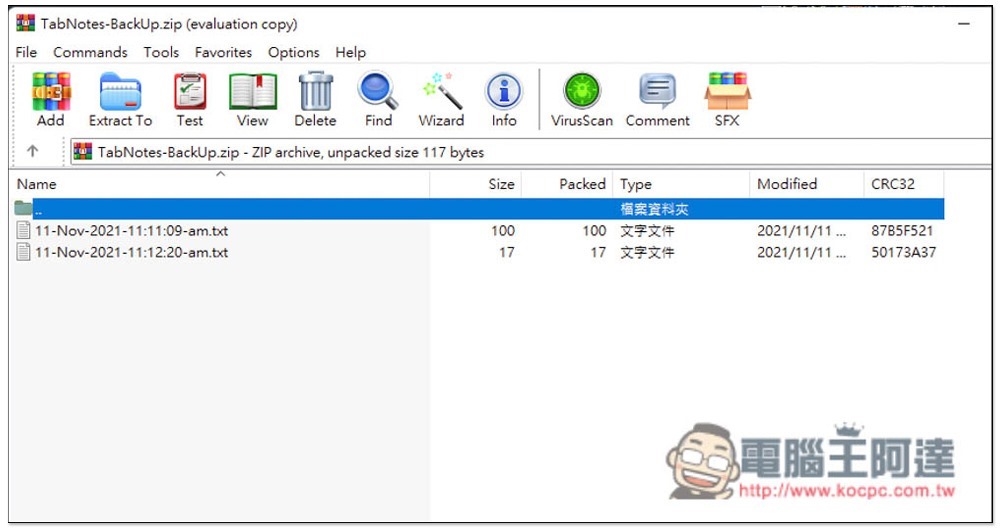
Notes will be saved in txt format:
It is a pity that it does not provide any text editing functions, such as modifying colors, font sizes, hyperlinks, etc. If it were available, it would be more flexible in use. I hope it will be added in the future.
Source: KOCPC Chinese