• About Us
King of Computer Media
  • Home
  • Tech News
  • AI News
  • Apps & Tutorials
  • Mobile & Telecom
  • Lifestyle
  • About Us
No Result
View All Result
  • Home
  • Tech News
  • AI News
  • Apps & Tutorials
  • Mobile & Telecom
  • Lifestyle
  • About Us
No Result
View All Result
King of Computer Media
No Result
View All Result

Home - Internet and software applications - TabNotes is a free extension that allows you to write notes when you open the browser tab, and you can download the backup (Chrome/Edge)

TabNotes is a free extension that allows you to write notes when you open the browser tab, and you can download the backup (Chrome/Edge)

Rocky by Rocky
November 11, 2021 - Updated on August 4, 2026
in Internet and software applications

Most people’s new tabs in Chrome and Edge should only be used to search for keywords or open new web pages. If you are like this and are used to taking notes occasionally, you might as well try the free extension of TabNote to turn the new tab into notes. This means that when you want to record anything in the future, you only need to open the browser tab. It is simple and convenient, and it also supports backup download function. It can be installed on Chrome and Edge.

screely-1636596798217

Introduction to TabNotes extension function, turning new browser tabs into practical notes

  • Click me to go to TabNotes installation page

TabNotes is supported by both Chrome and Edge browsers. I will use Edge as an example below, and the usage methods are the same.

After entering the TabNotes installation page, click “Add to Chrome” in the upper right corner:
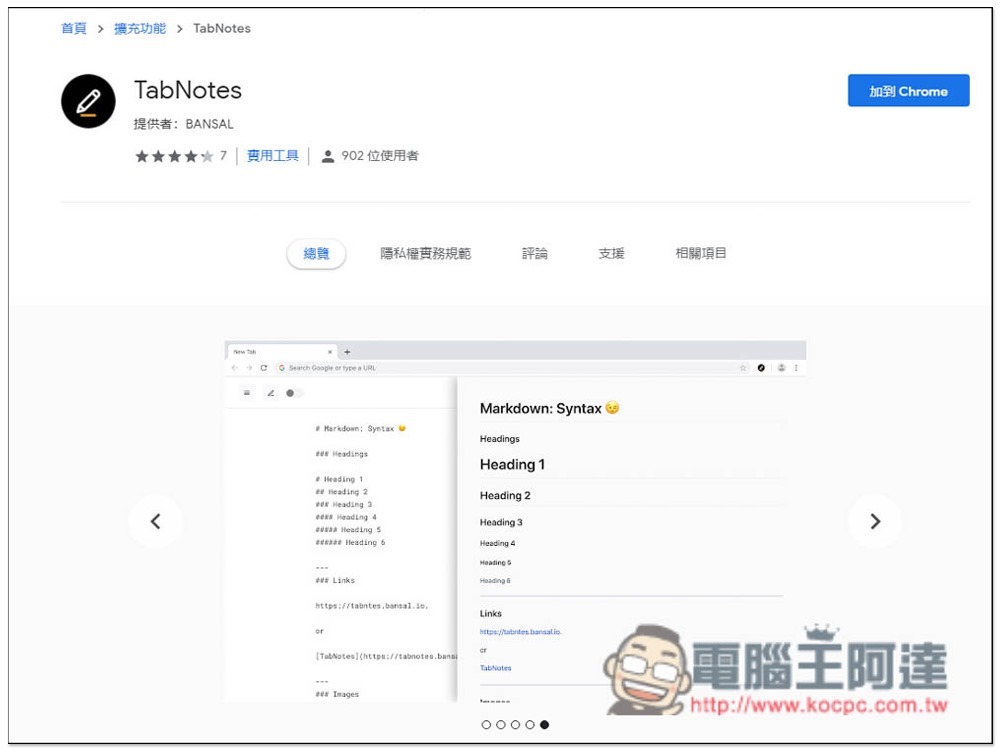
2021-11-11_110935

This message will pop up above, click “Add extension”:
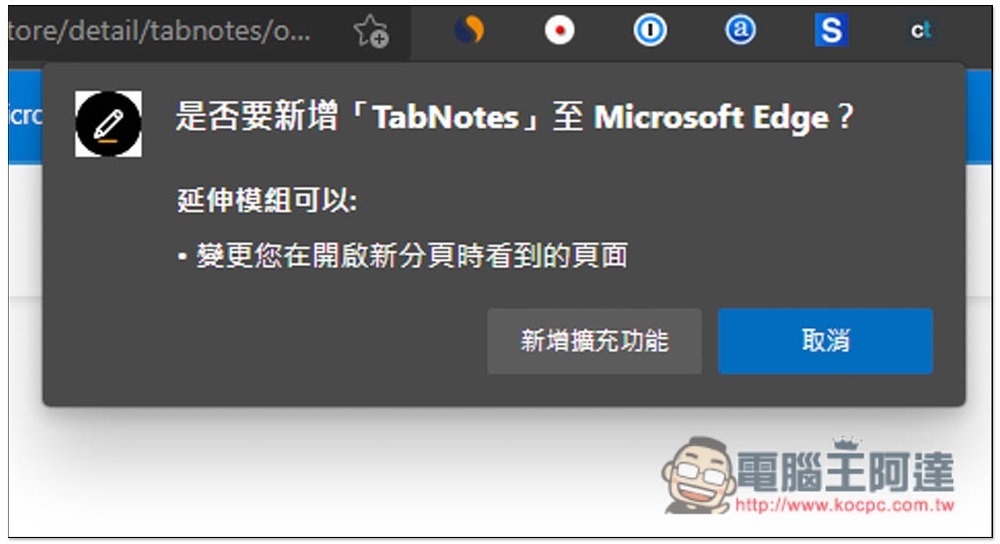
2021-11-11_111005

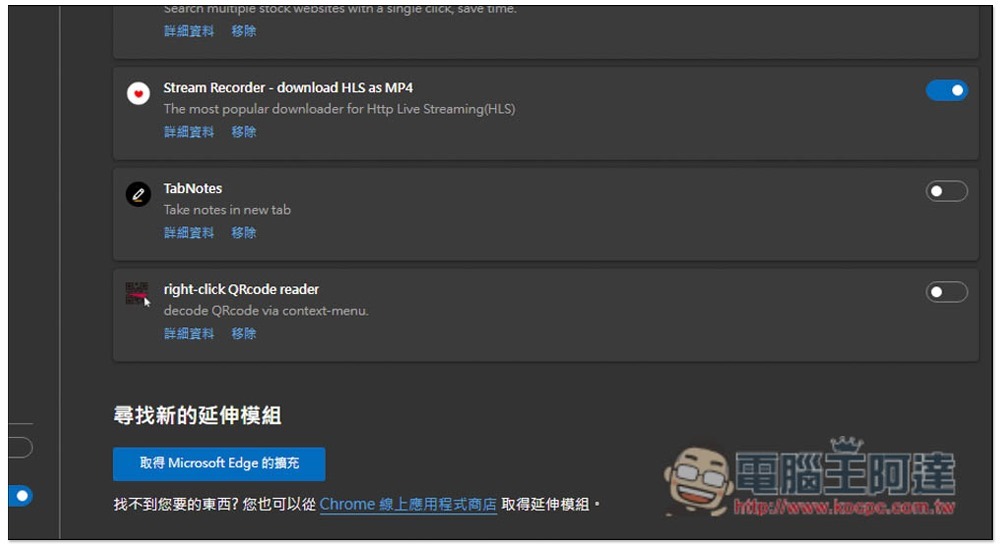
This completes the installation. After installation, it may be disabled by the browser. Please go to the extension settings to adjust:
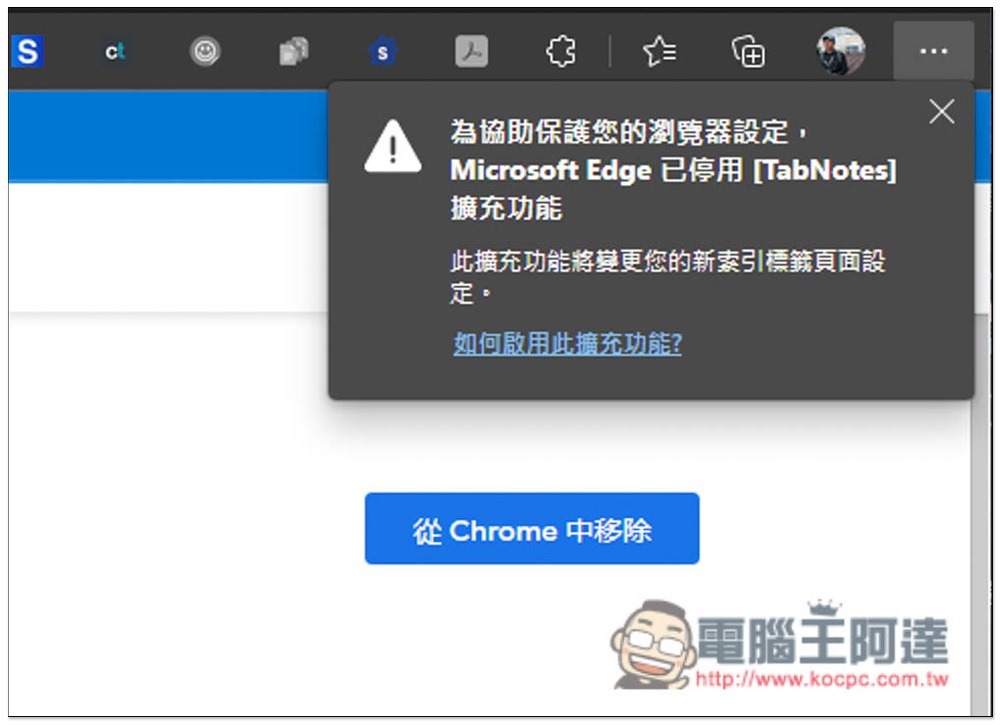
2021-11-11_111015

As shown in the figure below, turn on the switch on the right side of TabNotes, and then you can start using it:
2021-11-11_111035

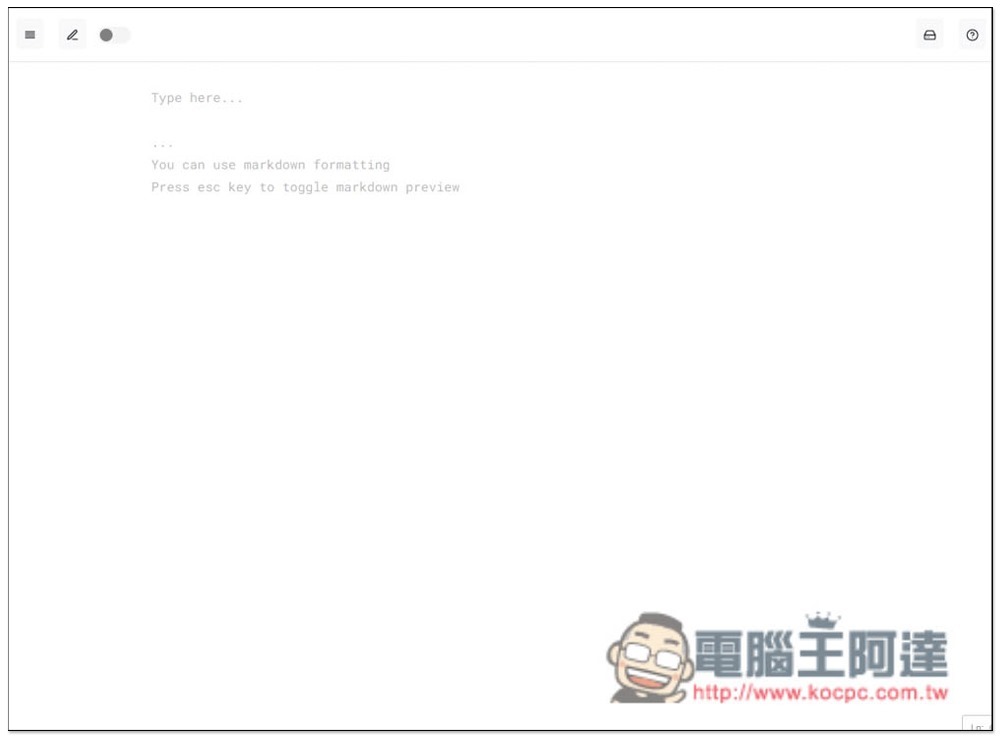
After opening a new tab in the browser, it will become a note page, and you can record anything directly on the page:
2021-11-11_111056

This note does not have a title field. If necessary, you can use the first line as the title and start recording the content below. Note content will be automatically saved at any time, no need to click additional functions:

2021-11-11_111145

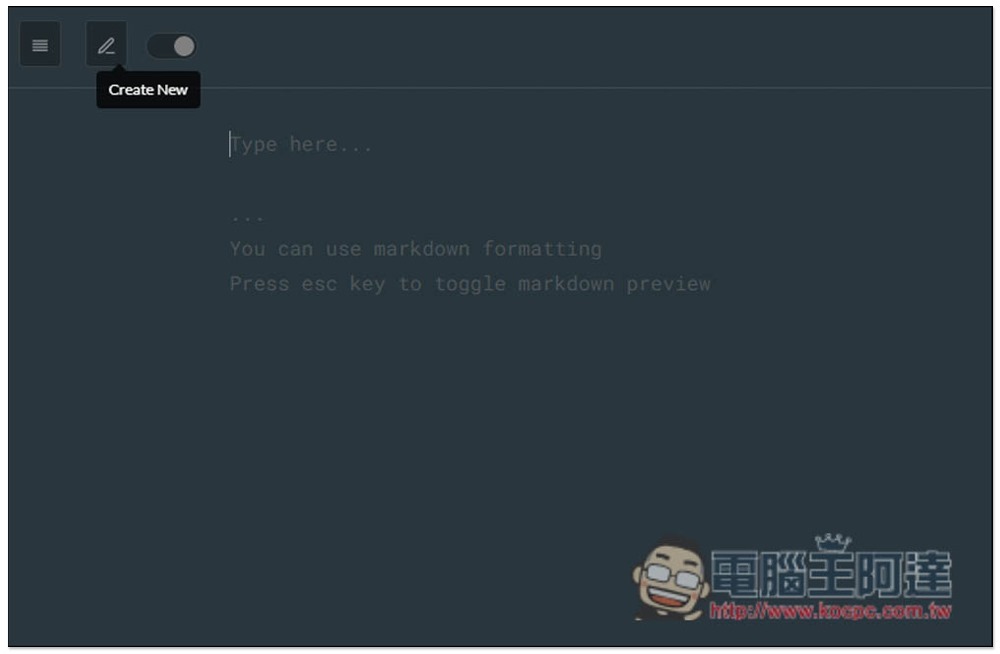
It also supports dark mode. Turning on the switch in the upper left corner will turn it into a dark color:

2021-11-11_111201

The pencil icon opens a new note page:
2021-11-11_111210

Open the left column to view all note contents, and also provide a keyword search function to facilitate your search:

2021-11-11_111230

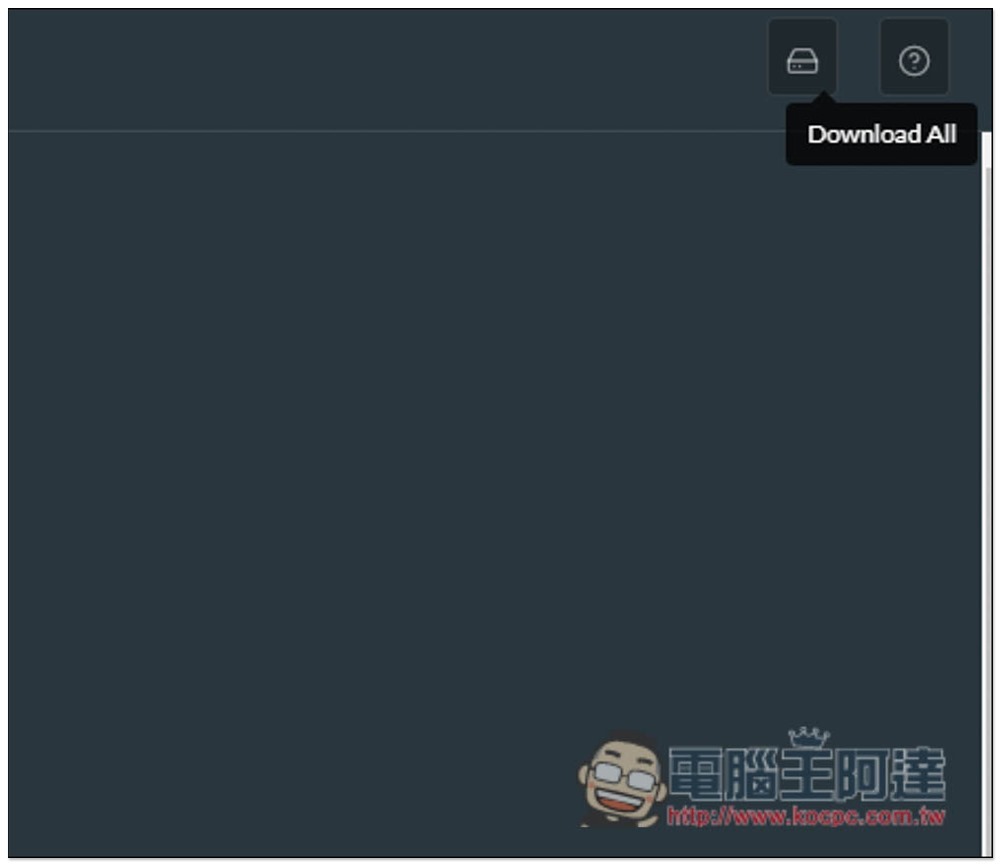
Every once in a while, I highly recommend downloading and backing up your files so that you don’t have to worry about missing data. Click Download All in the upper right corner to get a backup of all notes:
2021-11-11_111241

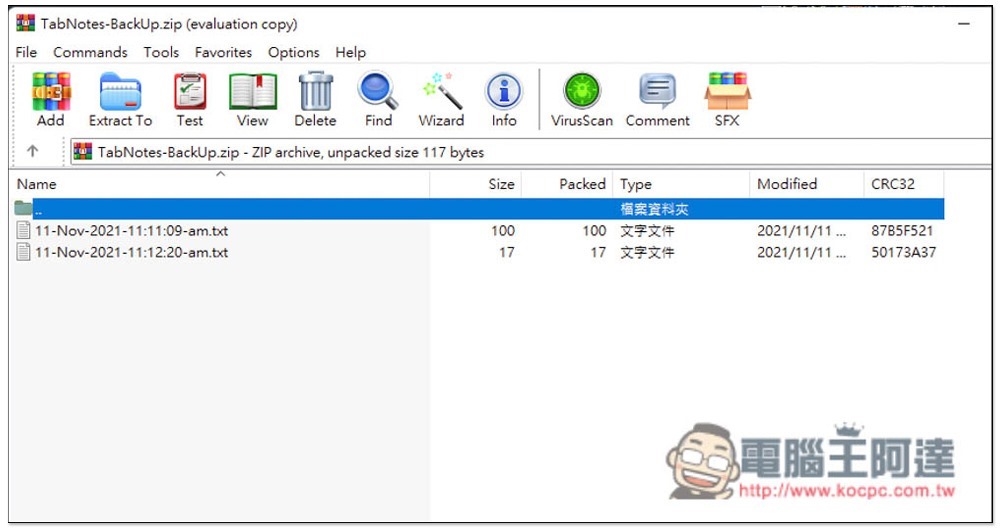
Notes will be saved in txt format:
2021-11-11_111254

It is a pity that it does not provide any text editing functions, such as modifying colors, font sizes, hyperlinks, etc. If it were available, it would be more flexible in use. I hope it will be added in the future.

Adobe Acrobat 官方瀏覽器免費擴充功能,更快速進行 PDF 文件轉換、簽署與編輯

Source: KOCPC Chinese

Tags: BrowserChromeEdgeExtended functionsnotes

Recent Posts

  • The Xiaomi Pad 8S Pro has passed network access certification and will debut with the self-developed XRING O3 chip.
  • The entire Google Pixel 11 lineup has been leaked! Official promotional renders of the Pixel 11 Pro XL have also surfaced
  • Are Chinese phone battery capacities falsely labeled? A brief look at the “capacity locking” phenomenon in Chinese silicon-carbon batteries.
  • NCC is leaderless, recklessly sending out national-level alert messages!?
  • What does “QR” in QR Code mean?

Recent Comments

No comments to show.
  • About Us

We welcome partnership inquiries and product review opportunities from smartphone manufacturers, iPhone accessory brands, and app developers.koc kocpc.com.tw|Privacy Policy |Hosting & Maintenance: Fast Line Taiwan, A-Chang Digital Technology

No Result
View All Result
  • Home
  • Tech News
  • AI News
  • Apps & Tutorials
  • Mobile & Telecom
  • Lifestyle
  • About Us

We welcome partnership inquiries and product review opportunities from smartphone manufacturers, iPhone accessory brands, and app developers.koc kocpc.com.tw|Privacy Policy |Hosting & Maintenance: Fast Line Taiwan, A-Chang Digital Technology