


In the past, we have introduced many online video download tools, such as yt-dlp、VD6S 、Getvo, as well as noTube Wait—anyone who has used these download tools knows they’re not exactly very stable and may stop working after a while. The more options you have in your pocket, the better, so if we find other new sites, we’ll recommend them anytime. Recently we found dlyt.io, which has been getting fairly good reviews overseas lately. It supports all popular social platforms, including YouTube, and has no ads at all, so the experience is quite good.
The only downside is that YouTube videos are only supported up to SD quality, which will definitely feel insufficient for those who care about high-definition.
ReminderBefore use, please confirm for yourself whether the content on YouTube or other websites is legally licensed, such as works you uploaded yourself, Creative Commons-licensed content, or public domain material. If it is music or audio-visual work protected by copyright, downloading or converting it without the rights holder’s consent may involve copyright risks and may also violate the original platform’s terms of service.
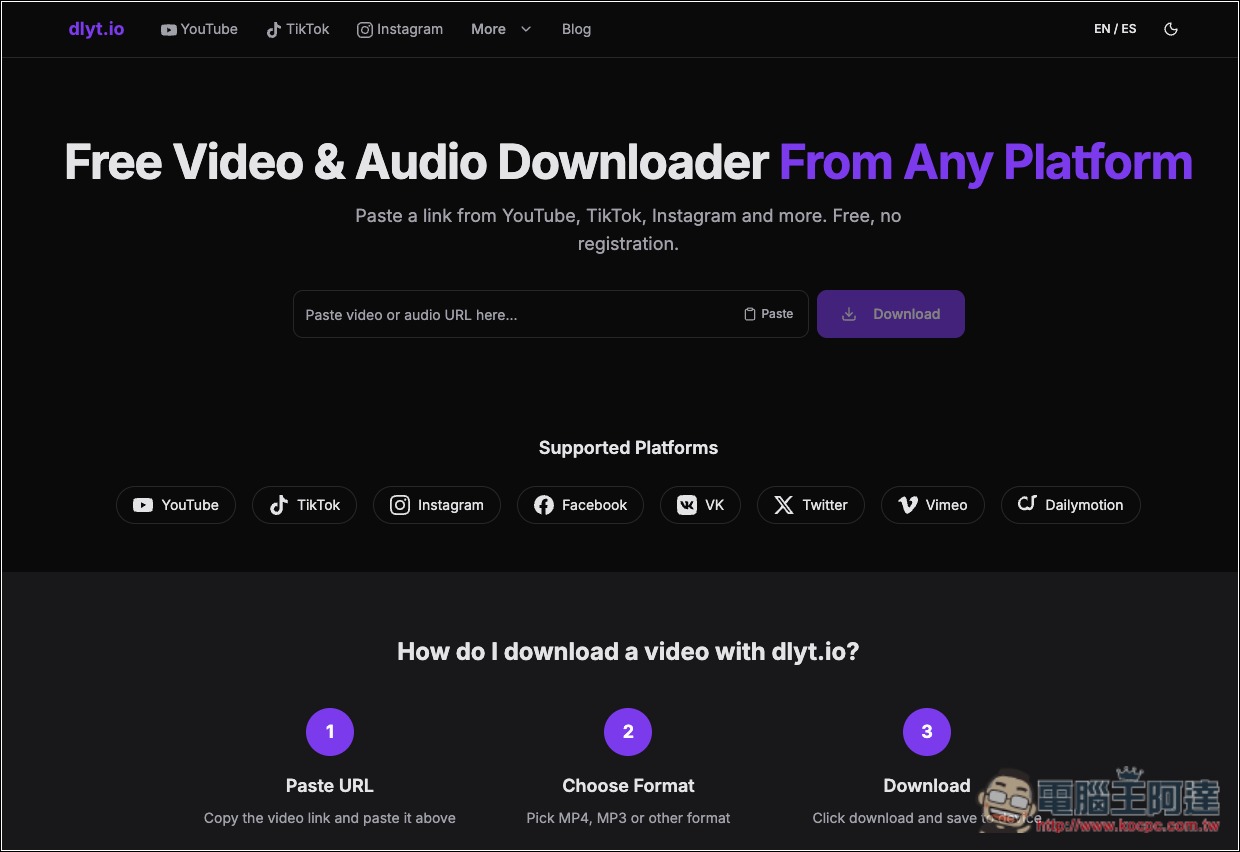
Introduction to dlyt.io: a free, ad-free YouTube, Facebook, and TikTok downloader
dlyt.io is a free online video and audio download tool that supports multiple popular social platforms. No software or browser extension installation is required, and no account registration is needed. Just paste the video URL into the website to get available download options. After choosing the desired quality and format, you can save the video to your computer or phone.
It currently supports eight platforms: YouTube, TikTok, Instagram, Facebook, VK, X, Vimeo, and Dailymotion. Whether it’s regular YouTube videos, Shorts, Instagram Reels, Stories, or Facebook Reels, this tool can handle them all.
In terms of video quality, dlyt.io offers formats such as MP4 and WebM, and allows different resolutions to be selected depending on the source video.
Besides downloading videos, it also offers audio extraction. If you only want to keep the audio from a video, the site advertises an MP3 audio format as well, but in my current testing, YouTube does not have an MP3 option.
Regarding privacy, the officials stated that they will not retain download URLs submitted by users, nor will they store downloaded audio and video files. However, the website still collects necessary device, network, and usage records.
Key Features
- Completely free to use: no payment required, and no need to register an account.
- Supports eight major platforms, including YouTube, TikTok, Instagram, Facebook, X, and more.
- Multiple video formats: MP4 and WebM supported, with a choice of different resolutions.
- Audio download feature: allows you to save a video’s audio as MP3 or other formats.
- TikTok no watermark: download videos without a watermark when supported by the source.
- Supports short-form video: can handle content such as YouTube Shorts and Instagram Reels.
- No installation required: simply paste the video link to parse and download.
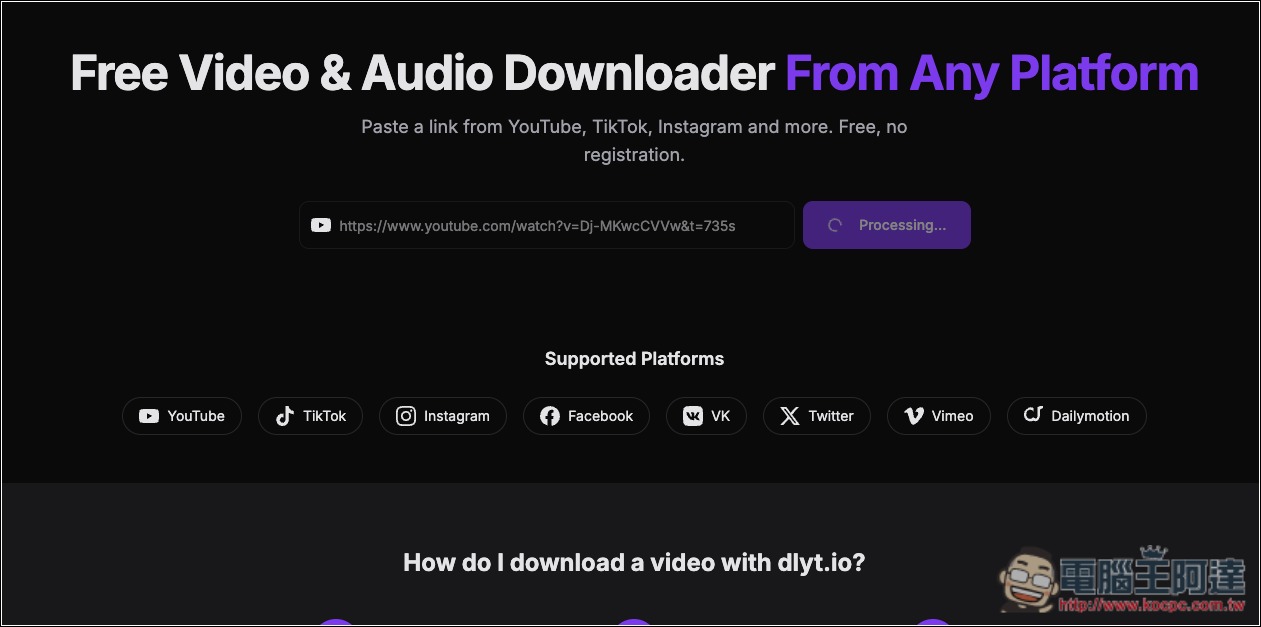
After you click the link above to go to dlyt.io, paste the URL of the video you want to download, and the site will start processing:
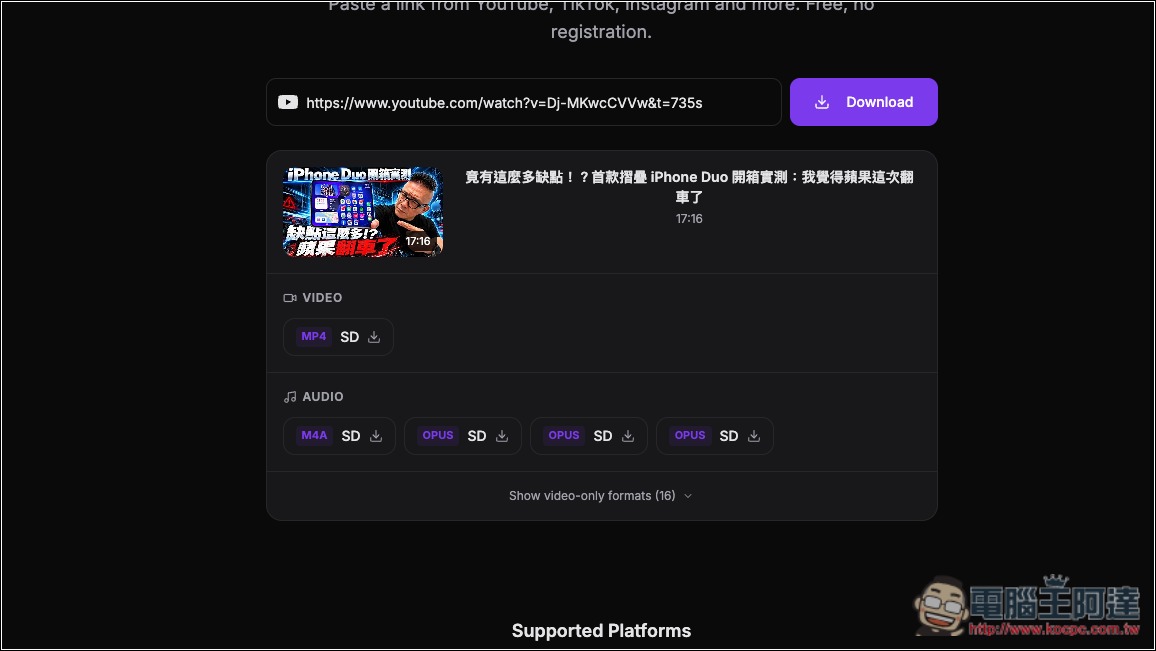
Below, download links for various qualities and formats will appear. For the YouTube video part, the official statement says support goes up to 1080p (with audio), but in practice this doesn’t seem to be the case—at least for this video, I only saw SD quality:
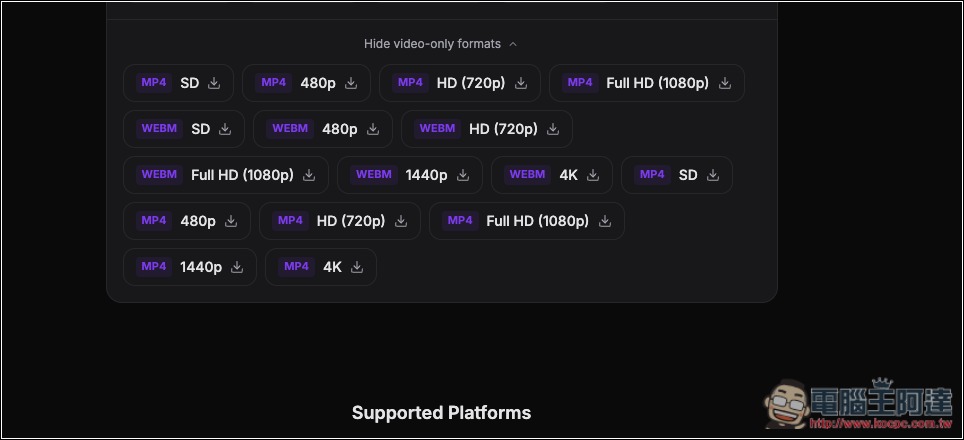
Scroll down to expand more quality and format options, up to 4K, but these are video-only and have no audio:
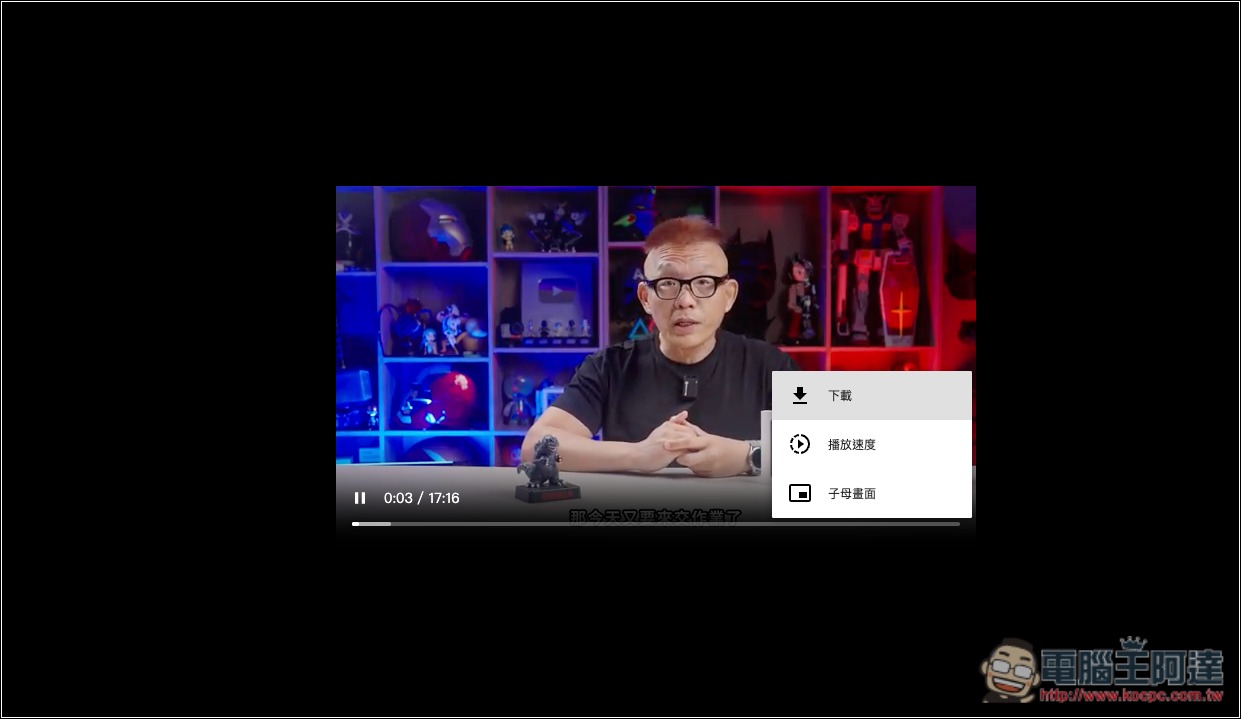
After clicking the SD quality download link, a new tab will open and play the video. You can then find the download button in the menu in the lower right corner:
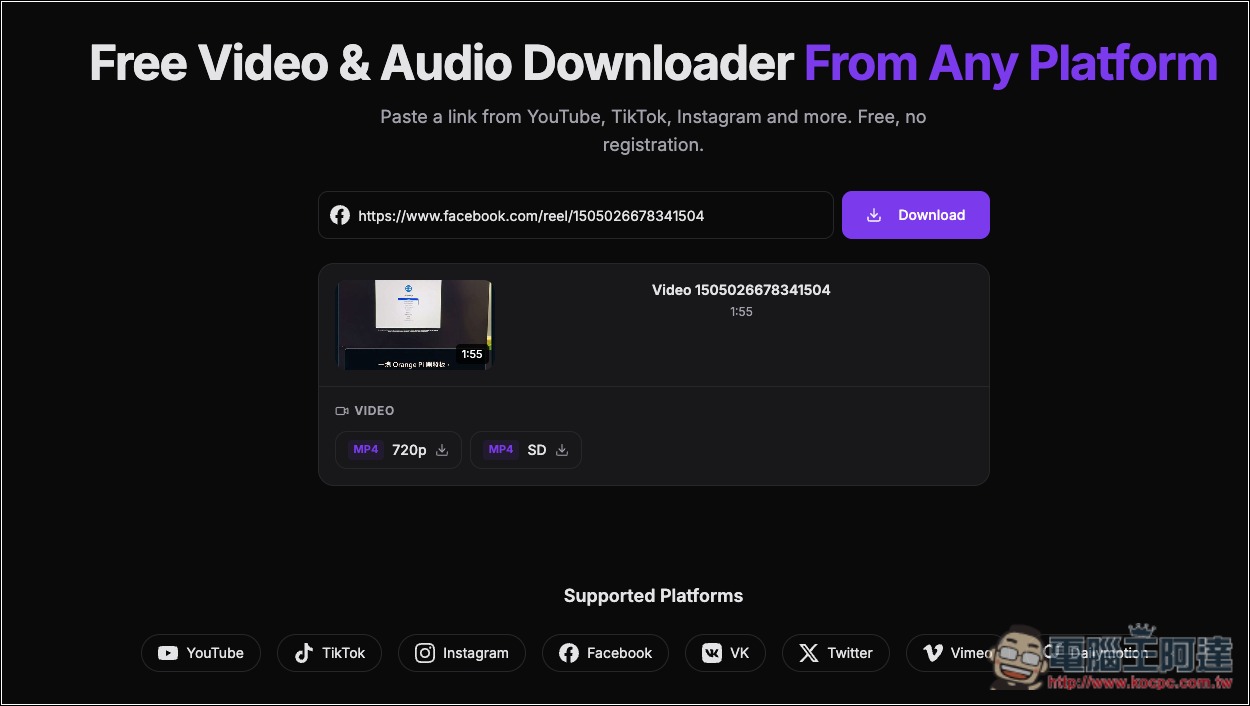
I successfully tested Facebook—Facebook supports up to 720p MP4:
Source: KOCPC Chinese