


Nowadays, almost everyone has an email address, and signature files are very important when communicating with customers. Some people may simply write some contact information. If the quality of the signature file can be improved, it can actually greatly enhance the professionalism of people. Free Email Signature Generator is a very useful free tool. It has created several versions. You only need to fill in some basic information, and a high-quality email signature file will appear in just a few seconds. I recommend it to everyone.
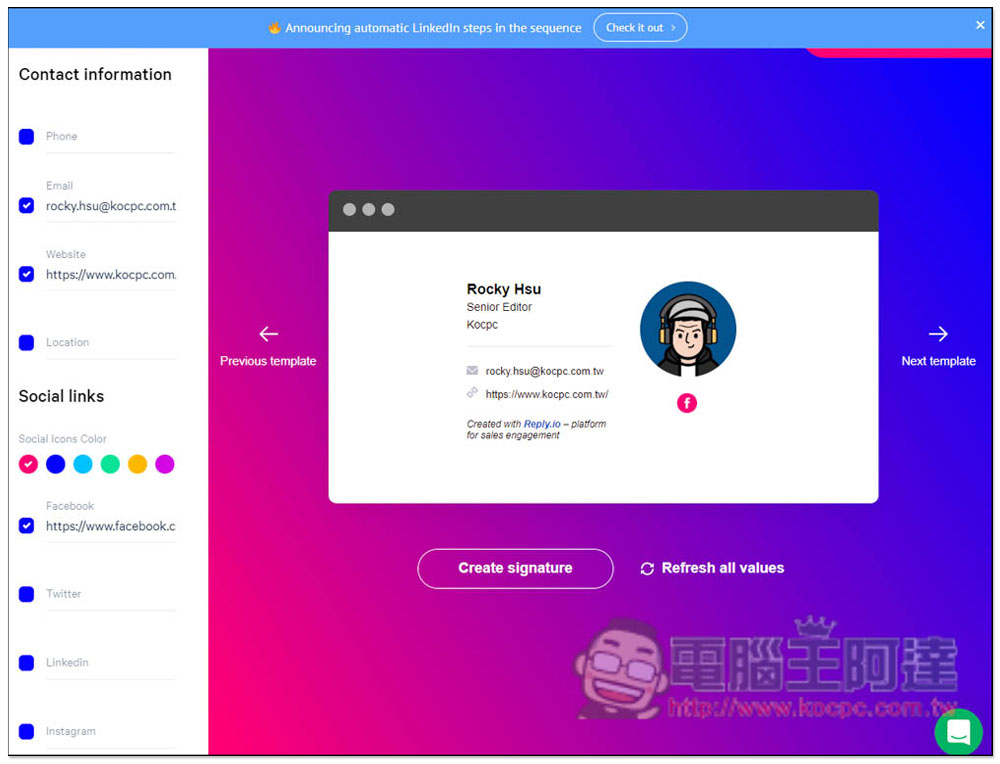
Free Email Signature Generator easily creates high-quality “email signature files” and can add hyperlinks to social platforms such as FB and IG
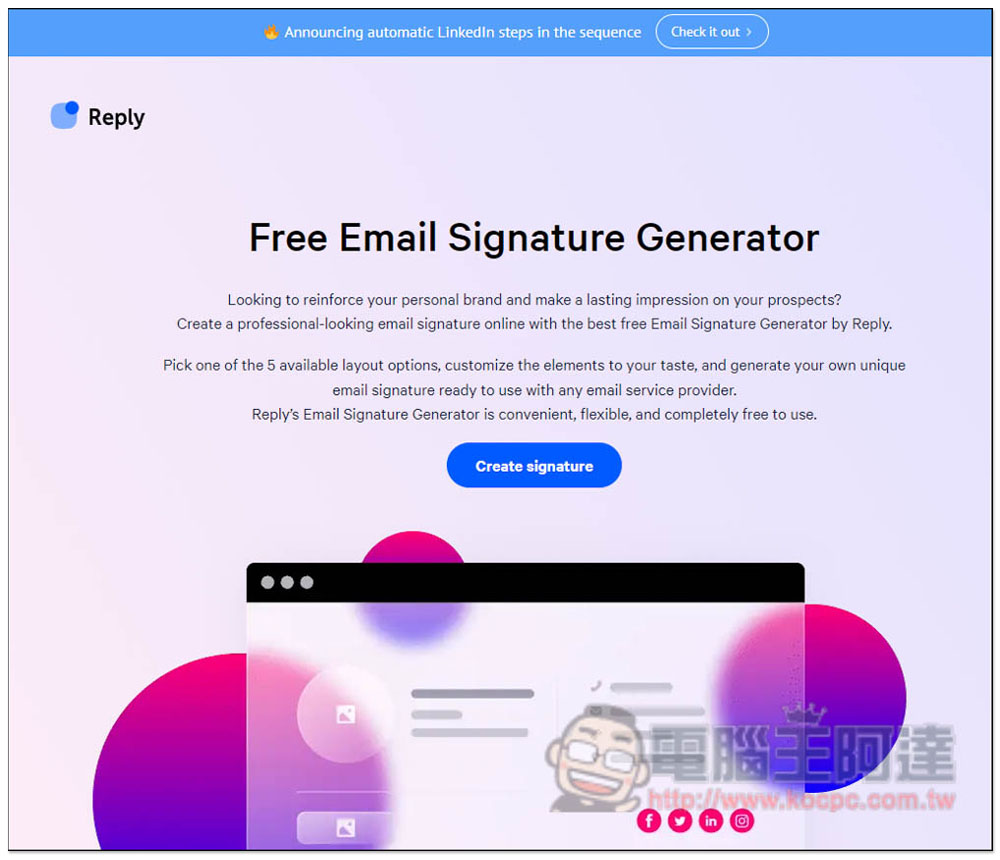
After entering the Free Email Signature Generator website, click Create signature to start creating it, or you can slide directly to the bottom of the page:
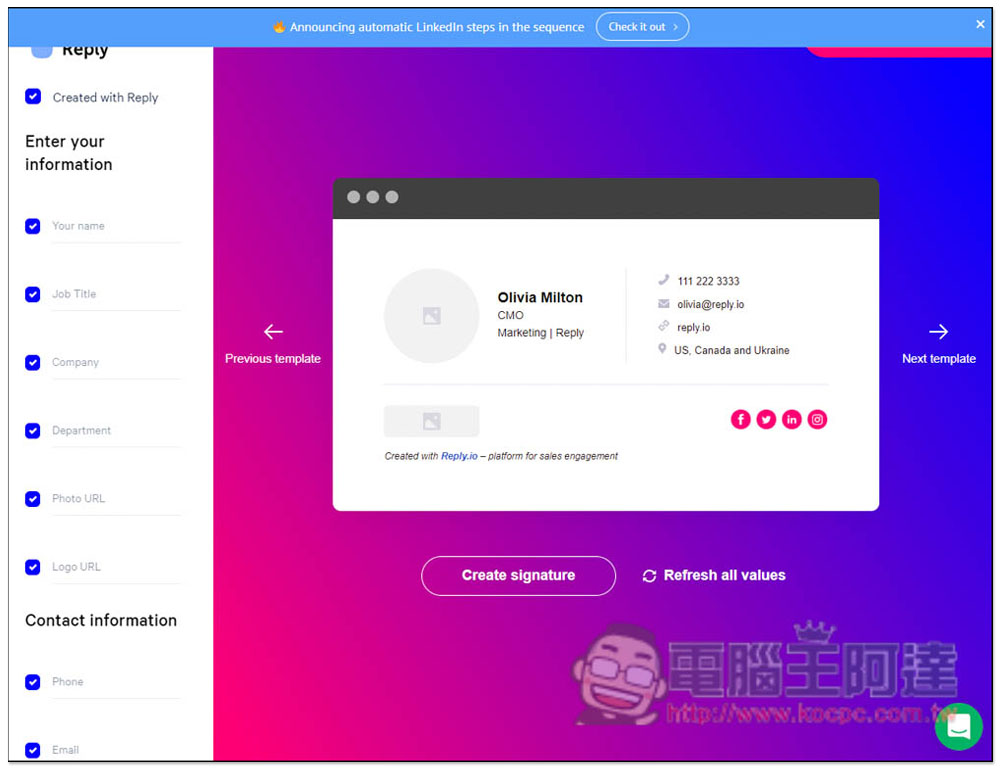
The format of the electronic signature file will be displayed on the right. Click Next template or Previous template to switch to other formats, and the data is entered in the left column, such as Your name, Job Title, Company, Department, Photo URL, Logo URL, etc.:
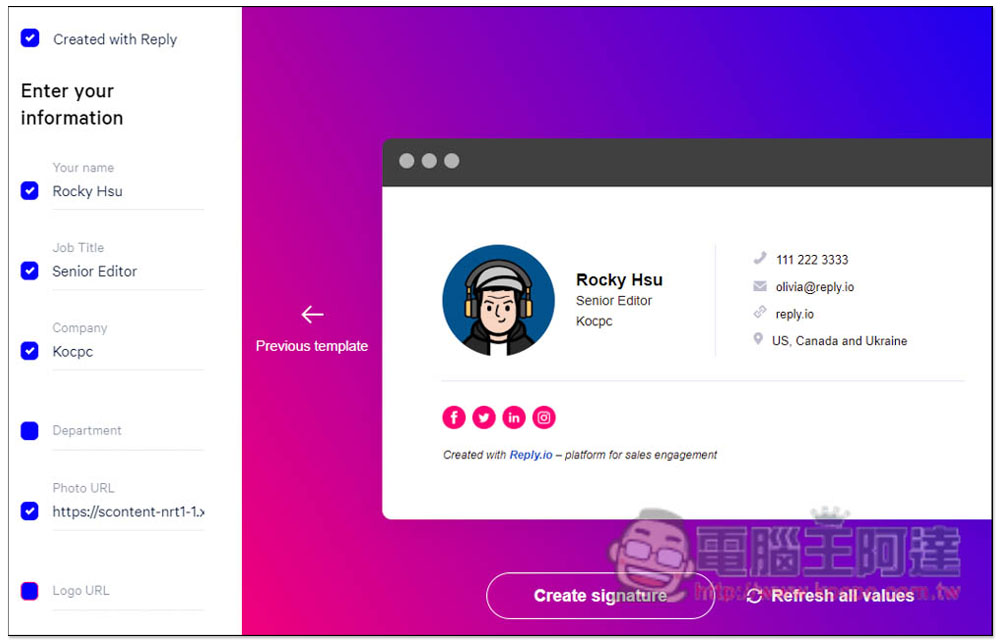
After typing, the right side will be displayed immediately. If you have unnecessary information, uncheck it and the right side will disappear. The image part only supports URLs. You can copy your Facebook photo URL, or upload it to other free image spaces:
There is also link information for social platforms below. If you uncheck the box, the small icon on the right will disappear:
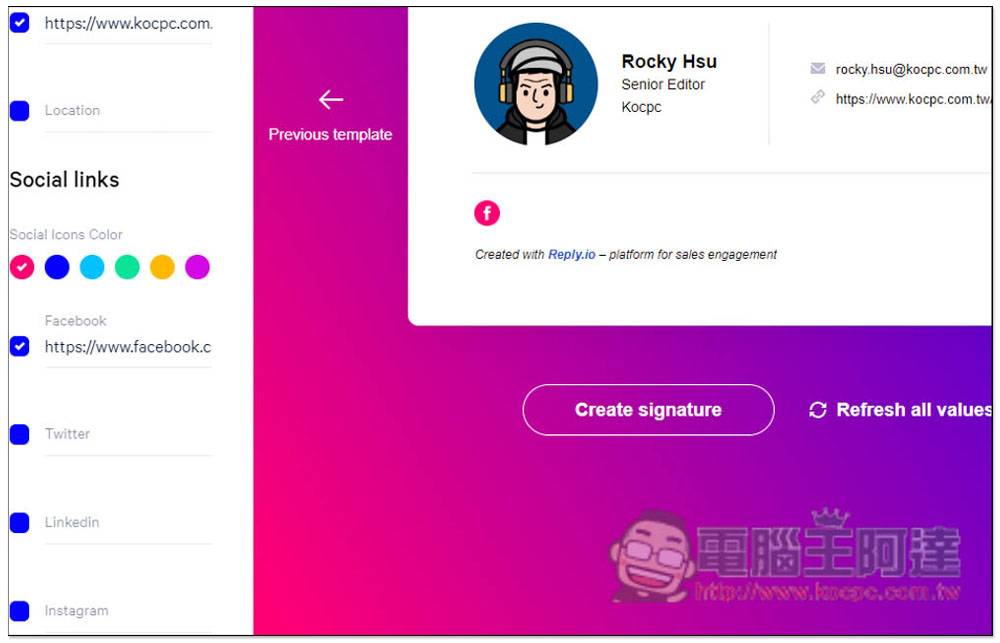
It is recommended that after inputting all the information, you can switch the layout to see which one you like best. This will be more accurate:
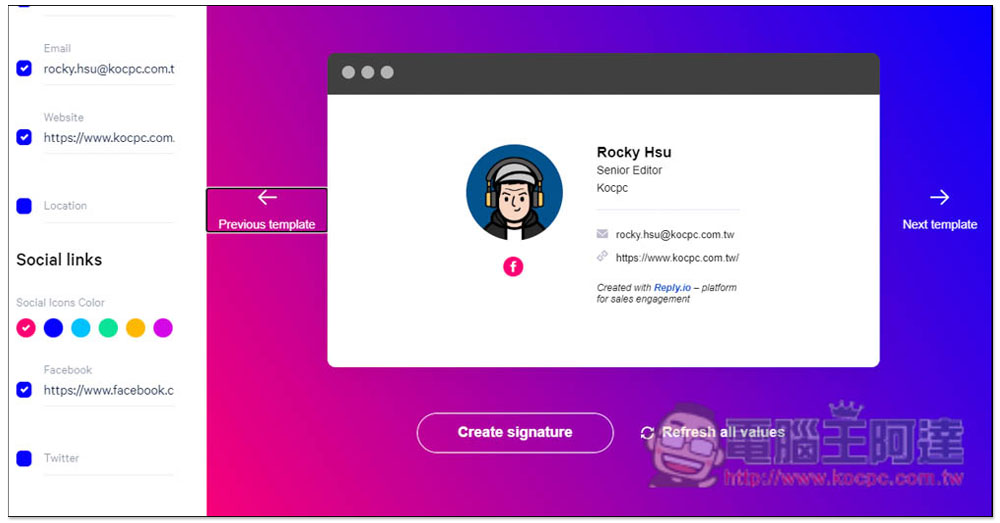
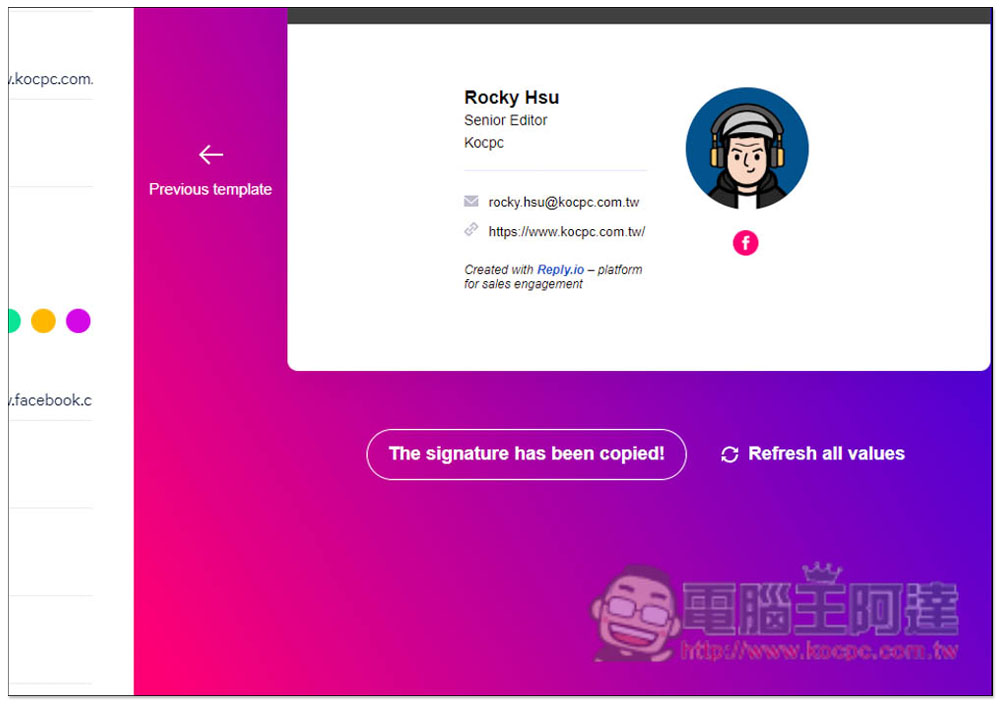
After completion, click Create signature below. The signature file will be copied to the clipboard, and then you need to paste it in the signature field of the email box:
If you don’t know how to post it, you can click How it works in the upper right corner:
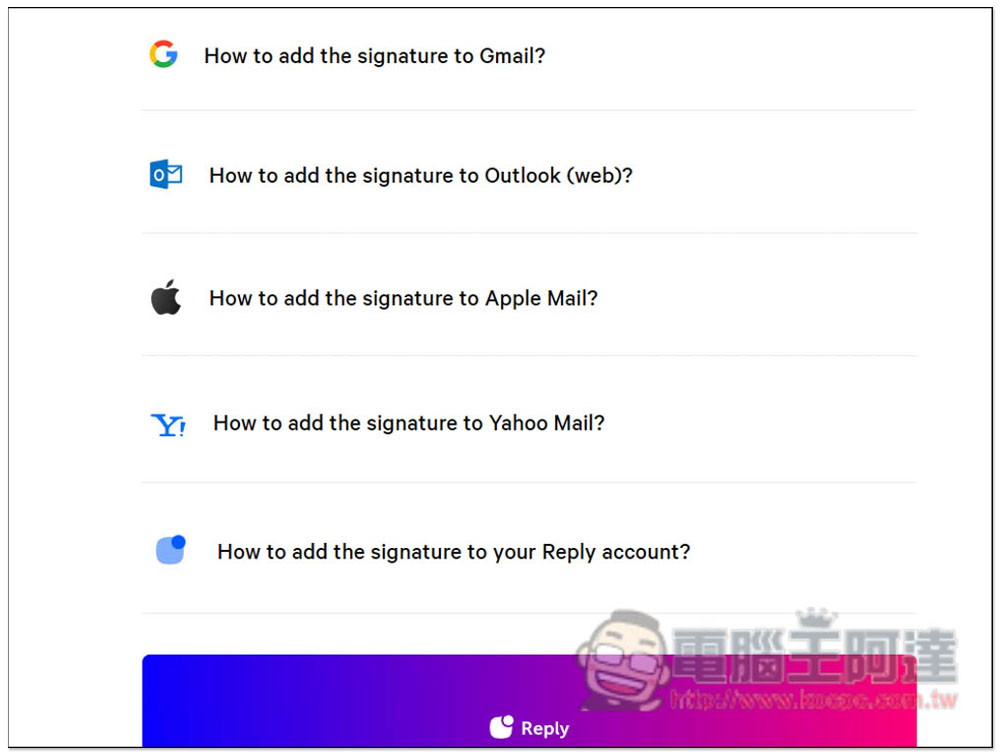
Here we will explain how to add the main email boxes, Gmail, Outlook, Apple Mailbox and Yahoo Mailbox. Each one has graphic tutorials and is very detailed. If you are using another e-mail service, you can find it in the Q&A of that e-mail service. There are usually tutorials:
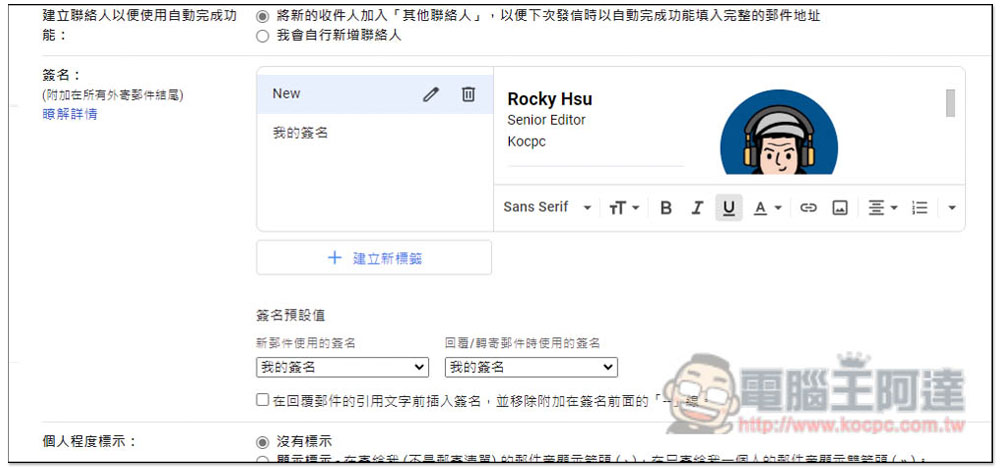
Gmail can be found in the settings. If you have created a signature file before, remember to add the “Signature Default” below to change it to a new label:
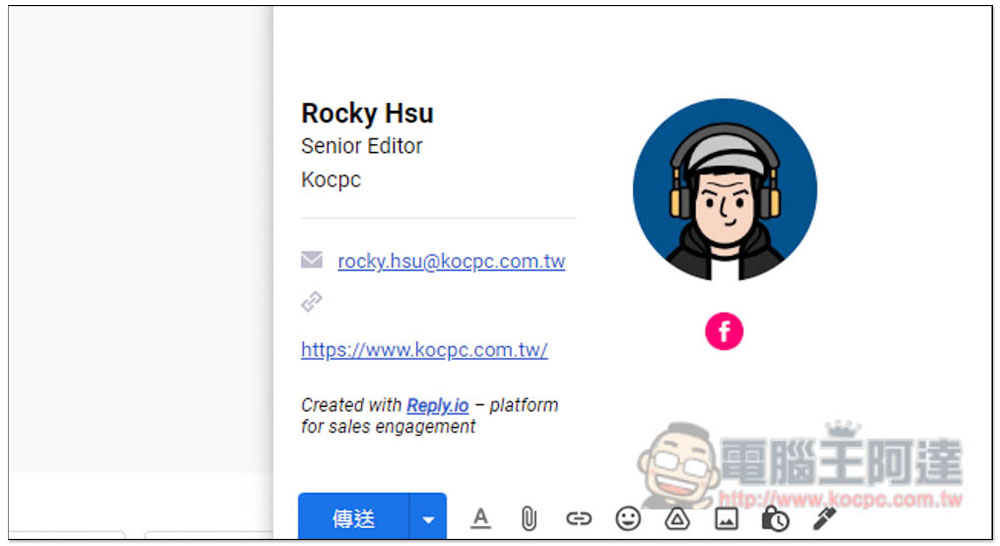
Like this, in the future, you will have high-quality electronic signature files when writing and replying to letters. Created with Reply.io – platform for sales engagement at the bottom If you don’t want it, you can manually delete it, just delete it in the signature file:
Source: KOCPC Chinese