


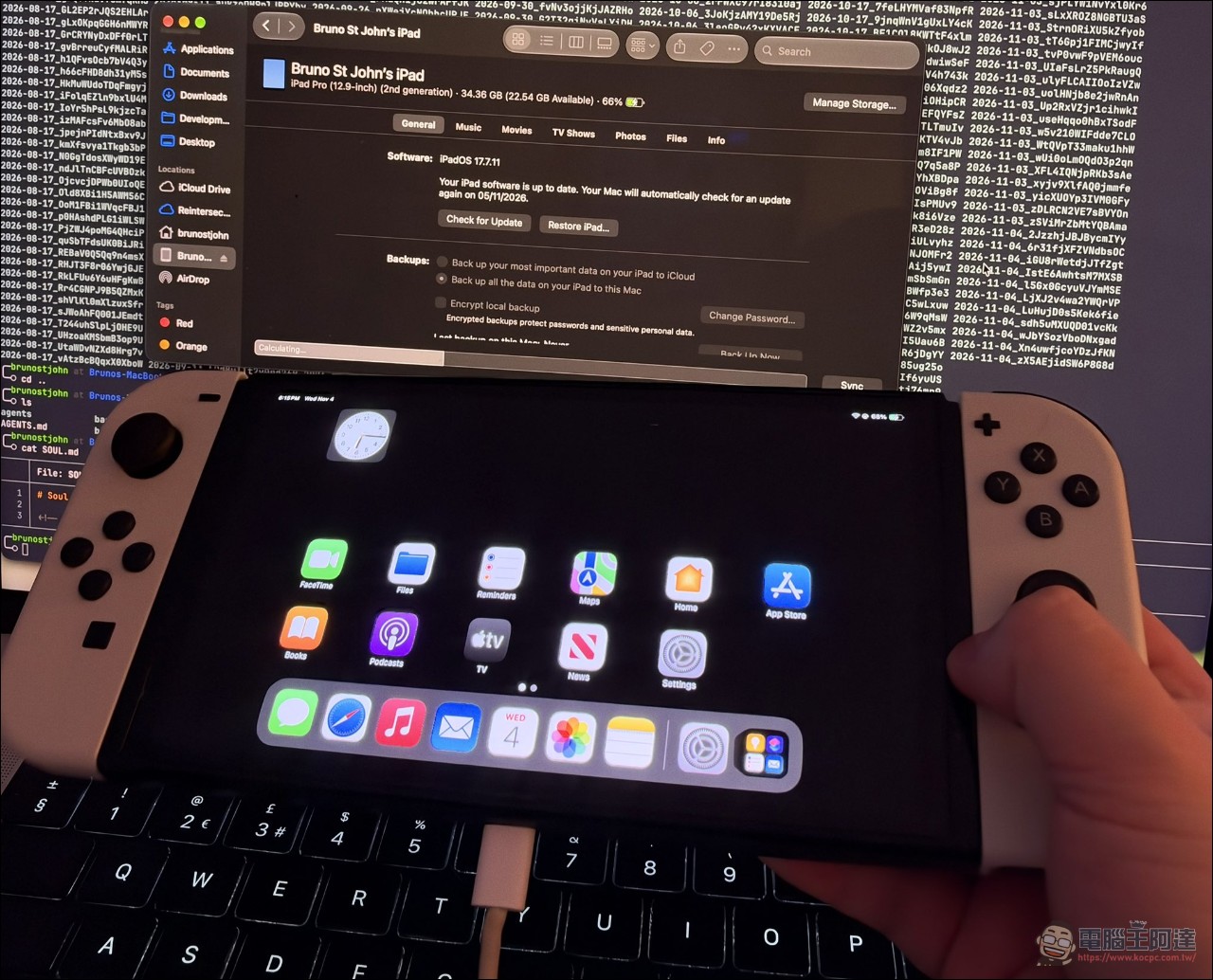
Recently, the practice of cramming Apple’s iOS system into all kinds of devices has become increasingly varied with the help of AI, butMost of them are Android phones.ortabletRecently, developer Bruno St John publicly shared a clip on XActual device footageHe successfully got the full iPadOS 17.7.11 running on the original Nintendo Switch. It wasn’t just booting. The SpringBoard home screen appeared, the Settings menu could be opened, the “About” page listed the device model as iPad Pro, and Safari could open and load the Google homepage. On November 4, he posted again with a real photo of the white Joy-Con console, captioned: “Yes, this is it, I promise—Apple, this is not a Nintendo Switch.”
Why can’t the Switch use a native iOS system?
The key lies in the hardware: the first-generation Switch uses an NVIDIA Tegra X1 system-on-chip processor and has only 4GB of memory. Apple’s operating system, by contrast, is designed for its own Apple Silicon chips, and the underlying hardware and system components do not match those of the Tegra X1. So this is not a direct port of iPadOS to the Switch. Bruno St John took the QEMU virtualization route, using a modified virtual machine environment to emulate the first-generation Switch at the software level as a “second-generation 12.9-inch iPad Pro,” then ran iPadOS 17.7.11 in that environment, thereby bypassing the system’s hardware authentication check and successfully booting.
@shahhtweets can it though? https://t.co/2hU6u0IhzR
— bruno st john😼 (@brunostjohn) November 1, 2026
The identification result is quite specific. The Settings page shows the model as a second-generation 12.9-inch iPad Pro, official build number 21H461, and storage as 34 GB, with about 23 GB available.
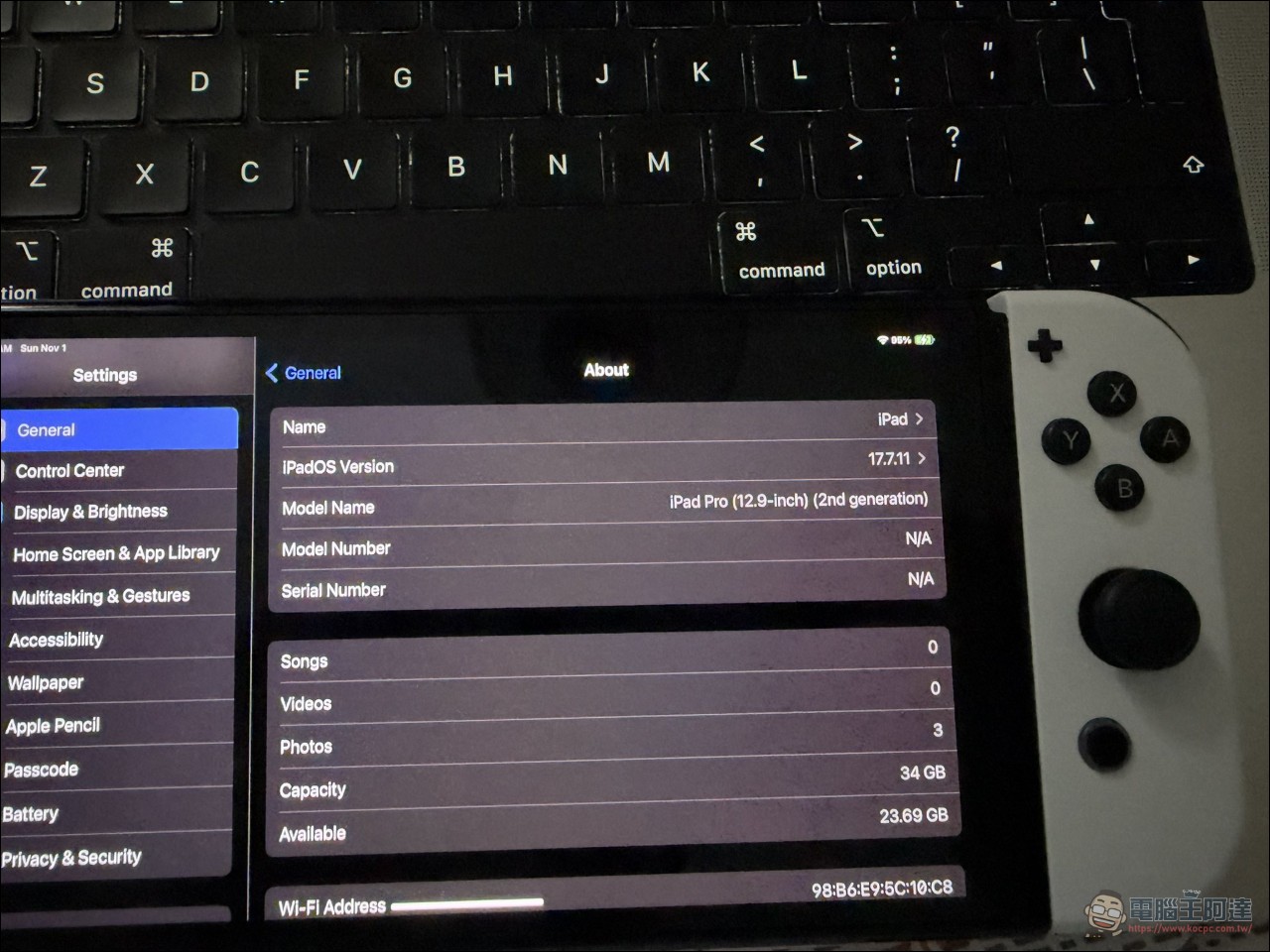
This is purely software emulation, so performance will inevitably be limited by the hardware. Initializing the virtual environment still takes several minutes, the device must remain plugged in, and Joy-Con controller interaction has not yet been fully implemented.
Why is it worth watching?
If it were just “getting it to run,” that would be a one-line thrill. What gives it weight is that this project proves enthusiasts can successfully bypass Apple’s built-in hardware authentication security checks and boot on a third-party ARM platform. Apple’s operating systems have always been deeply tied to its own hardware—install media, boot chain, hardware keys, all of it. Being able to stack up the entire system through virtualization on a completely different ARM architecture like the Tegra X1 and still boot into the desktop is itself a technical achievement; whether it’s actually usable is a separate question.
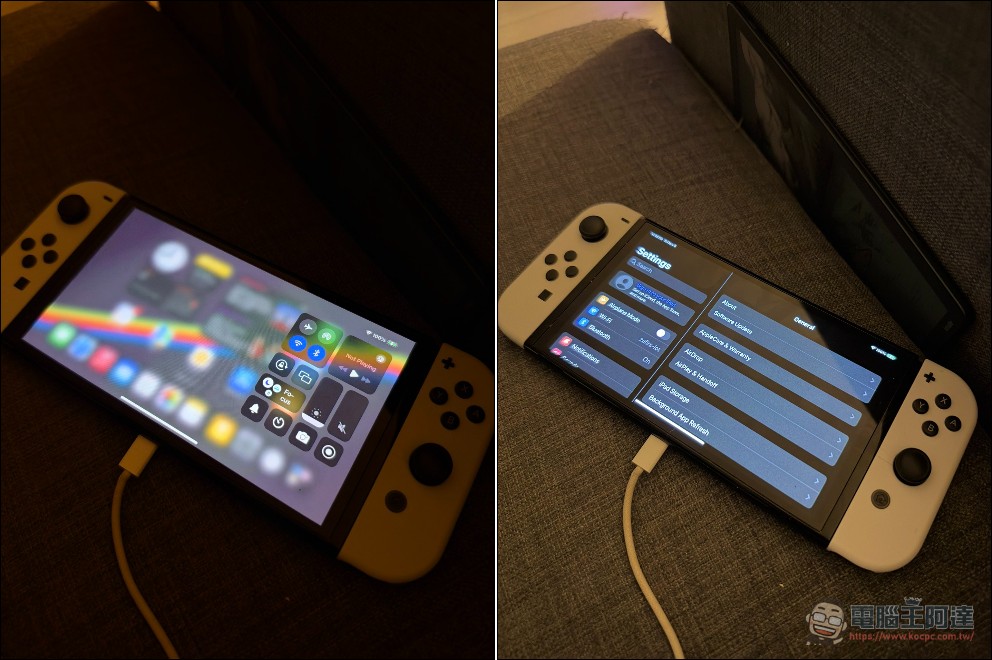
Another angle lies in the maturity of development tools. Such results benefit from modern tools and AI assistance: hardware reverse-engineering work that once required a team months or even years can now be advanced by an individual developer, with AI assistance and off-the-shelf tools, to a demonstrable level.
There are still many things missing.
Even so, this port is still far from being practical. The lack of core hardware drivers is the biggest problem. This version lacks drivers for Wi-Fi, Bluetooth, audio output, and the camera. For a handheld device, missing these features means it can hardly cover even basic use cases. The application layer is similarly limited. Many third-party apps cannot run properly. iPadOS 17.7.11 is a compatibility release Apple launched for older iPads; apps depend on hardware features to varying degrees, and only some can run in the emulated environment.
this isn’t super glamorous but the gpu driver now (in certain places) matches apple’s gpu stuff at a hefty 60fps and also it rotates for the love of the game this being a native port means i can’t just patch together some qemu bullshit. this is a real tegra x1 metal driver that only _sometimes_ falls back to an nvk pipeline. my target is to have 0 such fallbacks in uikit and the OS itself. because they really really hurt to see. here’s hoping!
— bruno st john😼 (@brunostjohn) November 6, 2026
There are also several implementation limitations stemming from the underlying layer. The whole process begins with several minutes of virtual environment initialization, and Joy-Con interaction has not yet been fully implemented. Although the physical buttons can already support basic controls, full support is still predictably very far off.
Conclusion
Running iPadOS on the original Switch won’t change anyone’s gaming habits in the short term. Boot takes several minutes, there’s no wireless network connectivity, Joy-Con support is only partial, and most apps won’t run. But its value lies in proving that the path is viable. Apple’s OS designed for its own chips can boot via virtualization on the Tegra X1 and reach the desktop, even bypassing hardware authentication. However, using the Switch as an iOS device for daily use or gaming probably still isn’t possible; at best it’s a technical demo.
Source: KOCPC Chinese