


Recently, Microsoft proudly stated that the Copilot app for Windows 11 is a native app that runs locally, and it has confirmed that it will replace the existing PWA app. What we consider “runs locally” seems to be quite different from what Microsoft considers it to be—why is that?
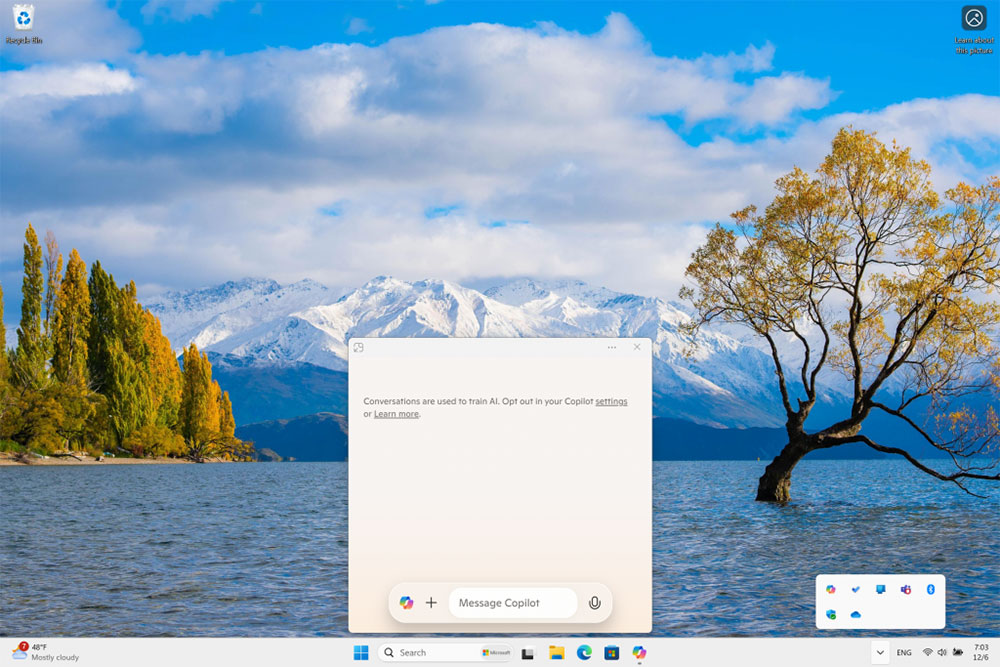
Running the Copilot app on Windows 11 devices actually requires using a WebView that consumes 1GB of RAM.
Calling it “local” is a bold claim, since it’s been ages since Microsoft last launched a local app for Windows. Even long-standing local apps like Outlook and Mail & Calendar are being replaced by the web-based version of Outlook, so why would Microsoft create a local Copilot?
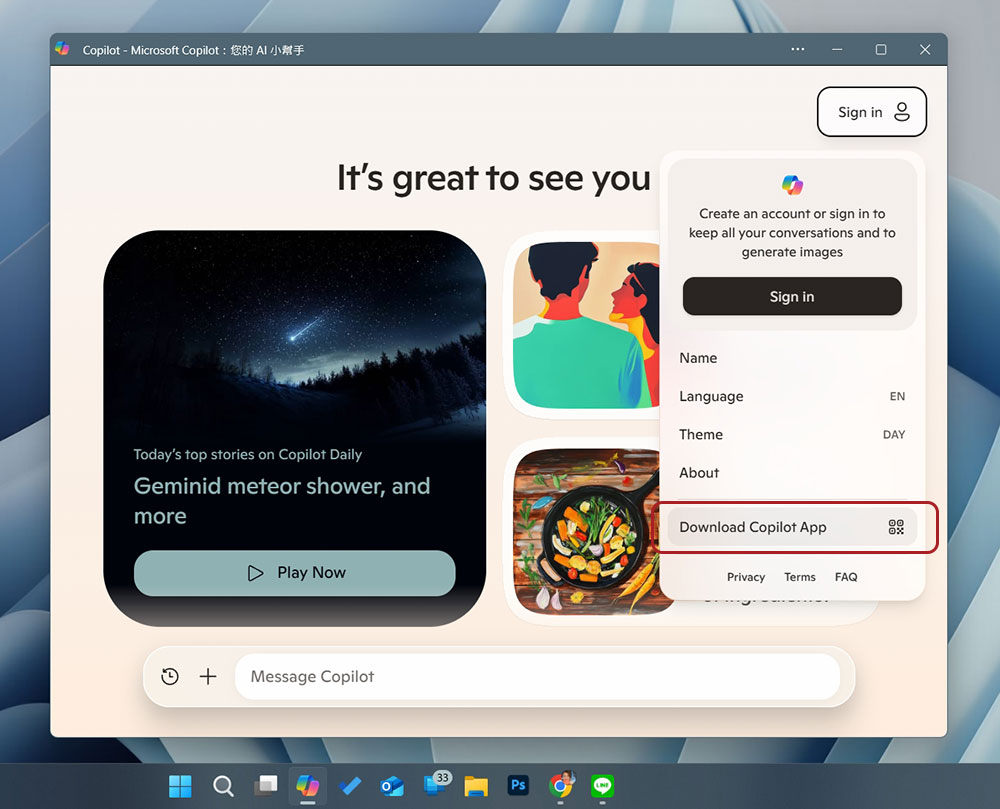
Microsoft on the blogIt specifically emphasizes in bold that the new Copilot is a native app, and says that the Copilot PWA previously used has been replaced. It also adds that after installing the new Copilot app, when you run it, you can see it appear in the system tray. Does this mean that after all previous versions were essentially web-based versions of copilot.microsoft.com, we have finally gotten a mature native Copilot AI experience on Windows 11? According to foreign media… Windows Latest’s testLater, I discovered that this was not actually the case.
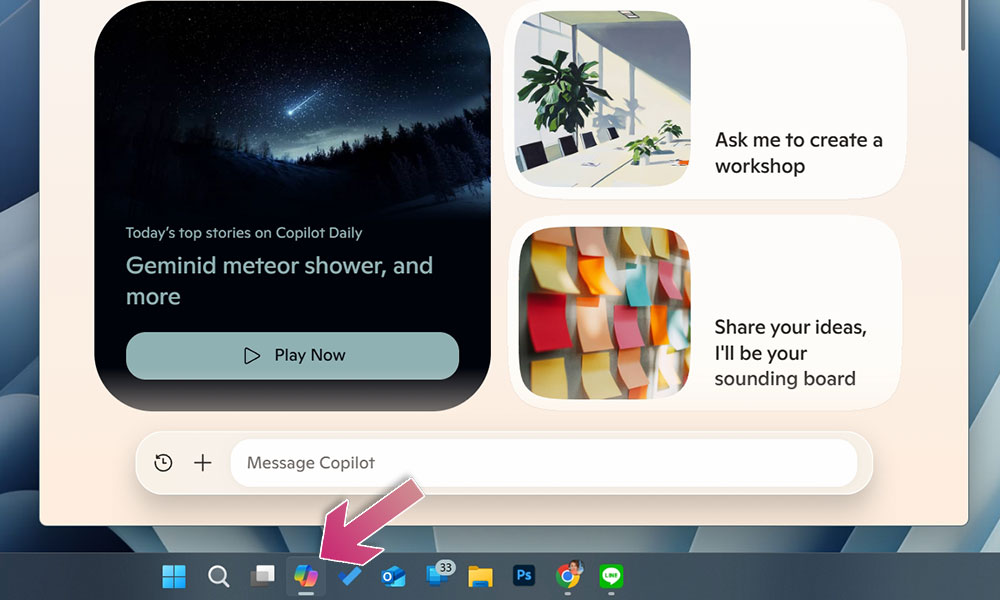
In testing, Windows Latest found that Windows 11’s new Copilot app has a clean, simple design, with a modern-looking title bar that fits the Windows 11 style in both dark and light modes. The menu is in an easy-to-use top-right corner, letting you sign in, change settings, or learn about the app. Currently, Settings only has a Privacy dialog. Pinning to the taskbar and Start menu doesn’t really do anything special; Quick View just triggers Edge’s PIP mode. The sign-in process is the same as using the browser version.
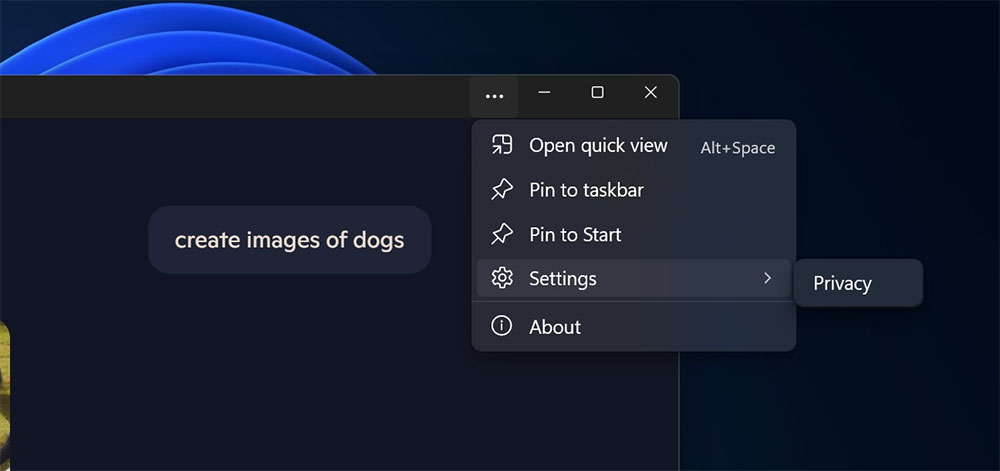
Although Microsoft calls it a local app, most of it is still web-based. For example, when you click “Sign in,” you’re redirected to a Microsoft account page, and then a pop-up using Windows Hello appears. If you look closely, you’ll notice this is Edge Shell. The app relies on WebView2, powered by Microsoft Edge, to make it look “like” a local app, but most features, including dialogs, menus, and more, are web-backed. In fact, privacy pop-ups or other features still open in the Edge browser. If you download an image generated by Copilot, you’ll definitely notice an Edge window popping up in the Copilot app (as shown below). That pop-up doesn’t even match the rest of the interface style.
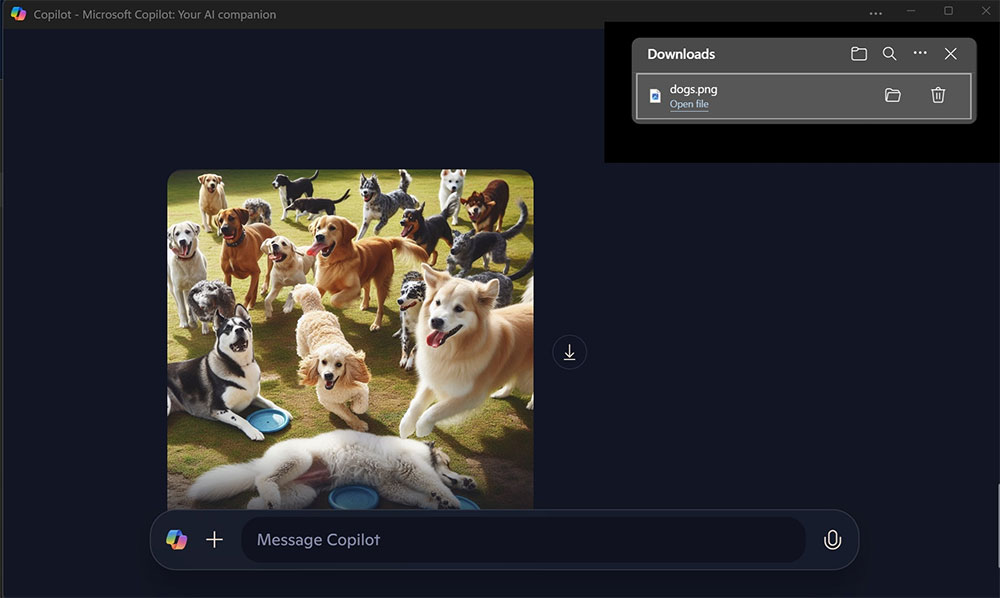
In short, it’s not fully native; only the title bar feels like it was built for Windows because it uses WinUI, while the remaining 95% is built on top of WebView, making it a disguised web app that’s less ideal than past PWAs. What’s worse, the Copilot app’s RAM usage reaches as high as 1GB to 1.5GB, averaging around 500MB most of the time, possibly because Microsoft and Copilot are bundled together. As shown in the screenshot below, when you expand the Copilot processes in Task Manager, you’ll notice WebView’s heavy memory usage.
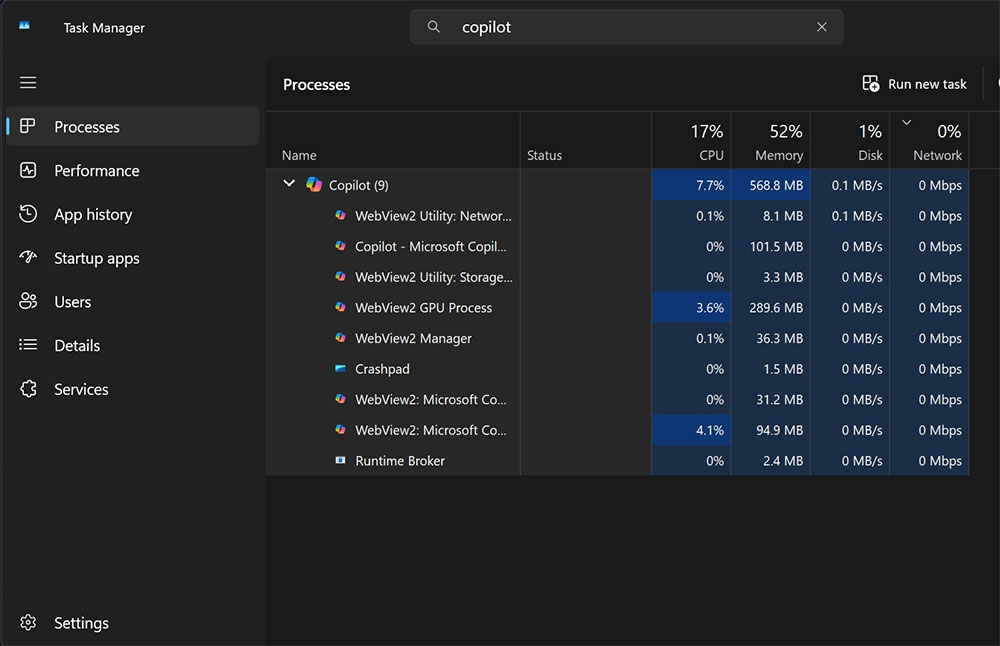
Although it’s not entirely clear what’s happening, Microsoft seems to be defining applications that use a WinUI Shell (title bar/window) and display all content via WebView2 (Edge) as “native applications” rather than “PWAs” (Progressive Web Apps).
Source: KOCPC Chinese