


Microsoft officially released the latest Windows 11 26H2 major update last week. The core highlight of this update is deep optimization of the system’s underlying performance—through adjustments to multiple core mechanisms, peak system memory (RAM) usage has been significantly reduced to only 128 MB, greatly improving operating efficiency and overall smoothness on older hardware.
Windows 11 26H2 is now officially available for download to all users. Windows 10 devices that meet the hardware requirements can transition directly via system upgrade; advanced users who prefer a clean system can also download the latest official ISO image to perform a clean install (Clean Install).
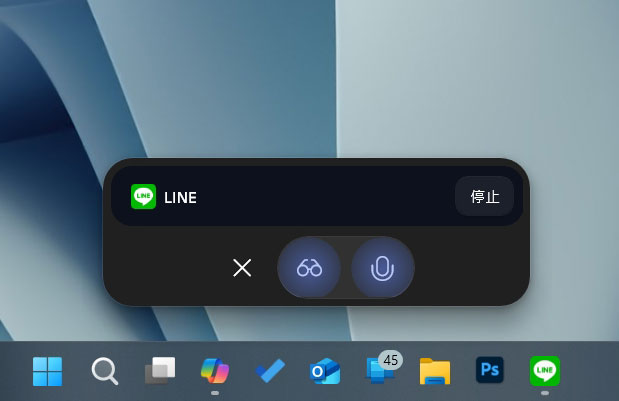
Microsoft tells you why the Windows 11 taskbar isn’t as flexible as Windows 10’s
However, beyond the performance leap, what has drawn the most community attention is the long-awaited return of the “taskbar movement feature.” Since Windows 11 launched, the taskbar position has long been locked in place, sparking backlash from many longtime users. Now, in the 26H2 version, although Microsoft has finally lifted this restriction, it has adopted an entirely new interaction design: users can no longer change the position by directly “dragging” the taskbar or its components with the mouse, as they could in Windows 10 or earlier versions.
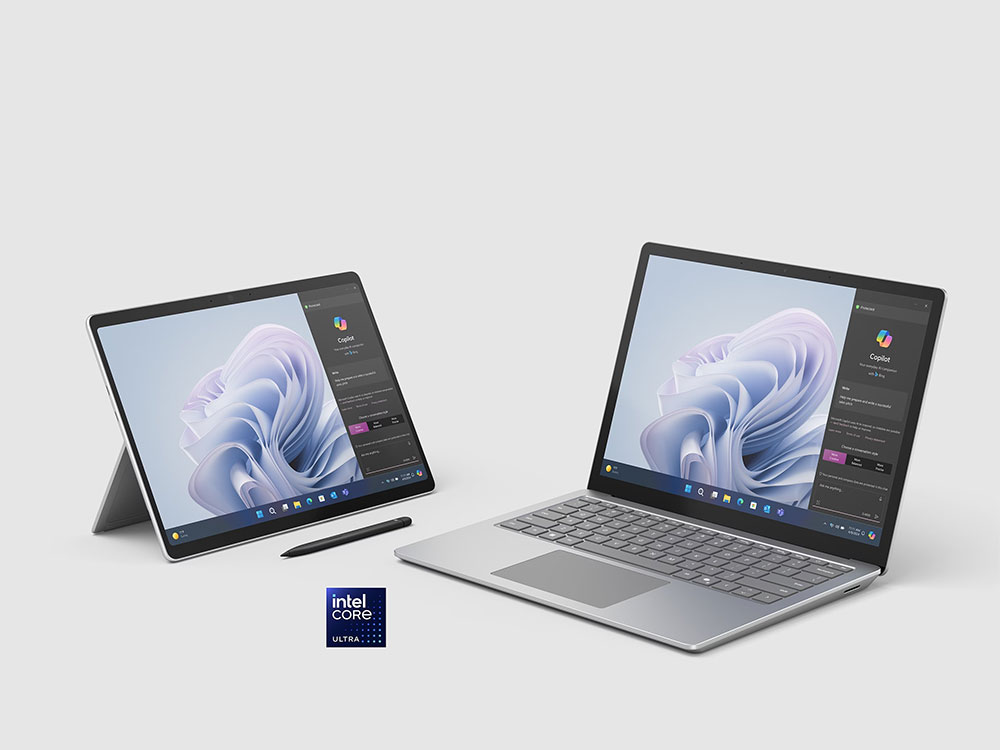
Looking back at the evolution of the technology, Microsoft began testing a taskbar repositioning mechanism in the Windows Experimental preview channel as early as May 2026, and recently added a more refined “small taskbar” option. However, in the face of strong community criticism and negative coverage over the inability to drag it freely, Microsoft Windows design vice president Diego Baca personally responded, revealing the design thinking behind the Redmond team.
Diego Baca stated that Microsoft’s internal UX research data shows that the traditional “drag the taskbar” approach is highly prone to causing users to accidentally misclick during everyday use, which is the main reason Windows previously had to specifically provide a “Lock the taskbar” toggle. In addition, the data further reveals that the vast majority of users rarely adjust the taskbar position frequently after setting it. Therefore, the Microsoft team believes that integrating the position option directly into the right-click menu and system settings is not only more intuitive for the vast majority of users but also fundamentally solves the misclick problem. Even if this means sacrificing some of the operational flexibility that some longtime users have been accustomed to for years, Microsoft still chooses to stick with this design policy.
I find headlines like these unnecessarily negative. Instead of saying “you still need” a third-party app, why not say “you can also use” one? It communicates the same information without framing everything as a shortcoming. From our research, dragging the taskbar to reposition it can lead to accidental movements, which is one of the reasons “Lock the taskbar” existed in previous versions of Windows. We also found that changing the taskbar position isn’t something people do frequently. We felt that providing a discoverable setting, just one right-click away, was a more intentional and predictable experience. It’s a deliberate design decision, not a missing capability.
— Diego Baca (@bacadd) October 30, 2026
Although Microsoft provided UX data to support its position, this explanation clearly failed to convince the vast base of hardcore Windows users. Industry analysts point out that Microsoft could have kept the “drag” feature while enabling “Lock the taskbar” by default, giving users the choice instead of directly depriving them of a traditional way of working.
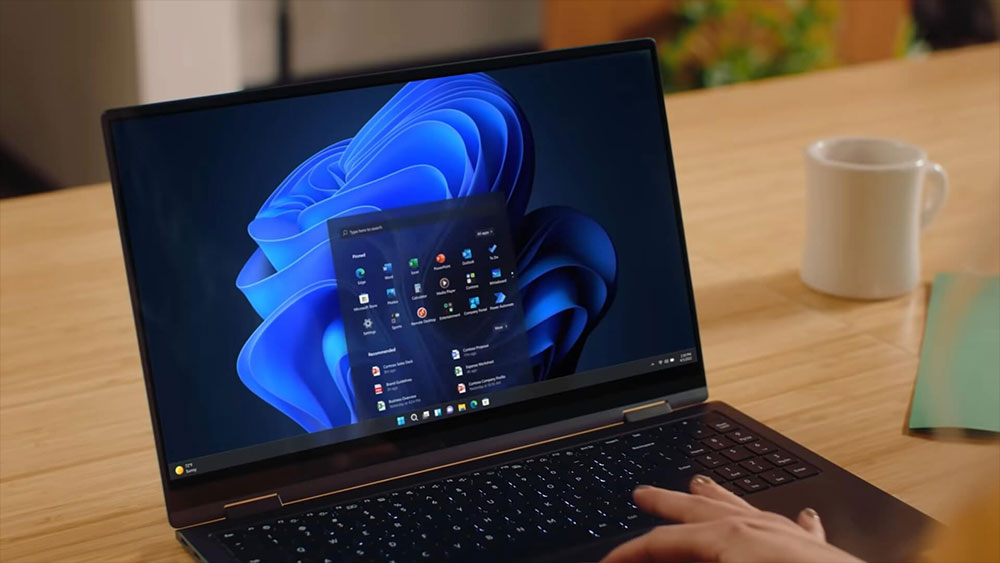
In fact, “freely movable taskbar” has long topped the list of most clamored-for requests in the Windows Feedback Hub, but Microsoft long regarded the feature as secondary. Although the 26H2 version responds this time, this “watered-down” implementation may reflect the official team’s peculiar insistence on and cold-shoulder attitude toward this request.
Source: KOCPC Chinese