


Back in September, Microsoft had already previewed… The timing for Intel and AMD to receive Copilot+ PC featuresHowever, at that time it was said to be November, and now it has already passed, which must be a bit disappointing for users. The good news is that Microsoft has finally started opening up some Copilot+ PC features to Intel and AMD users! Below, we’ll explain how to use them.
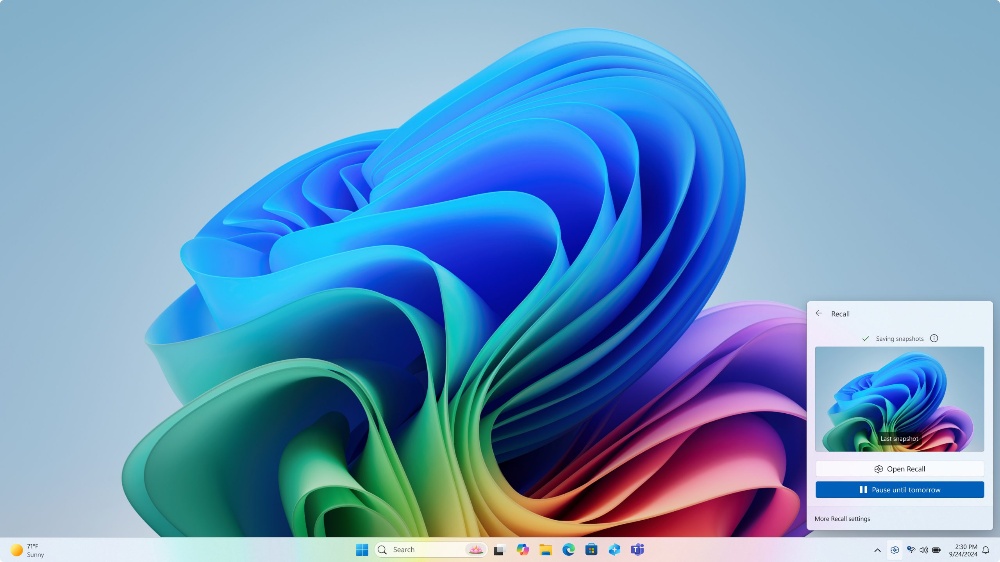
Intel and AMD users can get early access to some Copilot+ PC features by upgrading to the preview version.
RecentlyMicrosoft BlogLatest news: Starting today, Intel and AMD computers that meet the specifications will be able to experience 2 Copilot+ PC features ahead of time after upgrading to Windows 11 Build 26120.2510: “Microsoft Recall” and “Click to Do”.
Never thought I’d actually get to use Recall this early — Microsoft was a bit late in rolling it out, but at least they showed some good faith.
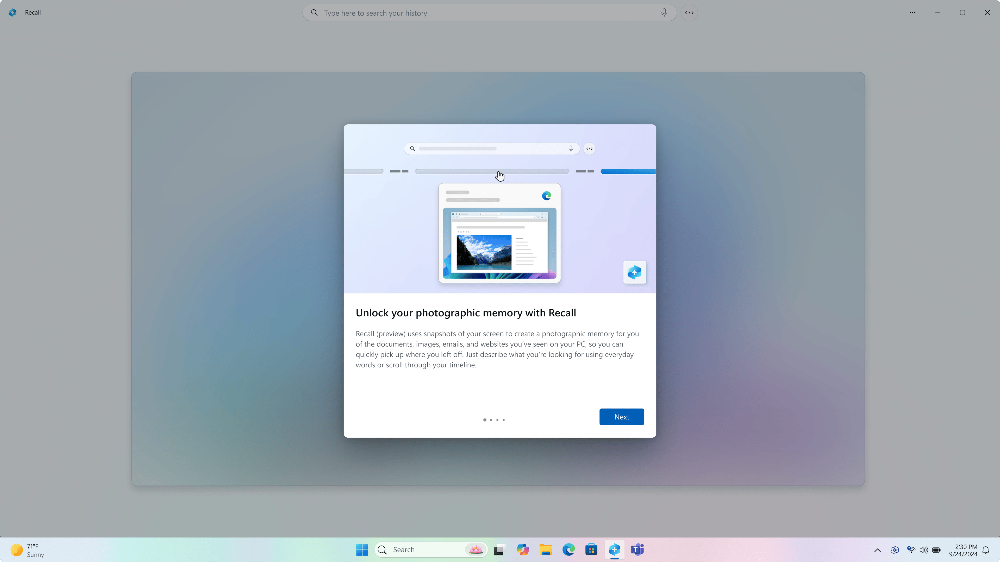
Microsoft Recall is arguably the most compelling feature among all Copilot+ PC capabilities. Recall automatically captures screenshots every few seconds while you’re using your computer, recording your activities along the way. This means that when you need to locate specific information—such as a past chat conversation or a document you previously edited—you can use AI to analyze all the recorded data and find the results you’re looking for.

Although this feature is very convenient, the fact that it records all operations has raised privacy and security concerns, causing considerable controversy. This has also led Microsoft to repeatedly postpone the launch of Racall.
The Click to Do feature is relatively uncontroversial. It overlays an interactive layer on the screen and, based on the text or screenshots selected by the user, provides AI-driven quick action suggestions. For example, when a user selects a passage of text, the system may suggest actions such as summarizing, rewriting, or translating it; when a screenshot is taken, it may offer options like blurring the background, removing objects, or performing a Bing image search.
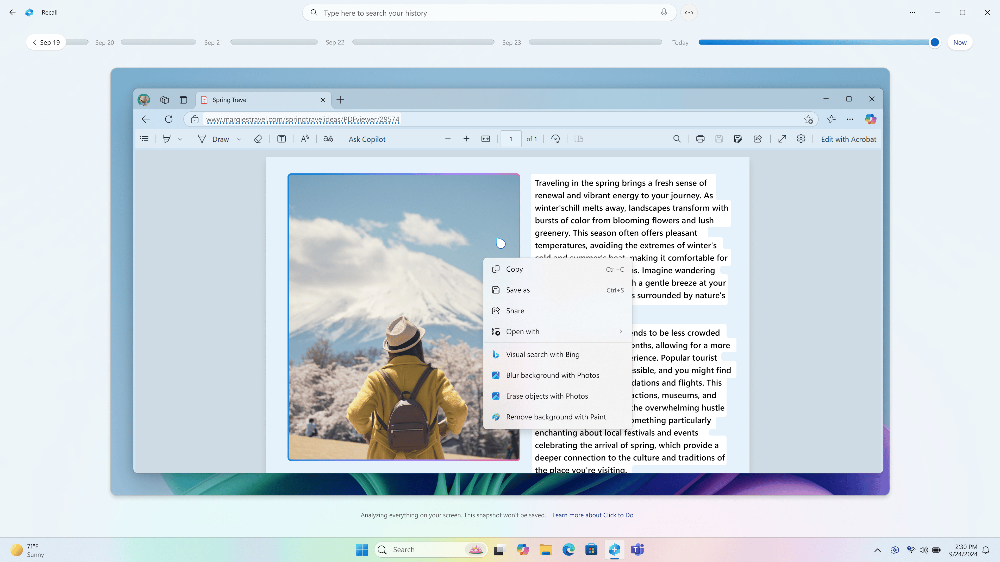
This feature is primarily designed to make users’ workflows smoother, thereby boosting productivity and helping them complete tasks quickly.
Additionally, to use these features on an Intel or AMD computer, the processor must also have an NPU that meets Copilot+ specifications. Currently, that means Intel’s Lunar Lake (or the Core Ultra 200V series) and AMD’s Ryzen AI 300 processors.
The NPU requirement for Copilot+ is at least 40 TOPS. Although Intel’s newly released desktop chip, Arrow Lake, does include an NPU, its TOPS doesn’t reach that level, so it doesn’t qualify.
How to upgrade to Windows 11 Preview?
First, you need to use a Microsoft account or Microsoft Entra ID to register on Microsoft’s website. Windows Insider ProgramThe account must be the same as the one you use to sign in to your Copilot+ PC.
- After registration, go to “Settings > Windows Update > Windows Insider Program” and click “Get started.”
- When the system prompts you to link an account, select the account you currently use to sign in to Windows, and confirm that it’s the same account you used when registering for the plan.
- Next, select the Dev channel and restart the computer.
- After restarting and signing back in to your Copilot+ PC, go to Settings > Windows Update to check for updates, and you should see Build 26120.2415 or Build 26120.2510 available for download.
- After the download is complete, the computer will restart to finish the installation process.
Source: KOCPC Chinese