


Sometimes you may encounter a situation where the resolution of images and photos is too small. If you enlarge them directly by modifying the size, the quality will be very poor and completely unusable. At this time, you can use this free tool Upscale.media to help you enlarge the images and photos up to 4 times through AI artificial intelligence technology. And as long as the original resolution is not too small, the quality will be quite good, even sharper and clearer than the original image. If necessary, there is also a built-in quality improvement function that can be turned on to make the picture quality better.
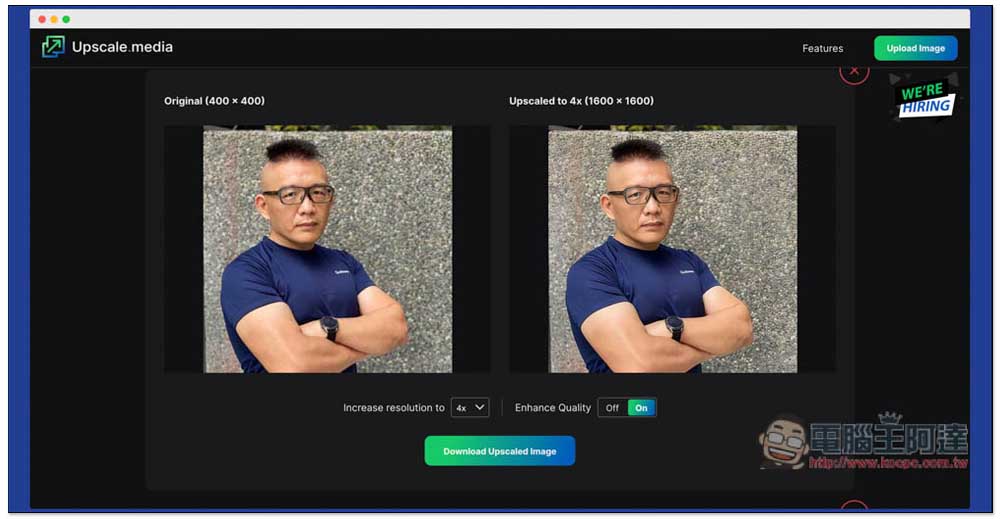
Introduction to Upscale.media, a free online tool that uses AI to enlarge images and photos 4 times
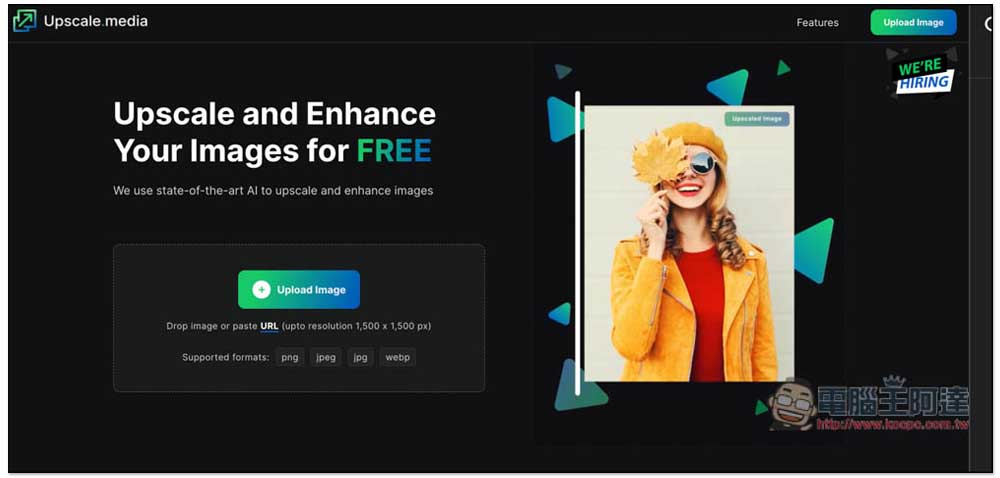
The image formats supported by Upscale.media are .png, .jpeg, .jpg, and .webp. You can also paste the URL of the image you want to enlarge. The resolution can be up to 1,500 x 1,500px. You can upload multiple pictures for processing at once, which is pretty good. Most online enlargement tools can only handle a single picture. This one can process multiple pictures at the same time, saving a lot of time:
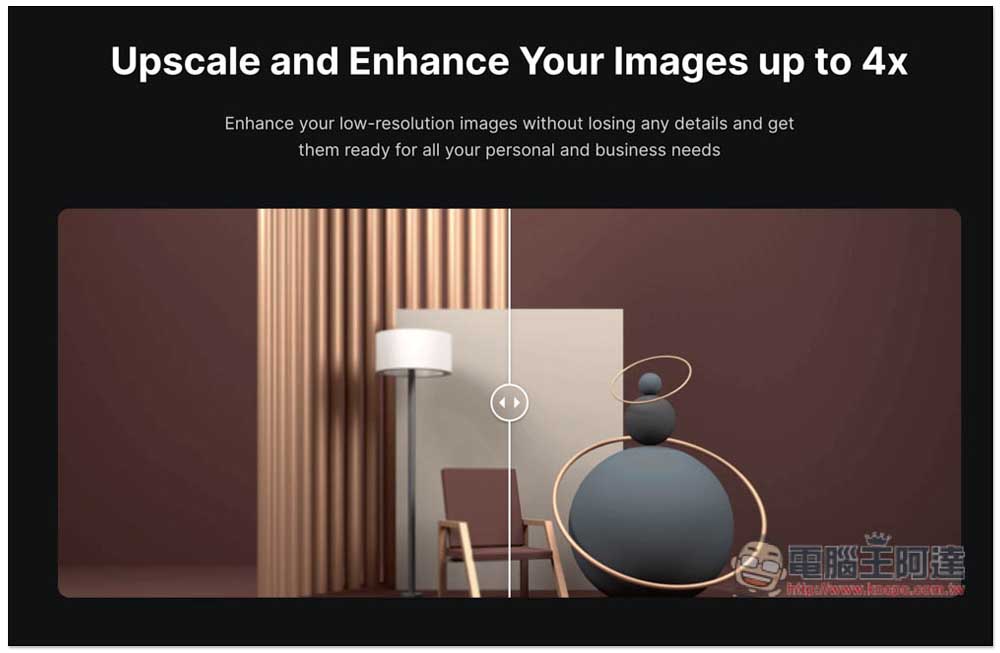
If you want to see the effect after magnifying 4 times, there are examples for your reference when scrolling down on the homepage. Drag the middle rod to see the difference before and after:
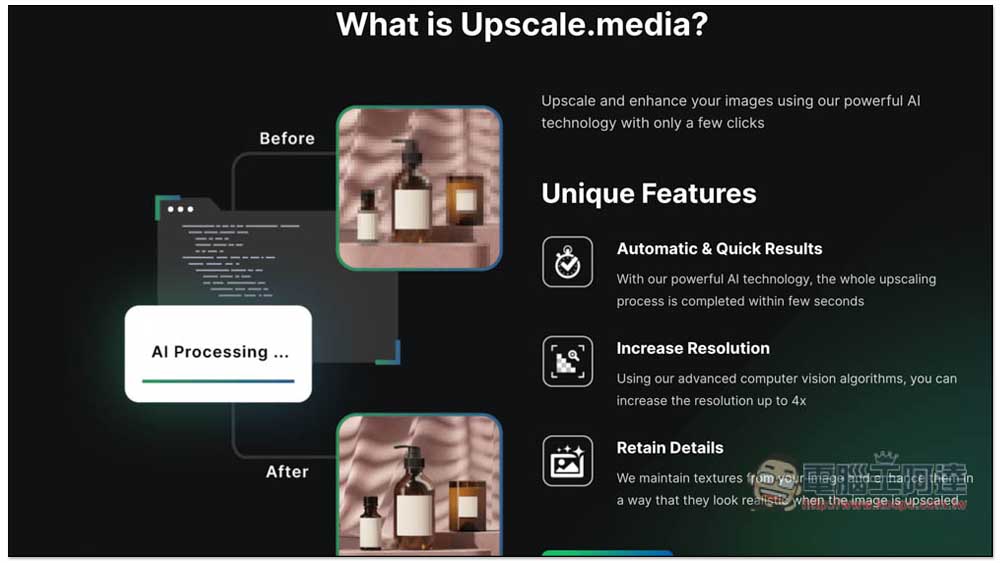
The following picture is the three major features of this tool, automatic and fast AI processing, improved resolution, and preservation of details after enlargement:
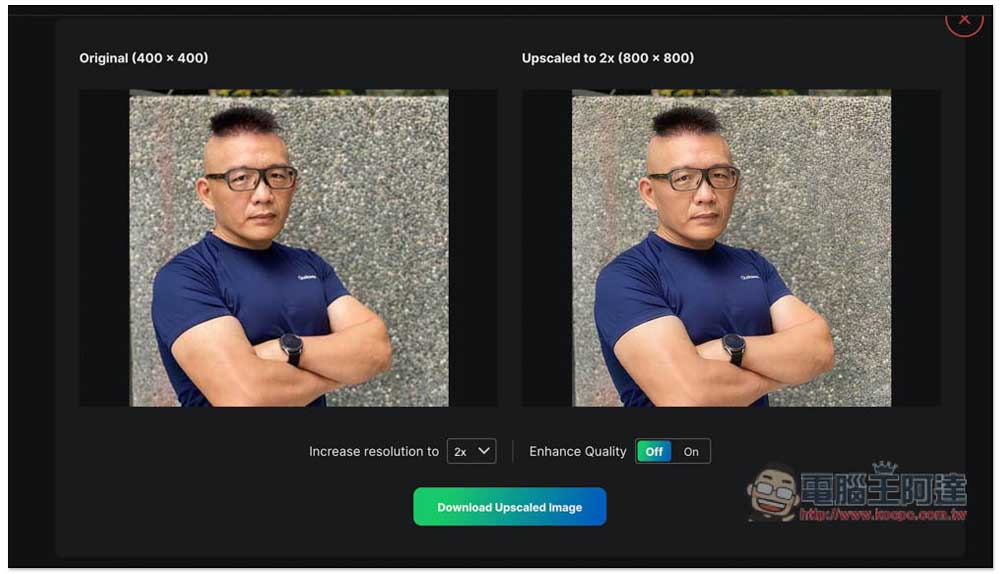
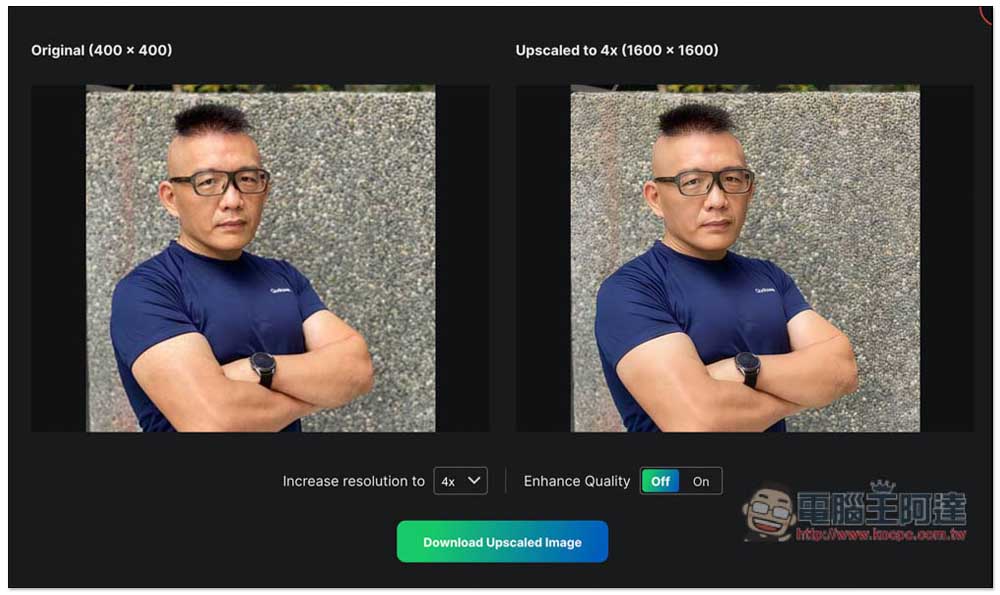
I take this photo as an example. The original resolution is 400x 400. After uploading the photo, the processing is completed in about one or two seconds. The speed is very fast. The default is to enlarge 2 times. You can clearly feel it by just taking the screenshot below. After the enlargement, it is clearer than the original. This is really amazing. And the skin seems to be whiter? :
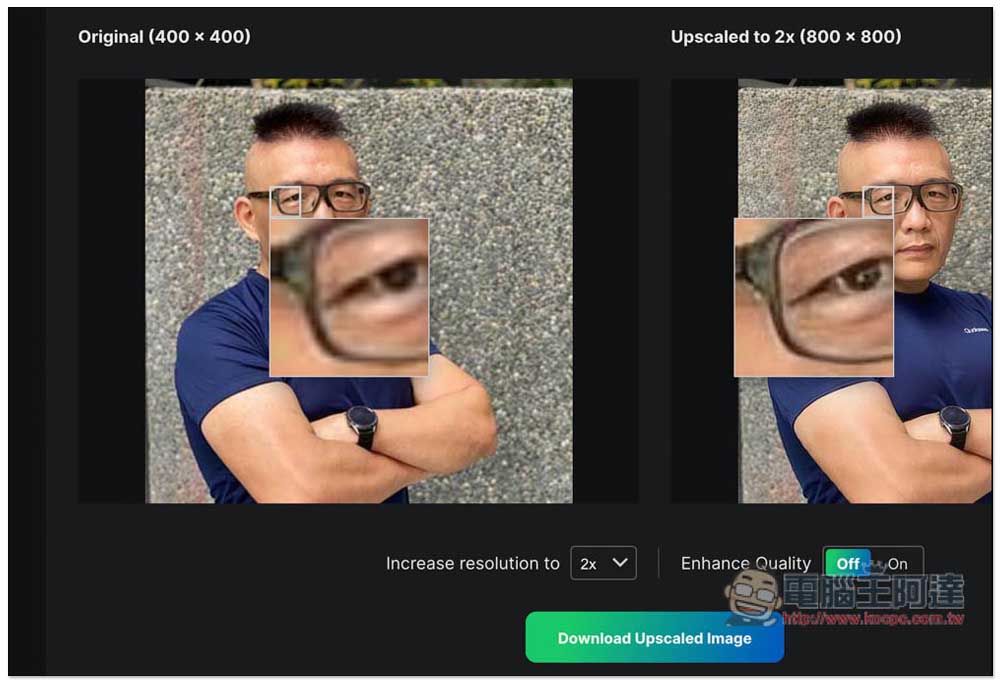
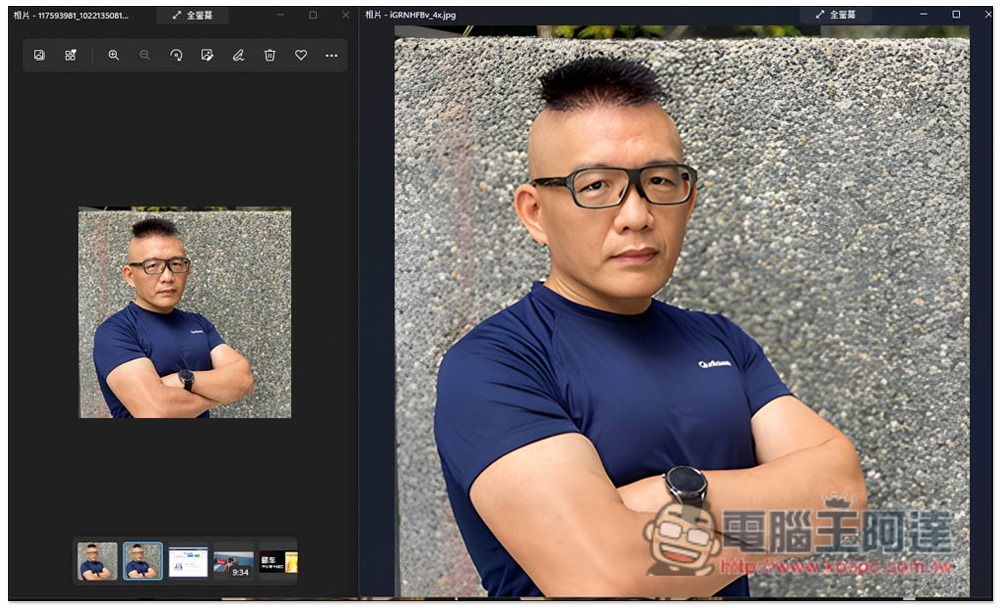
Move the mouse over the image to zoom in and compare the details of the same image before and after. It has indeed become sharper. The original image is still a bit blurry:
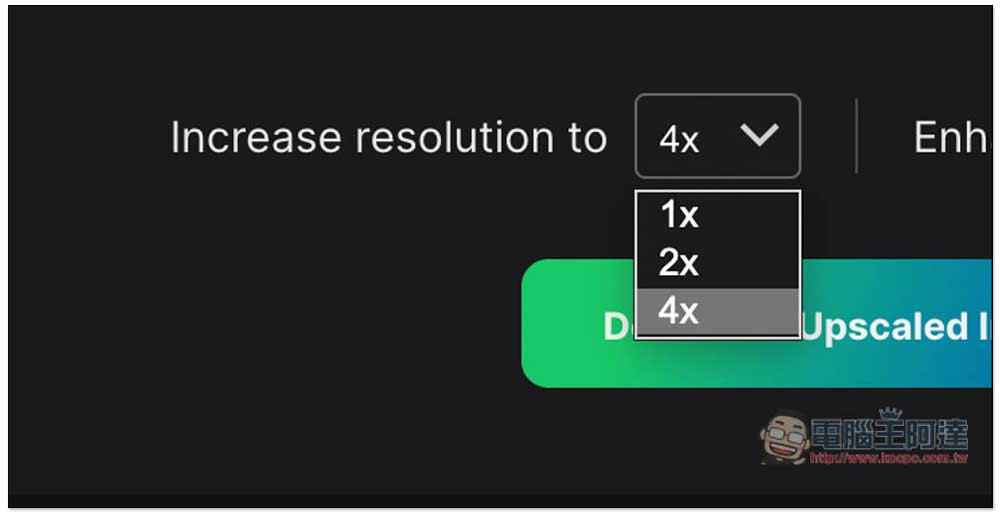
There are three options for magnification (Increase resolution): 1x, 2x and 4x:
Enhance Quality on the lower right is a quality improvement function. When turned on, the image details on the right will be improved:
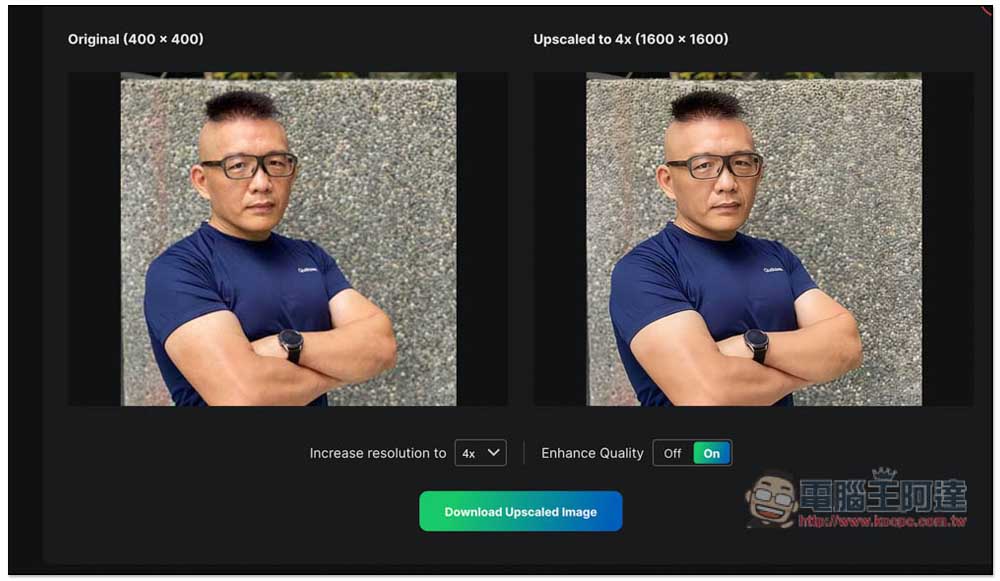
However, I personally can’t feel much difference whether it is turned on or not. You may need to zoom in to compare. No problem, click Download Upcaled Image below and the download will start:
Upscale.media is a completely free online tool for enlarging images, which means there are no restrictions. You can use as many images as you want, and the enlarged images can be used for both personal and commercial purposes. After all, the images are yours, you just use this tool to enlarge them.
The only thing to note is that the effect of pictures with very small resolution may not be that good. I once tried to reduce the picture of this article to 100 x 100, but it was terrible to enlarge it to 400 x 400 with this tool. If you are not satisfied with the effect after trying it, you can also try another lossless enlargement tool Img.Upscaler that we introduced previously. This one is also very good. It is also very clear after enlargement. It is not as sharp as this one and looks softer. It is just not completely free. There are only 10 shots per week. Detailed introductionYou can click me to read:
Source: KOCPC Chinese