


With the addition of the 120Hz screen refresh rate to the iPhone 13 Pro, friends who have this phone will definitely want to know whether their 120Hz is functioning properly, or whether they can reach 120Hz when using Apps. This article will introduce a simple and easy-to-use third-party free App “floating window”. Once opened, a window for testing the real-time update rate will be maintained at the top of the screen, telling you what the current update rate is.
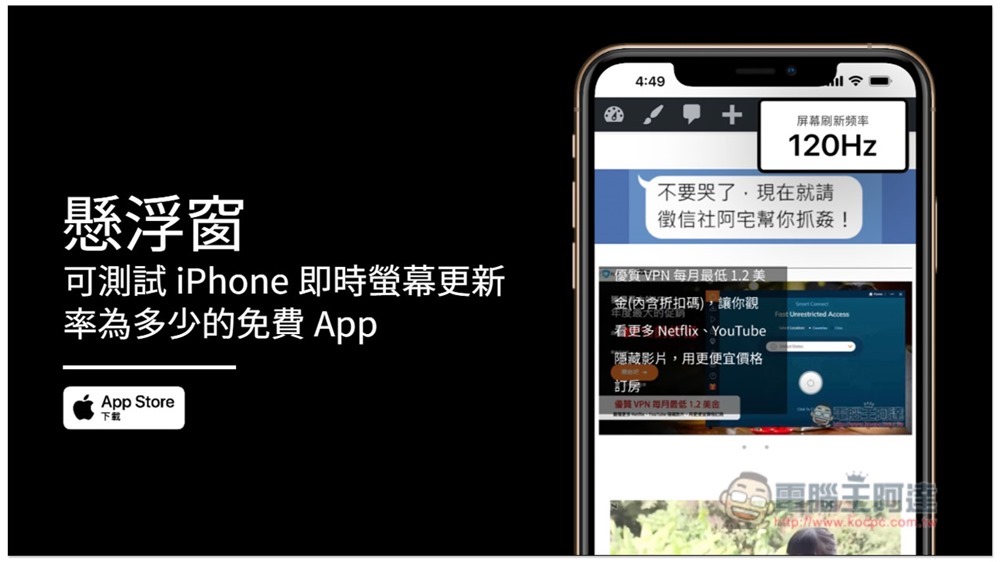
Floating Window Free App Introduction
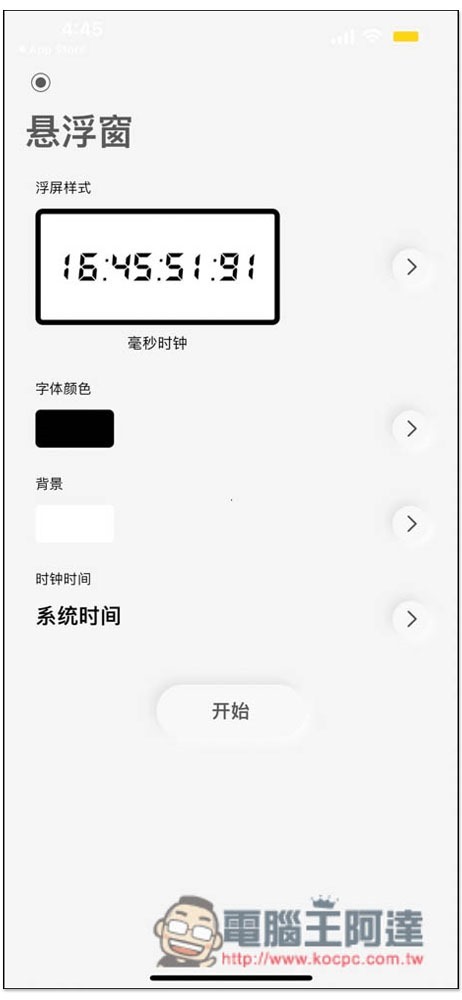
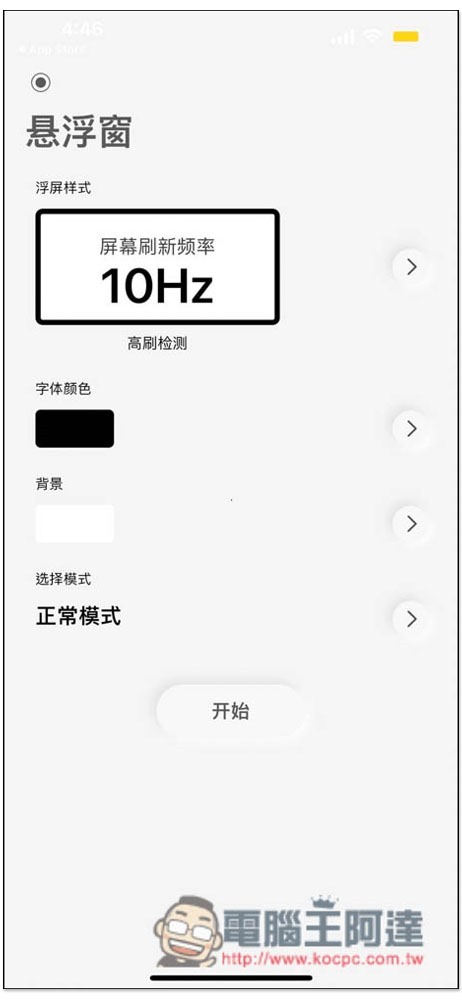
After opening the App, you will see 4 functions, floating screen style, font color, clock time and background. Advance to the first floating screen style (that is, floating window):
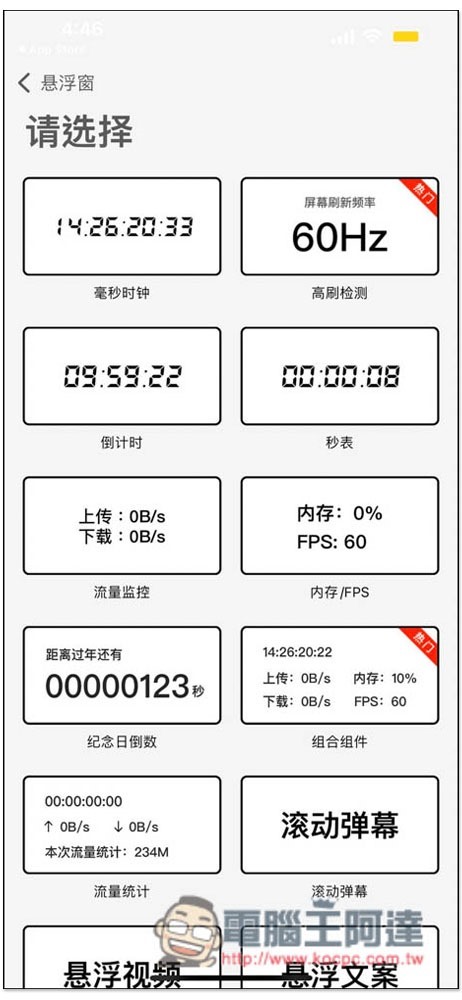
This product provides many options, one of which is update rate detection (high refresh detection), as well as clock, countdown timer, computer, traffic monitoring, memory/FPS, anniversary countdown, combination components, traffic statistics, scrolling screen, etc., which means that when you do not need to detect the update rate, you can also use other floating window functions:
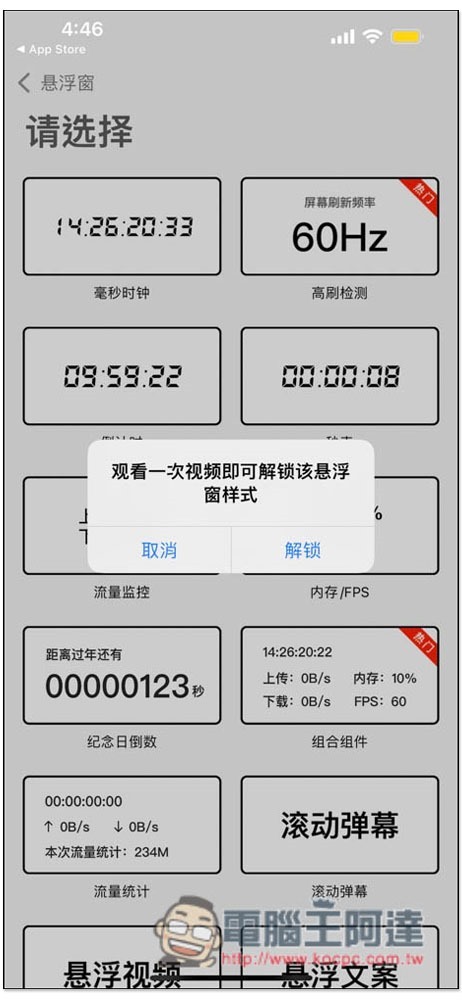
After selecting, a message will pop up saying that you need to watch an ad before you can use it. Click to unlock:
Then click “Start” below:
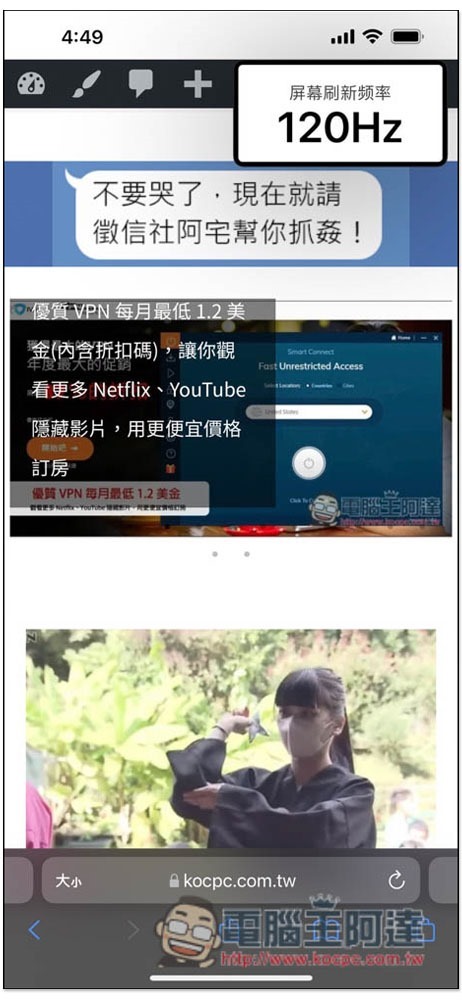
This screen update rate detection window will float on the top. When you use the app or slide the page, you can see the real-time update rate. Browsing the web is indeed up to 120Hz:
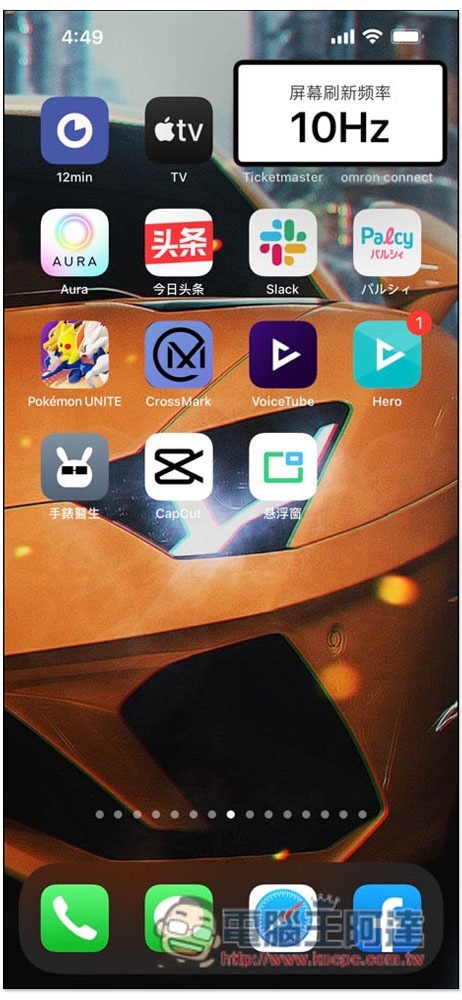
When stopped and entering the main screen, most of them will stop at 10Hz to avoid power consumption:
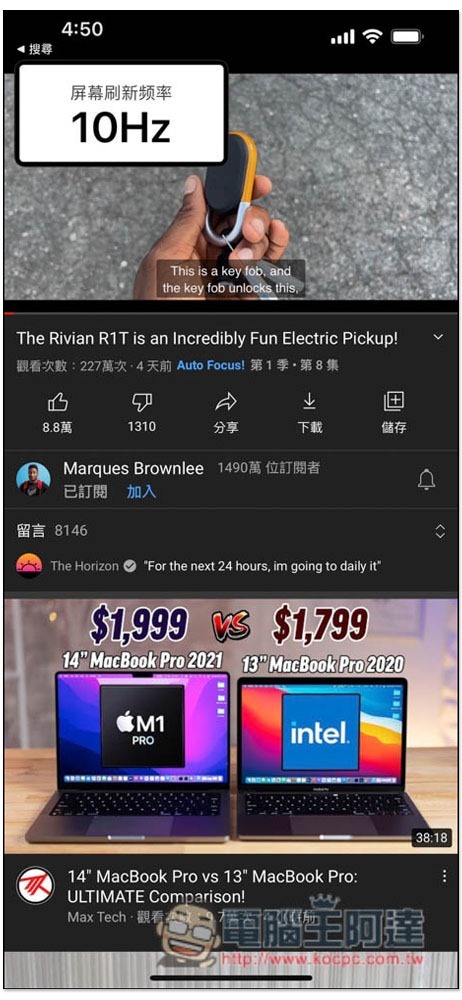
The same goes for watching YouTube videos, most of them stop at 10Hz. In addition, if you turn on low power consumption mode, the update rate will stop at 10Hz:
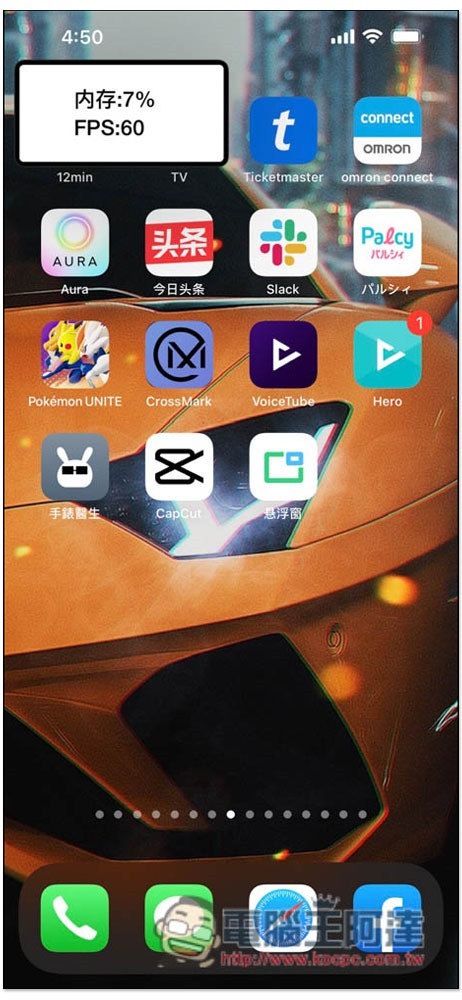
When you don’t need to detect the update rate, you can change it to other data or functions that you want to monitor in real time, like I changed it to memory/FPS:
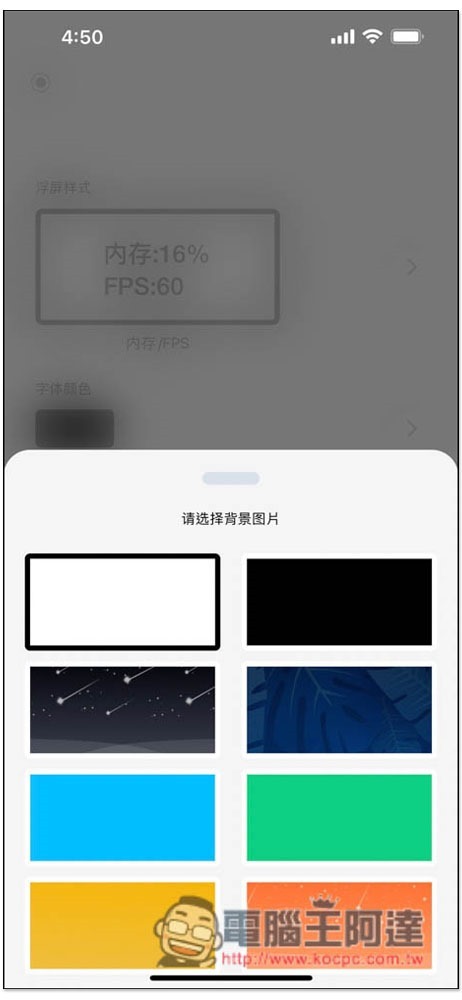
There are also many options for background color:
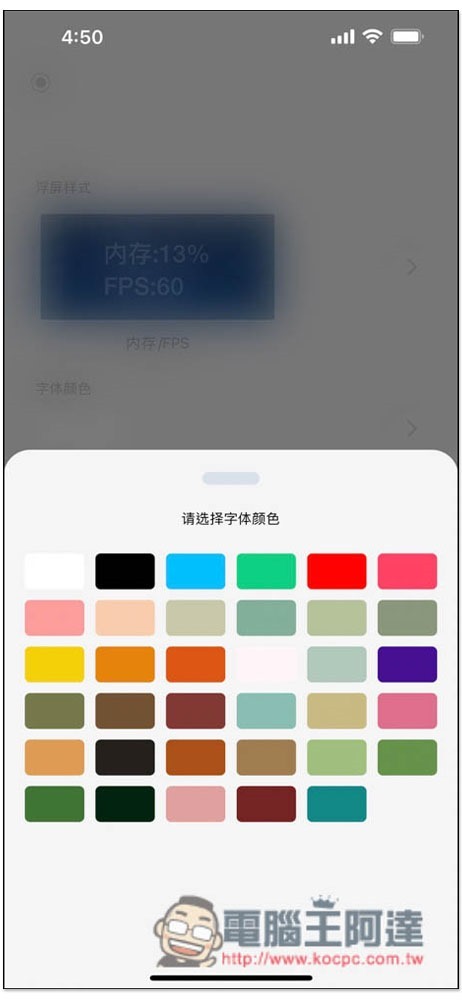
The font color is also:
For those who think this app is good, there is also an option to remove ads and in-app purchases in the settings. You can consider paying for support and making a one-time payment.
However, since it is detected through the App, its accuracy may not be very high. Sometimes I still encounter the situation where the update rate does not change. I am not sure whether it really has not changed or it is not detected normally.
iOS 15.1 登場:加入同播共享、iPhone 13 Pro 解鎖 ProRes!自動微距也可以關了(ProRes 試拍比較影片)
Source: KOCPC Chinese