


Be My Eyes is a very meaningful and great App. It provides a free App platform so that everyone can become a volunteer and help visually impaired and partially sighted people solve problems in their lives, such as: reading household items and their labels, matching and organizing clothes, checking lists, using items, etc. These things are easy for you and me, but they are very difficult for visually impaired and partially sighted people. You only need to download the App And register, you will be notified when someone needs help, and you can accept and help if you have time.
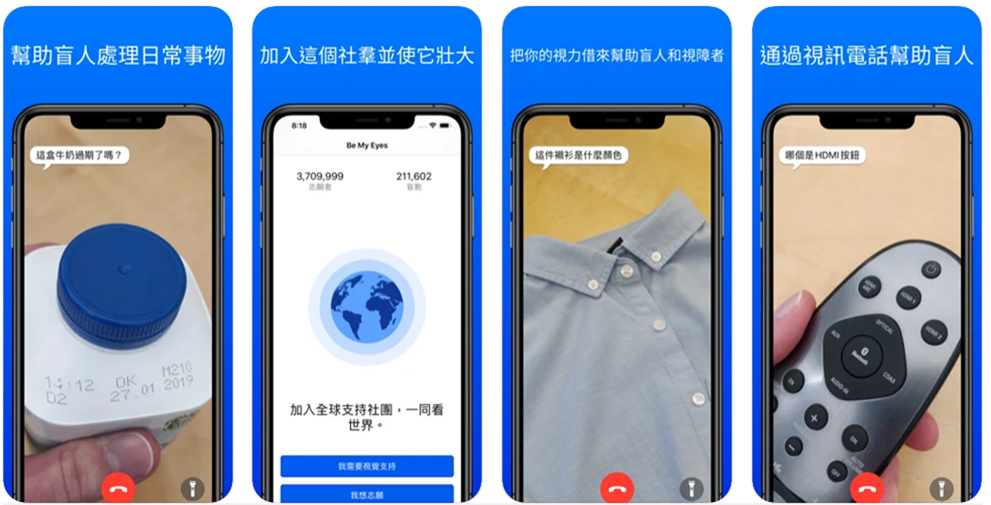
Be My Eyes is a free app that allows visually impaired and partially sighted people to see the world.
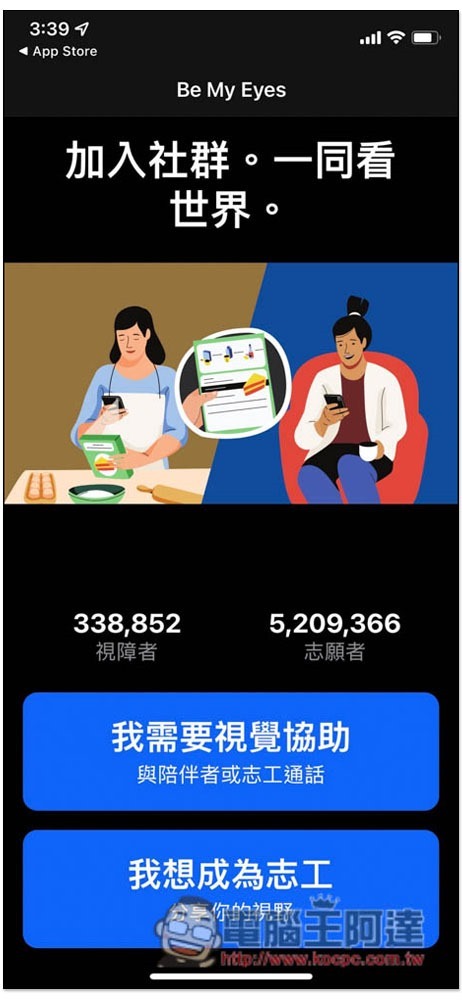
Be My Eyes has a Chinese interface, so you don’t have to worry about using it. When you open it for the first time, you will be asked to choose “Become a volunteer” or “I need visual assistance.” There are currently more than 5 million volunteers:
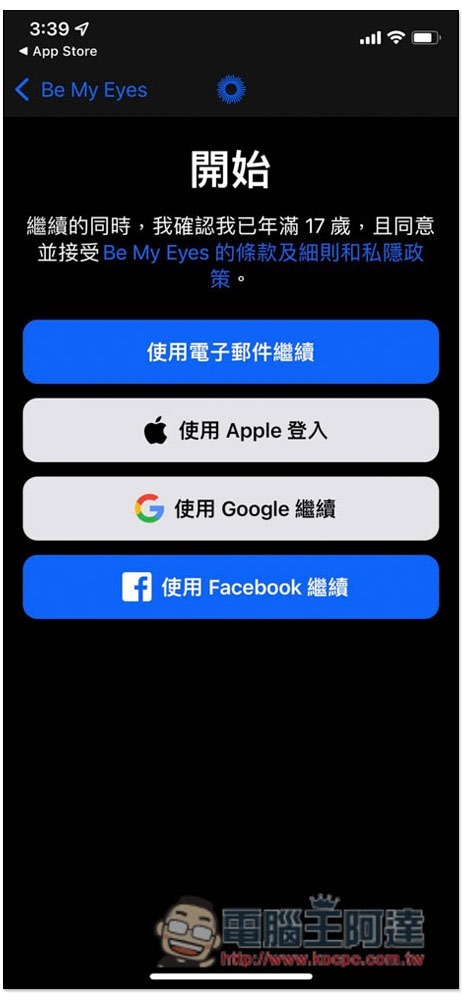
Registration is required before use. The iOS version provides email, Apple login, Google or Facebook:
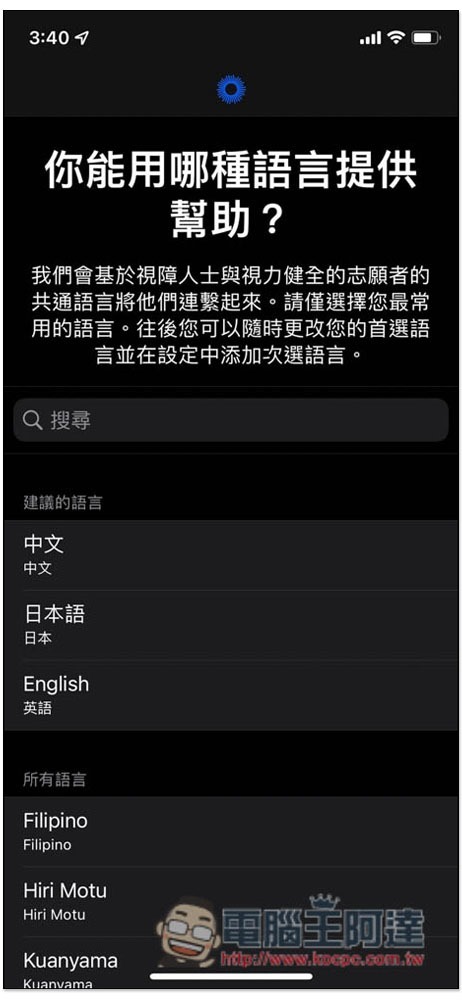
Then select the language help you can provide. You can check the box. If you only select Chinese, you will only be matched with visually impaired people in Chinese, and will not receive visually impaired people in English, Japanese or other languages:
This step is very important. Remember to allow microphone and notification permissions so that you will be notified when someone needs help:

As for the irregular information from Be My Eyes, it depends on whether you want to receive it or not. If not, click “I’ll talk to you next time” below. This can be adjusted later:
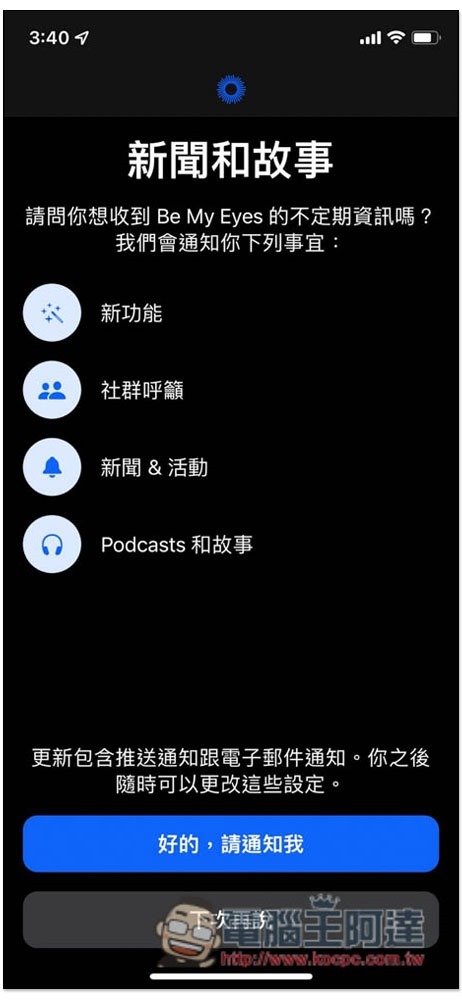
That’s it, just wait for the notification:
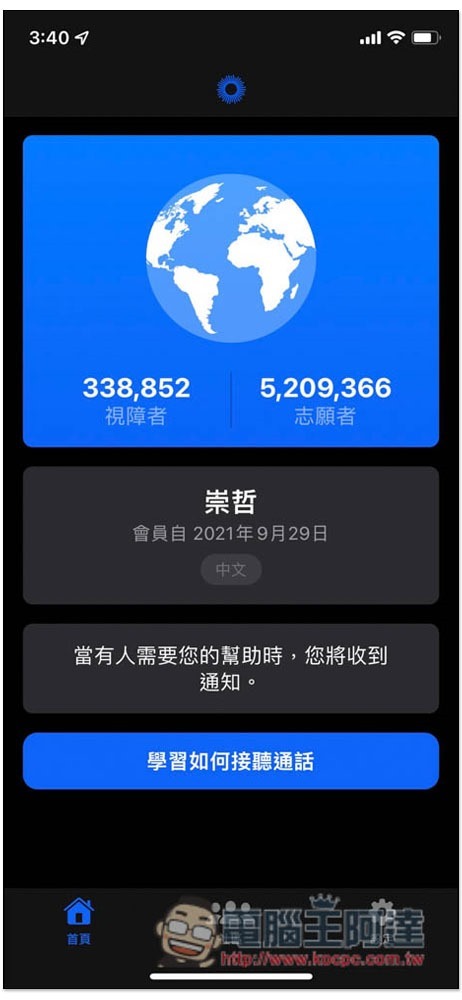
Notifications will be received on the lock and standby screens. The example is as follows, which will tell you that a visually impaired person needs help. In addition, with this notification function, the system will send it to multiple people with matching languages at once. Whoever answers the fastest will be selected:
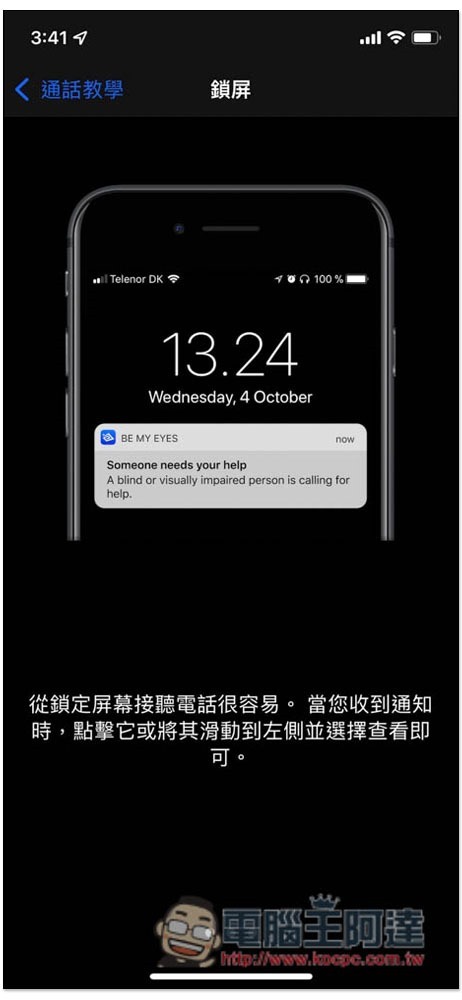
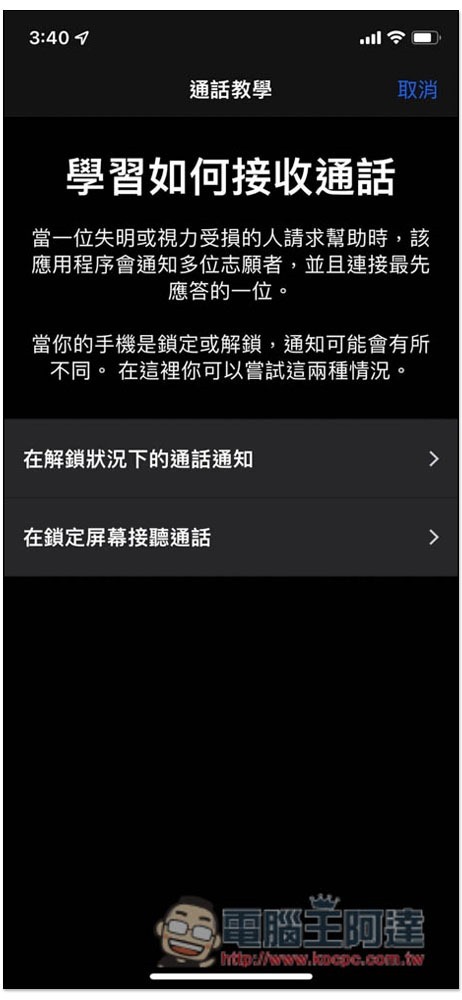
Those who are worried about not knowing how to use it can also take a look at the call tutorial first:
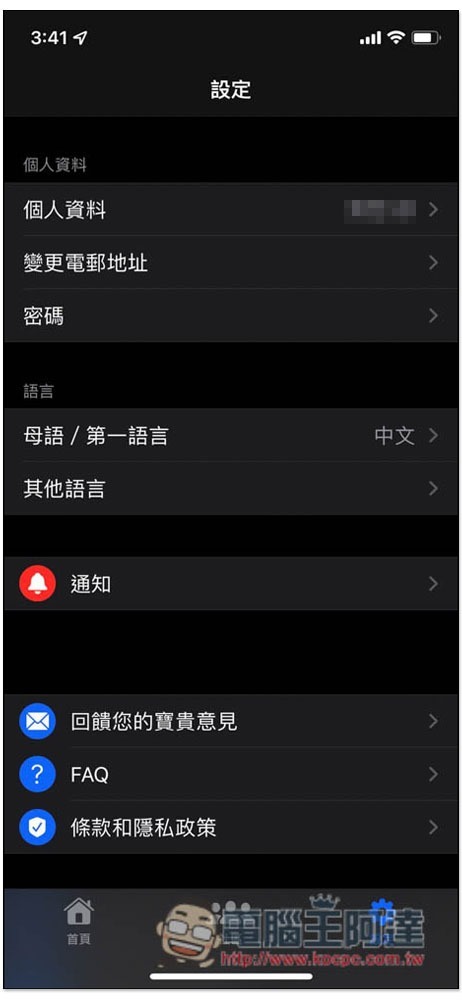
You can change your personal information, native language, other languages, and the function of receiving notifications at any time in the settings:
For detailed operation procedures, please refer to the official video below:
Source: KOCPC Chinese