


Although nowEven LINE provides OCR text recognition function, but sometimes you may just want to quickly identify a certain photo. In addition to opening the application, you must also enable the OCR function in LINE, and then upload the image before it can be recognized. The operation is a bit cumbersome. Therefore, this article will recommend a very useful free online tool “Image to Text”. In addition to being completely free and supporting more than 100 recognition languages, it also provides a one-click translation function after converting it into text. This is very convenient, and I will quickly introduce it to you below.
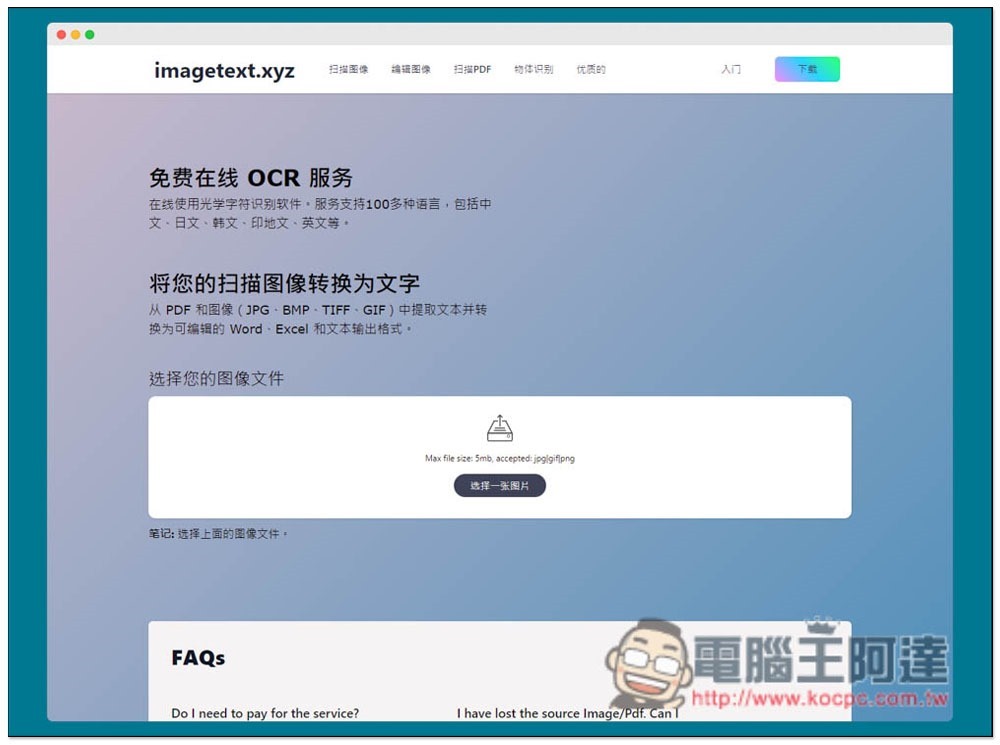
Image to Text Free Online OCR Text Recognition Tool Introduction
Image to Text has a Chinese interface, so there should be no problems in using it. In addition to OCR, this website also provides functions such as editing pictures, scanning PDFs, and object recognition. As for OCR, images in more than 100 languages including Chinese, Japanese, Korean, Hindi, and English are available, and the usage is also very simple.
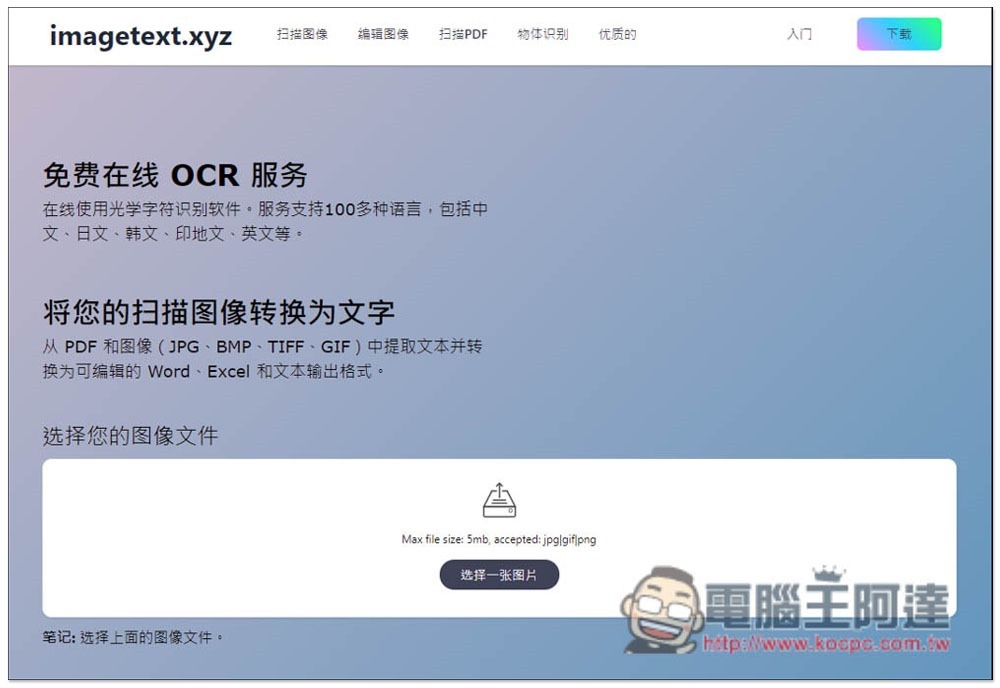
After entering the website, click “Select an image” to upload. The maximum size is 5MB. JPG, GIF, and PNG files are all acceptable. The drag and drop upload function is not currently supported:
After completion, you will be asked if you want to join the premium version. The advantages of the premium version are that there are no ads, no quantity limit, and it is said that the recognition effect will be better. I think the free version is very powerful, but the premium version is not expensive. If regular users think this website is good, they can also consider:

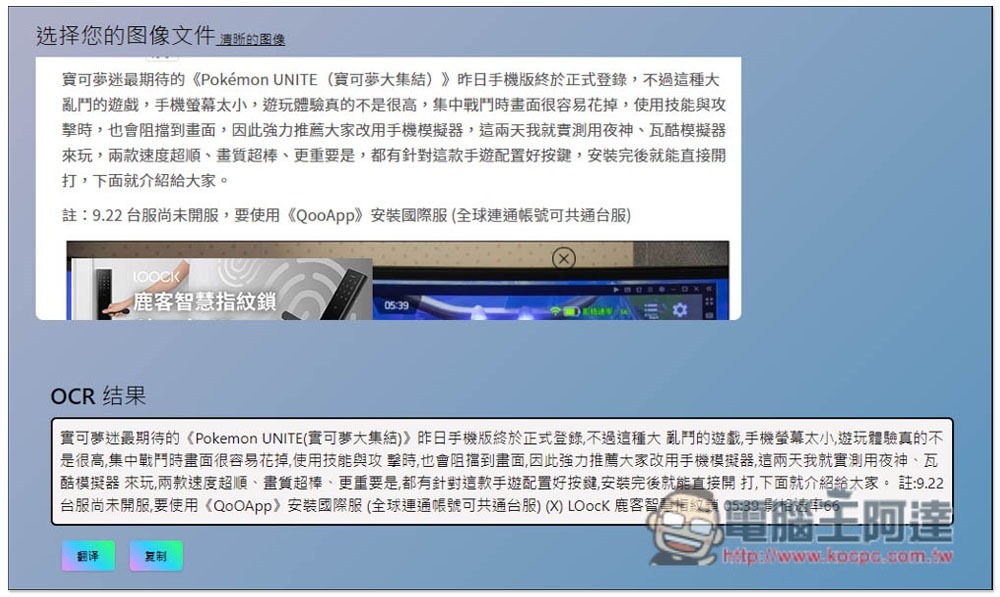
I took the screenshots of articles on our website as an example. The recognition effect is great, each one is accurately recognized, and even the image text in the screenshots is also recognized. The only drawback is that there are inexplicable spaces between some words. You still need to proofread the text after recognition. There is a button to copy below. You can also notice that there is a “translation” function on the lower left:
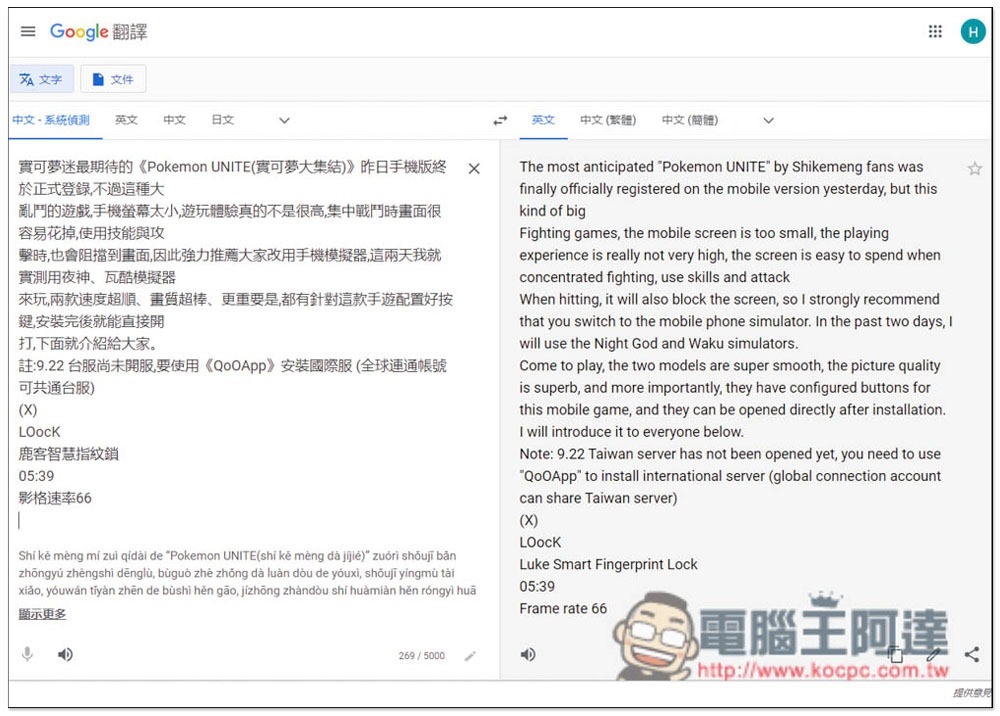
After clicking, the Google Translate webpage will automatically open and the translated text will be pasted:
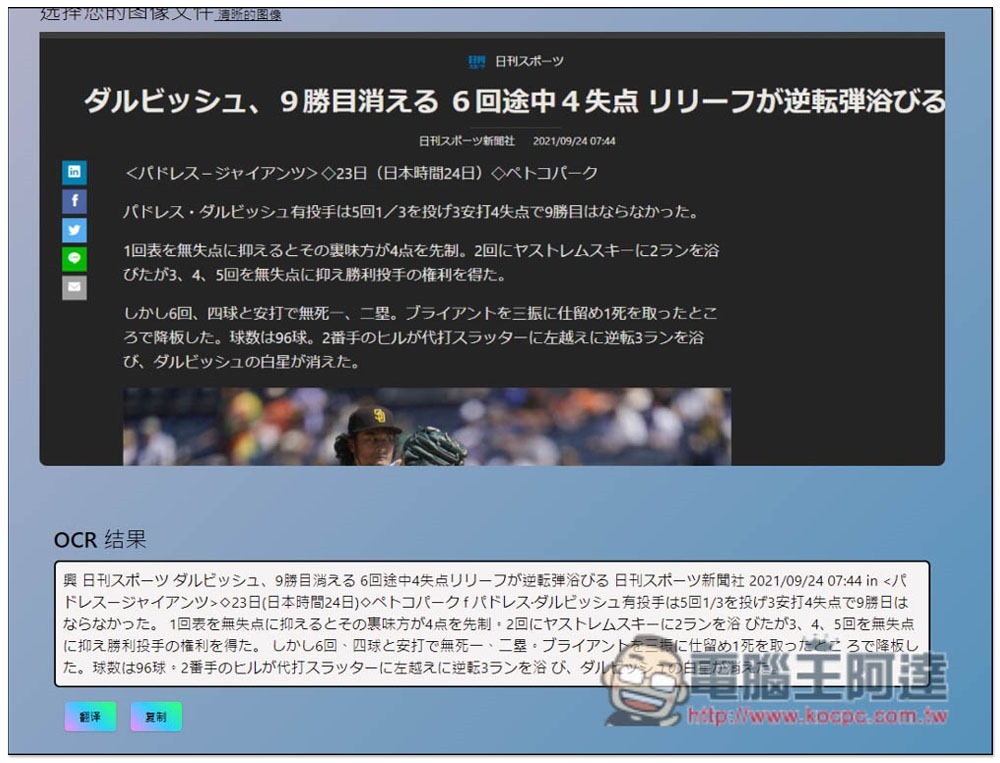
I also tested Japanese text recognition, and it was also quite accurate:
Below is the official video teaching introduction, and those who are interested can also watch it:
Source: KOCPC Chinese