


Although we have introduced many useful online video download tools in the past, if you want to have a better YouTube download and offline playback experience, we still recommend using the official function! Previously, YouTube was open to YouTube Premium members on mobile devices. In addition to ad-free video playback, they could also use functions such as background playback, picture-in-picture, and downloading for offline playback.
Among them, the video download function was also opened for trial as the latest experimental function earlier! Users can download videos through the browser and play them offline on their computer. This feature may also be officially launched in the future after the test is completed. Next, continue reading this article to learn how to operate and set it up!

YouTube video download function through computer browser is open for testing (operation and setting tutorial)
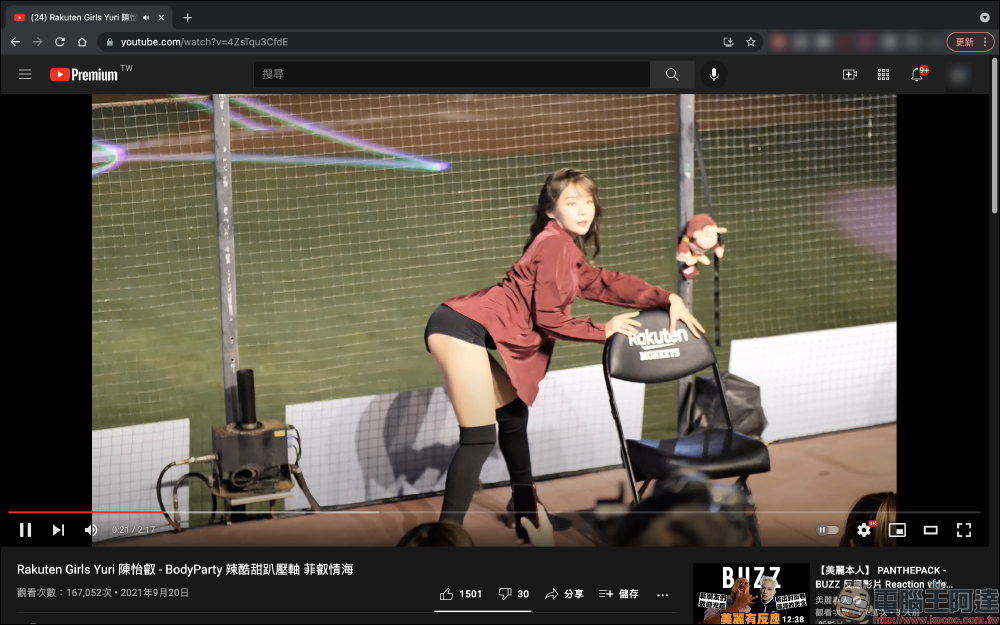
For users who often use computer browsers to play YouTube videos, the interface they see every day should look like this. The player function in the lower right corner of the video can be set to auto-play, video resolution, picture-in-picture, display mode, and subtitles can be turned on for some videos. Below the video are the well-known “Like”, “Unwashed”, “Share” and “Save” buttons.
Unfortunately, unlike YouTube Premium members, you can choose to “download” videos to your device for offline playback in the YouTube App on your mobile phone. This may be a little inconvenient for users who sometimes use computers offline or whose network connection quality is unstable and want to watch YouTube videos at any time.
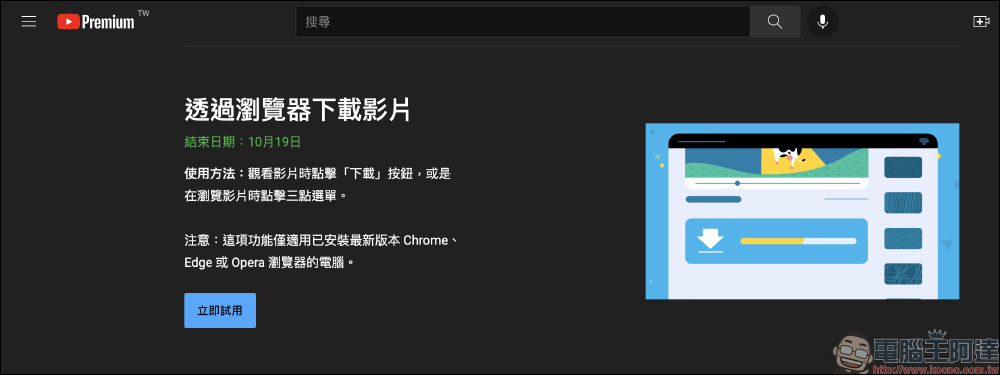
However, earlier in YouTube’s latest lab test of new features, it also added the “Download Videos Through Browser” feature, which is open to YouTube Premium members for trial. Just click “Try Now” to enable the trial function, and you can download YouTube videos and play them offline through a computer using Chrome, Edge or Opera browsers.
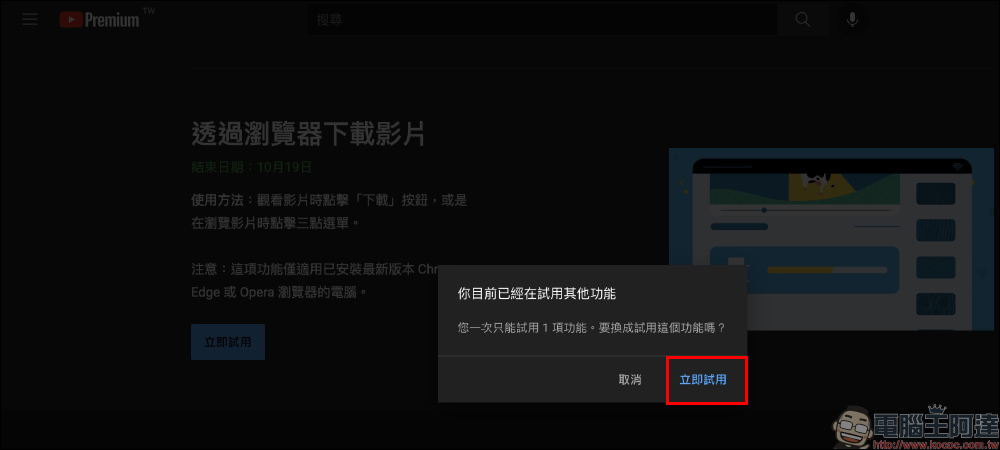
As in the past, new YouTube Lab features can only trial one feature at a time. If there is a feature currently being trialed, the following reminder window will pop up.
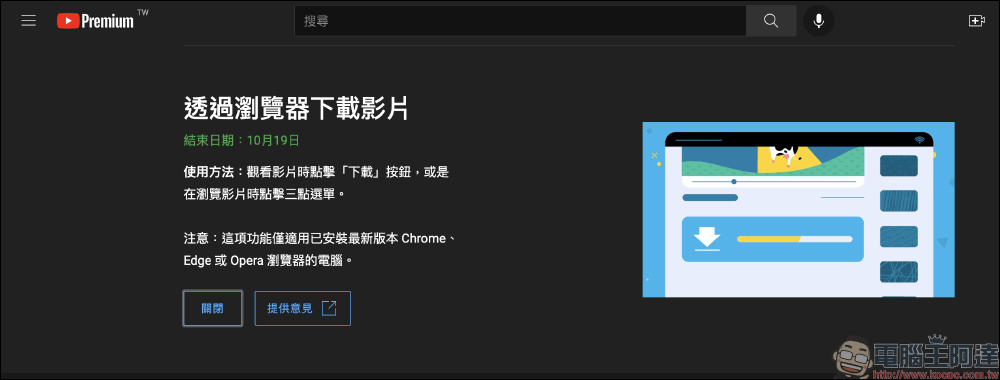
After you enable the “Download Videos Through Browser” function for trial use, you can use this function in supported browsers!
How to download YouTube videos through a computer browser?
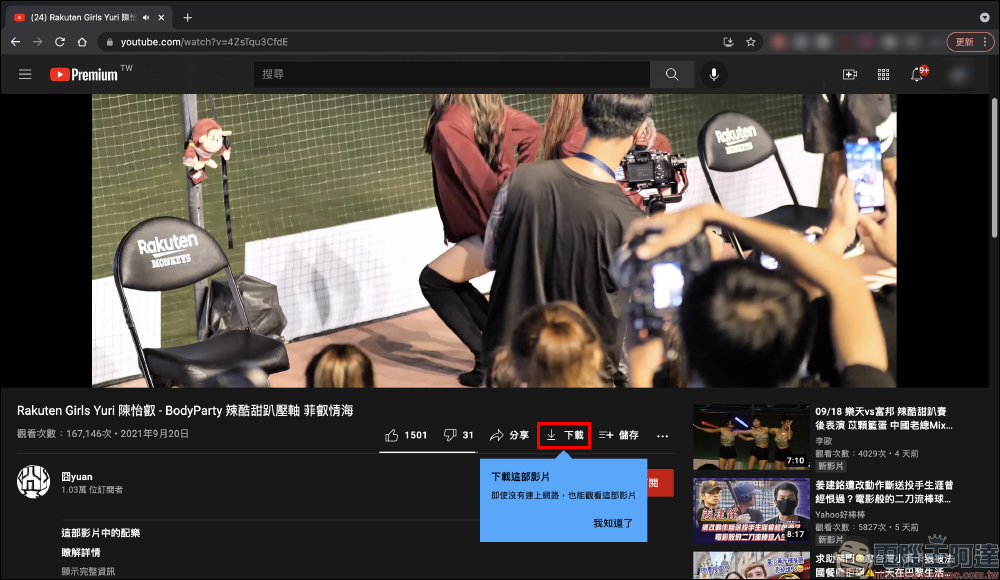
After turning on this function for trial use, a “Download” button will be added below the video. If you want to download the video to your device for offline playback, just click it!
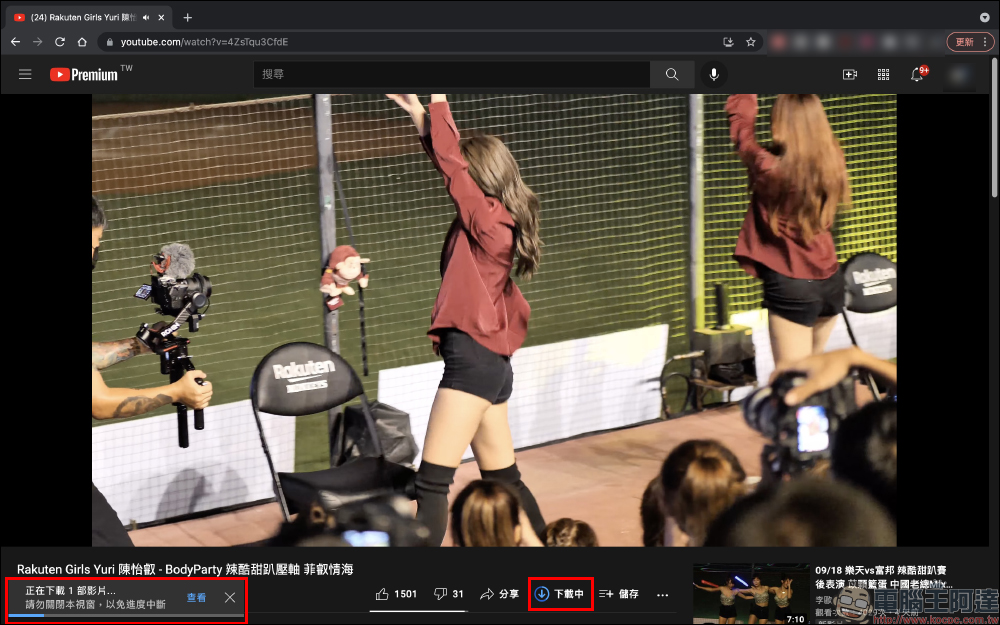
To avoid interruption of video downloading during downloading, it is also recommended not to leave the current video window.
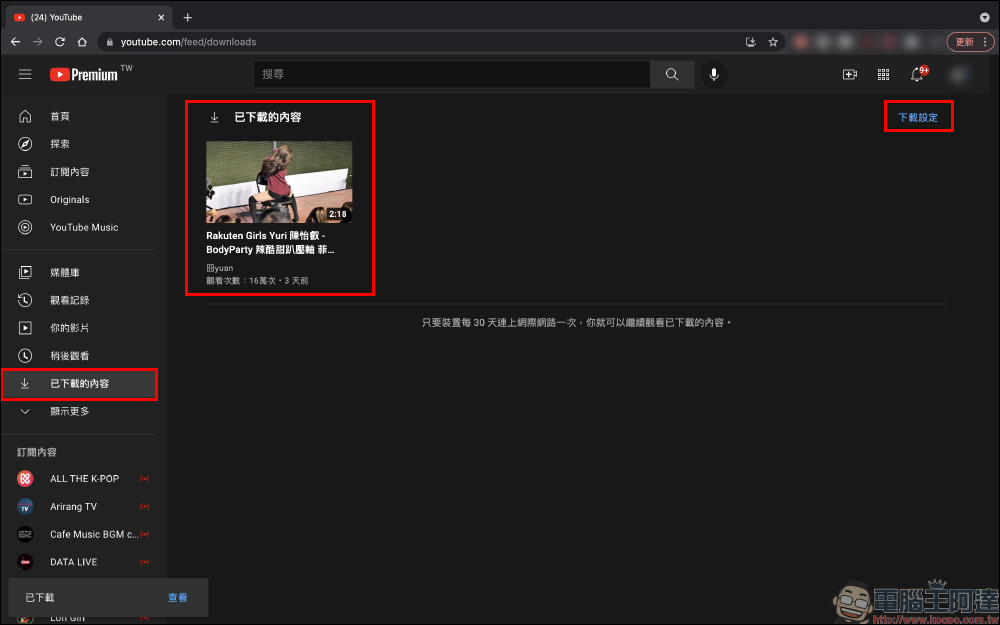
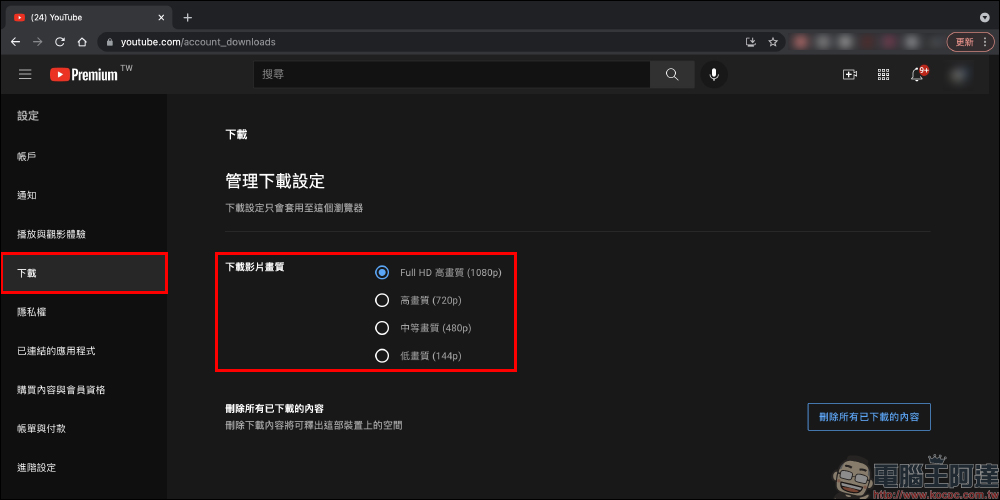
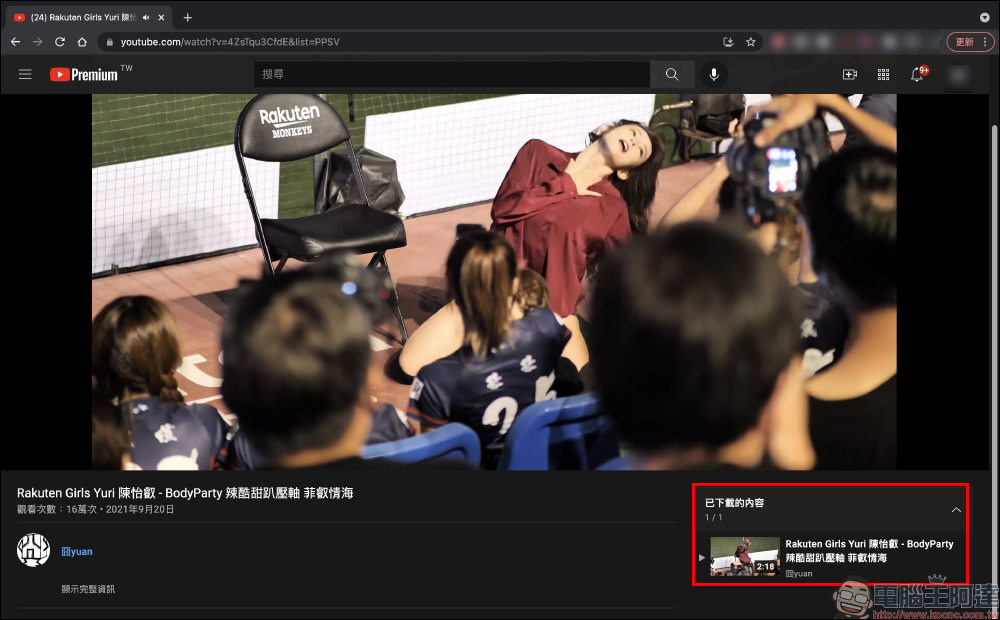
After the download is completed, the video will be saved in the “Downloaded Content” in the YouTube menu bar. You can click here to download the video for offline playback. YouTube’s browser video download function has the same mechanism as the app, and the device needs to be connected to the Internet every 30 days after the video is downloaded. In addition, users can also go to “Download Settings” to set the quality of downloaded videos.
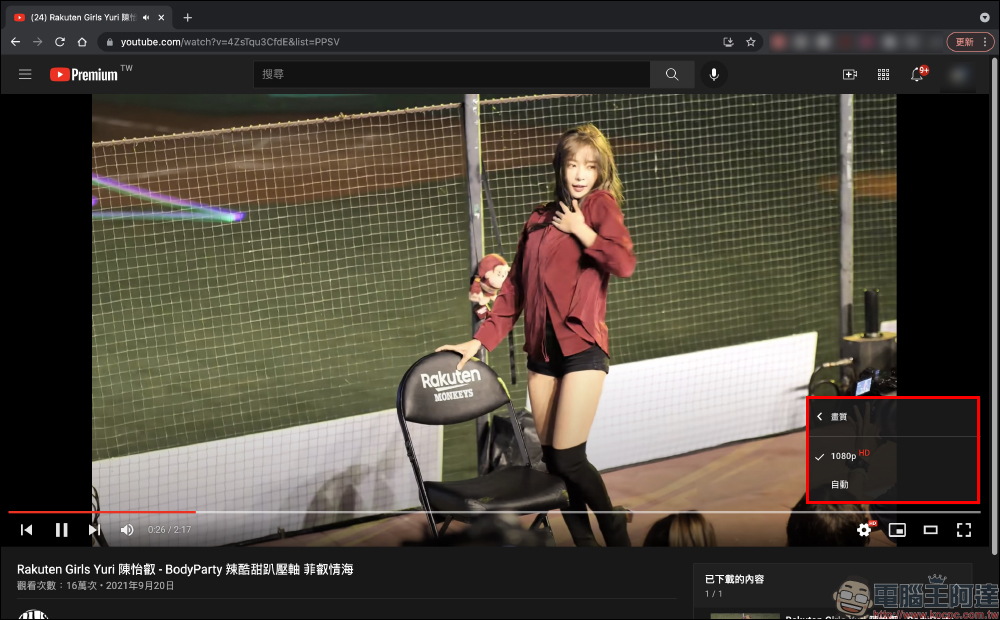
YouTube’s official video download function can support up to Full HD high-definition (1080p) video downloads.
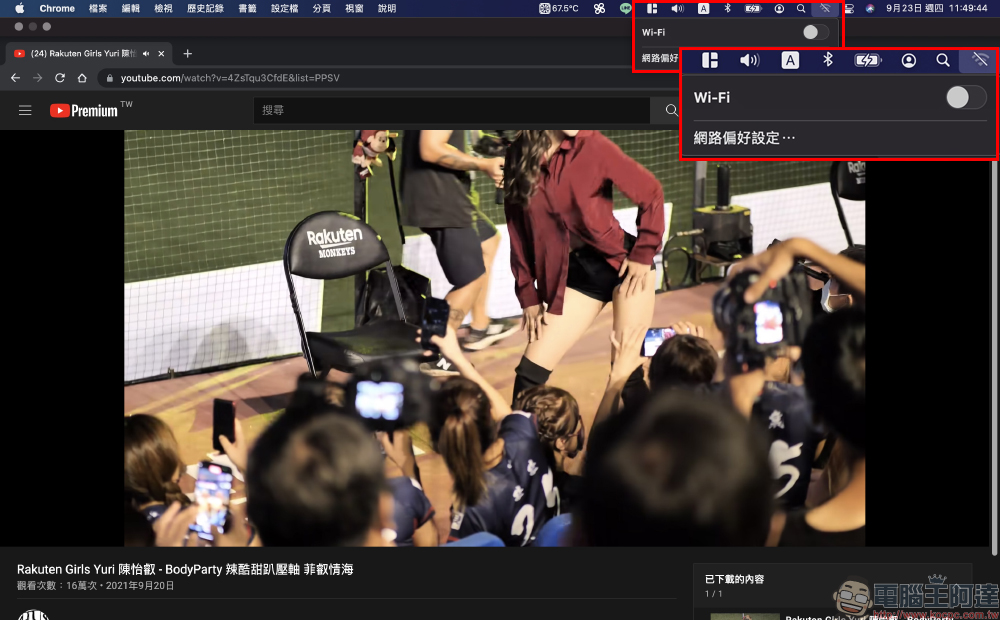
The author briefly tested and played the downloaded YouTube video after disconnecting from the Internet. It can be seen that the video can be played normally.
When playing a downloaded video, the playlist will be listed in “Downloaded Content”.
Of course, since it is offline and played from downloaded content, the video quality is fixed at the highest 1080p.
Download videos from YouTube via browser (experimental new feature):Click here to start the trial
(*Tips: You must be a YouTube Premium member, and the function trial is open until 2021/10/19)
Further reading:
Fat otaku conversation generator: Let daily chat conversations be automatically converted into otaku idioms (ㄏㄏ


Source: KOCPC Chinese