


Although ChatGPT, Gemini, and others now offer free perks for generating AI images or videos, the daily quota is very small, so for people who are still exploring and want to try more of how powerful current AI images and AI videos are, it’s definitely not enough. This article introduces a very generous free tool called VidoGrid. It not only lets you generate AI images and AI videos for free, but the models it offers are also very familiar ones, such as Google’s Nano Banana series and Veo series, Elon Musk’s Grok, and even Muse AI.
More importantly, the generated images and videos do not have watermarks.
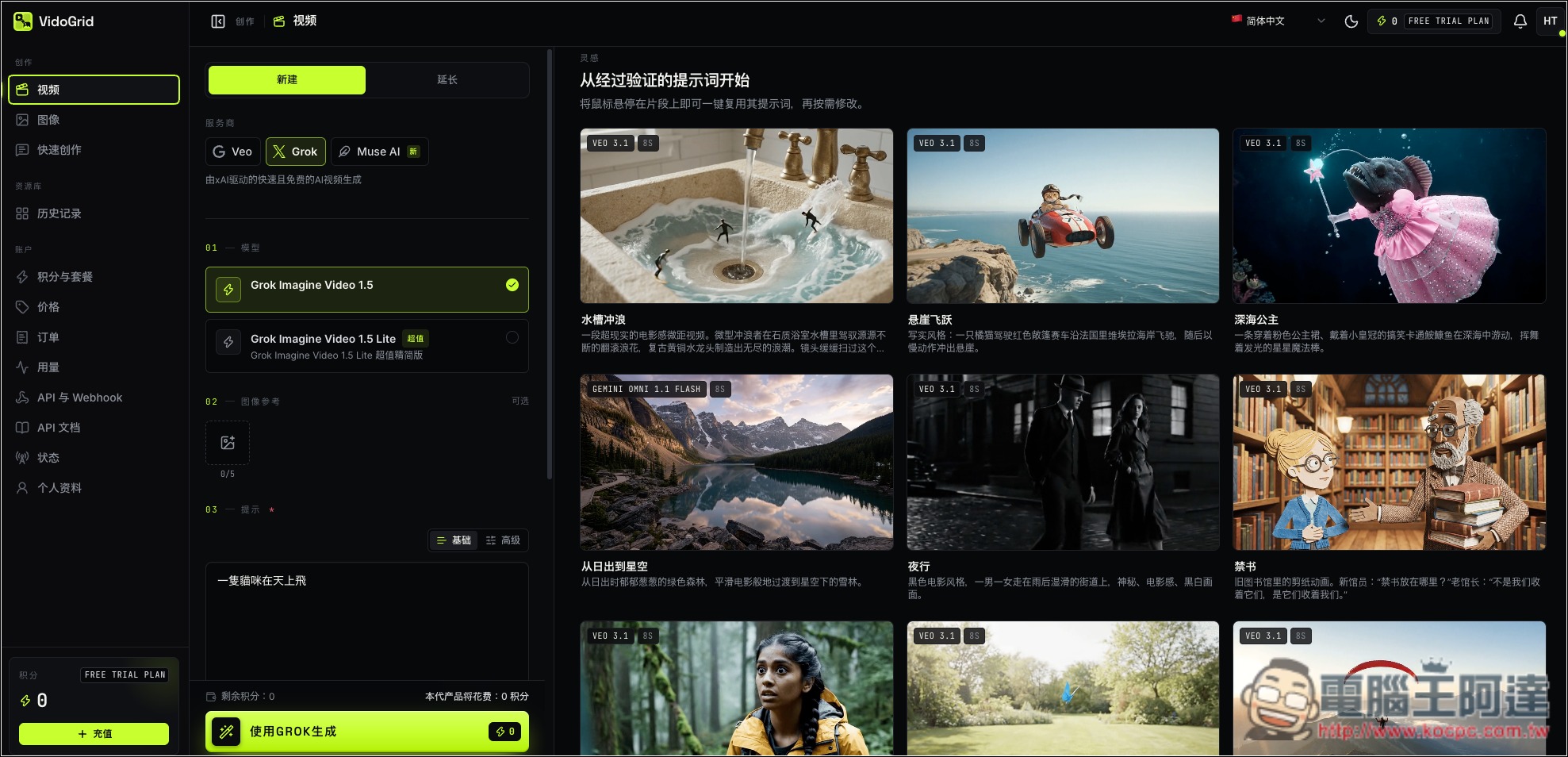
Introduction to VidoGrid’s Free AI Video and Image Generation Tools
VidoGrid is a free online image and video generation tool that integrates multiple AI models. Users do not need to open different platforms separately; they can quickly generate various creative content through text descriptions or by uploading reference images. Some models can generate for free even if the account has no remaining paid credits.
For AI video, it integrates models such as Grok Imagine, Google Veo, and Muse AI, supporting text-to-video and image-to-video. Simply enter the visual content you want to present, and the AI will generate a video according to the prompt. The platform interface offers aspect ratios such as 16:9, 9:16, 1:1, 2:3, and 3:2, as well as resolution options of 480p, 720p, and 1080p and video length options of 6 seconds, 10 seconds, and 15 seconds. The settings actually available vary by model.
The image generation features are also quite extensive, integrating models such as Grok, Google Imagen, Nano Banana, and GPT Image. Not only can images be generated from text descriptions, but some models also support uploading reference images for editing. Users can adjust the image aspect ratio according to their needs, including landscape, portrait, and square formats, for use in article covers, social media posts, product mockups, or other creative needs.
The process is very simple. After logging into the website, select the “Video” or “Image” generation page, then choose the AI model you want to use, enter a prompt, and adjust the relevant settings to start generating. Once complete, you can directly preview and download the work. The platform also provides a history, making it easy to manage previously generated images and videos. The video generation page also has example prompts that you can directly apply and modify.
The only caveat is that it currently cannot be confirmed whether the free model will remain available permanently, and I have not found an official, clearly stated number of free daily generations. During peak usage, generation may slow down or even be temporarily unavailable.
Key Features
- Free AI generation: Selected image and video models can be generated with 0 Credits, with no need to purchase credits first.
- Integrates multiple AI models, including Grok Imagine, Google Veo, Muse AI, Nano Banana, Google Imagen, GPT Image, and more.
- Text-to-video: Enter a text prompt and let AI generate dynamic videos.
- Image-to-video: Supports creating videos using reference images to bring still images to life.
- Multiple video settings: different aspect ratios, resolutions, and video lengths are available; choose based on model support.
- Multiple image aspect ratios: supports 16:9, 9:16, 1:1, 3:2, 2:3, and other formats.
- History Management: View generated works to easily preview, download, and reuse prompts.
Click the link above to go to VidoGrid. You need to register an account before you can use it:
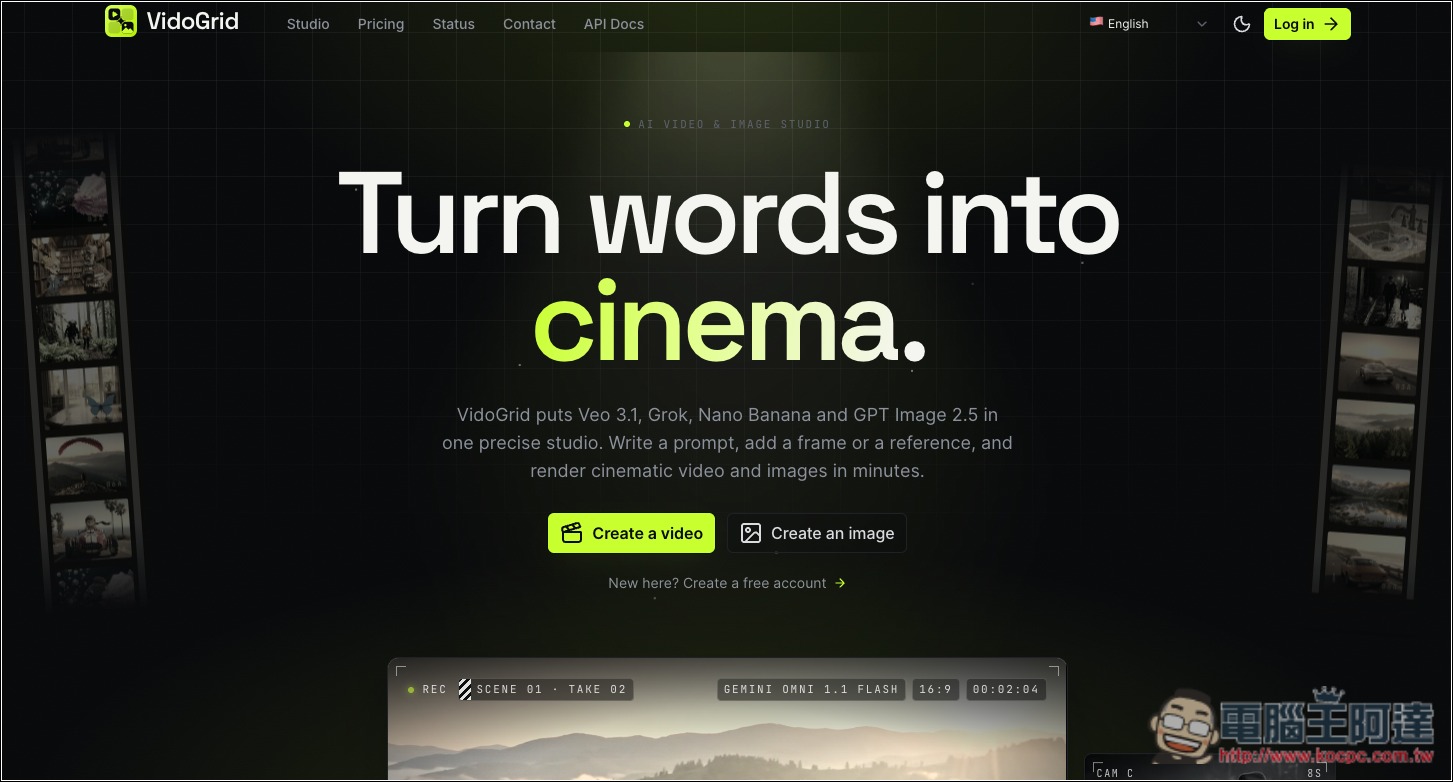
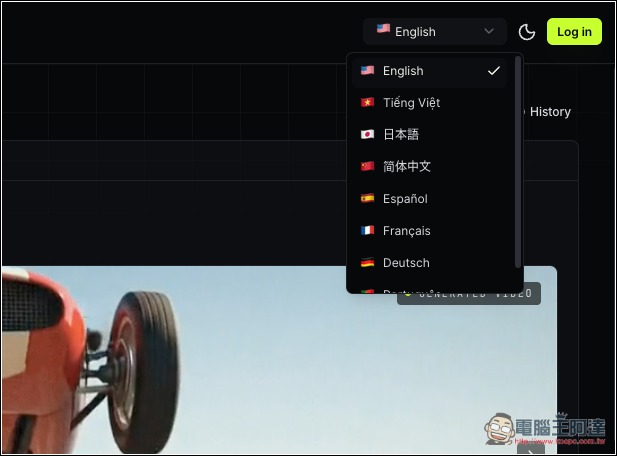
In addition, this website supports Simplified Chinese. If it doesn’t switch automatically when you enter, you can switch it in the language menu in the upper right corner:
Once you’ve registered, you can start using it. On the left, choose whether you want to generate a video or an image. The video section offers three models: Veo, Grok, and Muse AI:
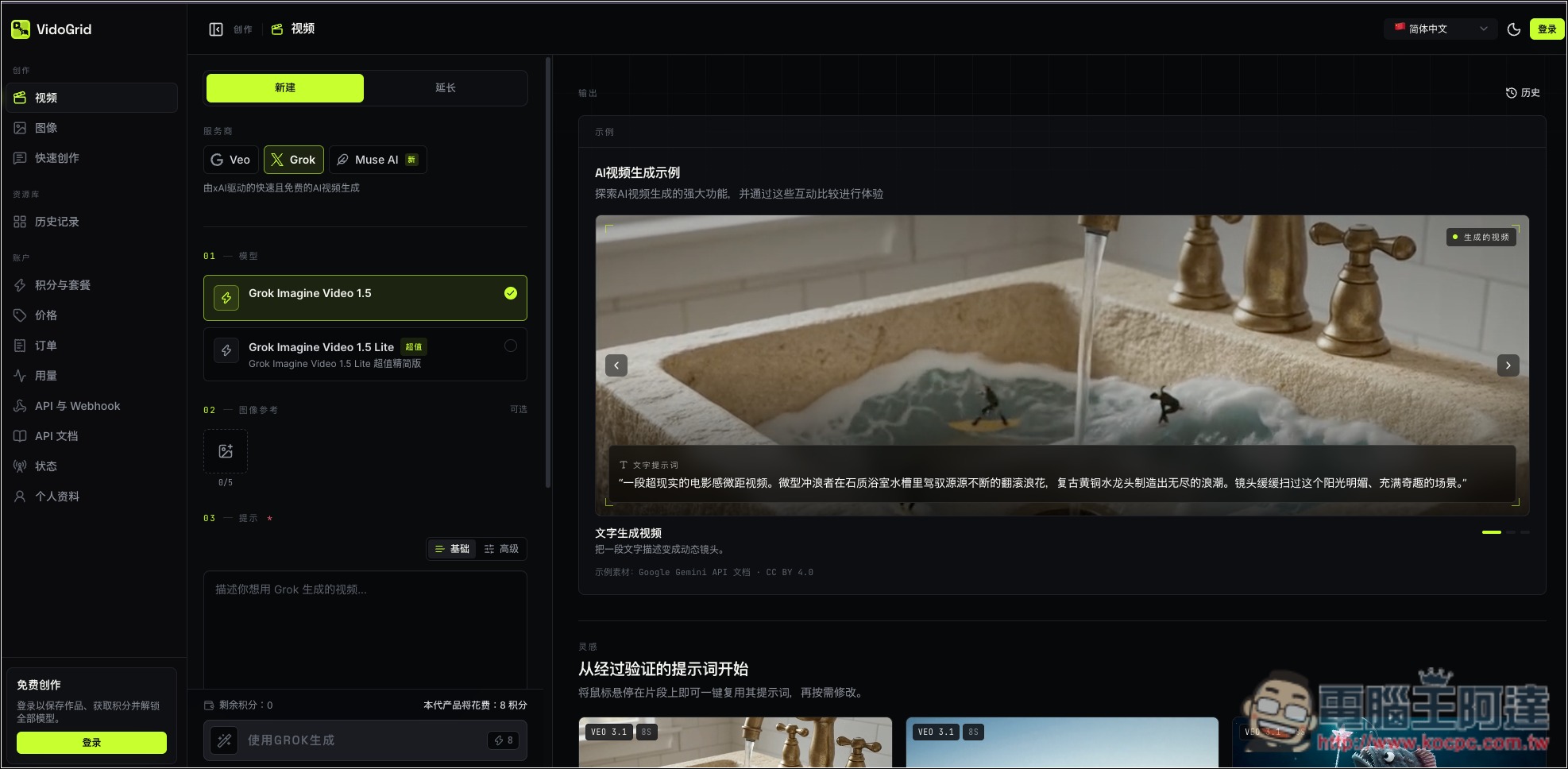
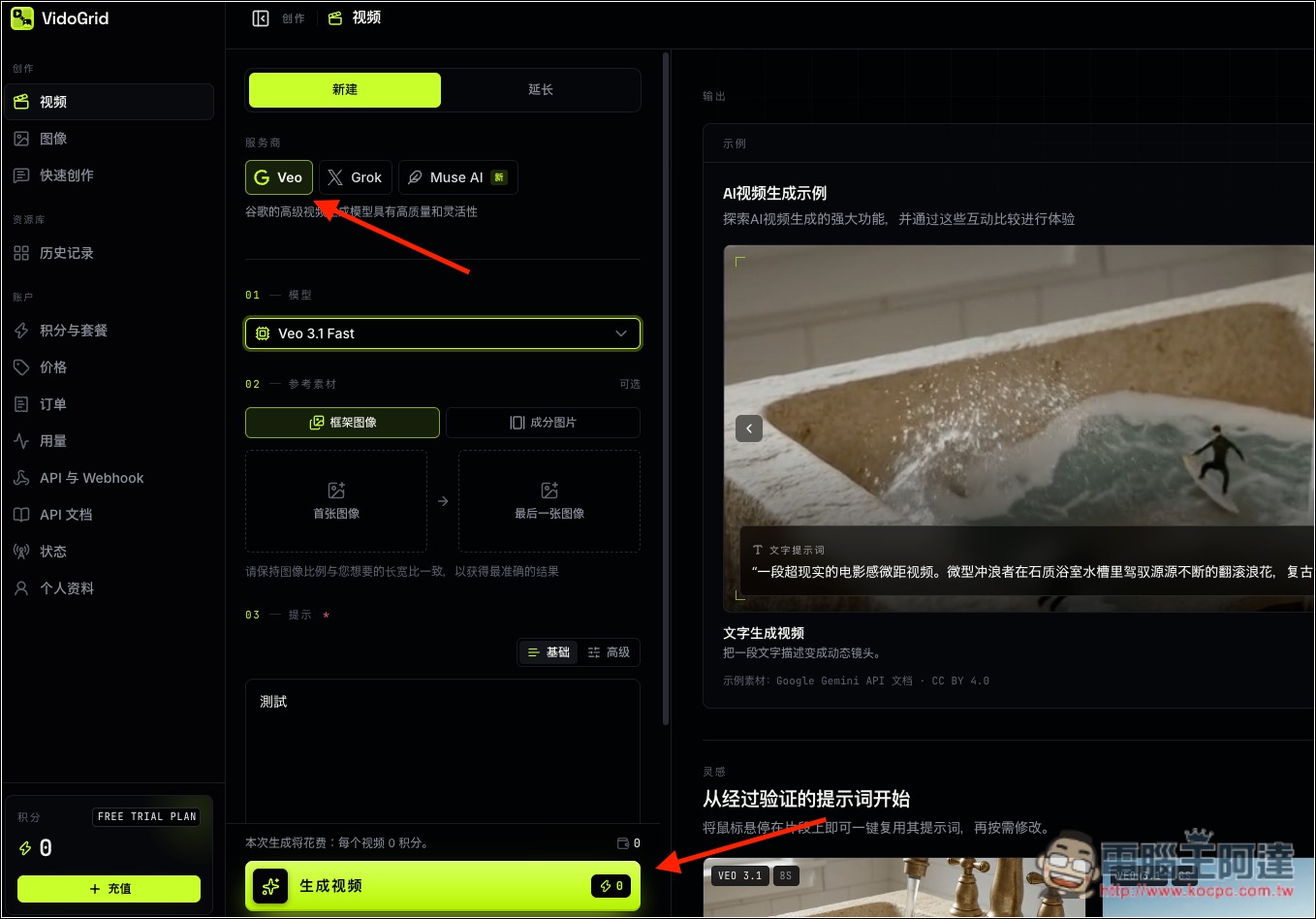
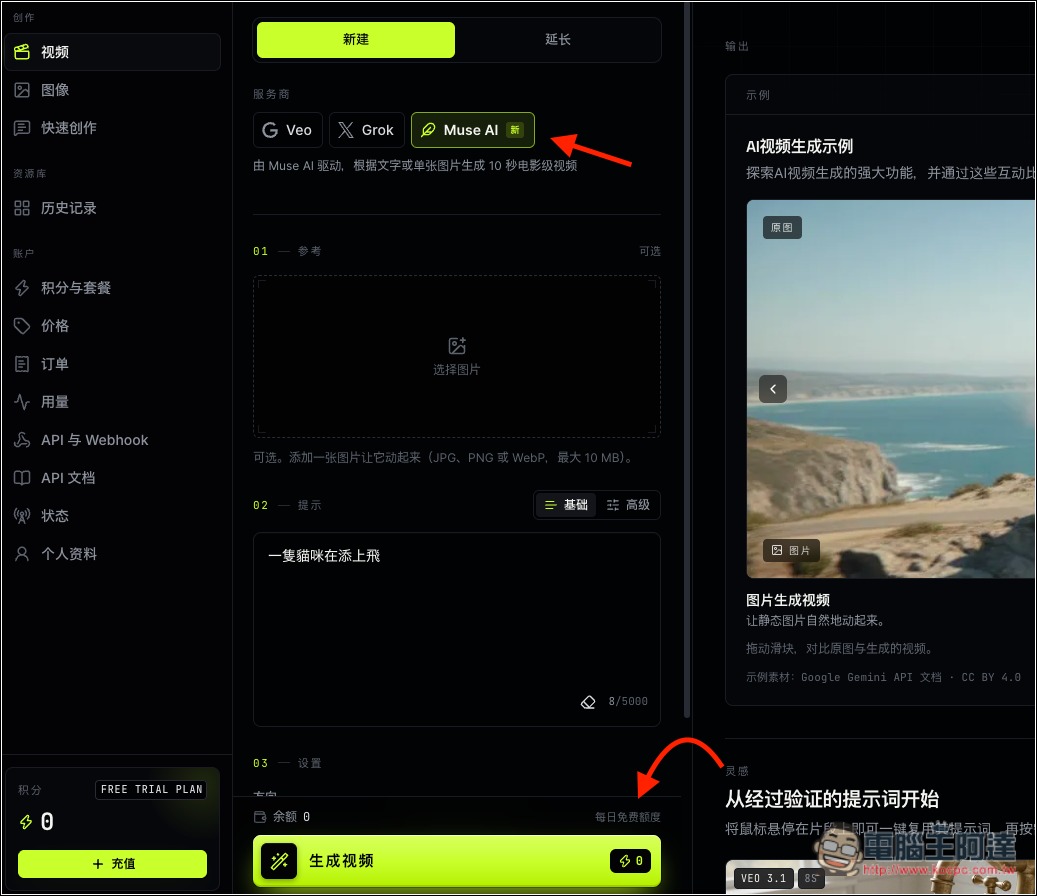
To check whether it’s free, pay attention to two places: first, when you select a model at the top, it may indicate underneath that it can be used for free. Second, both the Generate button and the top area show the points consumed; if it’s 0, then it’s free:
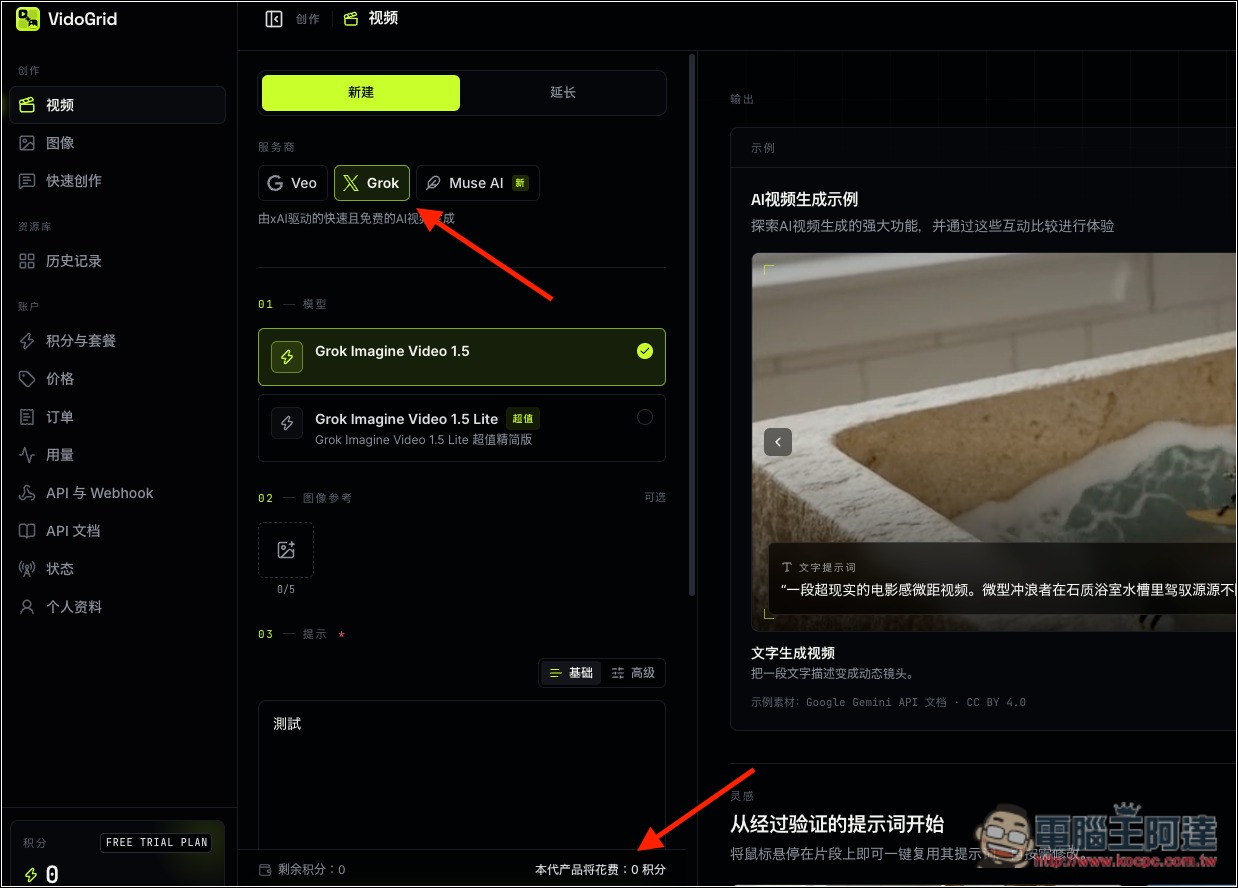
In the Veo section, Veo 3.1 Fast and Lite are currently free to use; the rest will deduct credits:
Muse AI is somewhat unique: although it is free, it specifically indicates that there is a daily limit:
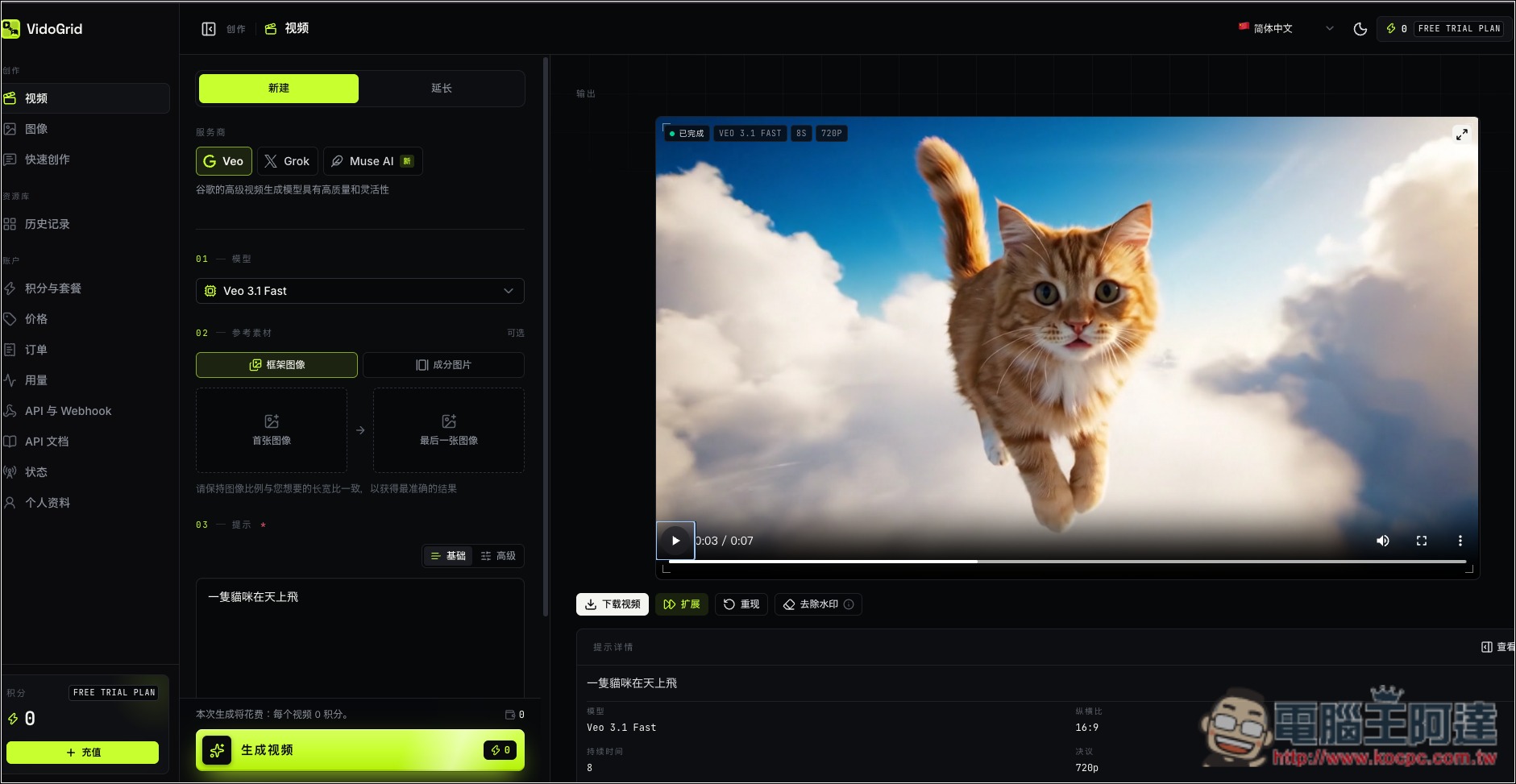
The test video was generated successfully, and the Veo series generates very quickly. If you’re satisfied, there’s a download button below the video:
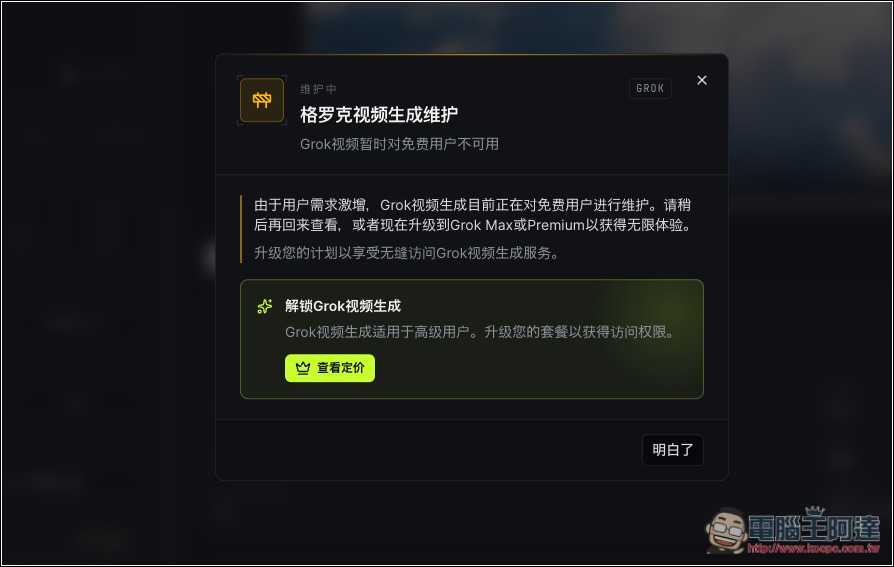
Grok now appears to be under maintenance and is temporarily unavailable:
For image generation models, Google’s Nano Banana series can all be used for free, and Grok can too, but GPT Image 2.5 cannot—it requires credits:
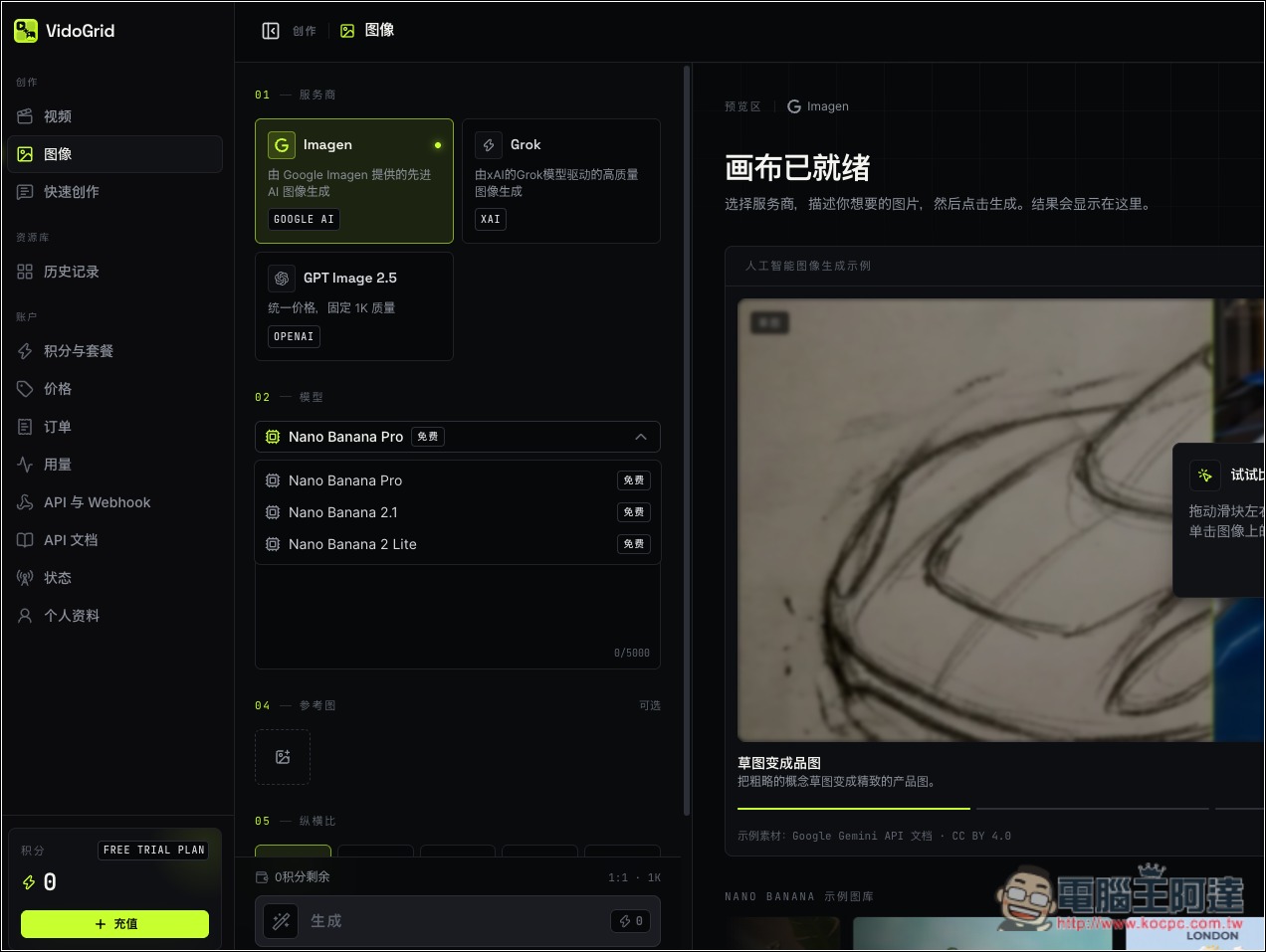
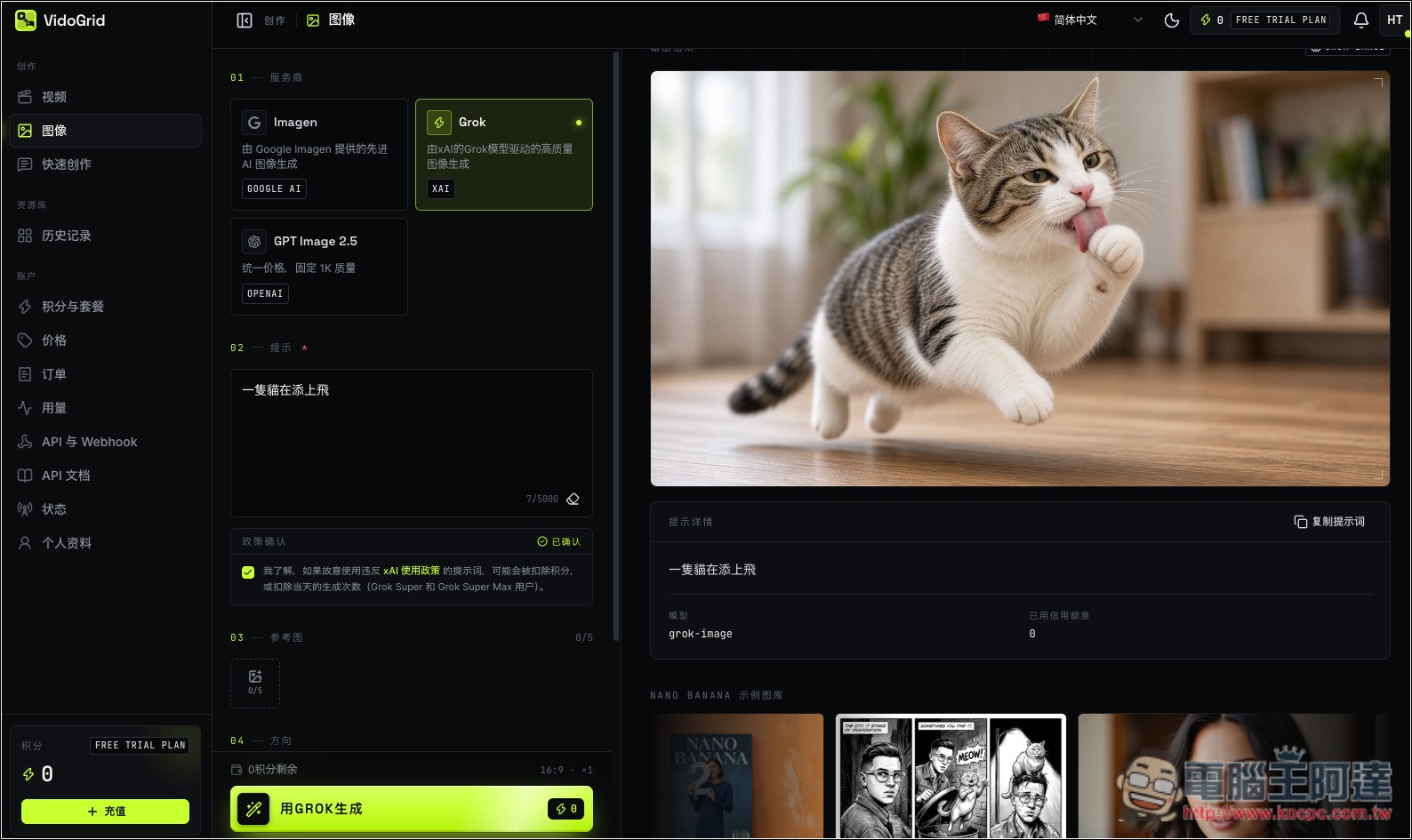
Image generation was also successfully tested in practice:
Source: KOCPC Chinese