


Although there are many AI tools on the internet now, none seems to be as versatile as Websim.ai, the one this article will introduce. With just a single command, you can easily generate the web pages, games, and online applications you need—for example, you can ask it to create pages like Google, YouTube, or Facebook, generate a calculator, or produce a racing game.
Those without any ideas can also try out what other netizens have generated—some are pretty impressive, they can even generate simulators.
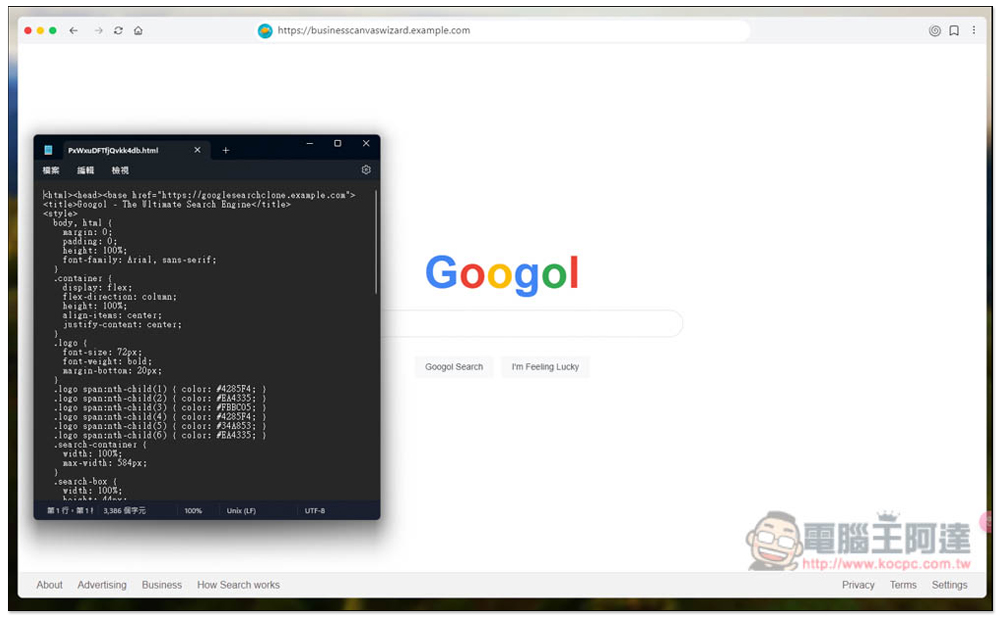
Websim.ai generates webpages, games, and applications from a single command — a free, all-in-one online AI tool.
Websim.ai offers a variety of models, including GPT-4o, and it’s completely free to use with no need to enter an API, which is really impressive. You need to log in with a Google account when using it. The generation method is the same as other AI tools: you input a description of the content you want to generate. I tested Chinese and it works, but if you want more precision, English is better; you can have ChatGPT help you translate it into English.
The generated results can also be downloaded, or you can create a share link to share them with friends and others.
After clicking the link above to go to the Websim.ai website, the homepage will list online tools that other users have created through it. Click on “What would you like to create today?”:

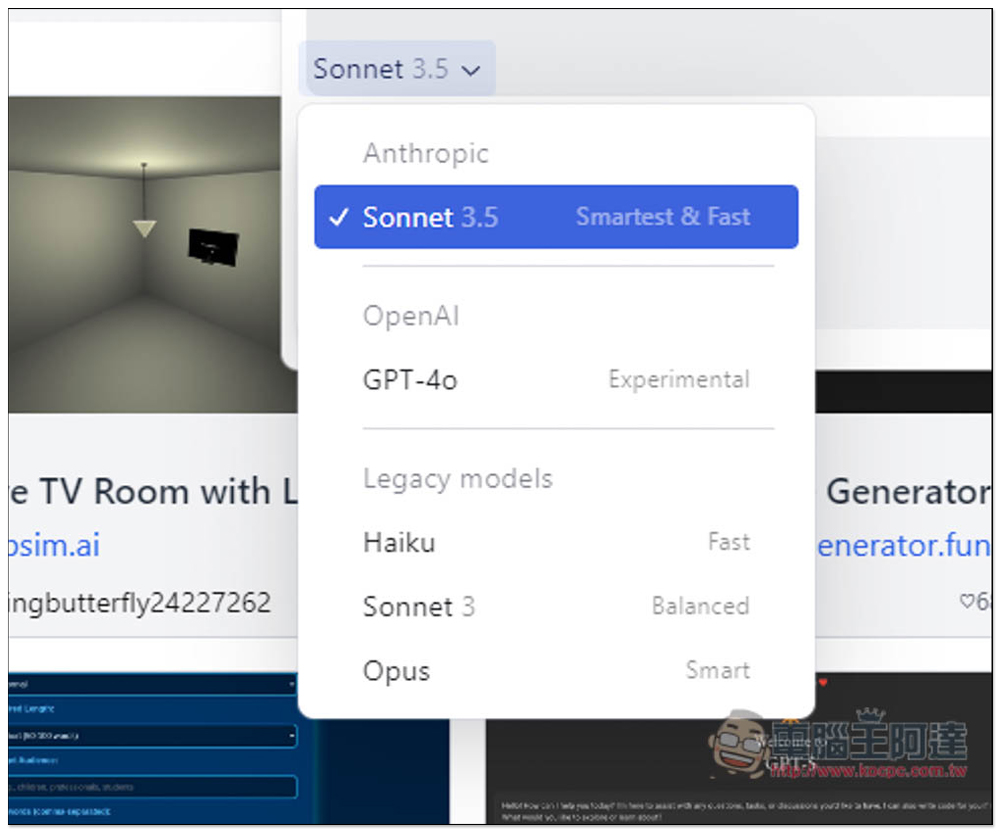
Then you can enter a description of the content you want to create, like the simple command “create facebook website” that I tested first. The default model is Sonnet 3.5, and you can also change it to others:
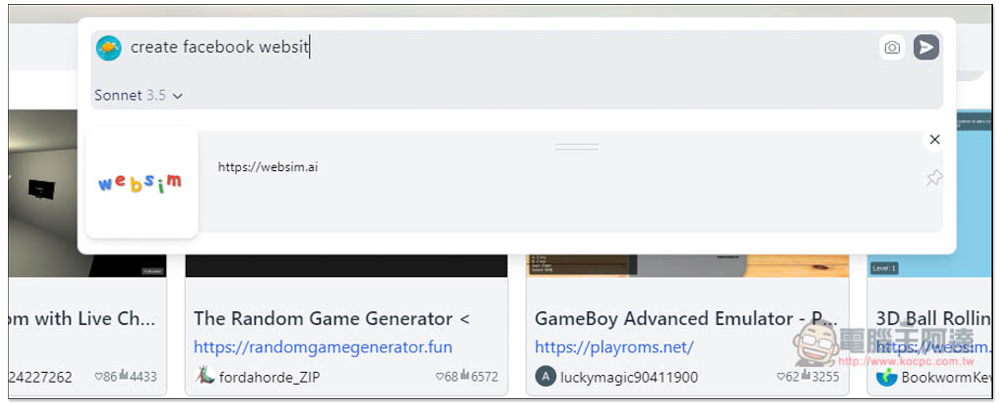
Like OpenAI’s GPT-4o, Haiku, Sonnet 3, and Opus, the features are noted on the right. If you have no special needs, using Anthropic Sonnet 3.5 is enough—the results are already quite good.
Then wait a few seconds, and you’ll see the generated result — sure enough, it’s the Facebook webpage. This is truly impressive. You don’t need to know any web design to easily create the webpage you need:

If you’re satisfied with the result and want to download it, click the … option in the top right corner, and you’ll find the Download feature. To share it with others, you can also directly copy the share link:

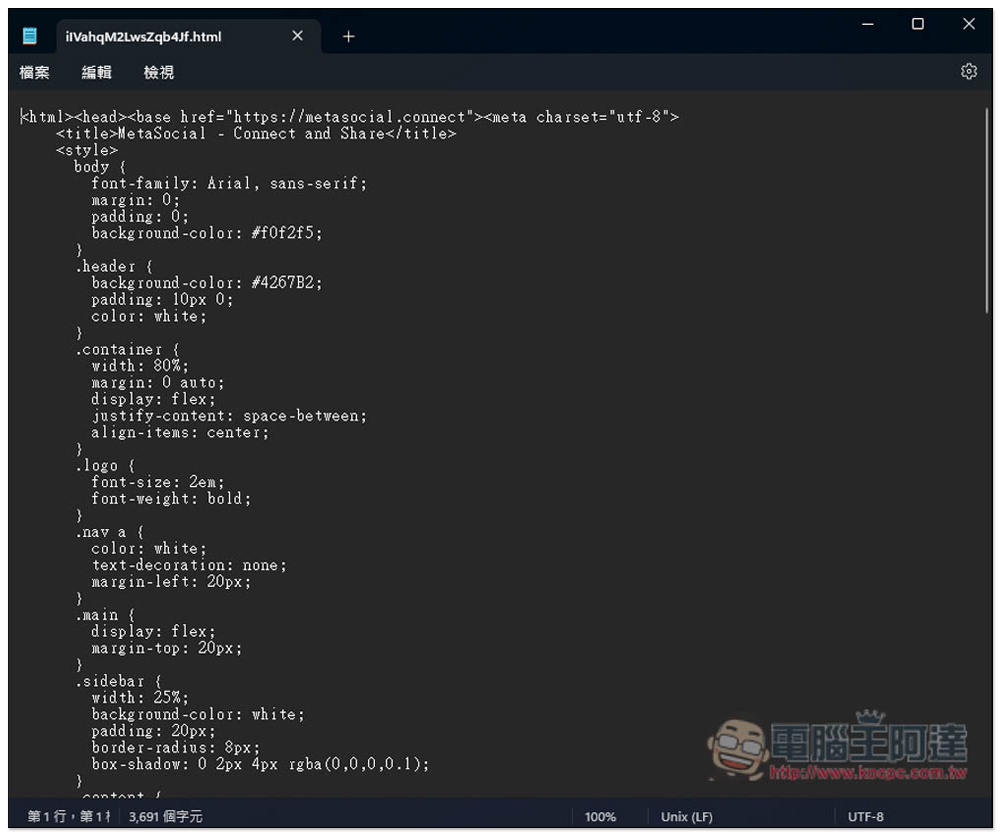
The downloaded file is in .html format, and when you open it you can see the webpage code:
Next, I tried creating a webpage similar to YouTube, and it also worked without any problems:

I want to have my own calculator tool, so enter create calculator:
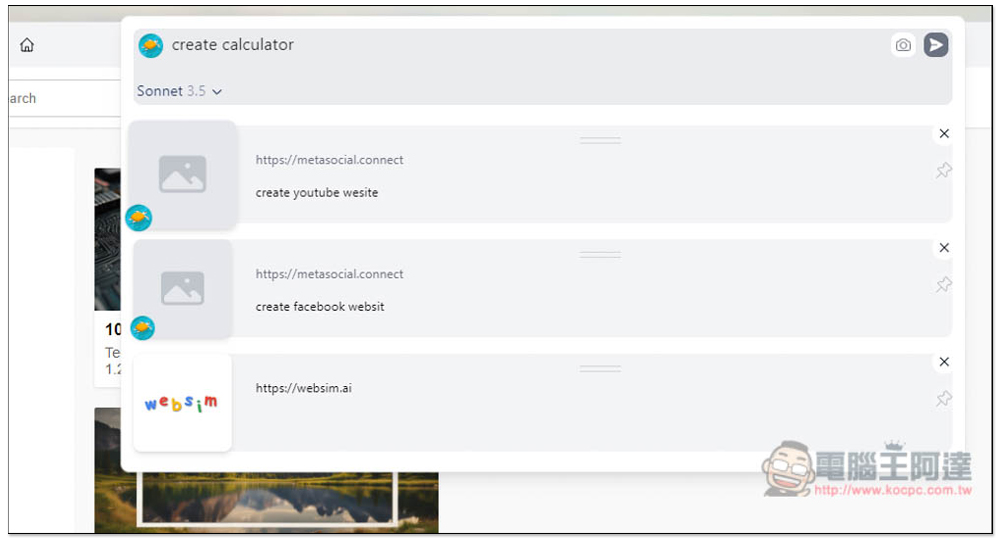
A few seconds later, the web version of the calculator appeared, and it looked very similar to the Apple version:
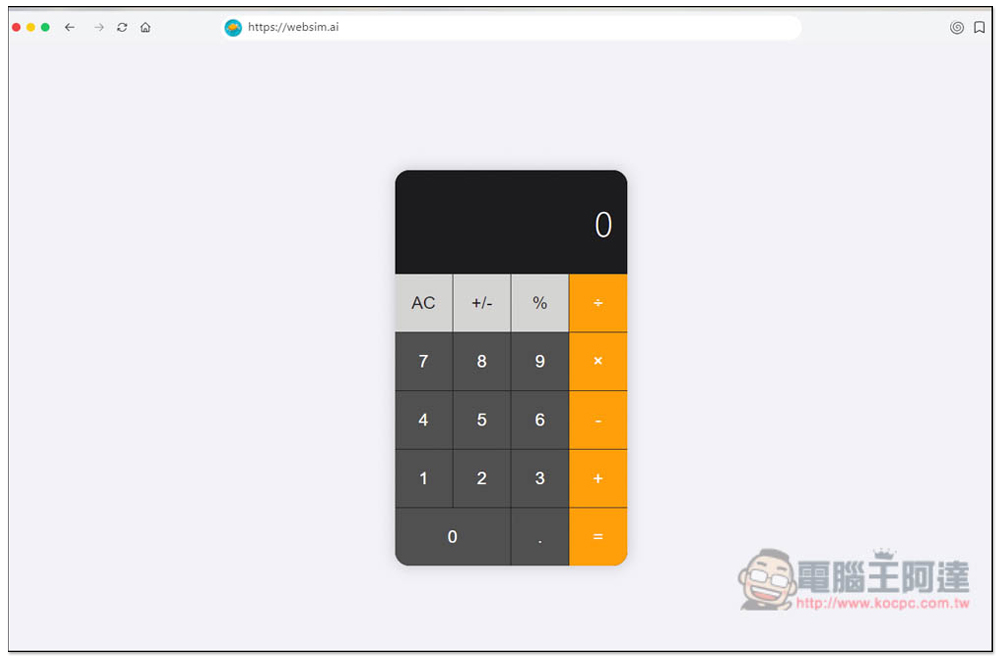
Moreover, this tool is actually functional, not just for show. That means if you can’t find the tool with the features you want online, you can easily create one with it.

Finally, I tried to build a racing game:
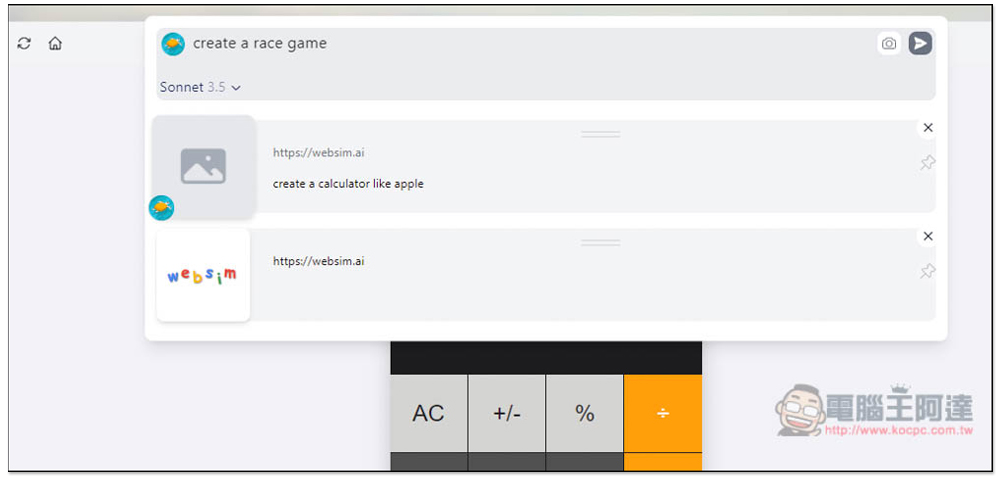
It’s indeed a racing game, but the graphics will only consist of geometric shapes:

Can also play, and you’ll still get points after losing:

A netizen used it to create a 3D Rolling Ball game:

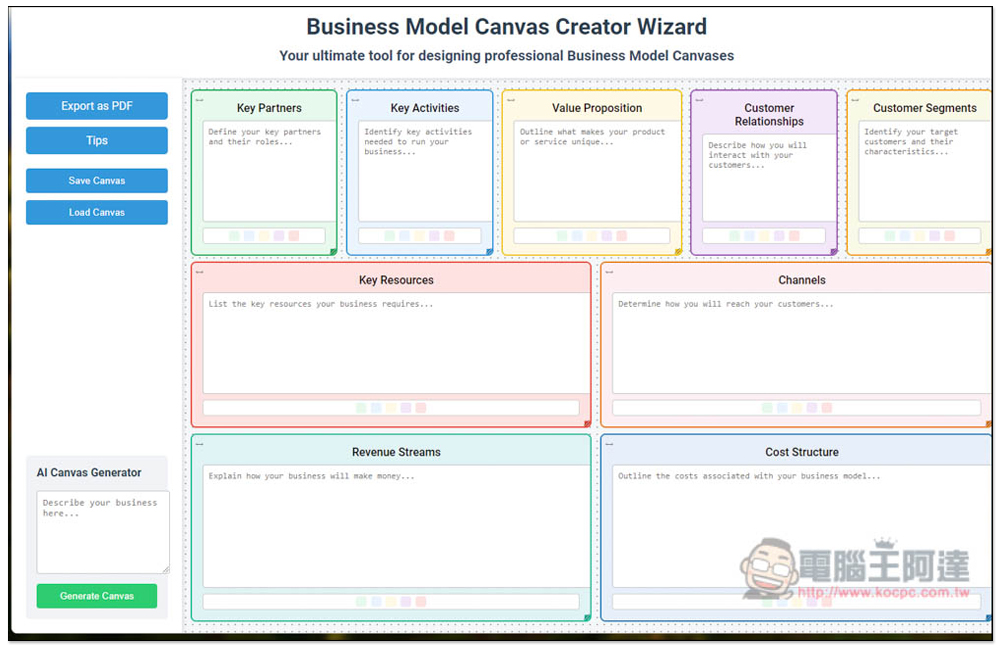
Even this kind of complex tool works fine:
Source: KOCPC Chinese