


Previously, we introduced NVIDIA’s own AI chatbot for RTX graphics card users, “ChatRTXAt that time, the only model was Mistral 7B INT4, and its Chinese support was not very good, so Chinese users might have felt it wasn’t very useful. The good news is that ChatRTX recently underwent a major update, not only adding more models (including some optimized for Chinese), but now it also supports video and audio recognition, making it even more powerful than the previous version.
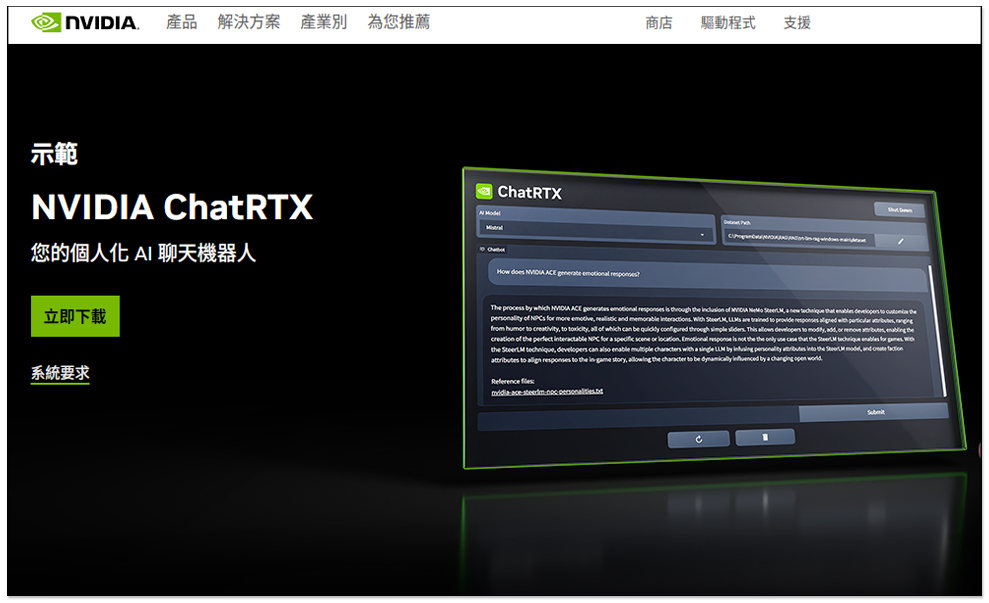
NVIDIA ChatRTX chatbot gets a major overhaul, adding support for more models, image recognition, and voice recognition.
NVIDIA ChatRTX recently announced a new update adding support for audio, video, and new LLM models, including Gemma, ChatGLM3, and Llama2 13B. Among them, ChatGLM3 supports Chinese.
Additionally, there’s OpenAI’s CLIP model (Contrastive Language-Image Pre-training), which lets ChatRTX users easily search images and photo content locally using text. For example, after setting a path, you can enter “Hiking in the mountains,” and ChatRTX will find photos in that path that match hiking.
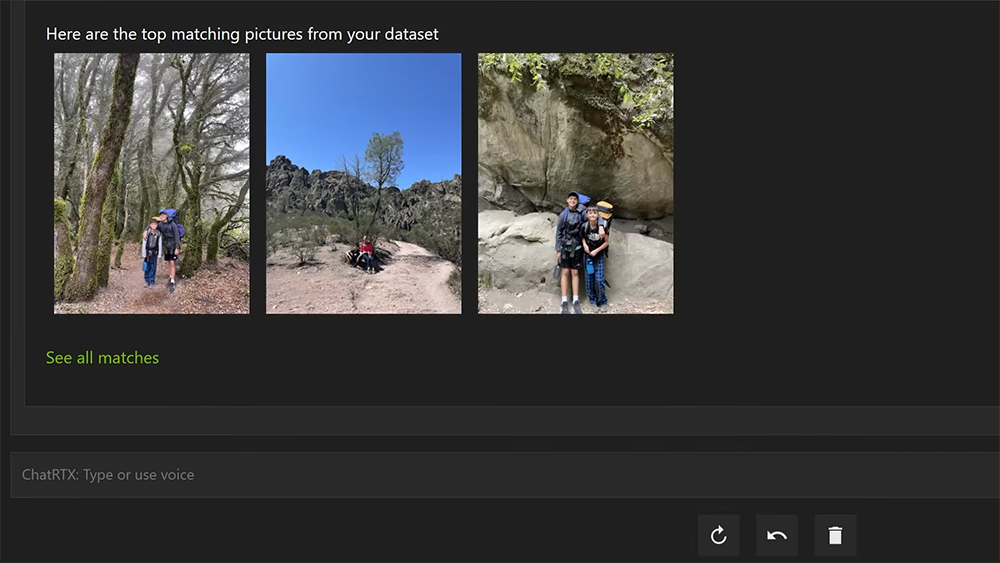
Official advertisement:
For those interested in trying out the new model, you can go to Download and install from the NVIDIA official website.but note there are hardware specification limitations—you must have an NVIDIA RTX graphics card:
- Operating System: Windows 11
- Graphics card: NVIDIA GeForce™ RTX 30 or 40 series, NVIDIA RTX™ Ampere or Ada Generation graphics card with at least 8GB VRAM
- Memory: 16GB or more
- Graphics card driver version: 535.11 or later.
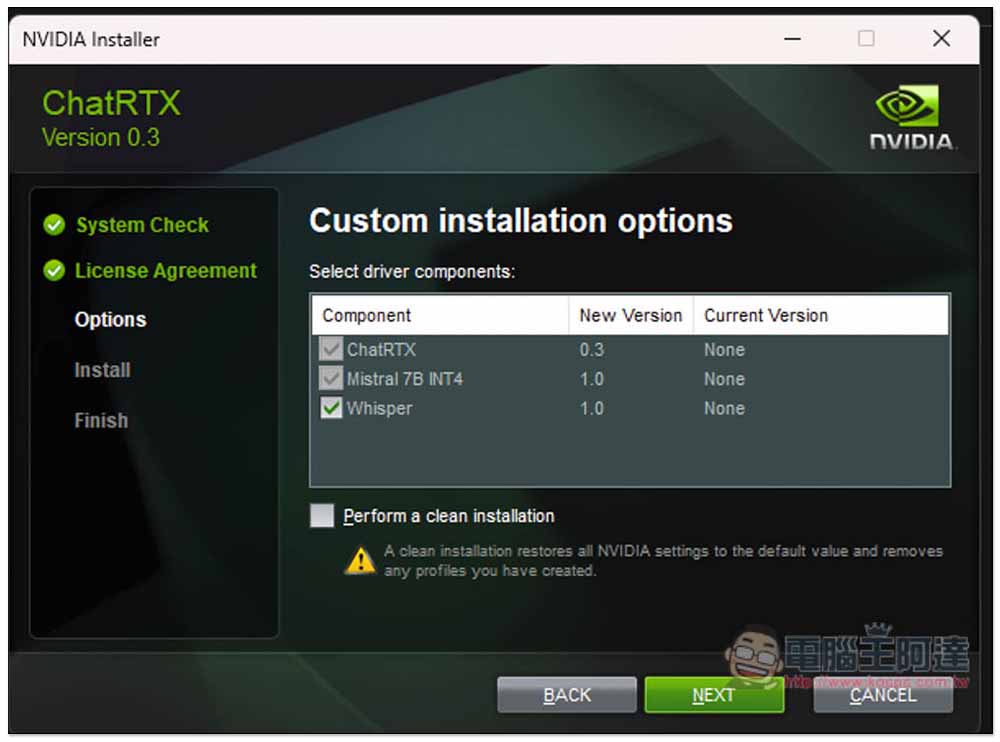
Unlike the previous version, the installation now includes an additional Whisper component for voice recognition, so you can chat with ChatRTX by speaking:
Once installed and opened, by default it will only download Mistral 7B int4. Click Add new models below to install new models:
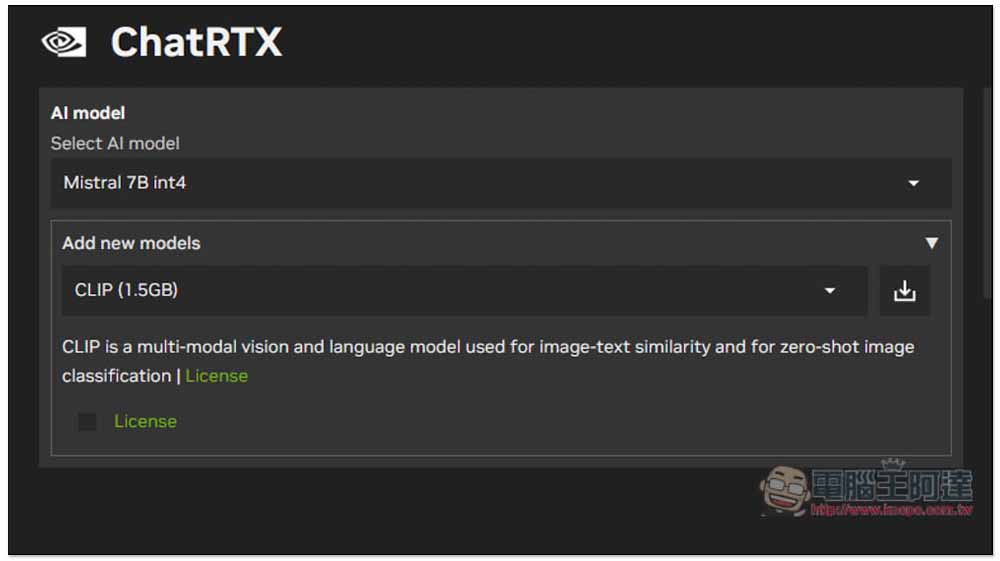
One more thing to note: the Google Gemma and Llama2 13B models require the GPU’s VRAM to be 16GB or higher. If it’s below that, they won’t appear, meaning they can’t be downloaded.
Like my RTX 3080 only has 12GB, which doesn’t meet the requirements, so only these two: ChatGLM 3 6B int4 and CLIP.
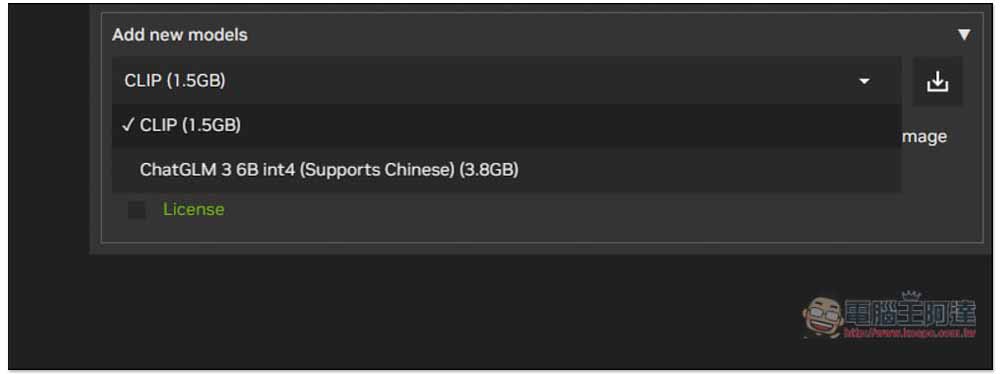
Select the new model you want to install, check the License below, and then download to start installation:
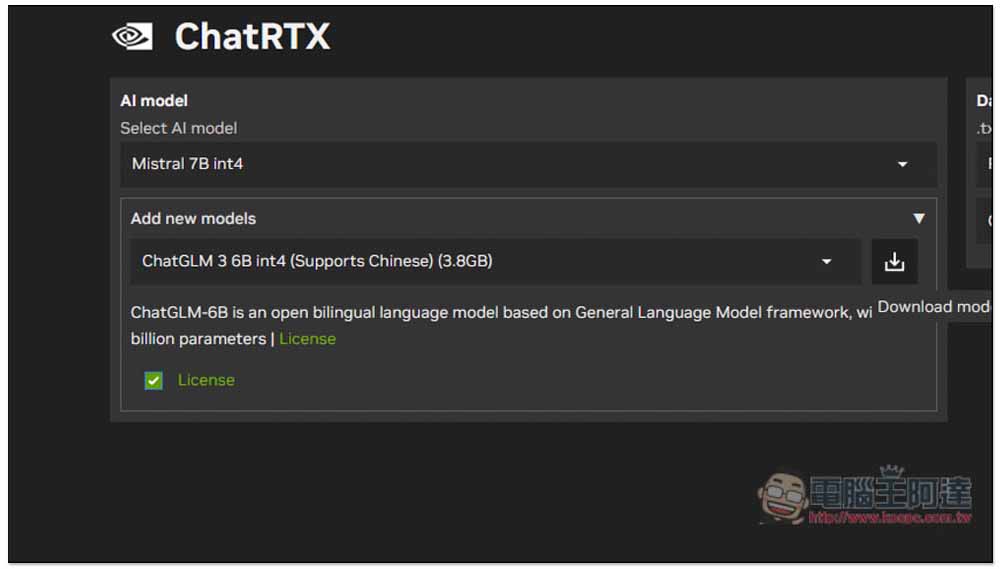
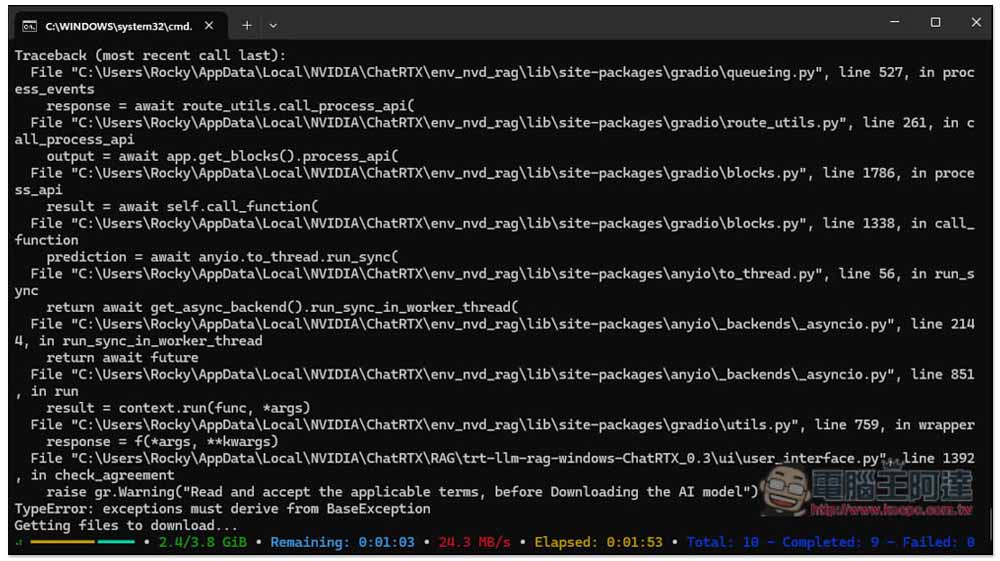
The model files are quite large, so they’ll take some time to download:
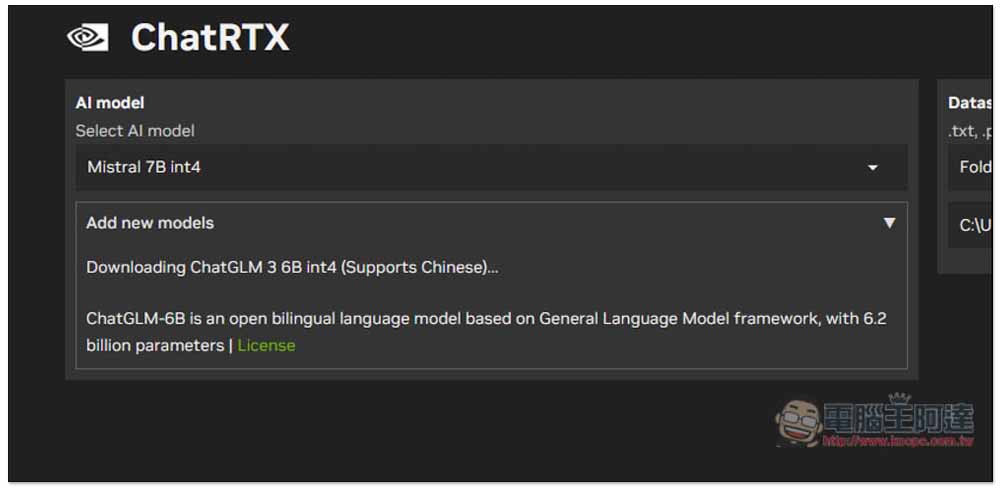
You can check the progress through the command prompt.
After the download is complete, an installation prompt will appear on the screen. Press INSTALL:
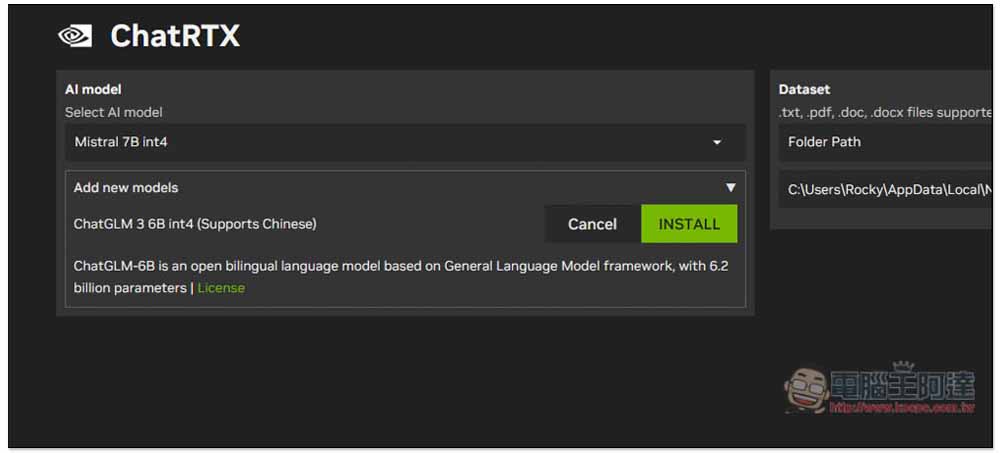
Wait for it to finish running and it will be installed:
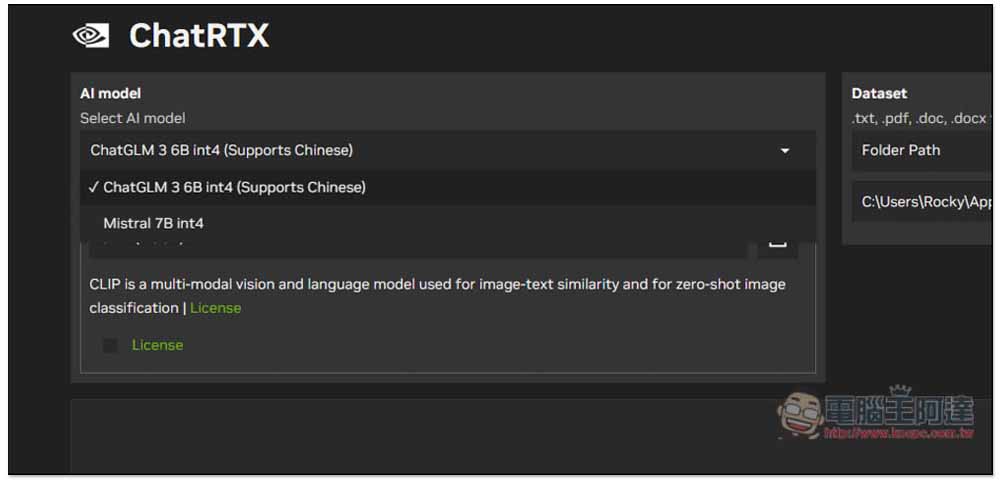
Next, in Select AI model, you can select the model you downloaded:
I tested ChatGLM. Although this model is optimized for Chinese, it occasionally still responds in English:
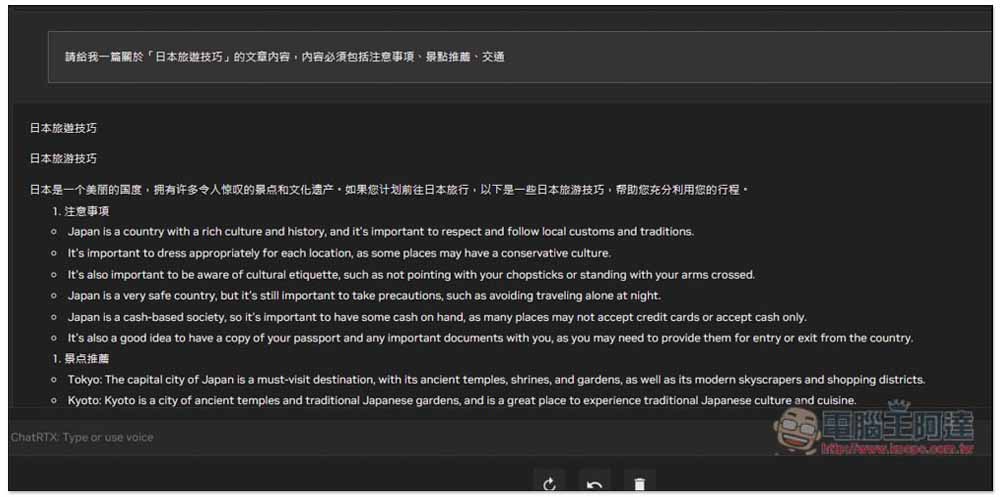
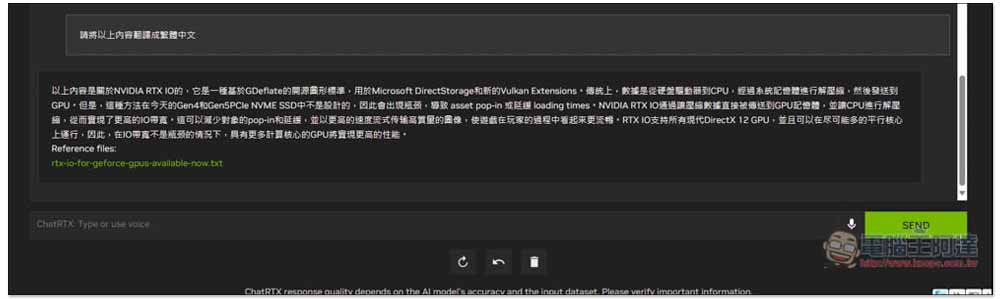
Moreover, it can only understand what’s currently being asked—there’s no way to ask it to process the content above. I tried asking it to translate the English content from just now into Traditional Chinese, and it answered with nonsense:
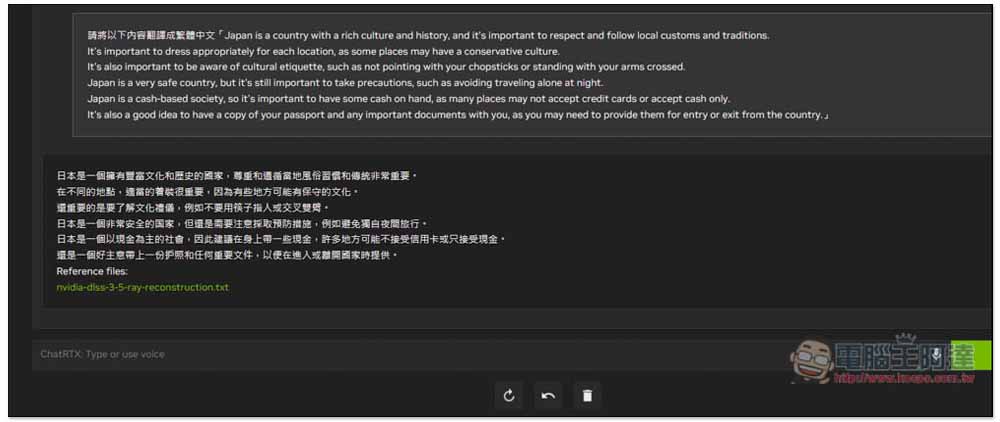
You must paste the content to be translated along with it, so it knows what to translate:
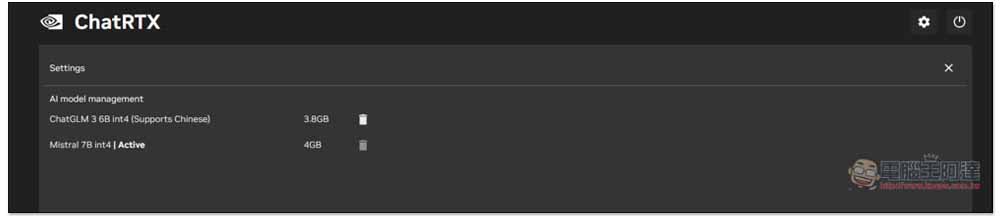
Click the gear icon at the top right to manage installed LLM models:
Source: KOCPC Chinese