

• About Us
King of Computer Media
  • Home
  • Tech News
  • AI News
  • Apps & Tutorials
  • Mobile & Telecom
  • Lifestyle
  • About Us
No Result
View All Result
  • Home
  • Tech News
  • AI News
  • Apps & Tutorials
  • Mobile & Telecom
  • Lifestyle
  • About Us
No Result
View All Result
King of Computer Media
No Result
View All Result

Home - iOS Software and Jailbreak Articles - Splashtop Wired XDisplay HD is free for a limited time only! Turn your iPad into a second screen for Windows and Mac computers and save $19.99

Splashtop Wired XDisplay HD is free for a limited time only! Turn your iPad into a second screen for Windows and Mac computers and save $19.99

Rocky by Rocky
July 21, 2021 - Updated on August 4, 2026
in iOS Software and Jailbreak Articles, iPhone/iPad software introduction

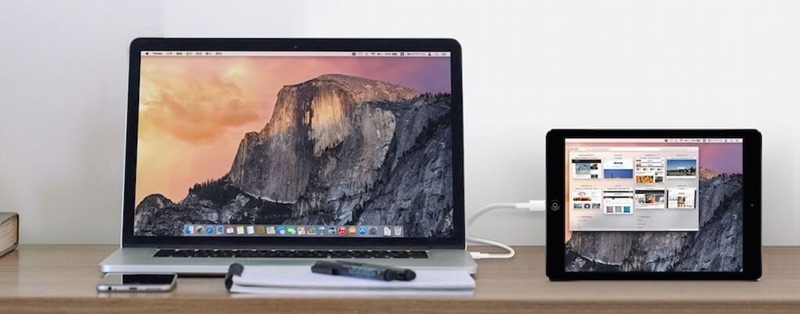
Splashtop is a very well-received app that “turns your iPad into your second screen”. It is implemented through a wired connection, so the transfer speed is very good. The HD version also boasts that it can achieve 1080p 60fps effect. In the past, this app had to be paid. The HD version was US$19.99, and the regular version was 9.9 US dollars, all are now free for a limited time, you can easily get it without spending a dime, don’t miss it if you need it. Both Windows or macOS can be extended.

wiredxdisplay_2-minified

Splashtop Wired XDisplay Limited Free Promotion Introduction

  • Splashtop Wired XDisplay download link
  • Splashtop Wired XDisplay HD download link

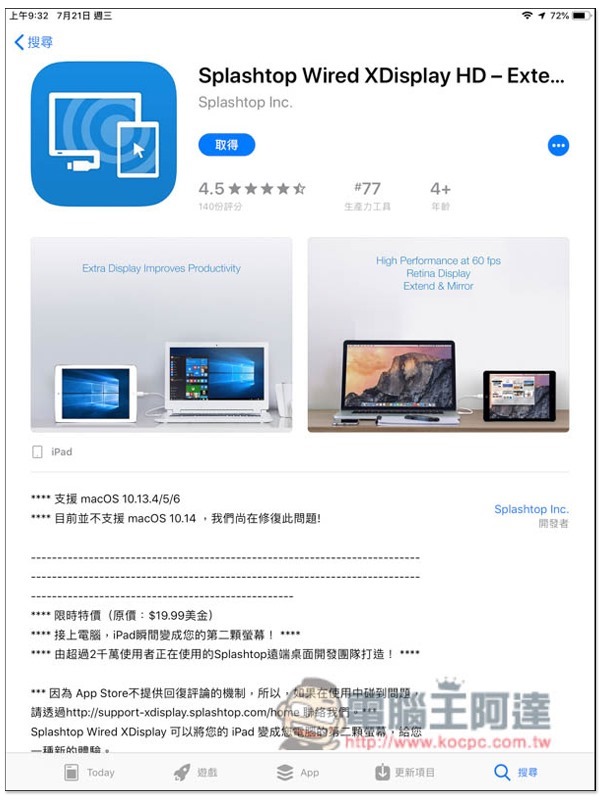
Now after entering the Splashtop Wired XDisplay App download page, you will see the free message. The developer did not mention how long the free period will be, so it is recommended to get it as soon as you have time:
IMG_0005

To use it, you need to install the desktop version of Splashtop on your Windows or macOS computer.Official websiteIt’s free to download, I’m taking the Windows version as an example.

After opening, the screen refresh rate and image quality defaults are normal. Those who want a higher rate can manually adjust it to “high”:

2021-07-21_110439

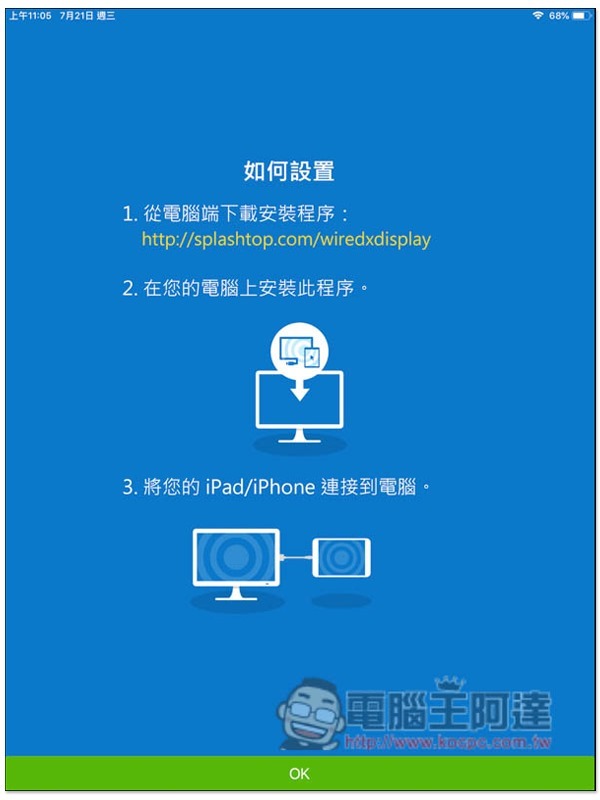
After opening the Splashtop Wired XDisplay App on iPad, the screen will also prompt that the computer needs to install the application. If you have already completed it, please click OK directly:
IMG_0006

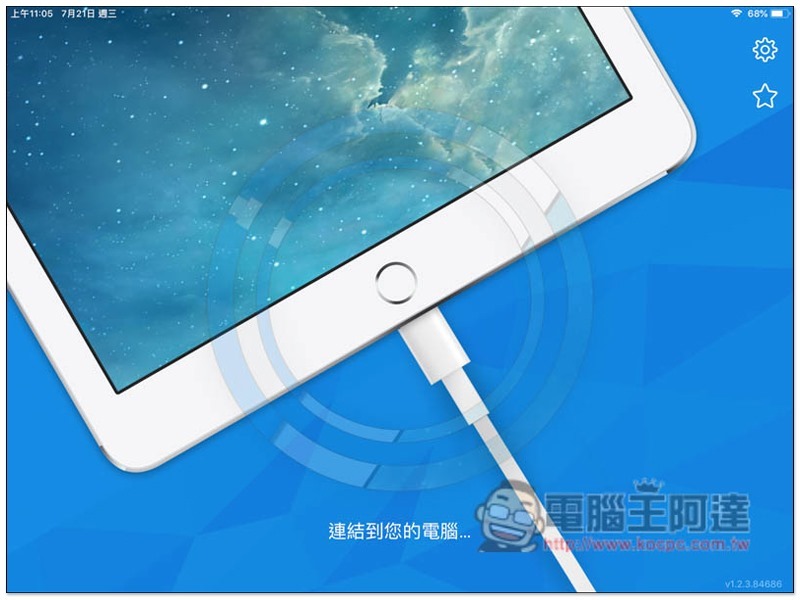
Then connect the Lightning cable to the iPad and computer:
IMG_0007

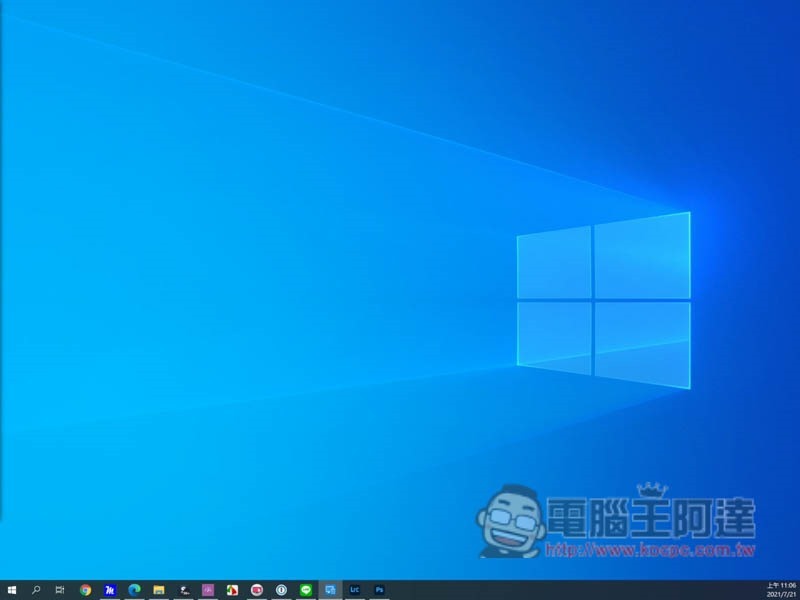
After the setting is completed, the iPad screen will become the second screen of the computer. The default is extended, and it can also be changed to mirror mode, depending on your needs:
IMG_0008

The computer’s monitor settings can also adjust the arrangement:
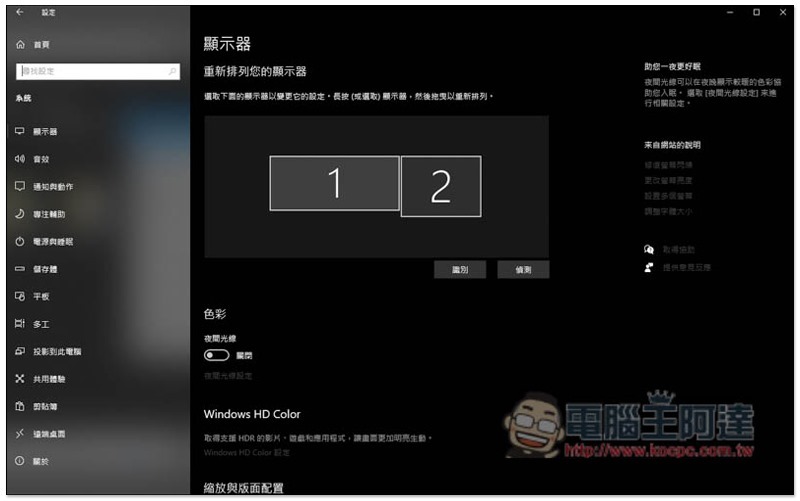
2021-07-21_110700

This set actually also has an Android version, but you still need to pay to use it, and the iPhone version is free. However, I personally feel that the iPhone is a bit small and difficult to use as a second screen for a computer, and the iPad is still easier to use.
wiredxdisplay_1-minified

Apple iPad mini 5 開箱 、評測 內在配置全面升級

Source: KOCPC Chinese

Tags: iPad

Recent Posts

  • The Xiaomi Pad 8S Pro has passed network access certification and will debut with the self-developed XRING O3 chip.
  • The entire Google Pixel 11 lineup has been leaked! Official promotional renders of the Pixel 11 Pro XL have also surfaced
  • Are Chinese phone battery capacities falsely labeled? A brief look at the “capacity locking” phenomenon in Chinese silicon-carbon batteries.
  • NCC is leaderless, recklessly sending out national-level alert messages!?
  • What does “QR” in QR Code mean?

Recent Comments

No comments to show.
  • About Us

We welcome partnership inquiries and product review opportunities from smartphone manufacturers, iPhone accessory brands, and app developers.koc kocpc.com.tw|Privacy Policy |Hosting & Maintenance: Fast Line Taiwan, A-Chang Digital Technology

No Result
View All Result
  • Home
  • Tech News
  • AI News
  • Apps & Tutorials
  • Mobile & Telecom
  • Lifestyle
  • About Us

We welcome partnership inquiries and product review opportunities from smartphone manufacturers, iPhone accessory brands, and app developers.koc kocpc.com.tw|Privacy Policy |Hosting & Maintenance: Fast Line Taiwan, A-Chang Digital Technology