


Sometimes when recording your life with iPhone, you may want to add important shooting dates, such as the moment your child was born, your partner’s birthday, and finally getting the thing of your dreams. However, the iPhone’s built-in camera and photo app do not have this function. This article will recommend a good free “Time Stamp Camera” app. Whether it is an old photo or a new photo, it can automatically add the shooting date for you, and it also provides a variety of time and date format options, and the quality is very good.

Time Stamp Camera Free App Introduction
When you open the Time Stamp Camera App for the first time, you need to allow permissions. Remember to click “Allow access to all photos” so that it can read your iPhone photos:
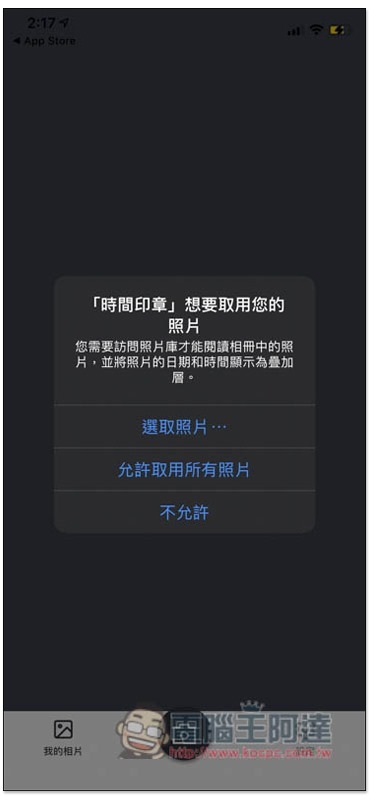
The homepage will display all your iPhone photos, but the function of adding time and date is not here. Please click the camera icon in the middle:

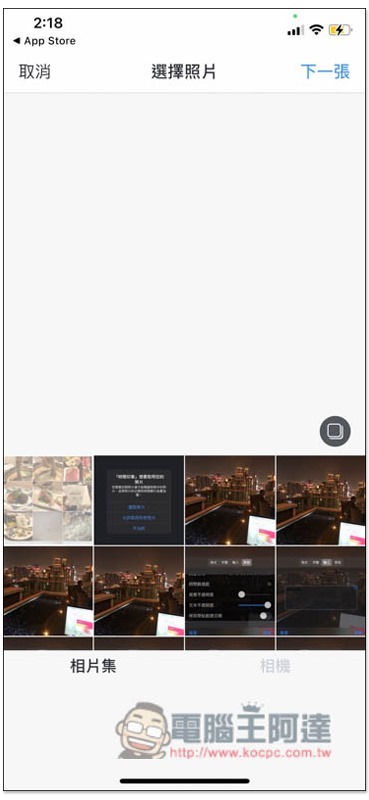
It will then jump to this page. There are two types: “Photo Album” and “Camera”. The camera will take pictures directly and add time format. If you want to use old photos, select from the photo album:
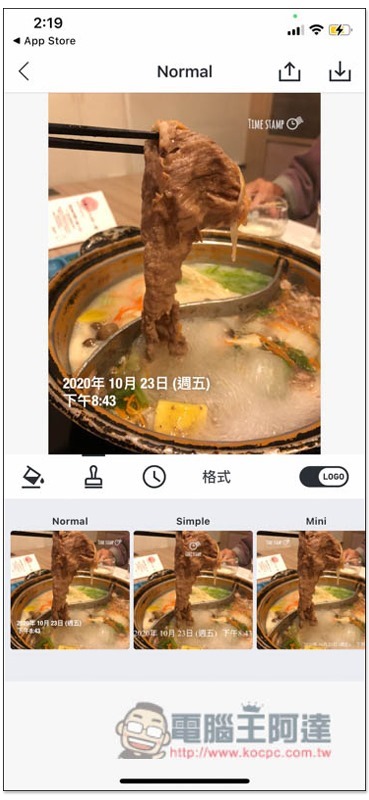
After selecting it, it will automatically find out the shooting date from the photo’s Metadata and add it to the photo, so there is no need to set it manually. There are more time stamp options below, you can switch by swiping left or right. In addition, there will be a TIME STAMP watermark in the upper right corner of the photo. If you don’t want it, please click the Logo on the right to turn it off:
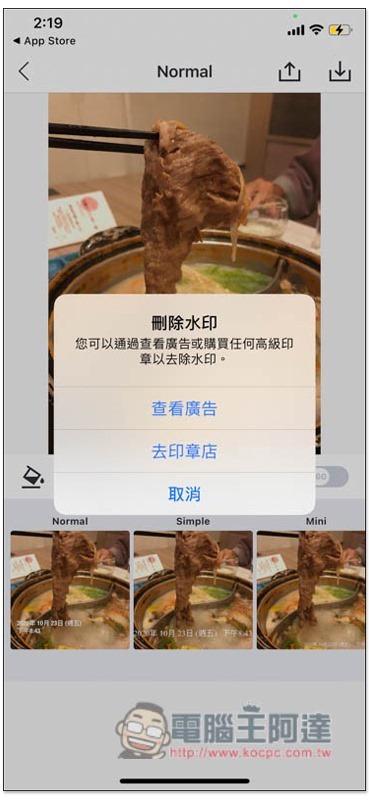
The free version can also be removed, just watch the ads:
Like this, the watermark disappears after watching the ad:

Then it depends on which time stamp you like. The one pictured below is quite suitable for use on the album cover:
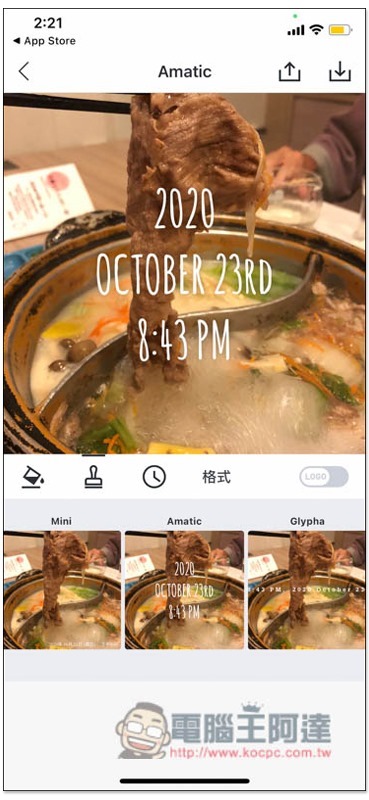
There is also this very simple time stamp:

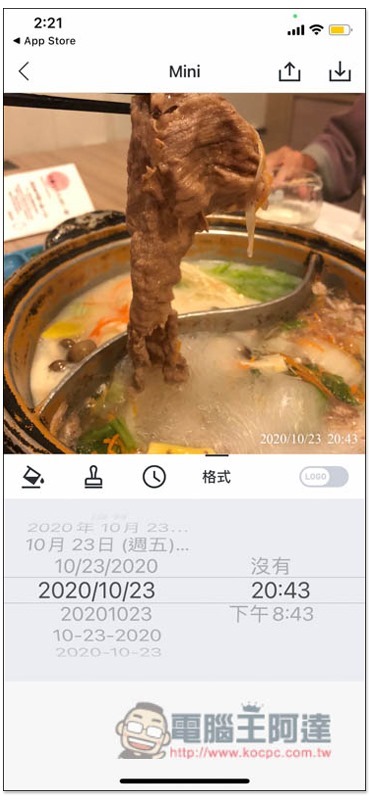
The time format can also be modified. If you don’t like Chinese characters, just change it to plain text:
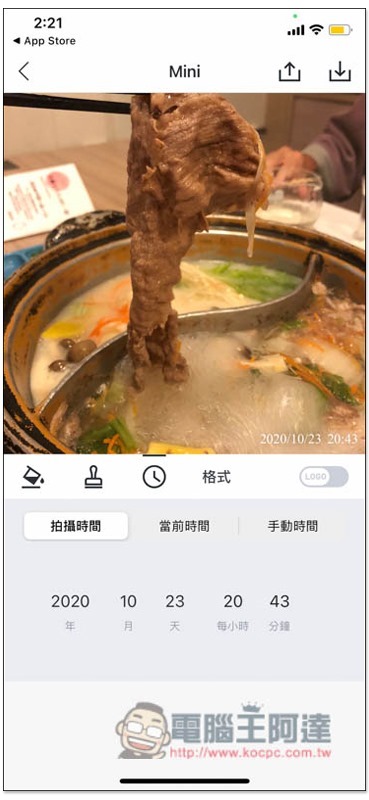
You can also manually adjust it to other times if you need:
Of course, the color can also be modified. After everything is set, press the down arrow in the upper right corner and it will be saved to the iPhone photo:
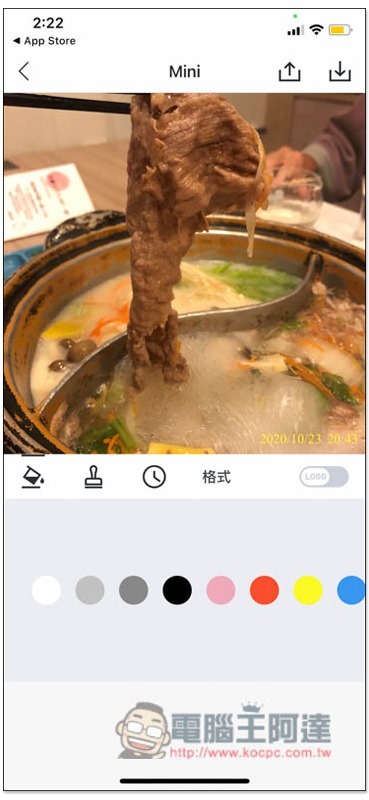
As shown below:
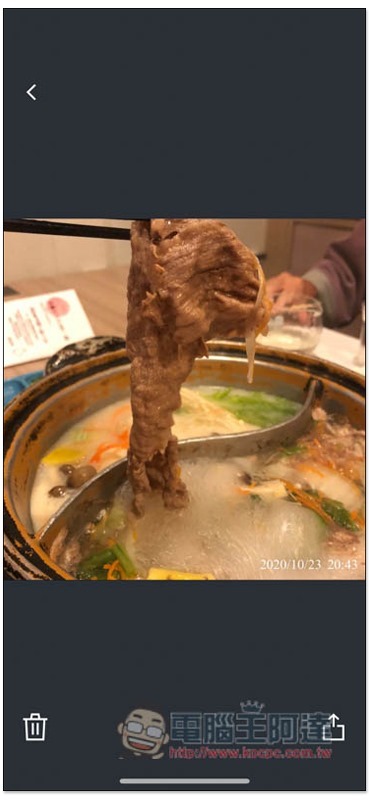
There are also some advanced features in the settings, such as screen lock and whether to save the original photos when shooting with the camera:
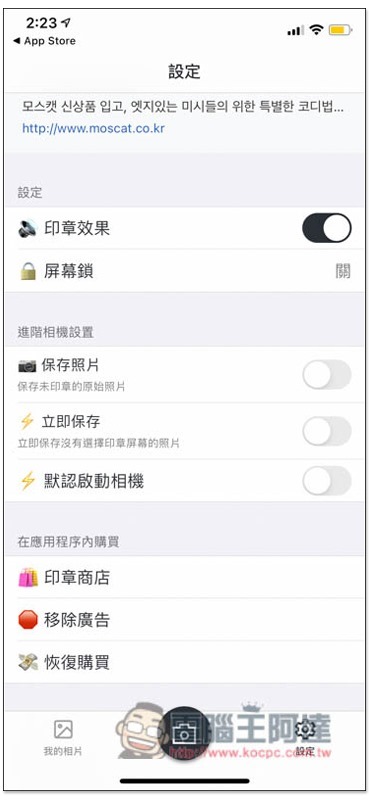
If you are tired of using the built-in time stamps, or can’t find a suitable choice, this model also provides in-app purchase services. There are more beautiful stamp packages, and the price is not expensive:

Supplementary information
- Time stamp camera download page:Click here to go
Source: KOCPC Chinese