


Modern people are really busy every day. Just browsing a web page may open many tabs to watch live broadcasts, listen to music, follow TV series, etc., and there are many contents played together at the same time. Although it can be multi-tasked, sometimes multiple web pages are played at the same time, and individual volumes must be adjusted separately so as not to affect each other, of course! It is troublesome to adjust the volume one by one when opening so many pages. The Chrome plug-in “Volume Master – Volume Controller” introduced today can not only quickly switch all the web pages currently playing sound effects, but also adjust the volume of each web page separately, so that different web pages have different volumes. Not only that, if the volume on your computer and web pages has been turned up to the maximum, this set of plug-ins can also make the volume exceed the original 100% limit, making the sound of the web page become super loud!
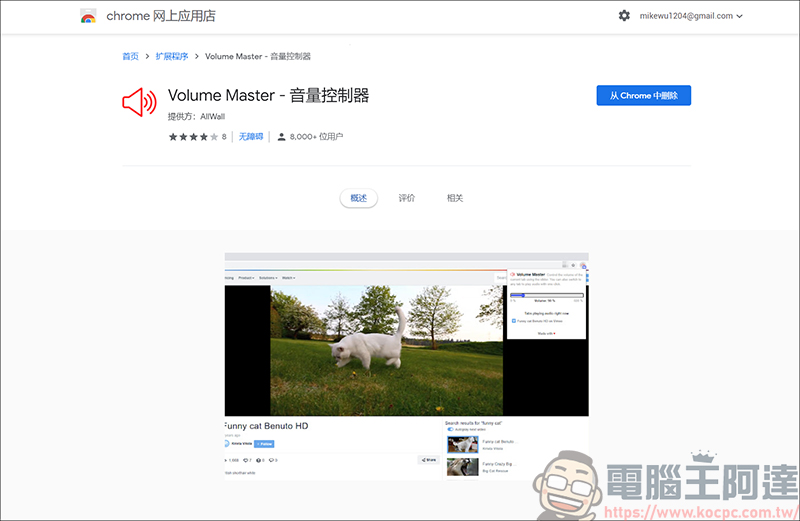
Volume Master – volume controller
First download the Chrome app Volume Master – volume controller, here we test by continuously opening Youtube and FB videos:

Click on Volume Master – Volume Controller. You can see that there is volume and there are currently three web pages that are playing sound effects. As long as there is an action for playing sound effects on the web page, it will appear on this page. You can quickly switch to it with just one click:

If you happen to be following a drama or watching a live broadcast, you will usually adjust the volume separately on the web page. The Volume Master – volume controller can also handle this matter. Switch the web page and directly adjust the value. In this way, you do not need to adjust the volume of the original web page. You can turn one down and the other up, and you can focus on several things at the same time:

In addition to the above functions, it can also exceed the volume of web pages. Assuming that the volume of your computer and web page has been adjusted to the loudest, and you still want to output more, you can increase the volume to the maximum 600% through the Volume Master – volume controller. However, in actual testing, the sound quality listening experience is not very good when adjusted to 600%. About 2-300% is optimal:

Source: KOCPC Chinese