


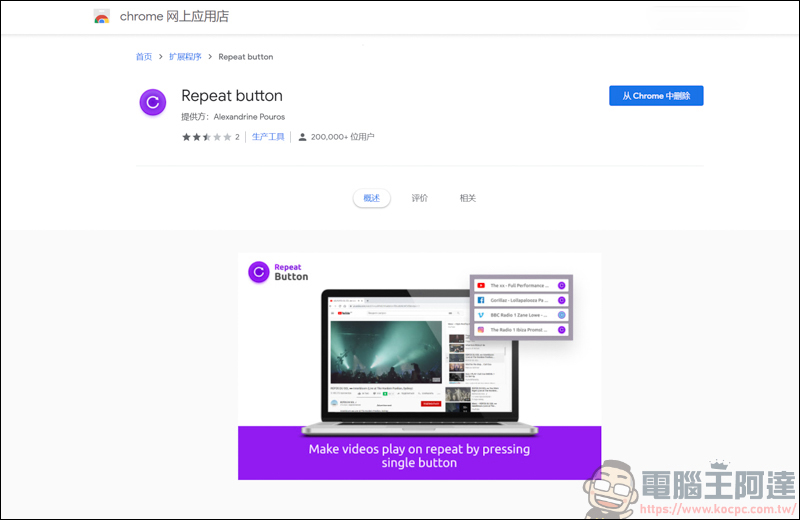
This time I introduce the Chrome plug-in「Repeat button” is a very, very, very simple plug-in. Just install it and click ” when watching FB or Youtube.Repeat button”, it will automatically play repeatedly! There is no need to link to other web pages or enter text in the URL to automatically play again. Although Youtube videos can be played repeatedly by right-clicking, “Repeat button“But it can be played in a loop on some popular video websites and HTML5 videos, and even some…veterans, you know!
(Download URL)
Repeat button Click to repeat playback
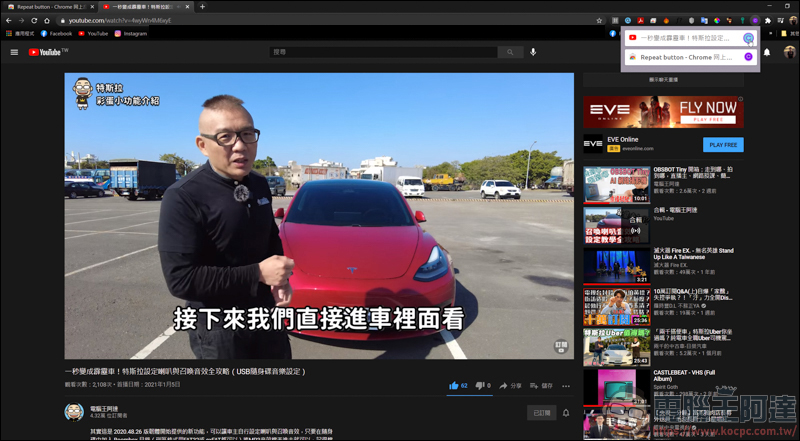
After installing the Repeat button, you can see the Repeat button in the plug-in on the upper right. First, test Youtube. Just click on the Repeat button and you will see the current paging. Click the Repeat button next to the Youtube page and the video will be played continuously (Ps. Youtube can be played repeatedly by just right-clicking the mouse):
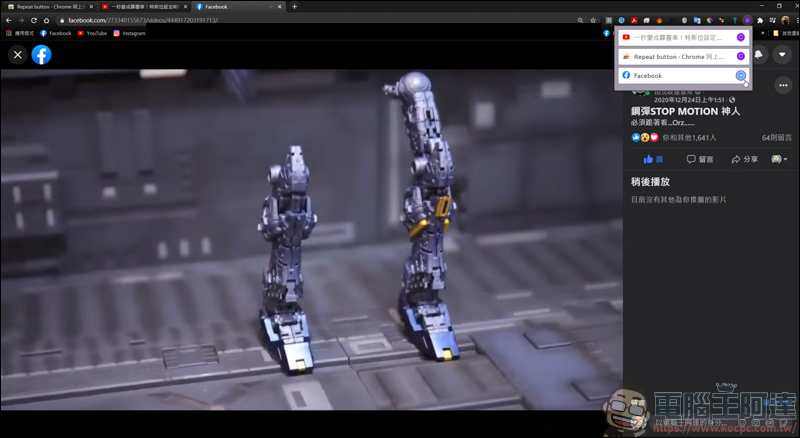
There are also some interesting videos on FB. If you want to play them repeatedly, just click the Repeat button:
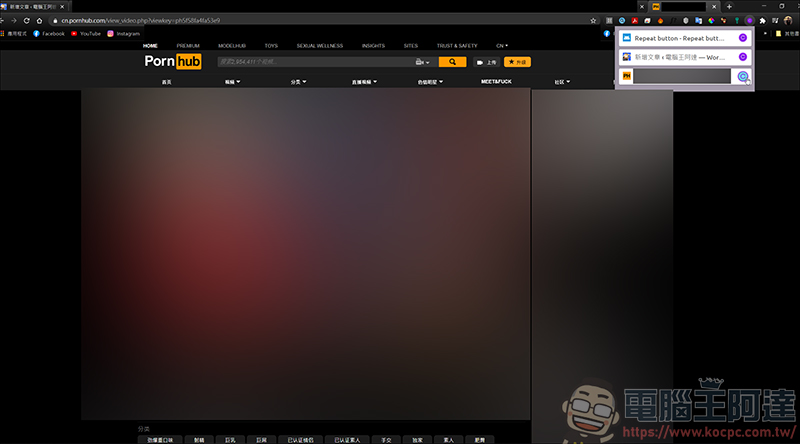
Of course, it would be too boring if it was just like this. Many veteran drivers often visit the P station, which can also be played repeatedly… You can watch it as long as you want. Of course, this also depends on the ability of the veteran drivers XD
Source: KOCPC Chinese