


In the past, if you wanted to practice your English typing speed, you had to install software on your computer. Nowadays, there are many useful English typing practice websites on the Internet. Typelit.io, which is introduced in this article, is one of them. It provides a large amount of foreign classic literature, unlike some websites that only provide simple sentences, allowing us to improve our English typing speed while absorbing foreign literature, and there are no ads. In addition to English, it also provides French, German, Italian, Spanish, etc. For those who want to improve their typing speed in these languages, you can also use this website. Here is a quick introduction to you.
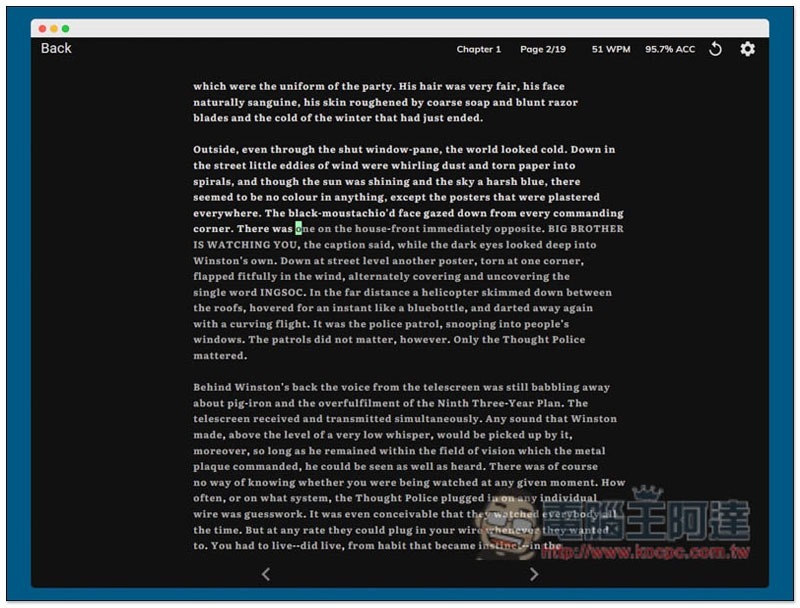
Typelit.io is a website that uses foreign literature to improve English typing speed.
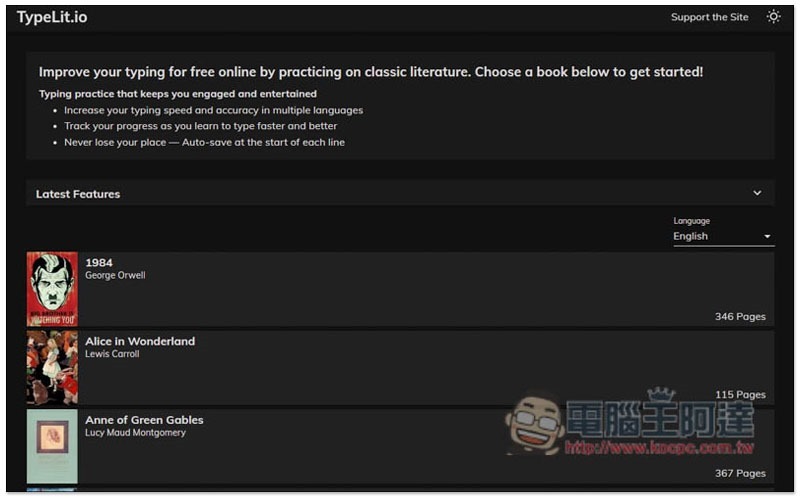
The Typelit.io website interface is designed very cleanly.After entering the homepage, the foreign literature currently available is listed below. In English, there are more than 40 books such as “1984”, “Alice in Wonderland”, “Anne of Green Gables”, “The Art of War”, “The Call of Cthulhu”, “Candide”, “The Count of Monte Cristo”, etc. The number of pages is marked on the right side of each book:
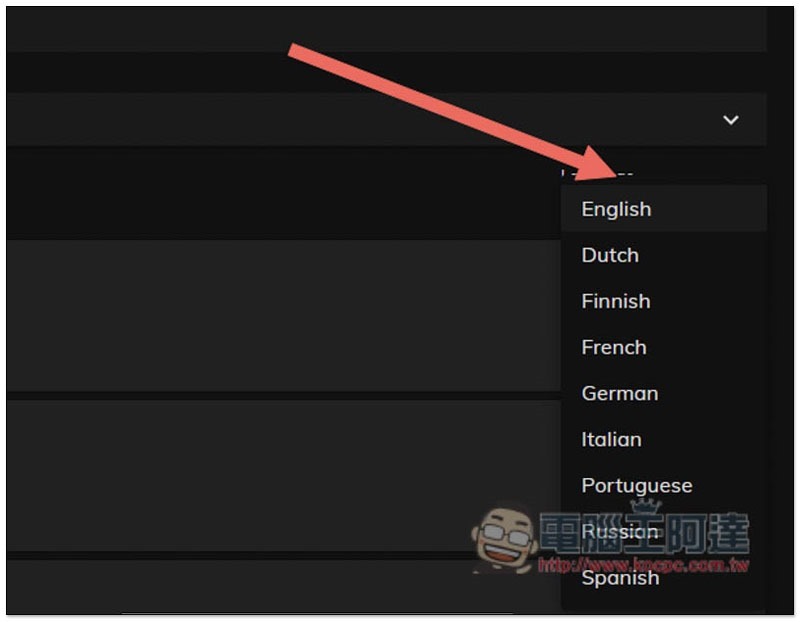
Click the Language menu on the upper right to switch to literature in other languages, such as Dutch, Finnish, French, German, Italian, Portuguese, Russian, and Spanish. However, the amount of literature in other languages is not as large as English:
Taking English literature as an example, after you find what you are interested in, you can start practicing:
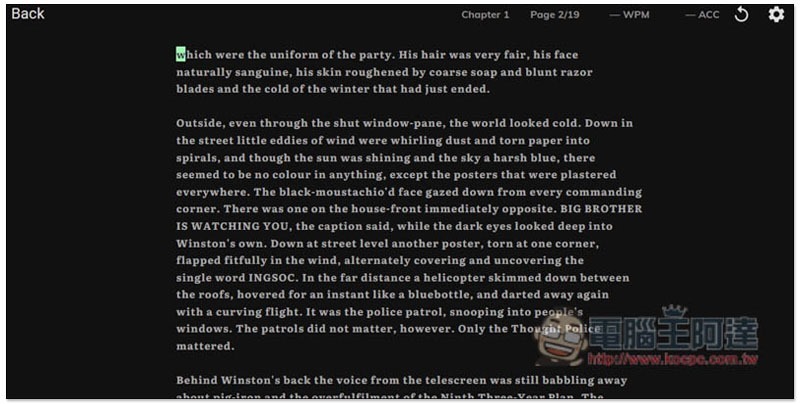
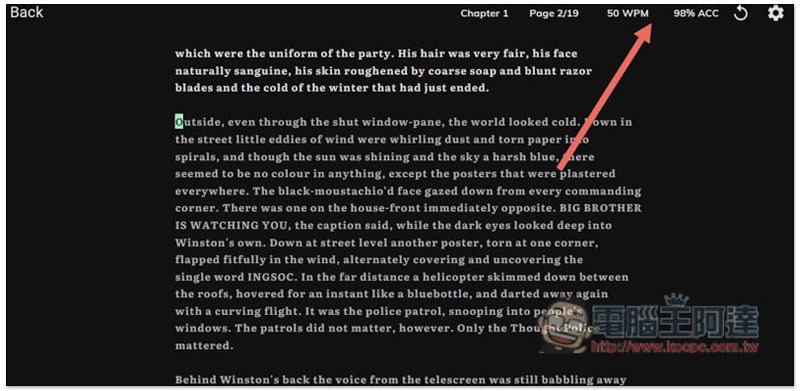
During the practice, your hitting speed (WPM) and accuracy will be counted in the upper right corner in real time. The accuracy part will be calculated even if you delete it and replay:
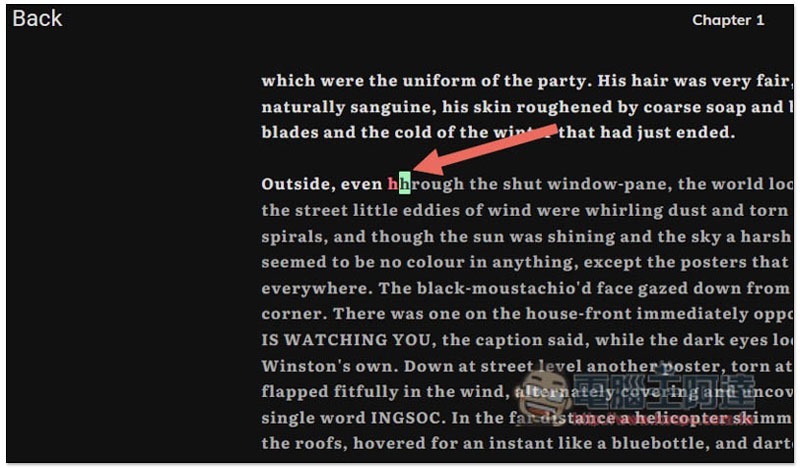
If it displays red, it means you made a typo:
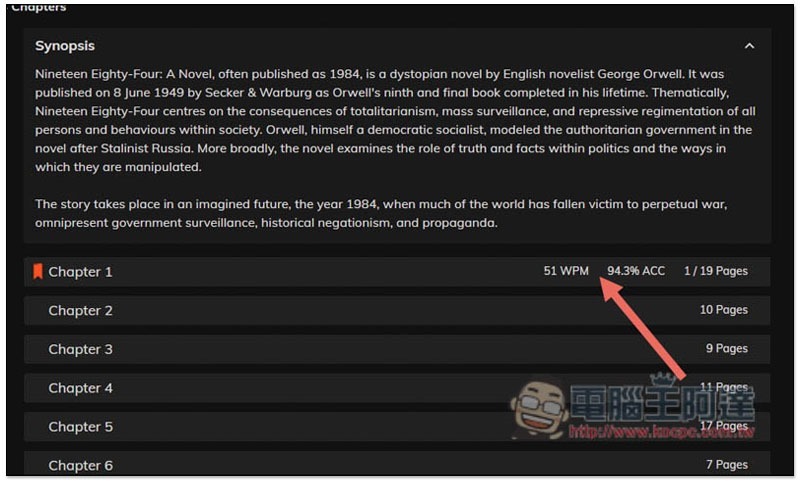
The website will record the final data at any time, even if you close the website and come back in again. This is not bad. There is no need to press archive if you are not finished. But remember not to delete the browser cache, otherwise the record will disappear:
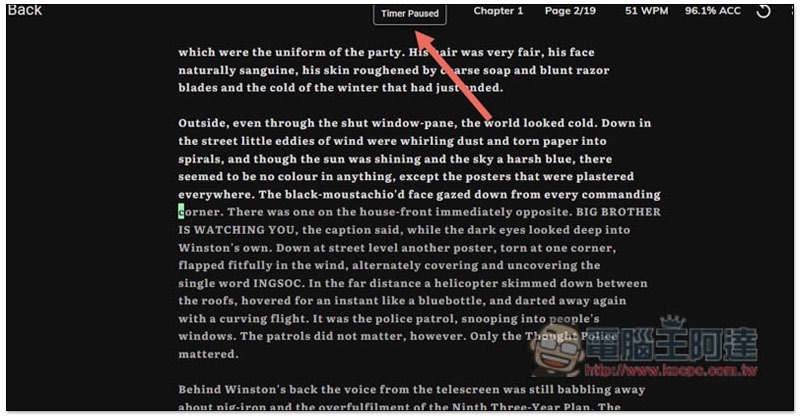
After returning from Zhongli, the words “Timer Pause” will also be displayed at the top:
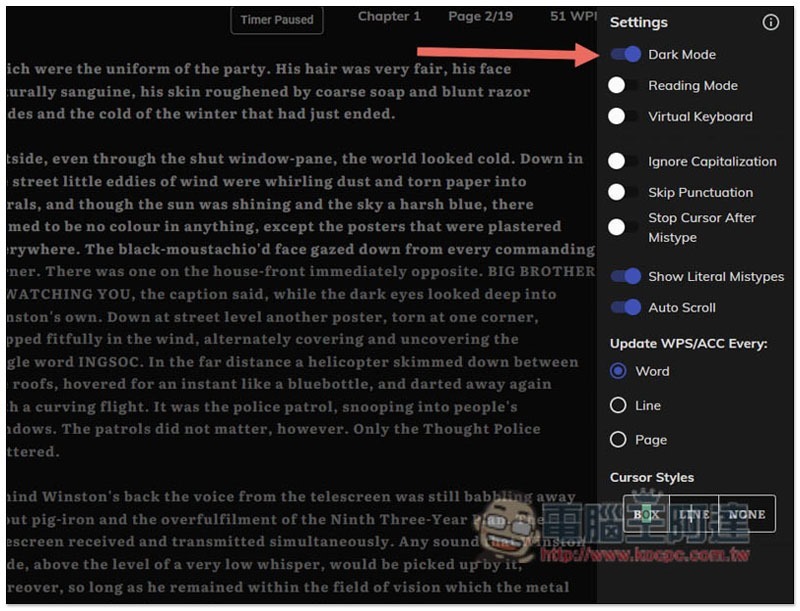
There are more settings in the upper right corner. This website has dark mode enabled by default. People who don’t like it can turn it off:
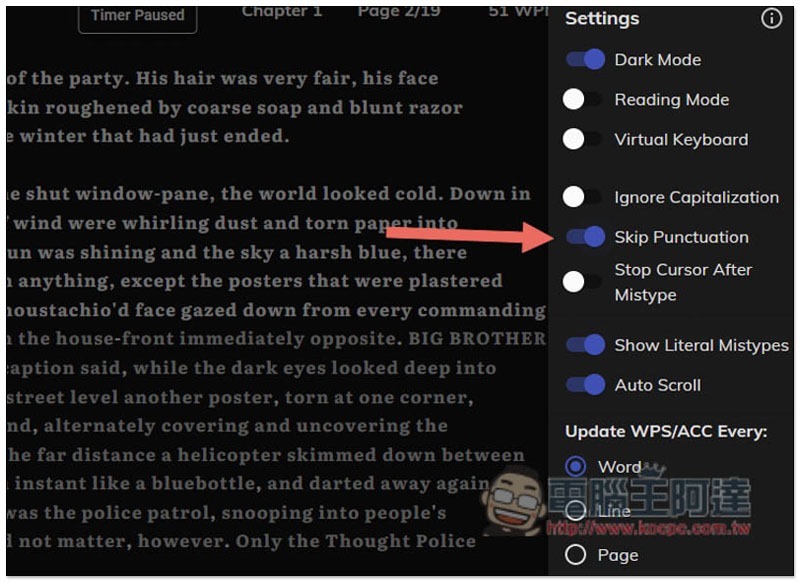
People who just want to practice English typing and don’t want to worry about punctuation can turn on Skip Punctuation, but they still have to press the space key themselves:
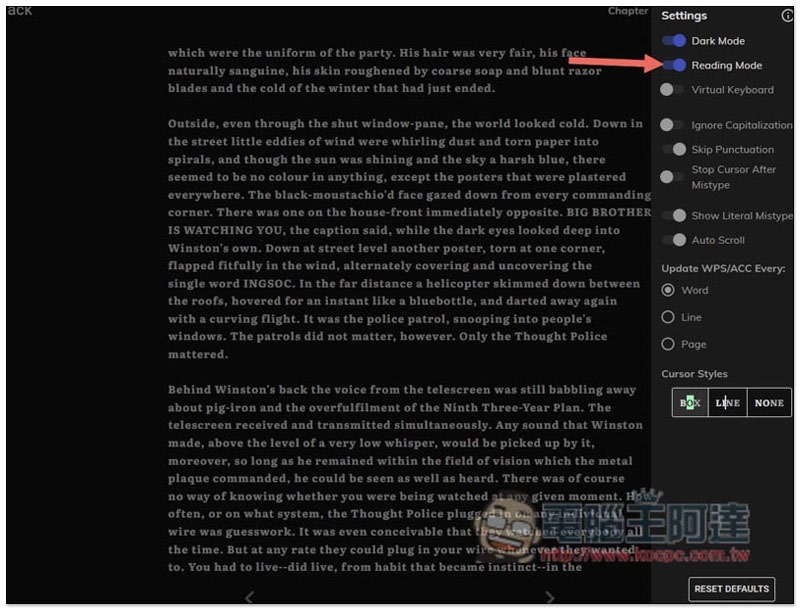
For those who are interested in reading these literatures, this website also provides a reading mode. Once Reading Mode is turned on, the English typing practice function will be turned off, allowing you to concentrate on reading:
Supplementary information
- TypeLit.io website:Click here to go
Source: KOCPC Chinese