


Although Microsoft encourages Windows 10 users to upgrade to the latest version, everyone knows that every new update will release packages and various bugs will appear, so most people still prefer the older version. The Windows ISO files provided by Microsoft are all the latest versions, so it must be a headache for people who want to download older versions of Windows 10. This article will tell you a very simple method. Through this software on the foreign GitHub website, you can easily download the specified version you want. The file source is still from Microsoft official.
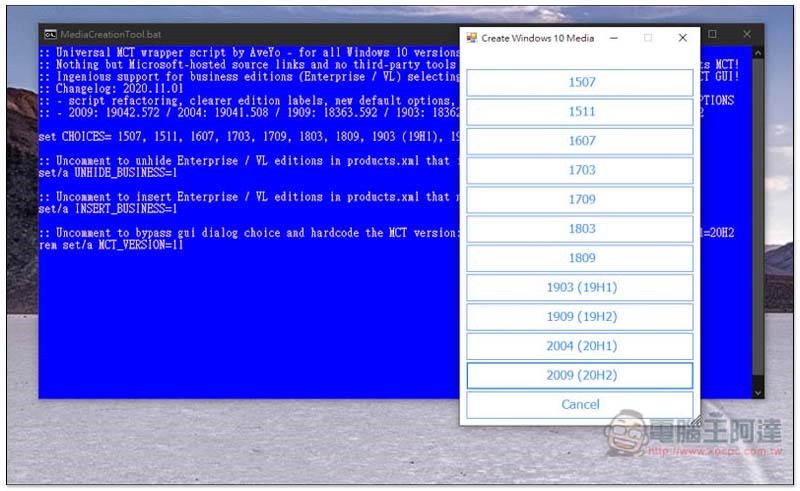
How to download an ISO file of an older version of Windows 10?
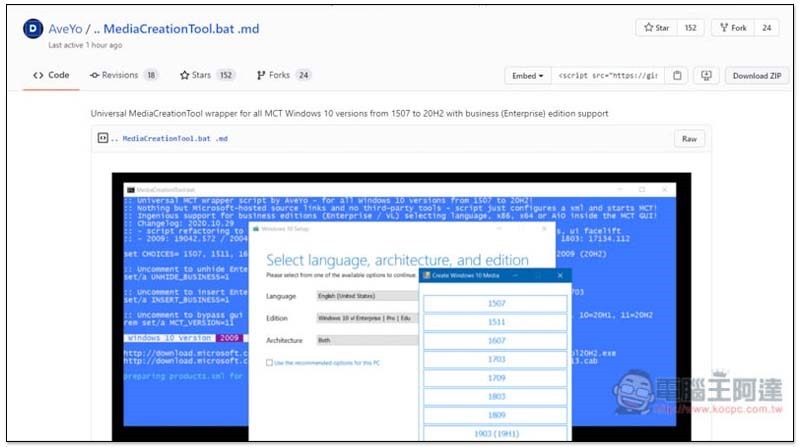
An AveYo user shared the MediaCreationTool.bat file he created on the GitHub website. This file can activate the function of downloading the Windows 10 version specifically.After clicking me to enter the GitHub page, press the Download ZIP button in the upper right corner:
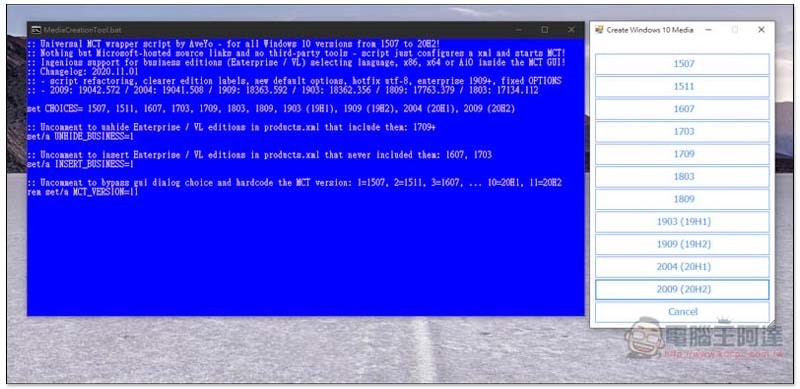
After downloading, unzip it and click on the MediaCreationTool.bat file. This screen will appear. On the right, you can select the Windows 10 version you want to download, from the latest 20H2, 20H1, 19H2, 19H1, to the oldest 1507 version. When new versions are released in the future, this developer will also update this set of tools at any time:
I take 1903 as an example. After clicking, Microsoft’s Windows 10 installer will open:
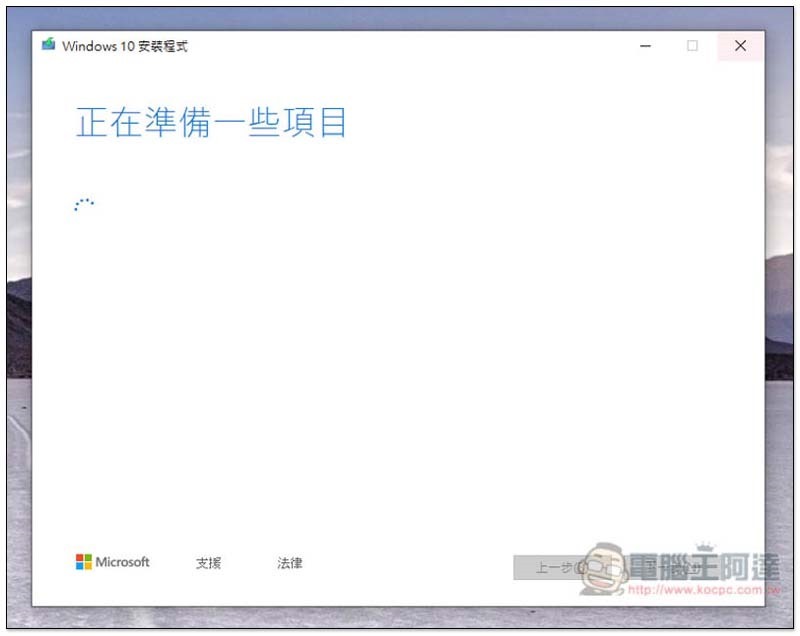
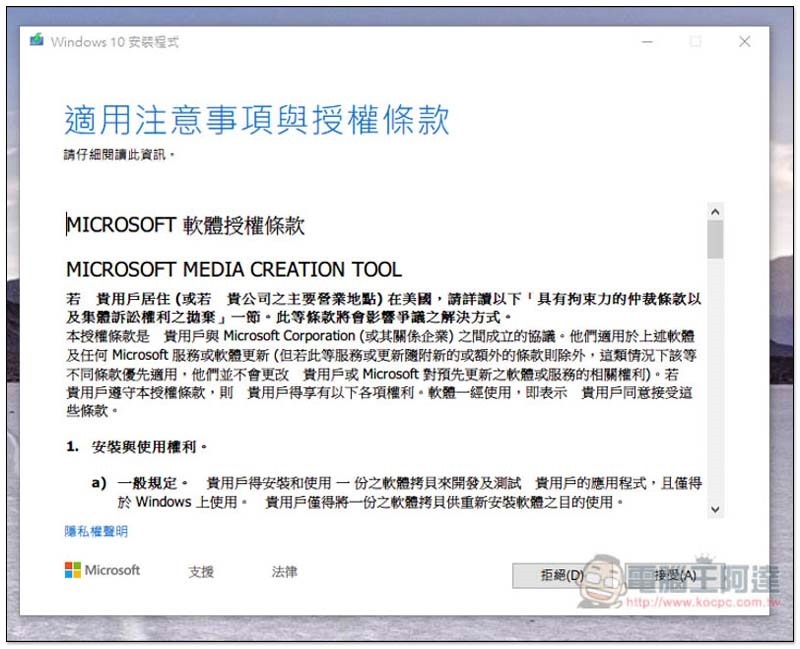
Click to accept the Terms section:
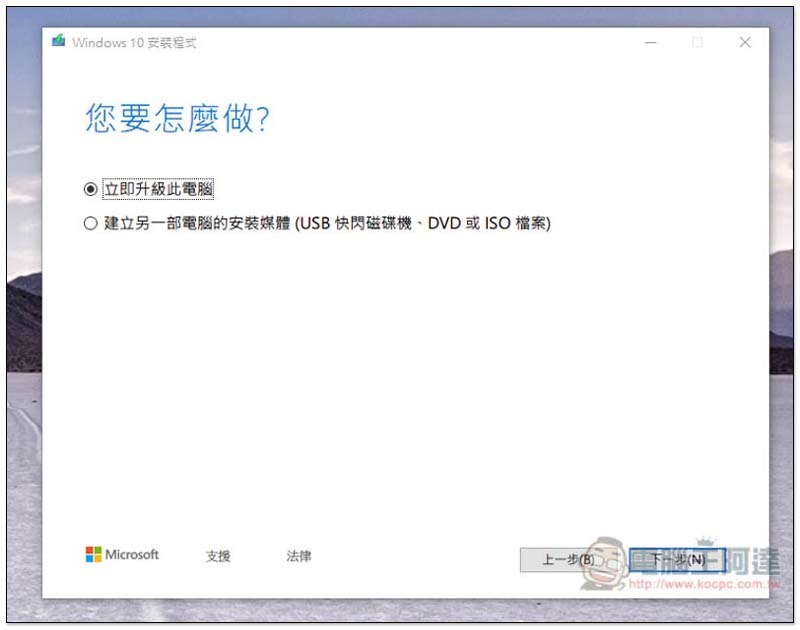
Select whether you want to “upgrade this computer now” or “create installation media for another computer”. If you want to download the ISO file or create a bootable disk, click the second one:
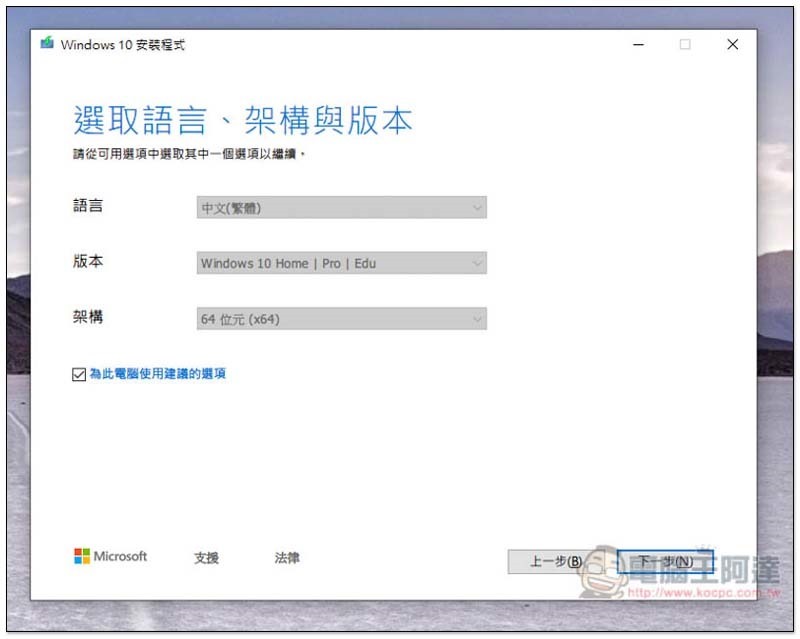
By default, recommended options will be automatically selected based on your current computer system conditions. If you want to change, uncheck “Use recommended options for this computer” in the lower left corner:
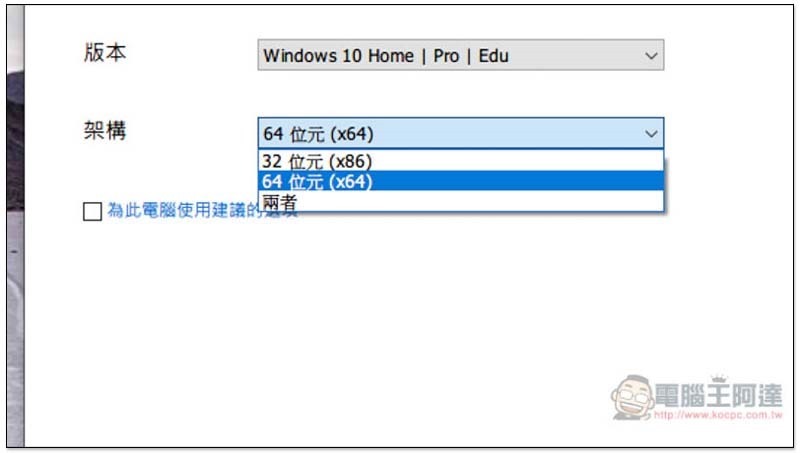
In the version section, you can choose Windows 10 Home or Windows 10 vl Enterprise:
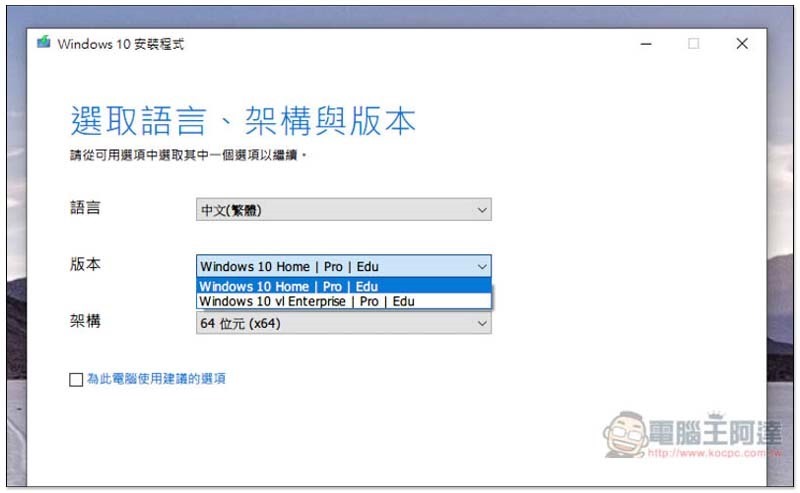
Architecture options are 32-bit, 64-bit, or both:
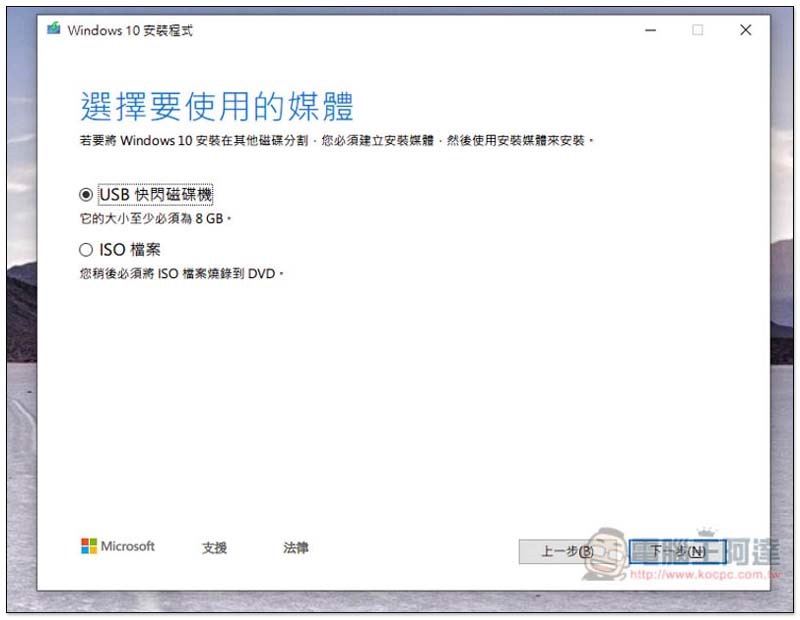
To create a bootable disk, click on the first USB flash drive, and for the ISO file, click on the second one:
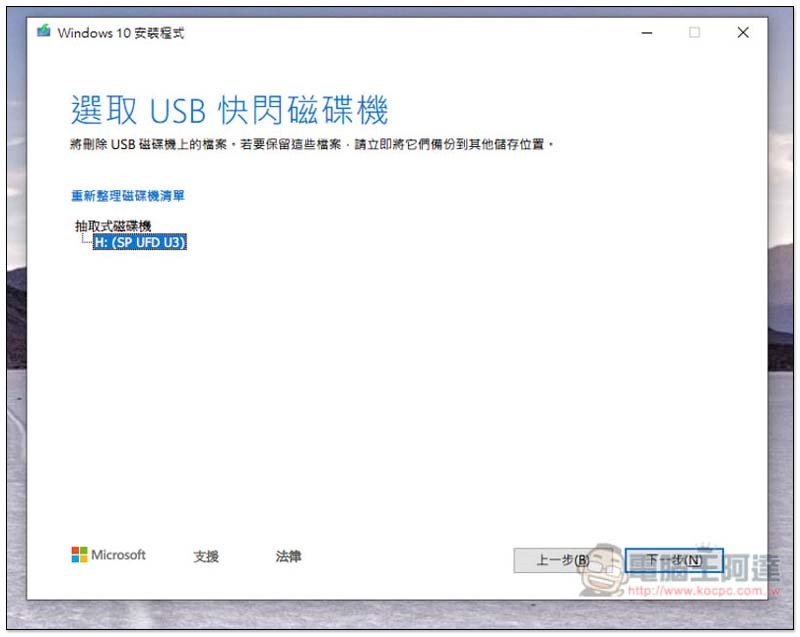
The USB bootable disk must be larger than 8GB, and the original files will also be deleted, so remember to back them up first:
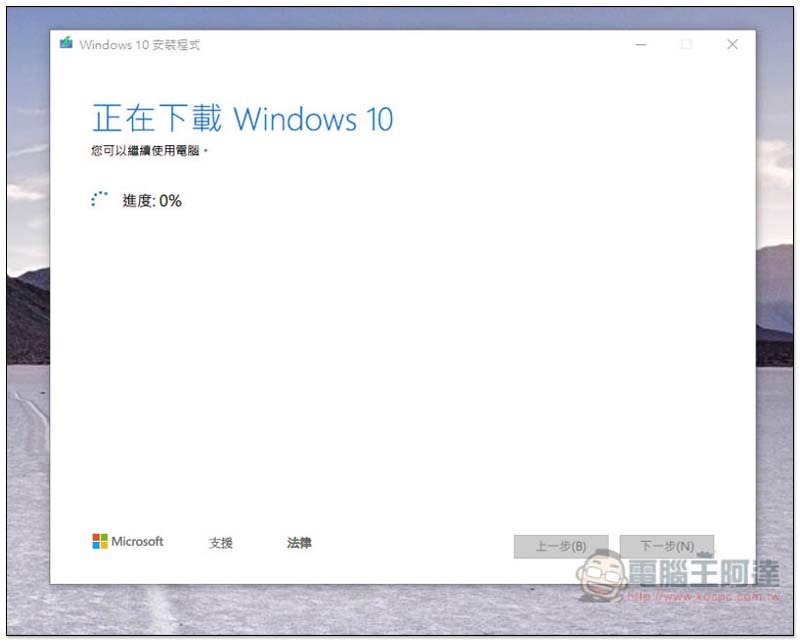
Then you will download this version of Windows 10 from Microsoft’s official website:
For those who need to reinstall Windows 10, here is another very useful one. website, collects nearly a hundred commonly used free software, which can be downloaded and installed with one click, which is very convenient.
Supplementary information
- MediaCreationTool.bat download page:Click here to go
Source: KOCPC Chinese